Use this parking app to pay for on-street and off-street parking in Philadelphia and other cities. Includes features for extending parking sessions, receiving alerts, and saving favorite locations.
AppRecs review analysis
AppRecs rating 2.7. Trustworthiness 81 out of 100. Review manipulation risk 16 out of 100. Based on a review sample analyzed.
★★☆☆☆
2.7
AppRecs Rating
Ratings breakdown
5 star
36%
4 star
11%
3 star
3%
2 star
12%
1 star
37%
What to know
⚠
Pricing complaints
Many low ratings mention paywalls or pricing
⚠
Mixed user feedback
Average 3.0★ rating suggests room for improvement
⚠
High negative review ratio
49% of sampled ratings are 1–2 stars
About Go Mobile PGH
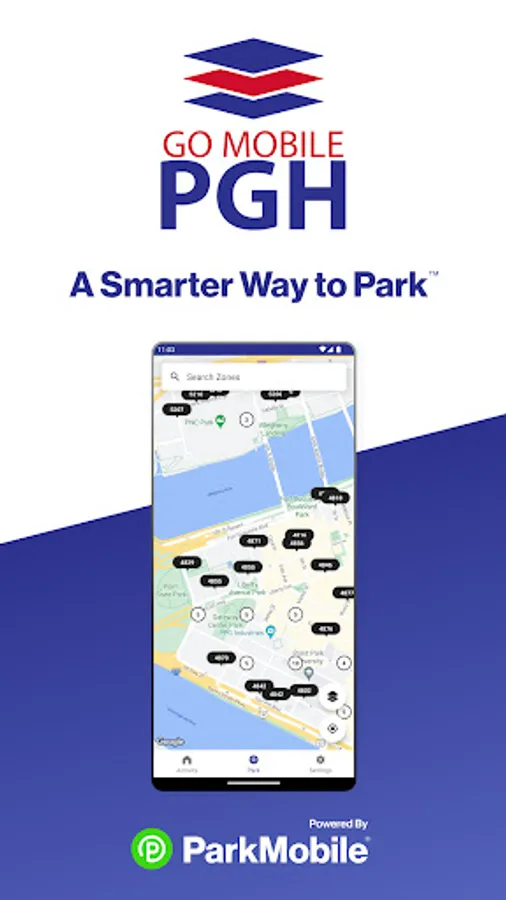
The Go Mobile PGH app, powered by ParkMobile, gives you a smarter way to park in Philadelphia. Easily pay for on-street and off-street parking right from your mobile device. You can use the Go Mobile PGH app in over 500 other cities across the country, including New York, San Francisco, Washington, D.C., Atlanta, Chicago, Miami, New Orleans, Dallas, St. Louis, Minneapolis, Philadelphia, and more.
Why Use Go Mobile PGH?
• Skip the meter and easily pay for parking from your mobile device
• Extend your parking duration remotely from the app
• Get alerts so you know when your parking session is going to expire
• Use the app in over 3000 locations coast-to-coast including venues, airports, and universities
•. Find areas of the city where there is available parking and avoid areas where there’s no parking
How to Set Up Your Account
• Download the Go Mobile PGH app and create an account with your email address and password
• Enter your license plate number and the state where your vehicle is registered
• Add your method of payment and start using the Go Mobile PGH app
How It Works
On-Street and Off-Street Parking:
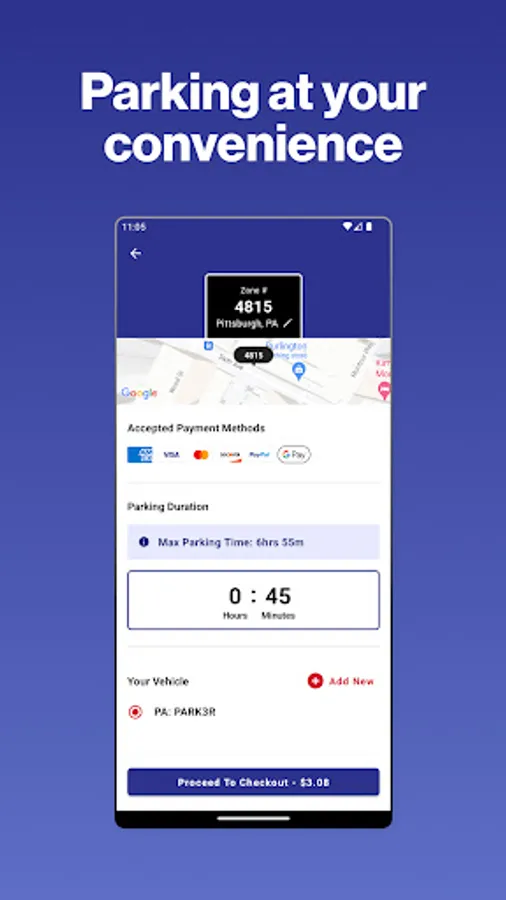
• Enter the zone number on the posted signs around the meter
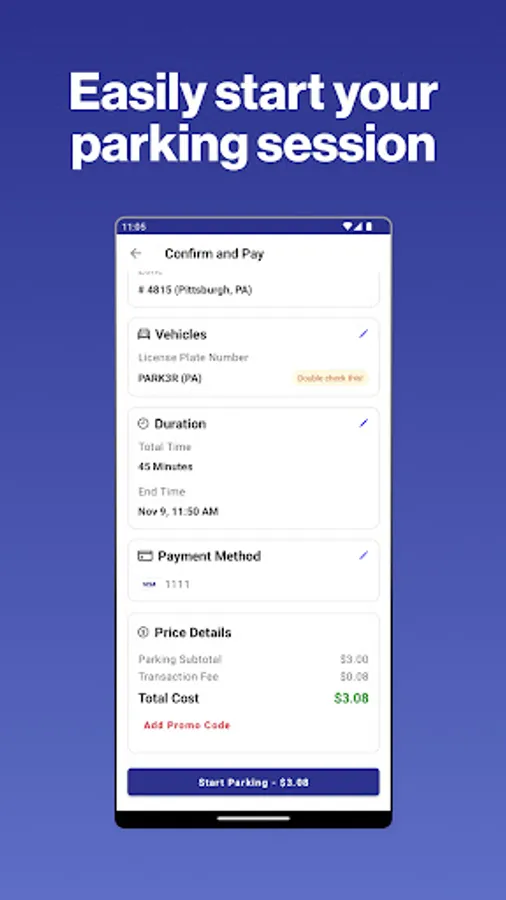
• Select the amount of time you want to park and confirm your information
• Touch the “Start Parking” button to begin your parking session
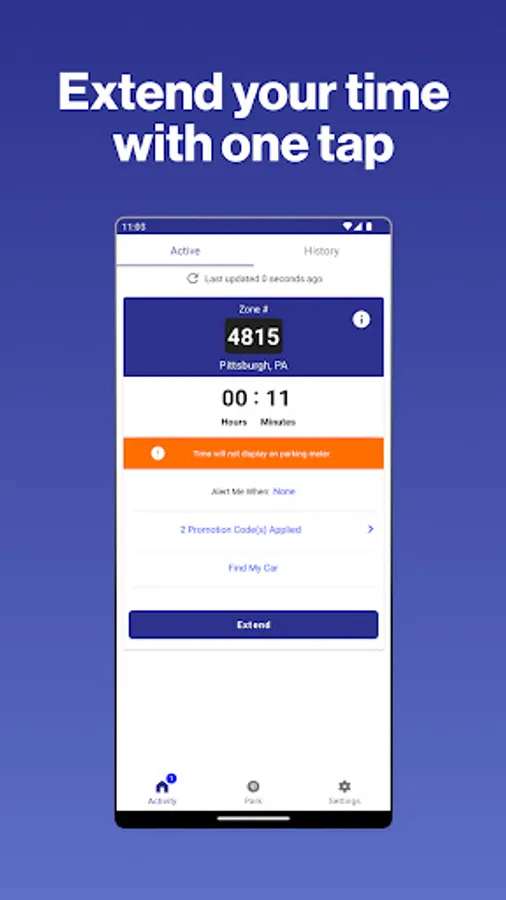
• Extend time in the app if you are running late
App Features
• Customizable notifications delivered via email, text, and/or app
• Save your favorite parking locations for next time
• Store up to five cars in your account
• “Find my car” feature directs you back to the location where you parked
• Multiple payment methods available
• Parking Availability feature shows streets with open parking spots in your area
About ParkMobile
ParkMobile, LLC is the leading provider ParkMobile, LLC is the leading provider of parking payment solutions in the United States, helping over 25 million people easily find, reserve, and pay for parking from their mobile devices.
Looking for Help?
At ParkMobile, we’re serious about customer service. We process over 350,000 parking transactions every day and we know that every now and then, something might go wrong. If you have an issue, we will do everything we can to make it right. Our customer service is 24/7/365. If you need help, here’s how to get in touch with us:
Web: https://ParkMobile.io/
Online Help Center: https://support.ParkMobile.io/hc/en-us/requests/new
Video Tutorials: https://ParkMobile.io/tips-demos/
Twitter: https://twitter.com/ParkMobile
Facebook: https://www.facebook.com/ParkMobile/
Why Use Go Mobile PGH?
• Skip the meter and easily pay for parking from your mobile device
• Extend your parking duration remotely from the app
• Get alerts so you know when your parking session is going to expire
• Use the app in over 3000 locations coast-to-coast including venues, airports, and universities
•. Find areas of the city where there is available parking and avoid areas where there’s no parking
How to Set Up Your Account
• Download the Go Mobile PGH app and create an account with your email address and password
• Enter your license plate number and the state where your vehicle is registered
• Add your method of payment and start using the Go Mobile PGH app
How It Works
On-Street and Off-Street Parking:
• Enter the zone number on the posted signs around the meter
• Select the amount of time you want to park and confirm your information
• Touch the “Start Parking” button to begin your parking session
• Extend time in the app if you are running late
App Features
• Customizable notifications delivered via email, text, and/or app
• Save your favorite parking locations for next time
• Store up to five cars in your account
• “Find my car” feature directs you back to the location where you parked
• Multiple payment methods available
• Parking Availability feature shows streets with open parking spots in your area
About ParkMobile
ParkMobile, LLC is the leading provider ParkMobile, LLC is the leading provider of parking payment solutions in the United States, helping over 25 million people easily find, reserve, and pay for parking from their mobile devices.
Looking for Help?
At ParkMobile, we’re serious about customer service. We process over 350,000 parking transactions every day and we know that every now and then, something might go wrong. If you have an issue, we will do everything we can to make it right. Our customer service is 24/7/365. If you need help, here’s how to get in touch with us:
Web: https://ParkMobile.io/
Online Help Center: https://support.ParkMobile.io/hc/en-us/requests/new
Video Tutorials: https://ParkMobile.io/tips-demos/
Twitter: https://twitter.com/ParkMobile
Facebook: https://www.facebook.com/ParkMobile/