About Bluetooth connect & Music
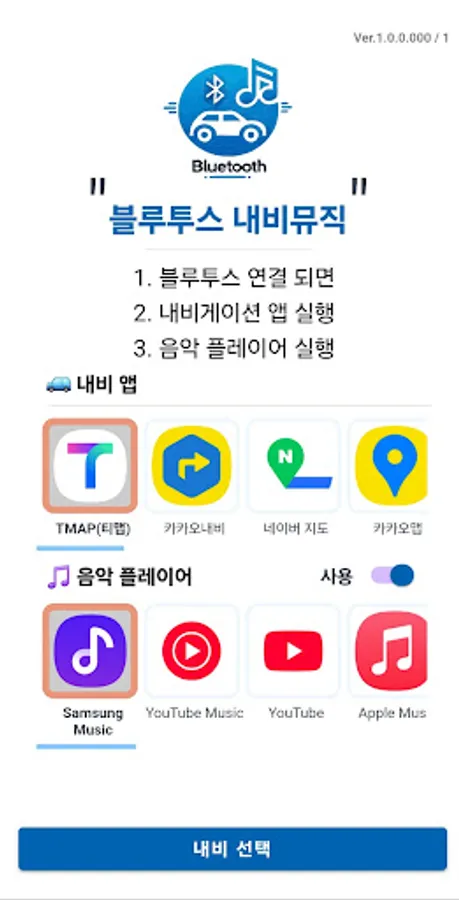
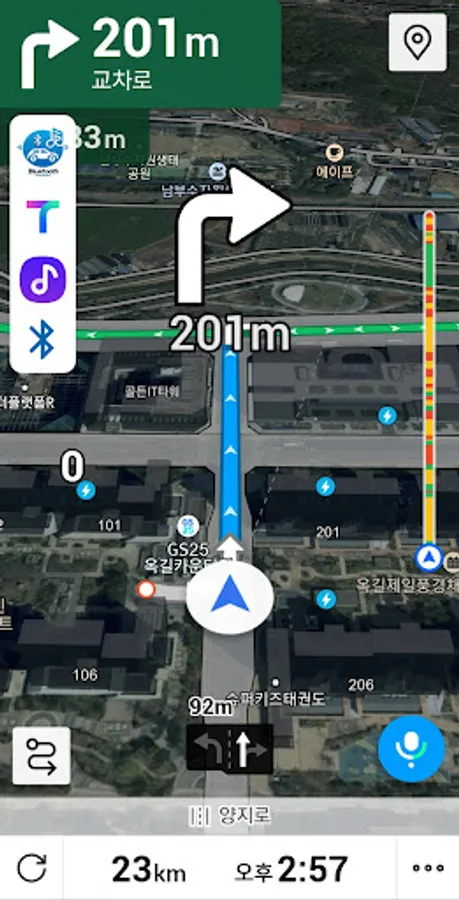
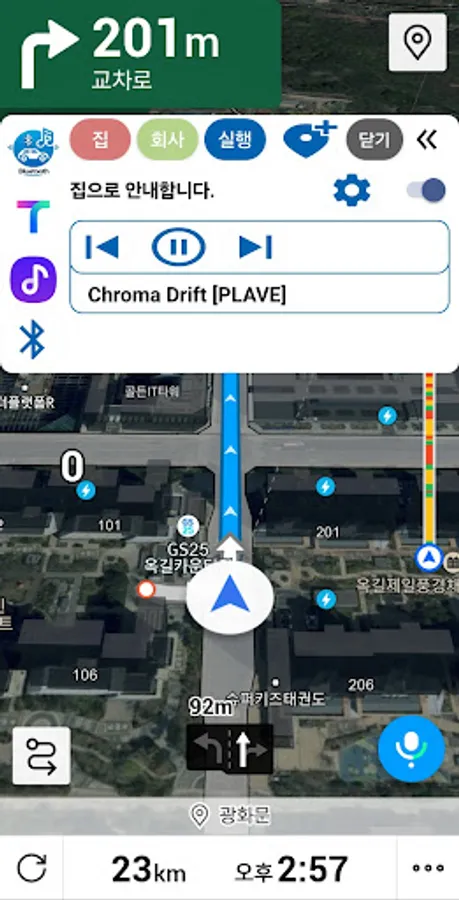
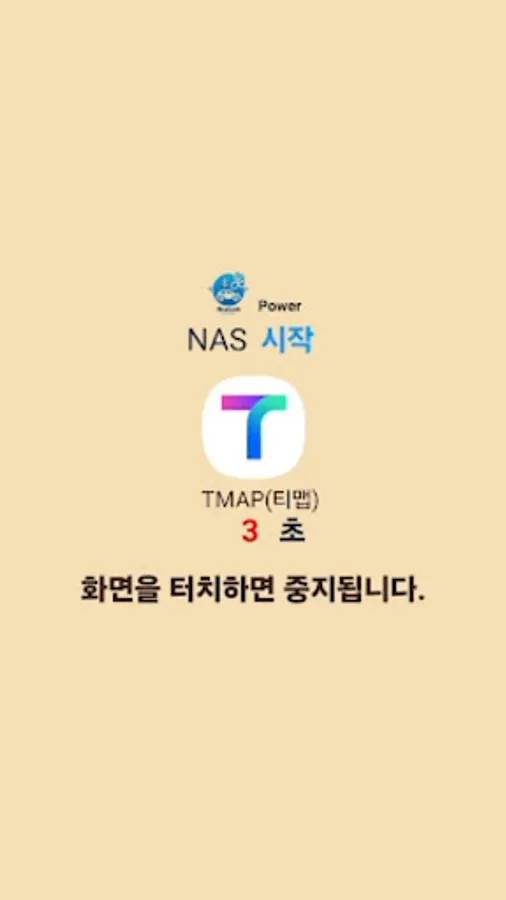
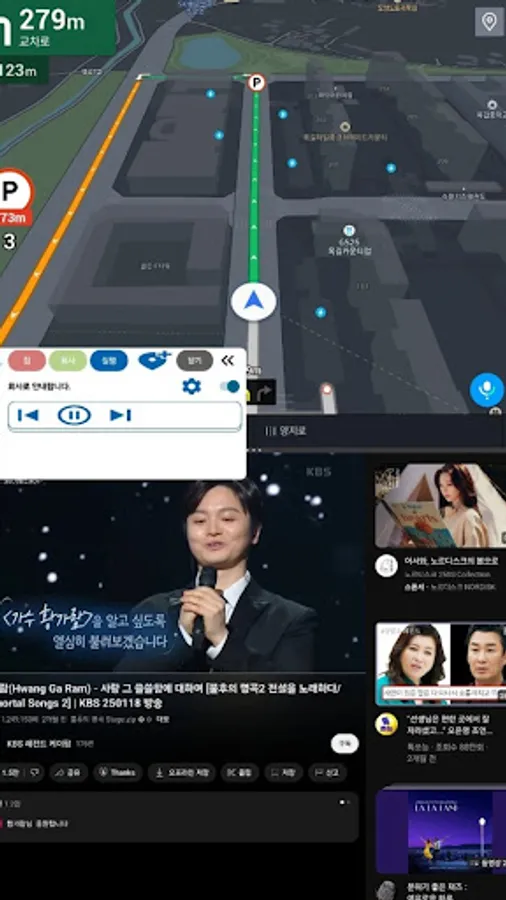
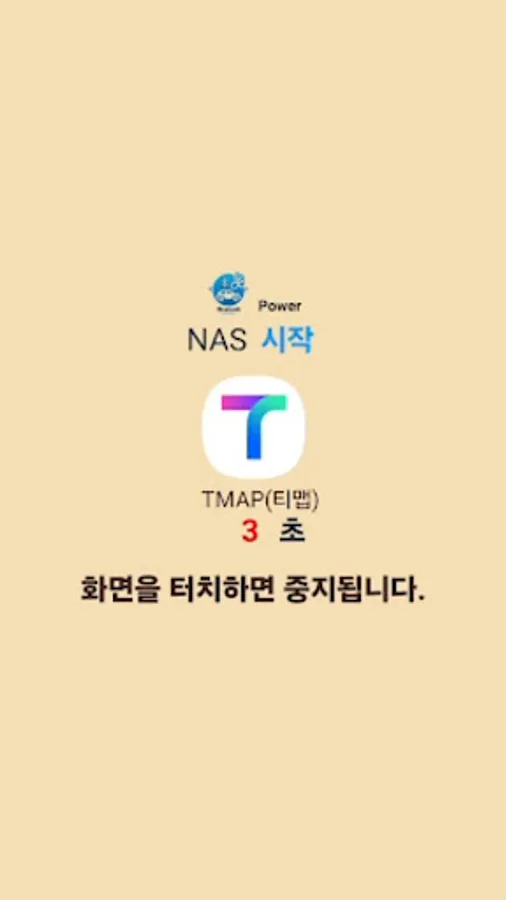
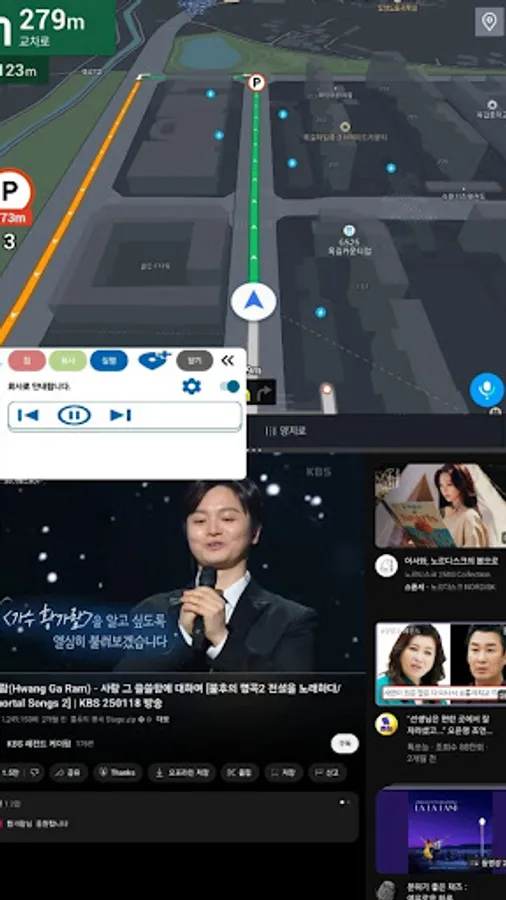
When connected to blueTooth, Run the navigation app and music player.
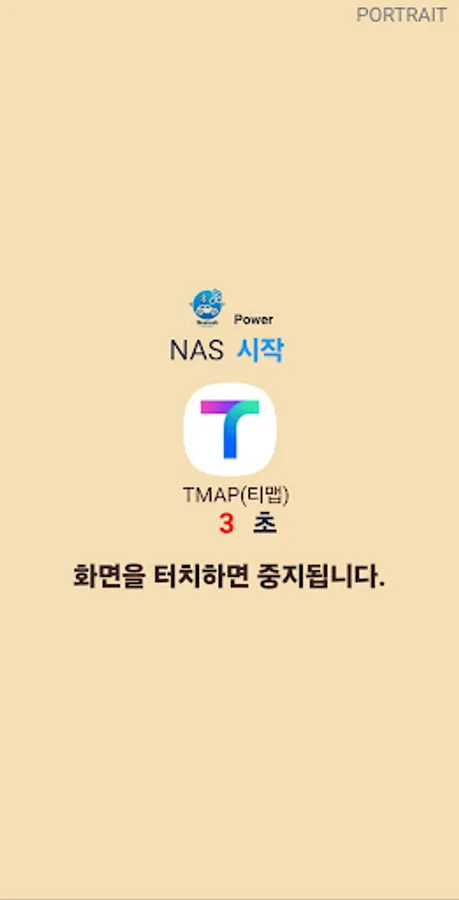
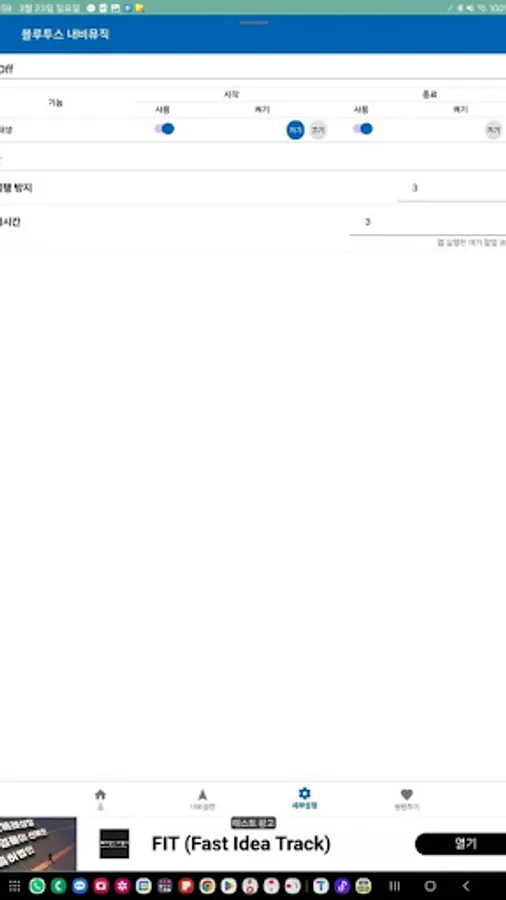
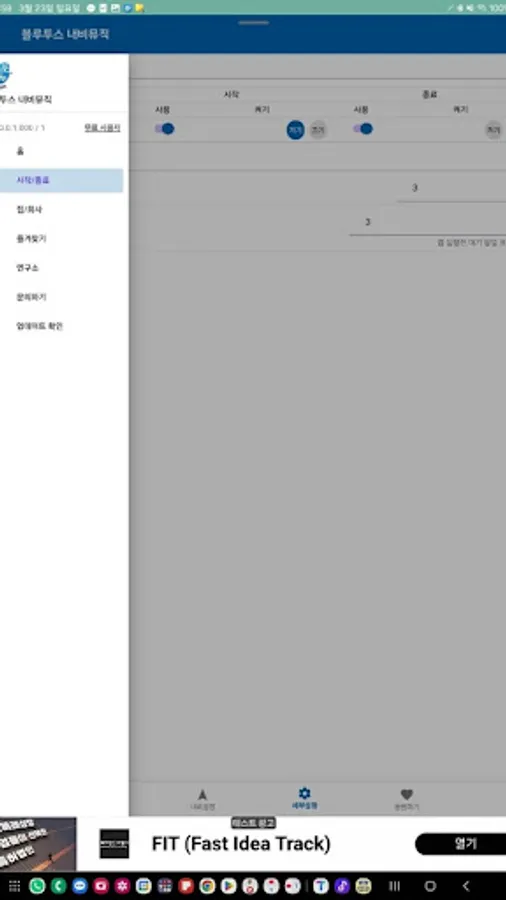
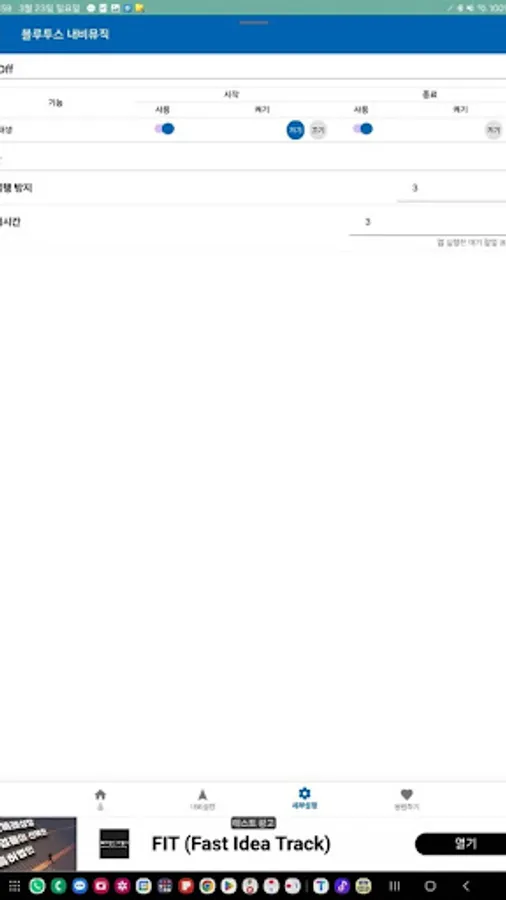
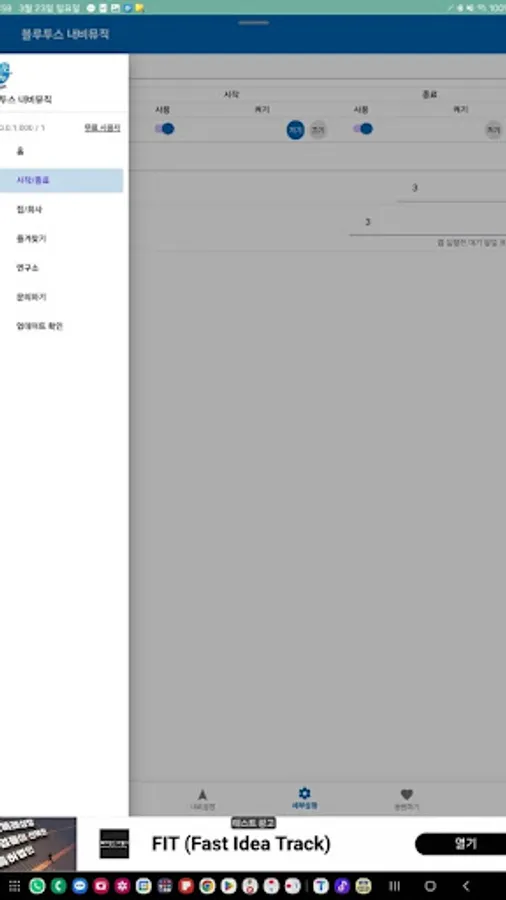
✤ When Bluetooth Connects, The App Navigation Starts
✤ Music Play
✤ If the Bluetooth Connection is Persistent, The Music Play is terminated
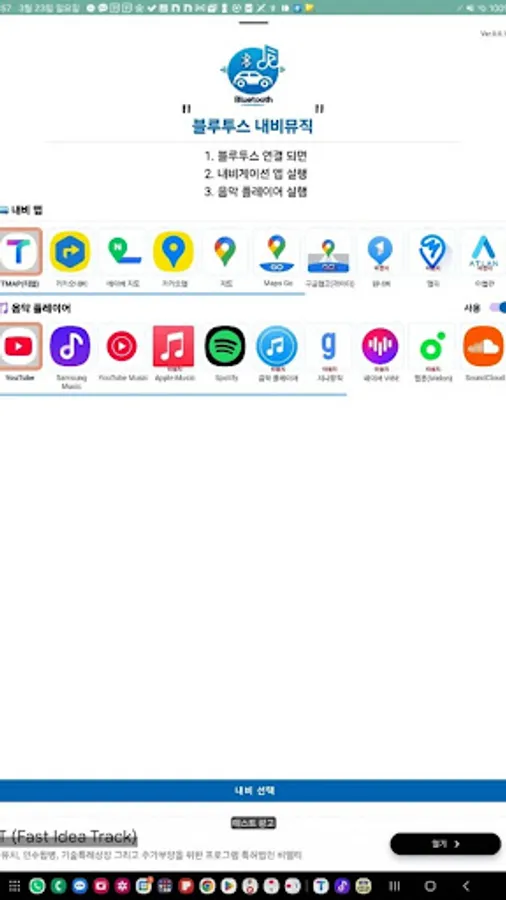
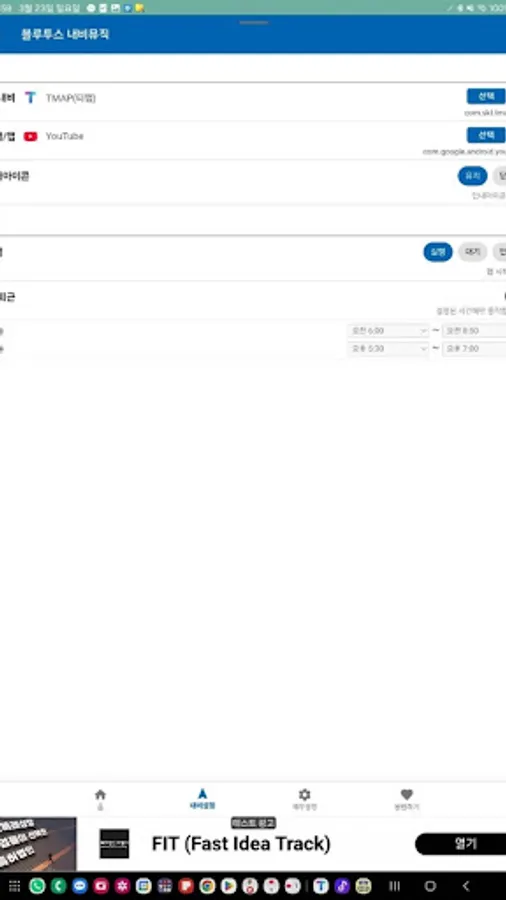
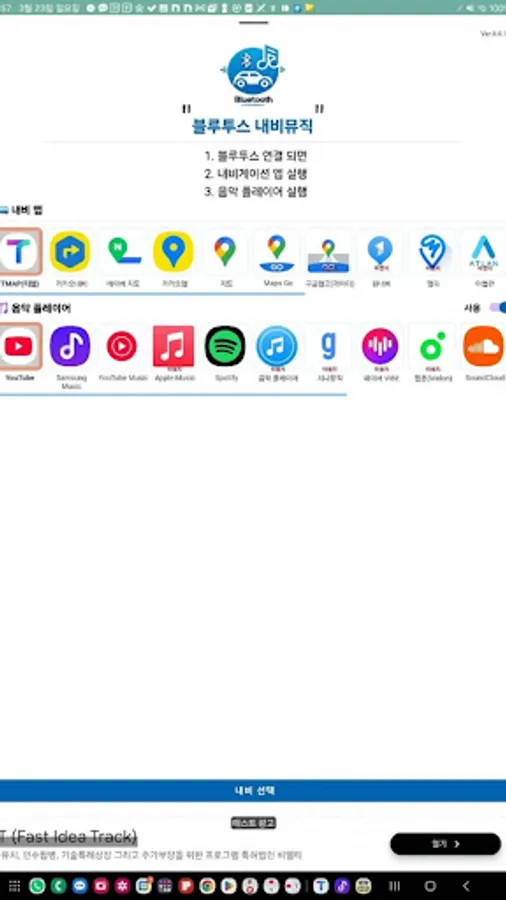
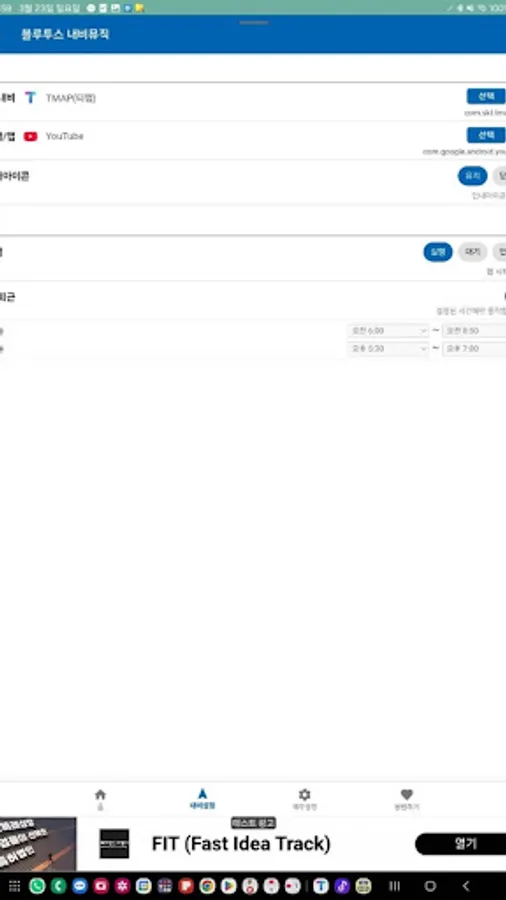
✤ Support Navigation App
-Teemap, kakao navi, google map, naver map, mapy, godeok map, baekseok map
-Tmap (SKT), Google Maps, Google Maps Go, Naver Map, Kakao Map, Kakao Navi, One Navi (KT), Mappy, Atlan, Waze, Osmand, Sygic, 高 图 地图, 高图 地图, Maps.me
⚙ How to use default
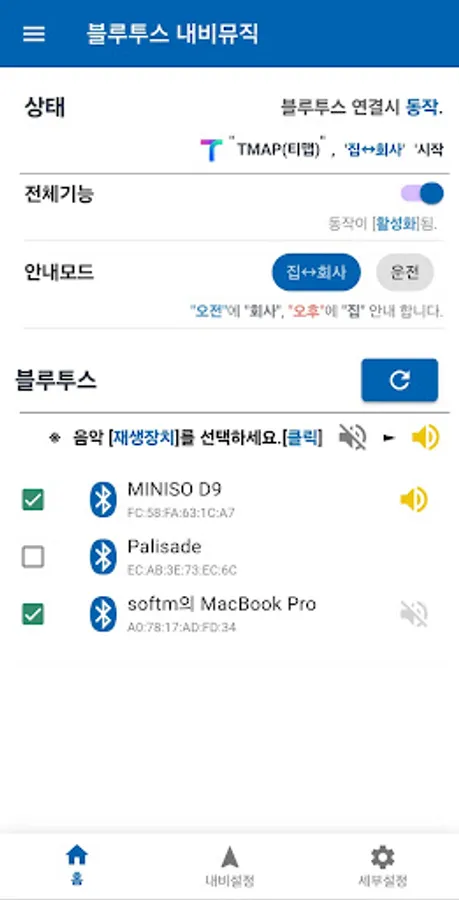
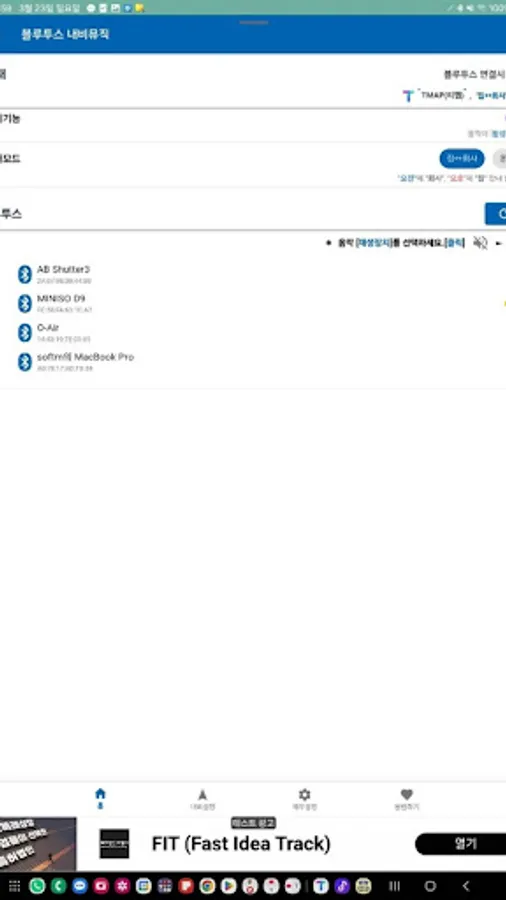
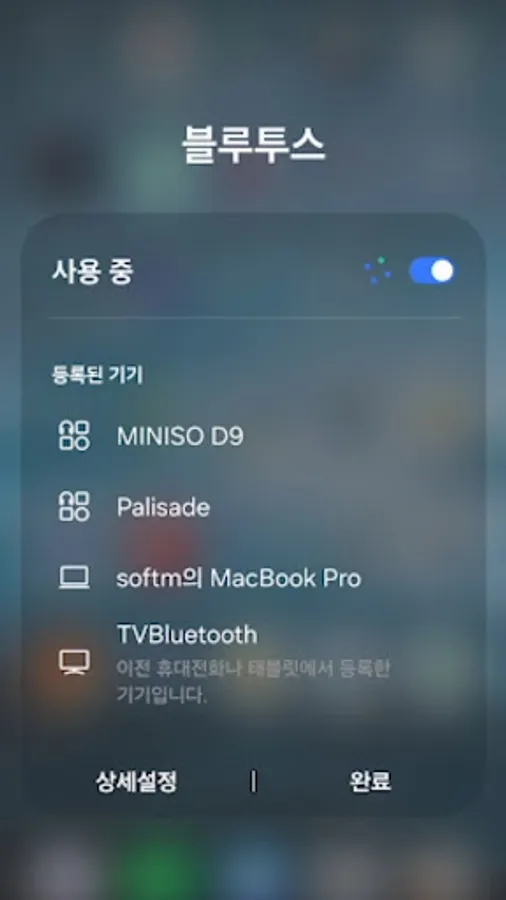
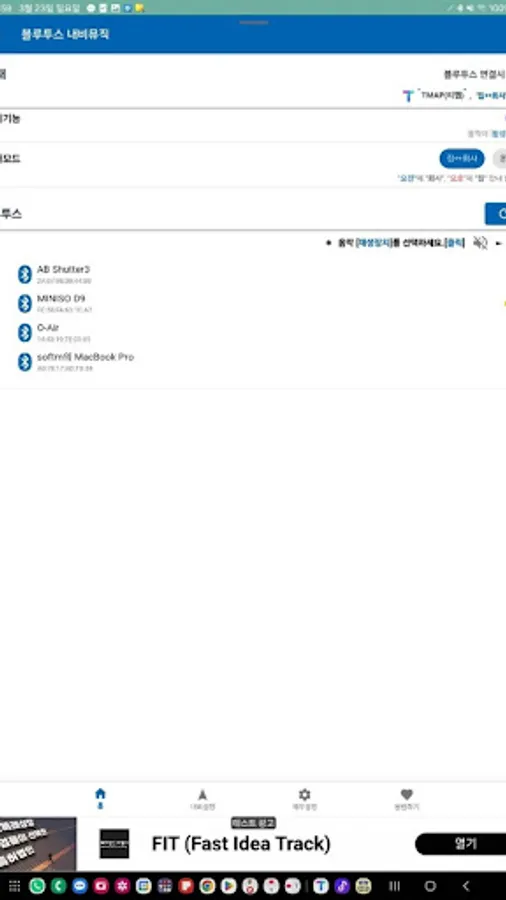
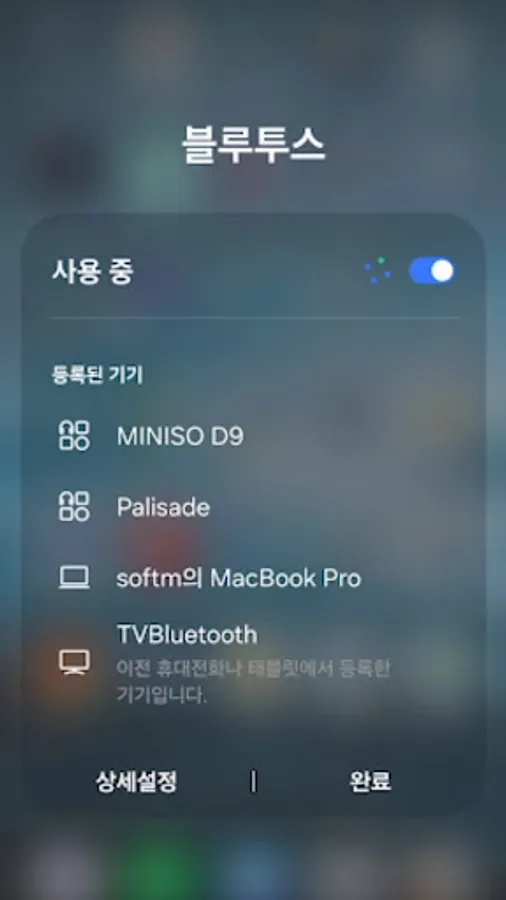
1. Select Bluetooth.
2. Select Music Player.
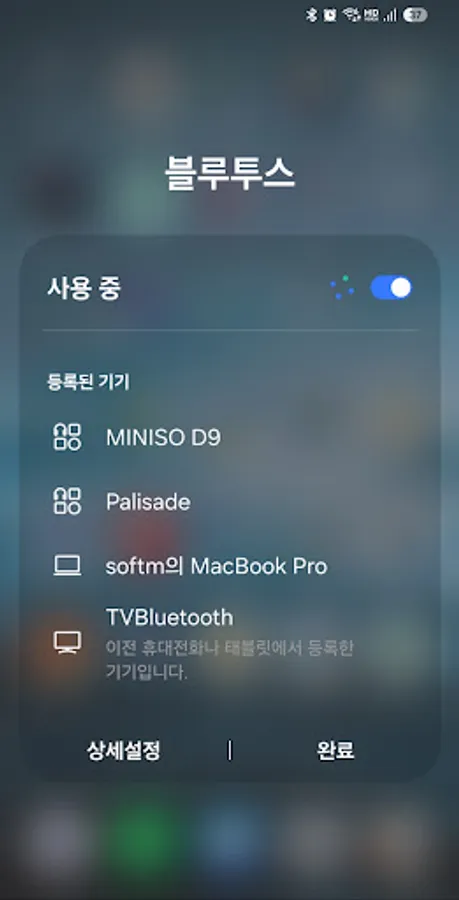
3. Bluetooth is connected.
4. ' Navigation ' App and ' Music ' App will run.
※ ' Accessibility API ' Policy Information
ACECESIBILITY API Is Used to Exit The App, Activate/Disable Wi -Fi, Activate/Disable Mobile Hotspot, and Control Notification Bar Settings.
2. Button Click (DispatchGESTURE, GLOBAL_ACTION_QUICK_SETTINGS): Wi -Fi, Air Mode ON/OFF
3. Screen Lock (Global_ACTION_LOCK_SCREEN)
4. Home Screen(KEY_GLOBAL_ACTION_HOME)
5. Go Back (KEY_GLOBAL_ACTION_HOME)
6. Automatically exit the app(GLOBAL_ACTION_RECENTS)
✉ email: blueappmusic@gmail.com
✤ When Bluetooth Connects, The App Navigation Starts
✤ Music Play
✤ If the Bluetooth Connection is Persistent, The Music Play is terminated
✤ Support Navigation App
-Teemap, kakao navi, google map, naver map, mapy, godeok map, baekseok map
-Tmap (SKT), Google Maps, Google Maps Go, Naver Map, Kakao Map, Kakao Navi, One Navi (KT), Mappy, Atlan, Waze, Osmand, Sygic, 高 图 地图, 高图 地图, Maps.me
⚙ How to use default
1. Select Bluetooth.
2. Select Music Player.
3. Bluetooth is connected.
4. ' Navigation ' App and ' Music ' App will run.
※ ' Accessibility API ' Policy Information
ACECESIBILITY API Is Used to Exit The App, Activate/Disable Wi -Fi, Activate/Disable Mobile Hotspot, and Control Notification Bar Settings.
2. Button Click (DispatchGESTURE, GLOBAL_ACTION_QUICK_SETTINGS): Wi -Fi, Air Mode ON/OFF
3. Screen Lock (Global_ACTION_LOCK_SCREEN)
4. Home Screen(KEY_GLOBAL_ACTION_HOME)
5. Go Back (KEY_GLOBAL_ACTION_HOME)
6. Automatically exit the app(GLOBAL_ACTION_RECENTS)
✉ email: blueappmusic@gmail.com