Persian Soft Keyboard (old)
D. L. Yonge-Mallo
4.5 ★
3K ratings
100,000+
downloads
Free
AppRecs review analysis
AppRecs rating 4.6. Trustworthiness 42 out of 100. Review manipulation risk 46 out of 100. Based on a review sample analyzed.
★★★★☆
4.6
AppRecs Rating
Ratings breakdown
5 star
72%
4 star
17%
3 star
5%
2 star
0%
1 star
5%
What to know
⚠
Questionable review patterns
46% review manipulation risk - some review patterns appear unusual
⚠
Rating authenticity concerns
High rating concentration (72% 5-star) in sampled ratings
⚠
Review quality concerns
79% of sampled 5-star reviews are very short
About Persian Soft Keyboard (old)
IMPORTANT! PLEASE READ BEFORE INSTALLING: This app is obsolete and is provided for historical purposes only. It was created before Android had native support for Persian input. A newer Persian keyboard layout is already included in the Google Keyboard. Look under "Language & input" under "Settings".
Before installing, check to see whether the Google Keyboard is already installed on your device. If not, try this: https://play.google.com/store/apps/details?id=com.google.android.inputmethod.latin
To switch keyboards on older versions of Android, long-press (hold down) the edit field.
--- original description follows ---
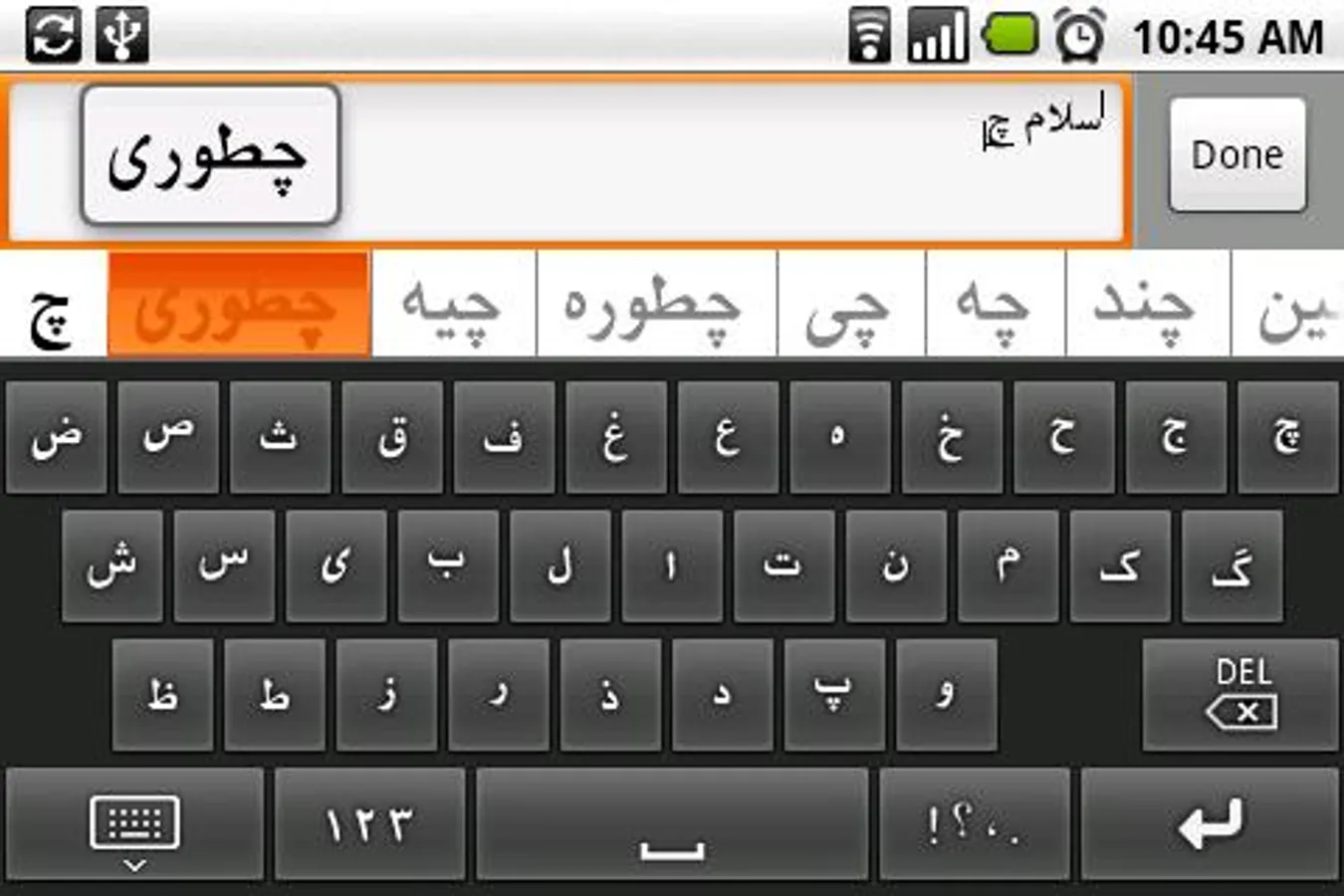
Persian (Farsi, فارسی) soft keyboard.
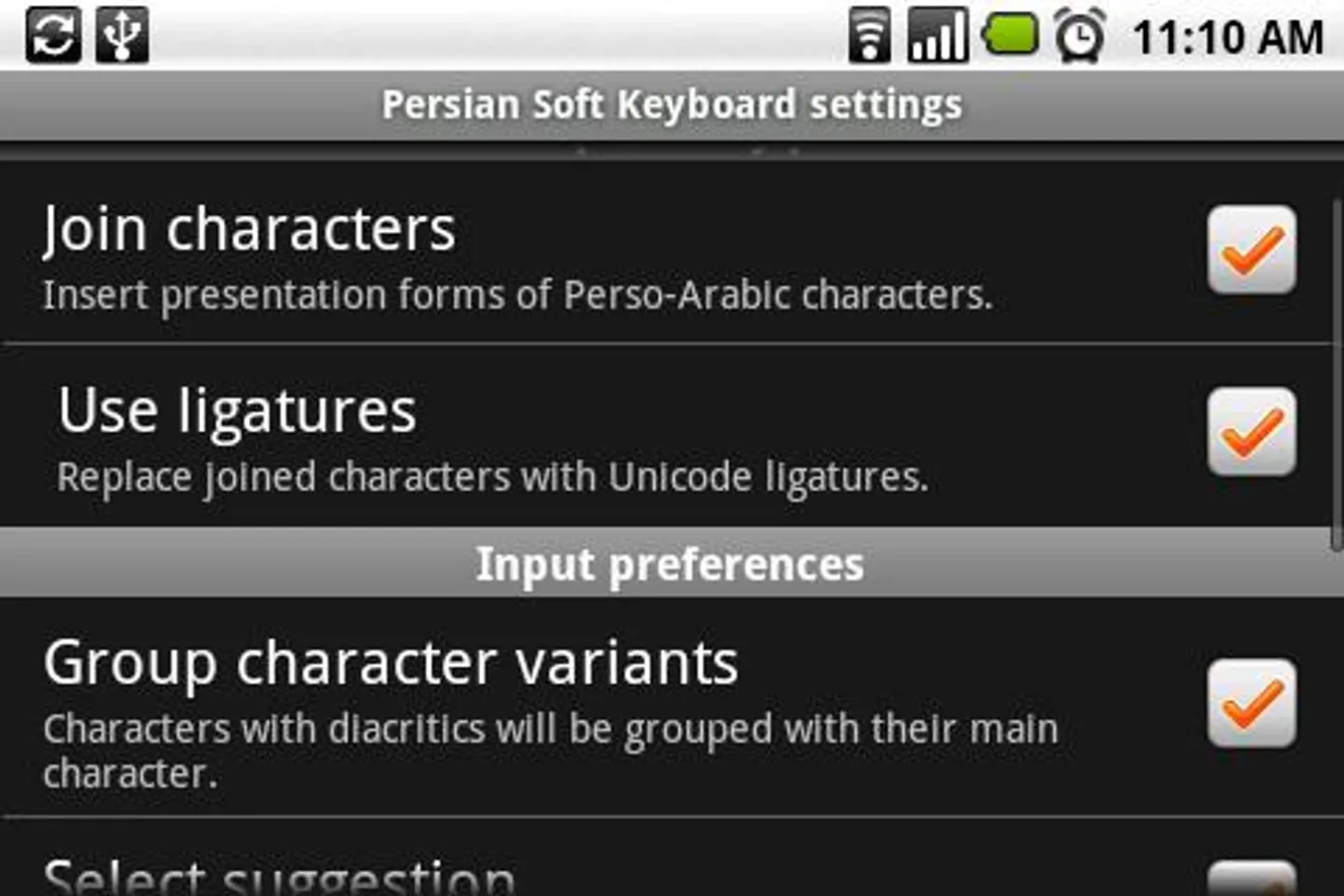
To configure, go to the "Language & keyboard" menu under "Settings". Long-press for additional keys.
This project is open sourced. Source code: https://github.com/dlyongemallo/persian-ime
Before installing, check to see whether the Google Keyboard is already installed on your device. If not, try this: https://play.google.com/store/apps/details?id=com.google.android.inputmethod.latin
To switch keyboards on older versions of Android, long-press (hold down) the edit field.
--- original description follows ---
Persian (Farsi, فارسی) soft keyboard.
To configure, go to the "Language & keyboard" menu under "Settings". Long-press for additional keys.
This project is open sourced. Source code: https://github.com/dlyongemallo/persian-ime