Fit Companion
Stefano Watches
3.9 ★
325 ratings
10,000+
downloads
Free
+ in-app
In this fitness extension app, you can create goals, receive activity reminders, and analyze your Google Fit data. Includes goal setting, activity tracking, sleep and heart rate analysis, and widget support.
AppRecs review analysis
AppRecs rating 3.8. Trustworthiness 85 out of 100. Review manipulation risk 18 out of 100. Based on a review sample analyzed.
★★★☆☆
3.8
AppRecs Rating
Ratings breakdown
5 star
57%
4 star
15%
3 star
7%
2 star
3%
1 star
18%
What to know
✓
Low review manipulation risk
18% review manipulation risk
✓
Credible reviews
85% trustworthiness score from analyzed reviews
✓
Good user ratings
72% positive sampled reviews
About Fit Companion
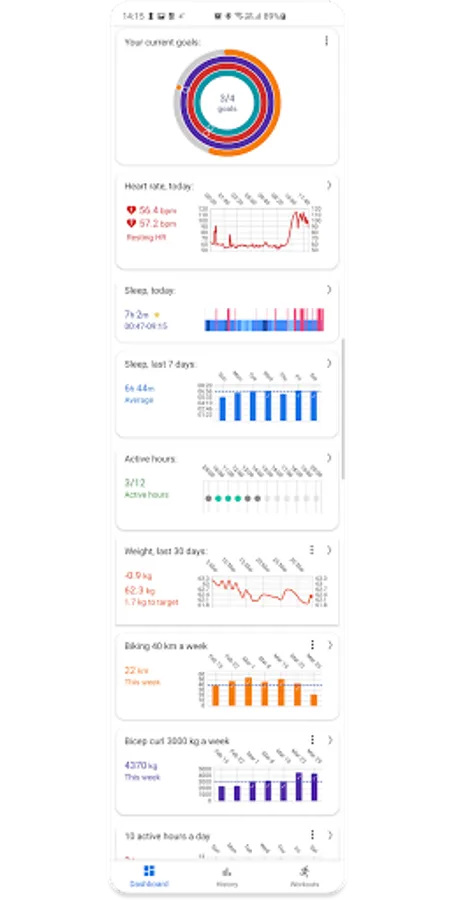
Fit Companion is an Android and WearOS app based on the Google Fit platform. It is designed to help you stay active during the day, create Google Fit goals and easily analyse your Google Fit data.
Fit Companion is not meant to be a complete fitness tracking app. Instead it is meant to extend the existing Google Fit platform with additional features.
Features:
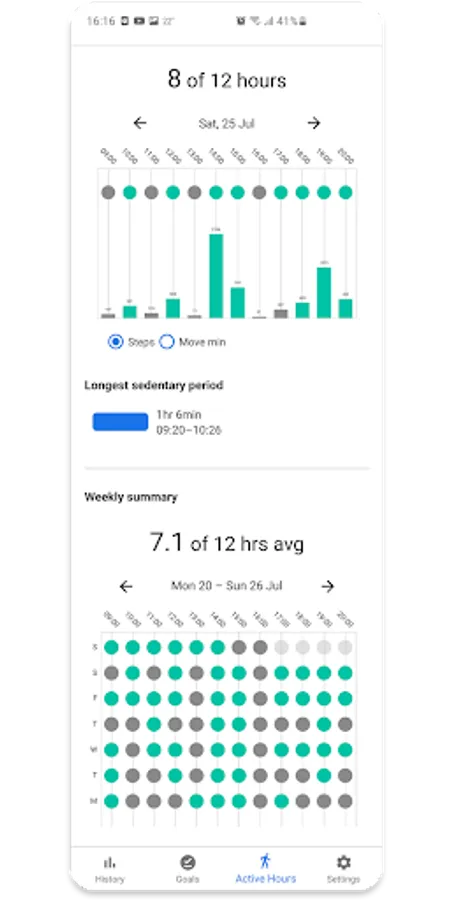
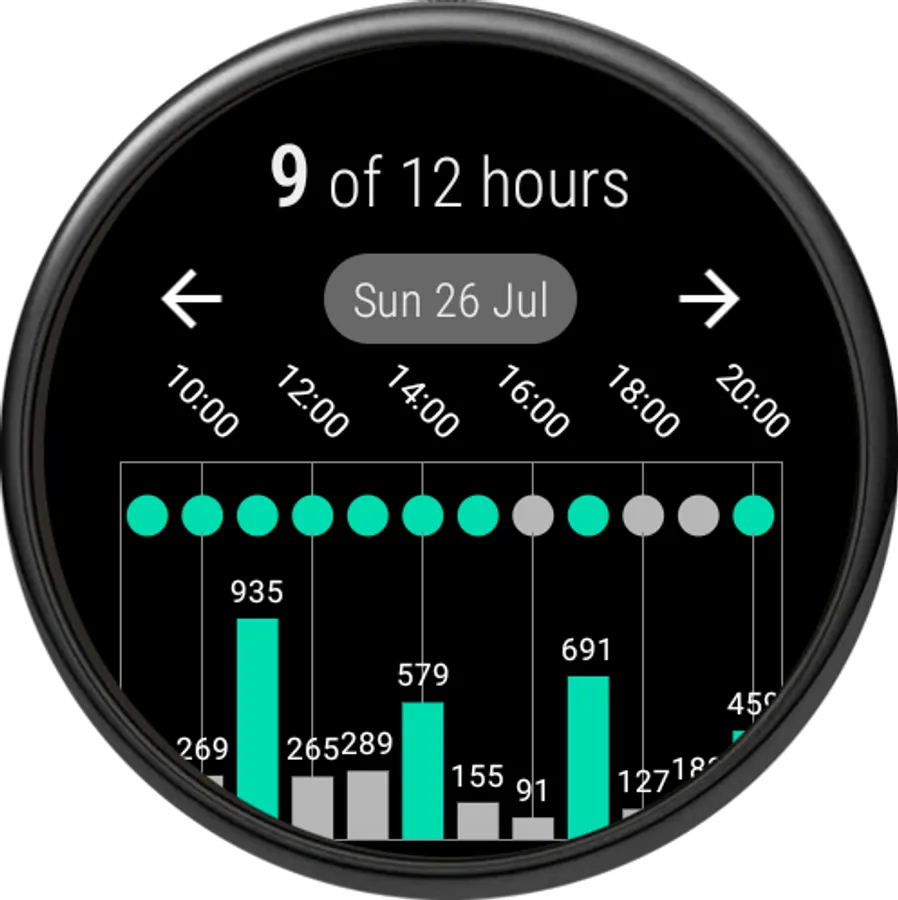
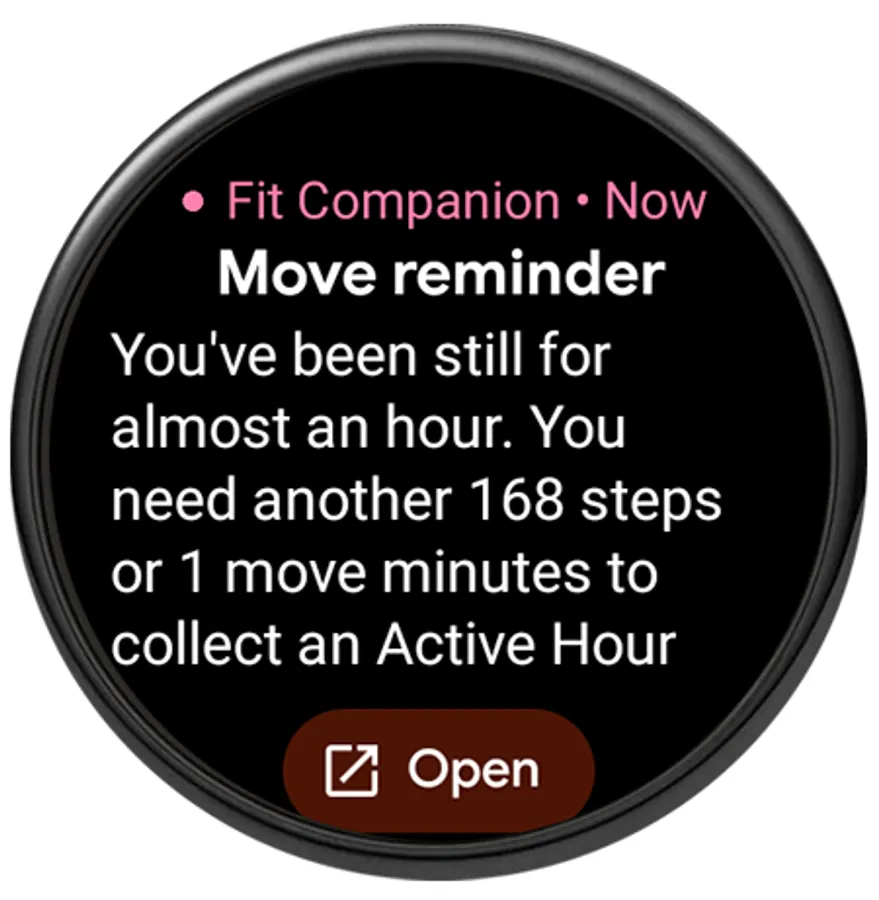
ߦ Avoid too much sitting during the day with Active Hours and Move Reminders
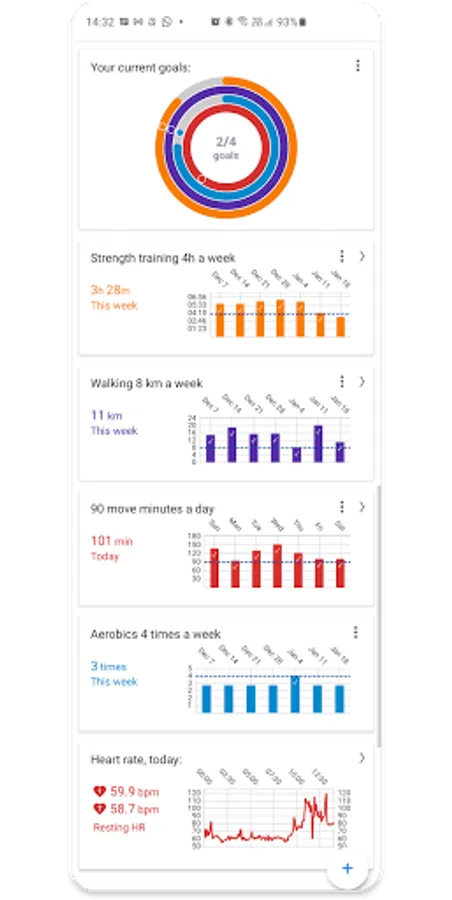
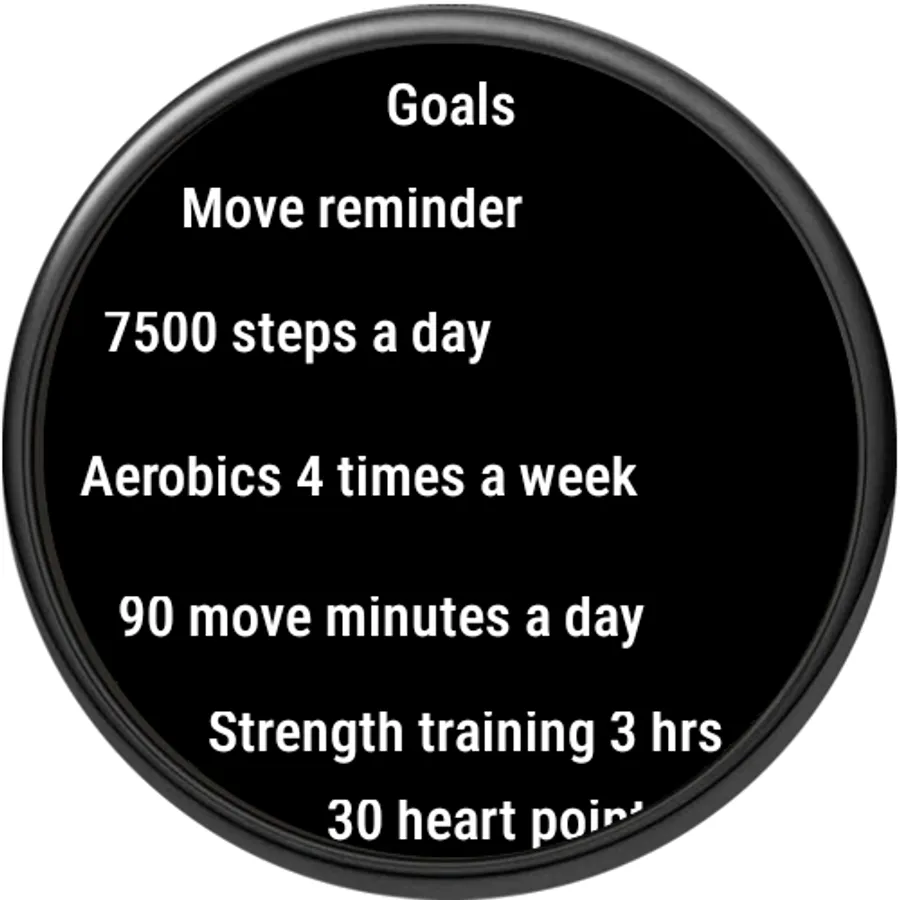
ߦ Create your own fitness goals and use live data from Google Fit* to follow up on them.
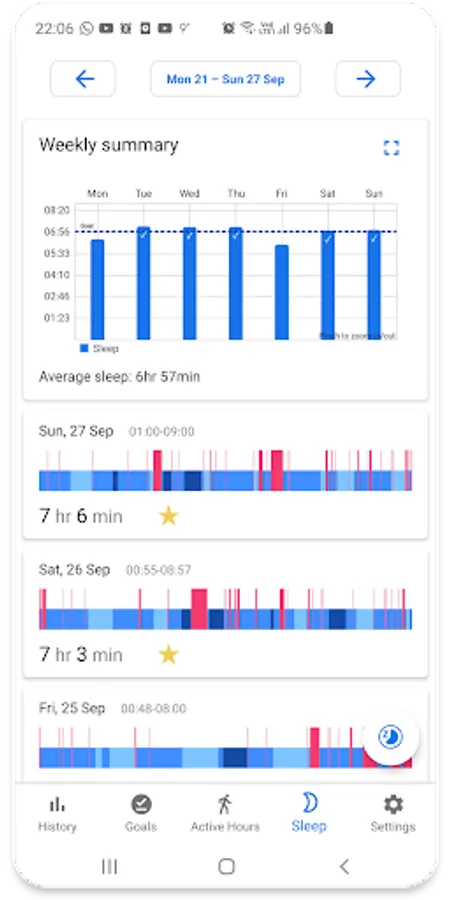
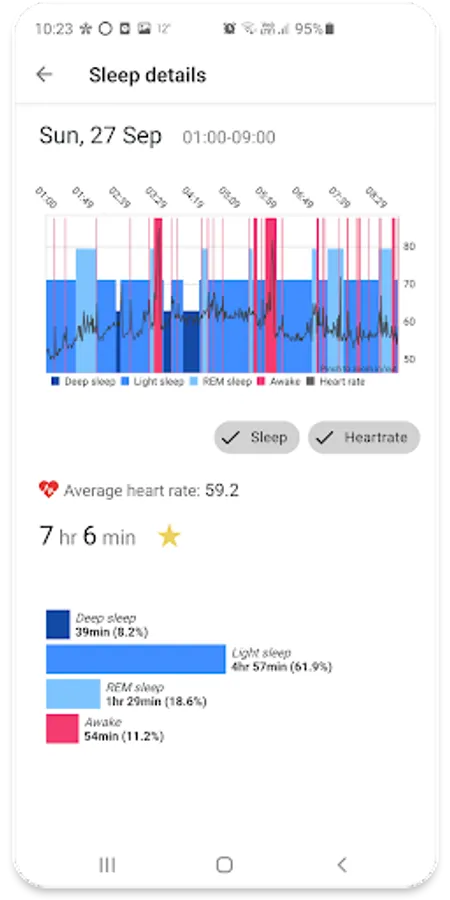
ߦ Detailed sleep analysis with support for sleep stages as well as sleeping heart rate.
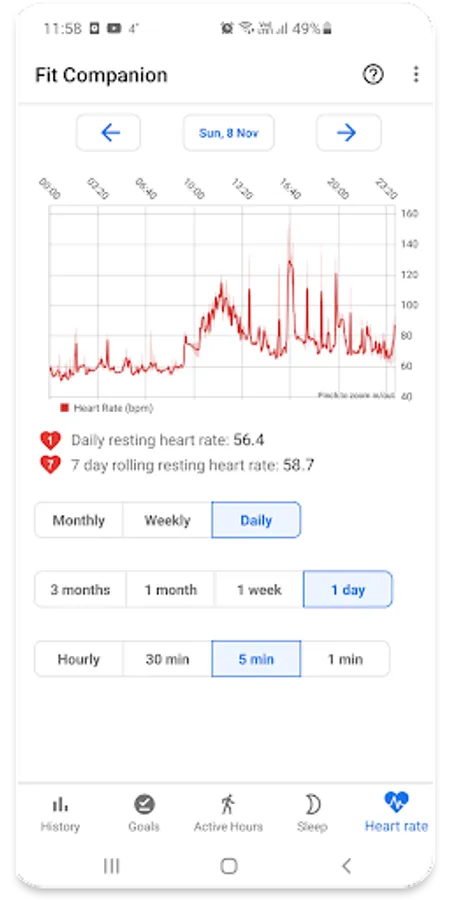
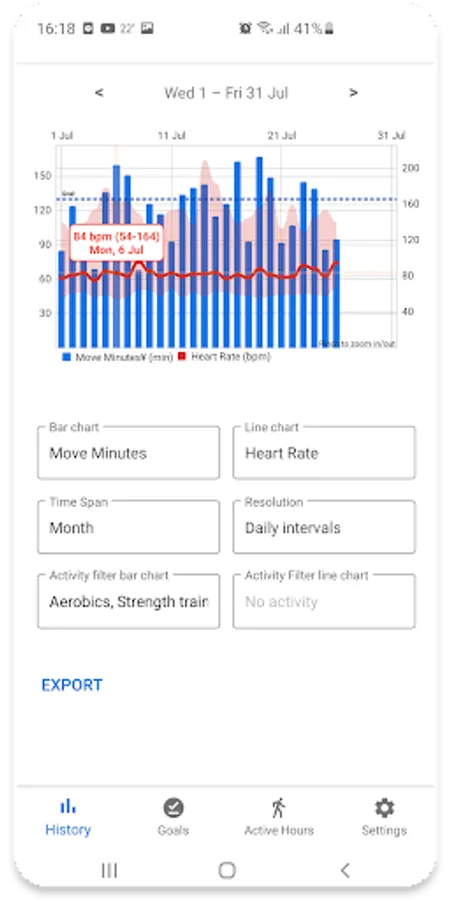
ߦ Detailed heart rate analysis with support for resting heart rate and resting heart rate trends.
ߦ See progress on all your custom fitness goals directly on your home screen with multiple widget support.
ߦ Weight management with support for body fat and lean body mass. Add weight goals to lose/gain/maintain weight.
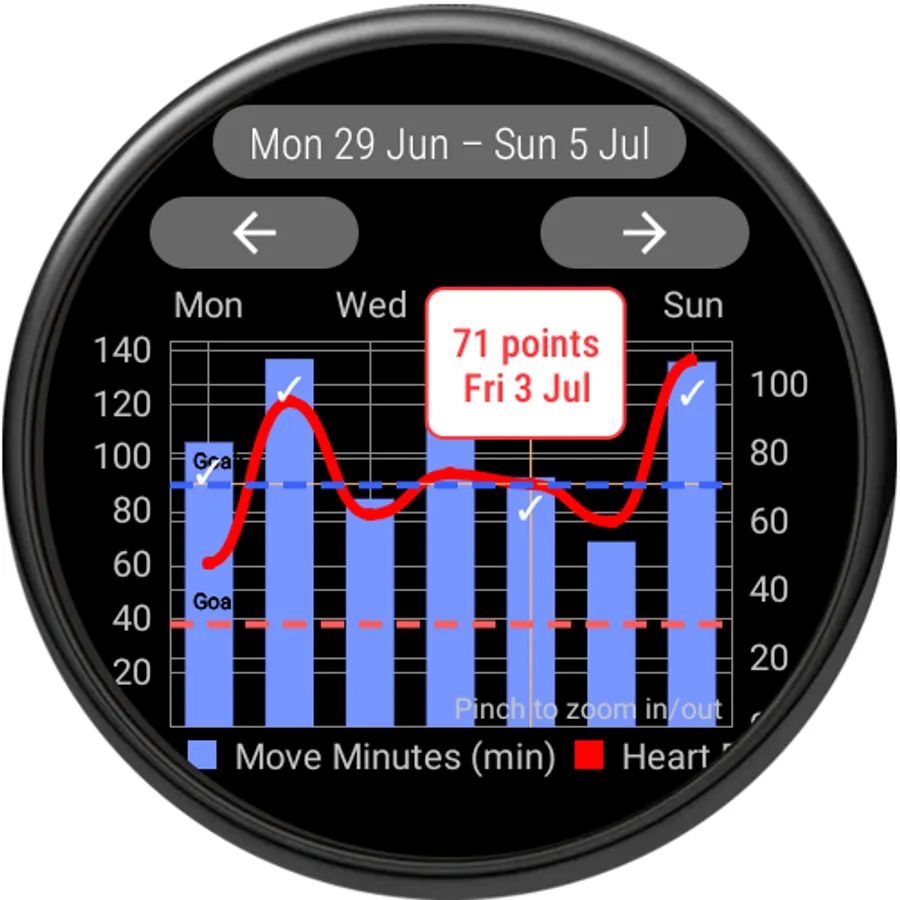
ߦ Advanced standalone WearOS app with nearly equal functionality as the Android app.
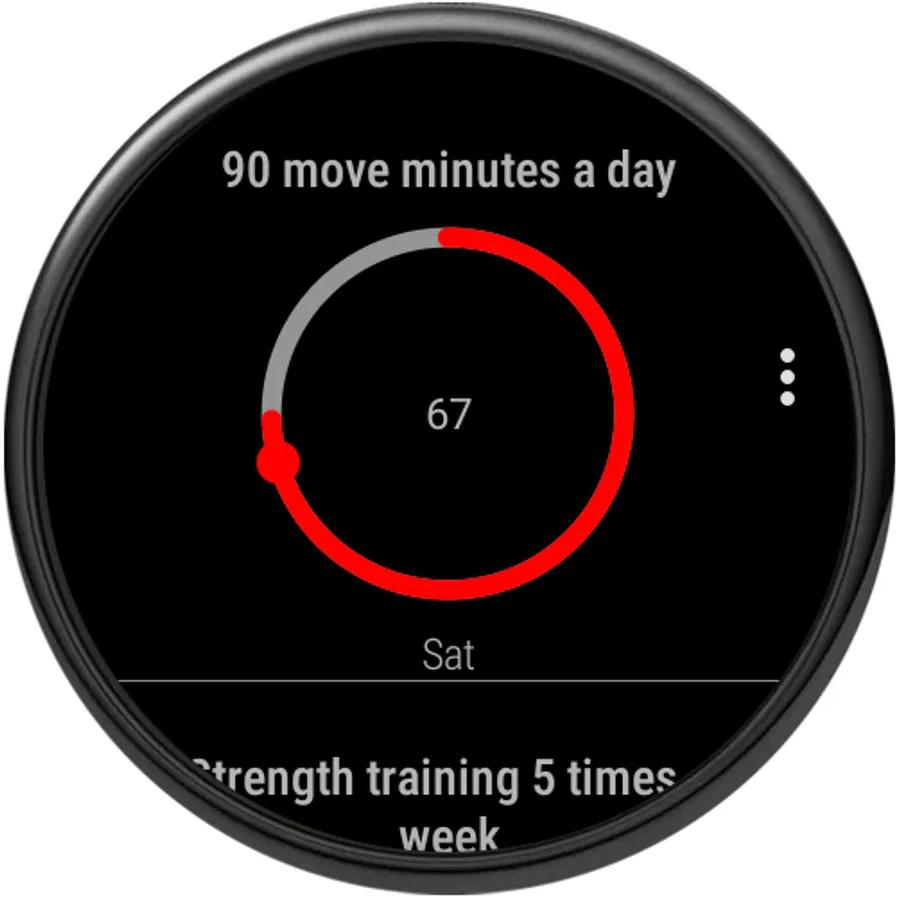
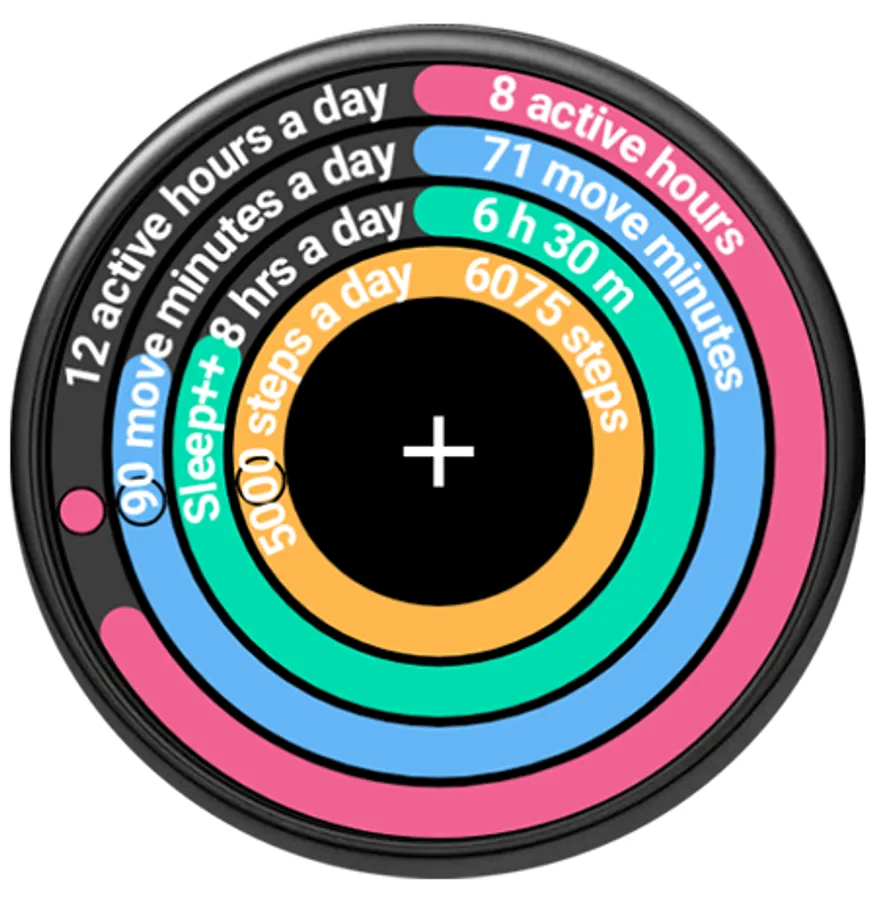
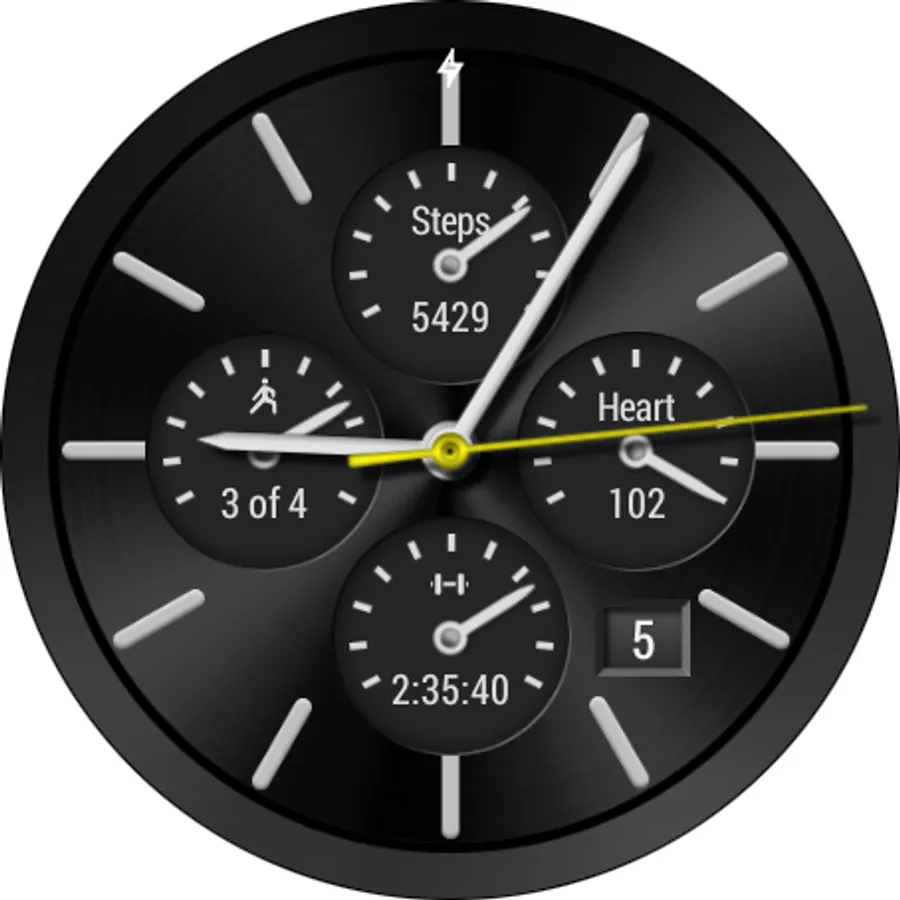
ߦ See progress at a glance on your WearOS watch with complications for activity goals and move reminders. The complications are updated with live data directly from Google Fit.
ߦ Wear OS Tiles support: get an instant overview of your fitness goals. The goals are updated with live data from Google Fit.
ߦ Create sleep goals with support for sleep stages (use a sleep tracking device or app to store the sleep data).
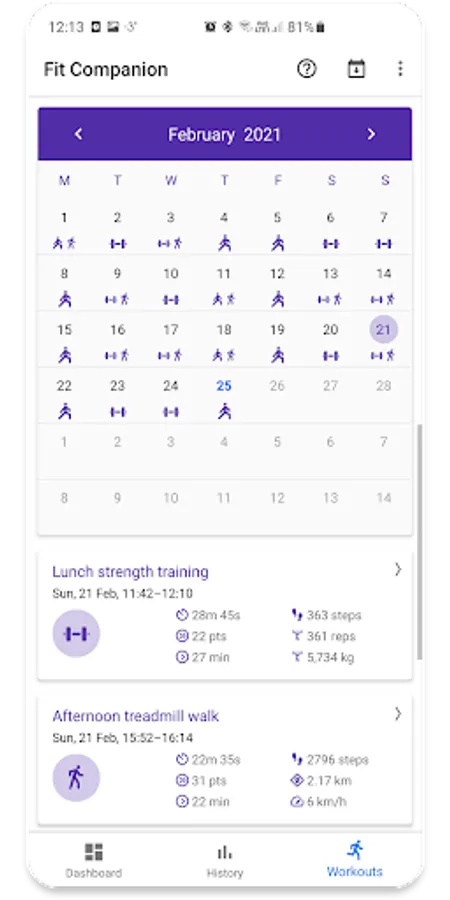
ߦ A monthly workout calendar showing a monthly overview of all your logged workout sessions.
ߦ A detailed analysis of your workout session data. See heart rate, speed, distance, heart rate zones, pace per km/mile, strength training analysis and many other types of data.
ߦ Analyse your Google Fit fitness data in a multitude of ways:
- Overlay data from 2 fitness sources on the same chart so you can see correlations between them
- Aggregate your data from everything to 1 minute intervals up to a month interval.
- Analyze the details of your heart rate
- See up to one year of data at a time.
- Change the anchor date from which to display your fitness data so you can view data from any time.
ߦ Easily export data to a comma separated file to analyse further in for example a spreadsheet like Excel (premium feature)
*) A Google account is needed to use Fit Companion. It uses fitness data from Google Fit.
Fit Companion is free for standard use but you can upgrade to a premium version from within the app with some extra features:
- Ability to export the fitness data to a comma separated file to analyse further in for example a spreadsheet like Excel (phone version)
- Ability to select a time span greater than a month in the History tab
- Unlimited amount of custom fitness goals
- Unlimited amount of goal complications on the WearOS watch
- Unlimited amount of goal widgets on the phone home screen
- Ability to view past days/weeks of the day and week view in the Active Hours tab
More info:
https://fitcompanion.stefanowatches.com
Fit Companion is not meant to be a complete fitness tracking app. Instead it is meant to extend the existing Google Fit platform with additional features.
Features:
ߦ Avoid too much sitting during the day with Active Hours and Move Reminders
ߦ Create your own fitness goals and use live data from Google Fit* to follow up on them.
ߦ Detailed sleep analysis with support for sleep stages as well as sleeping heart rate.
ߦ Detailed heart rate analysis with support for resting heart rate and resting heart rate trends.
ߦ See progress on all your custom fitness goals directly on your home screen with multiple widget support.
ߦ Weight management with support for body fat and lean body mass. Add weight goals to lose/gain/maintain weight.
ߦ Advanced standalone WearOS app with nearly equal functionality as the Android app.
ߦ See progress at a glance on your WearOS watch with complications for activity goals and move reminders. The complications are updated with live data directly from Google Fit.
ߦ Wear OS Tiles support: get an instant overview of your fitness goals. The goals are updated with live data from Google Fit.
ߦ Create sleep goals with support for sleep stages (use a sleep tracking device or app to store the sleep data).
ߦ A monthly workout calendar showing a monthly overview of all your logged workout sessions.
ߦ A detailed analysis of your workout session data. See heart rate, speed, distance, heart rate zones, pace per km/mile, strength training analysis and many other types of data.
ߦ Analyse your Google Fit fitness data in a multitude of ways:
- Overlay data from 2 fitness sources on the same chart so you can see correlations between them
- Aggregate your data from everything to 1 minute intervals up to a month interval.
- Analyze the details of your heart rate
- See up to one year of data at a time.
- Change the anchor date from which to display your fitness data so you can view data from any time.
ߦ Easily export data to a comma separated file to analyse further in for example a spreadsheet like Excel (premium feature)
*) A Google account is needed to use Fit Companion. It uses fitness data from Google Fit.
Fit Companion is free for standard use but you can upgrade to a premium version from within the app with some extra features:
- Ability to export the fitness data to a comma separated file to analyse further in for example a spreadsheet like Excel (phone version)
- Ability to select a time span greater than a month in the History tab
- Unlimited amount of custom fitness goals
- Unlimited amount of goal complications on the WearOS watch
- Unlimited amount of goal widgets on the phone home screen
- Ability to view past days/weeks of the day and week view in the Active Hours tab
More info:
https://fitcompanion.stefanowatches.com
Fit Companion Screenshots
Tap to Rate:
Reviews for Fit Companion
Felix Cuceanu
5/16/2025
It's blocked from connecting to Google fit. What is to do?
Leah Hawker
4/15/2025
Didn't work