Colex Reader
SUDESPACHO.NET
500+
downloads
Free
About Colex Reader
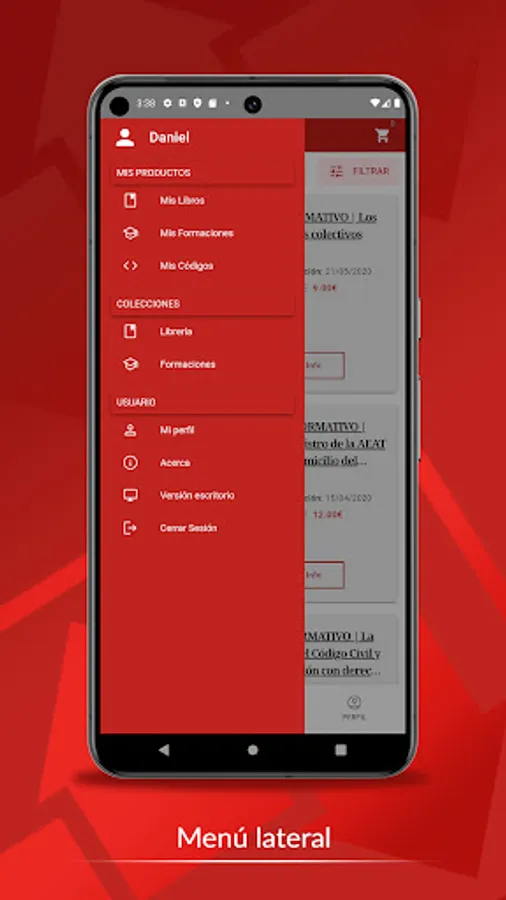
Editorial Colex makes available to its clients the Colex Reader app from which clients or users can access the Bookstore, their purchased or downloaded books, activate the e-books using download codes and obtain help through customer service.
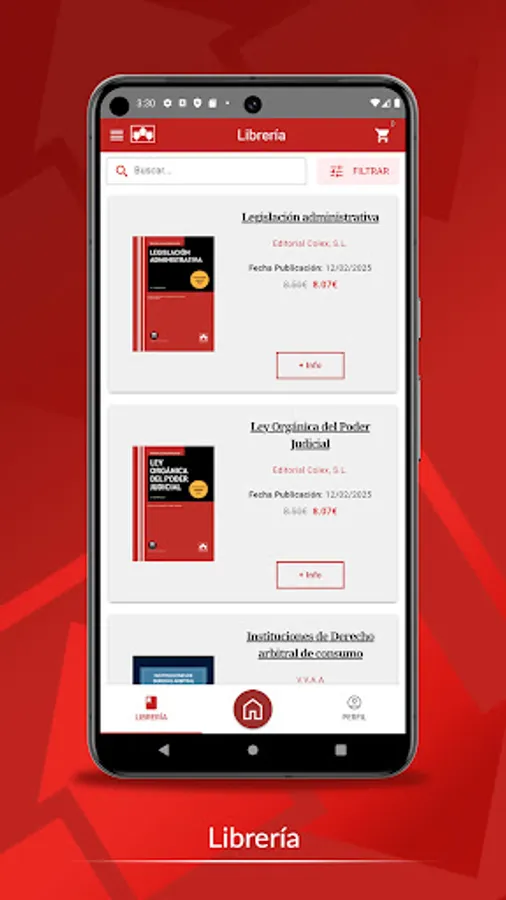
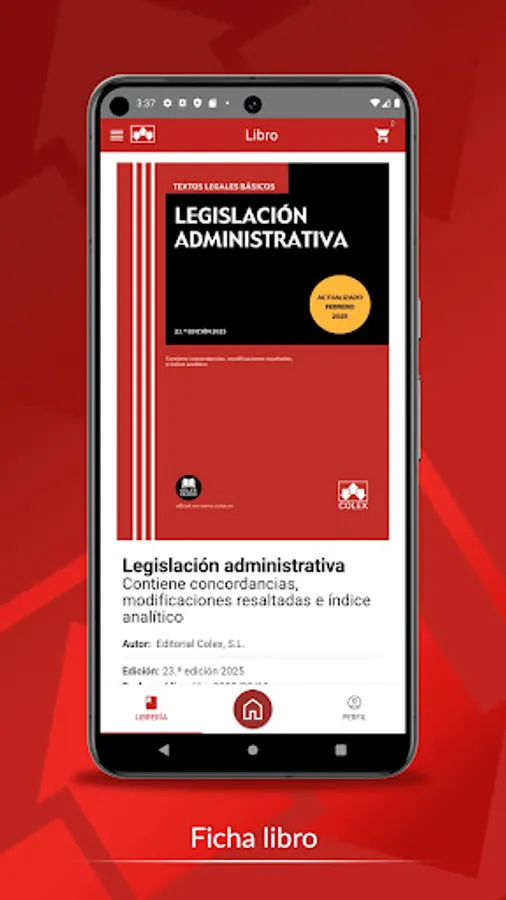
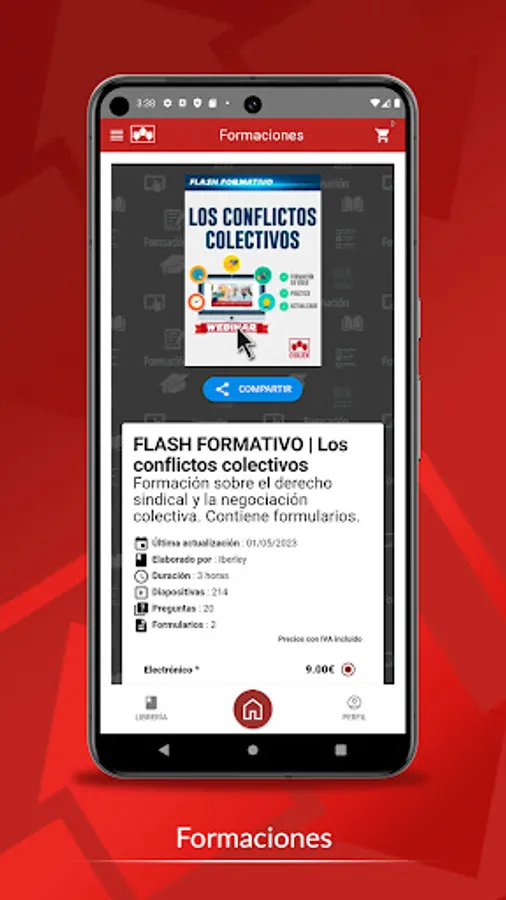
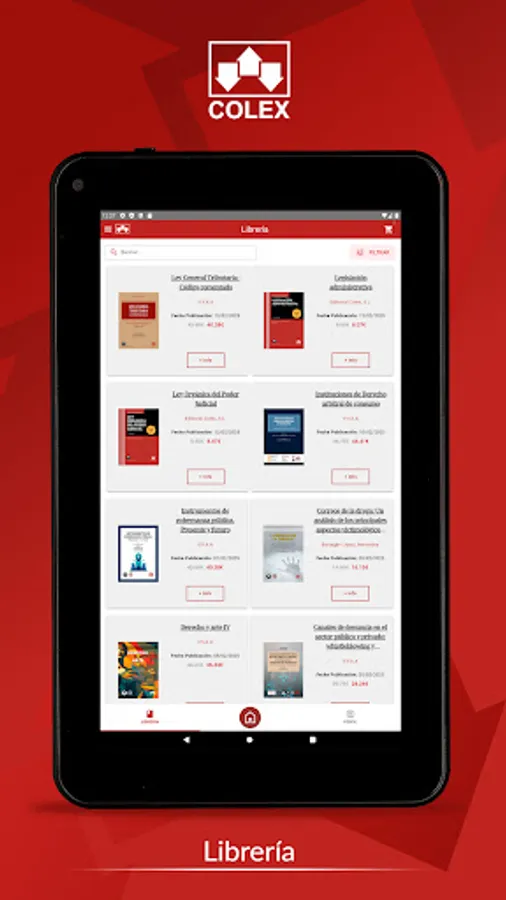
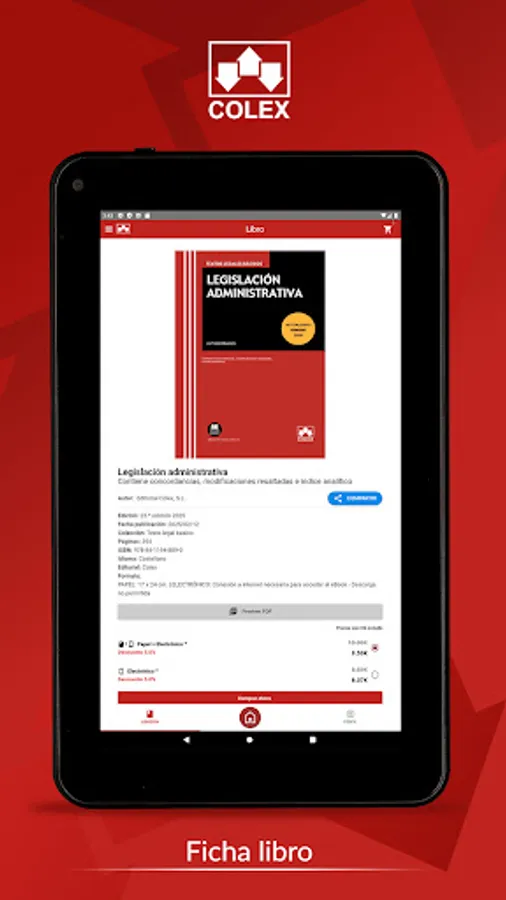
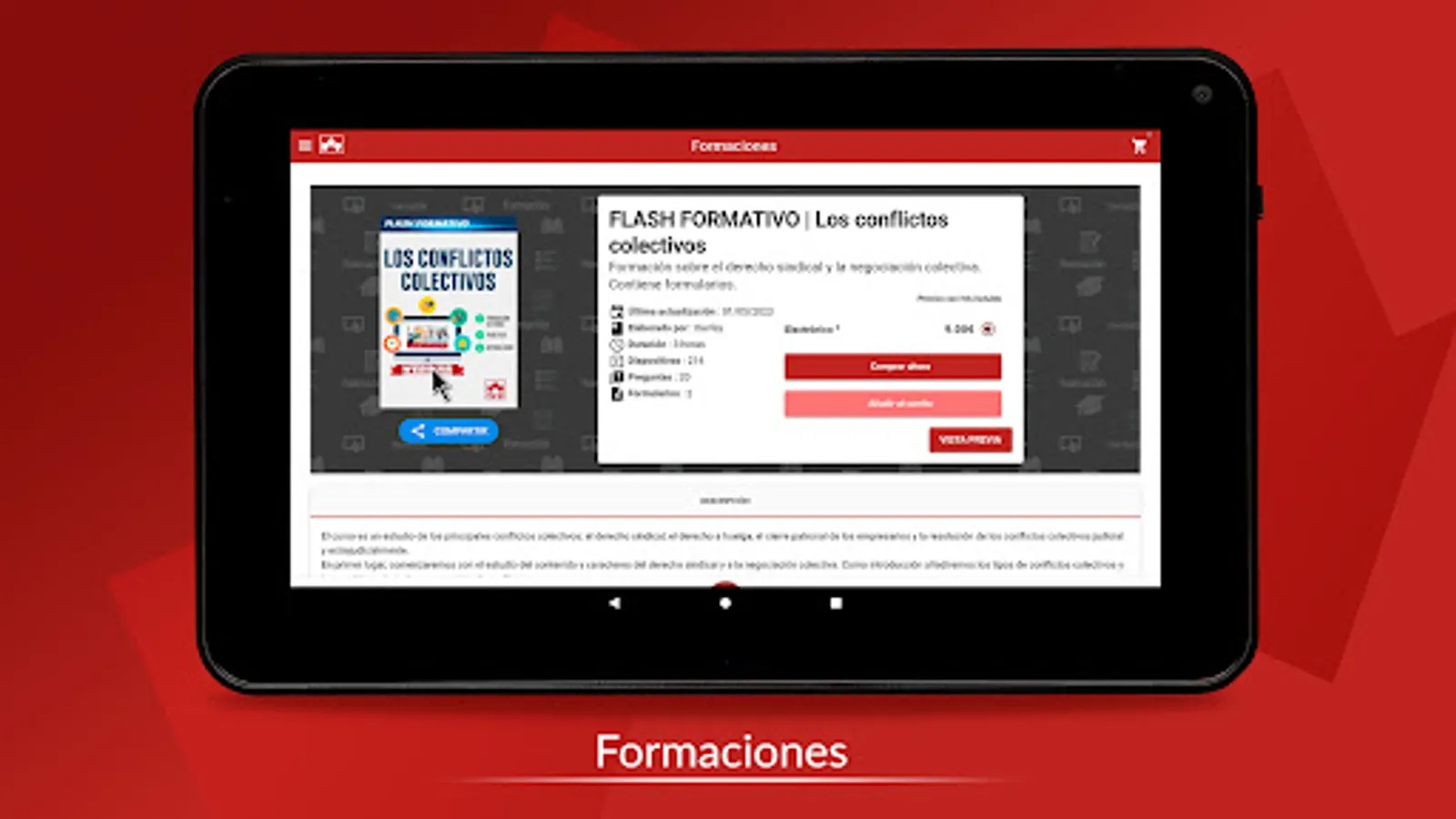
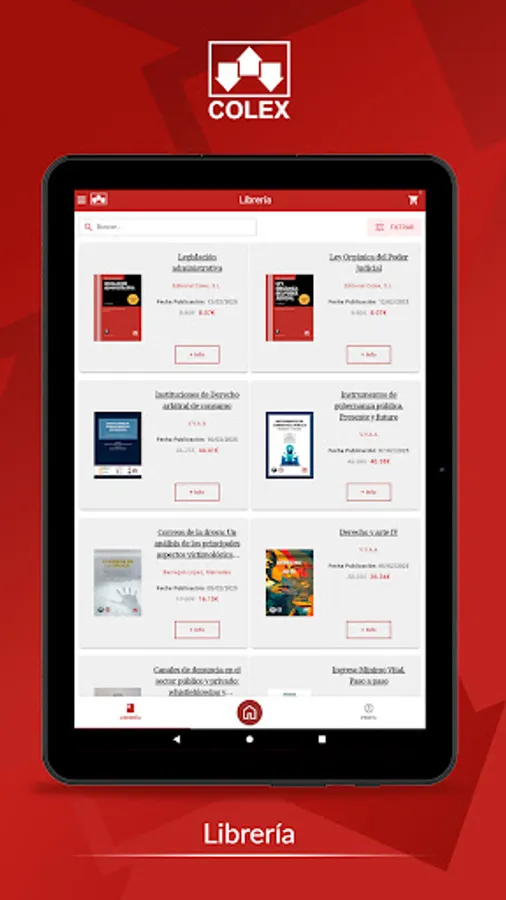
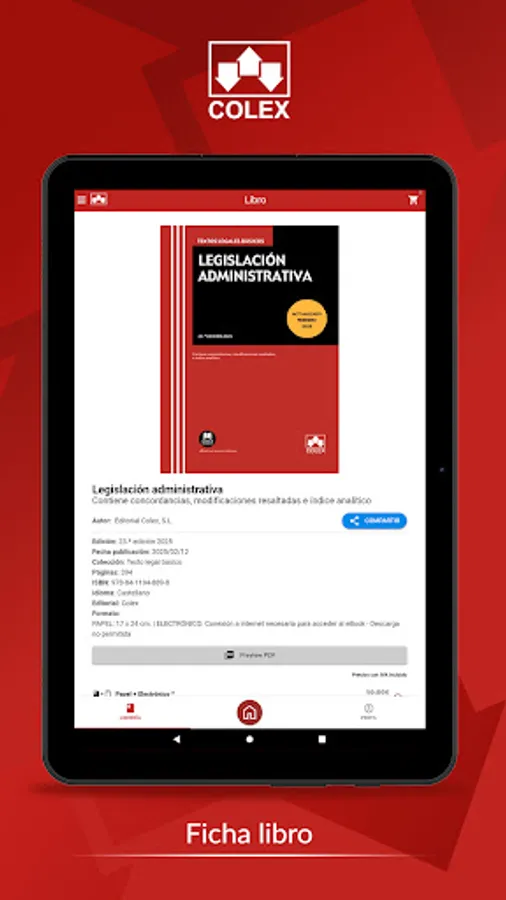
From the Bookstore tab you can access more information about each of the titles published by the publisher, as well as purchase them, both in paper format and in electronic format.
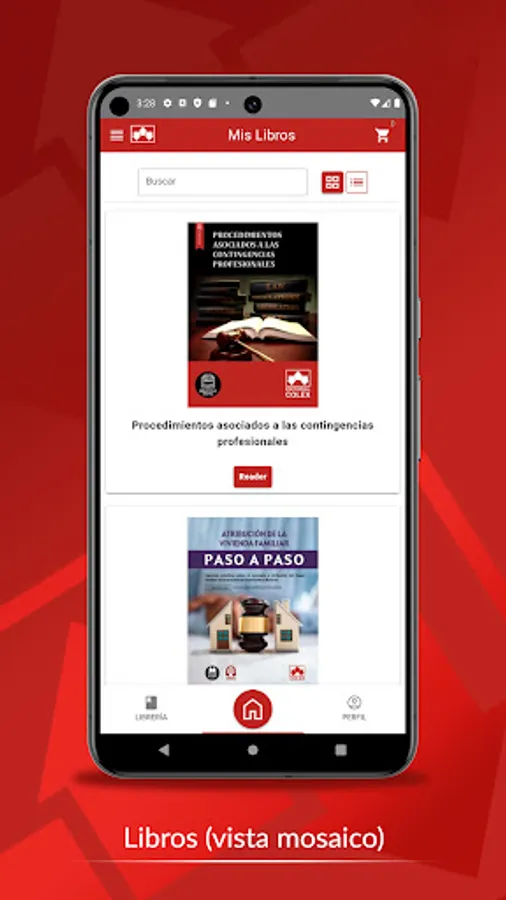
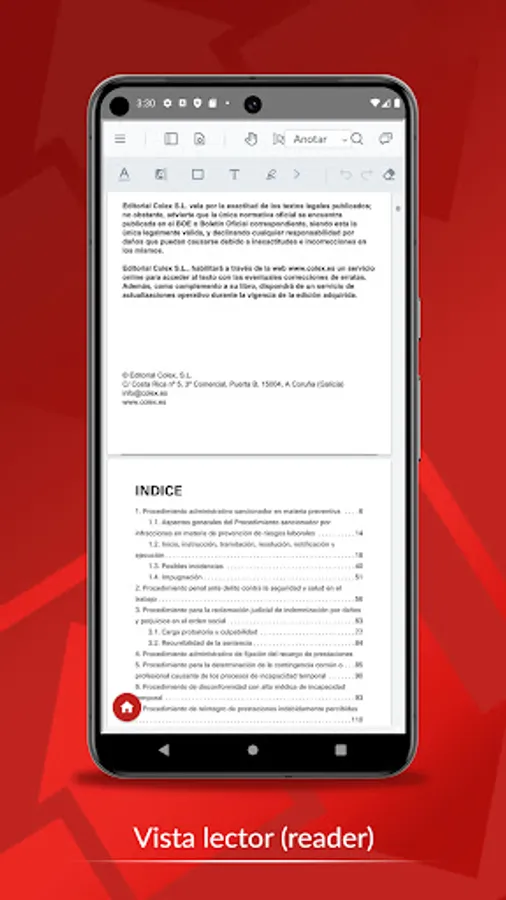
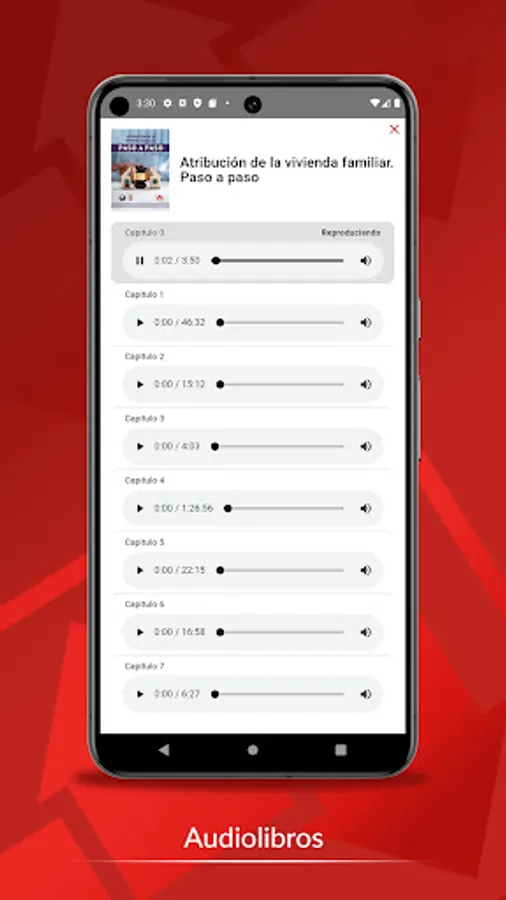
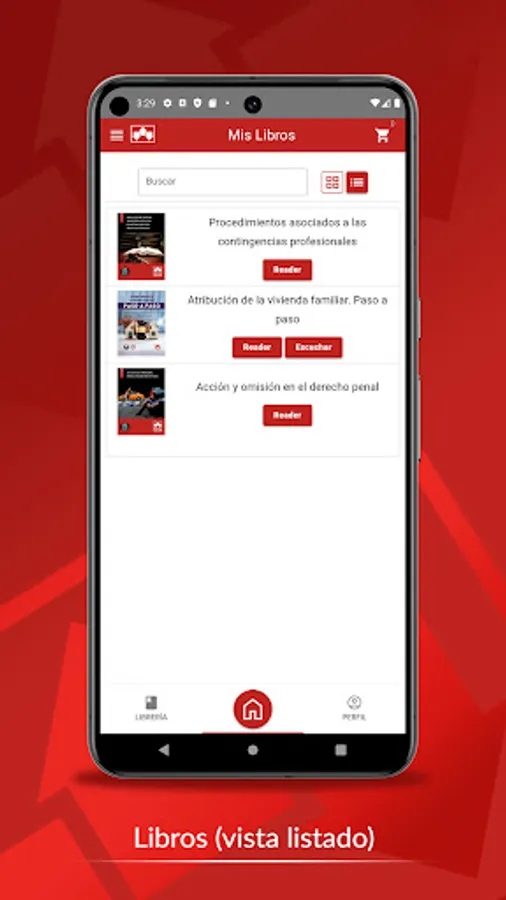
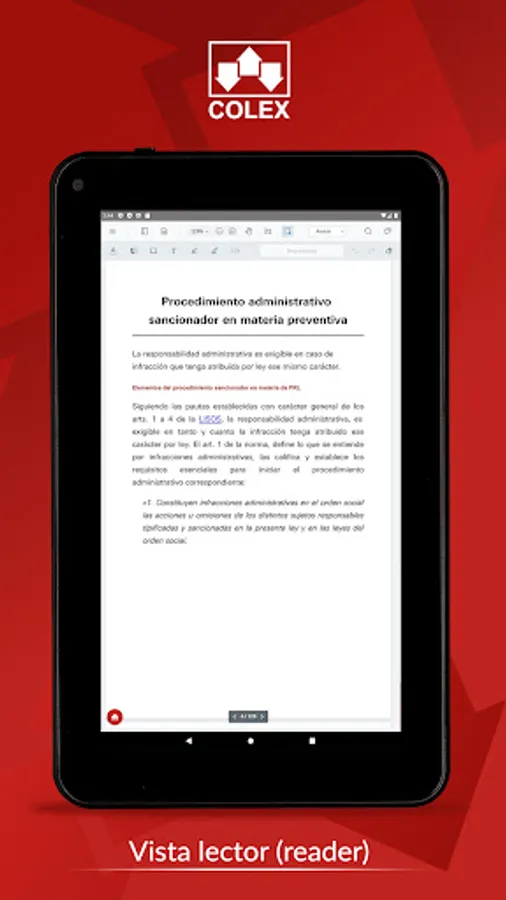
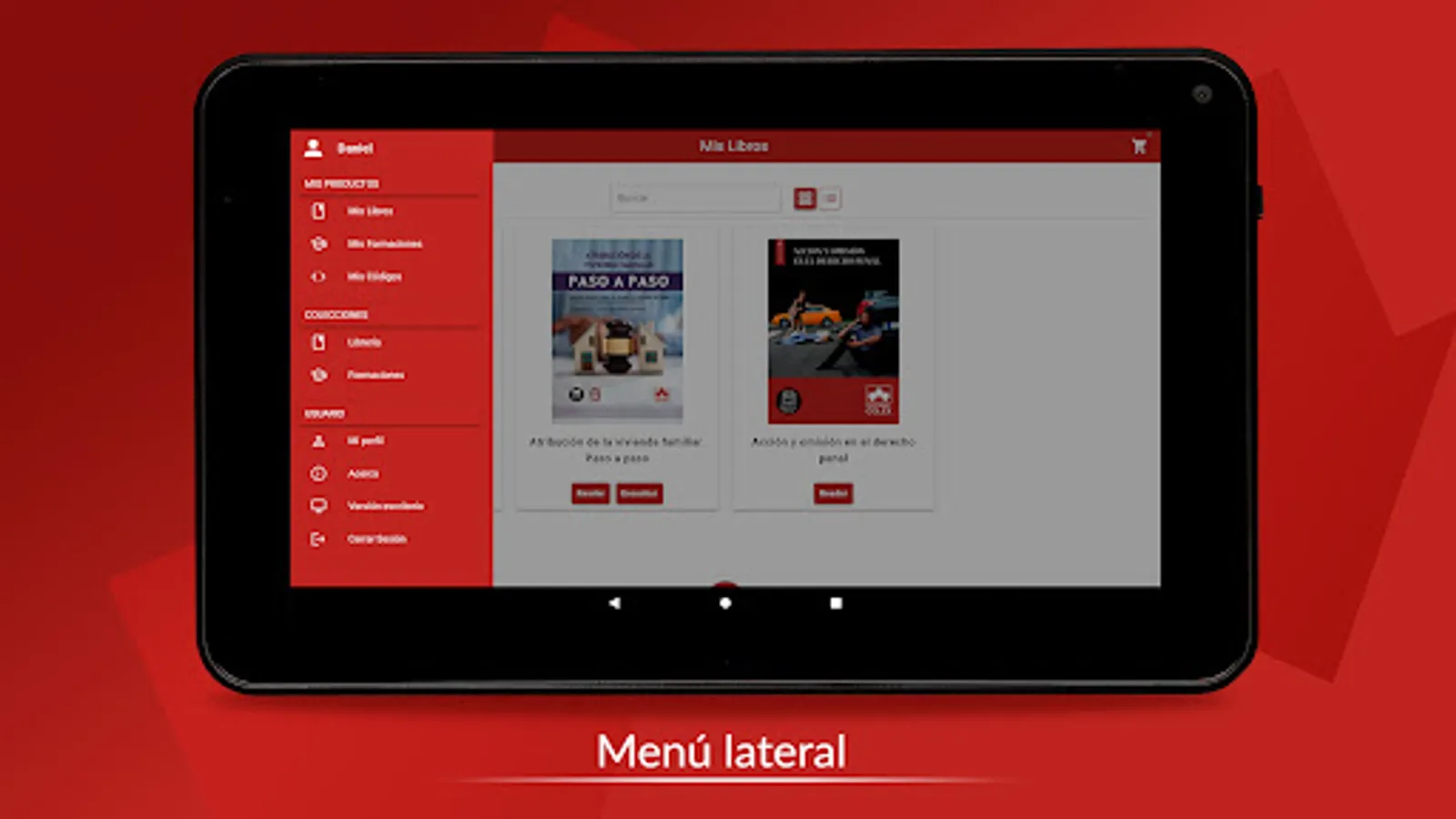
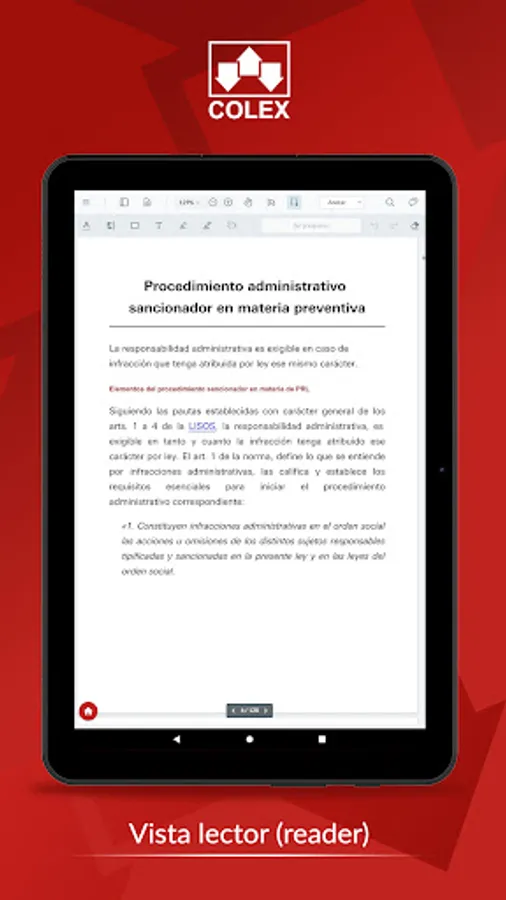
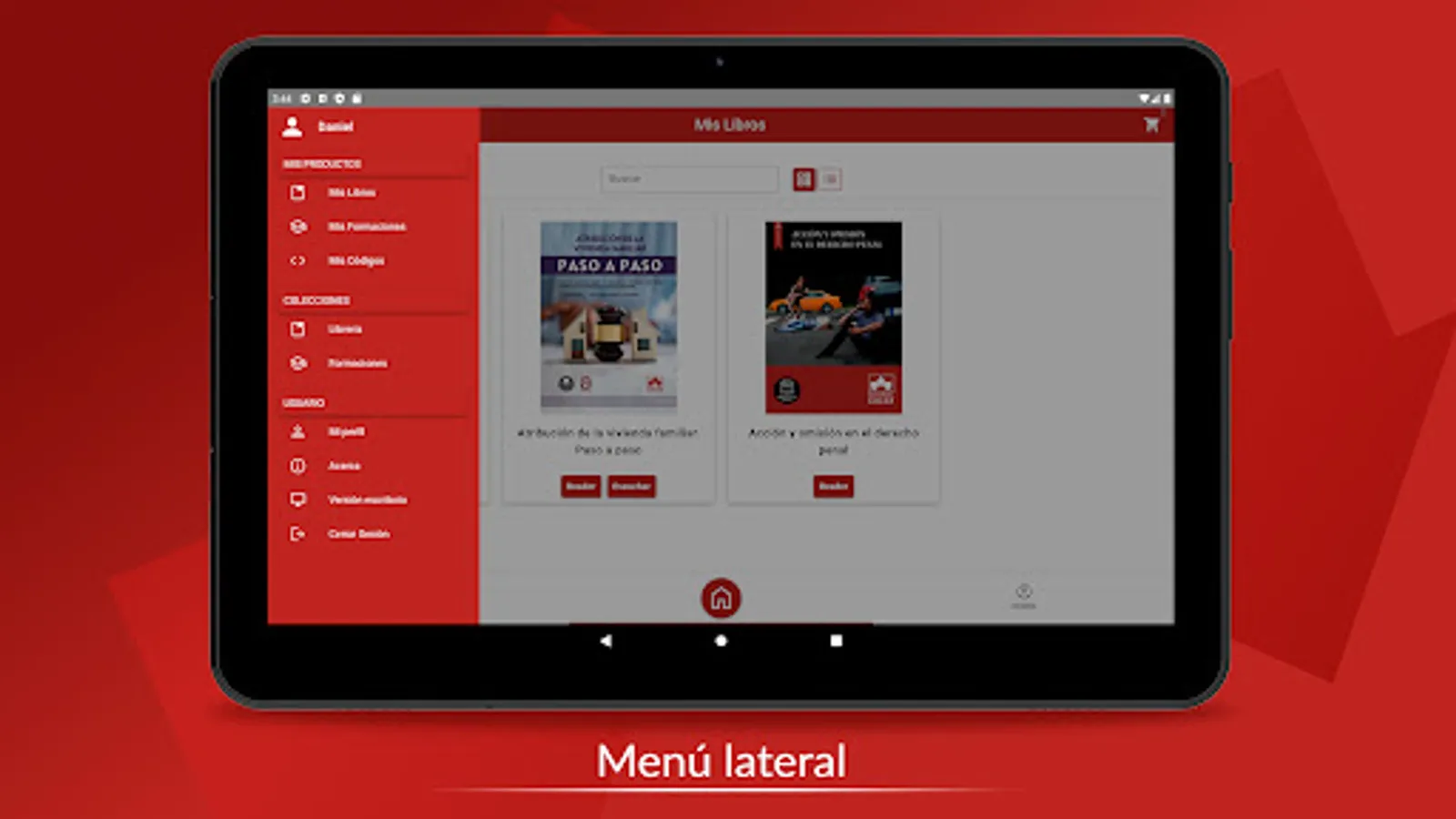
From the My Books tab, you can read each of the works you have acquired in e-book format, either by purchasing the book in electronic format, or by activating it with the “scratch” codes that you will find on the first page of the paper edition.
From the Activate e-books tab you can activate the promotional codes included in the paper books.
In the Customer Service and About tabs, you can obtain more information about the publisher and how to contact it.
We hope that this application will be very useful, so if you have any suggestions to improve it, we are at your disposal.
Thank you for purchasing Colex editorial products.
From the Bookstore tab you can access more information about each of the titles published by the publisher, as well as purchase them, both in paper format and in electronic format.
From the My Books tab, you can read each of the works you have acquired in e-book format, either by purchasing the book in electronic format, or by activating it with the “scratch” codes that you will find on the first page of the paper edition.
From the Activate e-books tab you can activate the promotional codes included in the paper books.
In the Customer Service and About tabs, you can obtain more information about the publisher and how to contact it.
We hope that this application will be very useful, so if you have any suggestions to improve it, we are at your disposal.
Thank you for purchasing Colex editorial products.