FX Faenza Icon Theme
NextApp, Inc.
4.6 ★
2K ratings
50,000+
downloads
Free
AppRecs review analysis
AppRecs rating 4.6. Trustworthiness 0 out of 100. Review manipulation risk 0 out of 100. Based on a review sample analyzed.
★★★★☆
4.6
AppRecs Rating
Ratings breakdown
5 star
81%
4 star
11%
3 star
4%
2 star
2%
1 star
3%
What to know
✓
High user satisfaction
81% of sampled ratings are 5 stars
✓
Authentic reviews
Natural distribution, no red flags
About FX Faenza Icon Theme
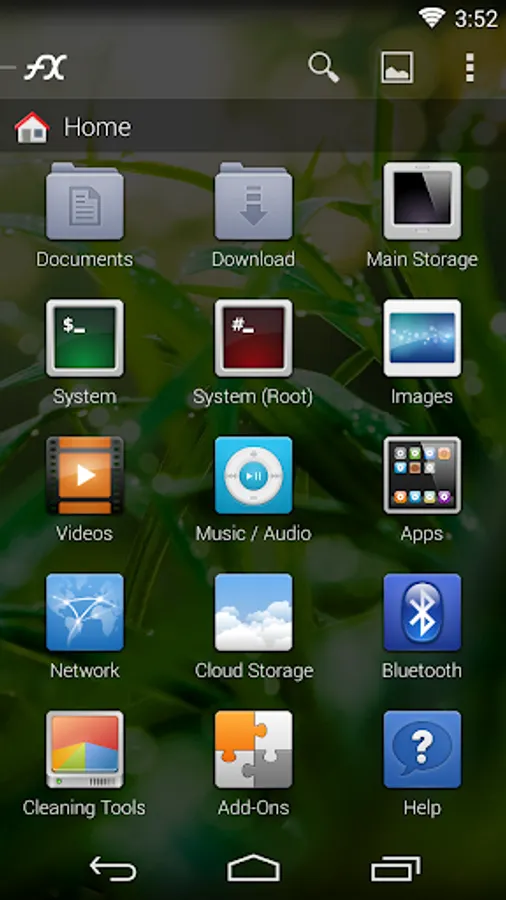
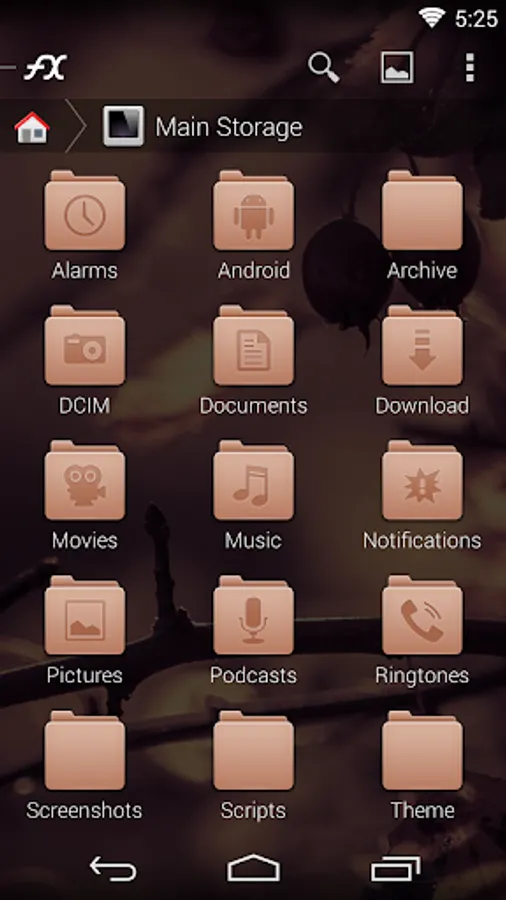
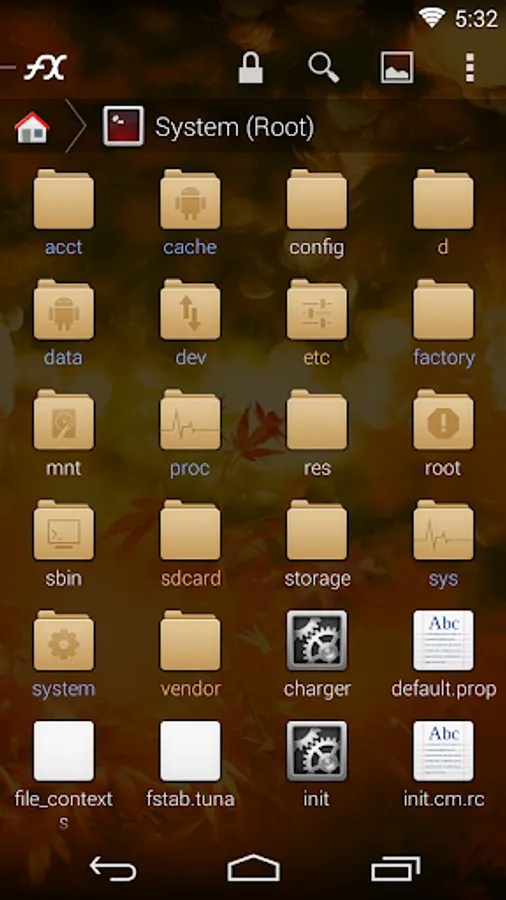
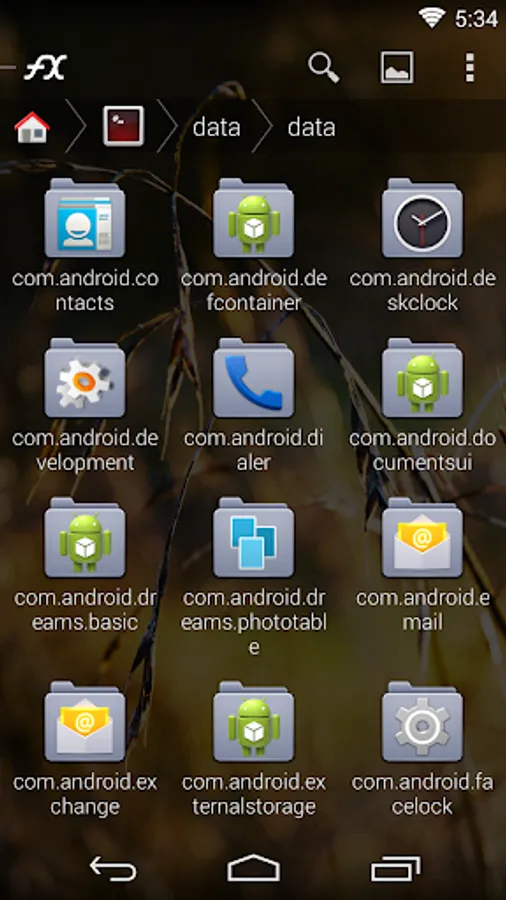
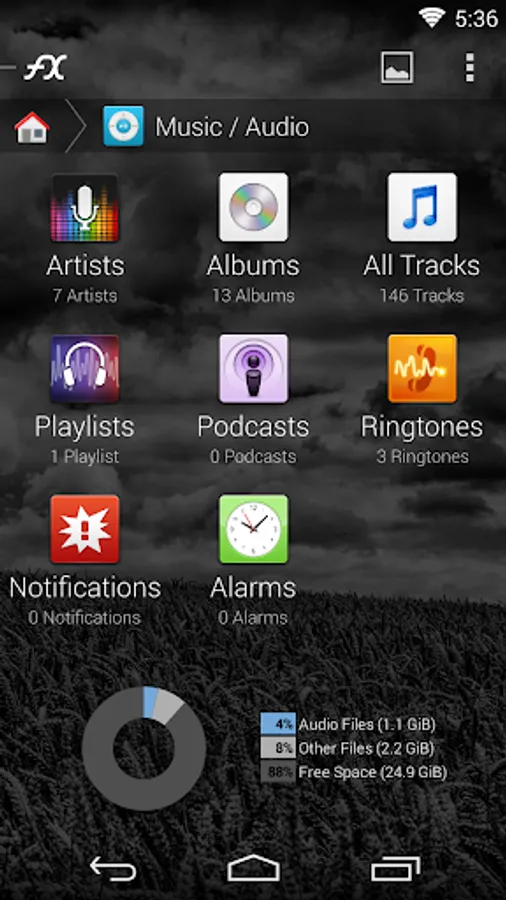
Faenza Icon Theme for FX File Explorer: a complete set of high-definition icons for FX+.
YOU MUST HAVE FX FILE EXPLORER 3.1 (or later) *AND* FX PLUS INSTALLED TO USE ICON THEMES. Themes will also work with the FX Plus free 7-day trial.
Download FX here: https://play.google.com/store/apps/details?id=nextapp.fx
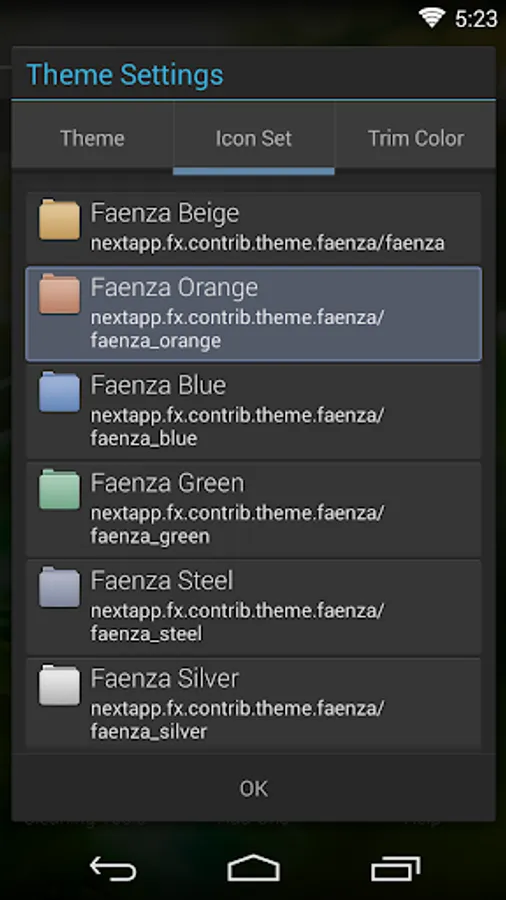
This app will NOT add an icon to your launcher: to use this theme, open FX, tap the view menu (second from the right), tap "Theme". Select the "Icon Set" tab and then choose a "Faenza" option. To uninstall an FX theme, either use FX's "add-ons" option from the home screen, or visit the Settings of your device and then the "Applications" section.
The Faenza icon theme for FX+ is distributed under the GNU General Public License. (Please note: this license only applies to this icon theme package). Source including SVG icons is available here: http://android.nextapp.com/fx/theme/faenza/r1/FX-Theme-Faenza_src_r1.tgz You can use this source to build derivative themes, or as an example of how to create your own custom themes for FX+.
YOU MUST HAVE FX FILE EXPLORER 3.1 (or later) *AND* FX PLUS INSTALLED TO USE ICON THEMES. Themes will also work with the FX Plus free 7-day trial.
Download FX here: https://play.google.com/store/apps/details?id=nextapp.fx
This app will NOT add an icon to your launcher: to use this theme, open FX, tap the view menu (second from the right), tap "Theme". Select the "Icon Set" tab and then choose a "Faenza" option. To uninstall an FX theme, either use FX's "add-ons" option from the home screen, or visit the Settings of your device and then the "Applications" section.
The Faenza icon theme for FX+ is distributed under the GNU General Public License. (Please note: this license only applies to this icon theme package). Source including SVG icons is available here: http://android.nextapp.com/fx/theme/faenza/r1/FX-Theme-Faenza_src_r1.tgz You can use this source to build derivative themes, or as an example of how to create your own custom themes for FX+.
FX Faenza Icon Theme Screenshots

Tap to Rate: