Notes - Offline color notes
Ruud Ghielen
4.5 ★
99 ratings
10,000+
downloads
Free
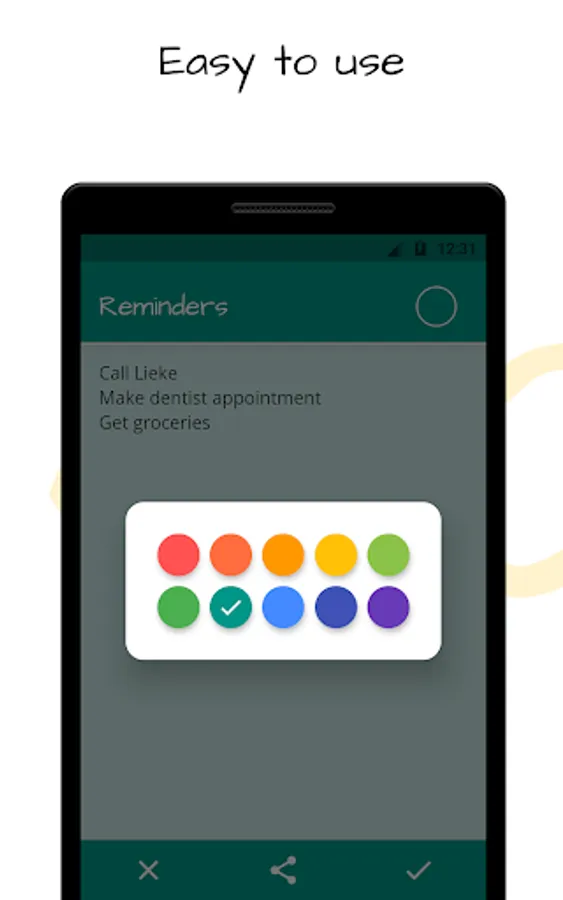
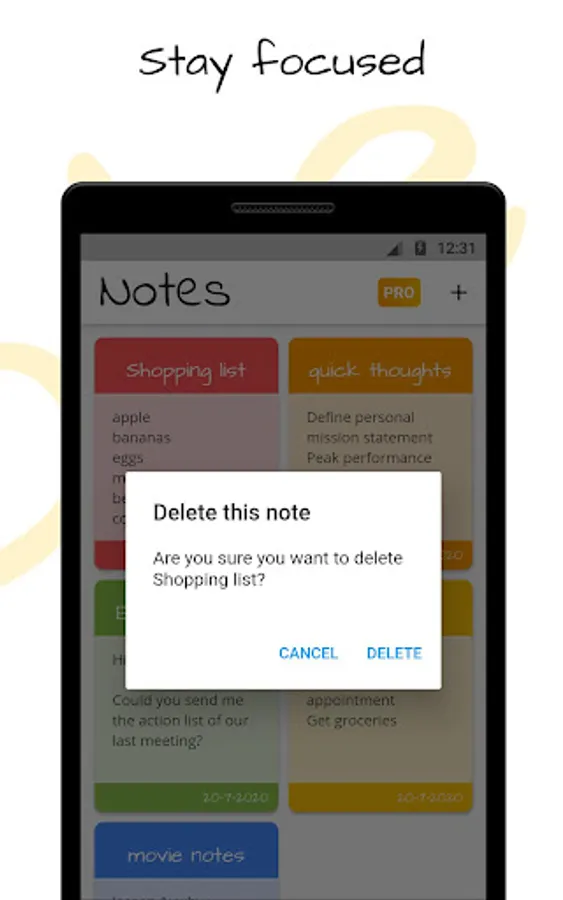
With this note-taking app, you can create, organize, and access color-coded notes offline. Includes features for importing, exporting, and sharing notes with optional PRO functionalities.
AppRecs review analysis
AppRecs rating 4.5. Trustworthiness 0 out of 100. Review manipulation risk 0 out of 100. Based on a review sample analyzed.
★★★★☆
4.5
AppRecs Rating
Ratings breakdown
5 star
62%
4 star
31%
3 star
8%
2 star
0%
1 star
0%
What to know
✓
High user satisfaction
92% of sampled ratings are 4+ stars (4.5★ average)
✓
Authentic reviews
Natural distribution, no red flags
About Notes - Offline color notes
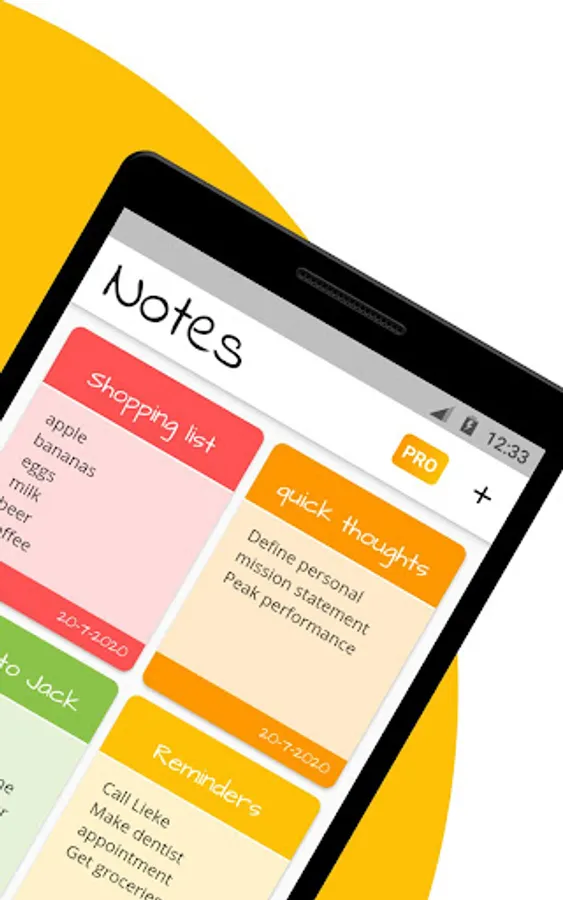
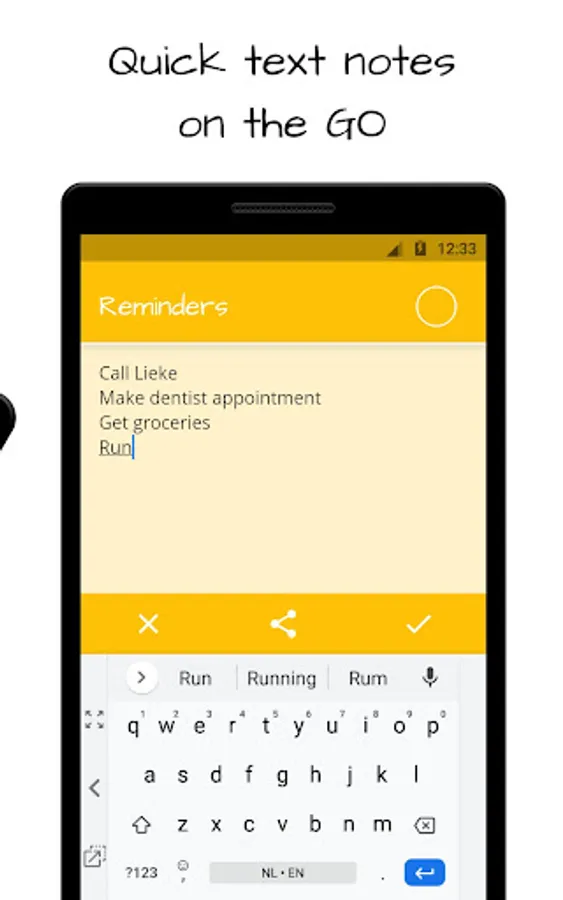
Take your text notes, thoughts, reminders and shopping lists from one app.
To use this app there is no internet connection required. No notes data will be sent to a server or stored in the cloud.
No permissions requested for sharing data or whatsoever, your notes are only available on your device.
The best security is to NOT use the internet, so we save your notes only to your private local storage.
With PRO features you could share your notes, this is at your own risk. Be careful where you share your files.
You can enable PRO features by creating at least two notes.
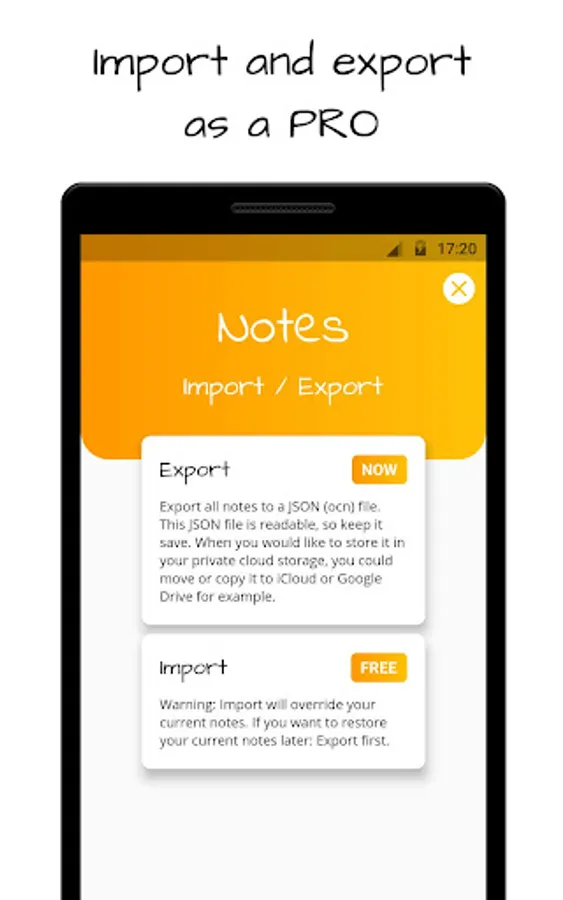
With PRO features you can import and export your notes from/to a file. Therefor we need access to your device storage.
When you would like to import your notes on another device than you could store the file in your private cloud storage, you could move or copy it to Google Drive or iCloud for example.
Warning: an import will override all your current notes. If you want to be able to restore your current notes later, you have to export them first.
To use this app there is no internet connection required. No notes data will be sent to a server or stored in the cloud.
No permissions requested for sharing data or whatsoever, your notes are only available on your device.
The best security is to NOT use the internet, so we save your notes only to your private local storage.
With PRO features you could share your notes, this is at your own risk. Be careful where you share your files.
You can enable PRO features by creating at least two notes.
With PRO features you can import and export your notes from/to a file. Therefor we need access to your device storage.
When you would like to import your notes on another device than you could store the file in your private cloud storage, you could move or copy it to Google Drive or iCloud for example.
Warning: an import will override all your current notes. If you want to be able to restore your current notes later, you have to export them first.
Notes - Offline color notes Screenshots

Tap to Rate: