Notepad - Simple Notes & Lists
GM Tech Studio
3.5 ★
613 ratings
100,000+
downloads
Free
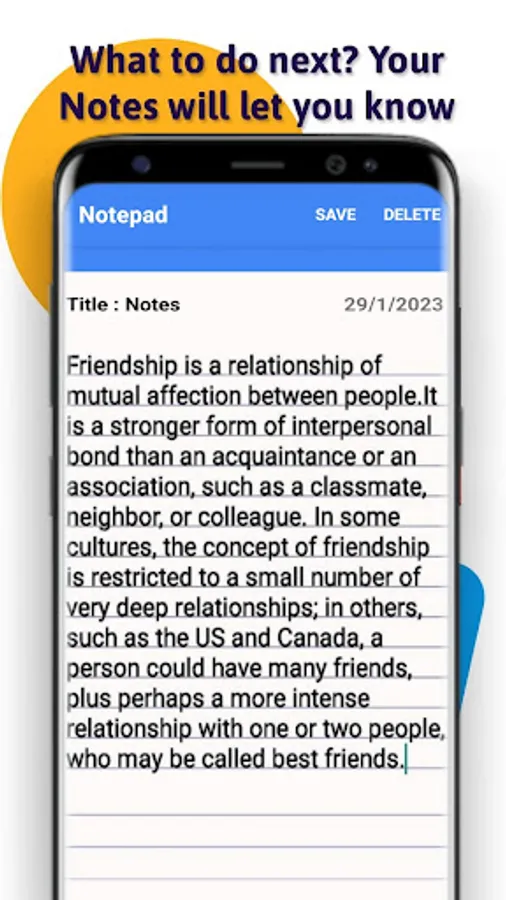
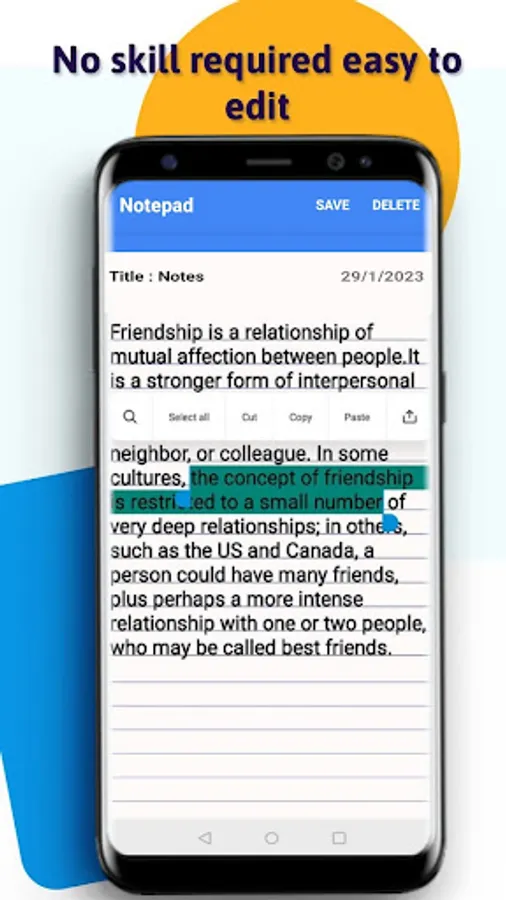
With this notepad app, you can quickly add, edit, and delete notes and lists. Includes offline access, note organization, and editing features.
AppRecs review analysis
AppRecs rating 3.6. Trustworthiness 75 out of 100. Review manipulation risk 34 out of 100. Based on a review sample analyzed.
★★★☆☆
3.6
AppRecs Rating
Ratings breakdown
5 star
47%
4 star
16%
3 star
3%
2 star
9%
1 star
25%
What to know
✓
Credible reviews
75% trustworthiness score from analyzed reviews
✓
Good user ratings
63% positive sampled reviews
⚠
High negative review ratio
34% of sampled ratings are 1–2 stars
About Notepad - Simple Notes & Lists
Keep your Notepad Simple Notes for android organized!
Quick to add!
A small and lightweight Notepad Simple Notes for android is helpful. Especially, when it’s easy to use and too helpful to miss!
Day to day life gives so many things we need to recall. Whether it is about grocery shopping or it is about an important medical appointment. Do you need a notepad offline? Yes, we all do!
The human brain cannot take everything in one go. We need time and of course break to stuff everything in us. Also, who can give us the guarantee of remembering everything on time? Nobody!
Taking down notes is helpful in every way. Remember those school days when a diary or notebook used to be helpers!
How to Use Notepad - Simple Notes & Lists?
1. Tap on the app and locate, add (+) sign.
2. Enter the title as you would like to have.
3. Make your notes and keep adding the points as you would like.
4. Save it using the save button or just press the back option from your phone!
5. Keep adding more description to the same previously note, just need to tap on the same note.
5. Done with the work added as notes? Delete it! From the main screen, click on the note and tap the delete option!
Notepad - Simple Notes & Lists
Few more features!
Read about the privacy notes and highlights from the app. Click on the plus sign and then click on the more option. (After clicking on the three dots).
Need not what you just typed? Delete it from the same screen after tapping on the three dots.
Delete notes from this app’s options screen (three dots)
In a hurry? Have no time to save things in detail? Just save the point without a title. Edit it later!
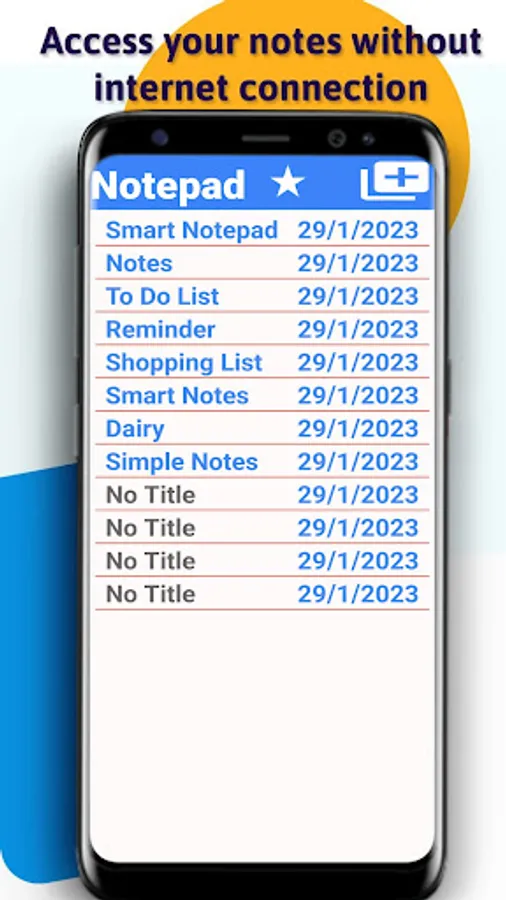
With this Notepad - Simple Notes & Lists, you don't need an active internet connection. You don't need a friend to help you with notes, but you just need access to this notepad app!
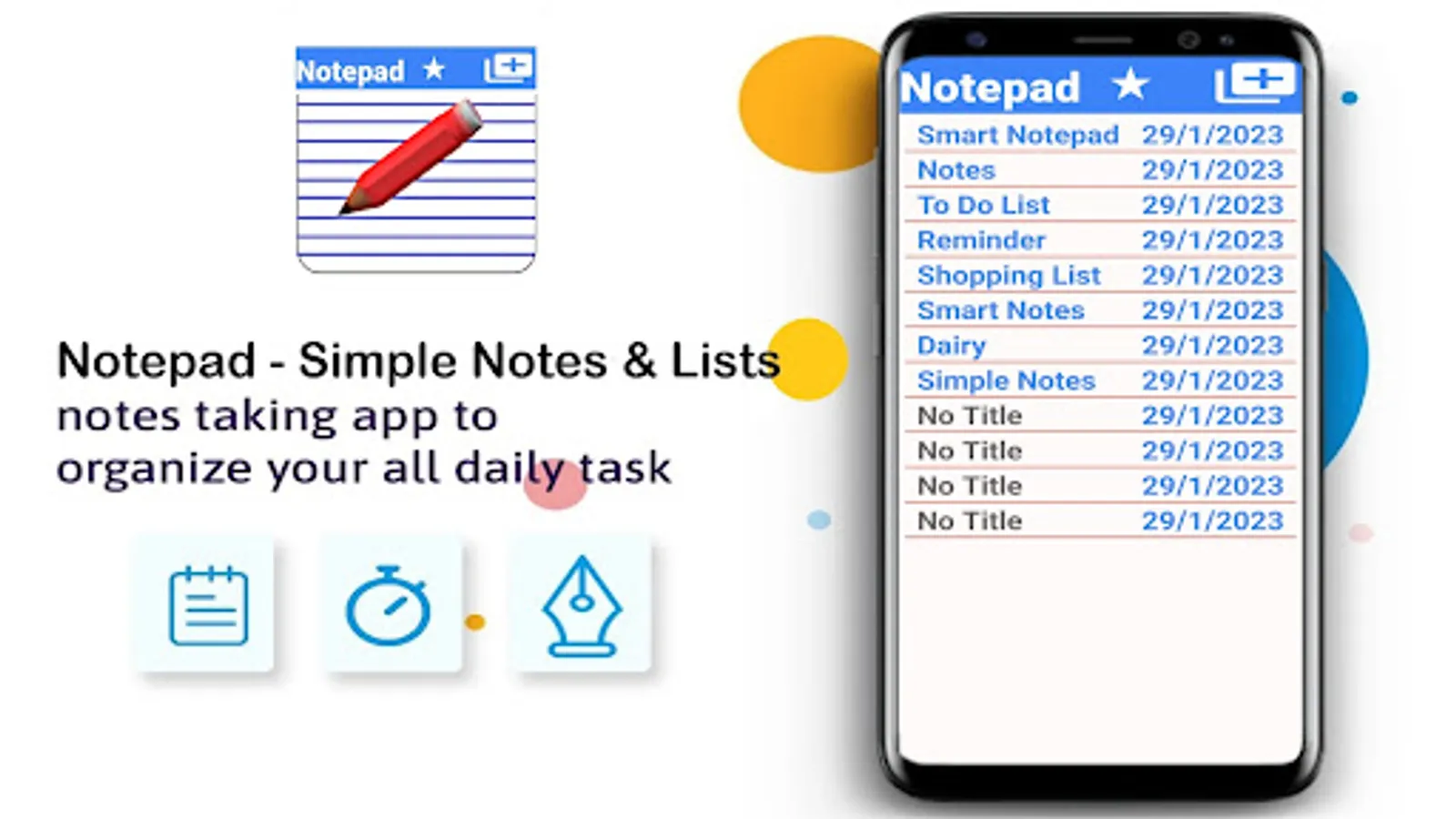
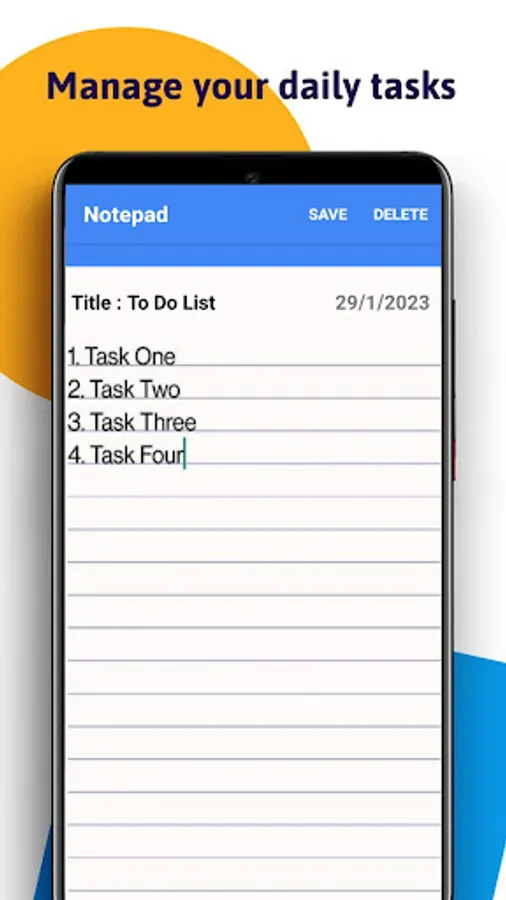
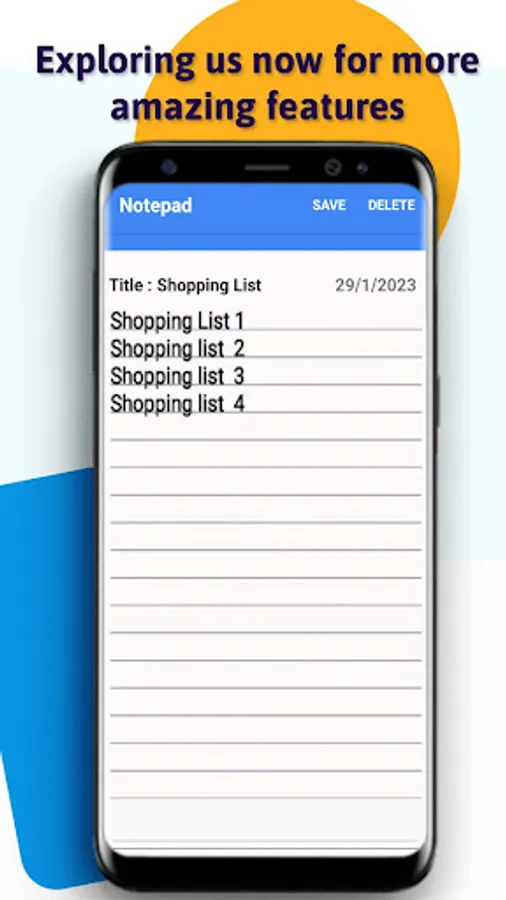
Want to manage your daily tasks or you need to keep your shopping list? Keep this smart notepad app handy!
Quick to add!
A small and lightweight Notepad Simple Notes for android is helpful. Especially, when it’s easy to use and too helpful to miss!
Day to day life gives so many things we need to recall. Whether it is about grocery shopping or it is about an important medical appointment. Do you need a notepad offline? Yes, we all do!
The human brain cannot take everything in one go. We need time and of course break to stuff everything in us. Also, who can give us the guarantee of remembering everything on time? Nobody!
Taking down notes is helpful in every way. Remember those school days when a diary or notebook used to be helpers!
How to Use Notepad - Simple Notes & Lists?
1. Tap on the app and locate, add (+) sign.
2. Enter the title as you would like to have.
3. Make your notes and keep adding the points as you would like.
4. Save it using the save button or just press the back option from your phone!
5. Keep adding more description to the same previously note, just need to tap on the same note.
5. Done with the work added as notes? Delete it! From the main screen, click on the note and tap the delete option!
Notepad - Simple Notes & Lists
Few more features!
Read about the privacy notes and highlights from the app. Click on the plus sign and then click on the more option. (After clicking on the three dots).
Need not what you just typed? Delete it from the same screen after tapping on the three dots.
Delete notes from this app’s options screen (three dots)
In a hurry? Have no time to save things in detail? Just save the point without a title. Edit it later!
With this Notepad - Simple Notes & Lists, you don't need an active internet connection. You don't need a friend to help you with notes, but you just need access to this notepad app!
Want to manage your daily tasks or you need to keep your shopping list? Keep this smart notepad app handy!
Notepad - Simple Notes & Lists Screenshots
Tap to Rate:
Reviews for Notepad - Simple Notes & Lists
Jagroshan Baliyan
12/23/2025
nice app
abhay sathe
5/30/2025
if the text is deleted there us no way tp recover it