Lower Brightness Pro
Wormhole Space
4.4 ★
store rating
10,000+
downloads
$2.49
With this brightness adjustment app, you can reduce screen brightness below the system minimum and set custom levels easily. Includes notification controls, widgets, and support for Android 0+ and navigation bar dimming.
AppRecs review analysis
AppRecs rating 4.7. Trustworthiness 84 out of 100. Review manipulation risk 18 out of 100. Based on a review sample analyzed.
★★★★☆
4.7
AppRecs Rating
Ratings breakdown
5 star
72%
4 star
13%
3 star
2%
2 star
5%
1 star
8%
What to know
✓
Low review manipulation risk
18% review manipulation risk
✓
Credible reviews
84% trustworthiness score from analyzed reviews
✓
High user satisfaction
85% of sampled ratings are 4+ stars (4.4★ average)
About Lower Brightness Pro
Have you ever set the screen brightness to the lowest but it still so bright?
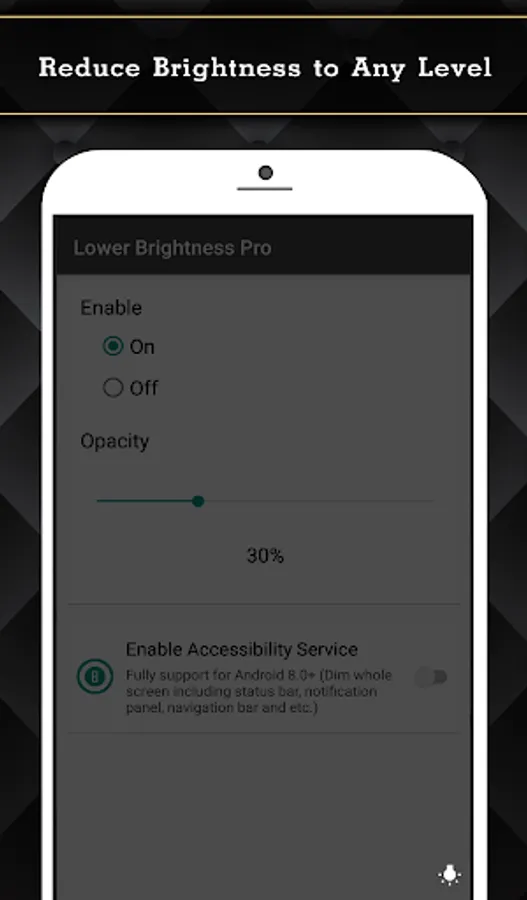
If you feel the screen is so bright and you want to reduce it. You need this application called "Lower Brightness".
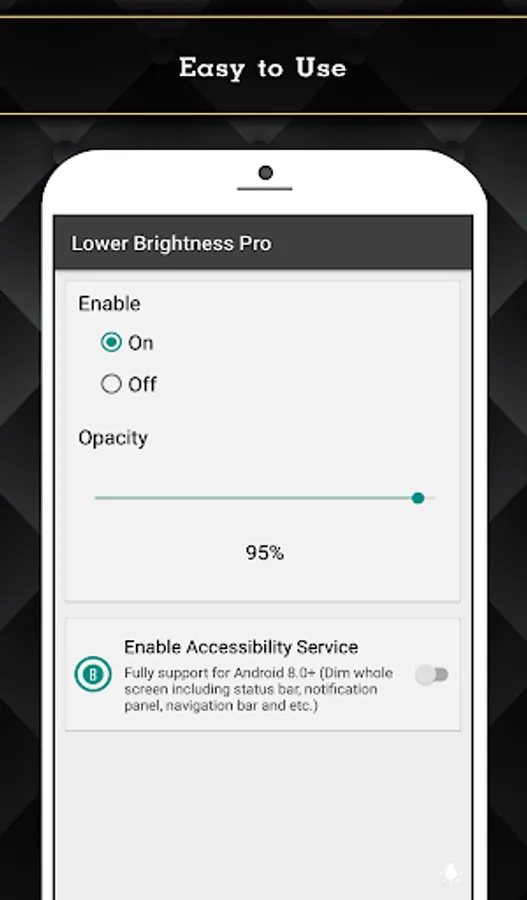
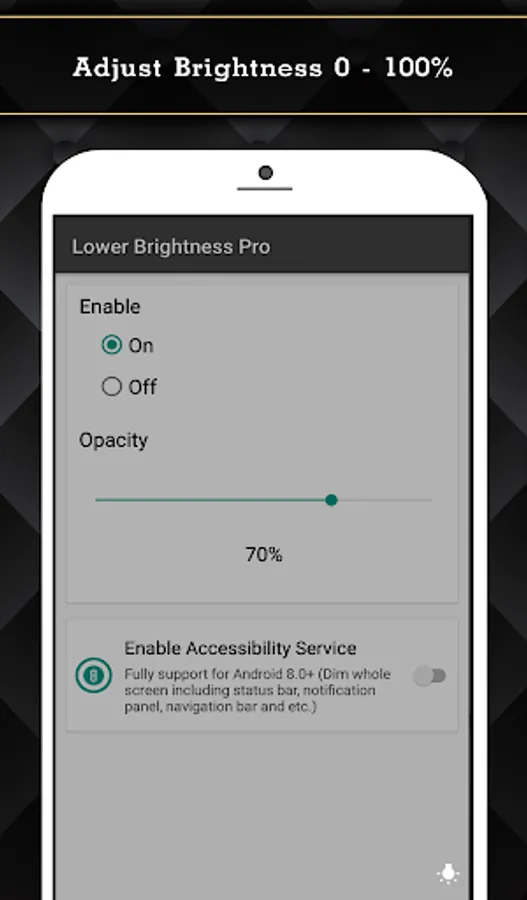
"Lower Brightness" application helps you reduce brightness to any level. You can set brightness level from 0% to 100% by just opening the application and choose brightness level you want.
Features
- Reduce screen brightness below the system minimum brightness
- Easy to use. Just enable and set the percent of brightness level (0-100%)
- Auto start after reboot
- Easy to use. Just choose percent of brightness you want to set.
- Small size of application.
- Also support devices that have the navigation bar on the screen.(home/back button at the bottom of the screen)
- Ask for permission in android 6.0+
This Pro version included:
- Ads free.
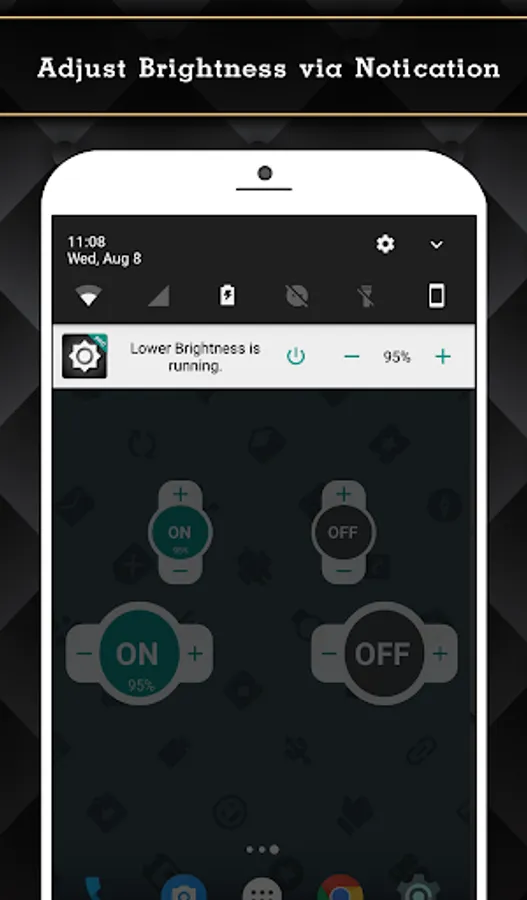
- Turn on/off and adjust brightness via notification.(Able to clear notification when service is turned off.)
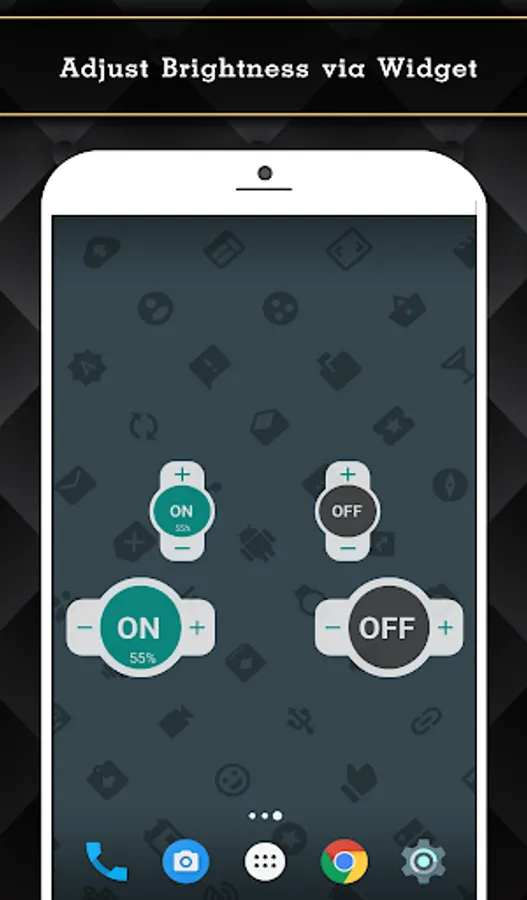
- Widget on home screen with ability to control brightness.
- Fully support for Android 8.0+ (Dim whole screen including status bar, notification panel, navigation bar and etc.)
- Quick Setting Tiles for Android 7.0+
Accessibility Service Usage
Lower Brightness Pro requires accessibility service permission in order to enable core functionality.
The application will not read the sensitive data and any content on your screen. In addition, the application will not collect and share the data from accessibility service with any third-party.
By enabling the service, the application will be able to dim whole screen including status bar, notification panel, navigation bar and etc.
If you disable the accessibility service, the main features cannot work properly.
If you feel the screen is so bright and you want to reduce it. You need this application called "Lower Brightness".
"Lower Brightness" application helps you reduce brightness to any level. You can set brightness level from 0% to 100% by just opening the application and choose brightness level you want.
Features
- Reduce screen brightness below the system minimum brightness
- Easy to use. Just enable and set the percent of brightness level (0-100%)
- Auto start after reboot
- Easy to use. Just choose percent of brightness you want to set.
- Small size of application.
- Also support devices that have the navigation bar on the screen.(home/back button at the bottom of the screen)
- Ask for permission in android 6.0+
This Pro version included:
- Ads free.
- Turn on/off and adjust brightness via notification.(Able to clear notification when service is turned off.)
- Widget on home screen with ability to control brightness.
- Fully support for Android 8.0+ (Dim whole screen including status bar, notification panel, navigation bar and etc.)
- Quick Setting Tiles for Android 7.0+
Accessibility Service Usage
Lower Brightness Pro requires accessibility service permission in order to enable core functionality.
The application will not read the sensitive data and any content on your screen. In addition, the application will not collect and share the data from accessibility service with any third-party.
By enabling the service, the application will be able to dim whole screen including status bar, notification panel, navigation bar and etc.
If you disable the accessibility service, the main features cannot work properly.