
Photaf Panorama
Bengigi
2.7 ★
68K ratings
5,000,000+
downloads
Free
+ in-app
AppRecs review analysis
AppRecs rating 2.6. Trustworthiness 64 out of 100. Review manipulation risk 35 out of 100. Based on a review sample analyzed.
★★☆☆☆
2.6
AppRecs Rating
Ratings breakdown
5 star
30%
4 star
10%
3 star
7%
2 star
9%
1 star
44%
What to know
⚠
Ad complaints
Many low ratings mention excessive ads
⚠
Mixed user feedback
Average 2.7★ rating suggests room for improvement
⚠
High negative review ratio
53% of sampled ratings are 1–2 stars
About Photaf Panorama
Photaf - The best Android App for creating panoramas
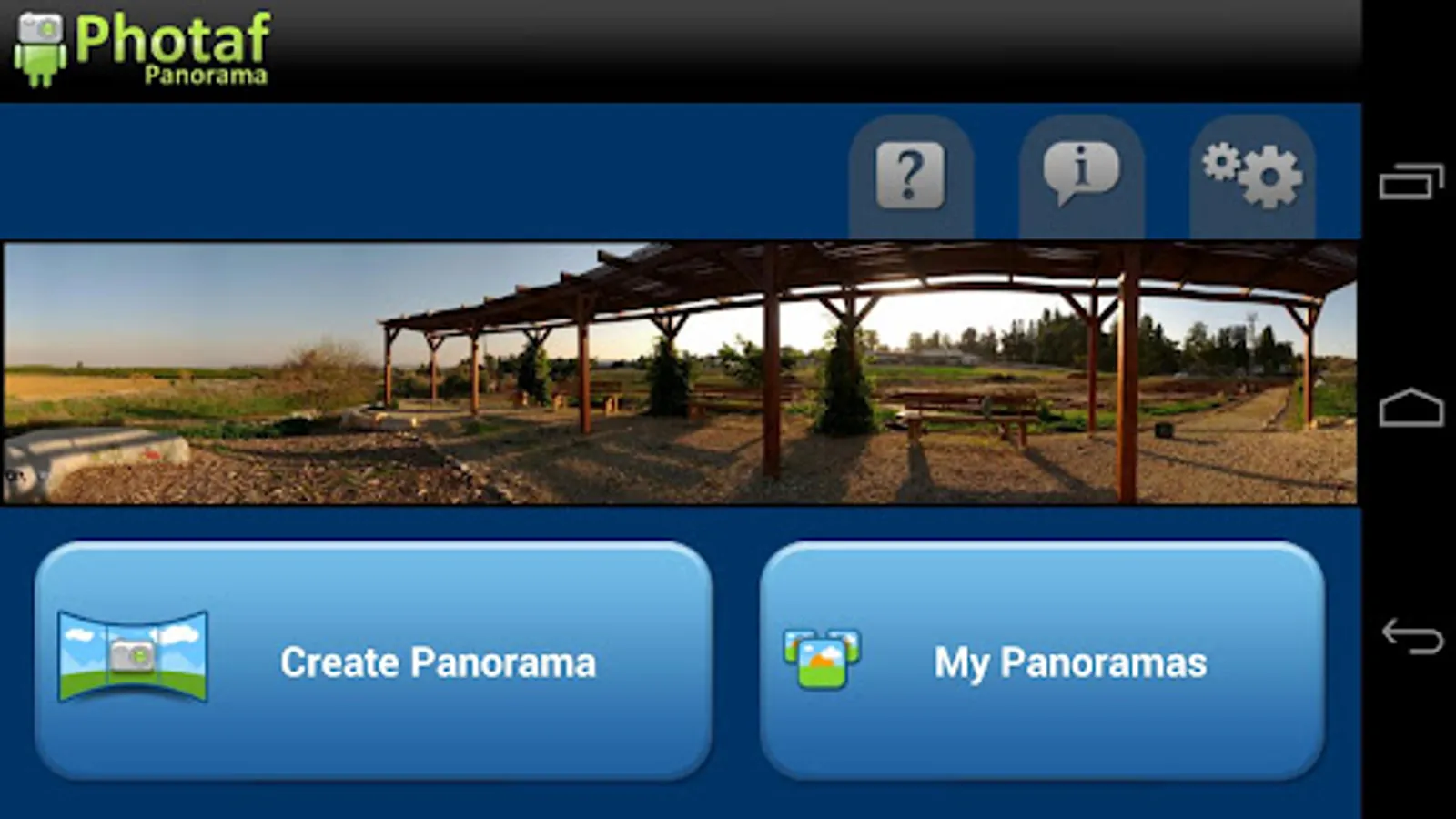
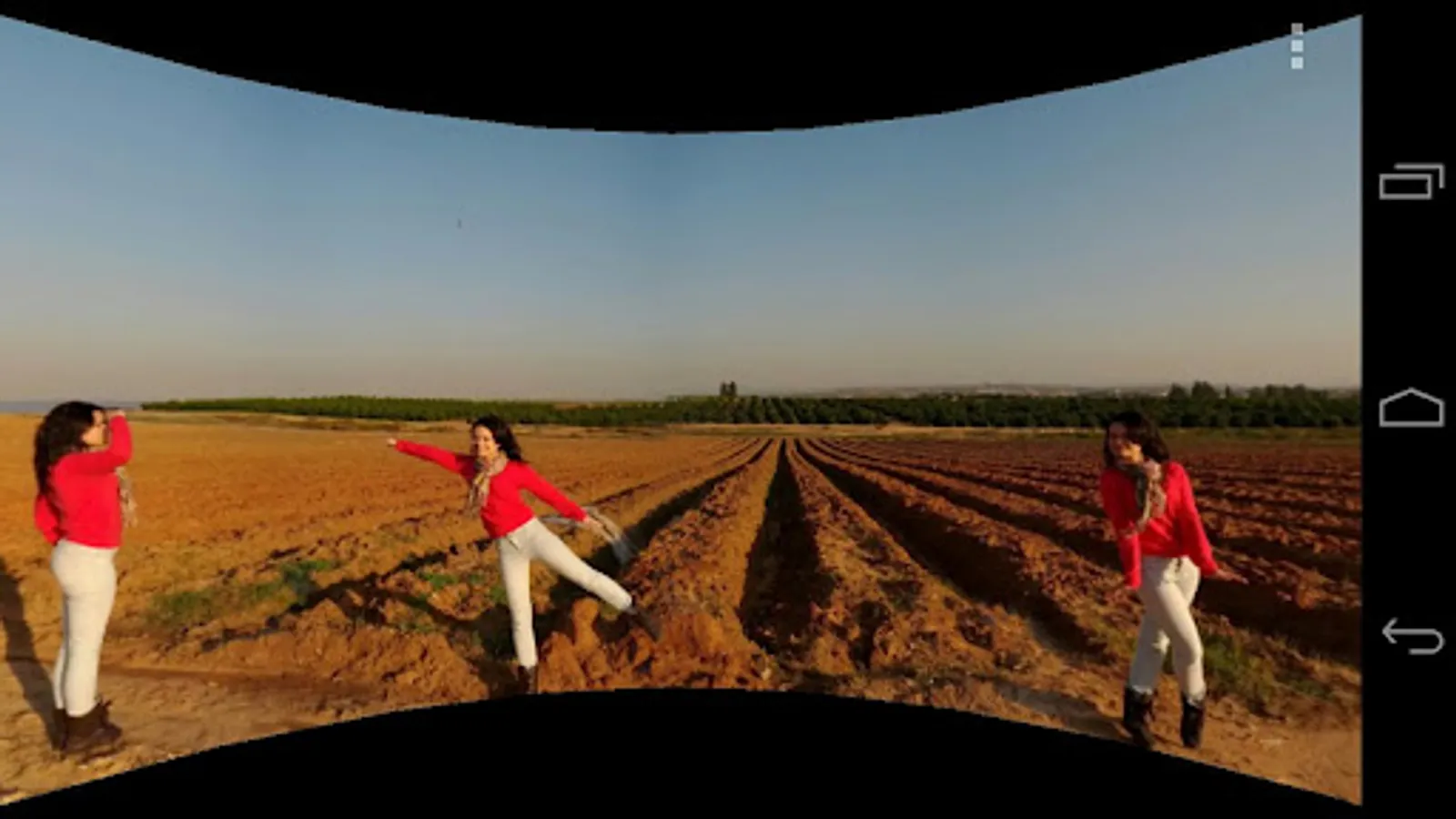
Create beautiful, seamless 360 panoramic photos easily by utilizing the camera and the orientation sensor to know the exact angle each picture was taken.
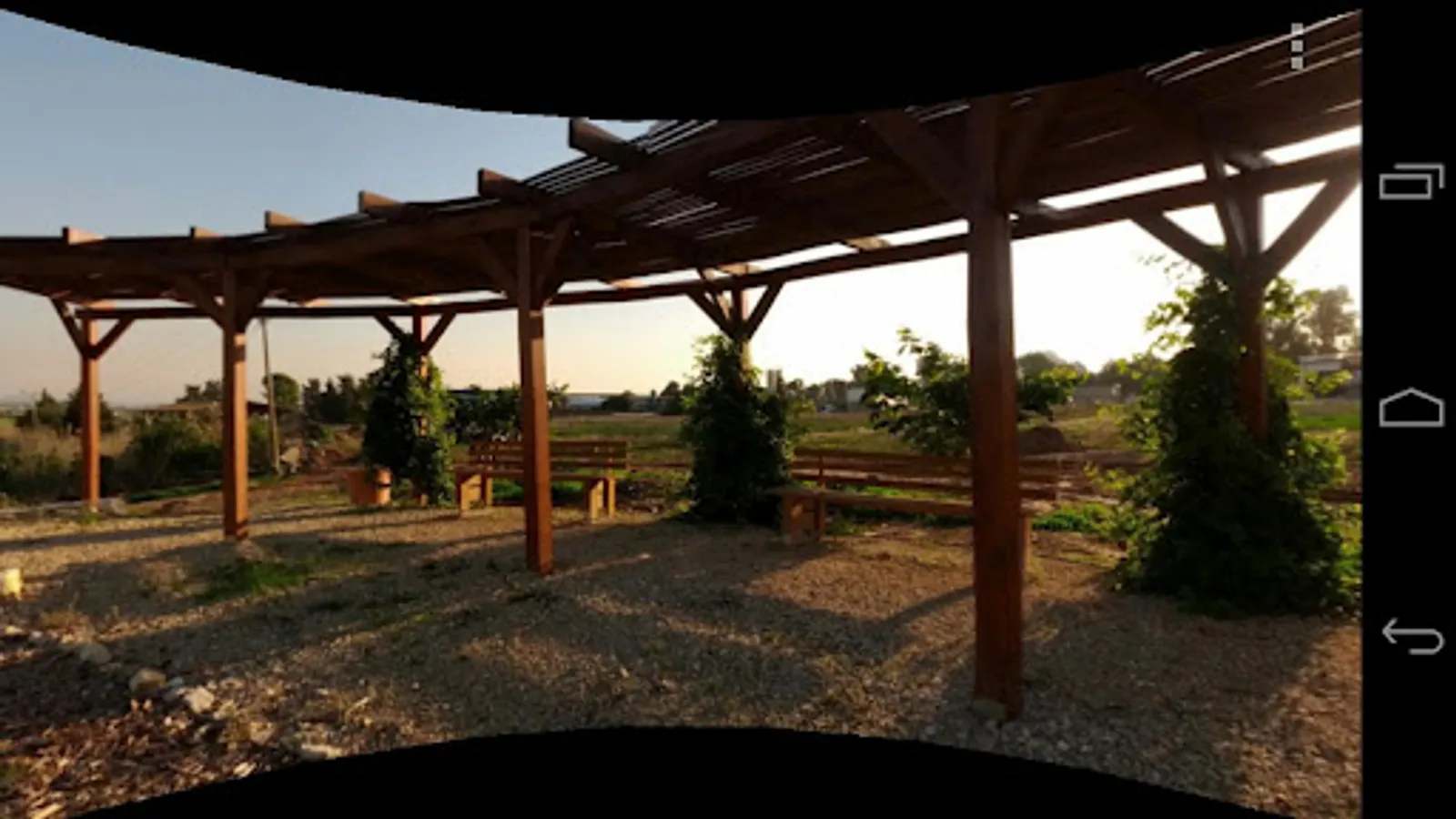
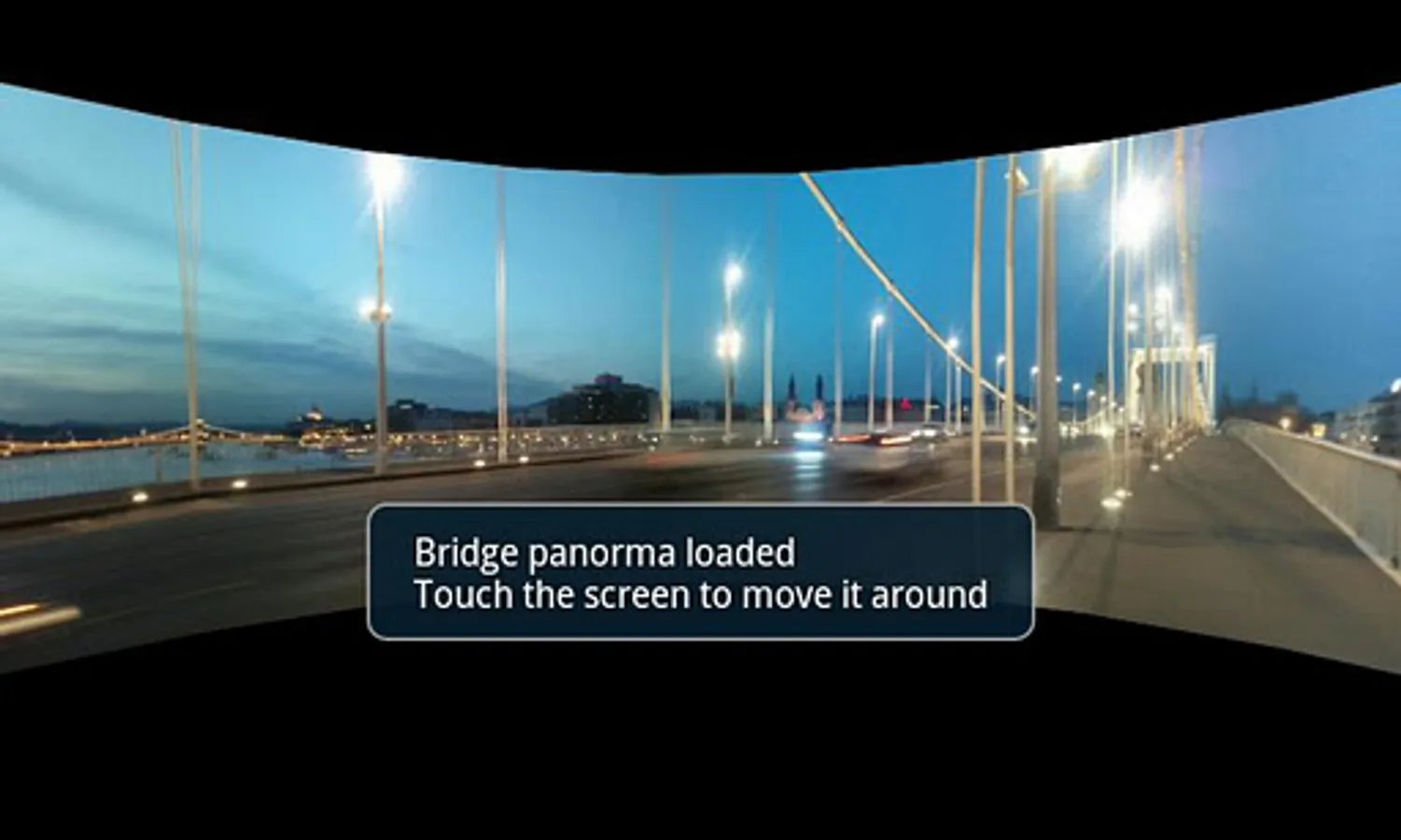
When done, you can move your phone around to see the complete panoramic view by using the phone's compass or the touch screen.
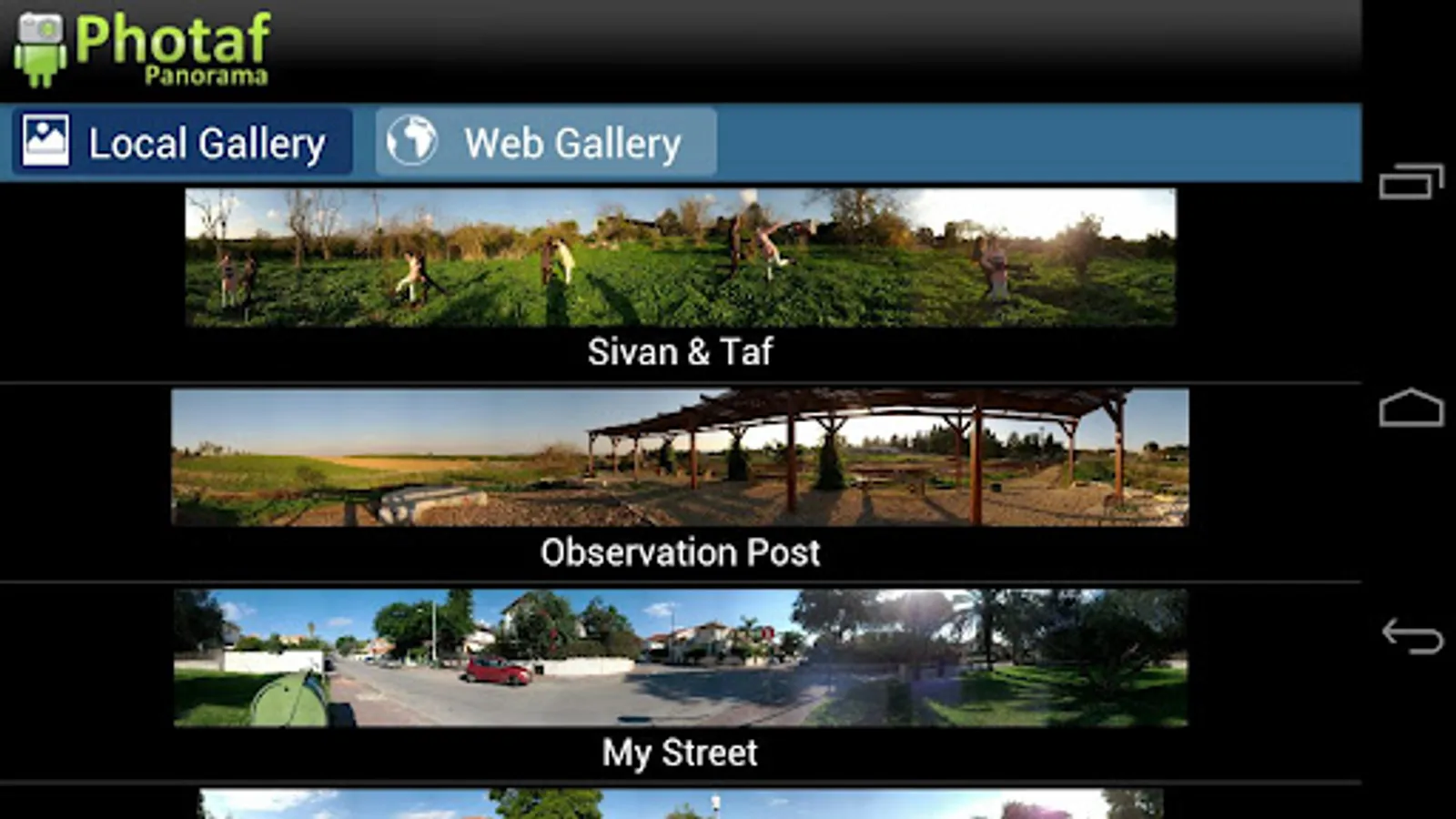
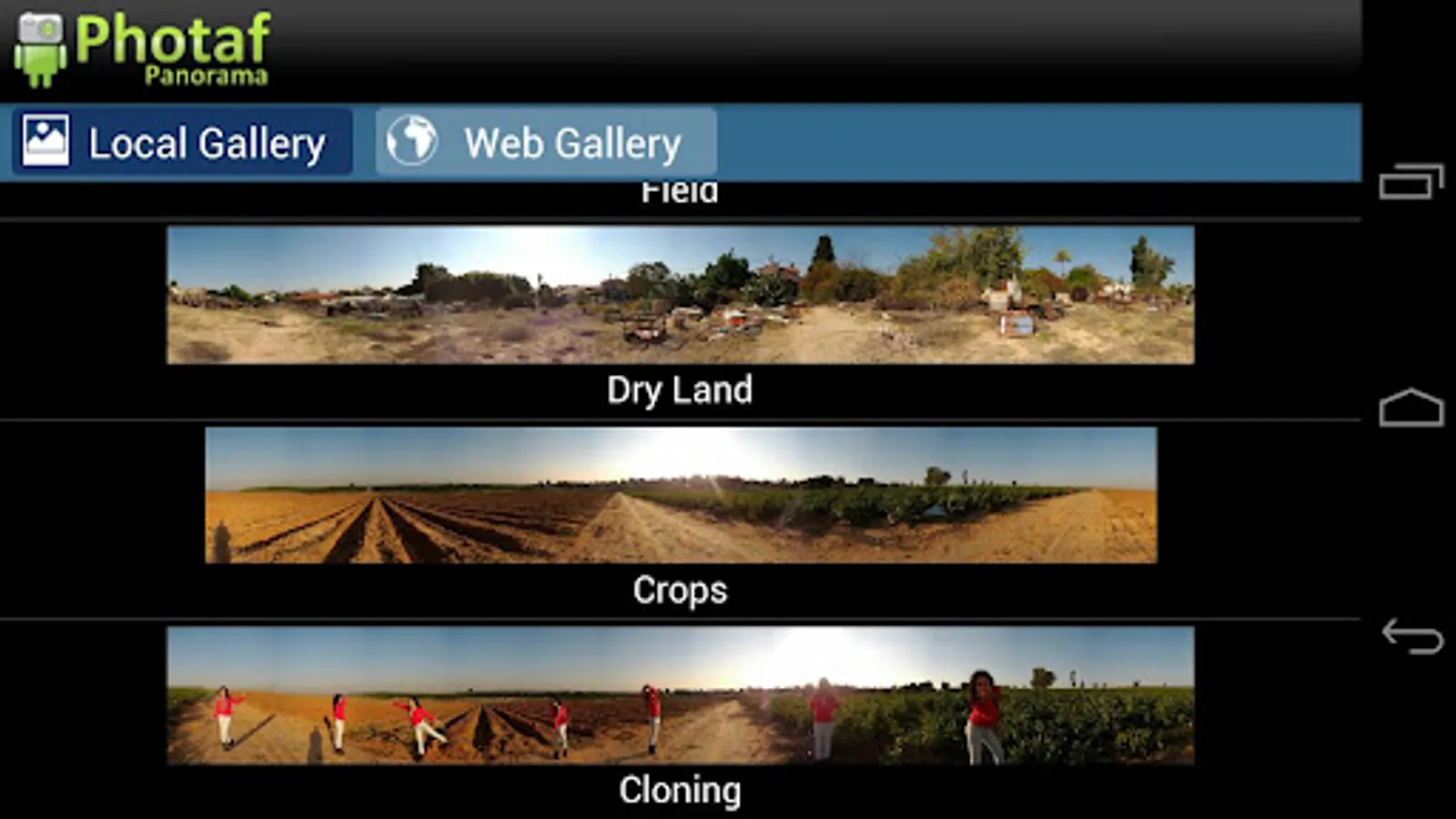
View Photaf's online panoramas gallery and get tips for taking better panoramas at www.photaf.com website.
Features:
● Automatic Image Stitching
● 360 Panorama creation
● Upload to Photaf.com website and view it from your computer!
● Facebook Share - Share panoramas with your friends!
● Pinch to Zoom
● Move to SD
● Export to gallery folder
The following features are only included in the Pro version:
----------------------------------------------------------------------------------
● Ad Free (Pro version)
● Set as Live wallpaper (Pro version)
● HD Mode (Pro Version)
● Use Camera in portrait mode (Pro Version)
Please read the troubleshooting section bellow as it may help with common problems.
Common issues and troubleshooting:
● Cannot take the next picture Sensor inaccurately follows movement
This is a compass calibration problem, goto Photaf picture taking mode and before taking the first picture, wave your phone in a figure 8 pattern to reset the magnetometer in your device.
● Cannot create file, make sure to use a valid file name
Usually, this is a file creation error, due to SD card either not available, full or corrupted.
This error can also popup when the specified name already exists.
Try the following:
- Use a different unique name
- Make sure the SD card is not mounted to your PC via USB
- Make sure you have enough space on your SD card
- Move some unused files from your SD to your computer, sometimes too many files on the SD can cause problems too
- Reboot your device
● Colors on the Motorola defy are wrong
Use the defy hack option, under settings. Then, restitch your panorama.
Create beautiful, seamless 360 panoramic photos easily by utilizing the camera and the orientation sensor to know the exact angle each picture was taken.
When done, you can move your phone around to see the complete panoramic view by using the phone's compass or the touch screen.
View Photaf's online panoramas gallery and get tips for taking better panoramas at www.photaf.com website.
Features:
● Automatic Image Stitching
● 360 Panorama creation
● Upload to Photaf.com website and view it from your computer!
● Facebook Share - Share panoramas with your friends!
● Pinch to Zoom
● Move to SD
● Export to gallery folder
The following features are only included in the Pro version:
----------------------------------------------------------------------------------
● Ad Free (Pro version)
● Set as Live wallpaper (Pro version)
● HD Mode (Pro Version)
● Use Camera in portrait mode (Pro Version)
Please read the troubleshooting section bellow as it may help with common problems.
Common issues and troubleshooting:
● Cannot take the next picture Sensor inaccurately follows movement
This is a compass calibration problem, goto Photaf picture taking mode and before taking the first picture, wave your phone in a figure 8 pattern to reset the magnetometer in your device.
● Cannot create file, make sure to use a valid file name
Usually, this is a file creation error, due to SD card either not available, full or corrupted.
This error can also popup when the specified name already exists.
Try the following:
- Use a different unique name
- Make sure the SD card is not mounted to your PC via USB
- Make sure you have enough space on your SD card
- Move some unused files from your SD to your computer, sometimes too many files on the SD can cause problems too
- Reboot your device
● Colors on the Motorola defy are wrong
Use the defy hack option, under settings. Then, restitch your panorama.
Photaf Panorama Screenshots
Tap to Rate:
Reviews for Photaf Panorama
Copro Spacetoon And MBC3
8/29/2025
Wabbit
Richard Andrew
11/19/2023
Not Facebook compatible. Facebook just shows it as an extremely wide and thin image, not as a panorama.