Spektrum AS3X Programmer
Horizon Hobby, LLC
1.7 ★
648 ratings
50,000+
downloads
Free
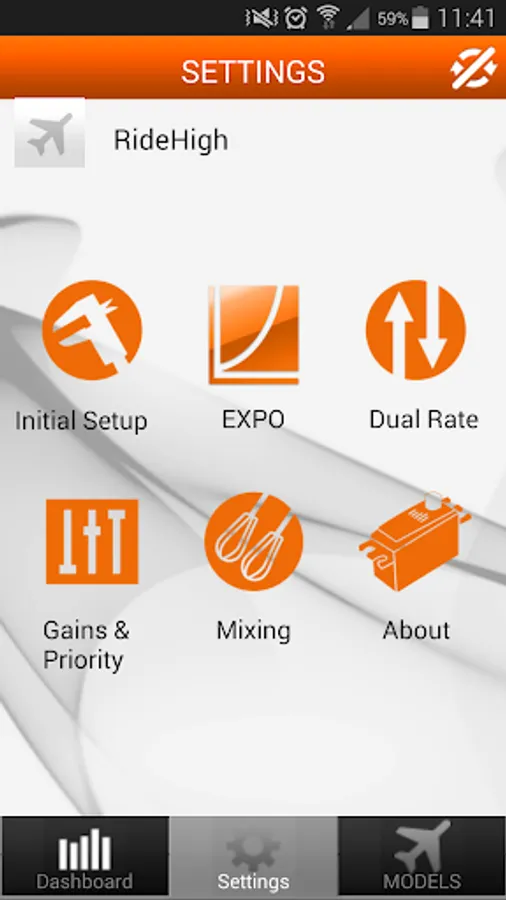
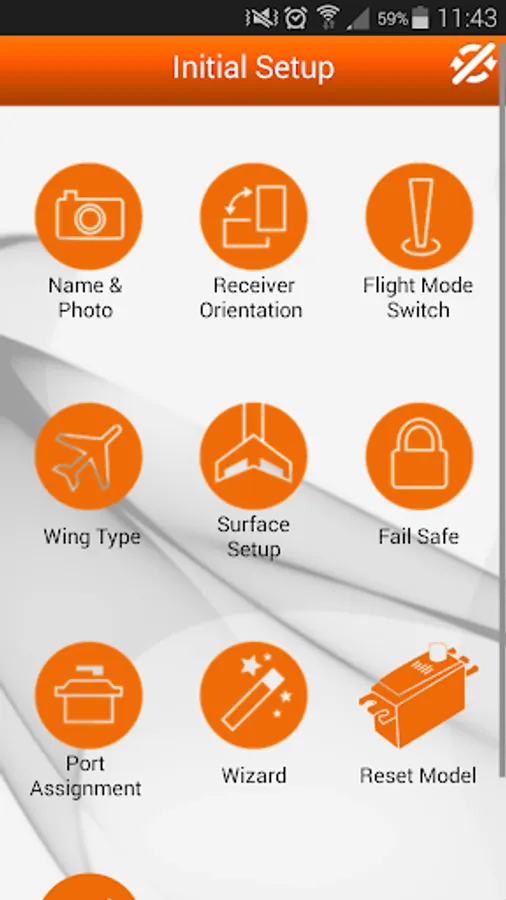
With this app, you can configure Spektrum AS3X receivers by creating flight modes, adjusting servos, and mapping outputs. Includes Bluetooth connectivity, device calibration, and gain adjustments.
AppRecs review analysis
AppRecs rating 1.6. Trustworthiness 74 out of 100. Review manipulation risk 28 out of 100. Based on a review sample analyzed.
★☆☆☆☆
1.6
AppRecs Rating
Ratings breakdown
5 star
11%
4 star
4%
3 star
4%
2 star
5%
1 star
77%
What to know
✓
Low review manipulation risk
28% review manipulation risk
⚠
Mixed user feedback
Average 1.7★ rating suggests room for improvement
⚠
High negative review ratio
82% of sampled ratings are 1–2 stars
About Spektrum AS3X Programmer
Spektrum AS3X Programmer
Horizon Hobby LLC.
Description
A Spektrum AS3X Bluetooth Adapter is required for Android device use. Part number SPMBT1000 available at your local hobby shop or HorizonHobby.com
The Audio Cable (SPMA3081) or the USB Cable (SPMA3065) No longer functions with the latest version of the Android compatible Spektrum AS3X Programmer App
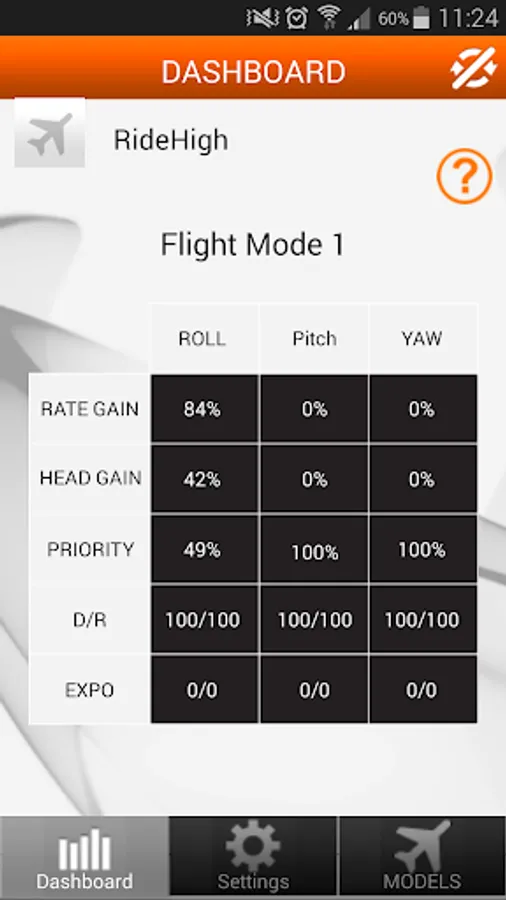
This free AS3X® programming app is for use with the next generation Spektrum™ AS3X receivers. Using its intuitive graphical interface you can:
- Create different AS3X flight modes
- Activate different wing and tail mixes
- Make servo adjustments: reverse, subtrim, travel and balance
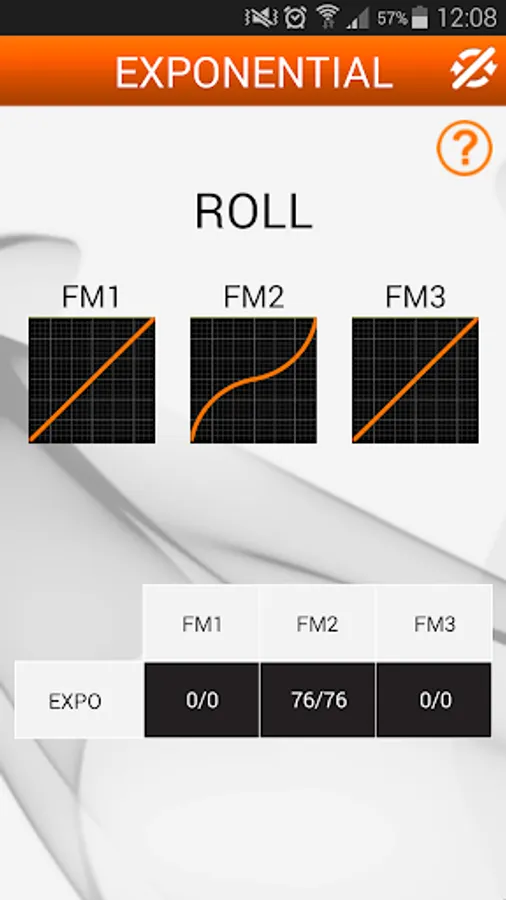
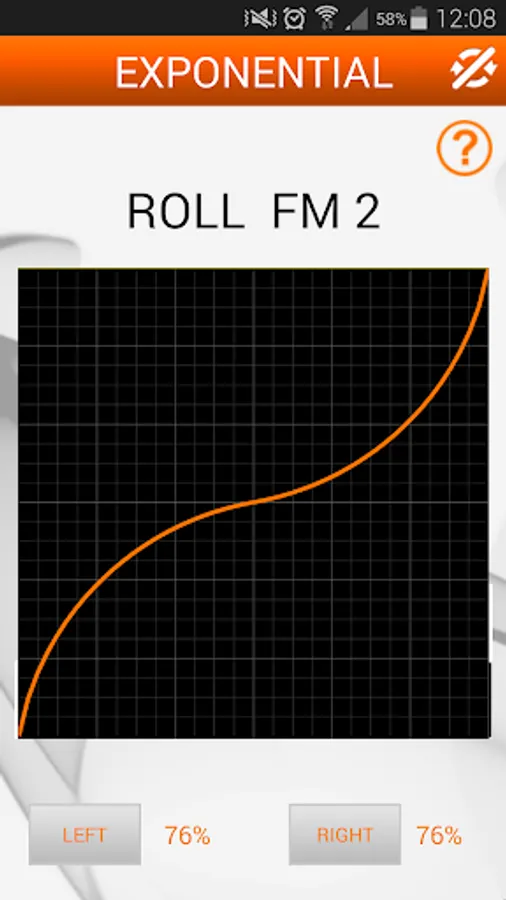
- Adjust dual rate and expo
- Map output for each channel
- Make gain adjustments
And more!
It is compatible with the following Spektrum AS3X receivers:
- AR6335 6-Channel Nanolite (SPMAR6335)
- AR636 6-Channel Sport (SPMAR636)
- AR7350 7-Channel (SPMAR7350)
- AR9350 9-Channel (SPMAR9350)
What is AS3X Technology?
AS3X (Artificial Stabilization – 3-aXis) technology is a combination of 3-axis sensors and exclusive software that works behind the scenes to smooth out the effects of disruptive forces like turbulence and torque. It doesn’t limit your control or fly the plane for you. You simply feel like you’re flying an expertly tuned model that does exactly what you want.
©2014 Horizon Hobby, LLC. AS3X is a registered trademark of Horizon Hobby, LLC. The Spektrum trademark is used with permission of Bachmann Industries, Inc. All other trademarks, service marks and logos are properties of their respective owners.
Horizon Hobby LLC.
Description
A Spektrum AS3X Bluetooth Adapter is required for Android device use. Part number SPMBT1000 available at your local hobby shop or HorizonHobby.com
The Audio Cable (SPMA3081) or the USB Cable (SPMA3065) No longer functions with the latest version of the Android compatible Spektrum AS3X Programmer App
This free AS3X® programming app is for use with the next generation Spektrum™ AS3X receivers. Using its intuitive graphical interface you can:
- Create different AS3X flight modes
- Activate different wing and tail mixes
- Make servo adjustments: reverse, subtrim, travel and balance
- Adjust dual rate and expo
- Map output for each channel
- Make gain adjustments
And more!
It is compatible with the following Spektrum AS3X receivers:
- AR6335 6-Channel Nanolite (SPMAR6335)
- AR636 6-Channel Sport (SPMAR636)
- AR7350 7-Channel (SPMAR7350)
- AR9350 9-Channel (SPMAR9350)
What is AS3X Technology?
AS3X (Artificial Stabilization – 3-aXis) technology is a combination of 3-axis sensors and exclusive software that works behind the scenes to smooth out the effects of disruptive forces like turbulence and torque. It doesn’t limit your control or fly the plane for you. You simply feel like you’re flying an expertly tuned model that does exactly what you want.
©2014 Horizon Hobby, LLC. AS3X is a registered trademark of Horizon Hobby, LLC. The Spektrum trademark is used with permission of Bachmann Industries, Inc. All other trademarks, service marks and logos are properties of their respective owners.
Spektrum AS3X Programmer Screenshots
Tap to Rate:
Reviews for Spektrum AS3X Programmer
Glenn Wray
5/17/2025
fix the app to use android users. not everybody owns an iphone
Rich Brown
11/11/2024
Keeps crashing since trying to use Bluetooth capability with the Spektrum module. Now it crashes immediately, when I press "Models" or "settings"