In this app, you can share USB devices from an Android device to a PC via USB/IP by running the server and managing device connections. Includes support for various USB devices, device listing, and permission management.
AppRecs review analysis
AppRecs rating 3.9. Trustworthiness 65 out of 100. Review manipulation risk 40 out of 100. Based on a review sample analyzed.
★★★☆☆
3.9
AppRecs Rating
Ratings breakdown
5 star
61%
4 star
9%
3 star
7%
2 star
4%
1 star
19%
What to know
✓
Authentic reviews
Natural distribution, no red flags
⚠
Questionable review patterns
40% review manipulation risk - some review patterns appear unusual
⚠
Review quality concerns
69% of sampled 5-star reviews are very short
About USB/IP Server
This app shares USB devices from an Android device to a PC via USB/IP. With this server running, you can share many USB devices from your Android device to a PC running the USB/IP software. Not all USB devices are supported by this app. Notably, devices that use isochronous transfers (usually video and audio capture devices) are not supported. If you find that your device is not supported, send me an e-mail and I'll see if I can do something about it.
This app uses native Android USB host APIs, so it does not require root. However, this app is not for the faint of heart because it requires some PC-side setup can be complex for inexperienced users.
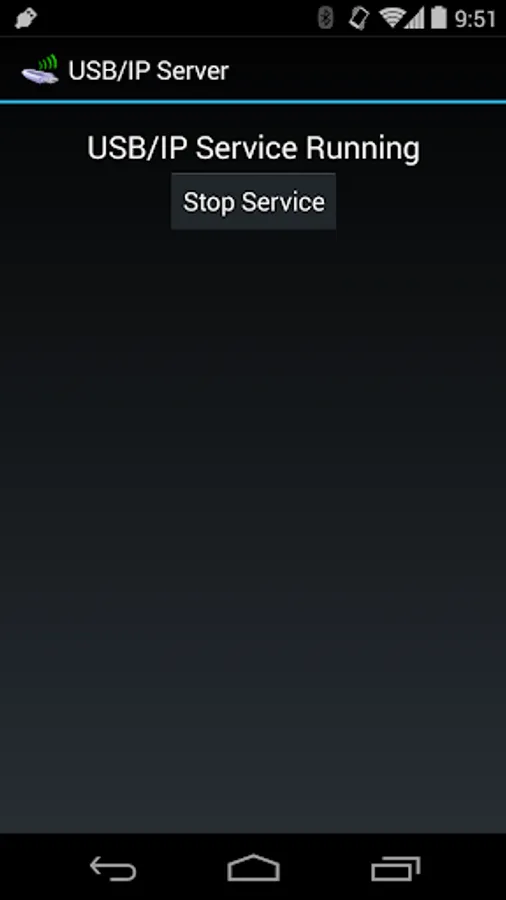
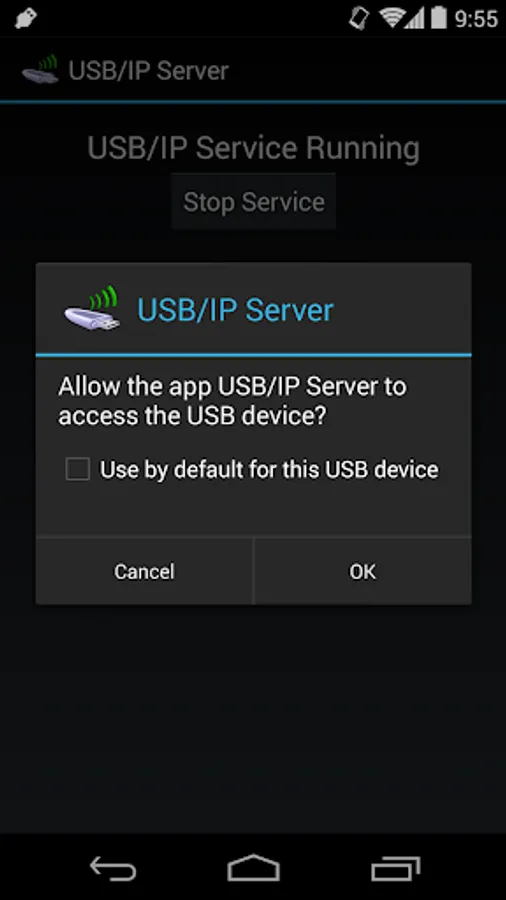
With the app's USB/IP service running, you will be able to list USB devices connected to your Android device from your PC using the usbip utility. When you try to attach to them from your PC, the USB permission dialog will be displayed on your Android device. After you accept the permission dialog, the device will attach to your PC.
Per the USB/IP specification, this app listens for TCP connections on port 3240. While the service is running, it will hold a partial wakelock and Wi-Fi lock to prevent the device from sleeping or disconnecting while serving USB devices on the network.
This app is compatible with Linux's USB/IP driver in the latest kernel and the current Windows USB/IP driver. I've found that this app tends to work better with the Windows driver. Particularly, it seems mass storage and MTP are broken on Linux but work fine on Windows. USB input devices have worked equally well on both platforms in my testing.
Some USB input devices aren't exposed by Android at all, particularly external mice and keyboards I've tested. These cannot be shared.
Tested devices:
T-Flight Hotas X (flight stick) - working on Windows and Linux
Xbox 360 Wireless Receiver - working on Windows and Linux
MTP device (Android phone) - working on Windows but not Linux
Corsair Flash Voyager (flash drive) - working on Windows but not Linux
iPhone - broken on Linux and Windows
USB mouse - does not appear in device list
USB keyboard - does not appear in device list
This app uses native Android USB host APIs, so it does not require root. However, this app is not for the faint of heart because it requires some PC-side setup can be complex for inexperienced users.
With the app's USB/IP service running, you will be able to list USB devices connected to your Android device from your PC using the usbip utility. When you try to attach to them from your PC, the USB permission dialog will be displayed on your Android device. After you accept the permission dialog, the device will attach to your PC.
Per the USB/IP specification, this app listens for TCP connections on port 3240. While the service is running, it will hold a partial wakelock and Wi-Fi lock to prevent the device from sleeping or disconnecting while serving USB devices on the network.
This app is compatible with Linux's USB/IP driver in the latest kernel and the current Windows USB/IP driver. I've found that this app tends to work better with the Windows driver. Particularly, it seems mass storage and MTP are broken on Linux but work fine on Windows. USB input devices have worked equally well on both platforms in my testing.
Some USB input devices aren't exposed by Android at all, particularly external mice and keyboards I've tested. These cannot be shared.
Tested devices:
T-Flight Hotas X (flight stick) - working on Windows and Linux
Xbox 360 Wireless Receiver - working on Windows and Linux
MTP device (Android phone) - working on Windows but not Linux
Corsair Flash Voyager (flash drive) - working on Windows but not Linux
iPhone - broken on Linux and Windows
USB mouse - does not appear in device list
USB keyboard - does not appear in device list
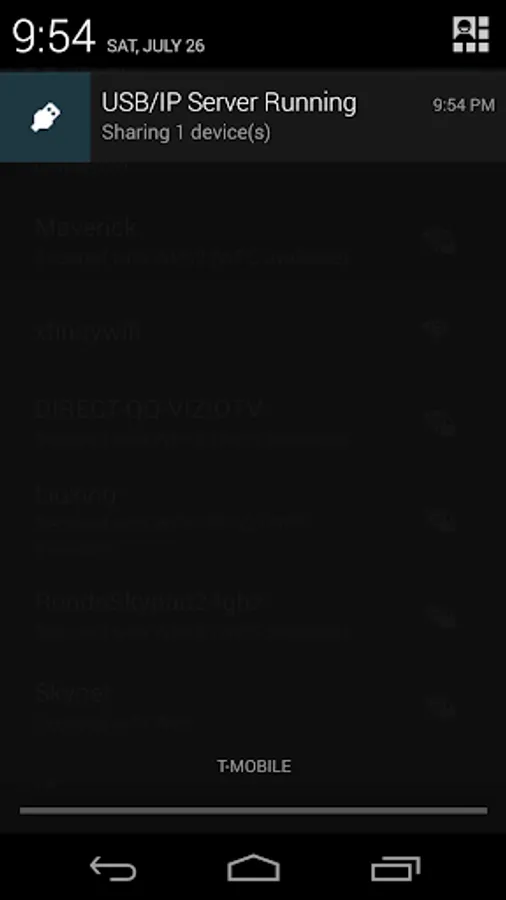
USB/IP Server Screenshots
Tap to Rate:
Reviews for USB/IP Server
Mohammad Tanvir Ahmed
2/14/2023
Not working
Daniel Peaslee
11/14/2022
Works for basic functionality, but it can only be started manually and requires that you approve each connection. This is not ideal for a permanent connection.