In this drawing app, users create artwork using pressure-sensitive and multitouch tools. Includes adjustable brushes, sharing options, and zoom features.
AppRecs review analysis
AppRecs rating 4.1. Trustworthiness 76 out of 100. Review manipulation risk 24 out of 100. Based on a review sample analyzed.
★★★★☆
4.1
AppRecs Rating
Ratings breakdown
5 star
62%
4 star
11%
3 star
10%
2 star
7%
1 star
10%
What to know
✓
Low review manipulation risk
24% review manipulation risk
✓
Credible reviews
76% trustworthiness score from analyzed reviews
✓
High user satisfaction
73% of sampled ratings are 4+ stars (4.1★ average)
About Markers
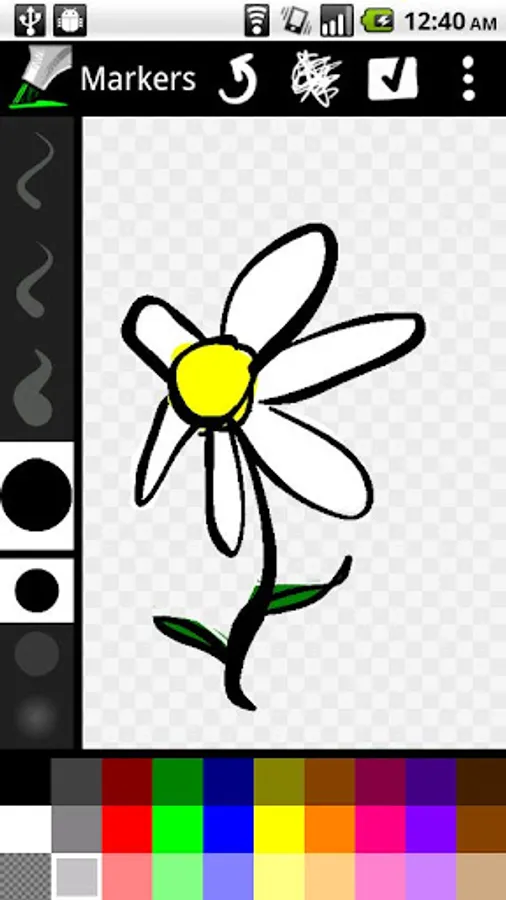
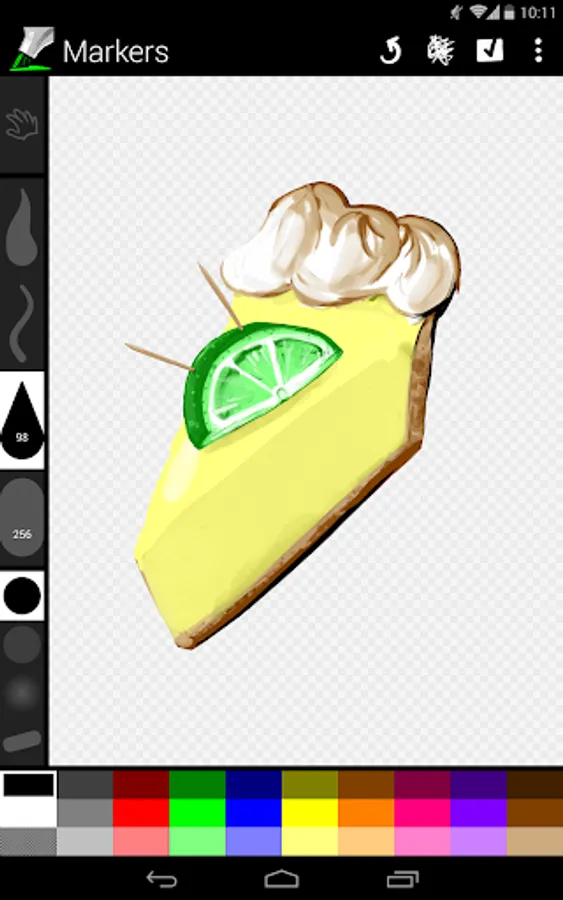
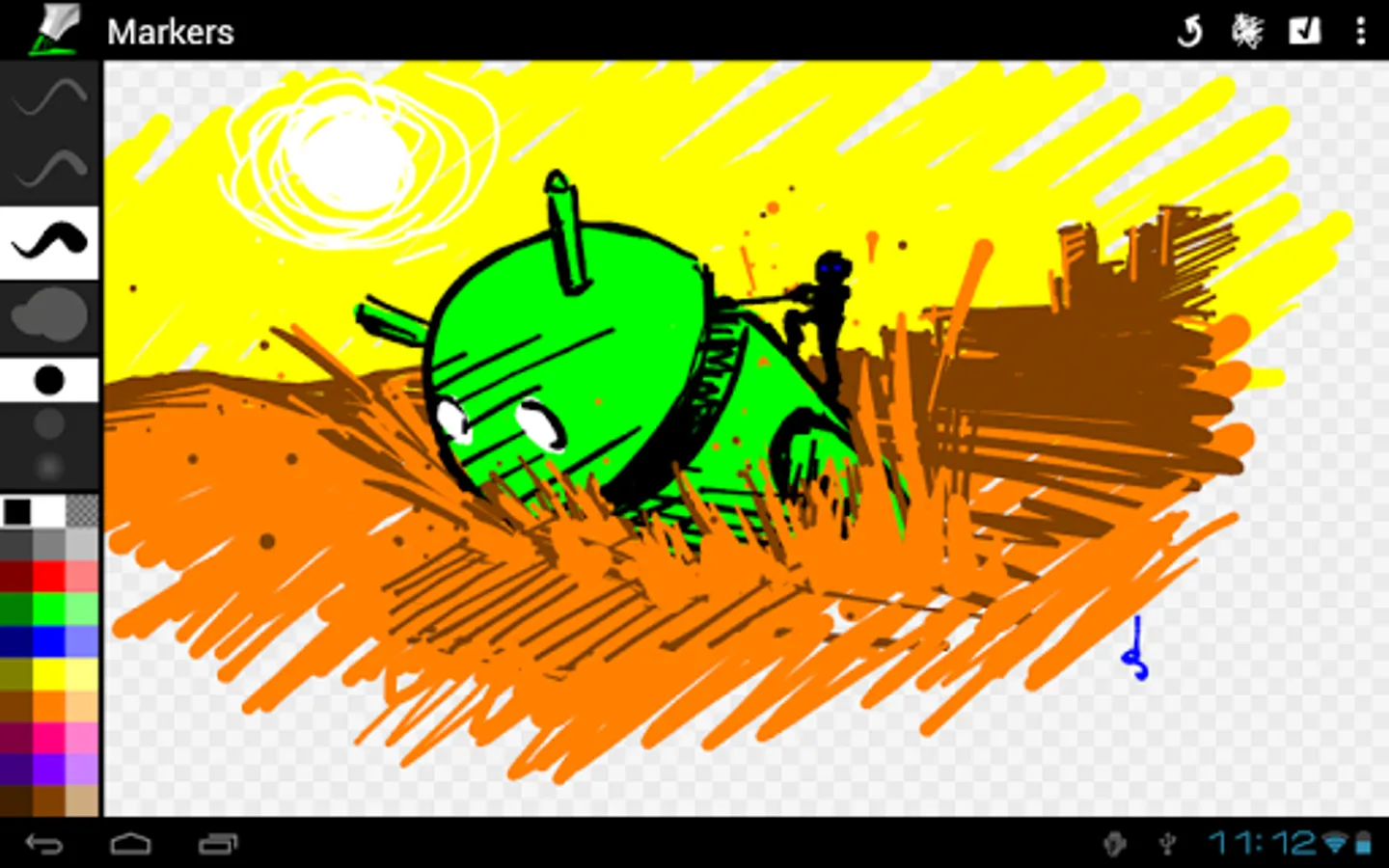
Markers is a simple, multitouch, pressure-sensitive drawing app. Some of its features include:
Questions? Bugs? Ideas? Click “Email Developer” below.
Got a great drawing to share with the world? Share it with +Markers on Google+: http://dsandler.org/markers/+
Markers is open source software; the code is available here: http://dsandler.org/markers
Thanks for all your kind words and support! ♥
FAQ
- Pressure sensitivity that works with most Android devices: As more of your finger or capacitive stylus touches the glass, Markers will draw a thicker line. NOTE: It may take a minute or two of continuous drawing for Markers to adjust to your device’s touch panel, so be patient! (If your device has an active stylus, like the Galaxy Note or HTC Flyer, the true stylus pressure will be used instead.)
- Multitouch painting: Two fingers make two lines, three make three, and so on, up to the limits of your device (typically 5 simultaneous touches for phones and 10 for tablets).
- Kid-friendly interface: Every pen size and color is on-screen; multitouch drawing means accidental touches (such as kid hands on the edges of the display) won't prevent any little fingers from painting.
- Plays well with others: Share your drawings to other apps, and share images into Markers to draw on top of them.
- [New in 1.2] Pan and zoom: By far the #1 most requested Markers feature! Tap the hand tool to switch into zoom mode; use one finger to scroll and two to zoom.
- [New in 1.2] Adjustable brushes: Longpress a brush and drag to adjust the minimum and maximum widths.
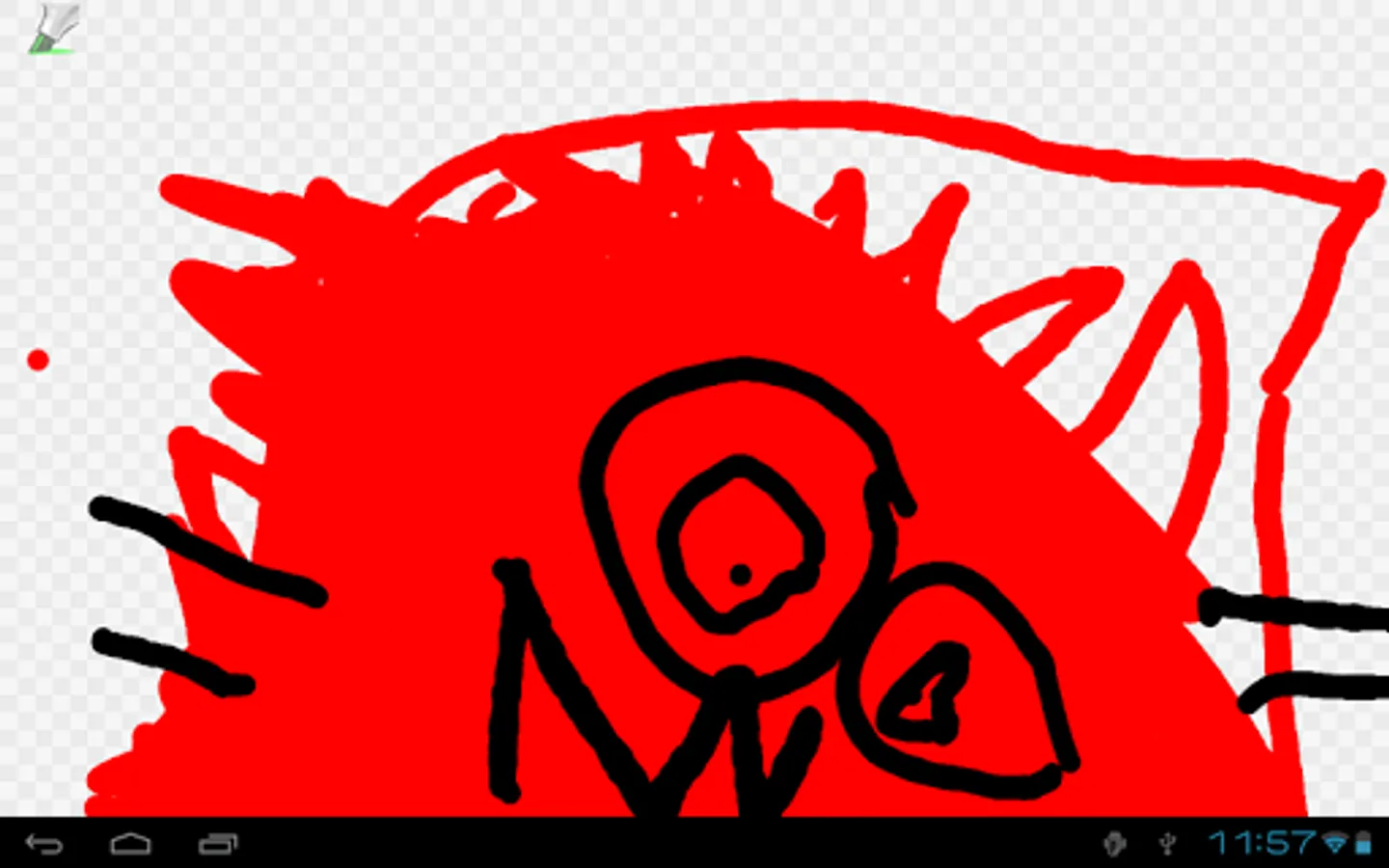
- [New in 1.2] Android 4.4 (KitKat) immersive mode: When you tap the Markers icon to hide the palettes, the status and navigation bars hide too; you can use the entire screen to draw. Tap the icon to show everything again.
Questions? Bugs? Ideas? Click “Email Developer” below.
Got a great drawing to share with the world? Share it with +Markers on Google+: http://dsandler.org/markers/+
Markers is open source software; the code is available here: http://dsandler.org/markers
Thanks for all your kind words and support! ♥
FAQ
- Why is my drawing all black when I save it to Gallery? — The drawing is actually on a transparent background, so you're seeing Gallery's black background through it. When you load it back into Markers or send it to another app, you'll see that the drawing is intact. If you'd prefer an opaque background, longpress on a color swatch in the palette to set the paper color.
- What's up with the pressure sensitivity on my device? — See http://code.google.com/p/markers-for-android/wiki/DeviceSupport for known issues about individual devices.
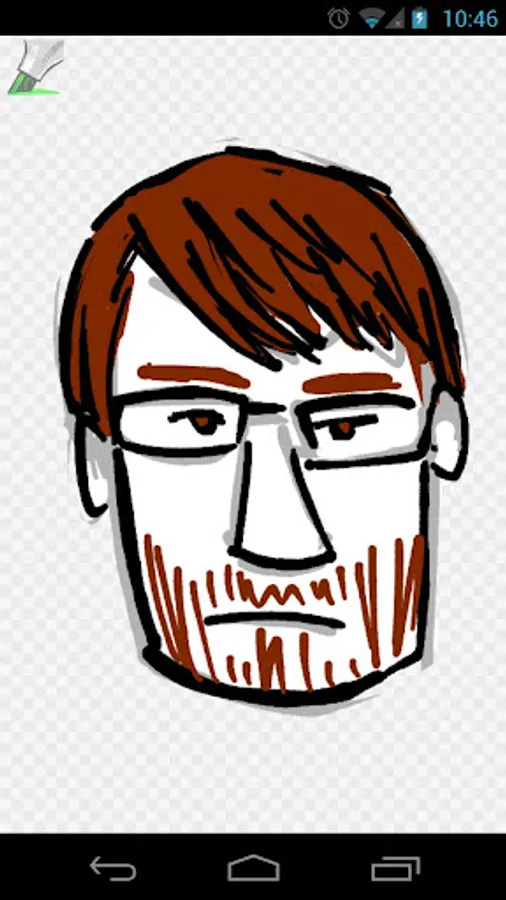
Markers Screenshots
Tap to Rate:
Reviews for Markers
Joe McKenzie
11/26/2025
Was neat but after the recent update, save button says drawing saved, but it isn't. Share no longer does anything. And if you use the hand to move the drawing around, tiny gaps appear between the tiles the image is stored internally as.
Kara Angela Medecielo
9/10/2025
THIS APP IS SO COOL!!!! IKR! :)