FreeGeo Mathematics
Free
rated 3.7 stars
100,000+
downloads
About FreeGeo Mathematics
Create geometric constructions and move, scale or rotate them with one or more fingers.
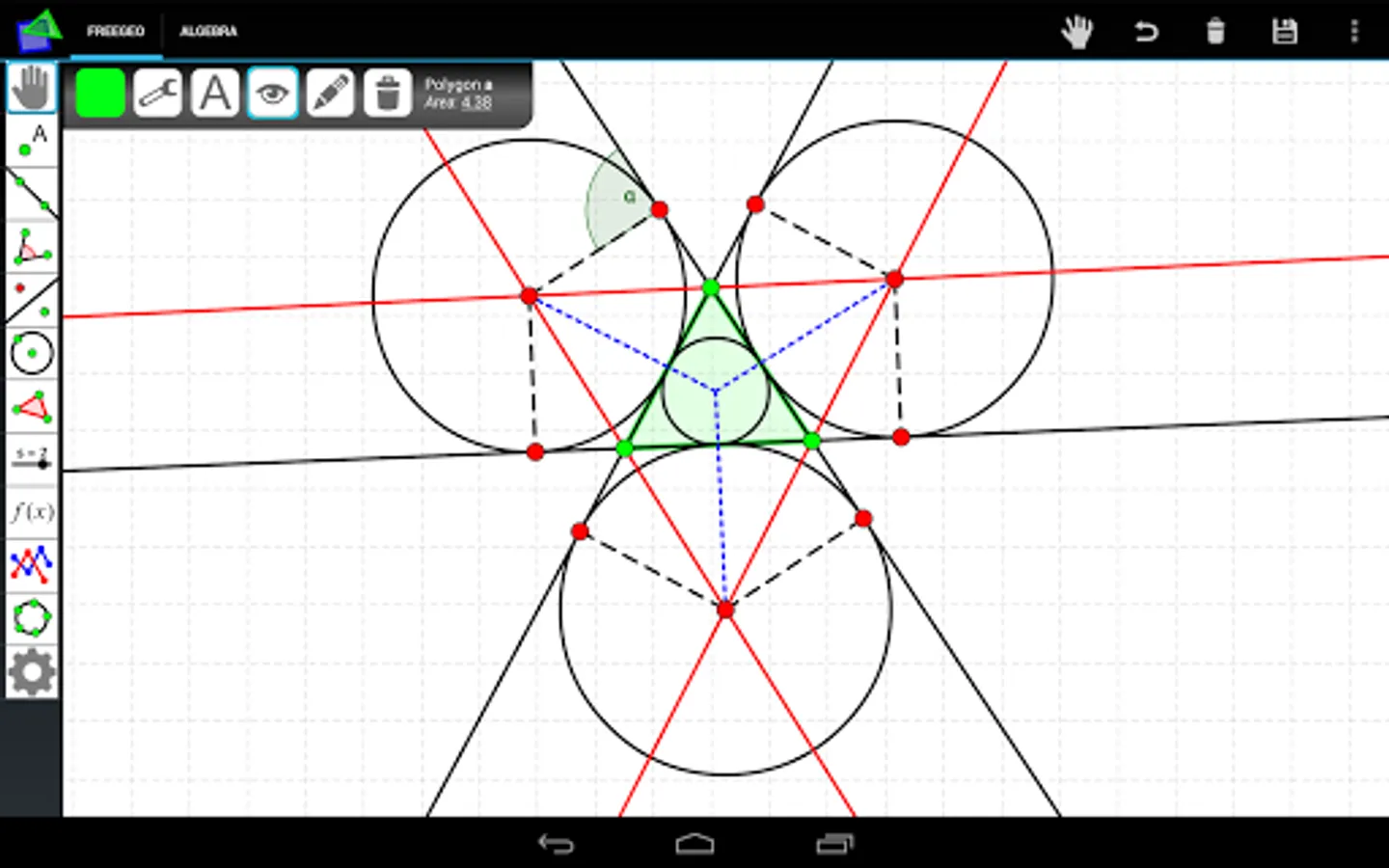
With the Freehandmode you can additional build your lines, circles, squares, rectangles and many more by drawing them on the screen. The system will detect it and create the object for you! For example, you can draw a freehand circle through three given points to create their circum circle.
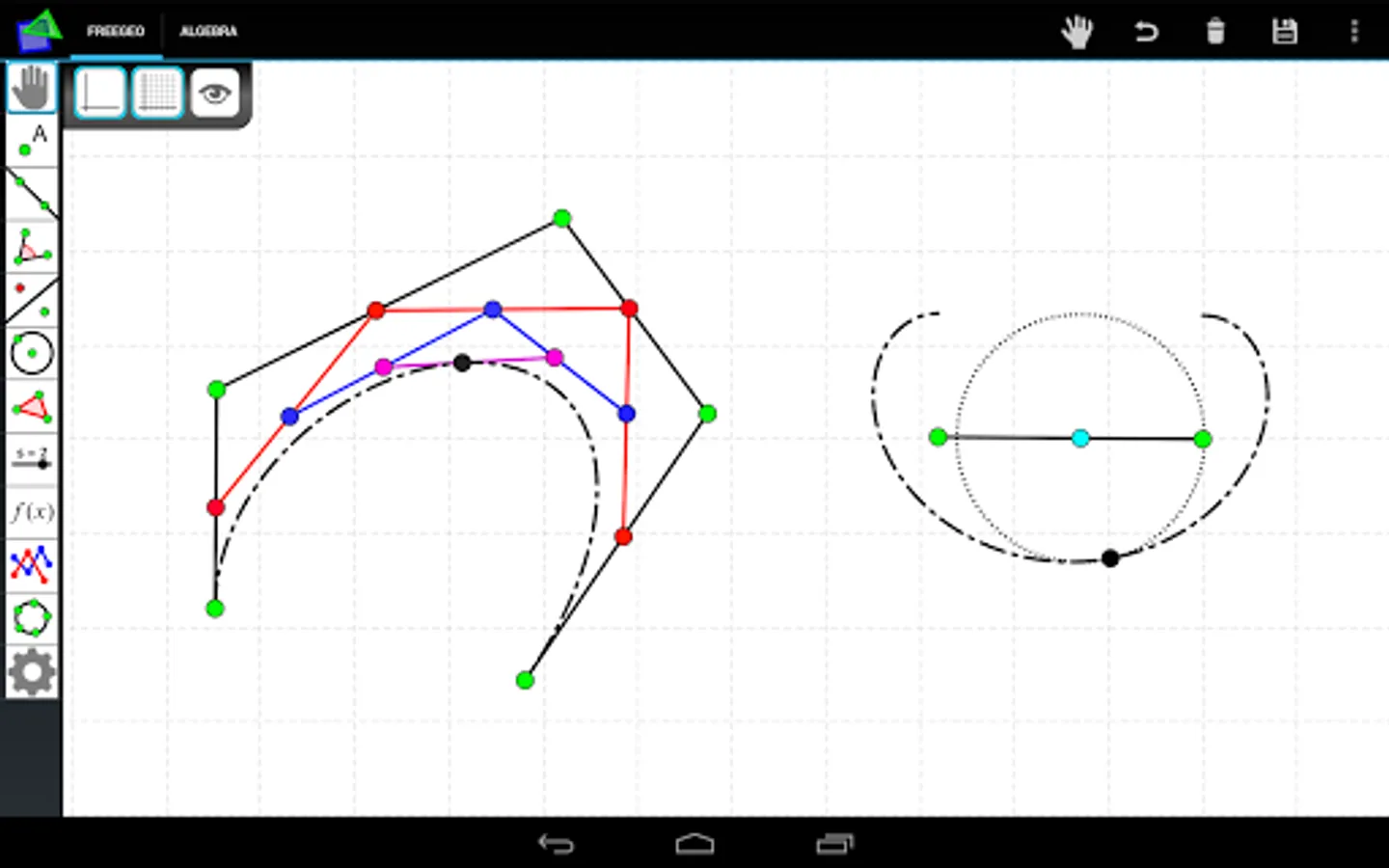
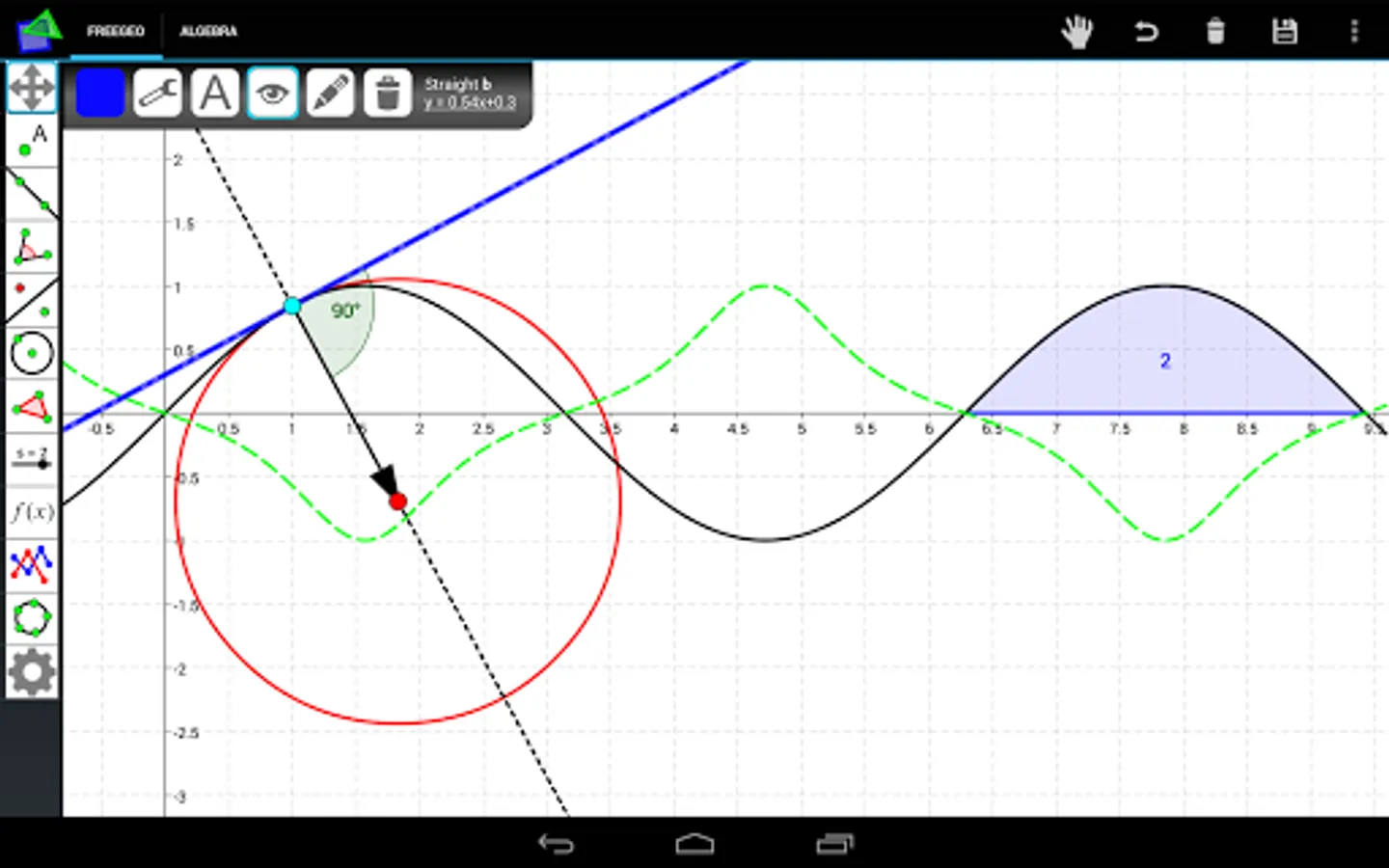
Furthermore, you can create even complicated mathematical projects by using one of 70 tools to add different points, circles, lines (Perpendicular bisectors, Orthogonal lines, Tangents, etc.), conics, angles, functions and many more.
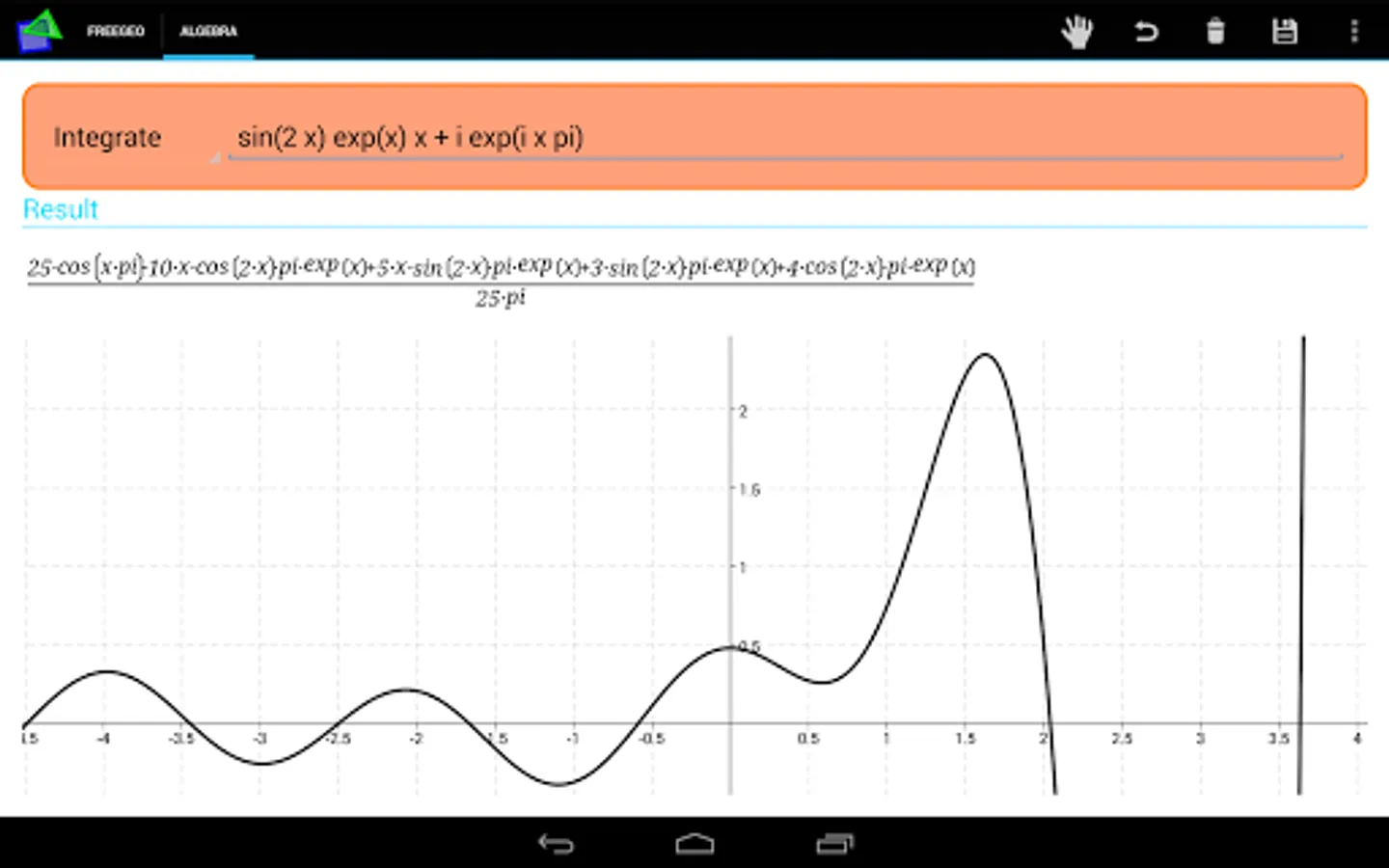
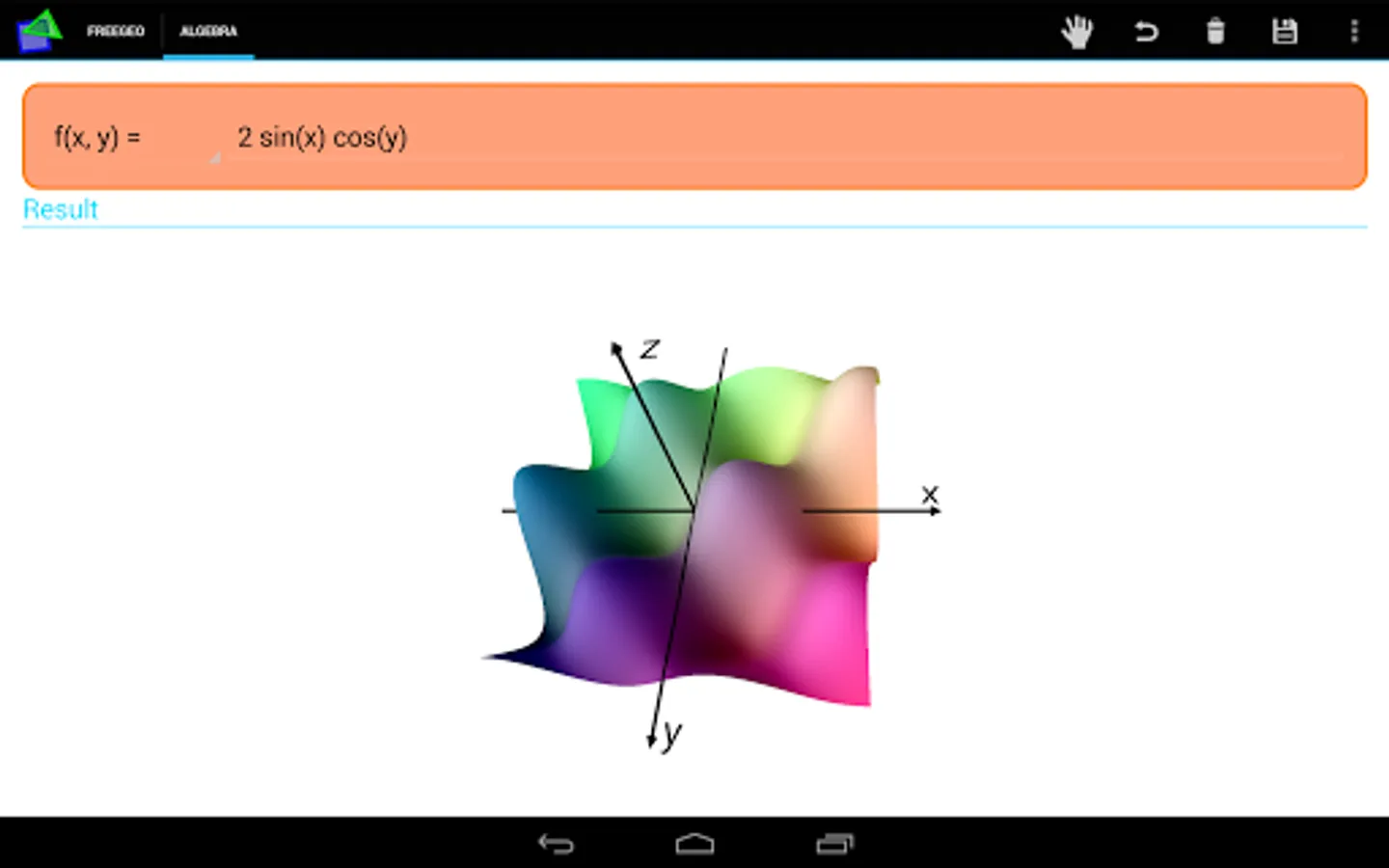
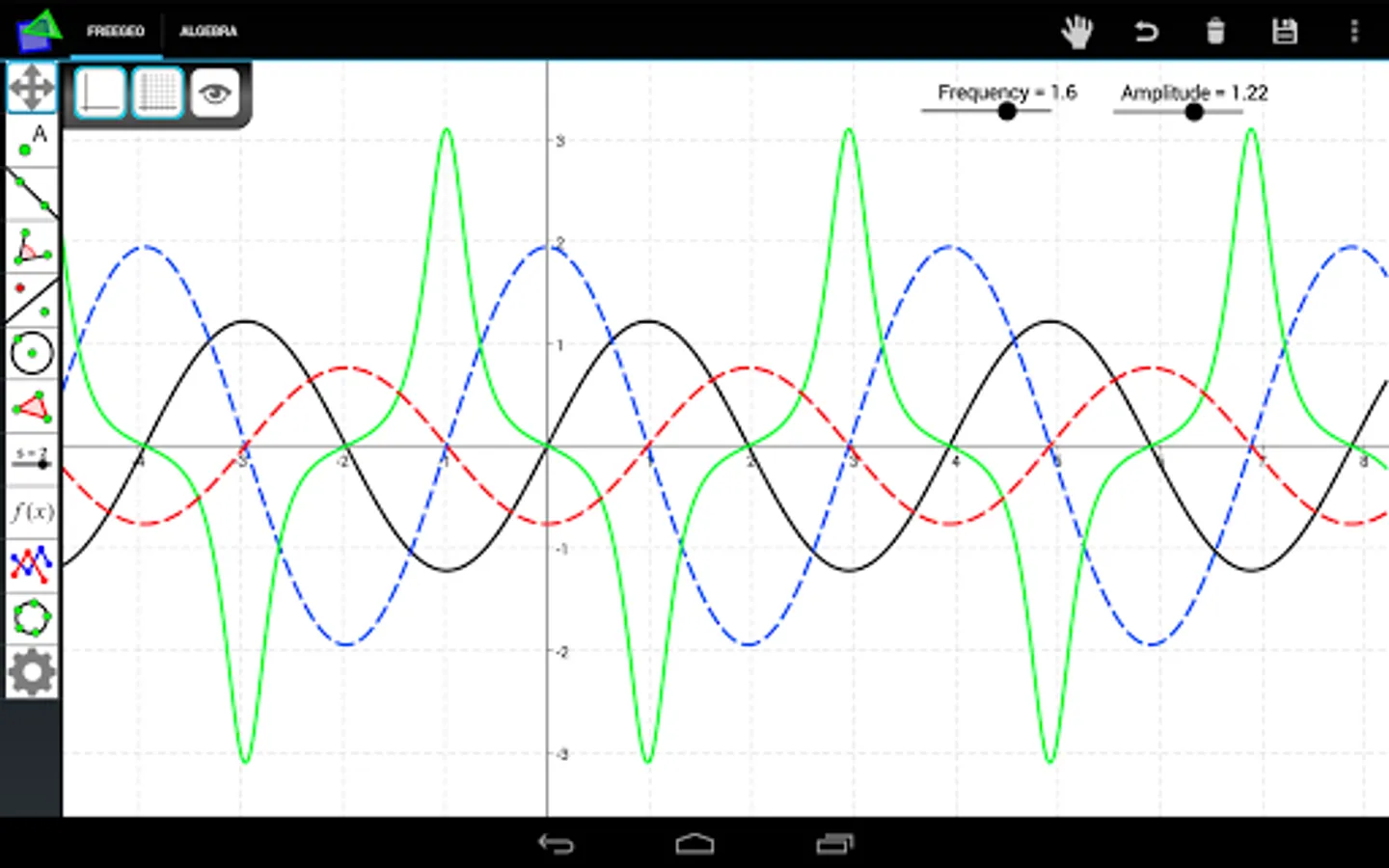
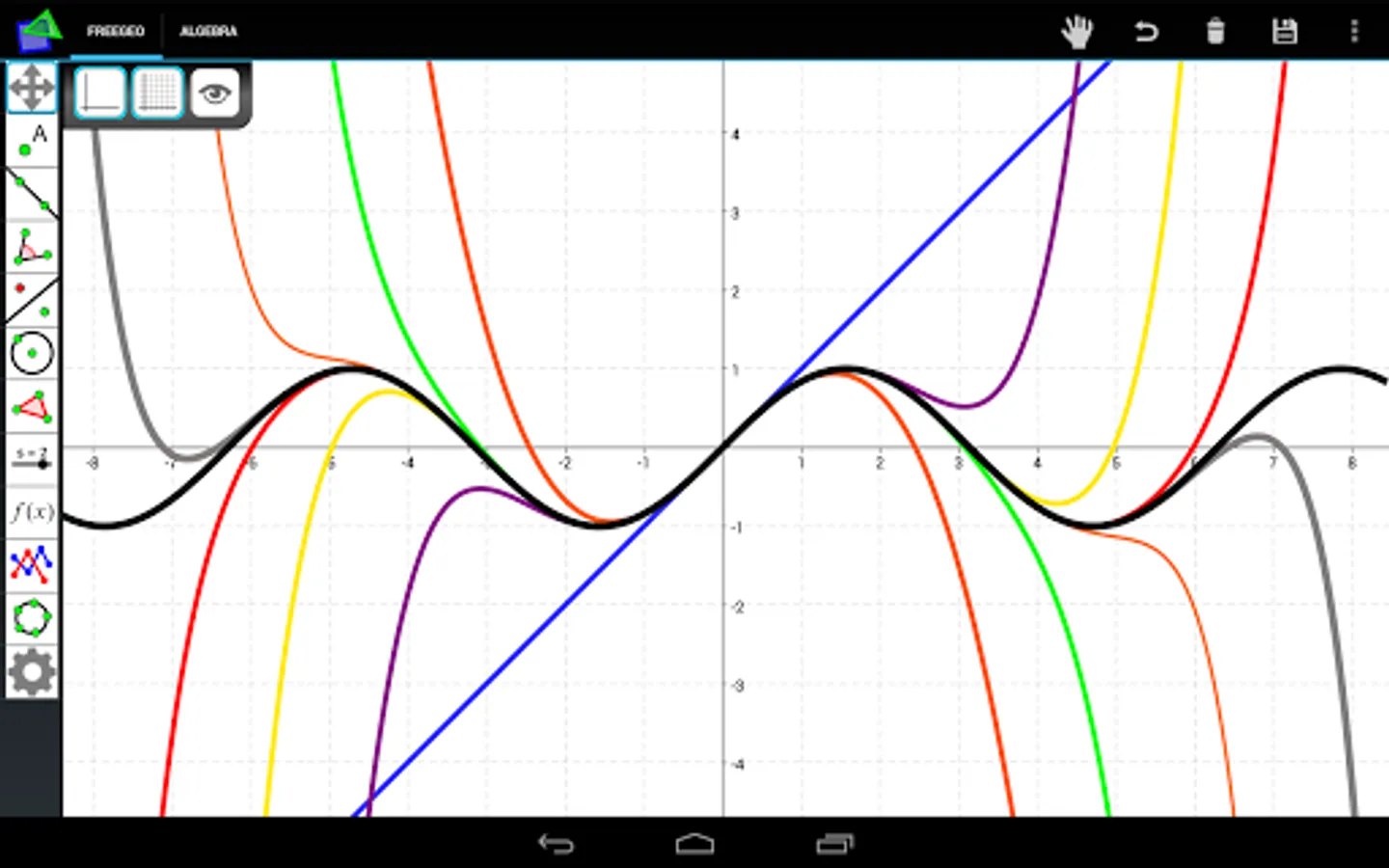
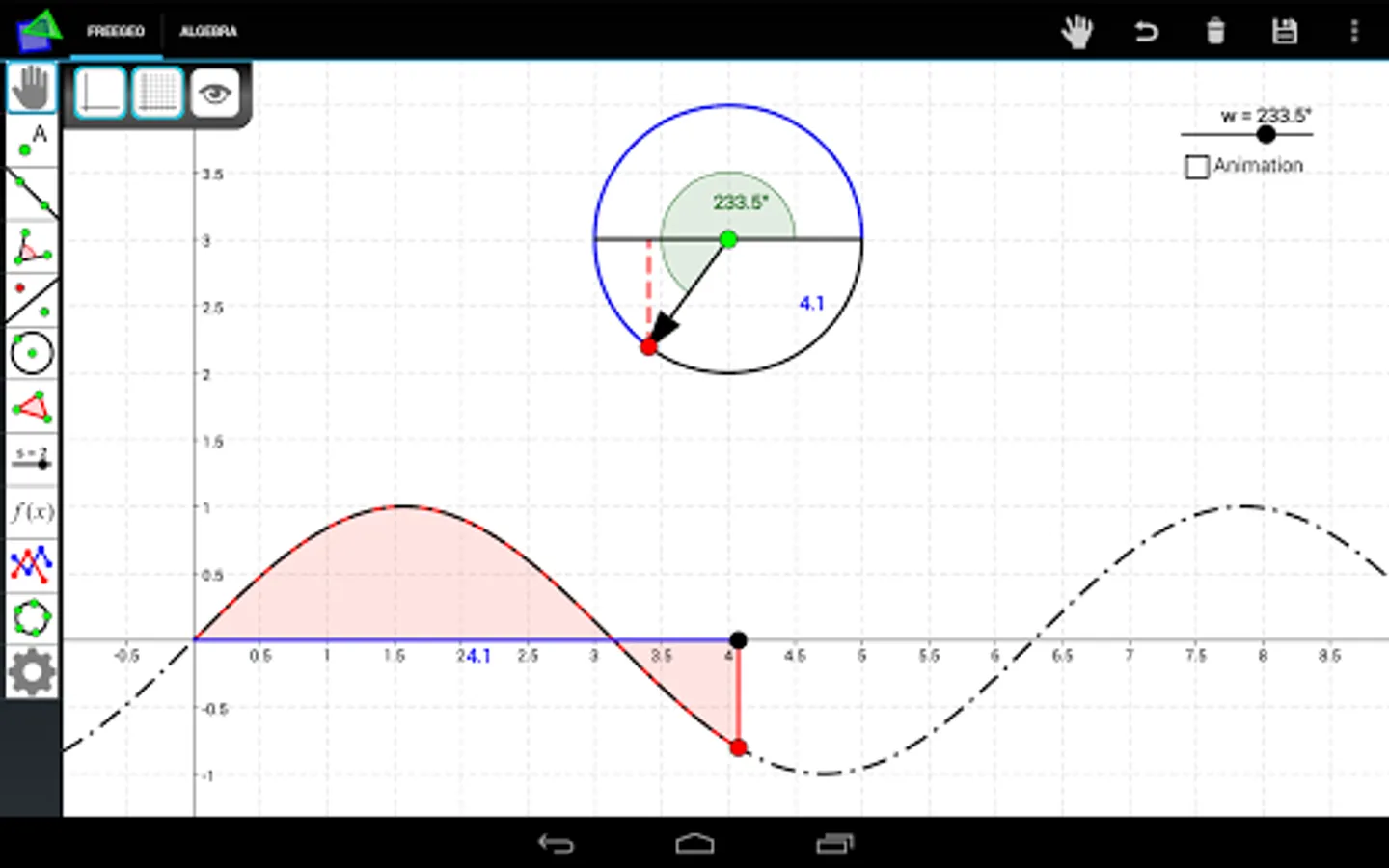
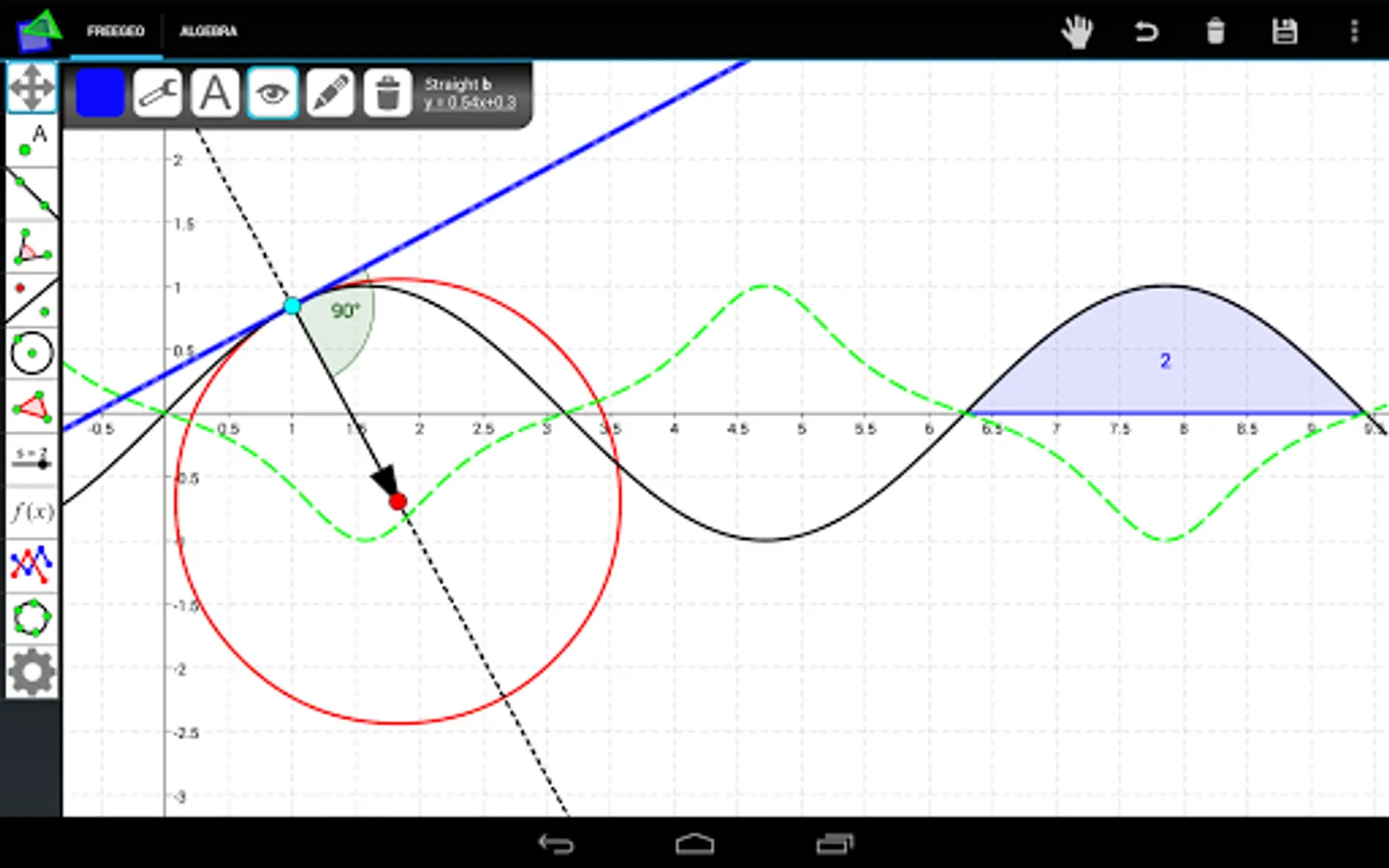
Define functions and parameter curves to display, integrate or derive them. Create analytical objects like tangents and circles of curvatures or combine your creation with sliders, text and check boxes. Even exact calculations are possible with the own FreeGeo Computer-Algebra-System, for example solving equations.
FreeGeo can be used in other sciences, too. You can do statistical calculations by using one of the regression methods to interpolate given data points.
FreeGeo Mathematics Screenshots
Reviews for FreeGeo Mathematics
Hamza Safi
1/23/2025
مننه تشکر
Prem Patel
3/29/2024
Very nice
dark sparrow
12/12/2023
Best app for school level geometry shapes. Also lightweight but fully functional
Asha Bhardwaj
11/13/2022
It very simple to use , and very useful app ,the only need is to user should explore the features, and tools of this app, this app need to update.
Komal Sharma
7/12/2022
Pls simplify it more. I wanted to make an isosceles triangle ABC with 20⁰ vertex angle A and angle sectors 70⁰ at B joining point D at AC and another 60⁰ at C joining point E on side AB, THEN I wanted to measure angle EDB. I liked fixed angle, but it took 30m to complete this. I disliked that it's screen size is small. Try the same problem, and remove difficulties that occurs doing so.
Tap to Rate: