GEO Pro Notebook -Note Taking
GEO SOFTECH
3.1 ★
91 ratings
1,000+
downloads
$0.49
In this note-taking app, you can create and organize text, images, and voice notes with an emphasis on privacy and offline use. Includes note auto-save, tagging, file attachments, and customizable notebooks.
AppRecs review analysis
AppRecs rating 3.1. Trustworthiness 76 out of 100. Review manipulation risk 23 out of 100. Based on a review sample analyzed.
★★★☆☆
3.1
AppRecs Rating
Ratings breakdown
5 star
34%
4 star
16%
3 star
8%
2 star
8%
1 star
34%
What to know
✓
Low review manipulation risk
23% review manipulation risk
✓
Credible reviews
76% trustworthiness score from analyzed reviews
⚠
High negative review ratio
42% of sampled ratings are 1–2 stars
About GEO Pro Notebook -Note Taking
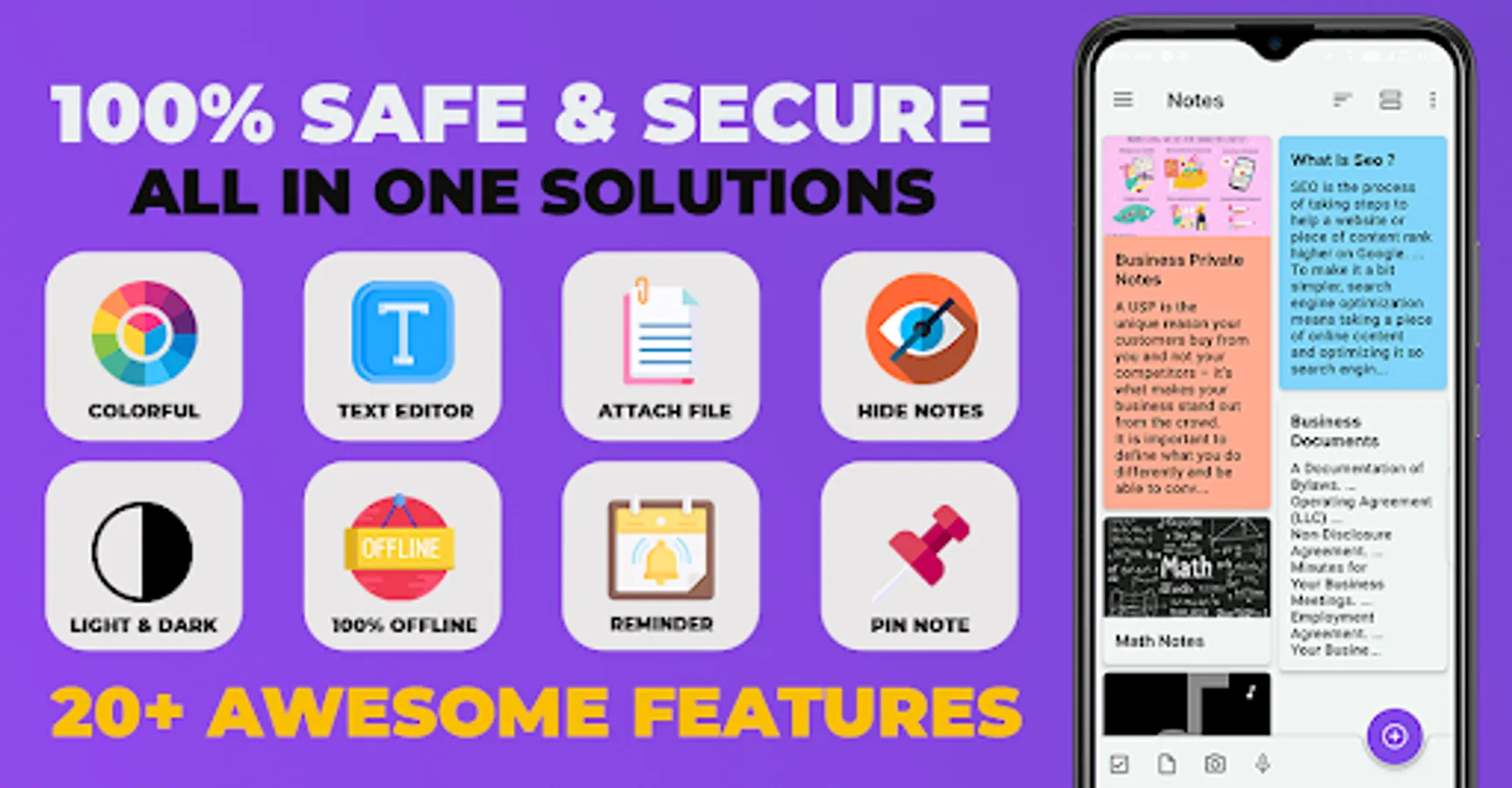
GEO PRO Notebook Create Text , Images And Voice Notes No Ads
Privacy Friendly:
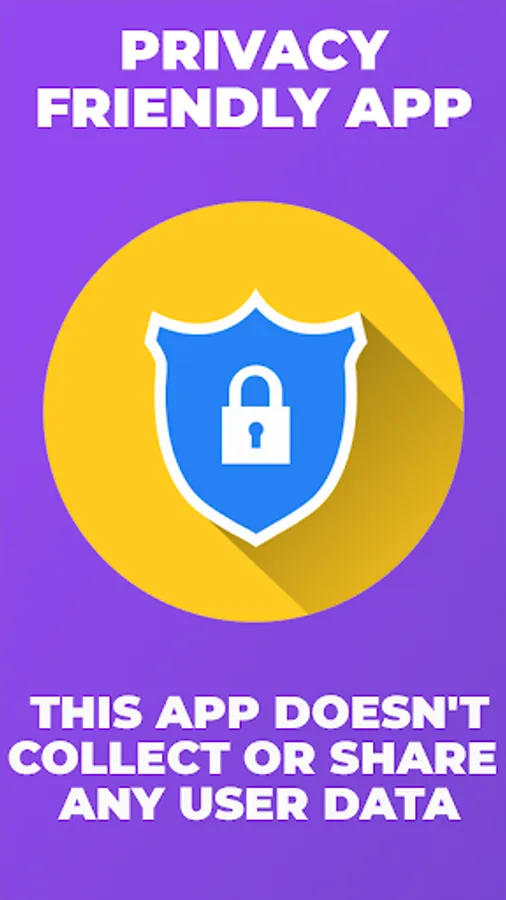
This app doesn't collect any user data or connect to anything on the user's device (contacts etc). It doesn't even need an internet connection. It is a wholly contained app using only the files contained within it.
Why was this app created?:
Sometimes it is hard to remember required things in our daily life. This is the reason why we created this app, so that you don't go off track and keep forgetting.
This app doesn't collect any user data or connect to anything on the user's device (contacts etc).It doesn't even need an internet connection.
App Features:
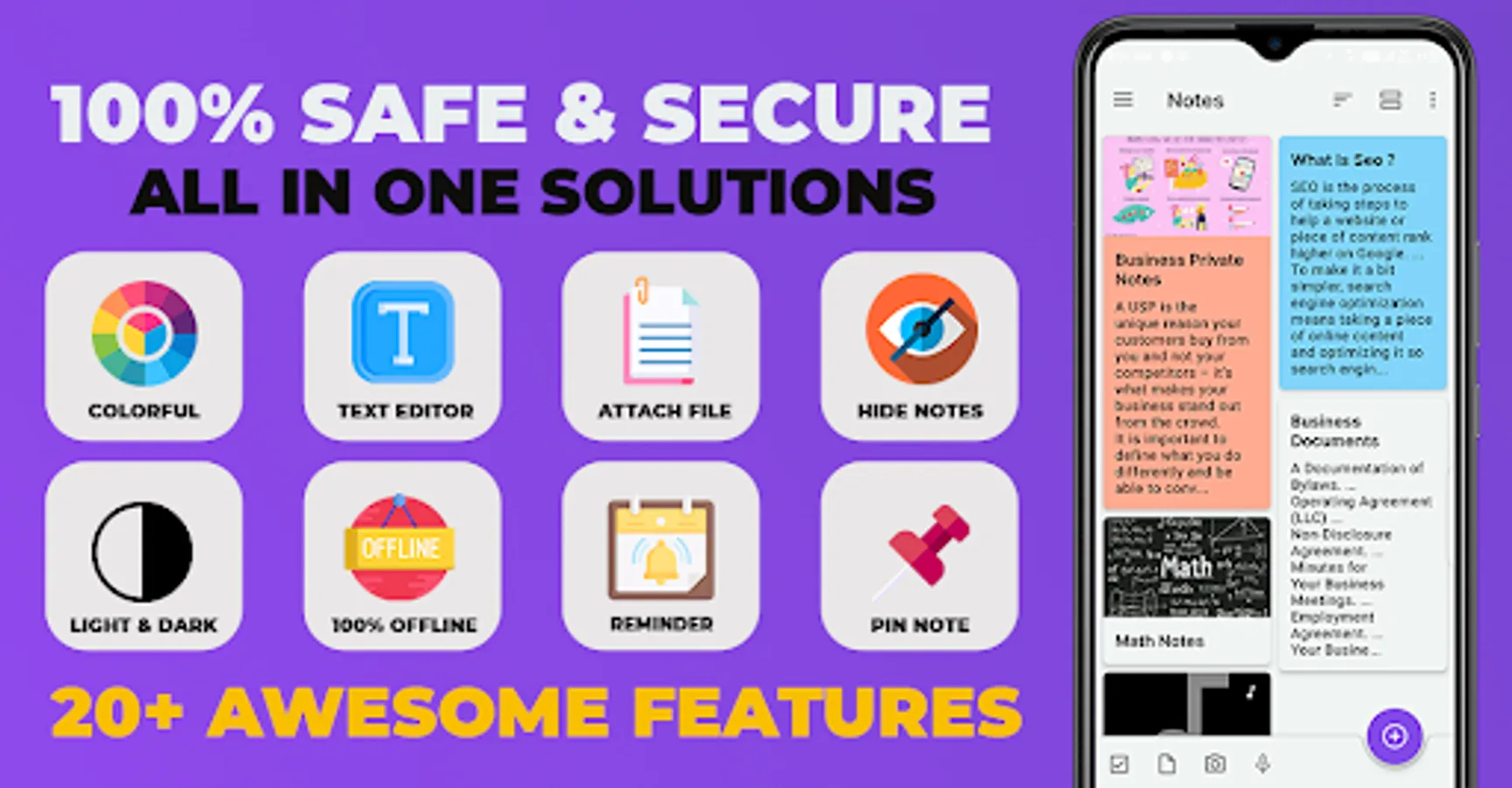
1.Easy To Use
2.No Ads
3.Auto Save Notes
4.No Need Internet
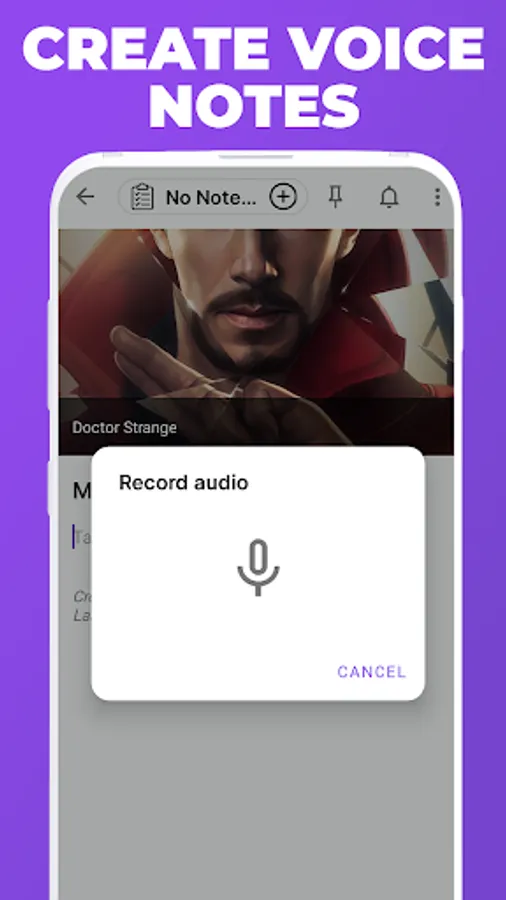
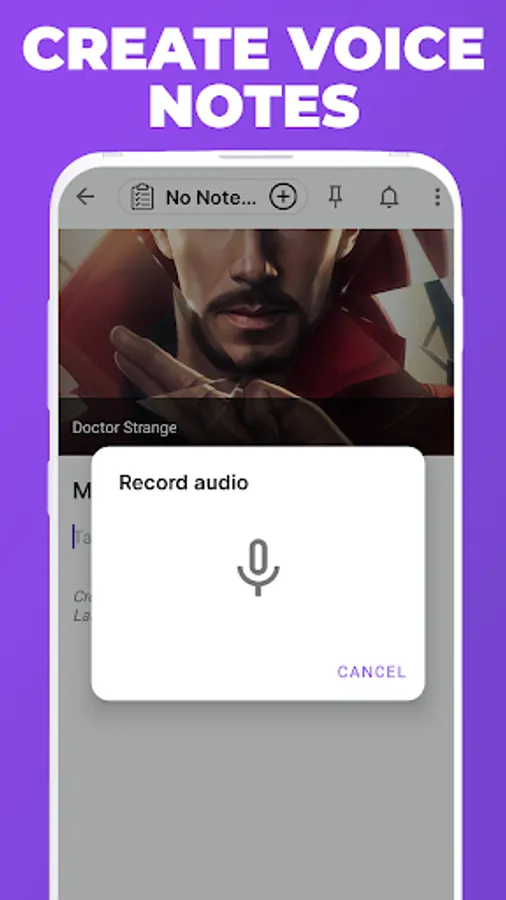
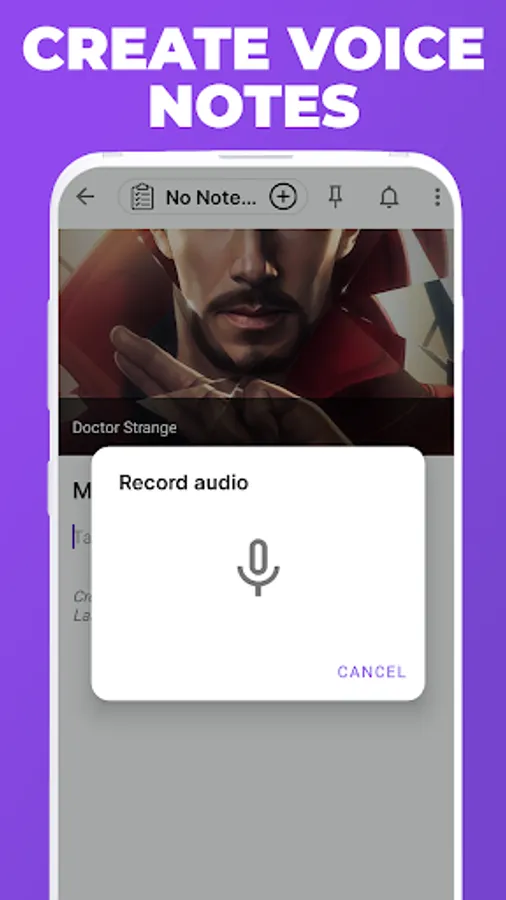
5.You can create voice notes by recording audio
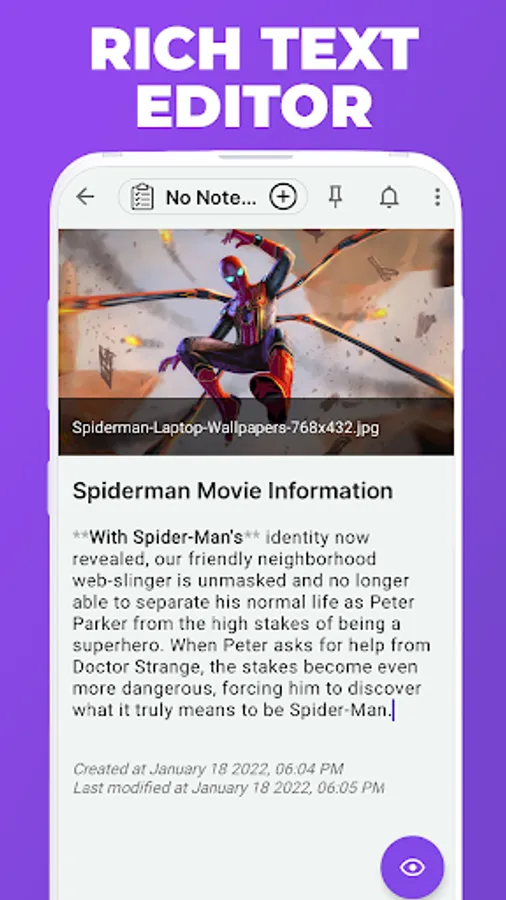
6.You can even add pictures and videos in your notes
7.You can also provide tags to your notes.
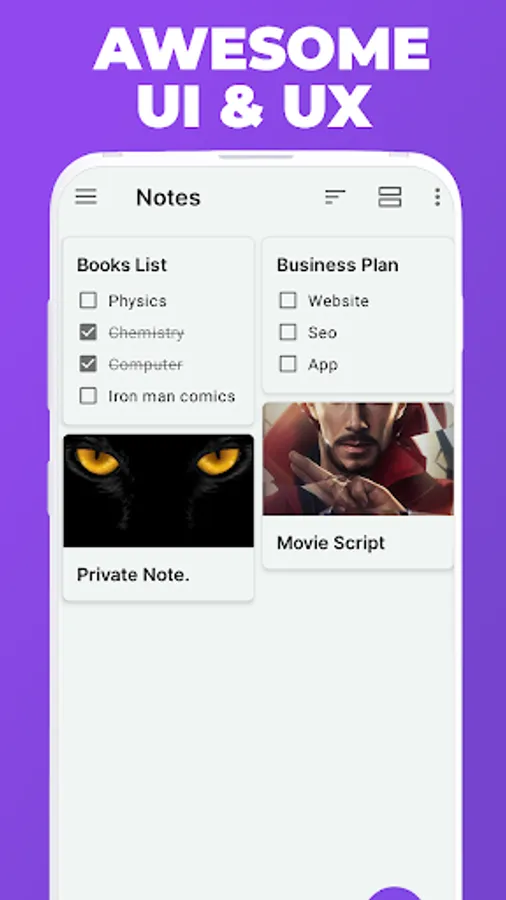
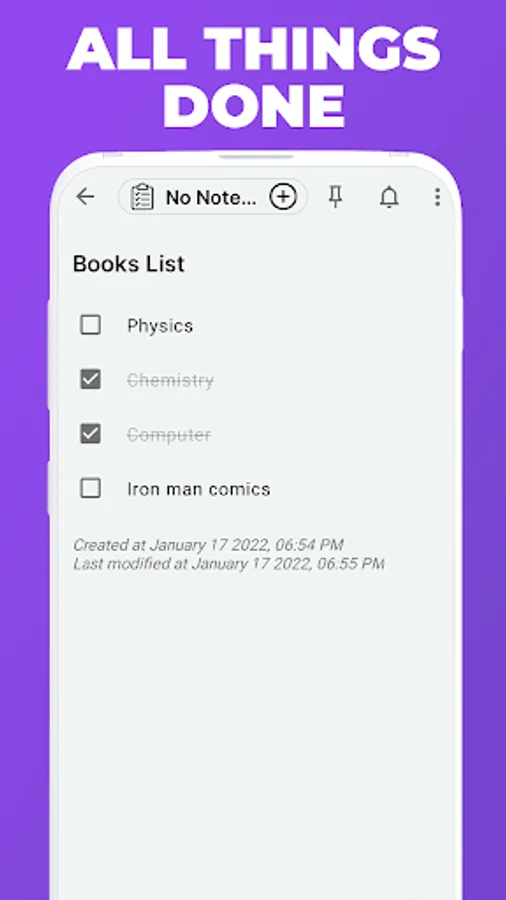
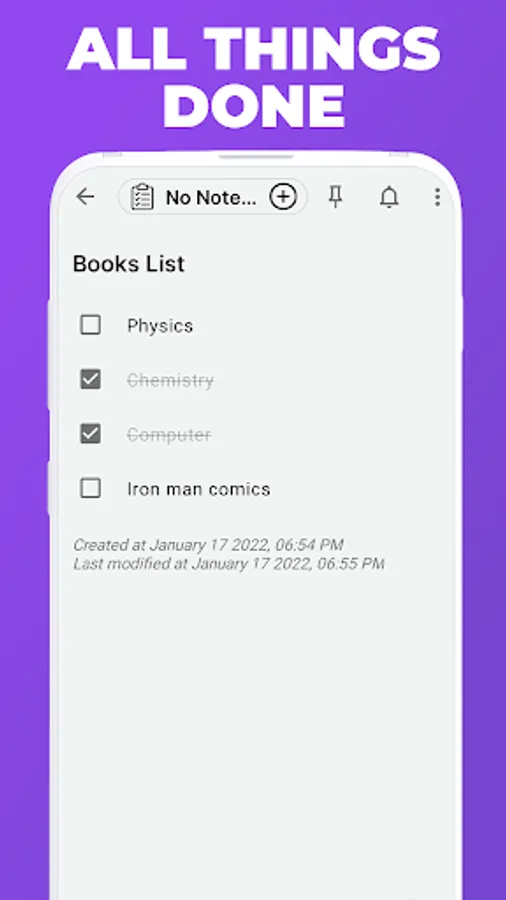
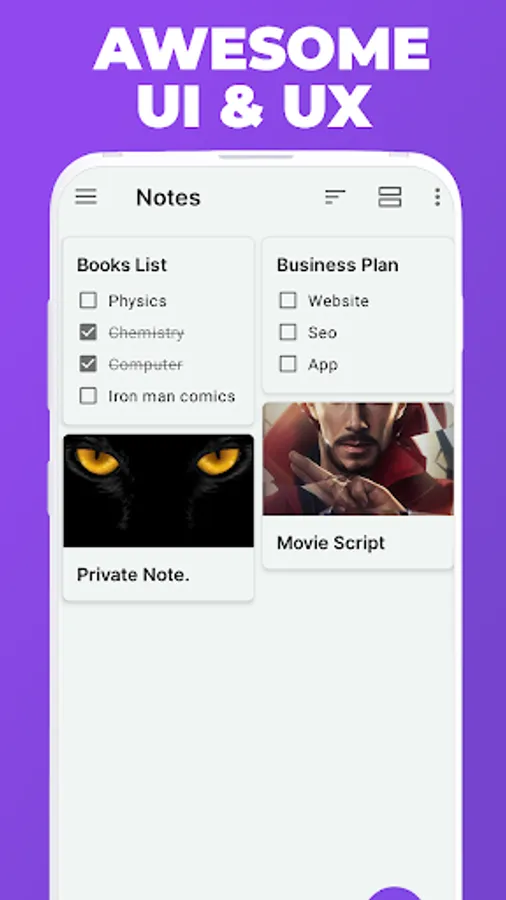
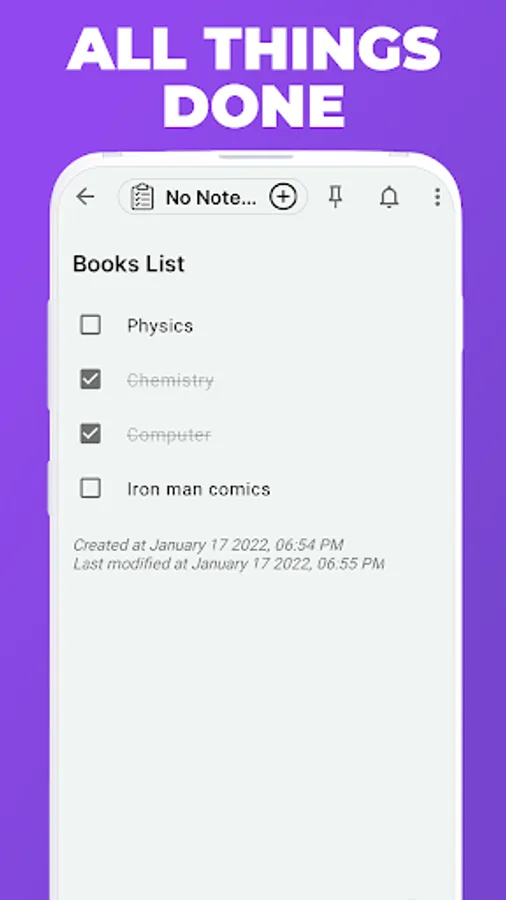
8.Convert your notes to a list.
9.Insert your codes in notes
10.Hide your notes.
11.Set reminders for your notes
12.You can duplicate your notes
13.You can disable markdown.
14.Attach files like pdf files (.pdf), Microsoft document files and many other files.
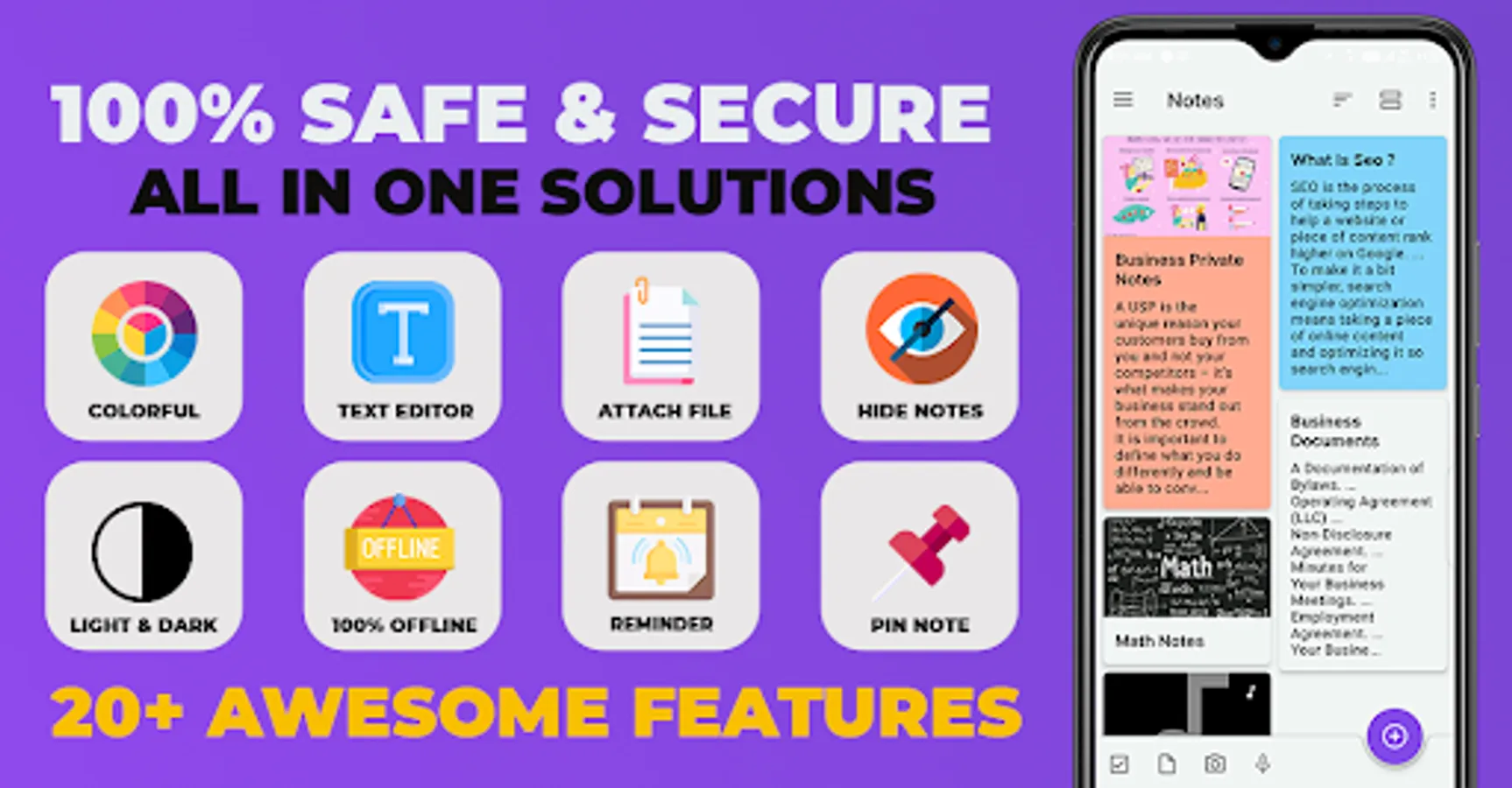
15.Pin and unpin your notes, whenever needed. Pinning a note allows you to prioritise your tasks on the basis of its importance. You will find the pin icon at the top right corner of the app.
16.Recycle Bin [for recovering the deleted notes]
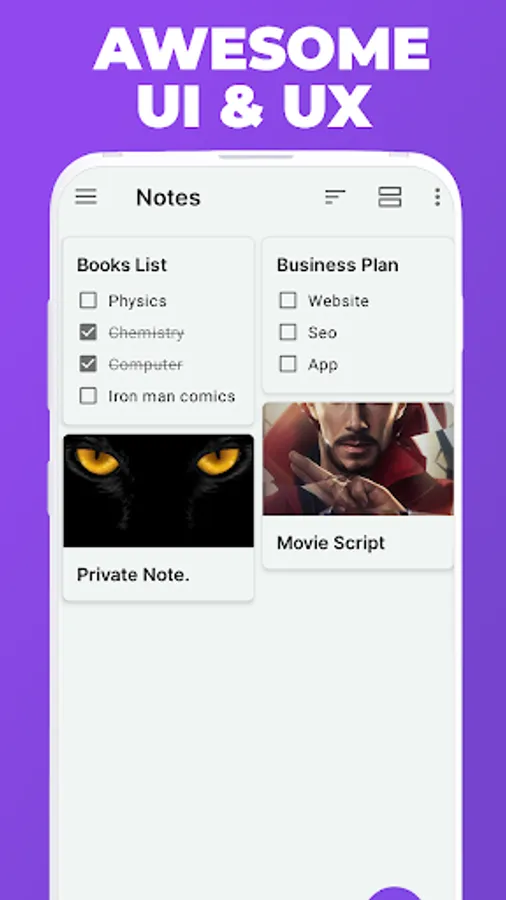
17.Create multiple notebooks with colorful book covers
18.Customizable cover, title, number of pages and page style for every notebook
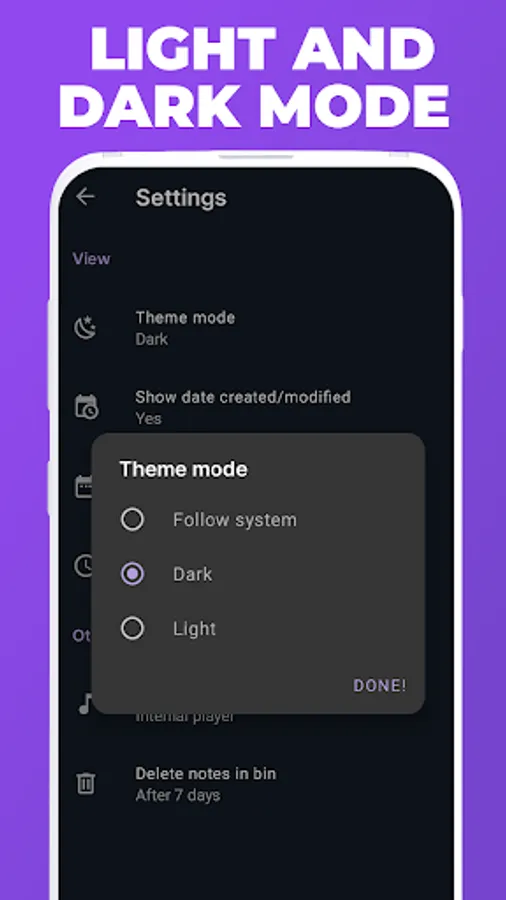
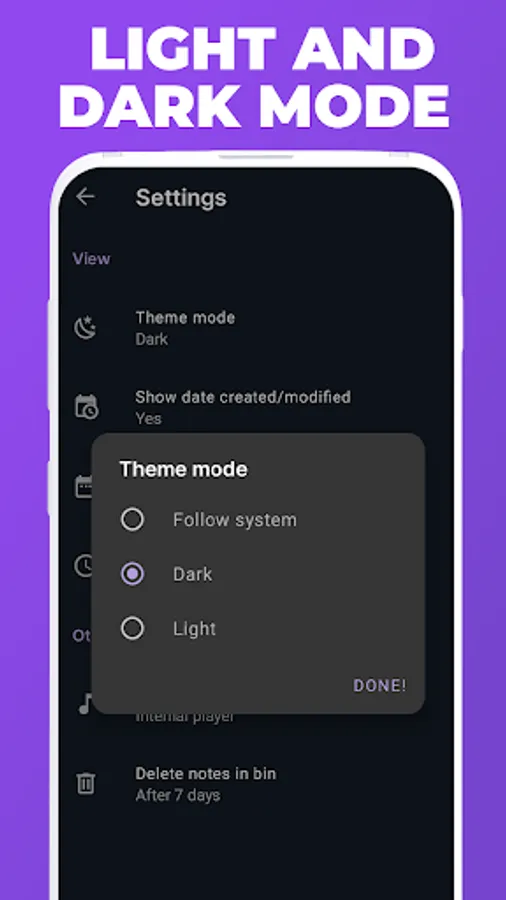
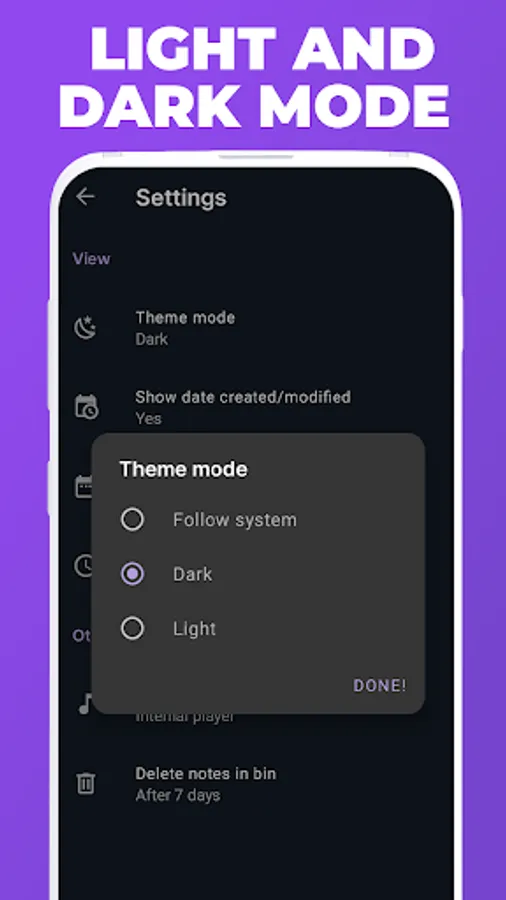
19.Dark And Light Mode
20.Many More Features
Text Formatting:
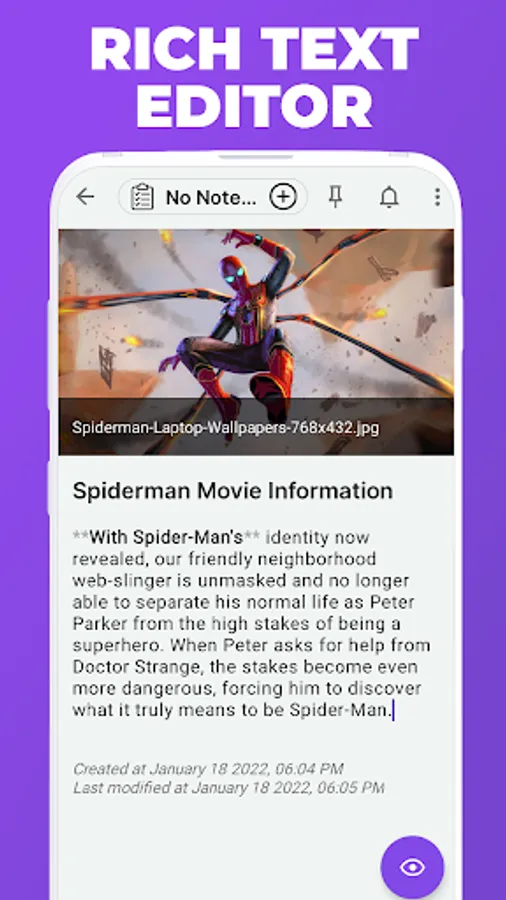
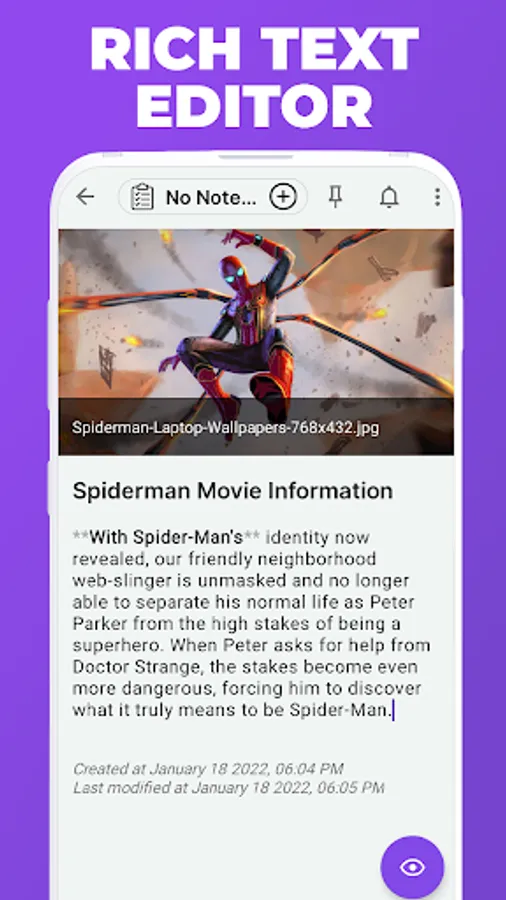
Formatting your text as bold, italics, underline, strike through, indent, outdent.
Adding hyperlinks, data tablets, lists, quotations and codes to your notes.
Organize Notes:
1.Add audios to your notes.
2.Add pictures and videos in your notes.
3.Organize various notes in notebooks.
4.Group notes together to create a bunch while separating it from others.
5.Keep your work organized, to make sure you are on track.
Sort your notes:
1.On the basis of title in ascending or descending order.
2.On the basis of date created in ascending or descending order.
3.On the basis of date modified in ascending and descending order.
4.Reorder your notes within a notebook.
5.Move or copy your notes within your notebook.
6.Link related notes to one another.
7.You can change the visibility of your notes, according to your wish.
8.Organize your notes using tags.
9.Search your notes within the notebook.
10.Archive your notes.
---------
All features are packed in just less than 6 MB (for less the download time and minimum use of phone storage memory)
Privacy Friendly:
This app doesn't collect any user data or connect to anything on the user's device (contacts etc). It doesn't even need an internet connection. It is a wholly contained app using only the files contained within it.
Why was this app created?:
Sometimes it is hard to remember required things in our daily life. This is the reason why we created this app, so that you don't go off track and keep forgetting.
This app doesn't collect any user data or connect to anything on the user's device (contacts etc).It doesn't even need an internet connection.
App Features:
1.Easy To Use
2.No Ads
3.Auto Save Notes
4.No Need Internet
5.You can create voice notes by recording audio
6.You can even add pictures and videos in your notes
7.You can also provide tags to your notes.
8.Convert your notes to a list.
9.Insert your codes in notes
10.Hide your notes.
11.Set reminders for your notes
12.You can duplicate your notes
13.You can disable markdown.
14.Attach files like pdf files (.pdf), Microsoft document files and many other files.
15.Pin and unpin your notes, whenever needed. Pinning a note allows you to prioritise your tasks on the basis of its importance. You will find the pin icon at the top right corner of the app.
16.Recycle Bin [for recovering the deleted notes]
17.Create multiple notebooks with colorful book covers
18.Customizable cover, title, number of pages and page style for every notebook
19.Dark And Light Mode
20.Many More Features
Text Formatting:
Formatting your text as bold, italics, underline, strike through, indent, outdent.
Adding hyperlinks, data tablets, lists, quotations and codes to your notes.
Organize Notes:
1.Add audios to your notes.
2.Add pictures and videos in your notes.
3.Organize various notes in notebooks.
4.Group notes together to create a bunch while separating it from others.
5.Keep your work organized, to make sure you are on track.
Sort your notes:
1.On the basis of title in ascending or descending order.
2.On the basis of date created in ascending or descending order.
3.On the basis of date modified in ascending and descending order.
4.Reorder your notes within a notebook.
5.Move or copy your notes within your notebook.
6.Link related notes to one another.
7.You can change the visibility of your notes, according to your wish.
8.Organize your notes using tags.
9.Search your notes within the notebook.
10.Archive your notes.
---------
All features are packed in just less than 6 MB (for less the download time and minimum use of phone storage memory)