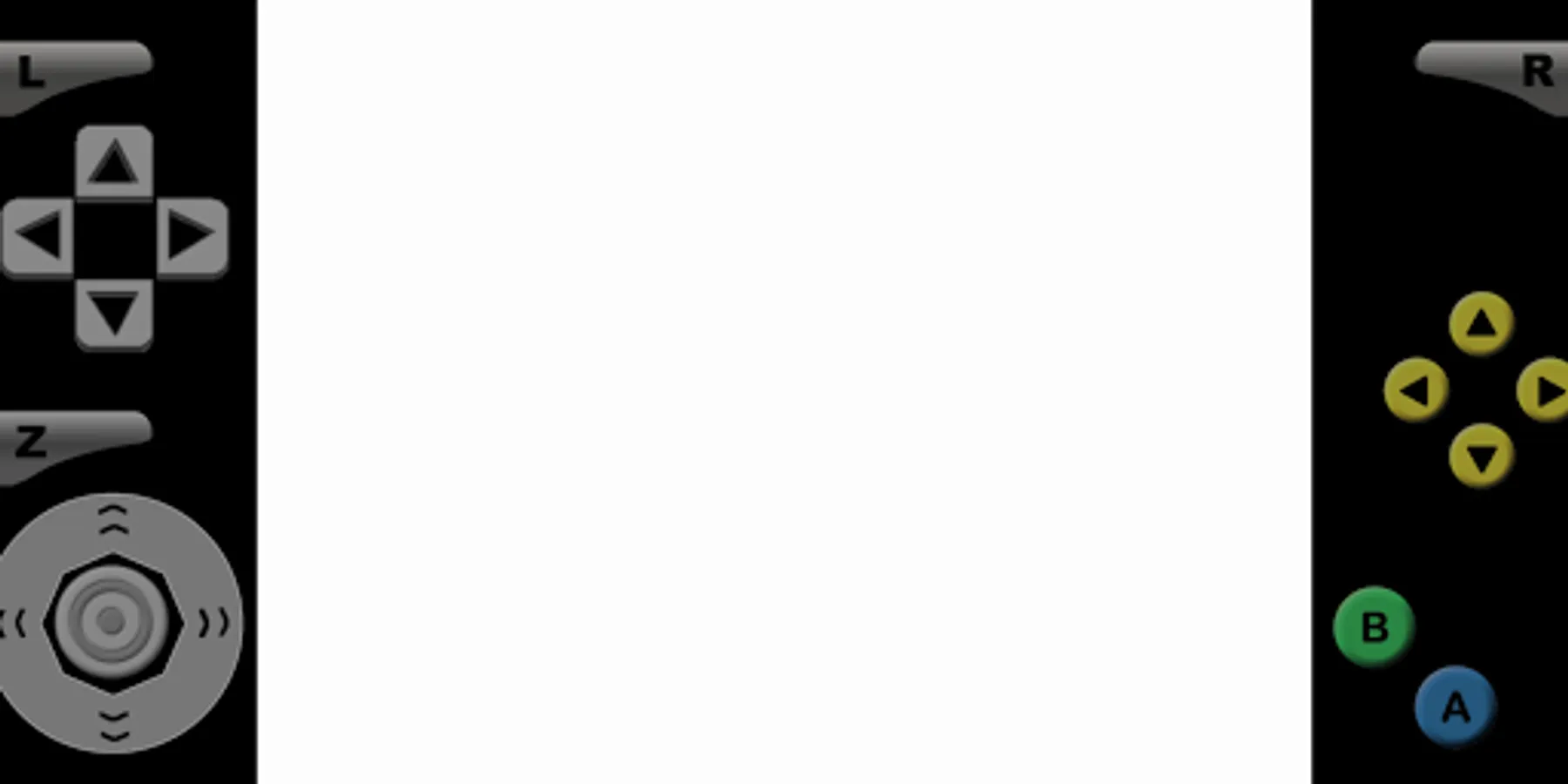
With this gaming app, you can load and control multiple game profiles using customizable touchscreen buttons and control options. Includes profile management, control customization, and display settings adjustments.
AppRecs review analysis
AppRecs rating 3.8. Trustworthiness 83 out of 100. Review manipulation risk 28 out of 100. Based on a review sample analyzed.
★★★☆☆
3.8
AppRecs Rating
Ratings breakdown
5 star
64%
4 star
8%
3 star
9%
2 star
2%
1 star
18%
What to know
✓
Low review manipulation risk
28% review manipulation risk
✓
Credible reviews
83% trustworthiness score from analyzed reviews
⚠
Ad complaints
Many low ratings mention excessive ads
About Super64 Plus
Features:
- Support android 5.0+ (suitable for android 11).
- Auto save, Save state and load state.
- Auto Screen orientation: Settings - Display - Screen orientation - Auto.
- All Controls: Analog & D pad & L+R+Z Button (Profiles - Select Profiles - Touchscreen profile - Everything: All Controls)
- Resize Control Buttons: Settings - Touchscreen - Button scale.
- Edit Control Buttons: Profiles - Touchscreen - Copy - Rename - Edit.
- To fix graphical glitches, try changing the video plugin: Profiles - Select Profiles - Emulation profile.
- To fix lag, try changing the video setting: Settings - Display - Rendered resolution.
- For unplayable ROM, try unzipping the ROM first or trying a different version of the ROM.
- For touchscreen control issues, try changing the button scale.
- Support android 5.0+ (suitable for android 11).
- Auto save, Save state and load state.
- Auto Screen orientation: Settings - Display - Screen orientation - Auto.
- All Controls: Analog & D pad & L+R+Z Button (Profiles - Select Profiles - Touchscreen profile - Everything: All Controls)
- Resize Control Buttons: Settings - Touchscreen - Button scale.
- Edit Control Buttons: Profiles - Touchscreen - Copy - Rename - Edit.
- To fix graphical glitches, try changing the video plugin: Profiles - Select Profiles - Emulation profile.
- To fix lag, try changing the video setting: Settings - Display - Rendered resolution.
- For unplayable ROM, try unzipping the ROM first or trying a different version of the ROM.
- For touchscreen control issues, try changing the button scale.
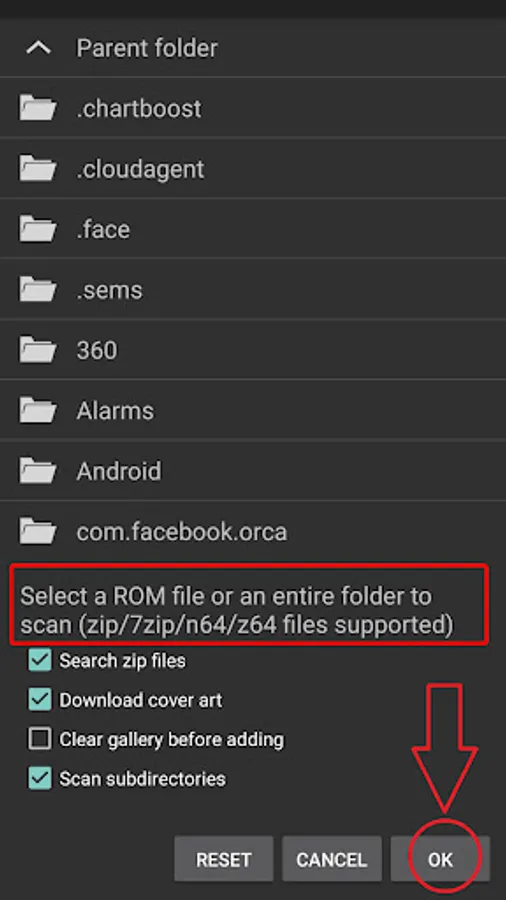
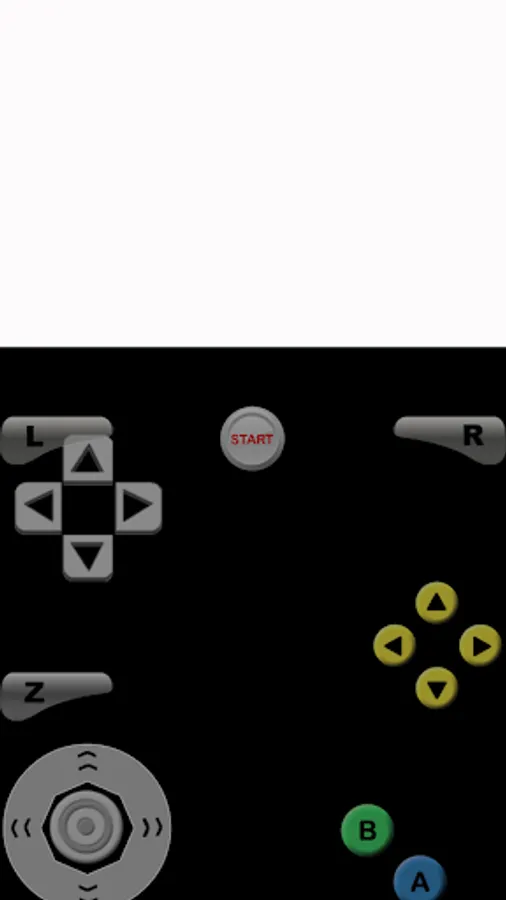
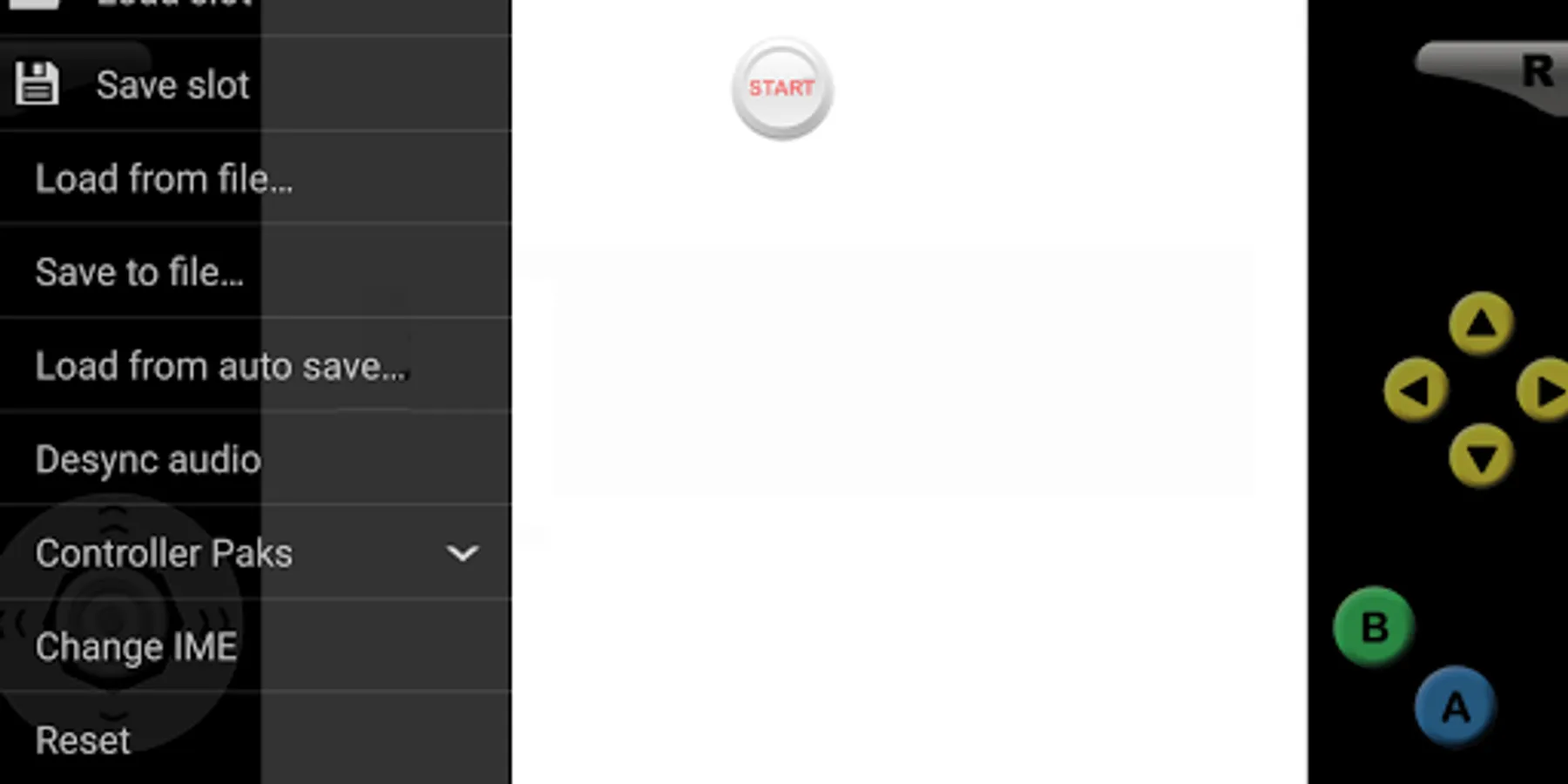
Super64 Plus Screenshots
Tap to Rate:
Reviews for Super64 Plus
Roozbeh Ebadi
10/19/2025
I am a retro lover and this one is a retro bringer! I love customizable settings for this emulator, which allows to customize each game controller almost to modern layouts. Best of best 64 emulation
Sally Howard
9/23/2025
rip free dowloaded games