
In this library management app, users can check items in and out, update locations, and perform inventories efficiently. Includes barcode scanning, multi-language support, and customizable pull lists.
AppRecs review analysis
AppRecs rating 4.2. Trustworthiness 77 out of 100. Review manipulation risk 33 out of 100. Based on a review sample analyzed.
★★★★☆
4.2
AppRecs Rating
Ratings breakdown
5 star
73%
4 star
0%
3 star
18%
2 star
9%
1 star
0%
What to know
✓
Credible reviews
77% trustworthiness score from analyzed reviews
✓
High user satisfaction
73% of sampled ratings are 4+ stars (4.2★ average)
About Digby® by OCLC®
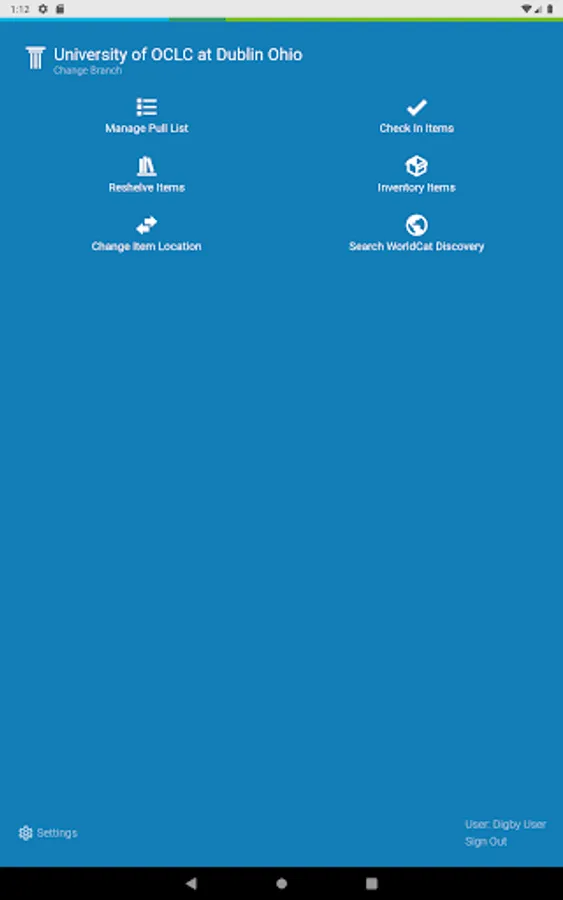
Created by OCLC for libraries with WorldShare Management Services, the Digby app is for use by your student workers, volunteers, and staff. It combines simplified workflows with an intuitive interface to accomplish common library tasks more efficiently and with greater accuracy. Digby supports English, French, German, and Spanish and supports the following:
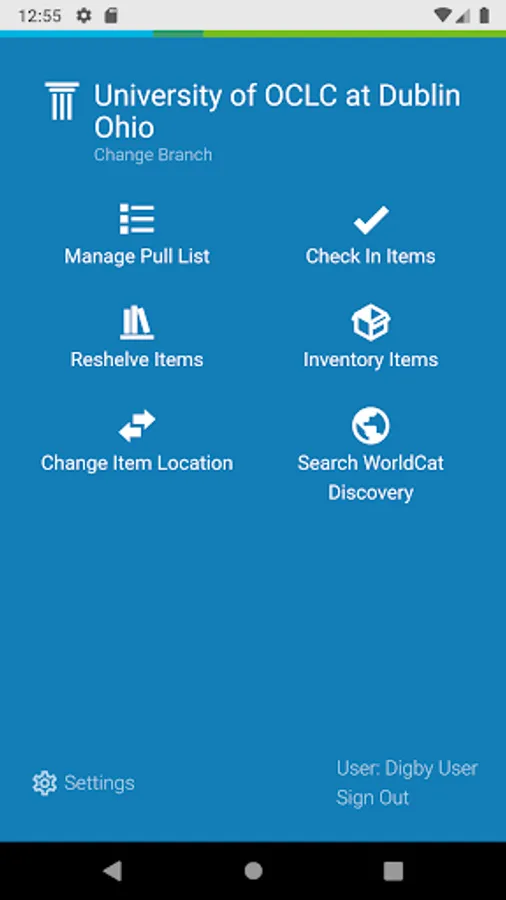
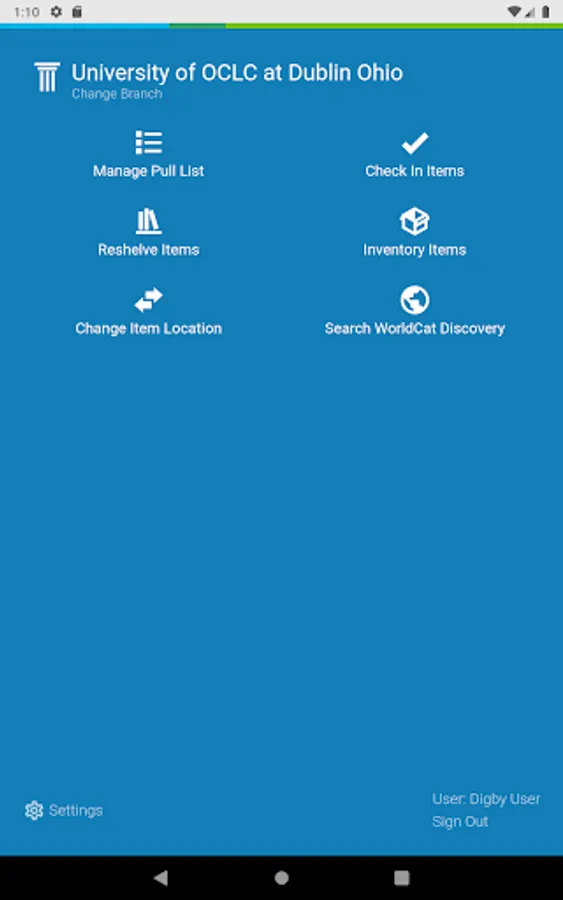
CHANGE ITEM LOCATION: Use the “Change Item Location” feature for updating the permanent or temporary location of monographs. To use the feature, your Digby user account will need an appropriate staff role (visit: oc.lc/DigbyRoles).
CHECK IN: Scan items’ barcodes to check in items, clear Missing and Lost statuses, and route items to the circulation desk to fulfill holds or transit to another location. View a list of checked-in items that can be sorted by call number or the order they were checked in.
CHECK OUT: Loan items to patrons using a mobile device by scanning the patron and item barcode(s). Share a due date receipt with the patron by email or by printing a copy.
INVENTORY: Scan each item’s barcode and if an item is on hold, or has any of the recognized exceptions, a notification screen will pop-up so items can be pulled for additional processing. At the end of session, share a report that provides a summary of items inventoried plus detailed lists.
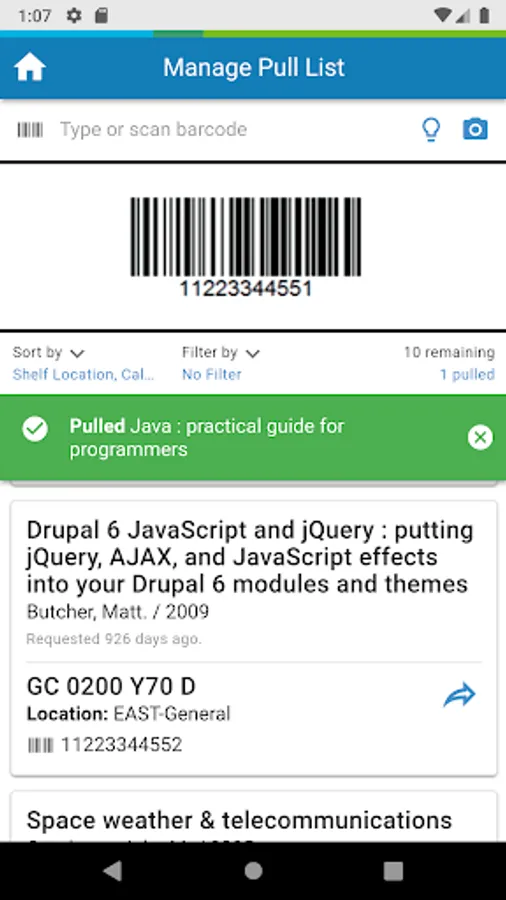
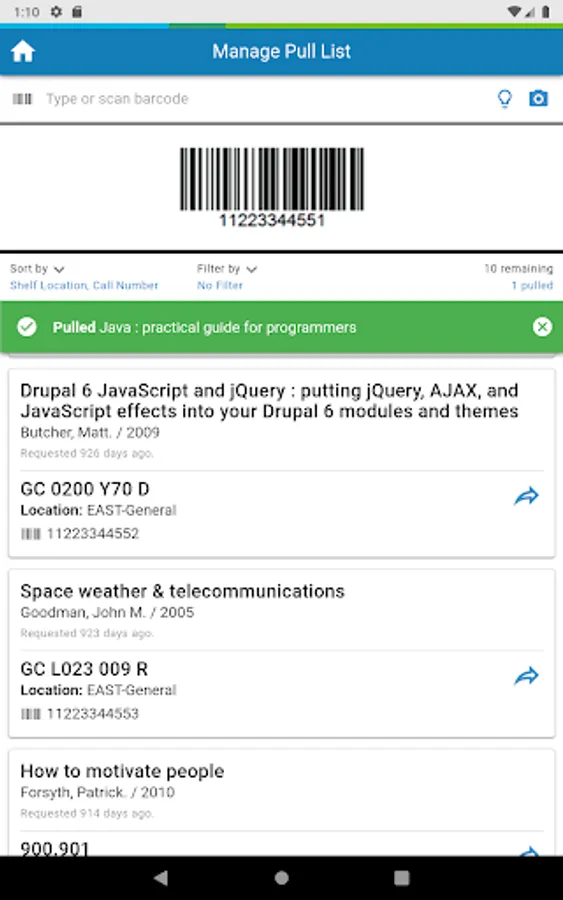
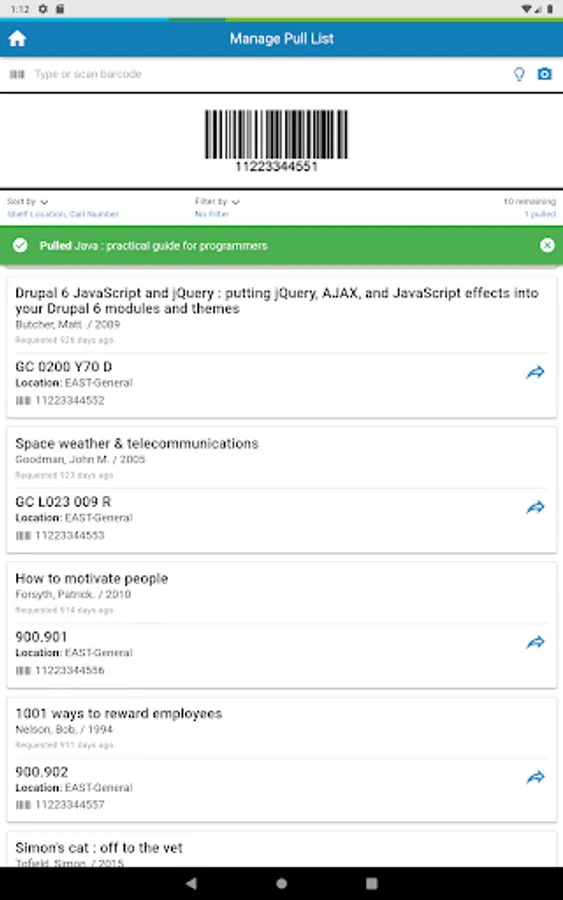
PULL LISTS: Access circulation pull lists from the app sorted by library location. Items scanned are marked as pulled with information about where they need to go next. With dynamic updates, quickly refresh the pull list before leaving the stacks. If needed, filter by hold type (e.g., Special Requests, Schedules, etc.), and easily identify holds generated by WorldShare Acquisitions or ZFL-Server via the new “External System Request” indicator.
RESHELVING: Easily track resources used within the library by scanning items that patrons leave on tables and carts. Then return items to their proper place without taking them to the circulation desk for check-in.
SEARCH WORLDCAT DISCOVERY: Search WorldCat Discovery from within Digby, making it possible to readily check the library’s catalog while away from the circulation desk and without exiting the Digby app.
SHELF READING: Scan an item and get a list of the next 50 items in call number order. Check off items and present or missing and generate a report. Scan out of order items to determine correct status and action.
TO USE DIGBY, please first complete the online form at oc.lc/digbyform.
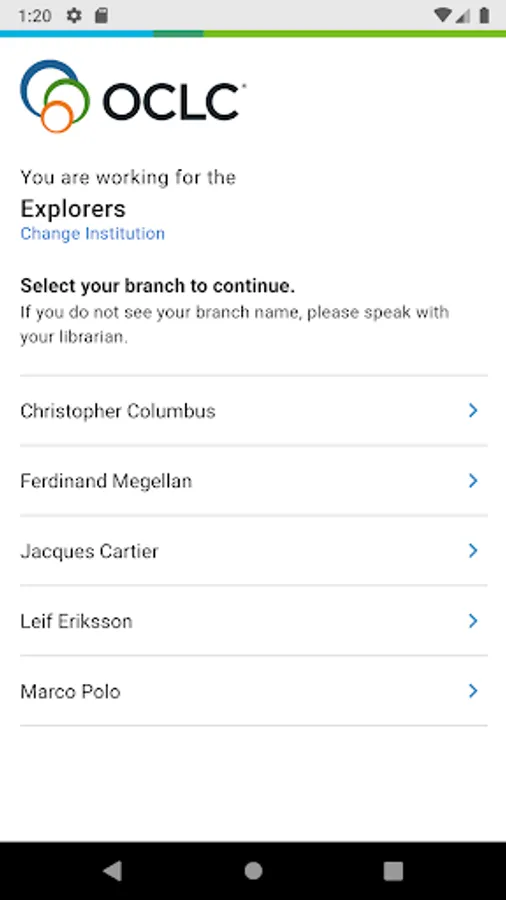
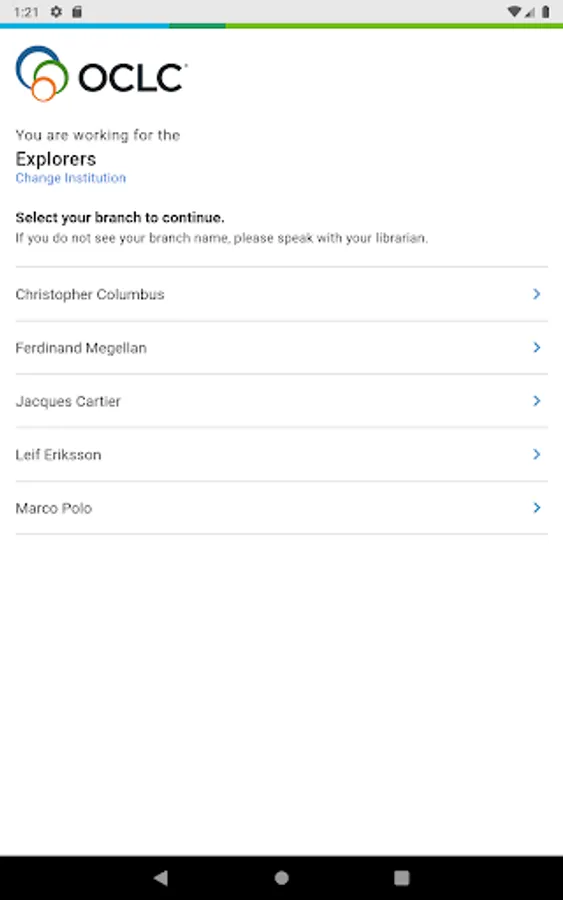
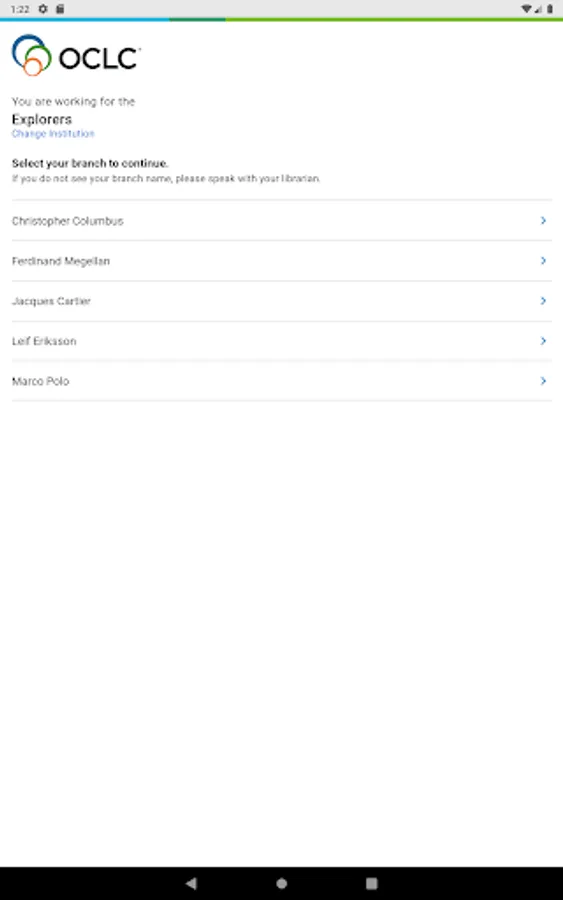
Once OCLC notifies your library that it’s activated, Digby’s sign-in requires selecting your institution and entering your WMS credentials.
CHANGE ITEM LOCATION: Use the “Change Item Location” feature for updating the permanent or temporary location of monographs. To use the feature, your Digby user account will need an appropriate staff role (visit: oc.lc/DigbyRoles).
CHECK IN: Scan items’ barcodes to check in items, clear Missing and Lost statuses, and route items to the circulation desk to fulfill holds or transit to another location. View a list of checked-in items that can be sorted by call number or the order they were checked in.
CHECK OUT: Loan items to patrons using a mobile device by scanning the patron and item barcode(s). Share a due date receipt with the patron by email or by printing a copy.
INVENTORY: Scan each item’s barcode and if an item is on hold, or has any of the recognized exceptions, a notification screen will pop-up so items can be pulled for additional processing. At the end of session, share a report that provides a summary of items inventoried plus detailed lists.
PULL LISTS: Access circulation pull lists from the app sorted by library location. Items scanned are marked as pulled with information about where they need to go next. With dynamic updates, quickly refresh the pull list before leaving the stacks. If needed, filter by hold type (e.g., Special Requests, Schedules, etc.), and easily identify holds generated by WorldShare Acquisitions or ZFL-Server via the new “External System Request” indicator.
RESHELVING: Easily track resources used within the library by scanning items that patrons leave on tables and carts. Then return items to their proper place without taking them to the circulation desk for check-in.
SEARCH WORLDCAT DISCOVERY: Search WorldCat Discovery from within Digby, making it possible to readily check the library’s catalog while away from the circulation desk and without exiting the Digby app.
SHELF READING: Scan an item and get a list of the next 50 items in call number order. Check off items and present or missing and generate a report. Scan out of order items to determine correct status and action.
TO USE DIGBY, please first complete the online form at oc.lc/digbyform.
Once OCLC notifies your library that it’s activated, Digby’s sign-in requires selecting your institution and entering your WMS credentials.
Digby® by OCLC® Screenshots
Tap to Rate:
Reviews for Digby® by OCLC®
Melody Flenker
4/13/2025
I accidentally selected the wrong option with the remember my selection checkbox activated and now it's impossible for me to log in, even after clearing the cache, data, and numerous attempts of uninstalling and reinstalling.
Honour Pelumi
5/13/2021
The app isn't working