In this Bluetooth oscilloscope app, you can visualize electric waveforms and measure voltage, current, and frequency. Includes protocol decoders, math channels, and signal recording.
AppRecs review analysis
AppRecs rating 4.6. Trustworthiness 57 out of 100. Review manipulation risk 37 out of 100. Based on a review sample analyzed.
★★★★☆
4.6
AppRecs Rating
Ratings breakdown
5 star
72%
4 star
22%
3 star
0%
2 star
0%
1 star
6%
What to know
✓
High user satisfaction
94% of sampled ratings are 4+ stars (4.5★ average)
✓
Authentic reviews
Natural distribution, no red flags
About AR-Oscilloscope
Android Bluetooth Oscilloscope.
It can be used on any mobile device with Android, Windows or Linux PC (Mac is coming) system using Bluetooth technology. It means that there are no any wire connections to your phone, tablet or PC, which can guarantee the safety of your mobile device or PC, plus portability.
The oscilloscope is the most frequently used, most flexible device for electric measurements.
It visualizes an electric potential over time function, producing much more information than other potential and current measurement methods.
With an oscilloscope the following quantities can be either directly or indirectly measured:
direct voltage, alternating voltage, direct current, alternating current, time, time delay, phase, phase difference, frequency to view live waveforms, make measurements.
For more info visit http://ar-oscilloscope.com
Features
Demo mode available.
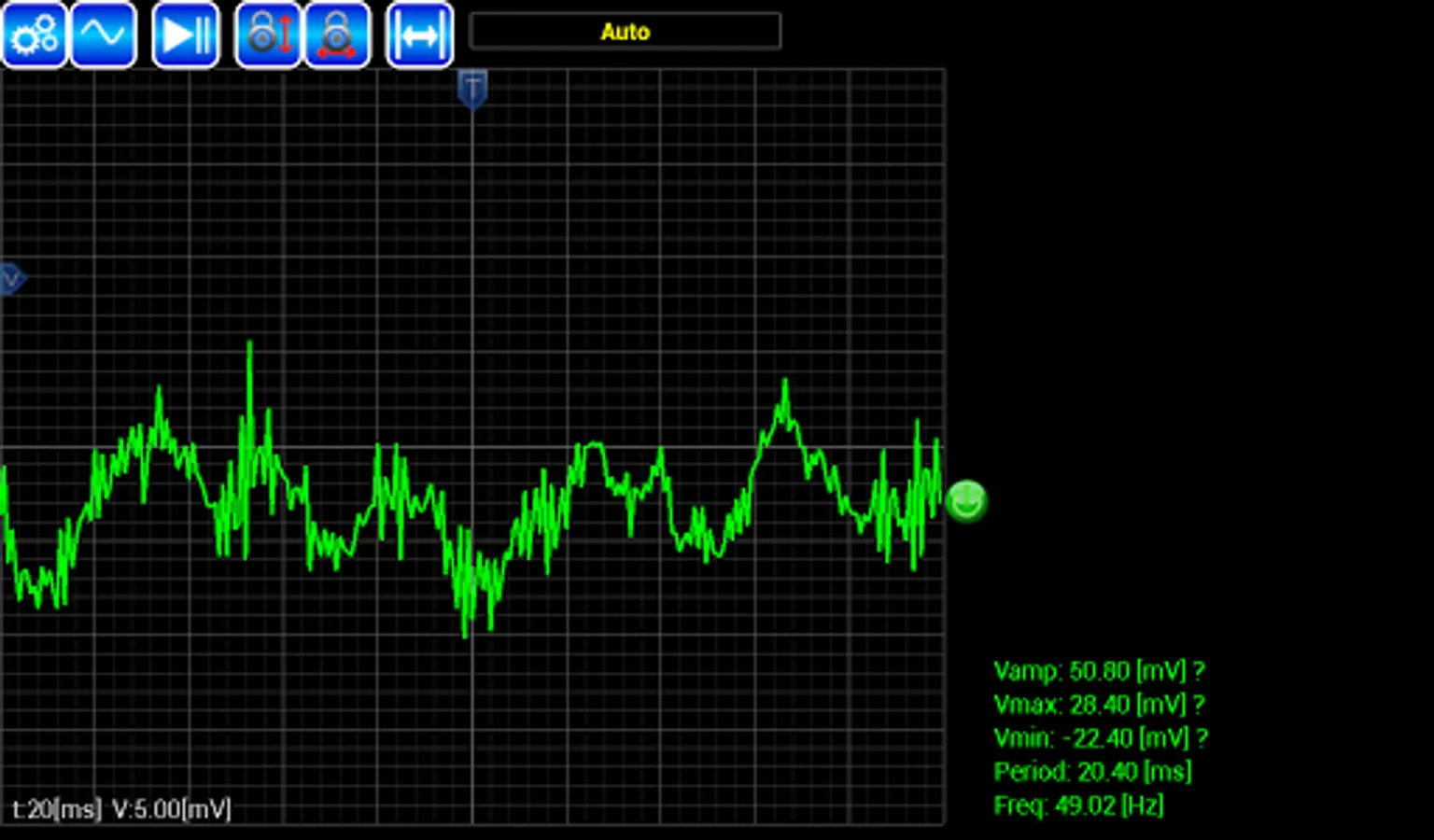
Displaying the audio waveform captured from a microphone.
Accelerometer waveform, x y z.
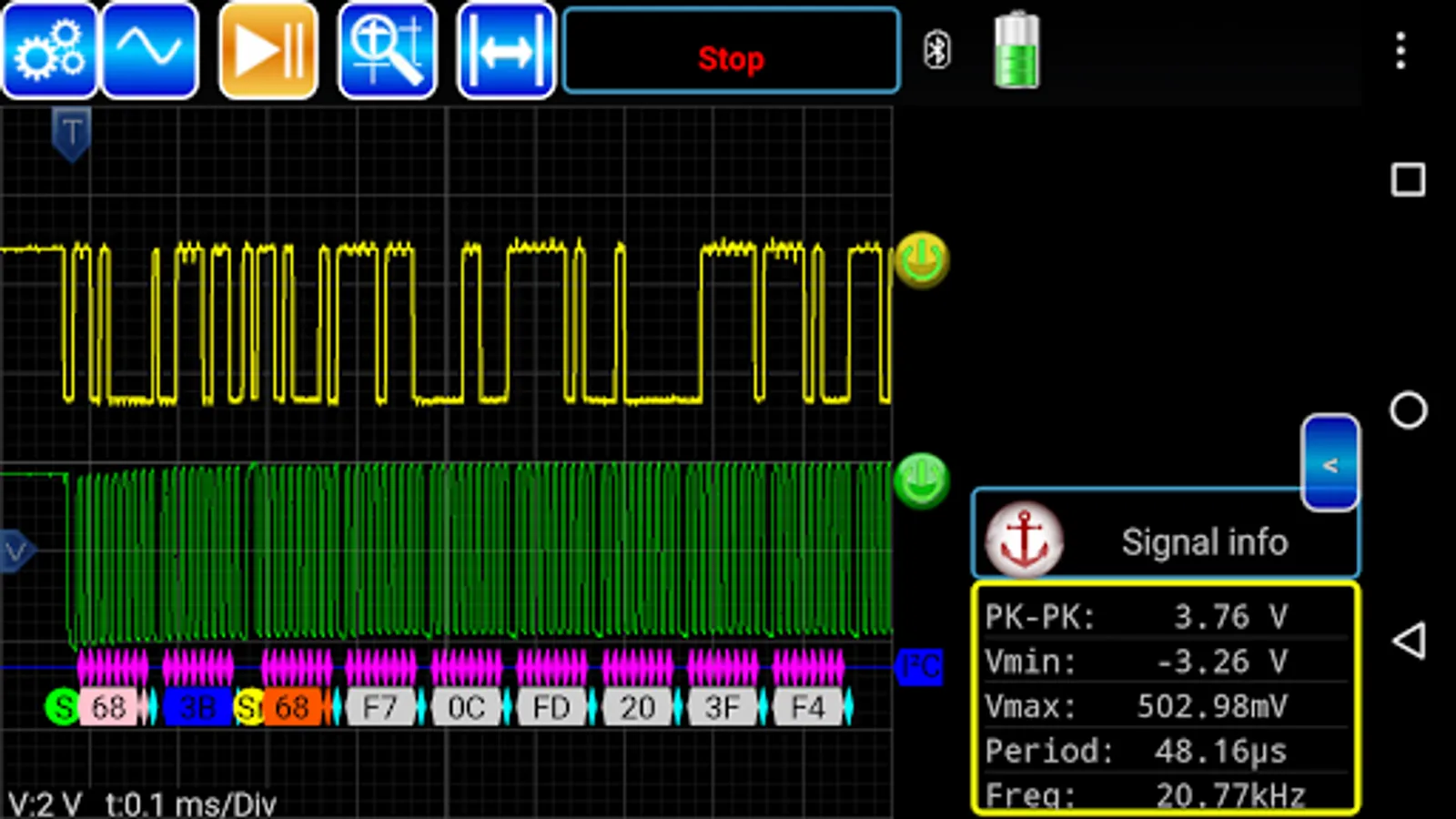
Measure: frequency, min/max, peak-peak
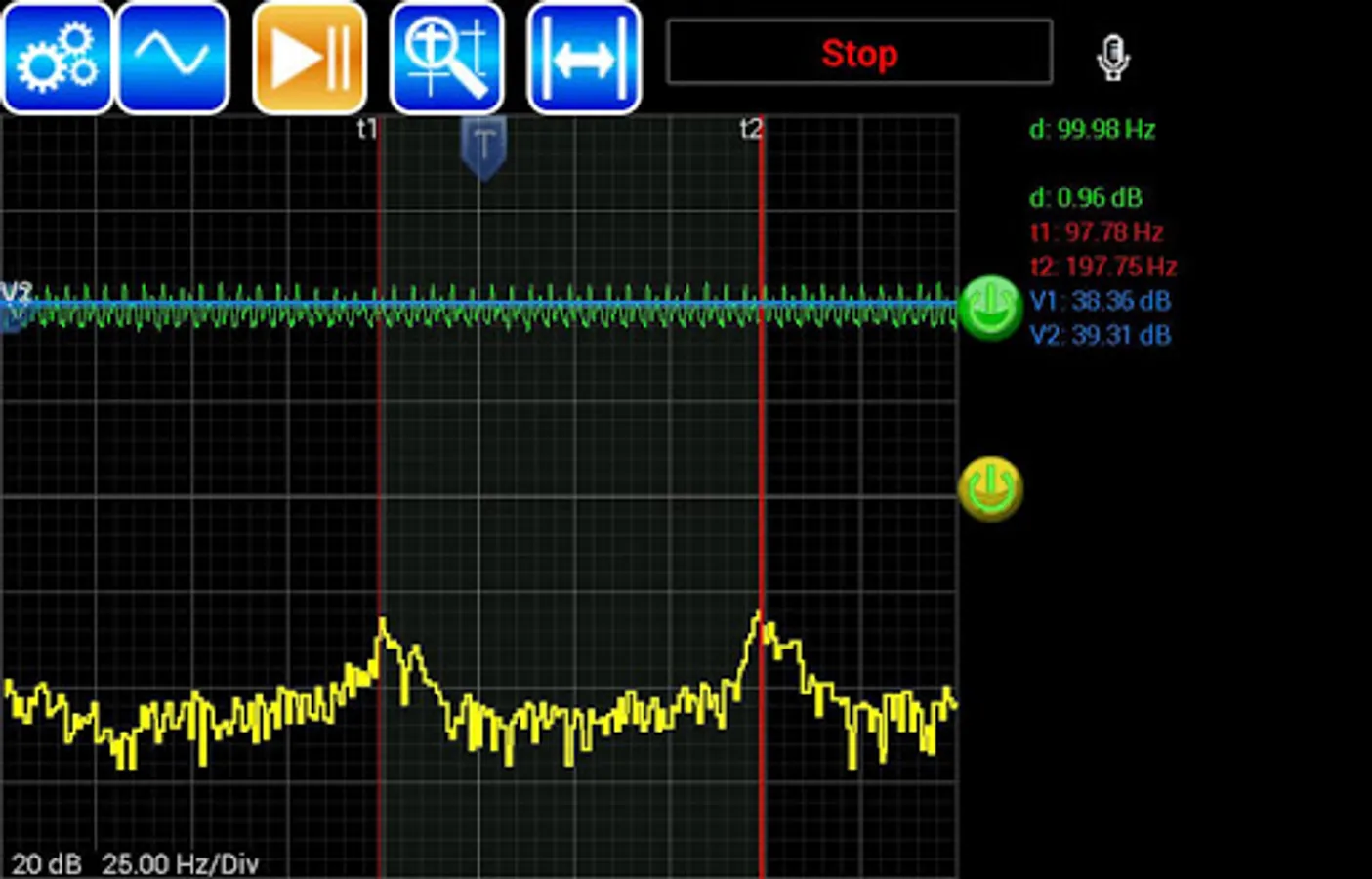
FFT for microphone input.
Shows trigger level information
Save screen captures from your instrument onto your mobile device
Save signal to file in csv format.
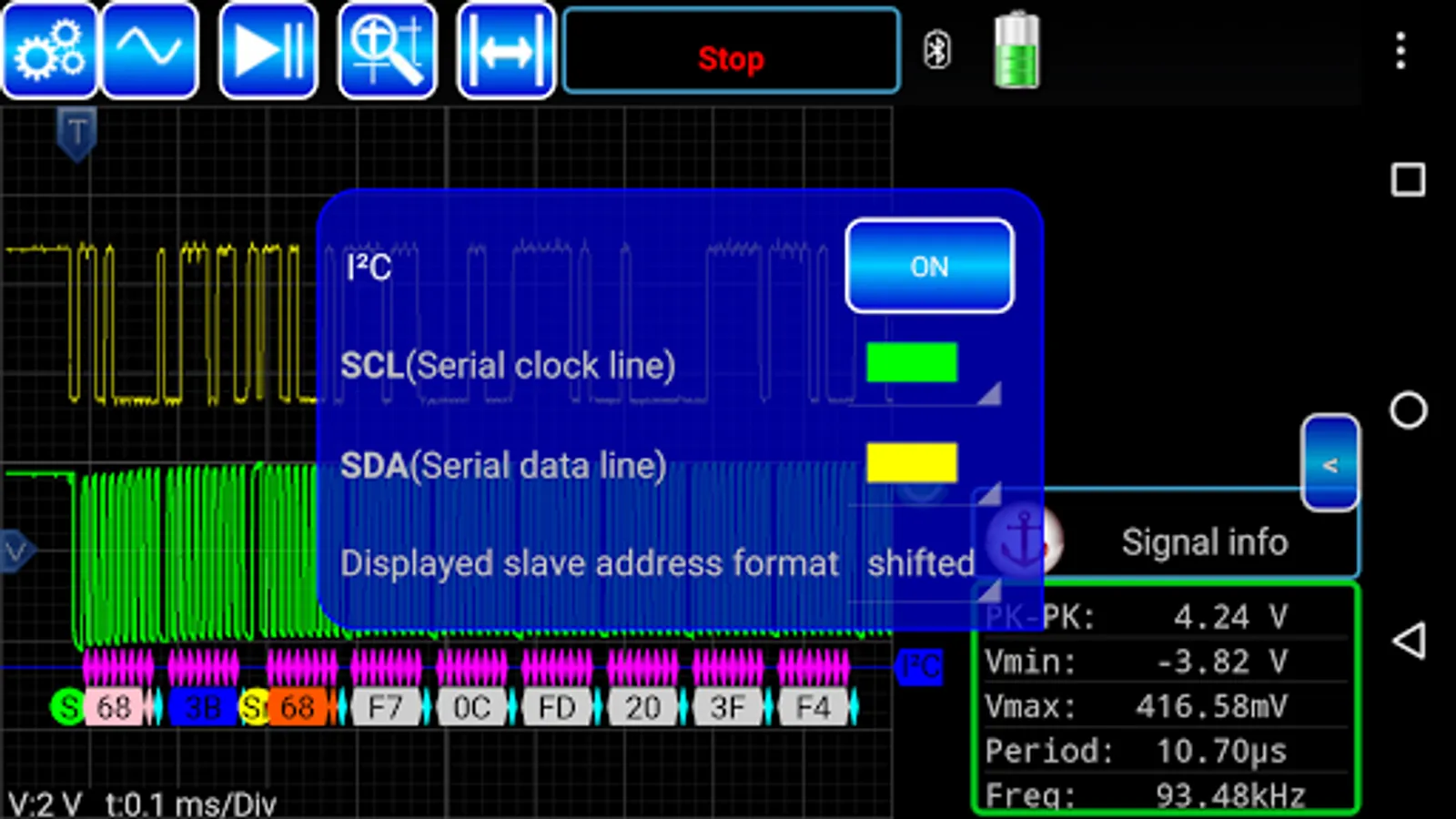
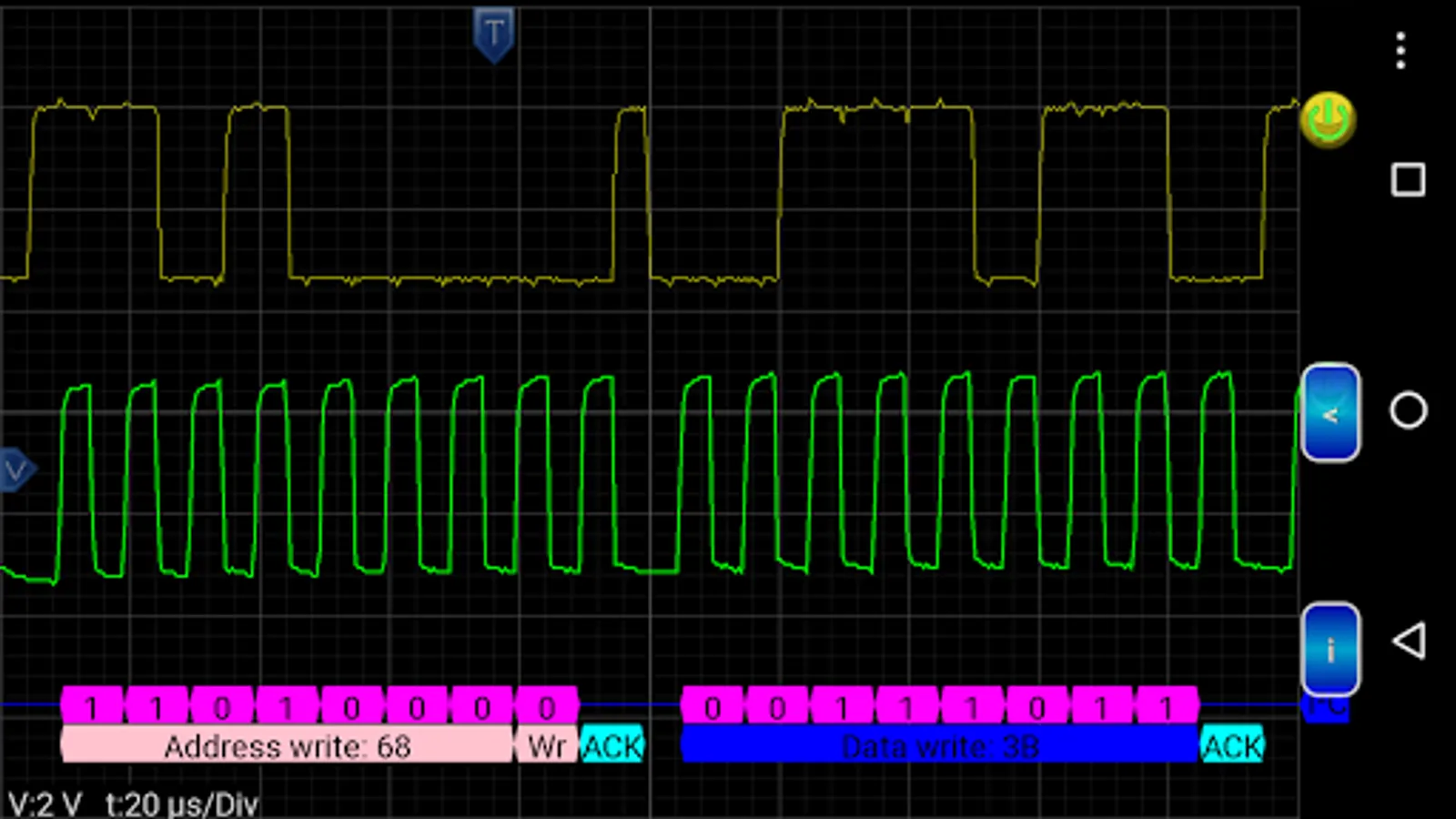
Protocol Decoders:
- SPI
- I2C
- Guess bitrate
- UART
- 1-Wire link layer
- IR NEC
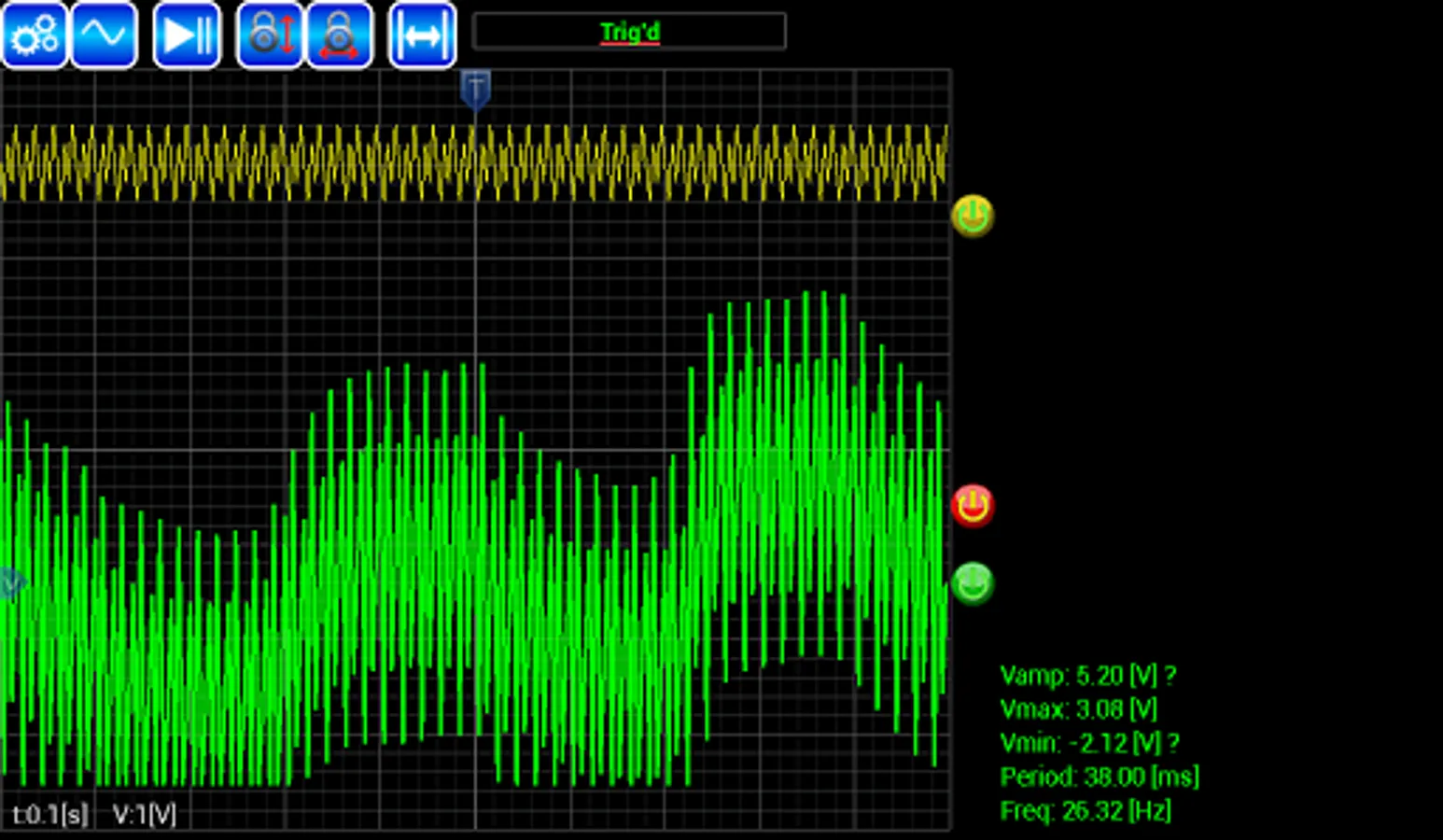
Math channels
System can display up to 5 math channels.
• Main operations: +, –, ×, /, sqrt, x^y, exp, ln, log, abs
• Trigonometric functions: sin, cos, tan, asin, acos, atan
• Additional operands: PI, T (time)
Math example: exp(-T*125)*sin(2*pi*1000*T)
Control the following functions
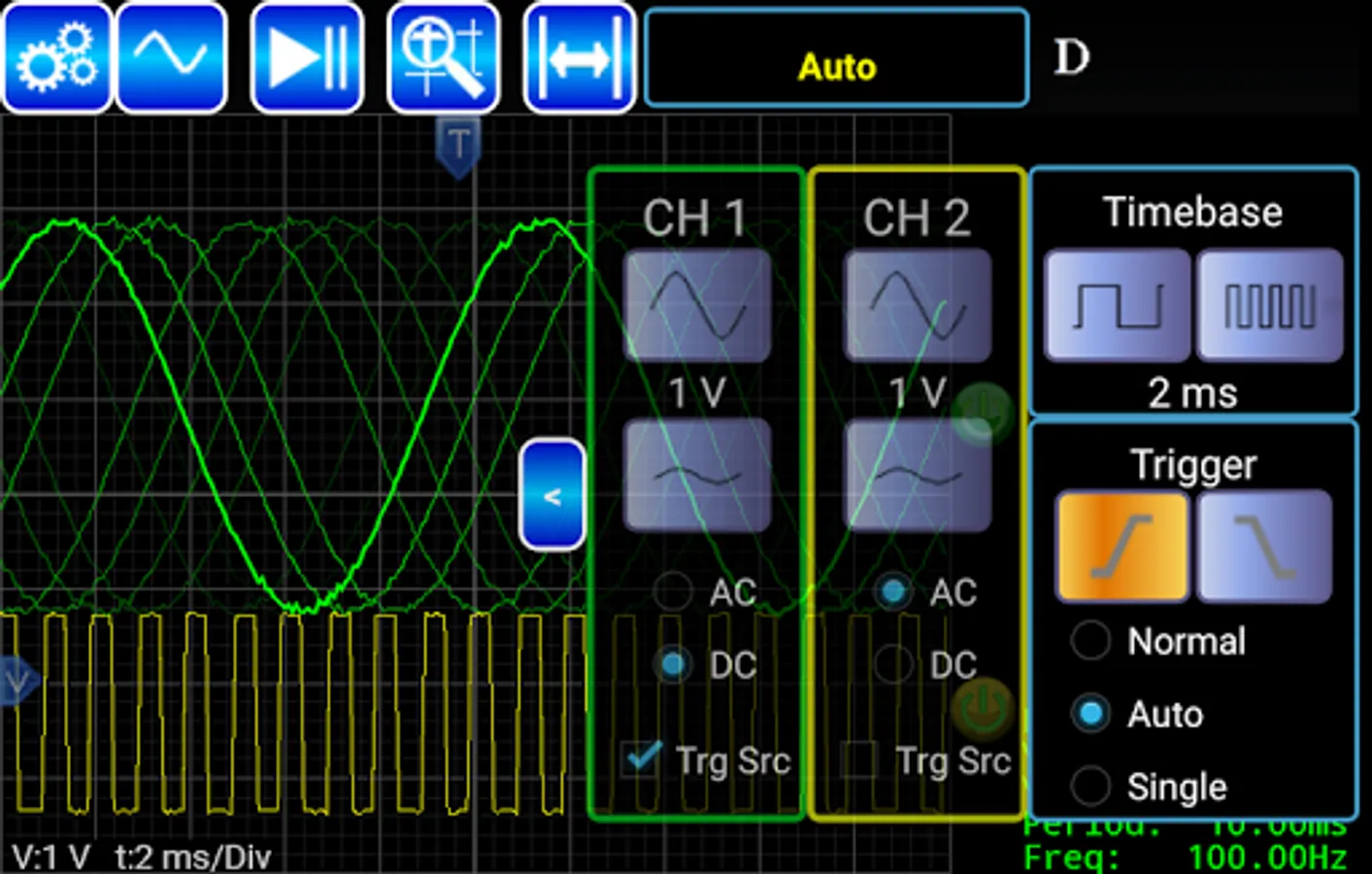
• start/stop/single acquisition
• change time/div
• change volts/div
• turn channels on/off
• select trigger type/level
• screen zooming
• full screen mode
• font size
• signal retention level
• double click on triggers sets them to zero level
Please email aroscilloscope@gmail.com to report bugs, ask questions or give us your feedback.
It can be used on any mobile device with Android, Windows or Linux PC (Mac is coming) system using Bluetooth technology. It means that there are no any wire connections to your phone, tablet or PC, which can guarantee the safety of your mobile device or PC, plus portability.
The oscilloscope is the most frequently used, most flexible device for electric measurements.
It visualizes an electric potential over time function, producing much more information than other potential and current measurement methods.
With an oscilloscope the following quantities can be either directly or indirectly measured:
direct voltage, alternating voltage, direct current, alternating current, time, time delay, phase, phase difference, frequency to view live waveforms, make measurements.
For more info visit http://ar-oscilloscope.com
Features
Demo mode available.
Displaying the audio waveform captured from a microphone.
Accelerometer waveform, x y z.
Measure: frequency, min/max, peak-peak
FFT for microphone input.
Shows trigger level information
Save screen captures from your instrument onto your mobile device
Save signal to file in csv format.
Protocol Decoders:
- SPI
- I2C
- Guess bitrate
- UART
- 1-Wire link layer
- IR NEC
Math channels
System can display up to 5 math channels.
• Main operations: +, –, ×, /, sqrt, x^y, exp, ln, log, abs
• Trigonometric functions: sin, cos, tan, asin, acos, atan
• Additional operands: PI, T (time)
Math example: exp(-T*125)*sin(2*pi*1000*T)
Control the following functions
• start/stop/single acquisition
• change time/div
• change volts/div
• turn channels on/off
• select trigger type/level
• screen zooming
• full screen mode
• font size
• signal retention level
• double click on triggers sets them to zero level
Please email aroscilloscope@gmail.com to report bugs, ask questions or give us your feedback.
AR-Oscilloscope Screenshots
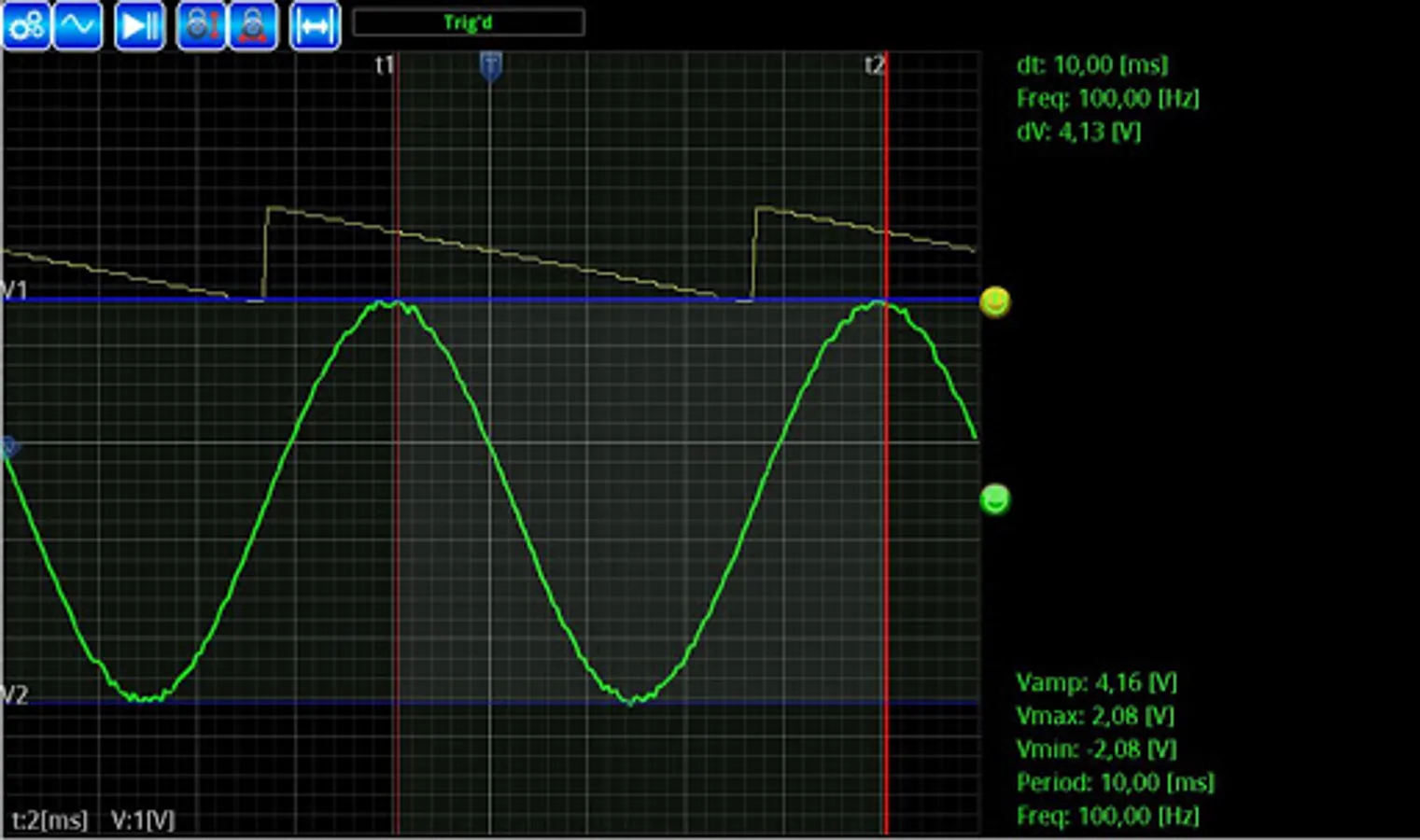
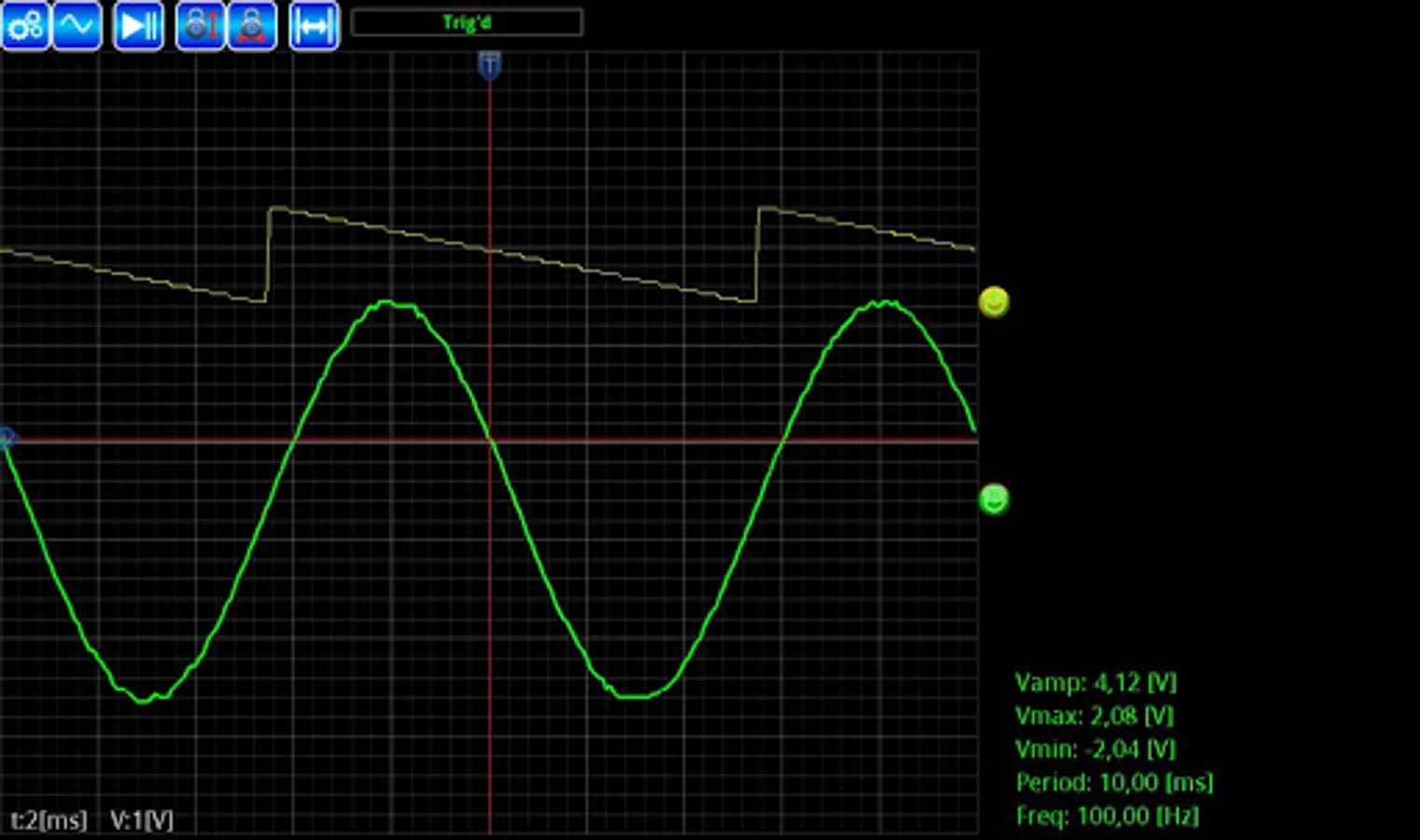
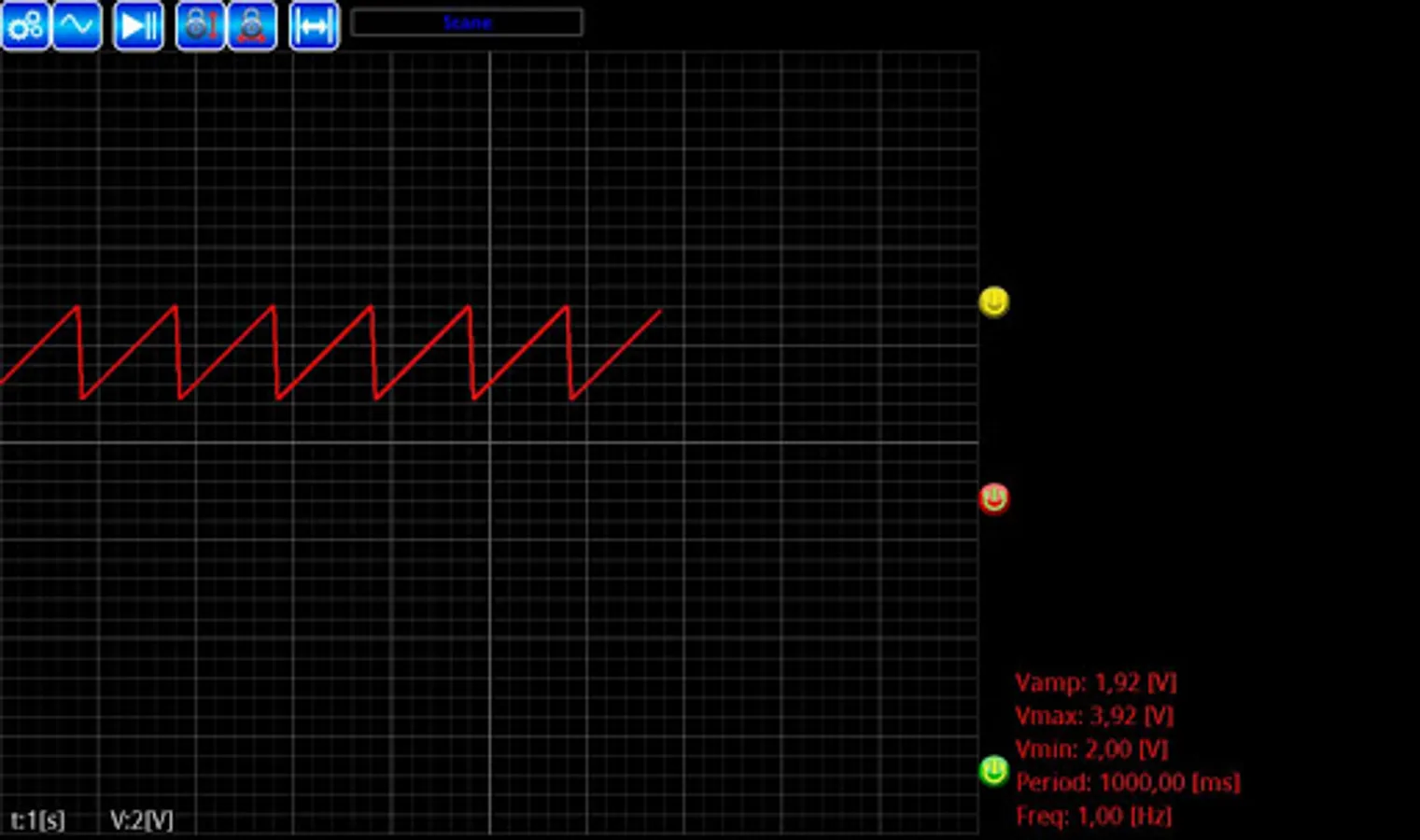
Tap to Rate:
Reviews for AR-Oscilloscope
Dominic Jackson
5/7/2025
Works if you like a useless app
Mohamed Said Mohamed Salah eldeen Lamy
12/7/2024
Good