OTG USB Connector
SH Solu
2.9 ★
2K ratings
500,000+
downloads
Free
+ in-app
With this USB file management app, you can connect external USB drives to your Android device and transfer, view, or organize files easily. Includes file transfer, viewing options, and folder management features.
AppRecs review analysis
AppRecs rating 2.8. Trustworthiness 79 out of 100. Review manipulation risk 35 out of 100. Based on a review sample analyzed.
★★☆☆☆
2.8
AppRecs Rating
Ratings breakdown
5 star
38%
4 star
7%
3 star
4%
2 star
6%
1 star
45%
What to know
⚠
Ad complaints
Many low ratings mention excessive ads
⚠
Mixed user feedback
Average 2.9★ rating suggests room for improvement
⚠
High negative review ratio
51% of sampled ratings are 1–2 stars
About OTG USB Connector
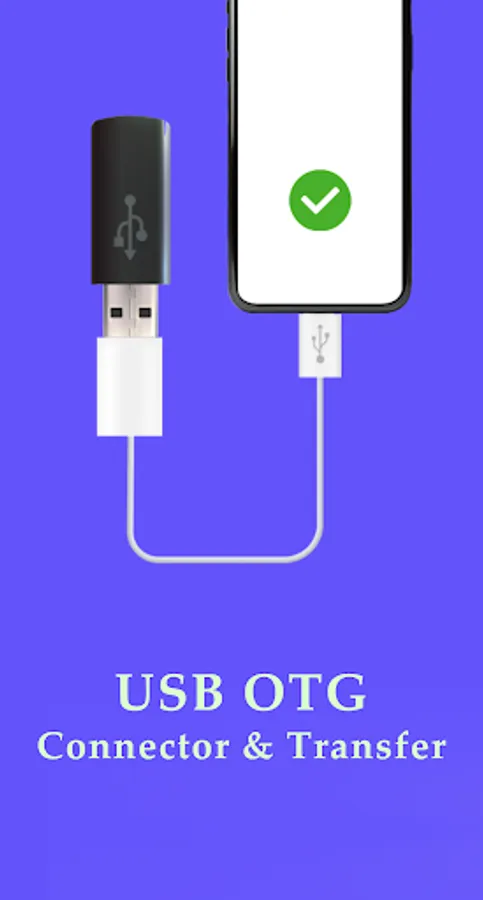
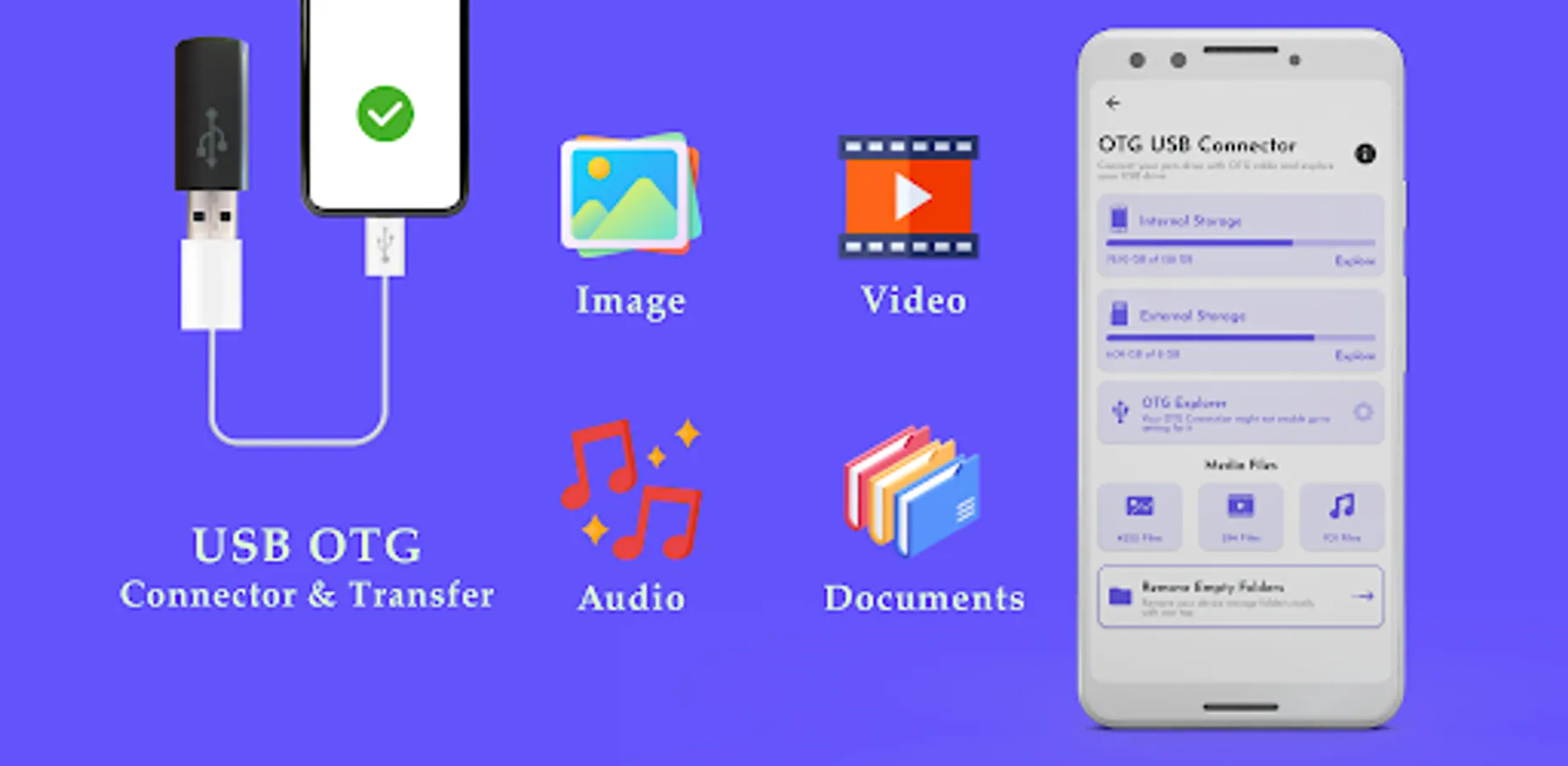
OTG USB Connector application for Android devices to Manager all Files. OTG Connector application lets you read USB flash drives as well as card readers. Connect your Android device to USB via an OTG Cable and transfer data to or from your Pen Drive to the device easily.
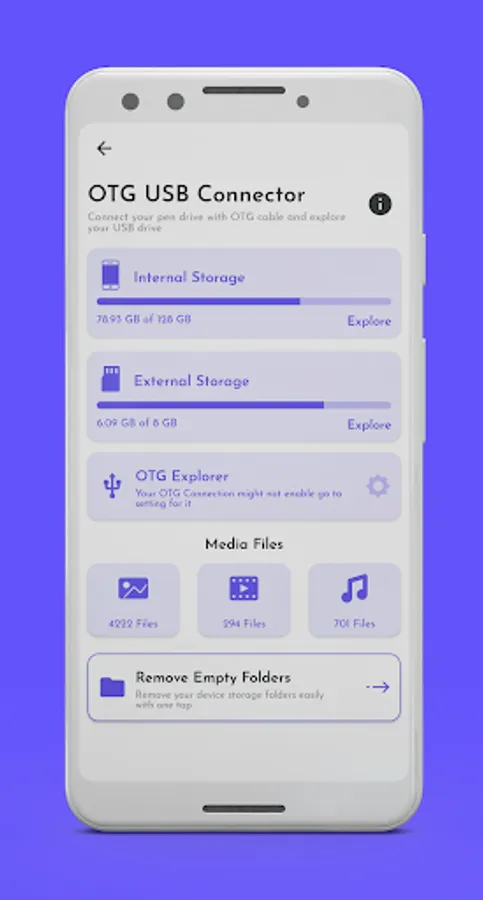
Explore and manage files on external USB devices effortlessly with OTG Explorer! This powerful USB file manager and OTG checker app allows you to connect USB drives, external storage, and OTG devices to your Android phone or tablet for easy file access and management.
Features:
1. You can use the application as an OTG Checker.
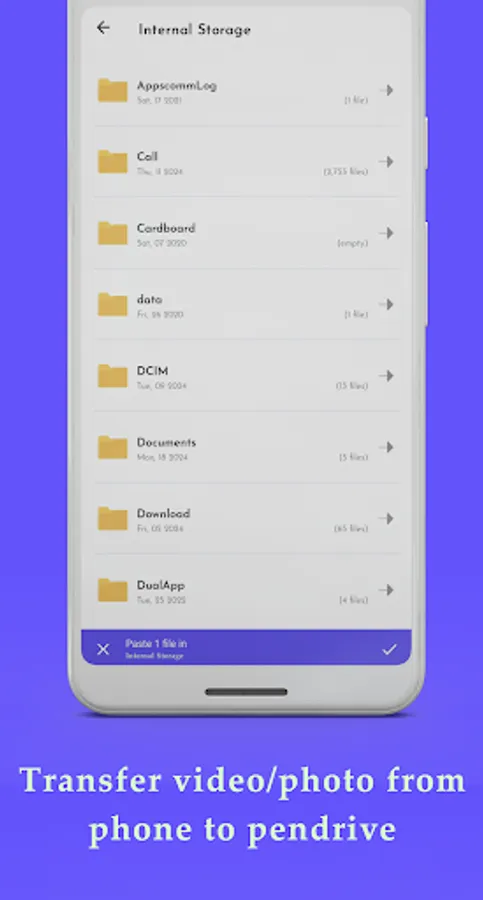
2. Copy or move data to a pen drive from your android device using OTG Explorer.
3. Copy or move data from an android device to your pen drive using USB File Manager.
4. Edit or share files from USB Drive.
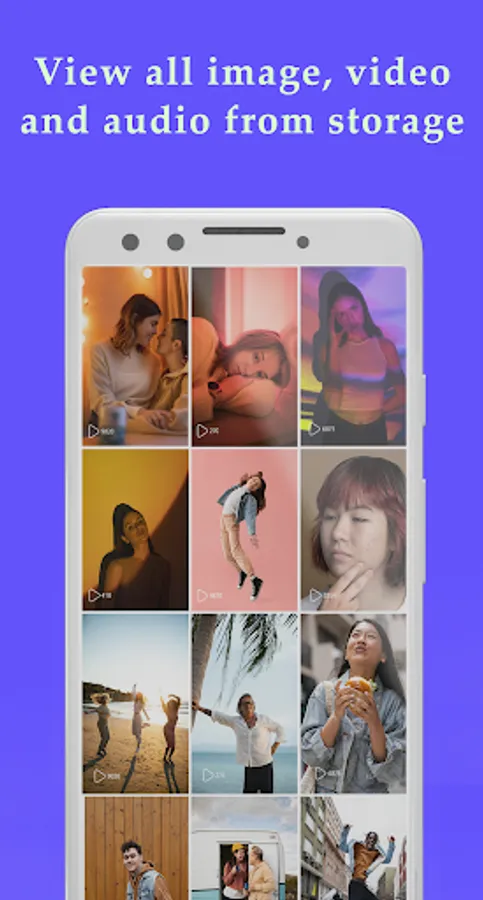
5. The app also reads all files on your pen drive or USB device, and you can view all photos, audio, videos or movies on your device.
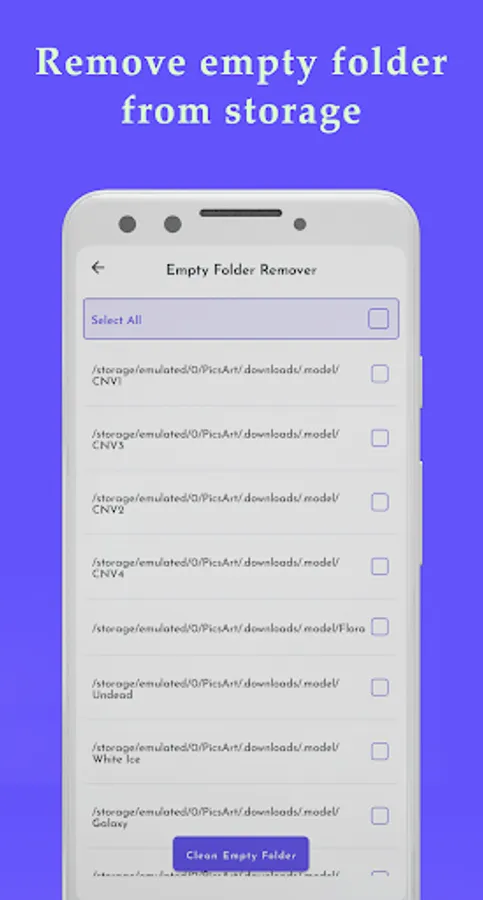
6. Delete empty folders using the Empty Folder Remover feature.
Install and manage your USB drives using "OTG Connector" or "USB Driver" application.
Explore and manage files on external USB devices effortlessly with OTG Explorer! This powerful USB file manager and OTG checker app allows you to connect USB drives, external storage, and OTG devices to your Android phone or tablet for easy file access and management.
Features:
1. You can use the application as an OTG Checker.
2. Copy or move data to a pen drive from your android device using OTG Explorer.
3. Copy or move data from an android device to your pen drive using USB File Manager.
4. Edit or share files from USB Drive.
5. The app also reads all files on your pen drive or USB device, and you can view all photos, audio, videos or movies on your device.
6. Delete empty folders using the Empty Folder Remover feature.
Install and manage your USB drives using "OTG Connector" or "USB Driver" application.