PDF scanner - Scan Documents
Captain Show LLC
4.4 ★
6K ratings
1,000,000+
downloads
Free
+ in-app
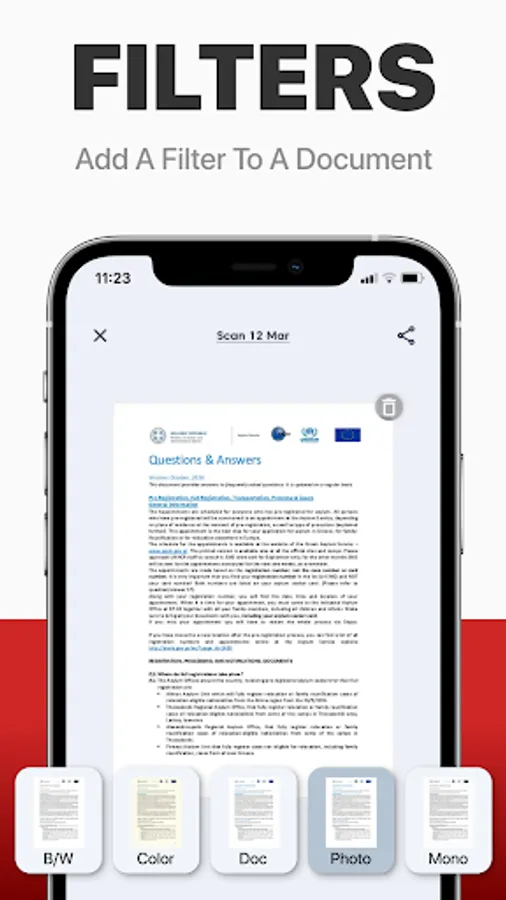
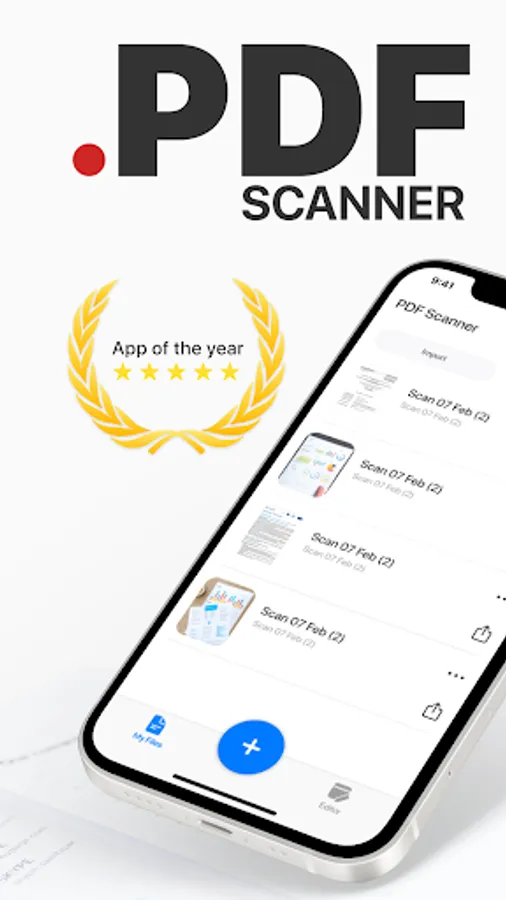
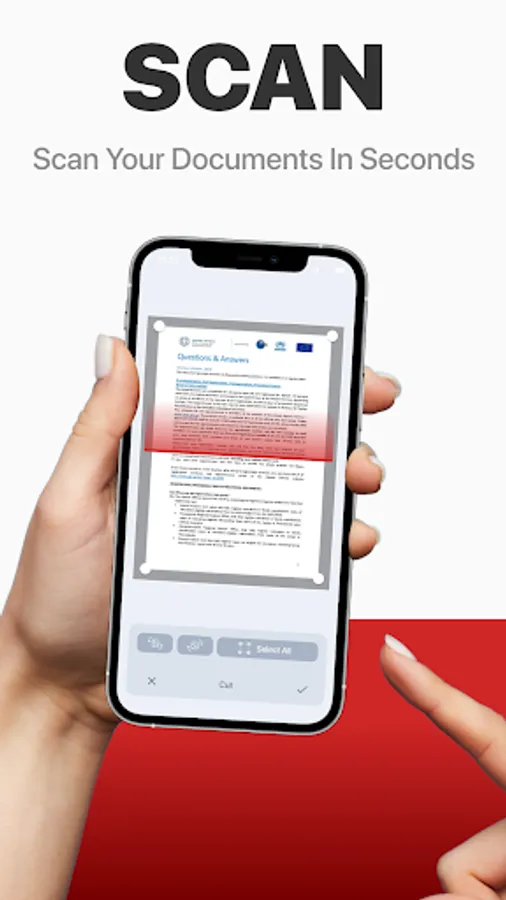
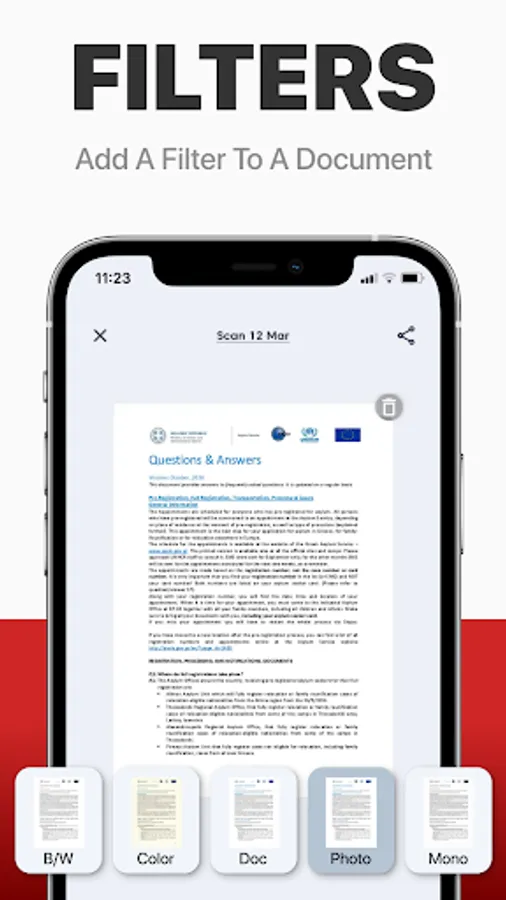
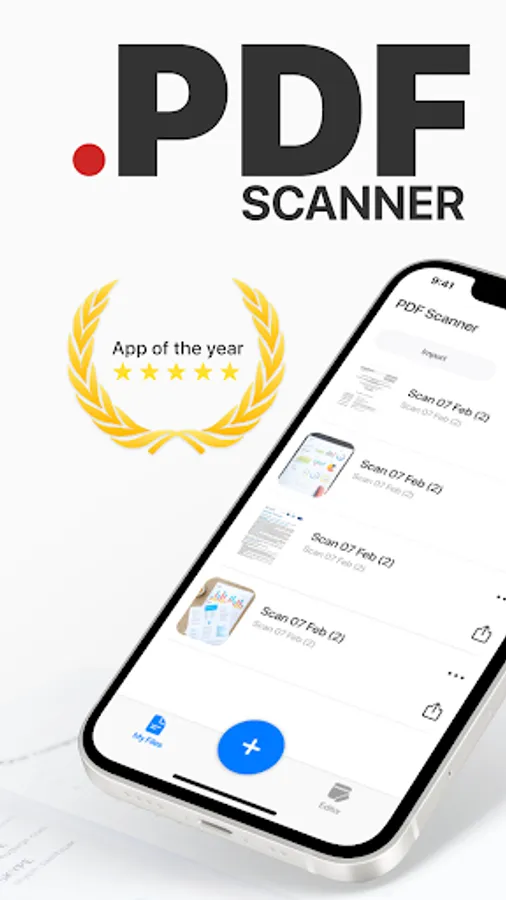
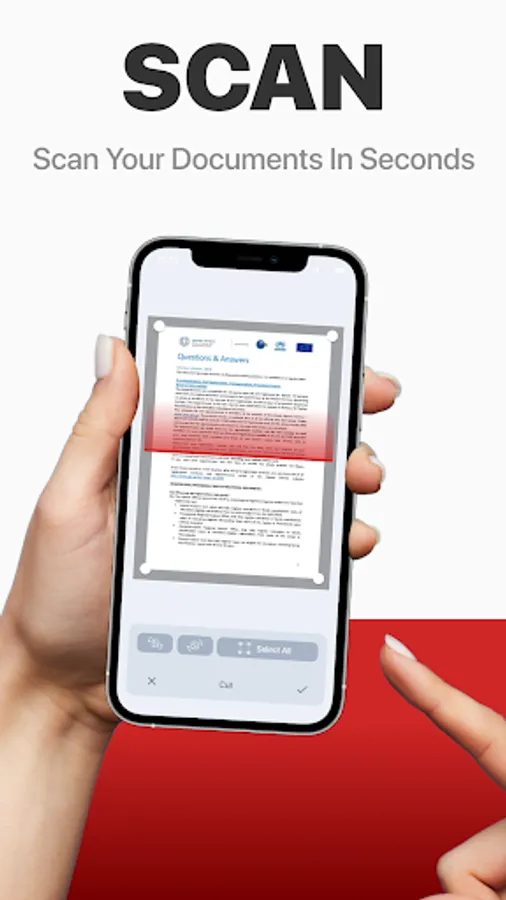
In this PDF scanner app, you can capture, recognize, and convert documents and images into editable PDFs or office formats. Includes multi-language OCR, fast processing, and options to export, edit, or improve content quality.
AppRecs review analysis
AppRecs rating 4.3. Trustworthiness 78 out of 100. Review manipulation risk 34 out of 100. Based on a review sample analyzed.
★★★★☆
4.3
AppRecs Rating
Ratings breakdown
5 star
81%
4 star
6%
3 star
1%
2 star
1%
1 star
12%
What to know
✓
Credible reviews
78% trustworthiness score from analyzed reviews
✓
High user satisfaction
87% of sampled ratings are 4+ stars (4.4★ average)
About PDF scanner - Scan Documents
PDF Scanner can scan PDF files, ID Photo and books for recognition. After processing the file, get the result. Fast and easy HD scanning! Highly accurately recognizes different materials, scan identity documents, accurately prepares the sources, exports to office formats. PDF scanning app allows you to create, edit and view PDFs, work with content, convert, improve the quality of content and work with scanner. Just in one click!
File formats
Images: jpg, jpeg, png
Multi-page documents: pdf
Functions:
* Camera scanner allows recognition of scanned files and photos that contain text
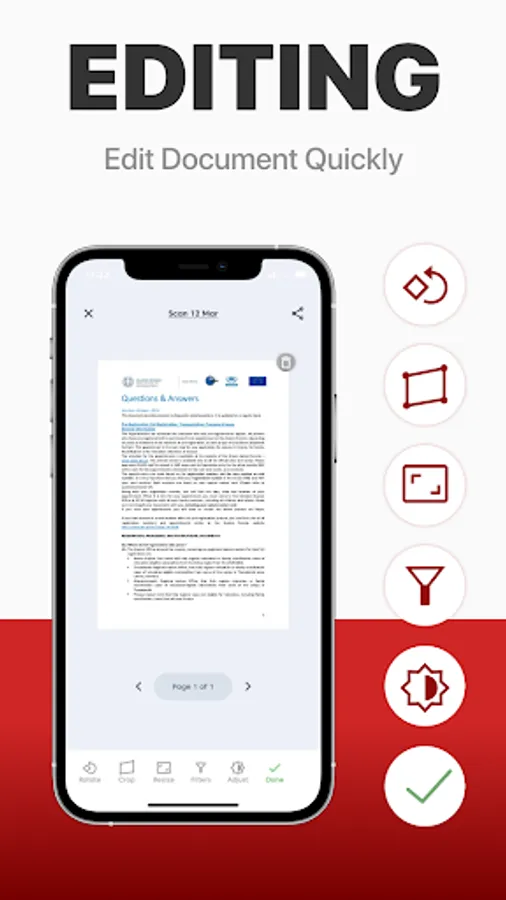
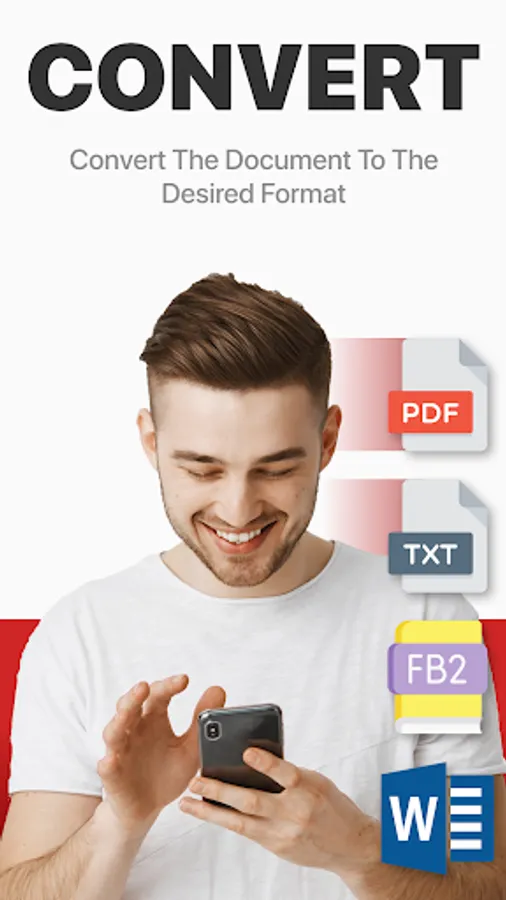
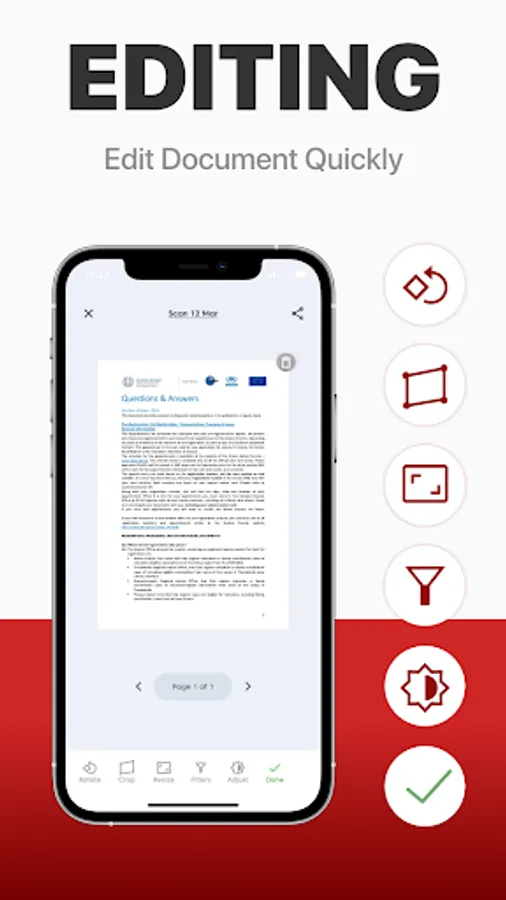
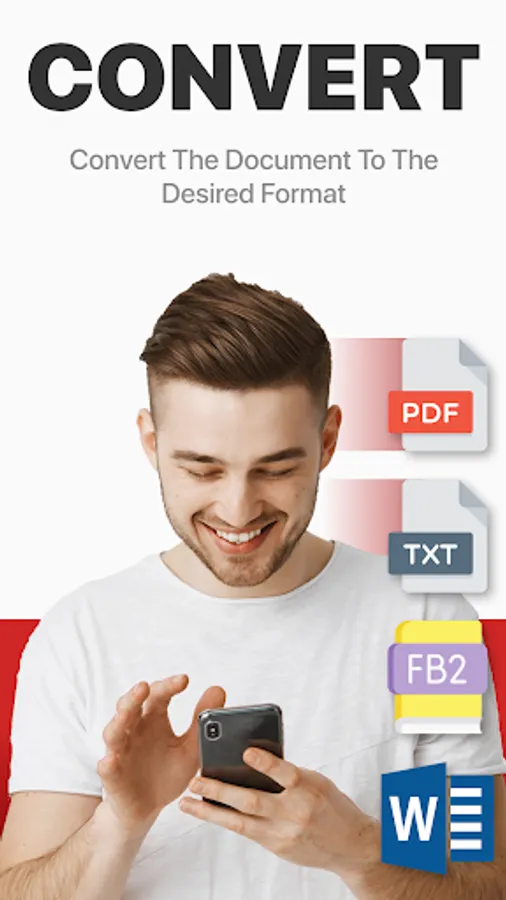
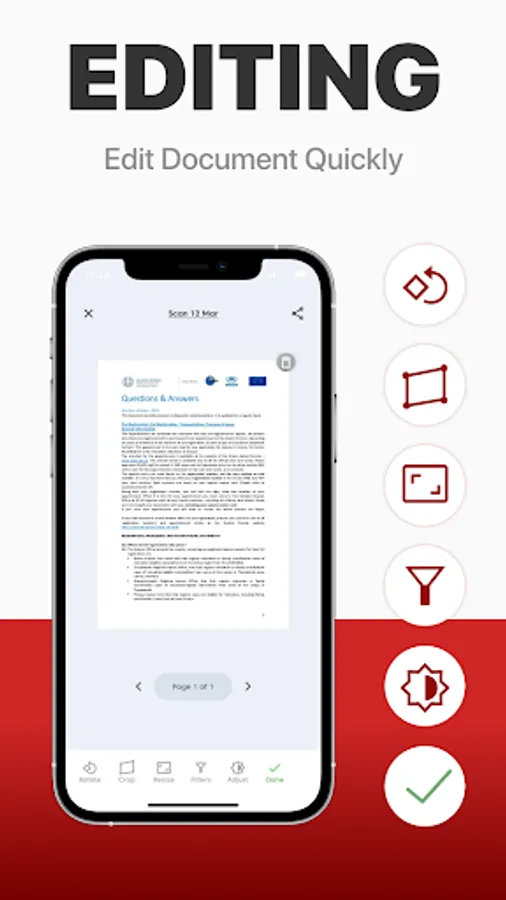
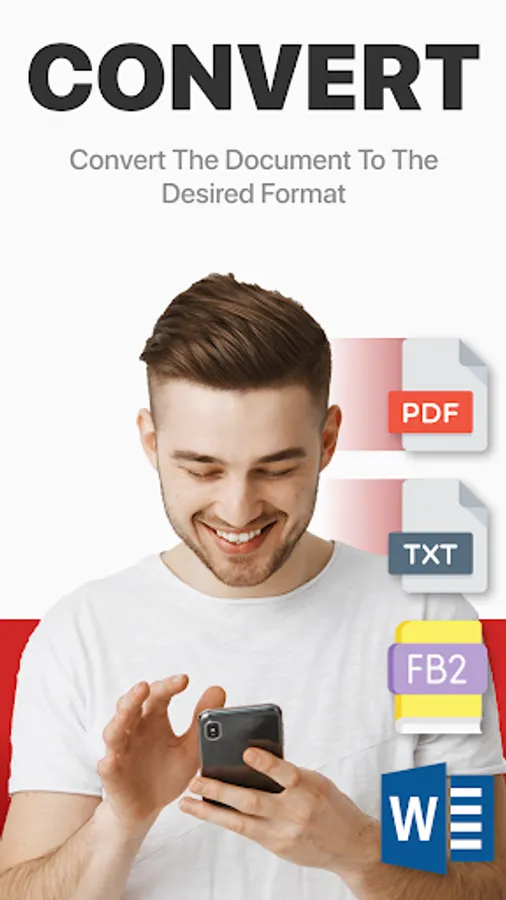
* Formatting paper and PDF multiple documents into editable formats
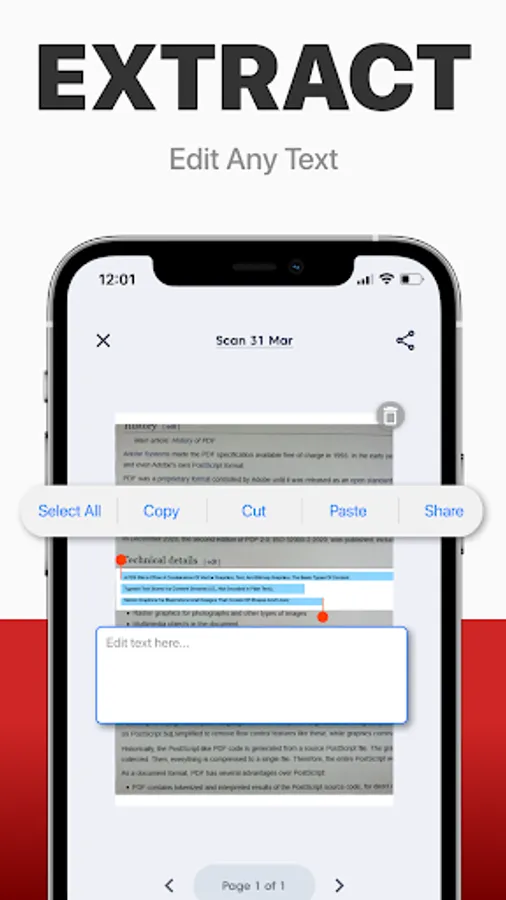
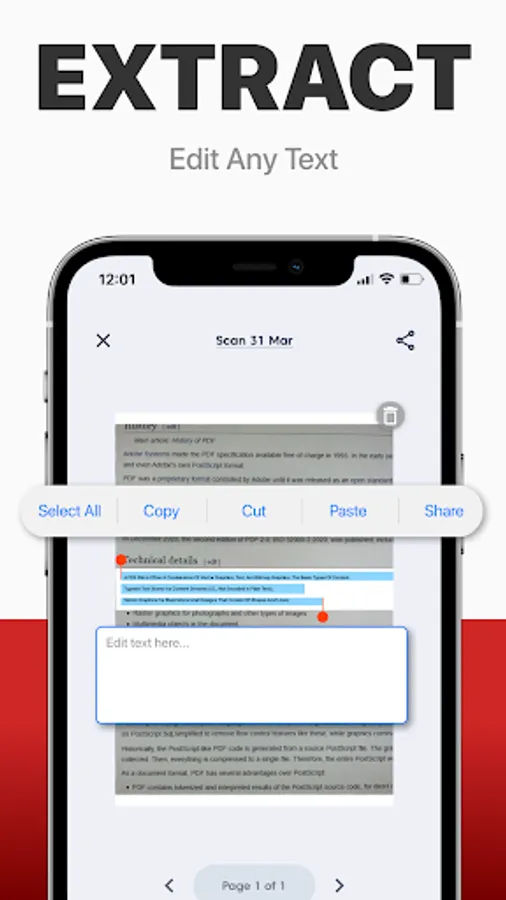
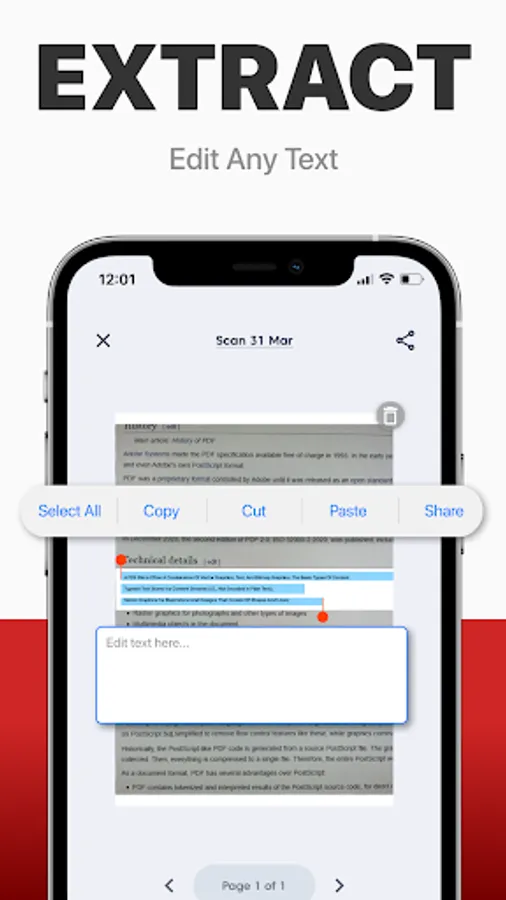
* Doc scanner & OCR - Online document editing by and retrieving Printed Text
* Quickly scan - Easy and convenient interface
* Genius scanner has features of Multilanguage, fast text recognition and unlimited requests
* Data protection.
* Conversion of scanned works, recognition of different formats and data editing
Do you have a textbook or any magazine you want to get the text from, but don't have time to print the text? Recognizing Text has never been easier. With PDF scanner document all you need is to scan or photograph the text, then select the file and upload it to our text recognition service. If the image with the text was accurate enough, then you will receive recognized and readable text.
What can be done by scannerpro:
PDF scan & photo scanner easily scans all documents.
ID scanner - simply take a photo of the document, just as you usually photograph food, cats or yourself. It also can scan ID cards, passports, driving licenses, visas, and other identity documents. Isn't it cool?
Scan Book, your favorite books and literature also can be scanned. Scan novels, magazines to PDF by using our document edge recognition system in the section of document scan or OCR.
Scan Photo and save your favorite pictures by using a pro photo scanner app and OCR scanner.
Program for scanning documents, allows you to recognize and identify texts and images, digitize materials, convert them and much more. The PDF format allows you to preserve formatting, regardless of which screen and in which program the file is viewed. In addition, printing documents becomes more convenient, all elements of the document in picture scanner will remain in place, the text will not be able to go beyond the boundaries of the sheet, and the pagination of the text will remain exactly as it is on the device screen.
PDF scanner application differs in a set of useful functions, advanced features and settings. Utilities with additional options, intelligent components and high-quality work algorithms are available. Easily analyzes and recognizes and scans documents, files and photos thanks to an intelligent system, also exports recognized material for correction and editing.
File formats
Images: jpg, jpeg, png
Multi-page documents: pdf
Functions:
* Camera scanner allows recognition of scanned files and photos that contain text
* Formatting paper and PDF multiple documents into editable formats
* Doc scanner & OCR - Online document editing by and retrieving Printed Text
* Quickly scan - Easy and convenient interface
* Genius scanner has features of Multilanguage, fast text recognition and unlimited requests
* Data protection.
* Conversion of scanned works, recognition of different formats and data editing
Do you have a textbook or any magazine you want to get the text from, but don't have time to print the text? Recognizing Text has never been easier. With PDF scanner document all you need is to scan or photograph the text, then select the file and upload it to our text recognition service. If the image with the text was accurate enough, then you will receive recognized and readable text.
What can be done by scannerpro:
PDF scan & photo scanner easily scans all documents.
ID scanner - simply take a photo of the document, just as you usually photograph food, cats or yourself. It also can scan ID cards, passports, driving licenses, visas, and other identity documents. Isn't it cool?
Scan Book, your favorite books and literature also can be scanned. Scan novels, magazines to PDF by using our document edge recognition system in the section of document scan or OCR.
Scan Photo and save your favorite pictures by using a pro photo scanner app and OCR scanner.
Program for scanning documents, allows you to recognize and identify texts and images, digitize materials, convert them and much more. The PDF format allows you to preserve formatting, regardless of which screen and in which program the file is viewed. In addition, printing documents becomes more convenient, all elements of the document in picture scanner will remain in place, the text will not be able to go beyond the boundaries of the sheet, and the pagination of the text will remain exactly as it is on the device screen.
PDF scanner application differs in a set of useful functions, advanced features and settings. Utilities with additional options, intelligent components and high-quality work algorithms are available. Easily analyzes and recognizes and scans documents, files and photos thanks to an intelligent system, also exports recognized material for correction and editing.
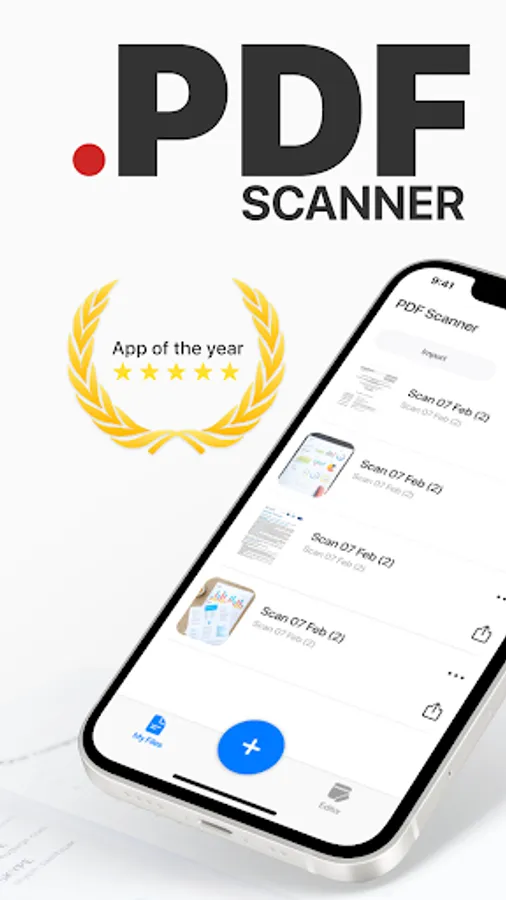
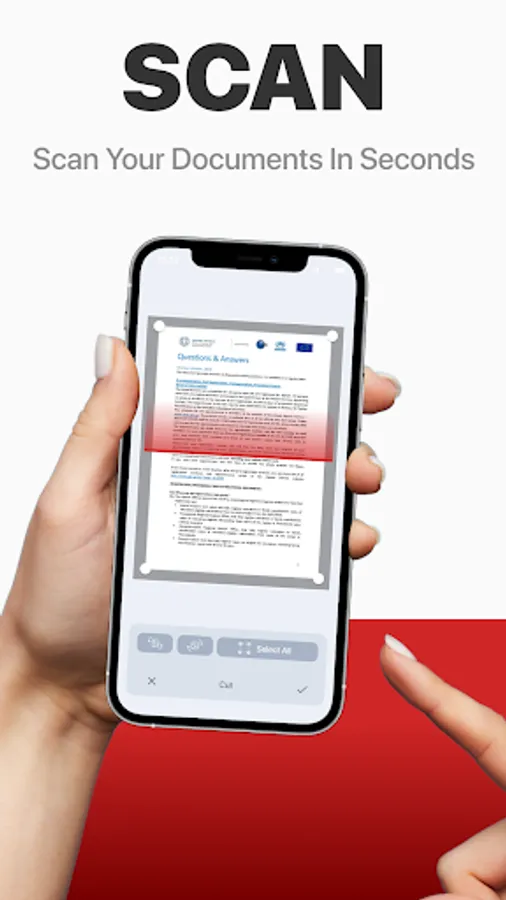
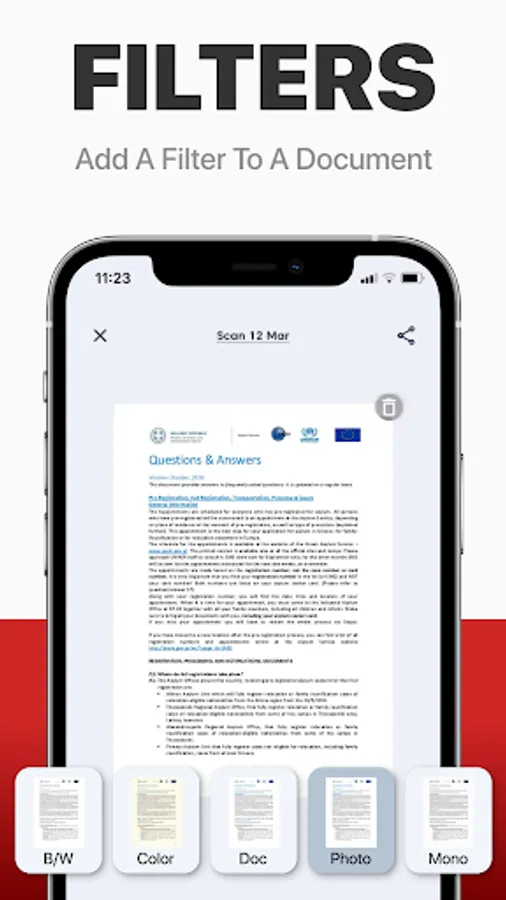
PDF scanner - Scan Documents Screenshots
Tap to Rate:
Reviews for PDF scanner - Scan Documents
Rawson and Aberdares Africa Limited
11/25/2025
the worst ever app.. Steals personal data
Victoria Olajide
1/7/2025
it's very bad