DSLR Camera - Blur Background
Photo And Video Apps
100,000+
downloads
Free
AppRecs review analysis
AppRecs rating 2.0. Trustworthiness 44 out of 100. Review manipulation risk 43 out of 100. Based on a review sample analyzed.
★★☆☆☆
2.0
AppRecs Rating
Ratings breakdown
5 star
54%
4 star
6%
3 star
8%
2 star
4%
1 star
28%
What to know
⚠
Questionable review patterns
43% review manipulation risk - some review patterns appear unusual
⚠
Review quality concerns
81% of sampled 5-star reviews are very short
⚠
High negative review ratio
32% of sampled ratings are 1–2 stars
About DSLR Camera - Blur Background
DSLR Camera – Blur Background is an app for blurring images for unwanted area. Want a blur background line DSLR Camera? Or you want to highlight something special in your Images.
Blur image is was never easy before DSLR Camera – Blur Background.
You can make a blur background effect easily with DSLR Camera – Blur Background application and create your images in eye catching Photos.
Make your special image have focused with your selected part of image.
It was the great Photo editor for blur effects Photo.
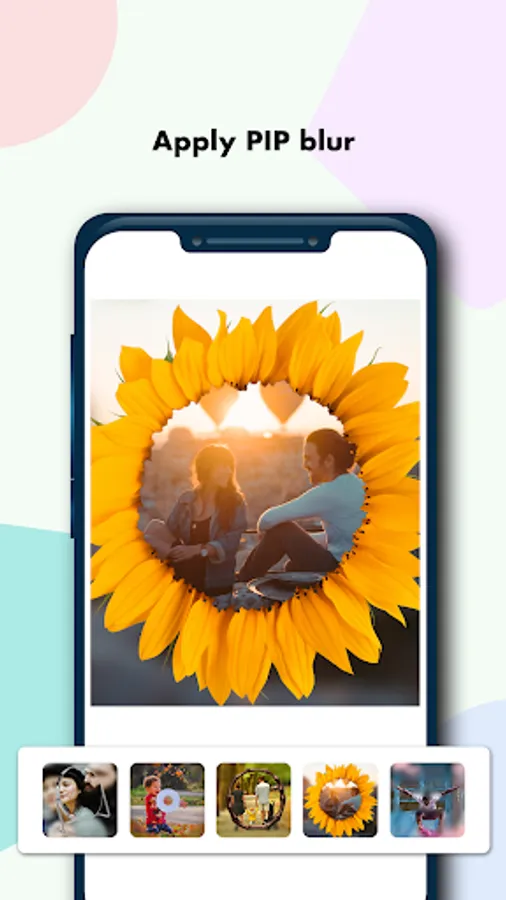
You can also make PIP Camera Effect in your Photo.
It have a many beautiful pip frames available in our pip photo editor.
It have a many special filter effect in out Photo Editor.
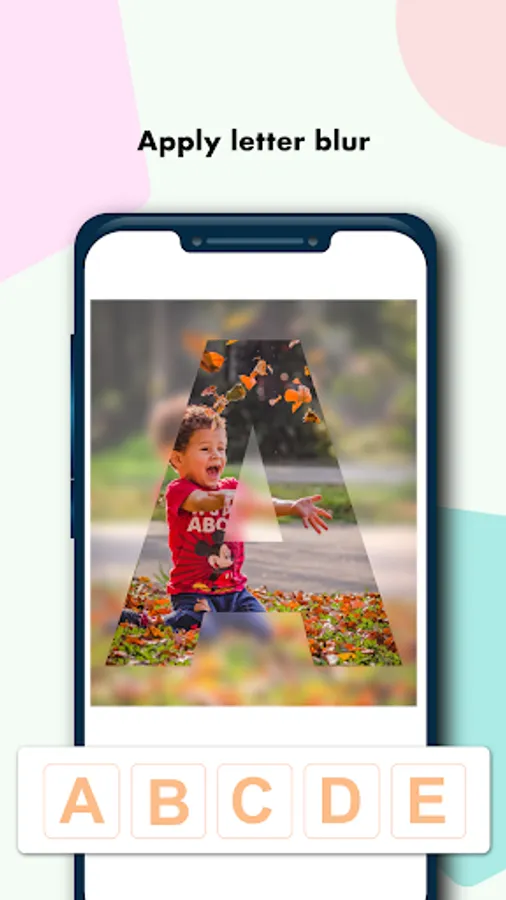
This image editor have functions like Alphabetic masks text on photo.
Have fun and enjoy with out Best Camera Effect App.
Easy To Use:
============
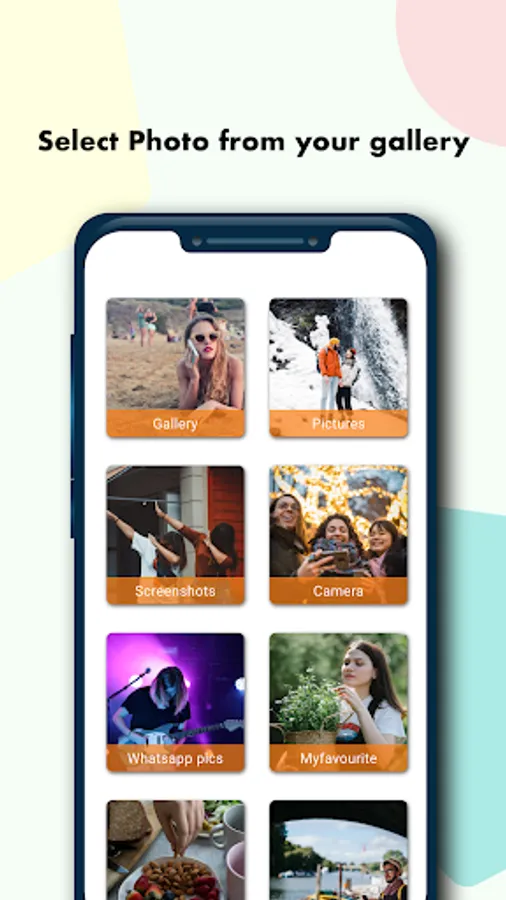
1. Capture image from camera or select from your image library.
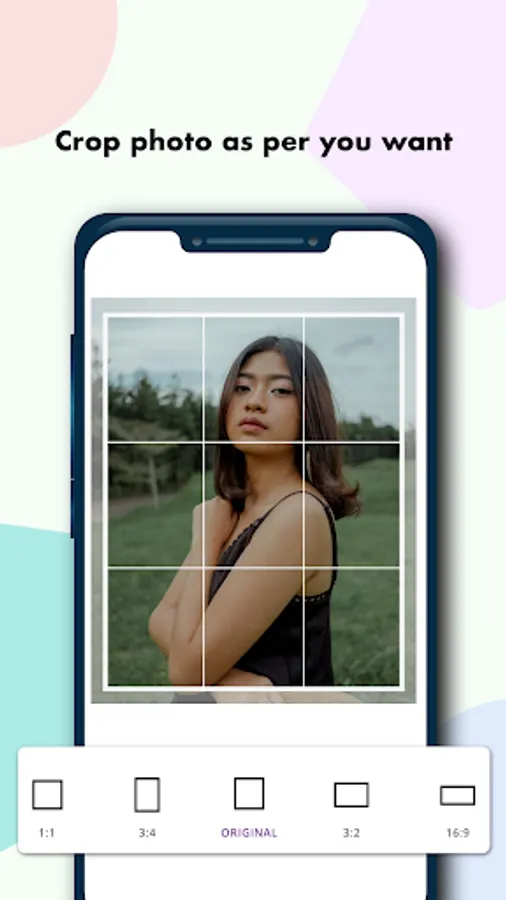
2. Crop your image if you want otherwise skip it for original image.
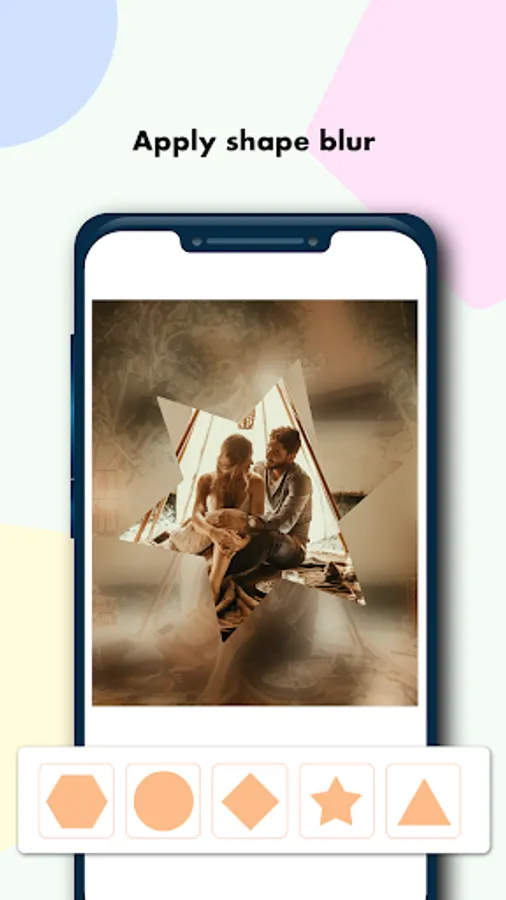
3. Select preferred blurring effect from blur button.
4. Select PIP Photo Frames to set on your Photo
5. Change the size of blurring from size button.
6. Directly reset the image changes using reset button.
7. You also can undo or redo changes in your image.
8. Now click on done button and your image is ready with DSLR Camera – Blur Background.
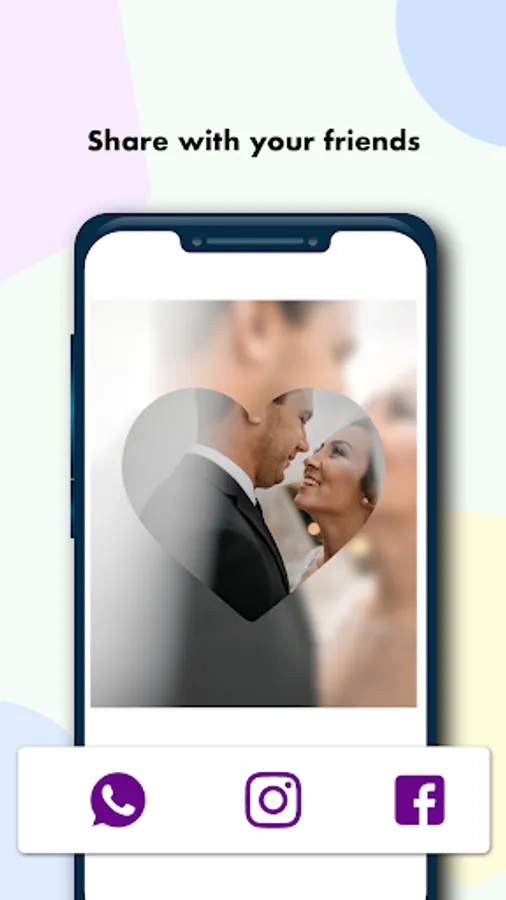
9. Your image is ready and you can share with your friends in Instagram, Whatsapp, Facebook or Twitter.
Features of DSLR Camera – Blur Background:
==========================================
1. You can select image from your image library or capture from camera.
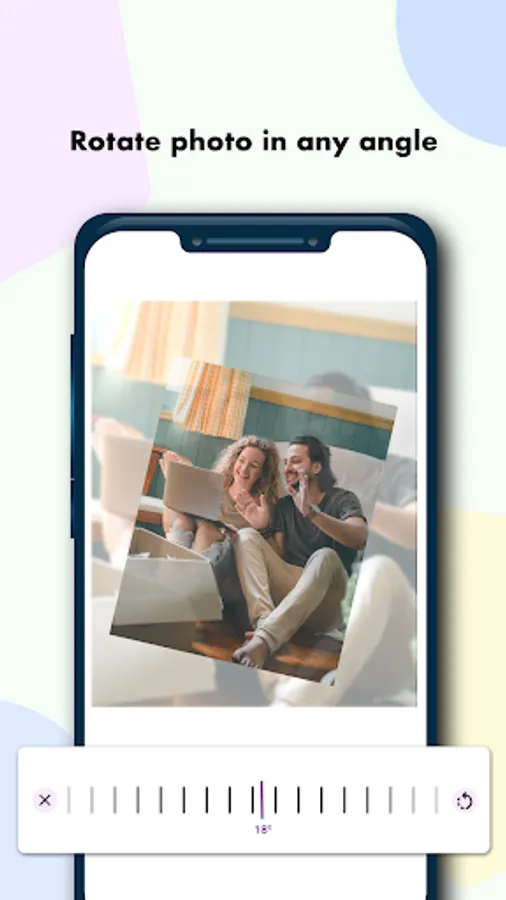
2. Zoom in/Zoom out your image before editing.
3. Crop your image before editing with some specific margins.
4. Change blur effects as you want.
5. Change the size of blur drawing.
6. Save it to your image library.
7. Preview of your image.
8. Share with your friends.
Having some idea about where to blur your image then it make you a good photographer.
Questions? Problems?
====================
If you have any questions or problems please inform us on: multimideaeditorapps@gmail.com
Blur image is was never easy before DSLR Camera – Blur Background.
You can make a blur background effect easily with DSLR Camera – Blur Background application and create your images in eye catching Photos.
Make your special image have focused with your selected part of image.
It was the great Photo editor for blur effects Photo.
You can also make PIP Camera Effect in your Photo.
It have a many beautiful pip frames available in our pip photo editor.
It have a many special filter effect in out Photo Editor.
This image editor have functions like Alphabetic masks text on photo.
Have fun and enjoy with out Best Camera Effect App.
Easy To Use:
============
1. Capture image from camera or select from your image library.
2. Crop your image if you want otherwise skip it for original image.
3. Select preferred blurring effect from blur button.
4. Select PIP Photo Frames to set on your Photo
5. Change the size of blurring from size button.
6. Directly reset the image changes using reset button.
7. You also can undo or redo changes in your image.
8. Now click on done button and your image is ready with DSLR Camera – Blur Background.
9. Your image is ready and you can share with your friends in Instagram, Whatsapp, Facebook or Twitter.
Features of DSLR Camera – Blur Background:
==========================================
1. You can select image from your image library or capture from camera.
2. Zoom in/Zoom out your image before editing.
3. Crop your image before editing with some specific margins.
4. Change blur effects as you want.
5. Change the size of blur drawing.
6. Save it to your image library.
7. Preview of your image.
8. Share with your friends.
Having some idea about where to blur your image then it make you a good photographer.
Questions? Problems?
====================
If you have any questions or problems please inform us on: multimideaeditorapps@gmail.com