Video Crop
Photo And Video Apps
3.9 ★
11K ratings
1,000,000+
downloads
Free
In this video crop app, you can select and crop videos by adjusting the view and range, with support for multiple formats. Includes background cropping, HD quality output, and preview features.
AppRecs review analysis
AppRecs rating 3.9. Trustworthiness 71 out of 100. Review manipulation risk 36 out of 100. Based on a review sample analyzed.
★★★☆☆
3.9
AppRecs Rating
Ratings breakdown
5 star
64%
4 star
8%
3 star
5%
2 star
4%
1 star
19%
What to know
✓
Credible reviews
71% trustworthiness score from analyzed reviews
✓
Good user ratings
72% positive sampled reviews
✓
Authentic reviews
Natural distribution, no red flags
About Video Crop
Video Crop is for cropping your Videos in selected portion.
Crop Video is not easy before Video Crop.
You can crop video by selecting the video view portion and also trim a video by selecting part of that video by using our Video Crop.
Video Crop is a tool for cropping the videos in a moments.
Video Crop gives the best HD quality to your video after cropping.
Video Crop takes little more time to crop your video because it crops the each frame of the video with HD clarity.
If you want then minimize the video crop app it is running on background and cropping your video so you can do other work as well.
Features & Use of Video Crop:
----------------------------------------------------
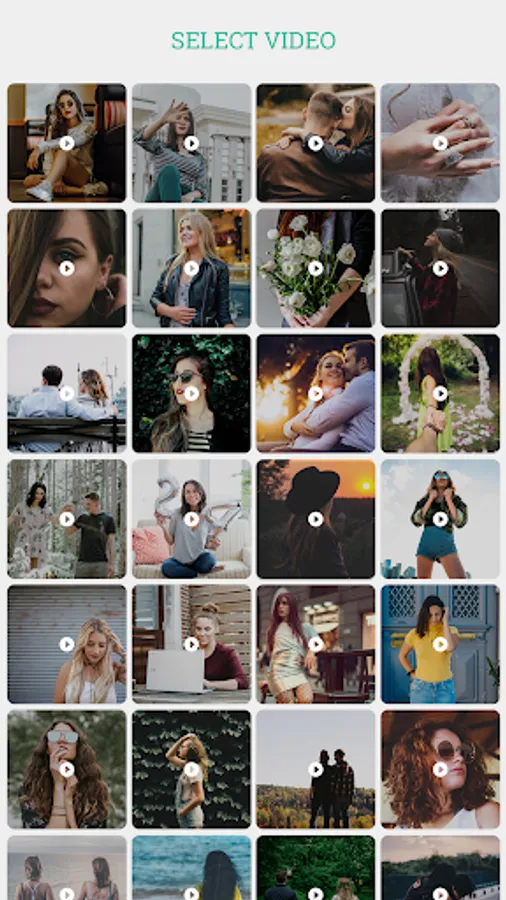
-> Select the Video from your library
-> Many Video Formats are supported to crop
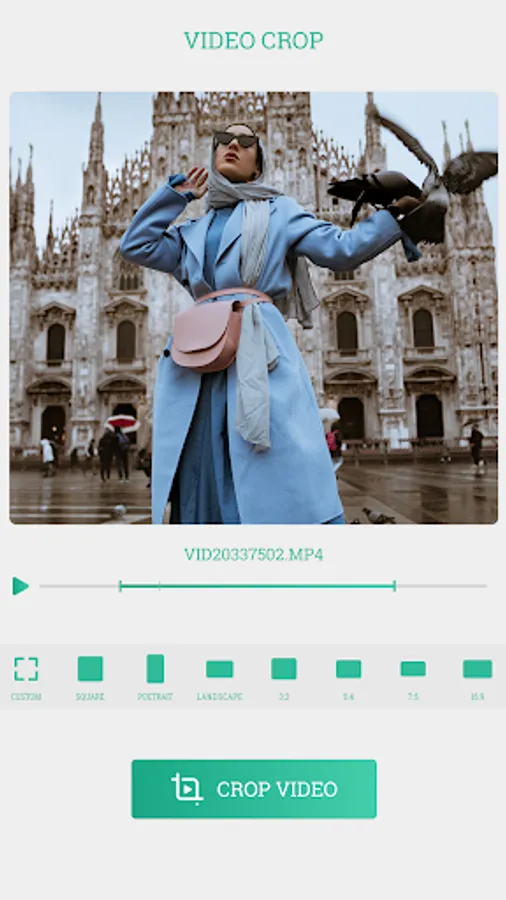
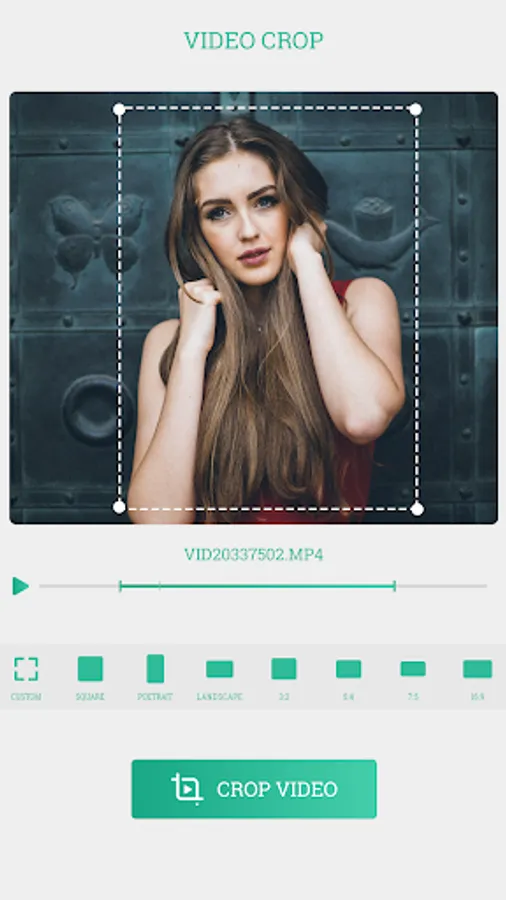
-> Set the position that you want to crop by using your finger or by default crop selector
-> Set the range of your video to cut that portion with crop applied.
-> You can play selected portion of the video to test
-> Click on ok button to start cropping your video process
-> Take some time to complete the cropping process or you can minimize app by pressing home button till cropping process continues on background
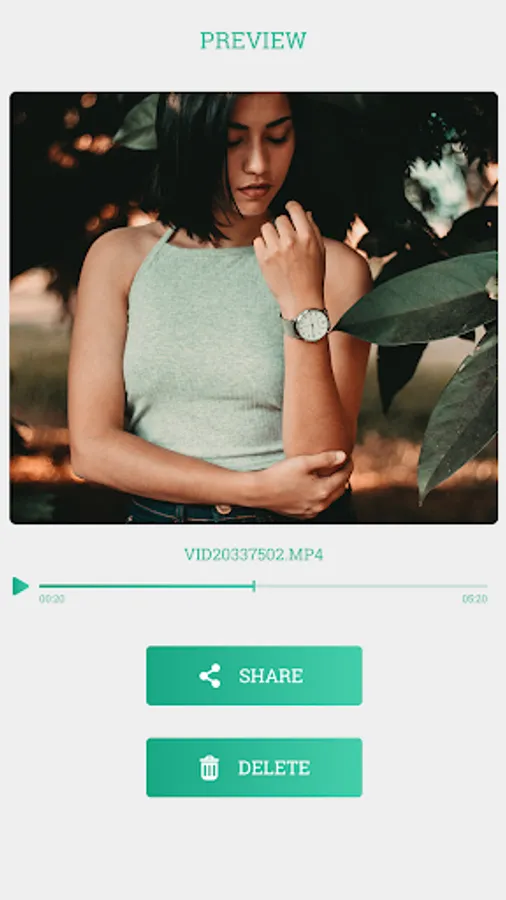
->Now you can play that video here and you can share video with your friends or in social media
Note: Don’t put negative reviews before discussing the issue. So, please contact us if you have any problem or suggestions.
Please contact us on: multimediaeditorapps@gmail.com
Thank you for using Video Crop Tool.
Crop Video is not easy before Video Crop.
You can crop video by selecting the video view portion and also trim a video by selecting part of that video by using our Video Crop.
Video Crop is a tool for cropping the videos in a moments.
Video Crop gives the best HD quality to your video after cropping.
Video Crop takes little more time to crop your video because it crops the each frame of the video with HD clarity.
If you want then minimize the video crop app it is running on background and cropping your video so you can do other work as well.
Features & Use of Video Crop:
----------------------------------------------------
-> Select the Video from your library
-> Many Video Formats are supported to crop
-> Set the position that you want to crop by using your finger or by default crop selector
-> Set the range of your video to cut that portion with crop applied.
-> You can play selected portion of the video to test
-> Click on ok button to start cropping your video process
-> Take some time to complete the cropping process or you can minimize app by pressing home button till cropping process continues on background
->Now you can play that video here and you can share video with your friends or in social media
Note: Don’t put negative reviews before discussing the issue. So, please contact us if you have any problem or suggestions.
Please contact us on: multimediaeditorapps@gmail.com
Thank you for using Video Crop Tool.
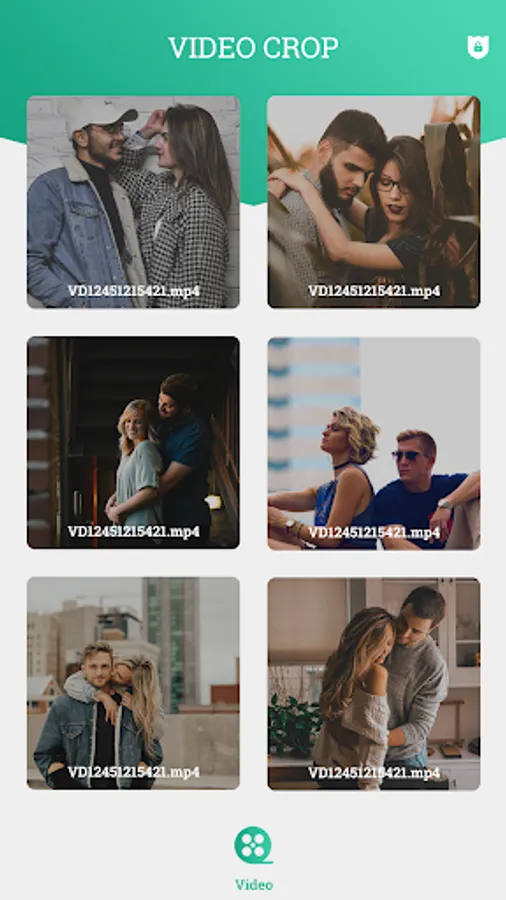
Video Crop Screenshots
Tap to Rate:
Reviews for Video Crop
shilpi batham
8/20/2025
excellent 👍
abhishaek mathur
7/21/2025
gud