AntiTheft Dont Touch My Phone
prince.hn1810
4.0 ★
store rating
100,000+
downloads
Free
AppRecs review analysis
AppRecs rating 3.0. Trustworthiness 55 out of 100. Review manipulation risk 52 out of 100. Based on a review sample analyzed.
★★★☆☆
3.0
AppRecs Rating
Ratings breakdown
5 star
71%
4 star
0%
3 star
7%
2 star
0%
1 star
21%
What to know
✓
Authentic reviews
No red flags detected
⚠
Questionable review patterns
52% review manipulation risk - some review patterns appear unusual
About AntiTheft Dont Touch My Phone
If you are seeking a phone security application to safeguard your device from unauthorized access and theft, congratulations! You have discovered Dont Touch My Phone - an essential tool designed to protect your phone from strangers or thefts.
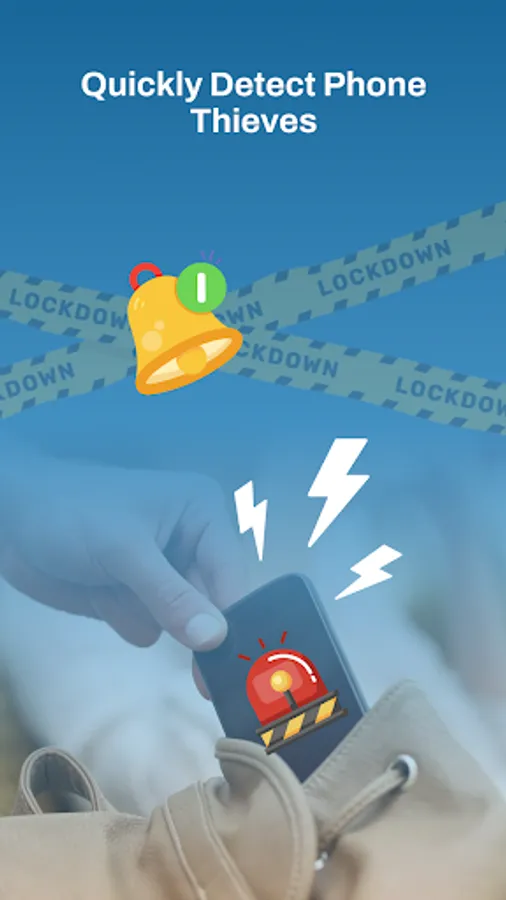
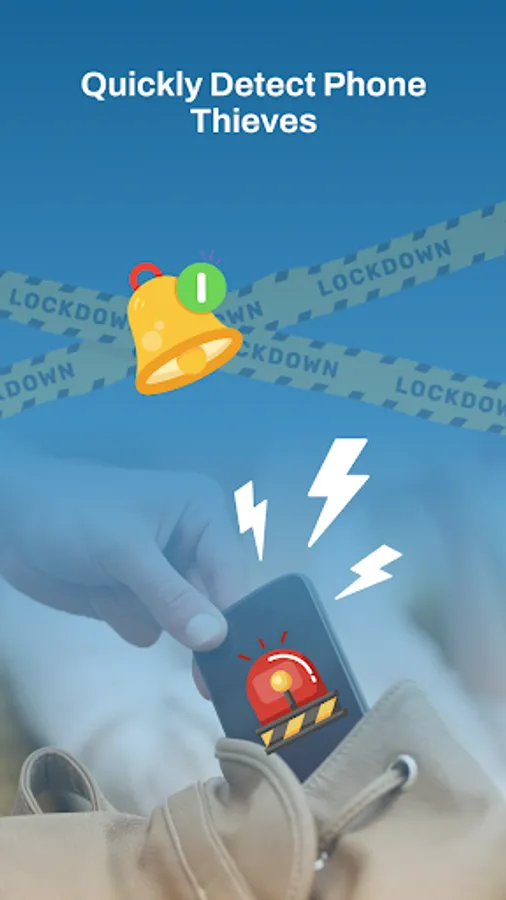
By employing cutting-edge anti spy detector technology, this application can identify individuals who are attempting to steal your phone. Take pleasure in the tranquility of knowing that your mobile device is now fortified with an alarm sound and intruders alert that provide exceptional protection against intruders.
The key features of Anti Theft - Dont Touch My Phone includes:
✔️ Customizable vibration patterns while the phone is ringing
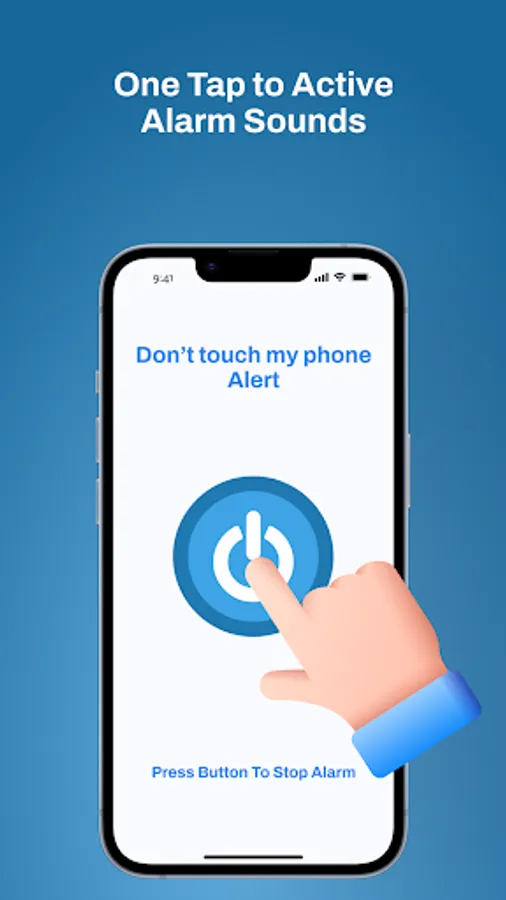
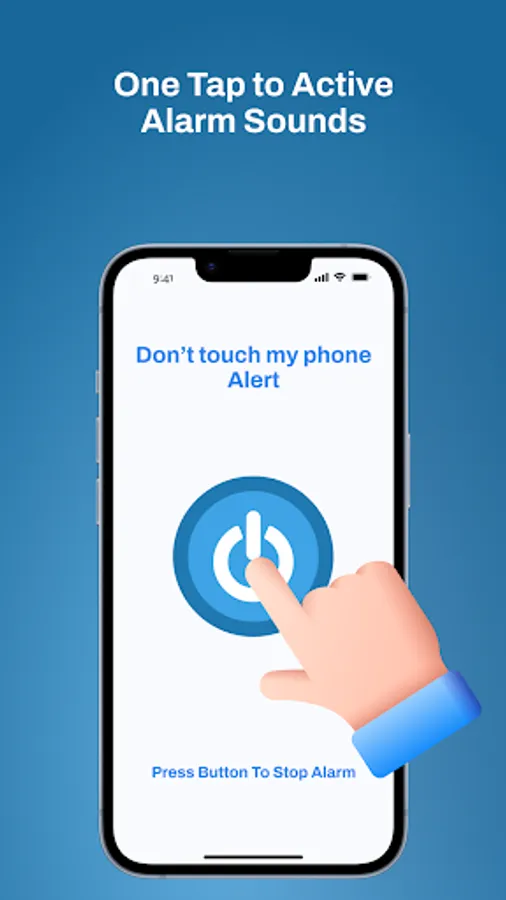
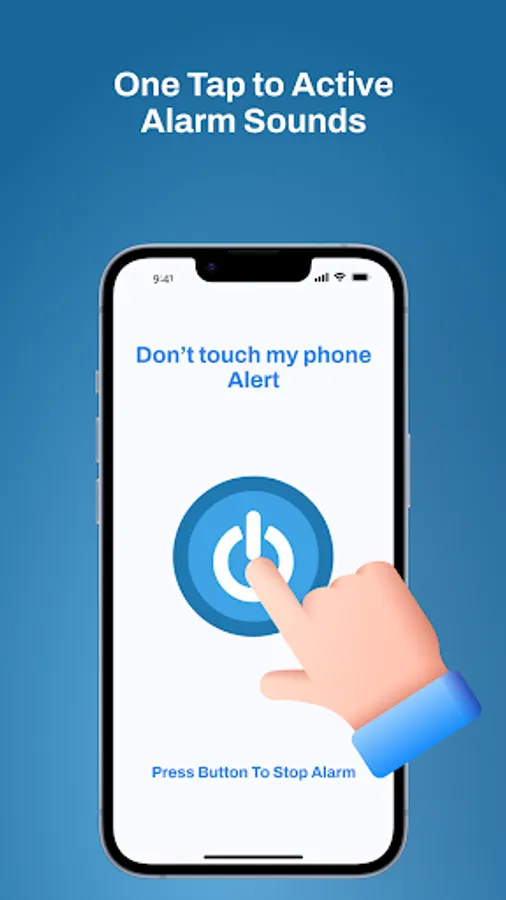
✔️ Easy activation and deactivation of phone alert
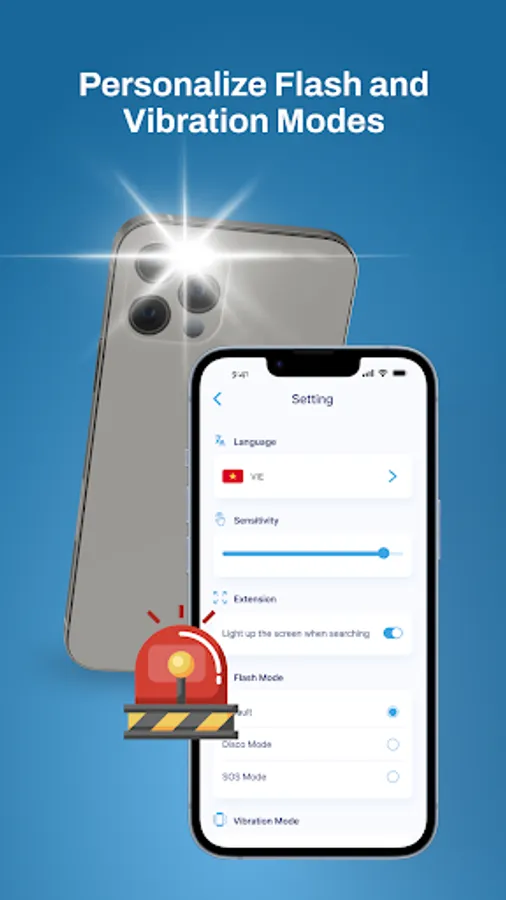
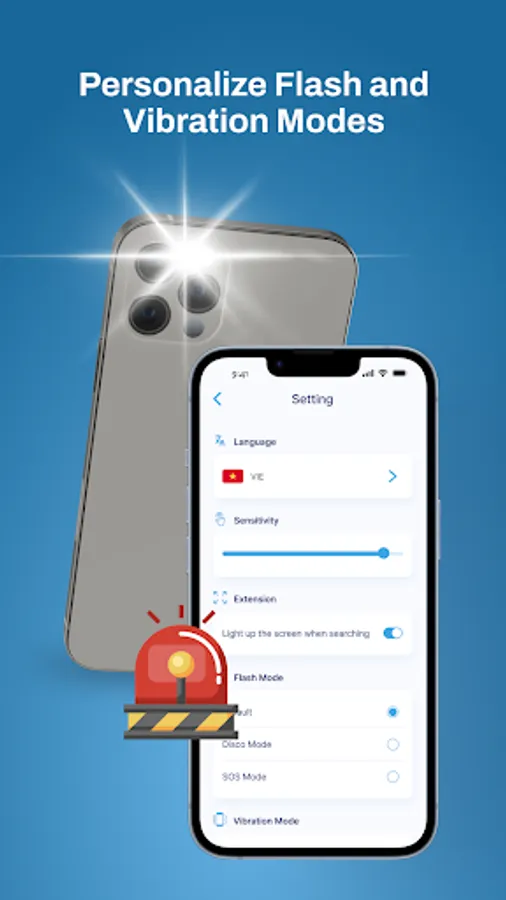
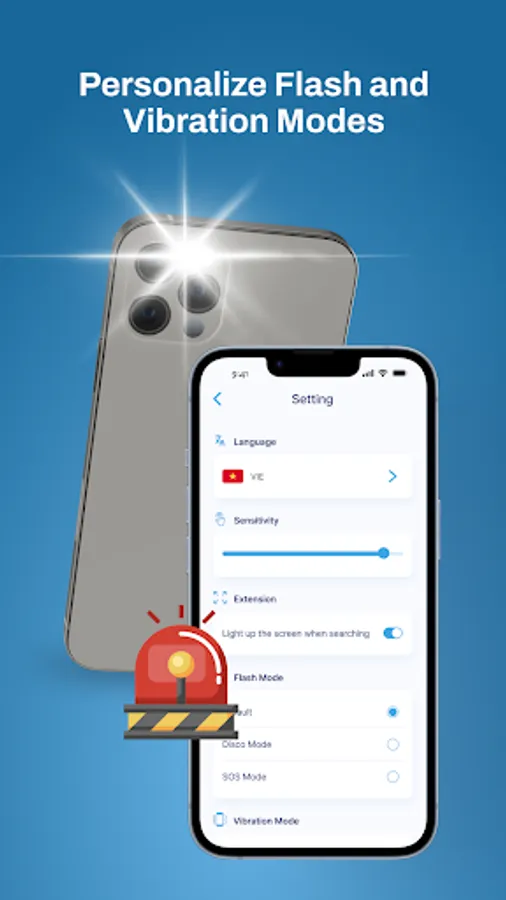
✔️ Option to enable flash modes for the alarm: disco and SOS
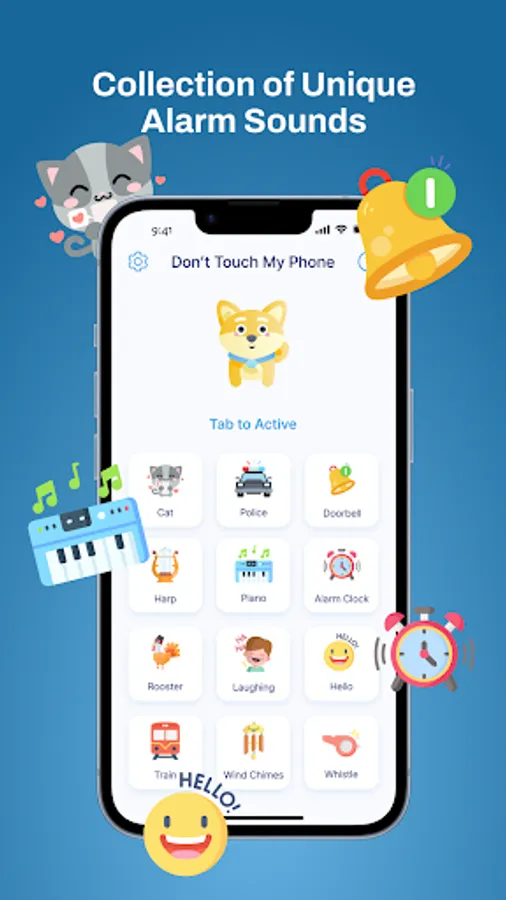
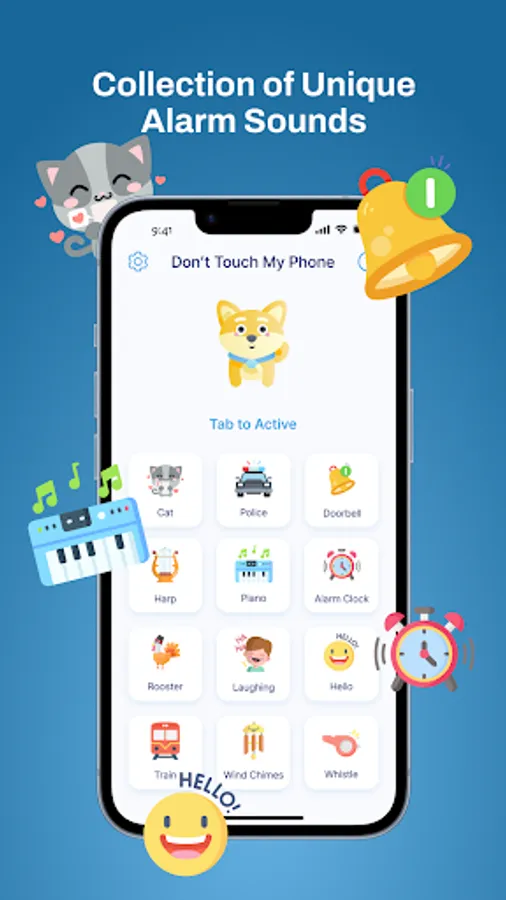
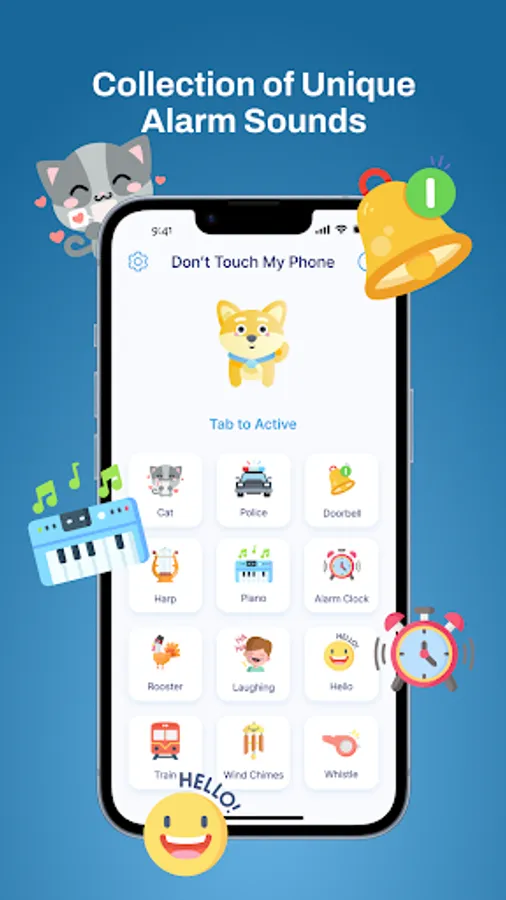
✔️ Variety of sound alerts to select from
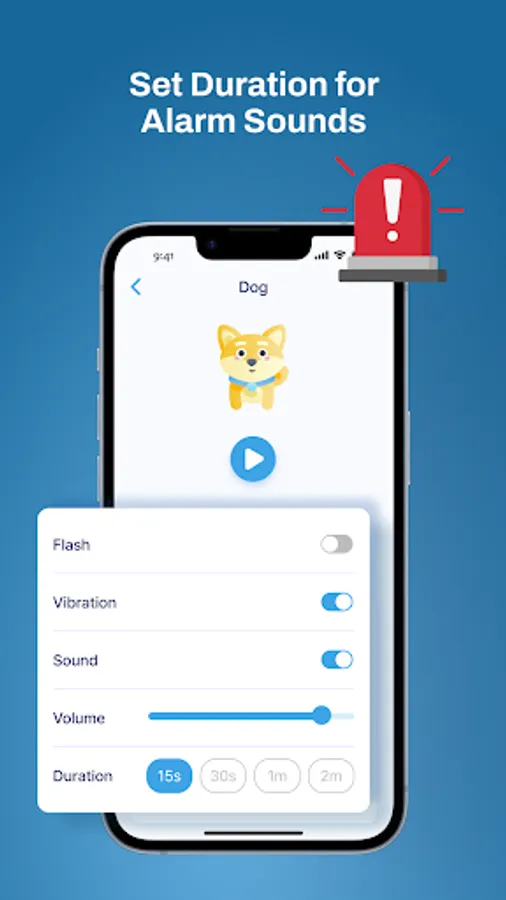
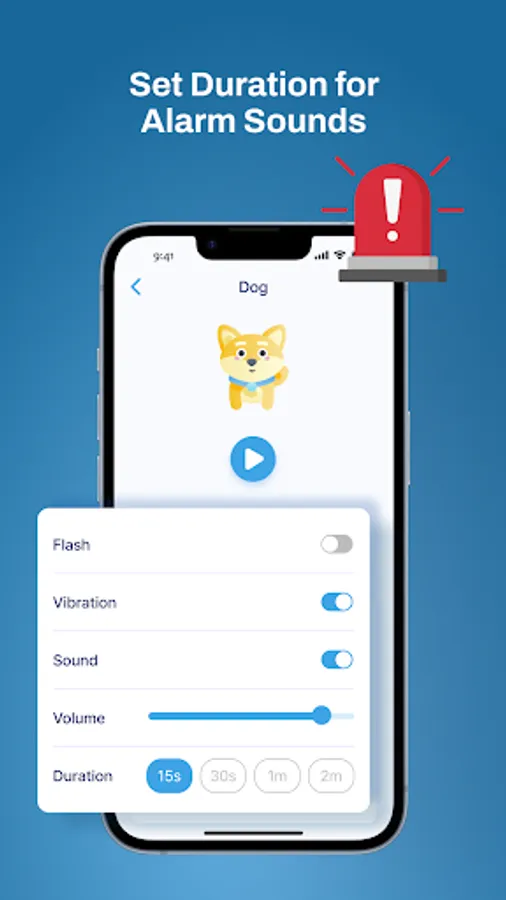
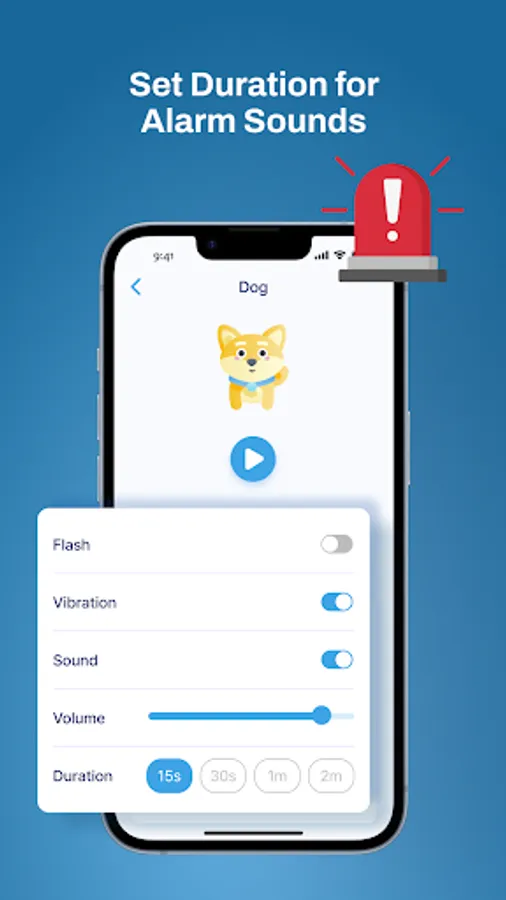
✔️ Setting the duration for the intruders alert
✔️ Ability to adjust the volume for the motion alarm
✔️ User-friendly interface that is intuitive and easy to navigate
💡 What sets Anti Theft - Dont Touch My Phone apart?
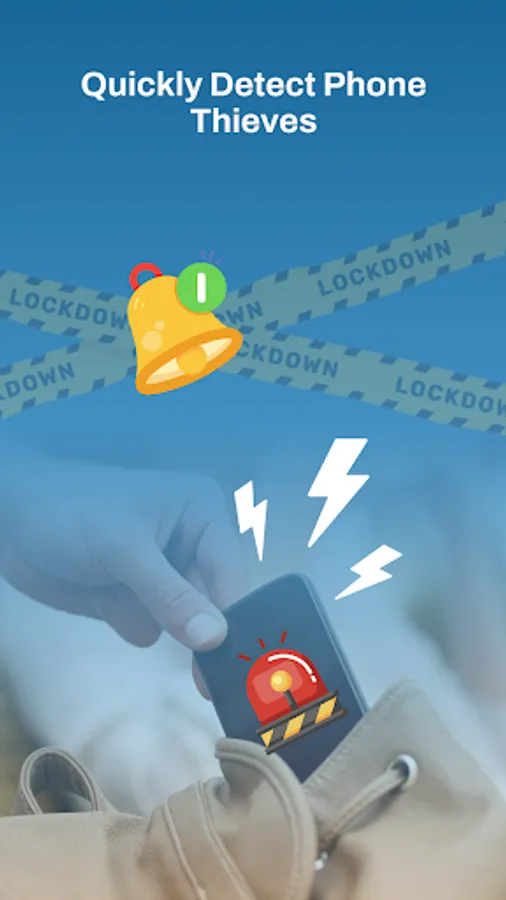
🔥 Detect thieves using the anti theft alarm
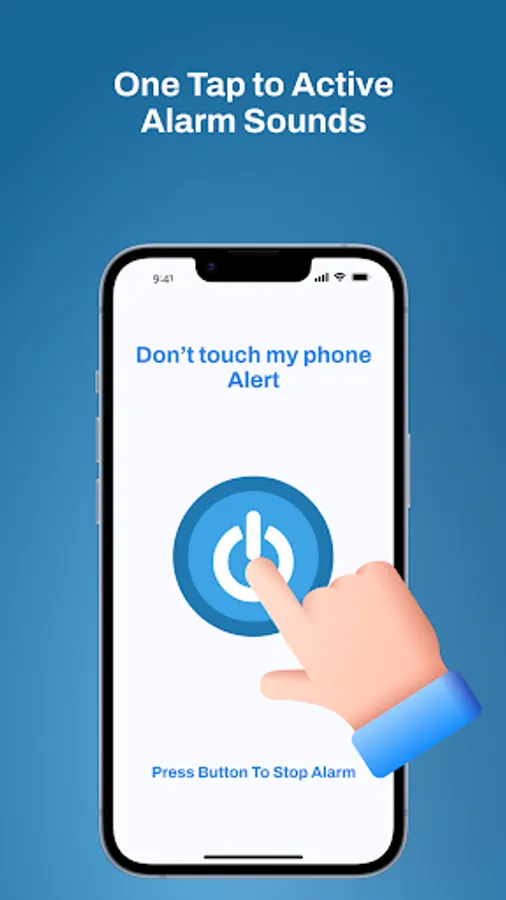
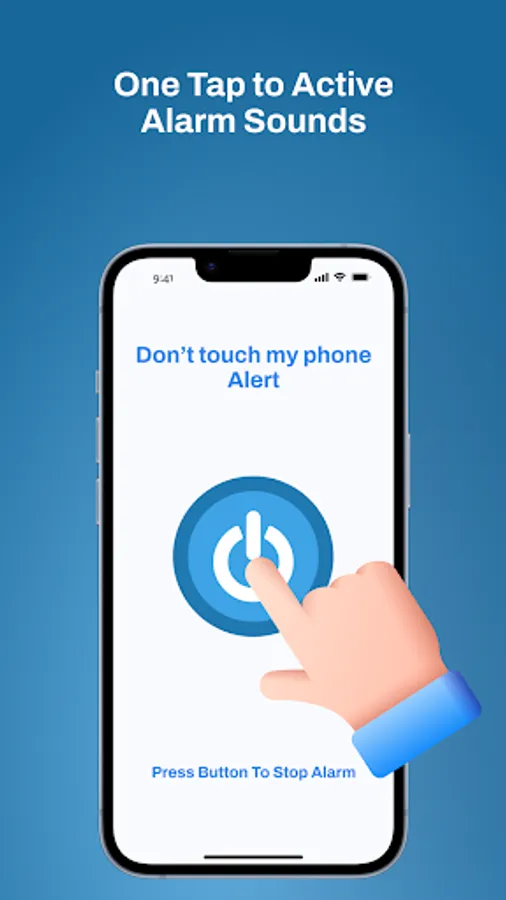
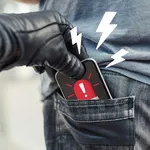
Once enabled, any touch on your phone triggers the automatic activation of the phone alarm. You can personalize flash modes, opting for either a disco flashlight or an SOS flash alert.
🔥 Maintain the security of your phone's privacy
This application ensures the safeguarding of your device's privacy. By activating the alarm, unauthorized access to your phone is prevented, providing comprehensive protection for all your private data, alleviating concerns when leaving your phone unattended on the sofa.
💥How to use the Dont Touch My Phone app?💥
The Don't touch my phone app is extremely user-friendly with simple operations. Follow these steps to keep phone safe from thieves.
1 Launching the anti theft alarm app
2 Select a preferred ringing sound.
3 Customize the duration and adjust the volume.
4 Choose flash modes and vibration settings.
5 Apply the changes, return to the home screen, and tap to activate or deactivate the phone alert.
If you have any questions about the app, please leave us a comment. We will respond as soon as possible. Thanks for your support.
By employing cutting-edge anti spy detector technology, this application can identify individuals who are attempting to steal your phone. Take pleasure in the tranquility of knowing that your mobile device is now fortified with an alarm sound and intruders alert that provide exceptional protection against intruders.
The key features of Anti Theft - Dont Touch My Phone includes:
✔️ Customizable vibration patterns while the phone is ringing
✔️ Easy activation and deactivation of phone alert
✔️ Option to enable flash modes for the alarm: disco and SOS
✔️ Variety of sound alerts to select from
✔️ Setting the duration for the intruders alert
✔️ Ability to adjust the volume for the motion alarm
✔️ User-friendly interface that is intuitive and easy to navigate
💡 What sets Anti Theft - Dont Touch My Phone apart?
🔥 Detect thieves using the anti theft alarm
Once enabled, any touch on your phone triggers the automatic activation of the phone alarm. You can personalize flash modes, opting for either a disco flashlight or an SOS flash alert.
🔥 Maintain the security of your phone's privacy
This application ensures the safeguarding of your device's privacy. By activating the alarm, unauthorized access to your phone is prevented, providing comprehensive protection for all your private data, alleviating concerns when leaving your phone unattended on the sofa.
💥How to use the Dont Touch My Phone app?💥
The Don't touch my phone app is extremely user-friendly with simple operations. Follow these steps to keep phone safe from thieves.
1 Launching the anti theft alarm app
2 Select a preferred ringing sound.
3 Customize the duration and adjust the volume.
4 Choose flash modes and vibration settings.
5 Apply the changes, return to the home screen, and tap to activate or deactivate the phone alert.
If you have any questions about the app, please leave us a comment. We will respond as soon as possible. Thanks for your support.