PenMouse S
Jojczak
4.5 ★
store rating
10,000+
downloads
Free
AppRecs review analysis
AppRecs rating 4.3. Trustworthiness 79 out of 100. Review manipulation risk 28 out of 100. Based on a review sample analyzed.
★★★★☆
4.3
AppRecs Rating
Ratings breakdown
5 star
80%
4 star
7%
3 star
4%
2 star
2%
1 star
7%
What to know
✓
Low review manipulation risk
28% review manipulation risk
✓
Credible reviews
79% trustworthiness score from analyzed reviews
✓
High user satisfaction
80% of sampled ratings are 5 stars
About PenMouse S
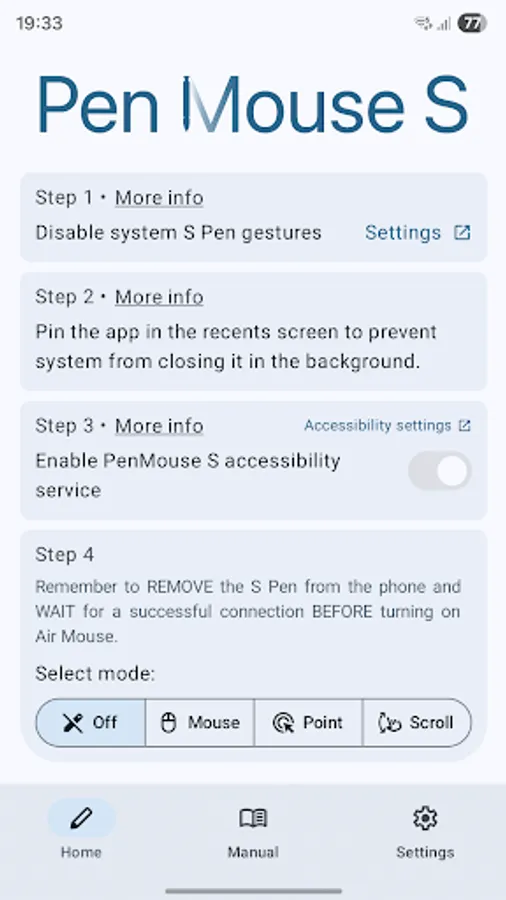
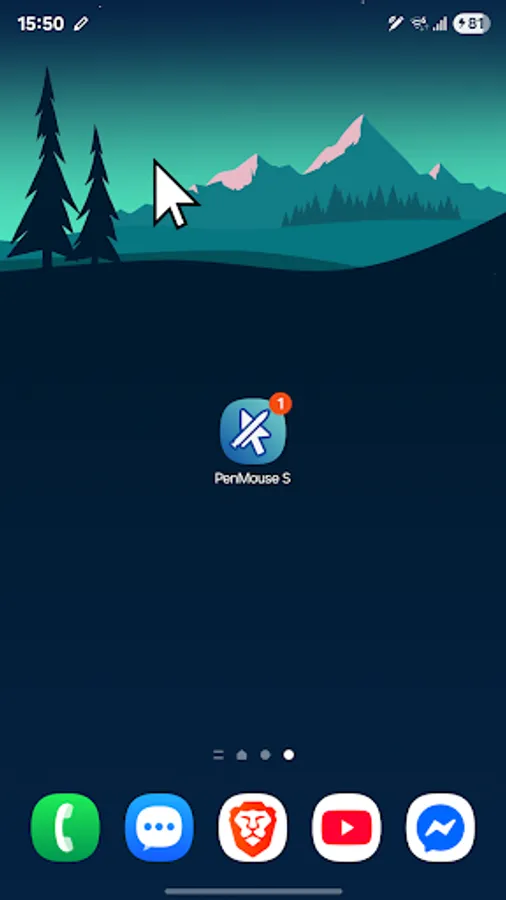
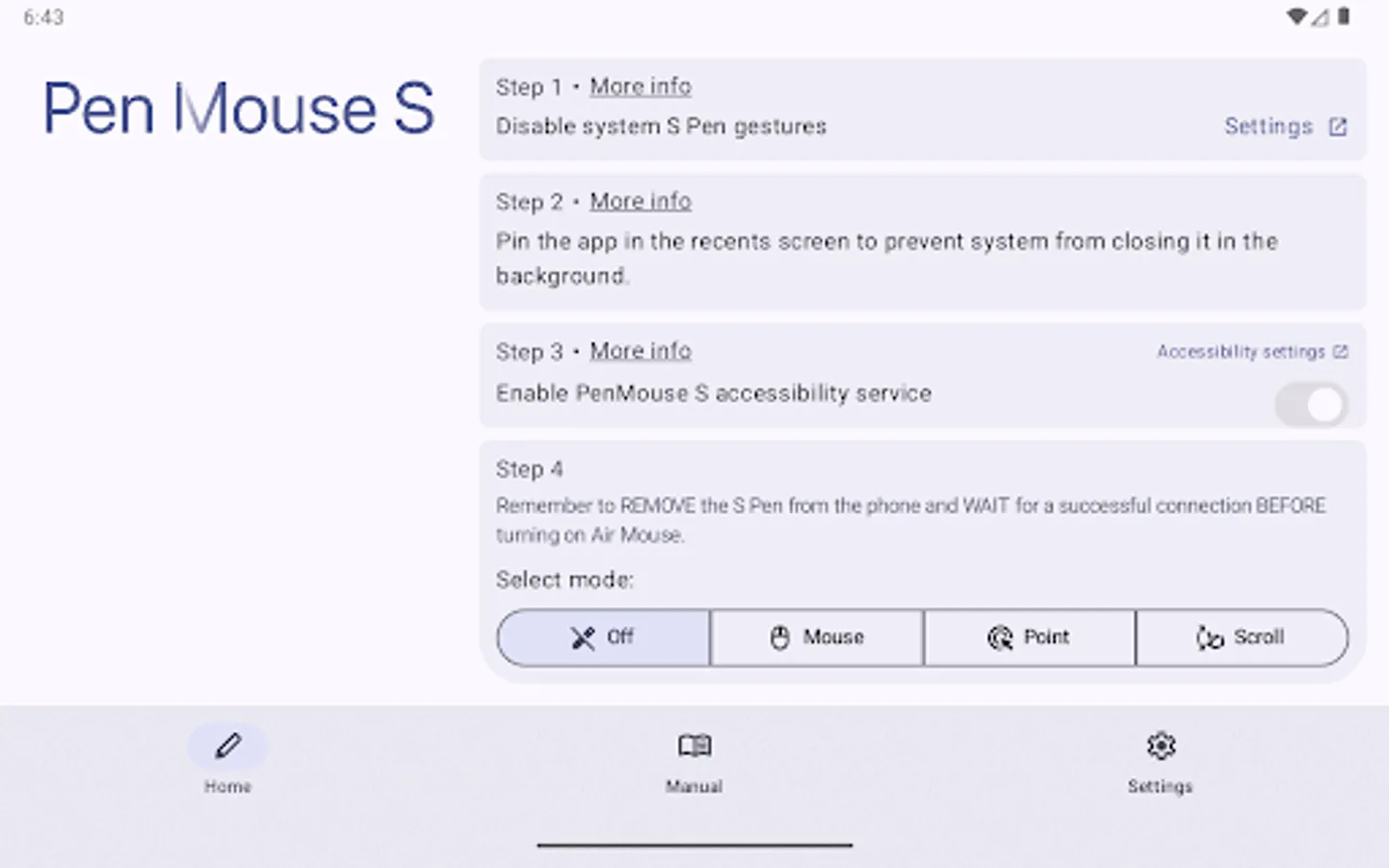
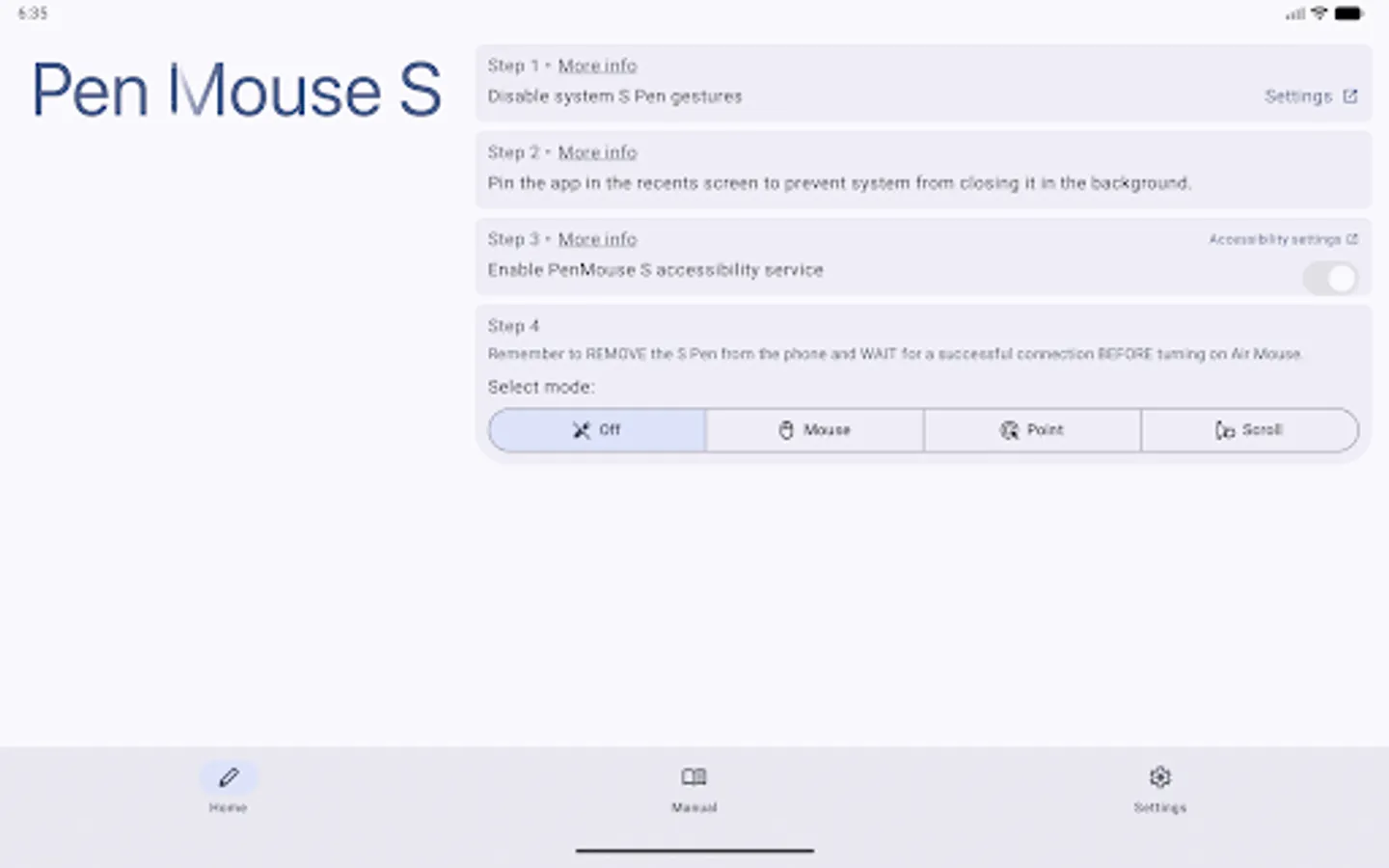
PenMouse S uses the S Pen found in certain Samsung Galaxy devices to control a simulated mouse cursor.
The app provides three modes:
• Mouse – control the cursor using air gestures with the stylus and use the button to click.
• Point – manually place the cursor in one spot and click using the S Pen button.
• Scroll – scroll through social media feeds using S Pen gestures.
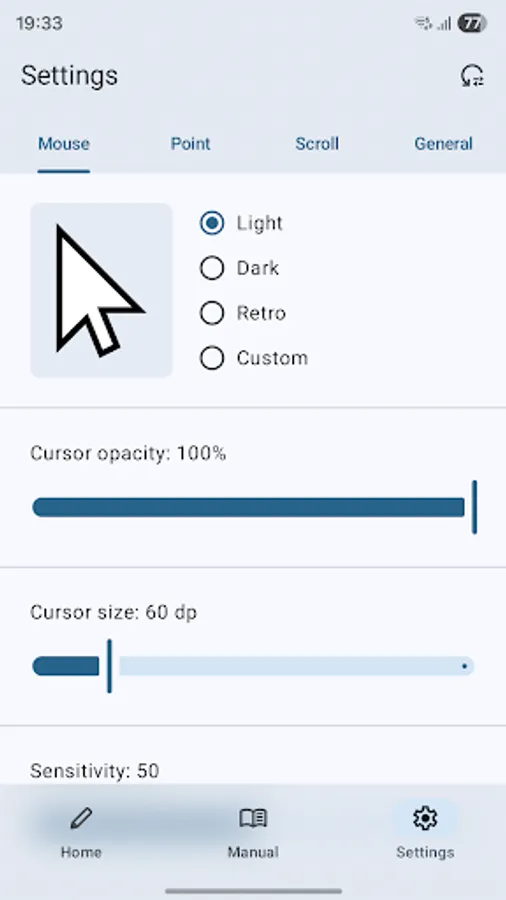
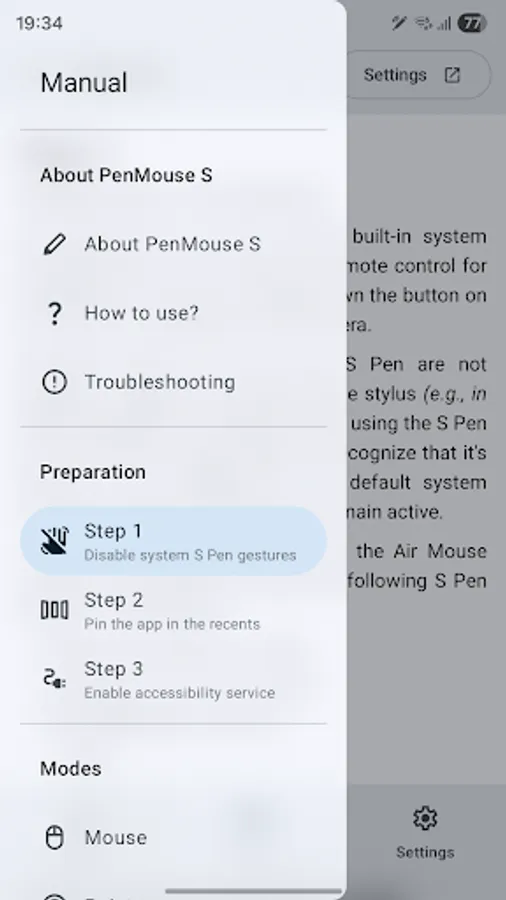
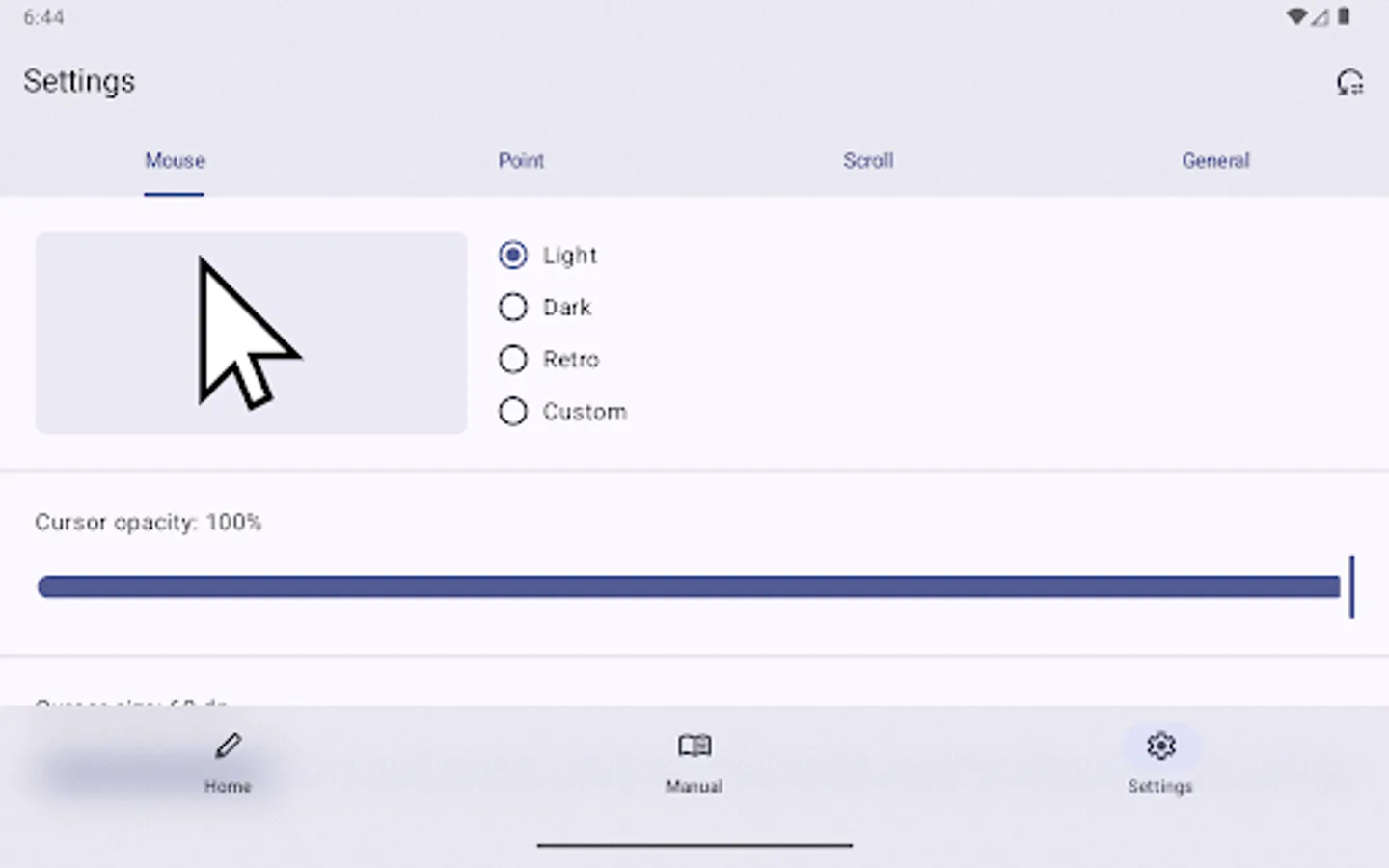
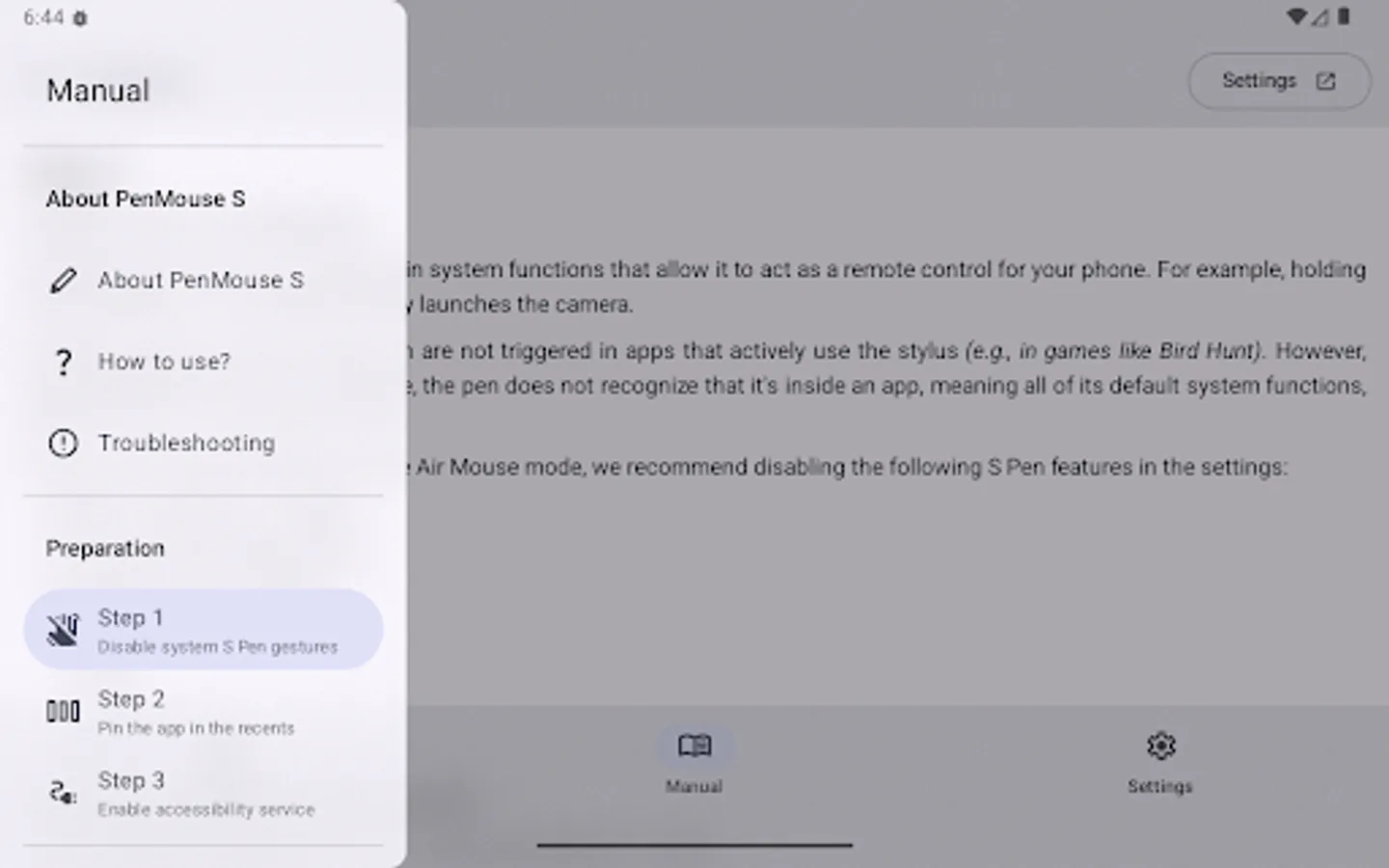
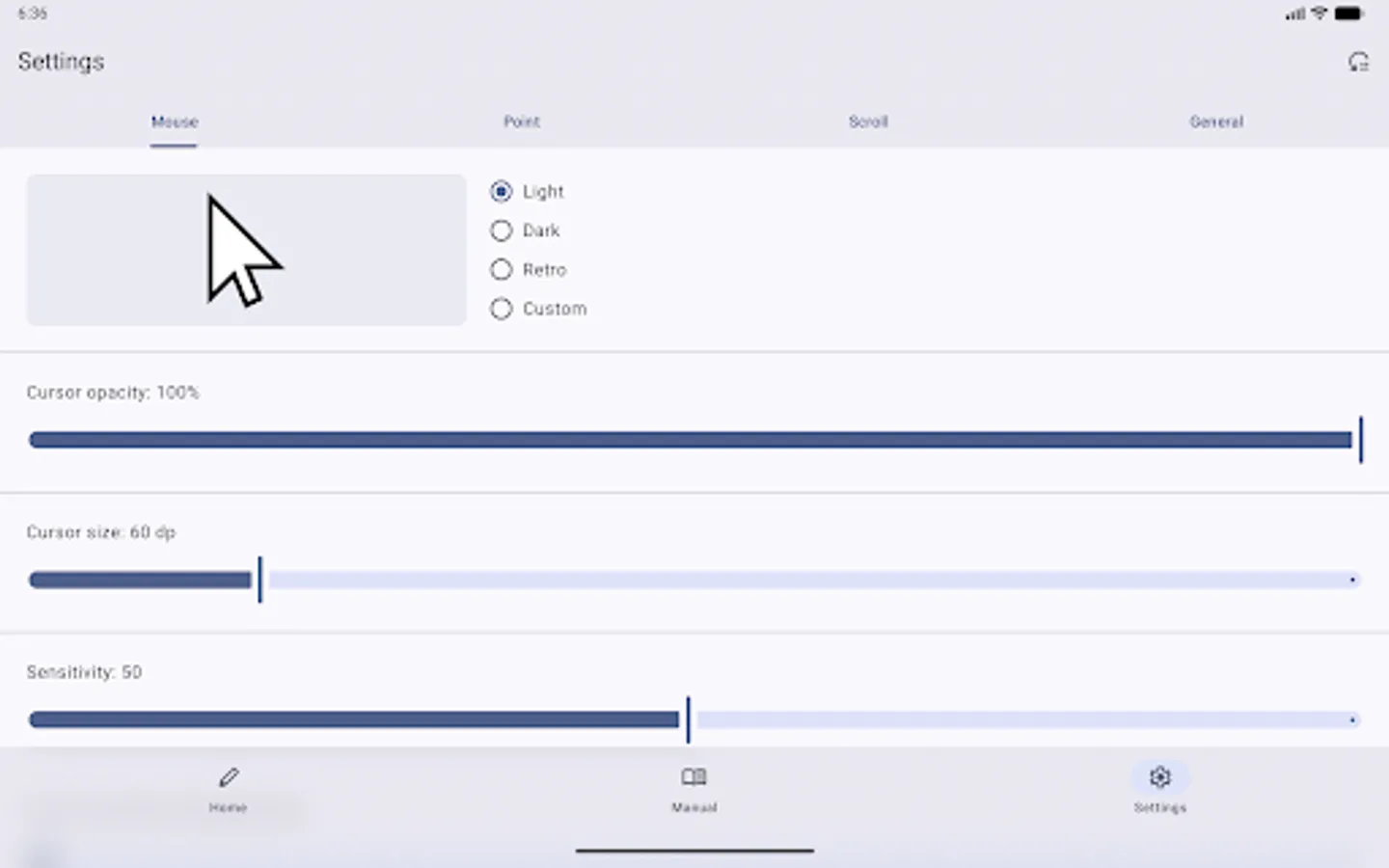
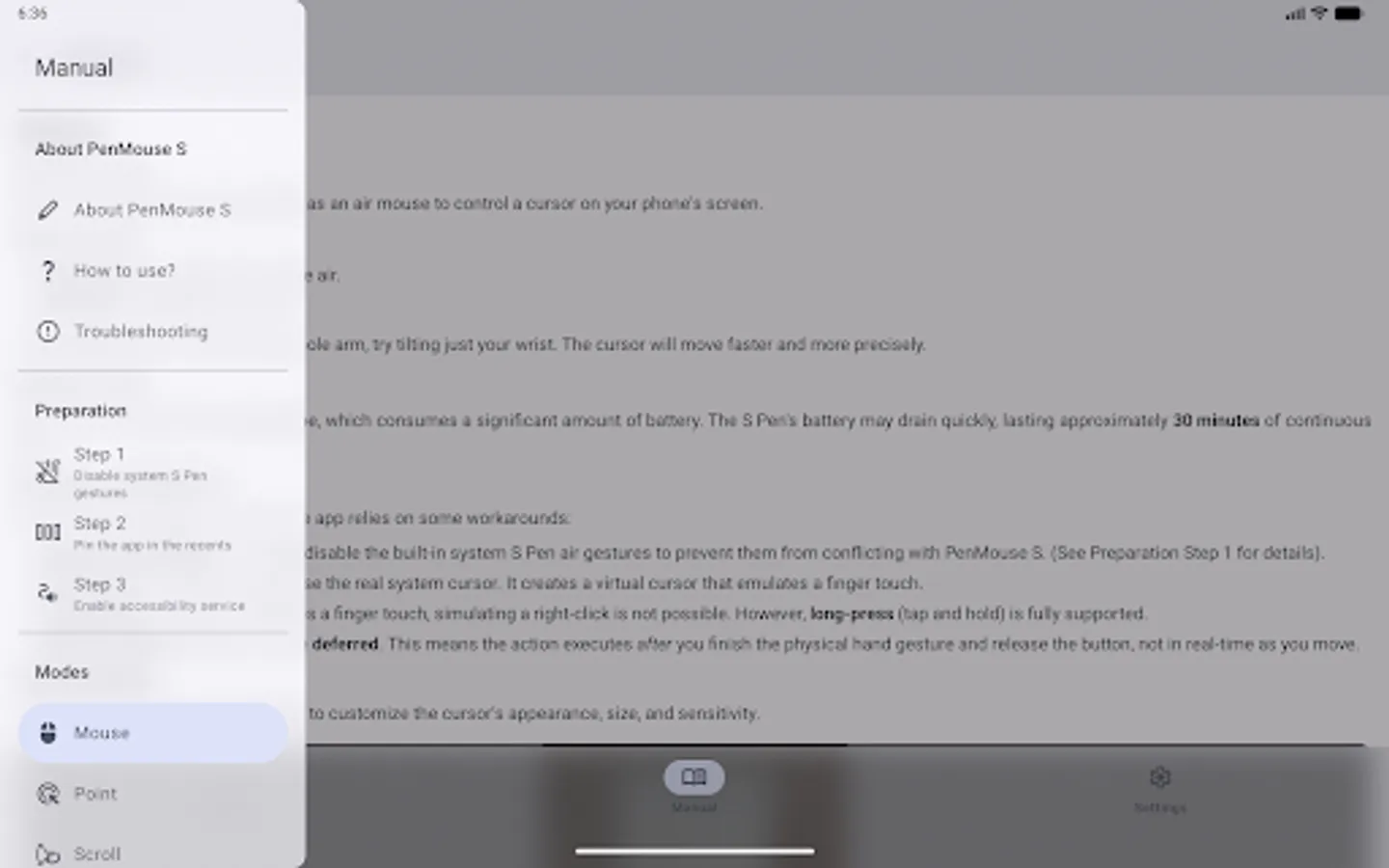
Additionally, the app includes extensive customization options - from changing the cursor's appearance (including using a custom image), adjusting sensitivity, to enabling stylus battery-saving features. The app includes a detailed setup guide with video tutorials to make configuration as easy as possible. Give your S Pen the functionality it’s always been missing!
*Pen Mouse S does NOT work in DeX mode, only mirror mode.*
Note: PenMouse S uses accessibility services. This is required for the app to:
• Display the mouse overlay on top of all applications and system UI.
• Simulate screen touches when the S Pen button is pressed.
• Scroll on-screen content using stylus gestures.
PenMouse S does *NOT* read or share the contents of your screen with anyone.
"Samsung", "Galaxy" and "S Pen" are registered trademarks of Samsung Electronics Co., Ltd.
This app is not affiliated with, endorsed, or sponsored by Samsung Electronics Co., Ltd.
The app provides three modes:
• Mouse – control the cursor using air gestures with the stylus and use the button to click.
• Point – manually place the cursor in one spot and click using the S Pen button.
• Scroll – scroll through social media feeds using S Pen gestures.
Additionally, the app includes extensive customization options - from changing the cursor's appearance (including using a custom image), adjusting sensitivity, to enabling stylus battery-saving features. The app includes a detailed setup guide with video tutorials to make configuration as easy as possible. Give your S Pen the functionality it’s always been missing!
*Pen Mouse S does NOT work in DeX mode, only mirror mode.*
Note: PenMouse S uses accessibility services. This is required for the app to:
• Display the mouse overlay on top of all applications and system UI.
• Simulate screen touches when the S Pen button is pressed.
• Scroll on-screen content using stylus gestures.
PenMouse S does *NOT* read or share the contents of your screen with anyone.
"Samsung", "Galaxy" and "S Pen" are registered trademarks of Samsung Electronics Co., Ltd.
This app is not affiliated with, endorsed, or sponsored by Samsung Electronics Co., Ltd.