
V-SPEED Speed Test
V-SPEED.eu
4.8 ★
480K ratings
10,000,000+
downloads
Free
+ in-app
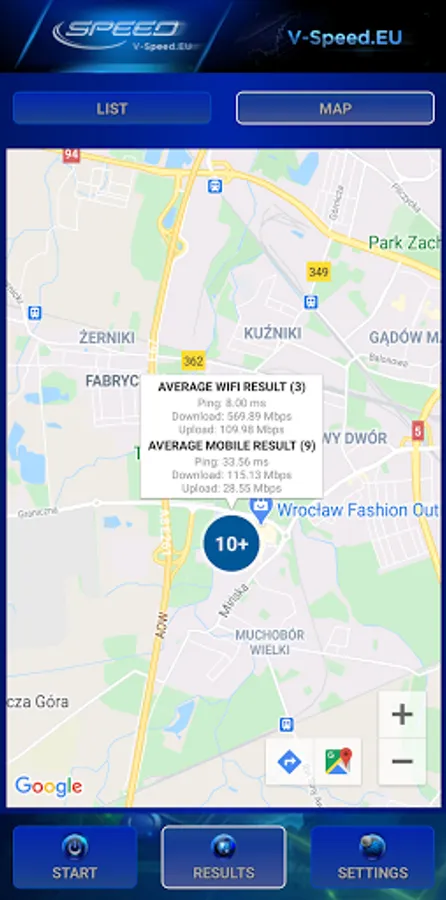
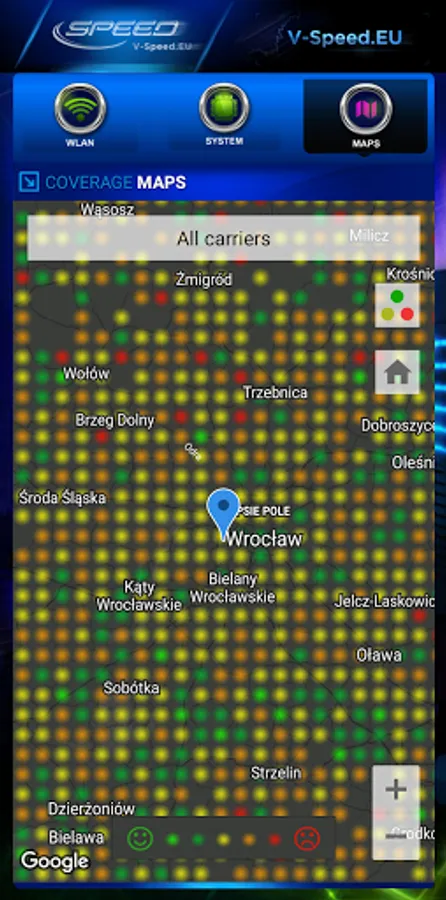
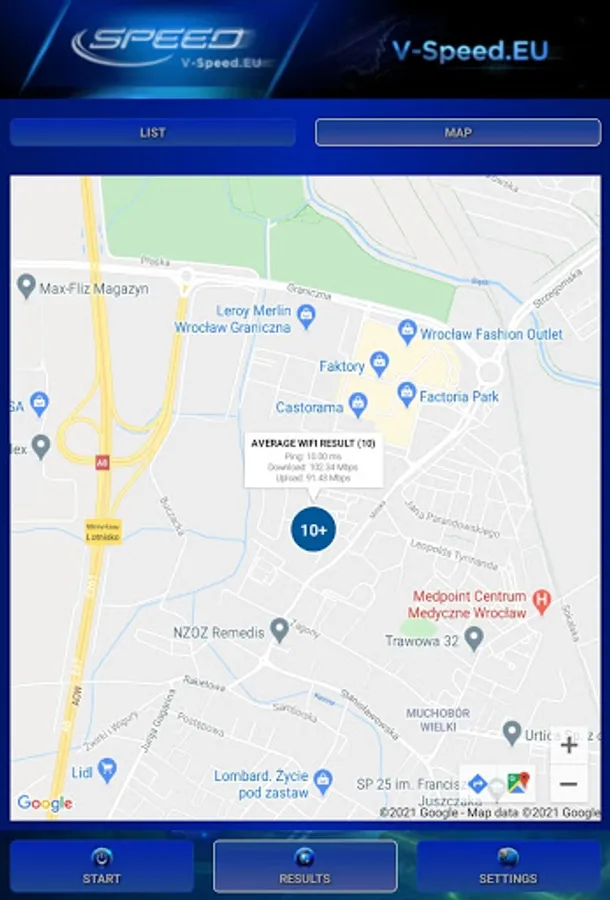
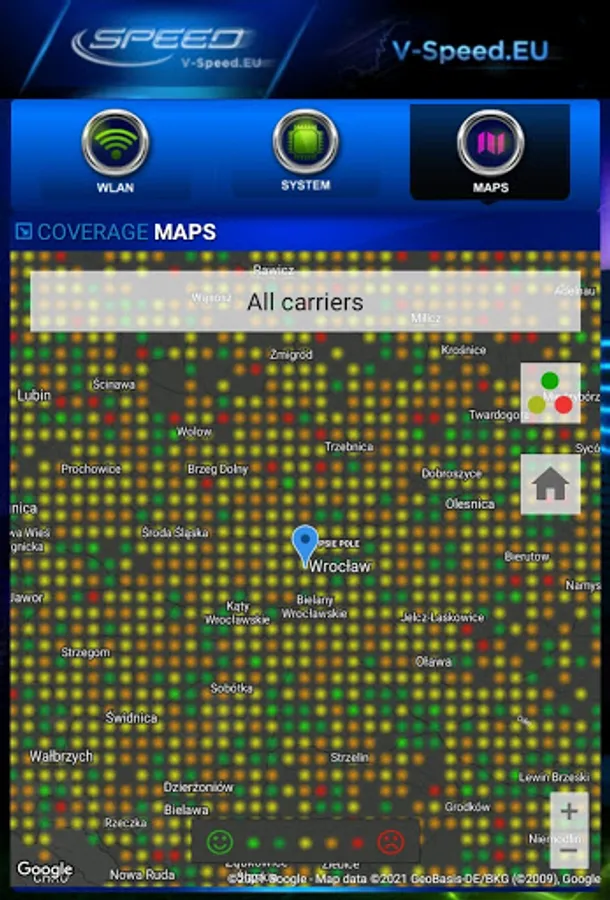
With this speed test app, you can measure download, upload, and latency for WiFi and mobile connections, view network coverage maps, and access detailed results. Includes result history, connection information, and sharing options.
AppRecs review analysis
AppRecs rating 4.5. Trustworthiness 63 out of 100. Review manipulation risk 43 out of 100. Based on a review sample analyzed.
★★★★☆
4.5
AppRecs Rating
Ratings breakdown
5 star
88%
4 star
8%
3 star
2%
2 star
0%
1 star
1%
What to know
⚠
Questionable review patterns
43% review manipulation risk - some review patterns appear unusual
⚠
Rating authenticity concerns
High rating concentration (88% 5-star) in sampled ratings
⚠
Review quality concerns
75% of sampled 5-star reviews are very short
About V-SPEED Speed Test
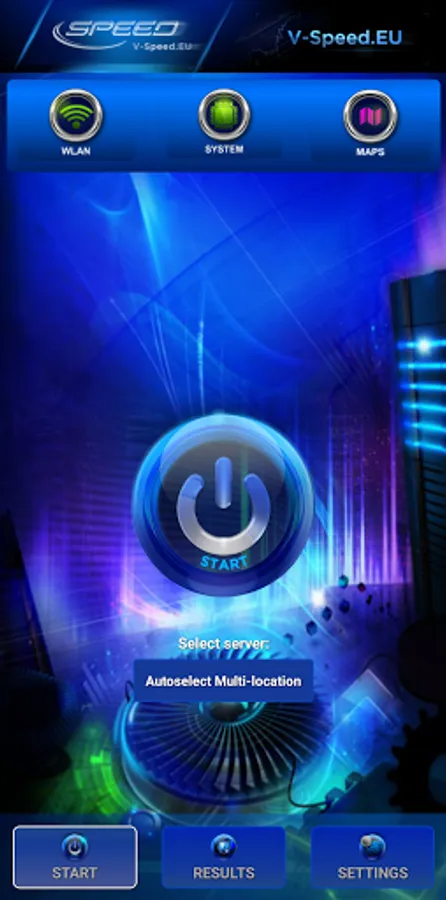
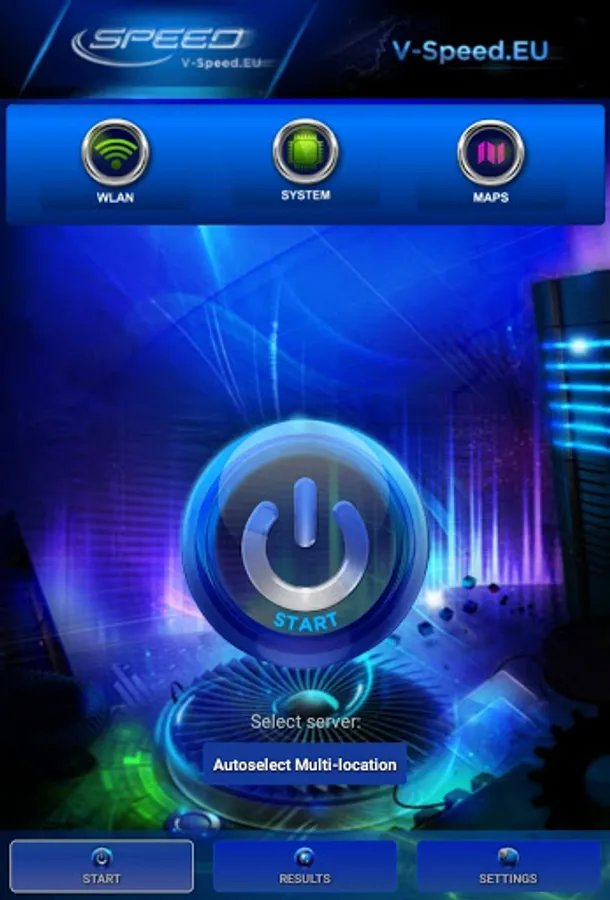
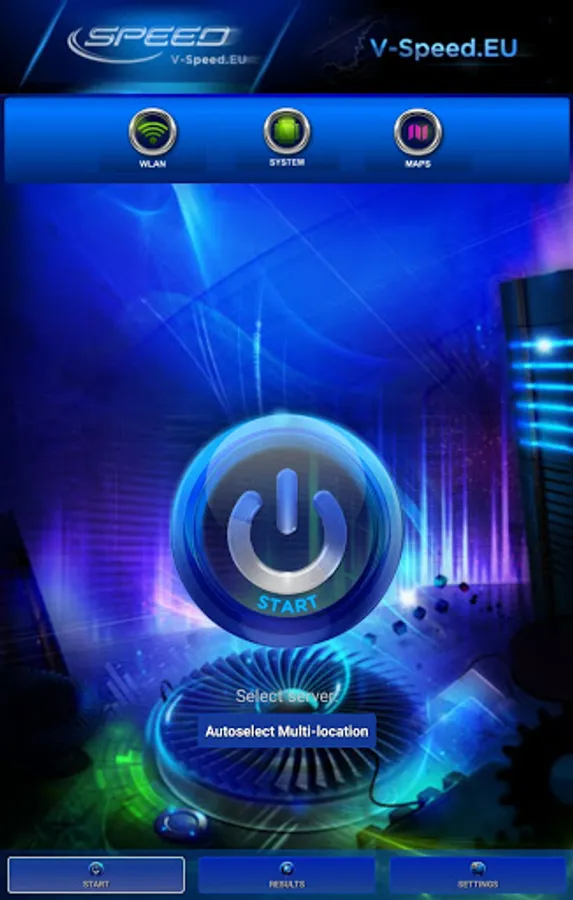
V-SPEED Speed Test is a powerful, advanced tool which helps you to measure Internet connection speed on Android. The application is equipped with a modern, intuitive interface. For more experienced users, there is also a large number of configuration options. The main features of this app:
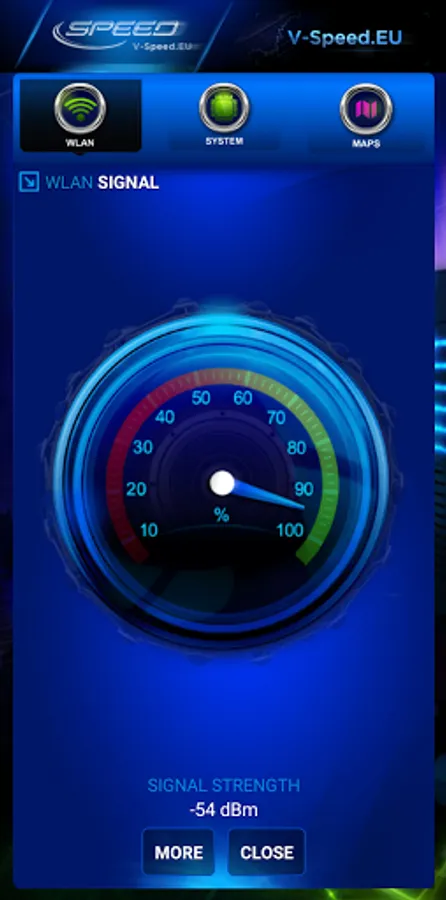
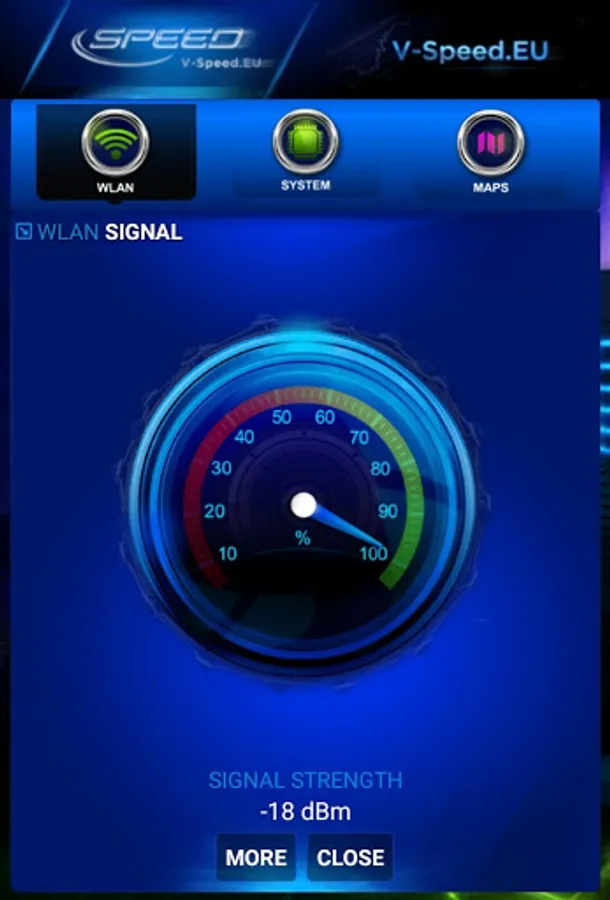
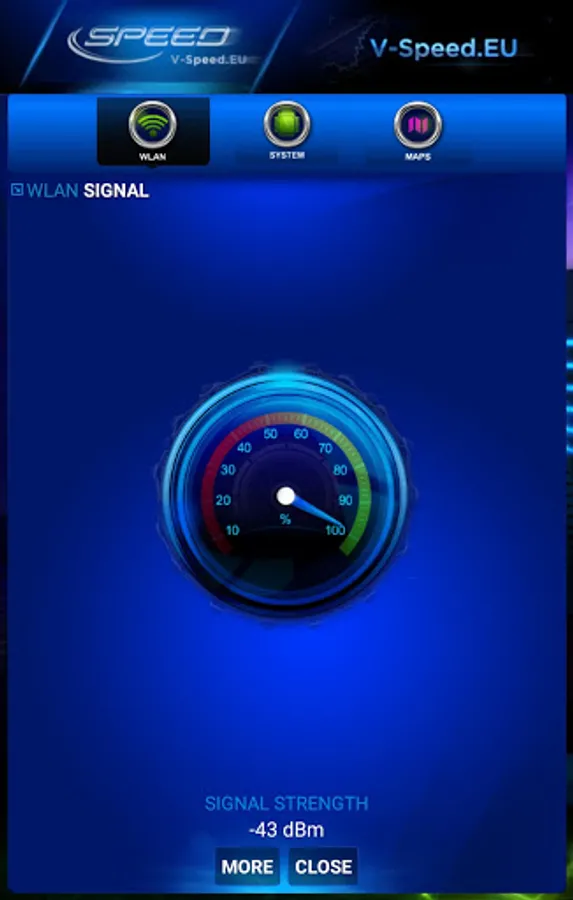
• WiFi and mobile signal finding tool,
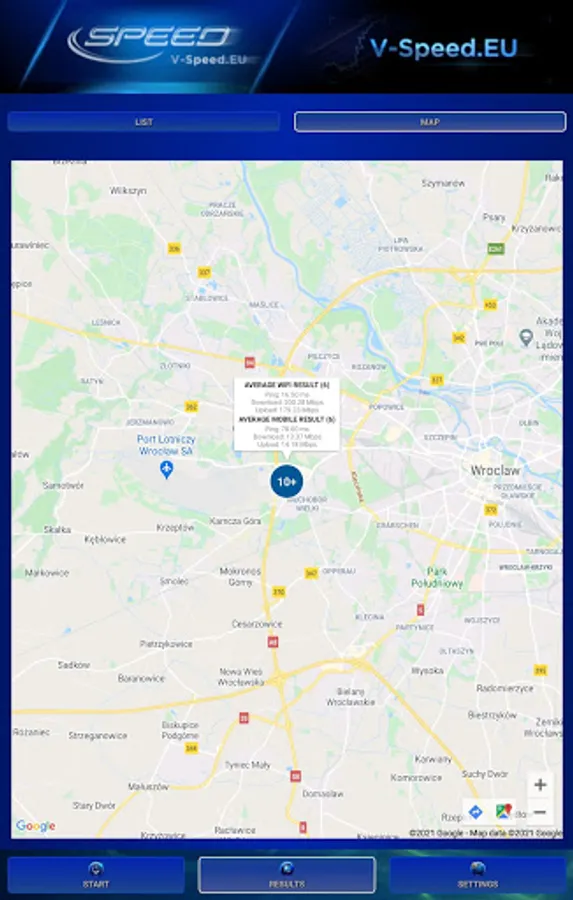
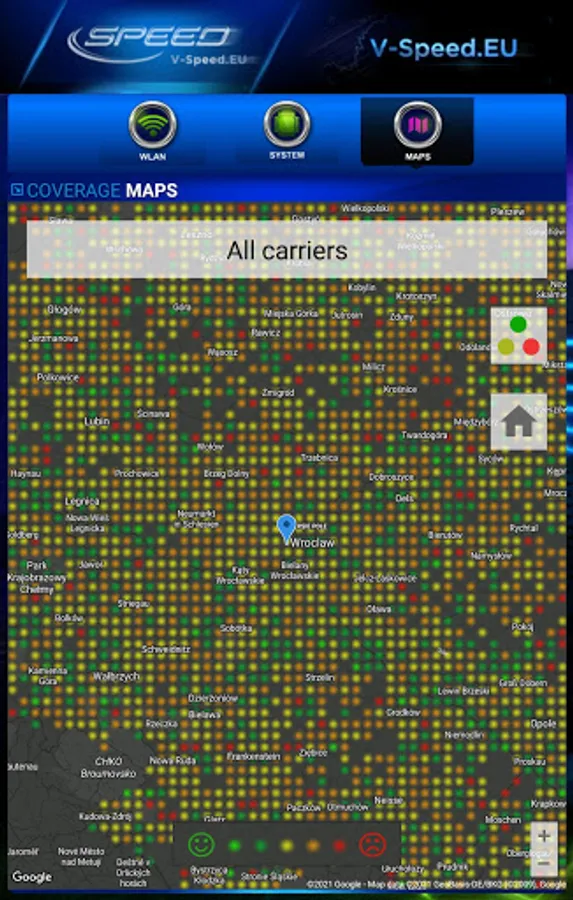
• built-in map of the mobile network coverage,
• the ability to select the default server for speed check,
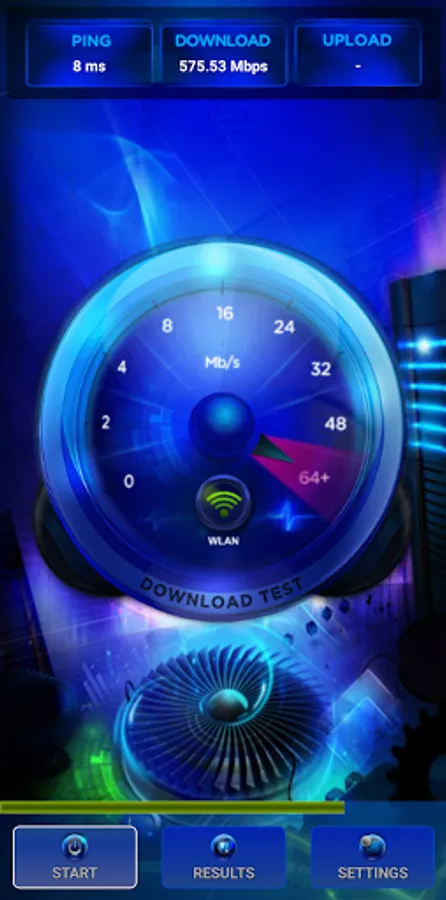
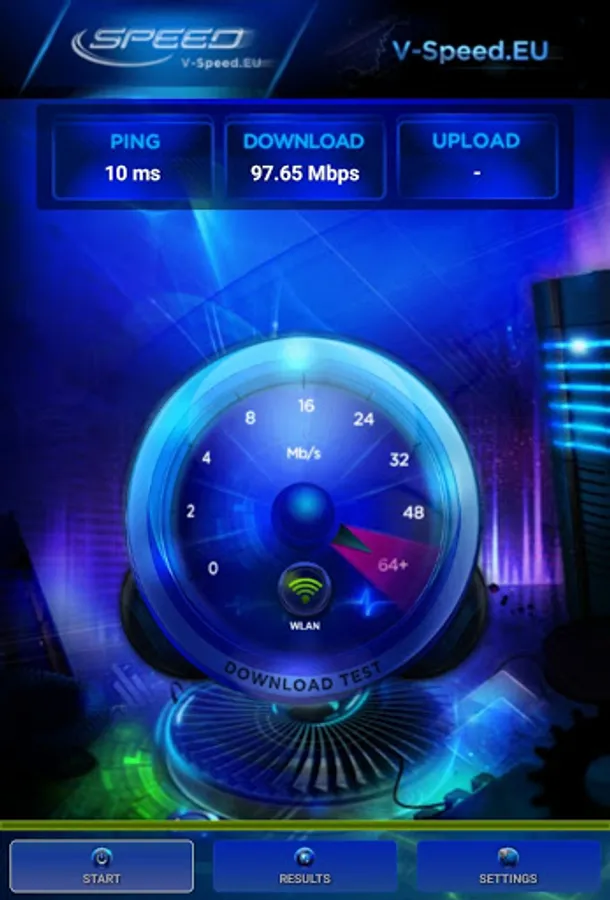
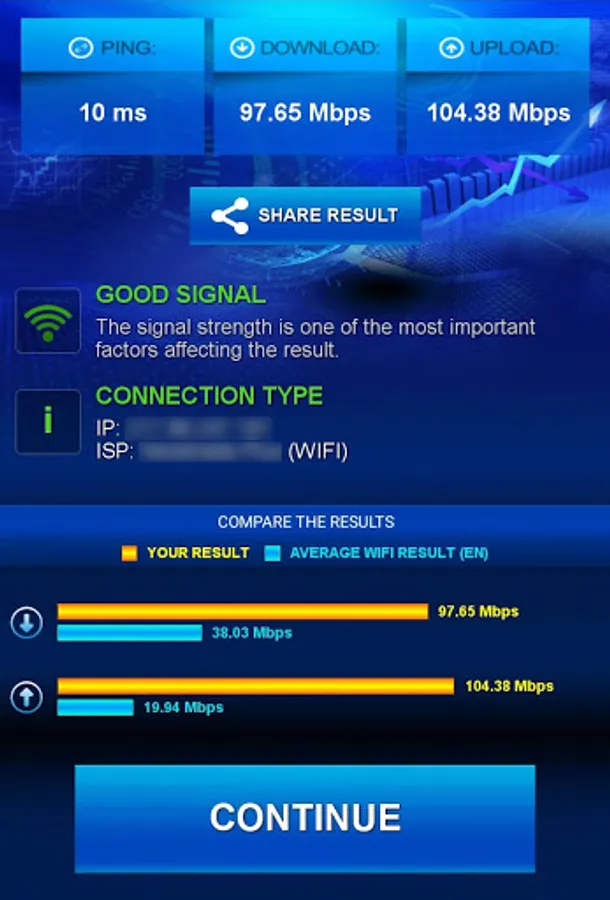
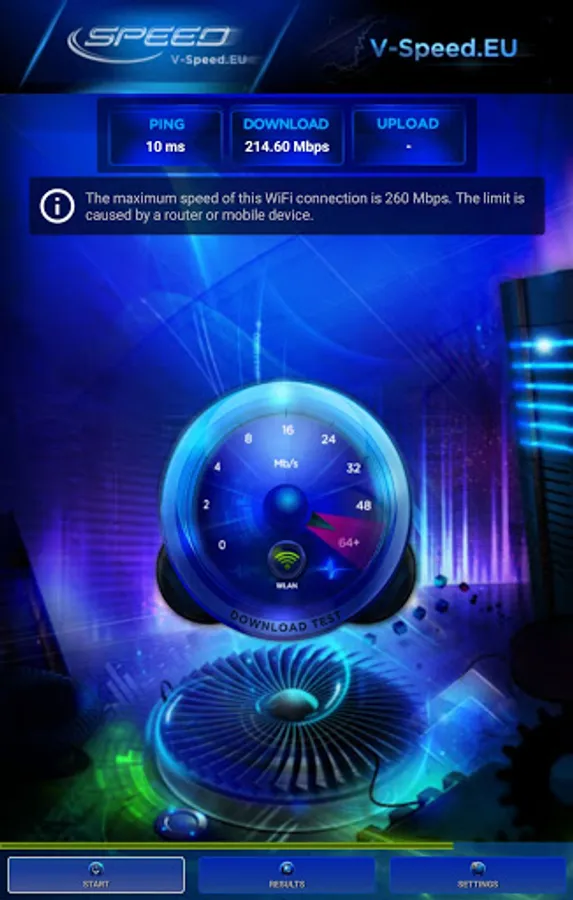
• tests download speed (downlink)
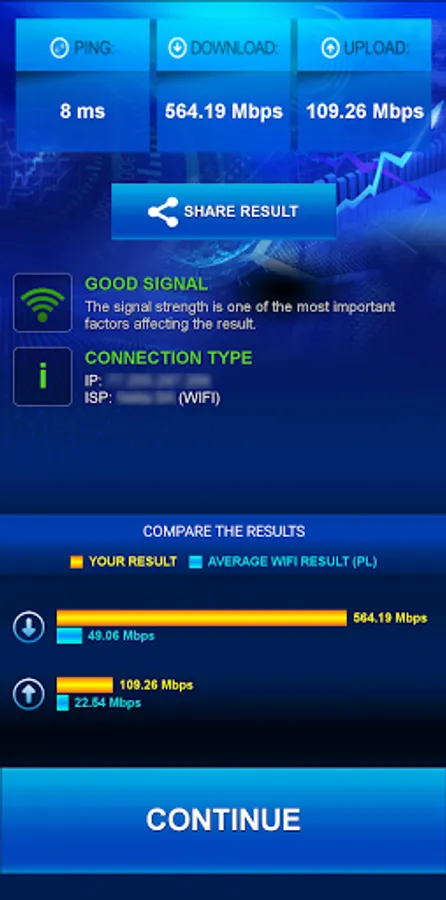
• tests upload speed (uplink)
• measurement of data transfer time delays (latency, ping)
• two typical data transfer units (kbps, Mbps),
• automatic selection of speed check parameters depending on the type of a connection (WiFi, 3G, 4G LTE, 5G)
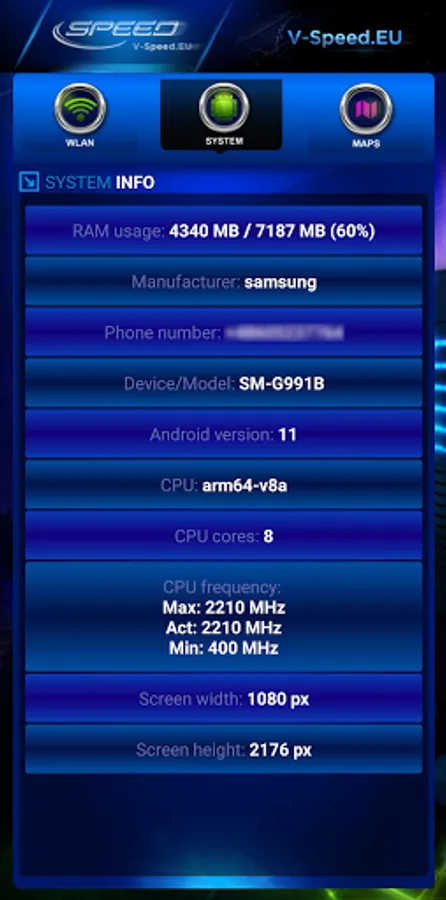
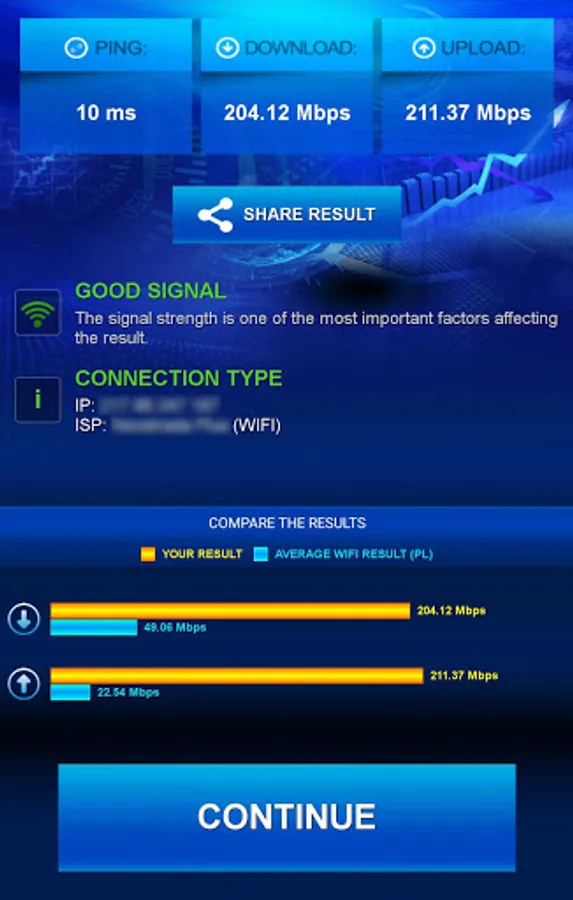
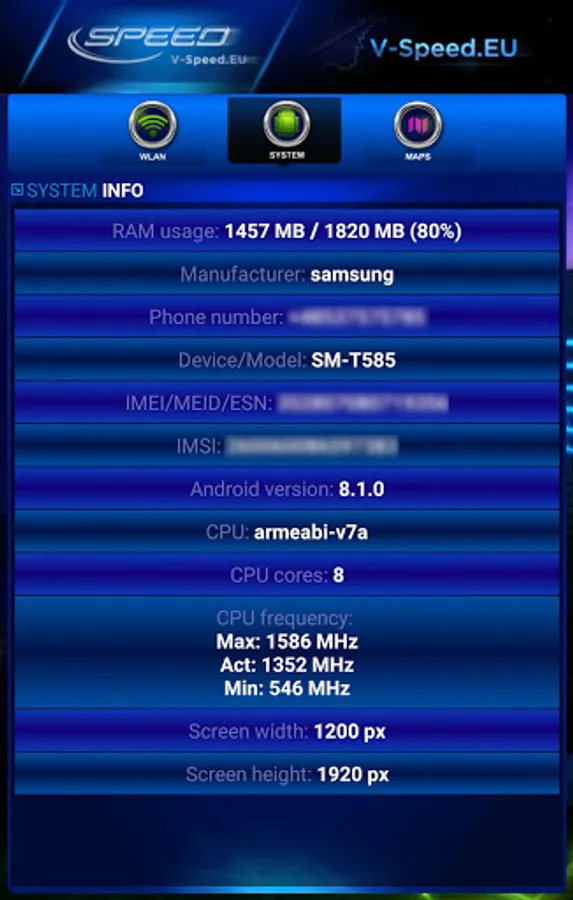
• basic information about the connection (IP address, Internet service provider and organization, SIM operator or name of the WiFi network)
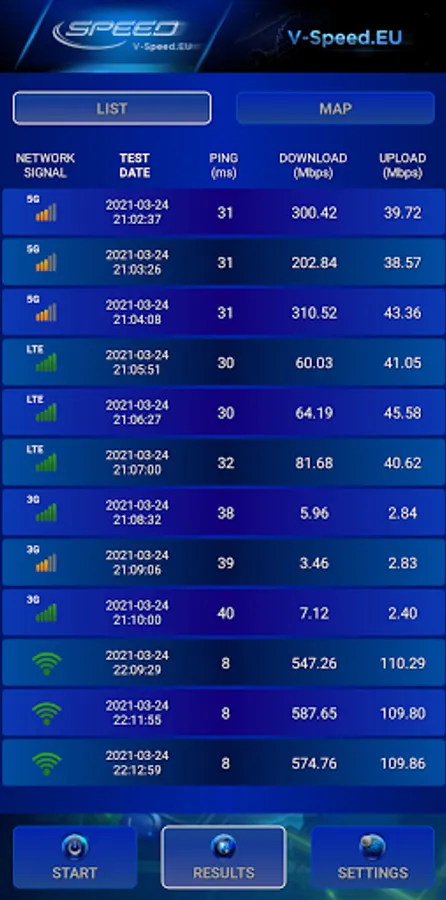
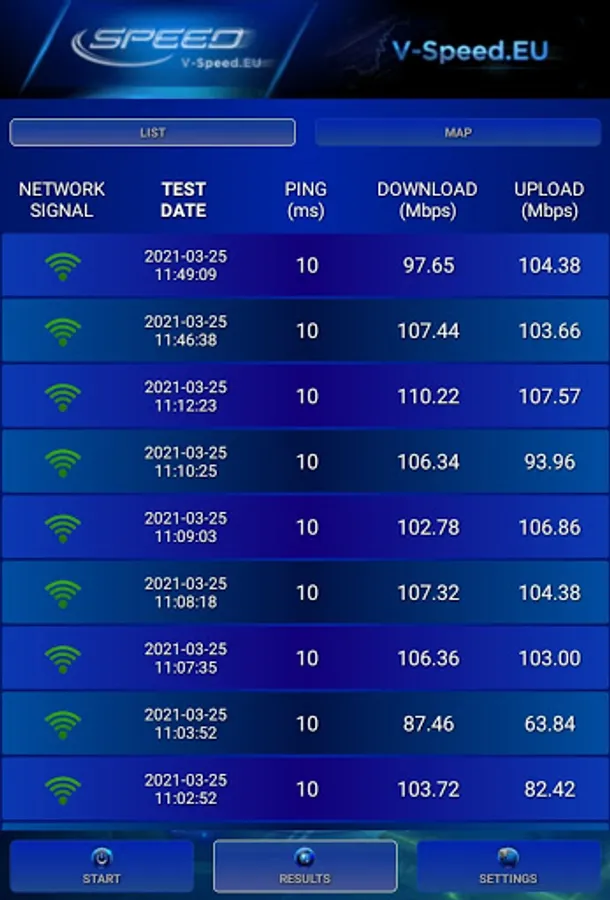
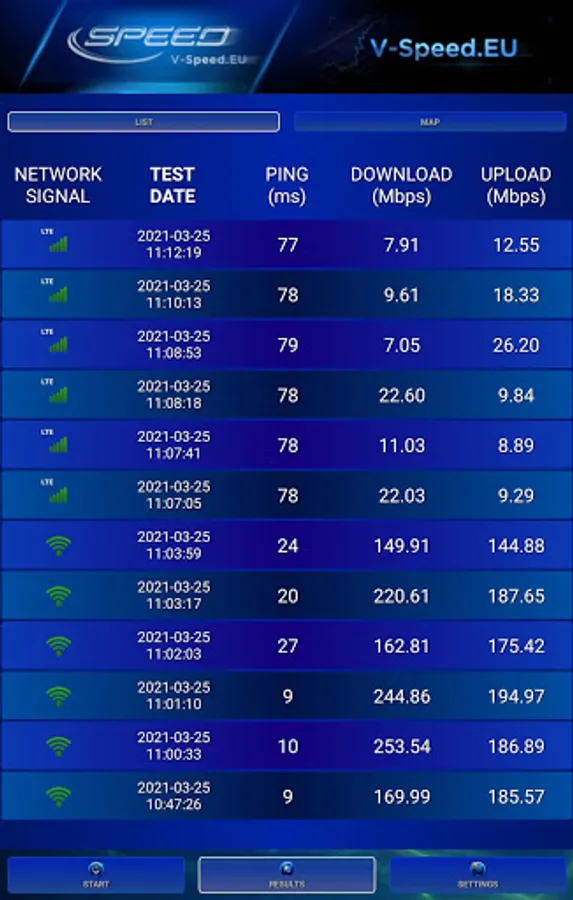
• history of results with options to filter and sort the list according to the different criteria,
• detailed information about the tests (measured value of download/upload/ping, connection type, date, settings),
• easily copy your IP address and results to the clipboard,
• publication of results on social networking sites (Facebook, Twitter, etc.).
• WiFi and mobile signal finding tool,
• built-in map of the mobile network coverage,
• the ability to select the default server for speed check,
• tests download speed (downlink)
• tests upload speed (uplink)
• measurement of data transfer time delays (latency, ping)
• two typical data transfer units (kbps, Mbps),
• automatic selection of speed check parameters depending on the type of a connection (WiFi, 3G, 4G LTE, 5G)
• basic information about the connection (IP address, Internet service provider and organization, SIM operator or name of the WiFi network)
• history of results with options to filter and sort the list according to the different criteria,
• detailed information about the tests (measured value of download/upload/ping, connection type, date, settings),
• easily copy your IP address and results to the clipboard,
• publication of results on social networking sites (Facebook, Twitter, etc.).
V-SPEED Speed Test Screenshots
Tap to Rate:
Reviews for V-SPEED Speed Test
Gary Annan
12/26/2025
OK job but to many adds
Ravi Kumar
12/26/2025
good app