AppRecs review analysis
AppRecs rating 3.9. Trustworthiness 86 out of 100. Review manipulation risk 26 out of 100. Based on a review sample analyzed.
★★★☆☆
3.9
AppRecs Rating
Ratings breakdown
5 star
70%
4 star
4%
3 star
7%
2 star
6%
1 star
13%
What to know
✓
Low review manipulation risk
26% review manipulation risk
✓
Credible reviews
86% trustworthiness score from analyzed reviews
✓
High user satisfaction
74% of sampled ratings are 4+ stars (4.1★ average)
About Screen Master Pro
Screen Master also provides a variety of annotation features such as crop, add text, pixelated image, draw arrow, rect, circle and more. Lets you easily edit and markup your screenshots and quickly share it with your friends!
► Advantages:
1. No rooting required, No restrictions on use
2. HIGH-QUALITY screenshot, saved without any loss, support PNG format
3. A variety of image annotation features
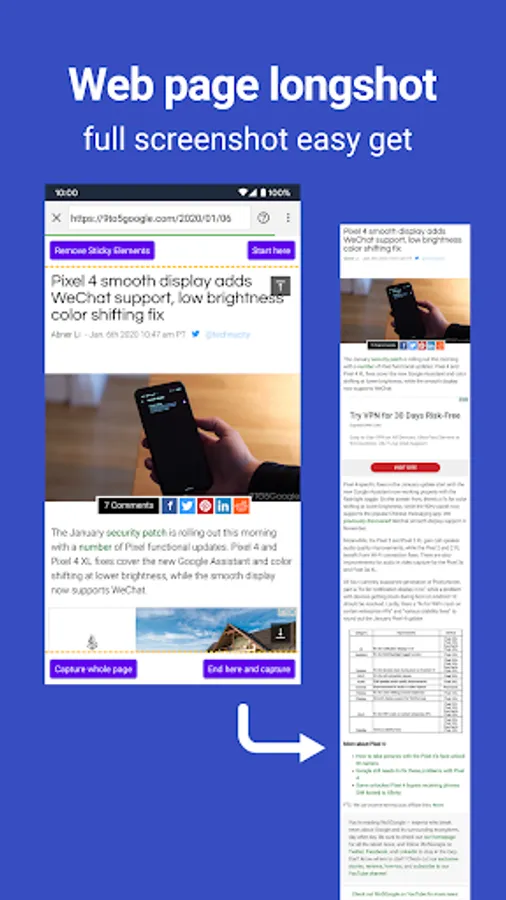
4. Web page whole capture, quickly save webpage as image
5. Support save screenshots to external SD card
6. Support Android 7.0 Shortcuts and QuickTile features
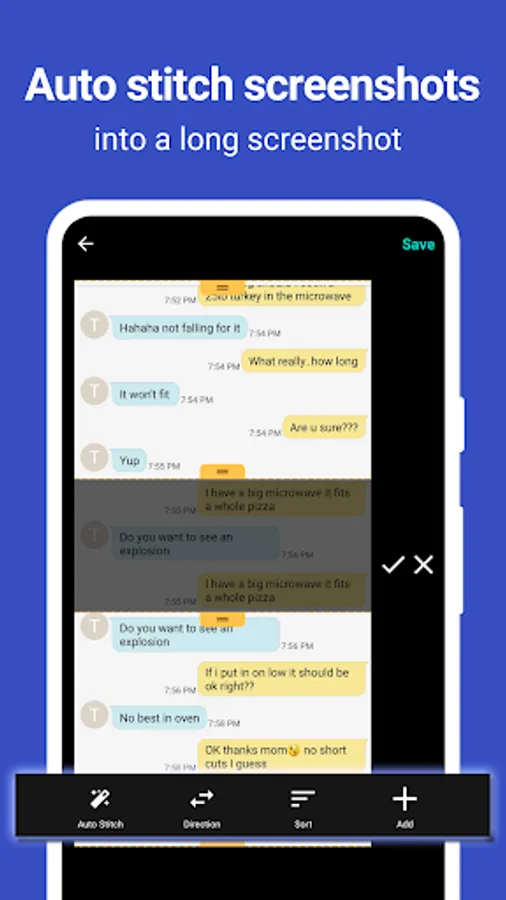
7. Support long screenshot and stitching photos
► Key Features:
★ Take Screenshots:
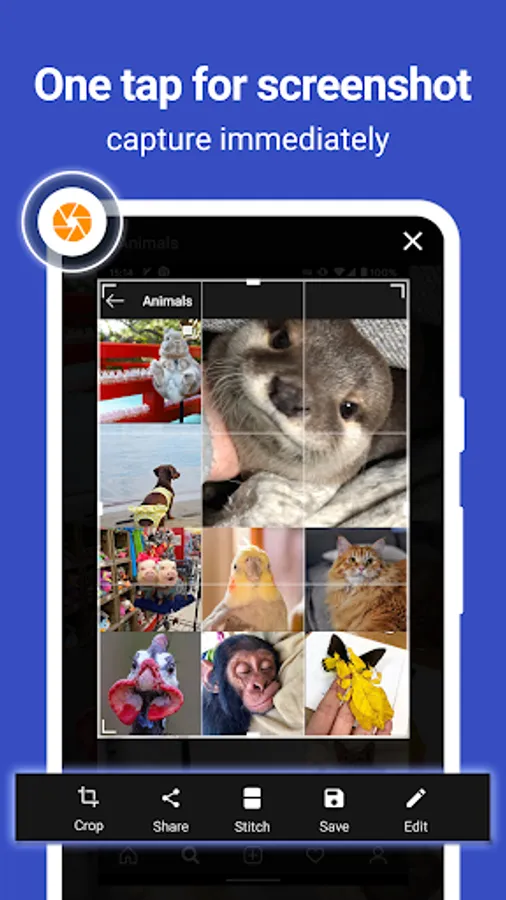
Screen Master provides a variety of features to take a screenshot
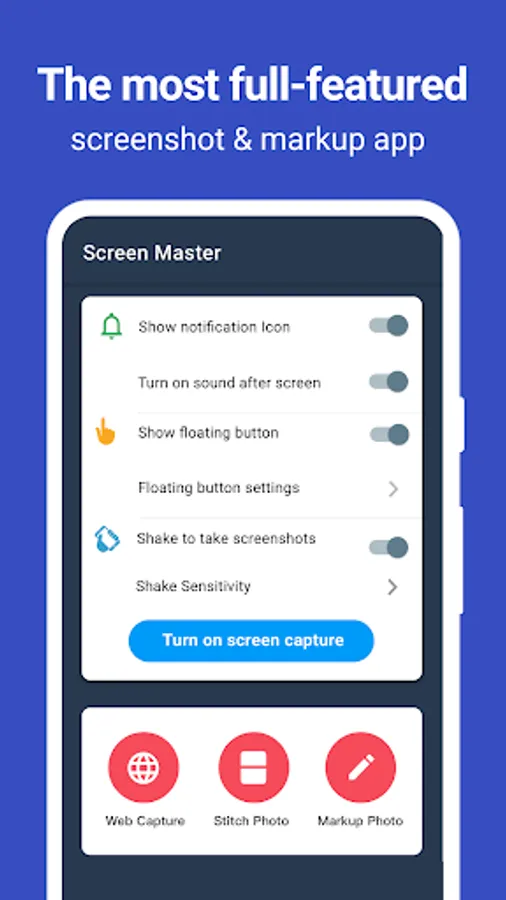
- Floating button: An simple button that is displayed on top of everything, just one-click to take a screenshot
- Shaking device: Shaking your device to take a screenshot
- Web capture: The simplest way to take a full page screenshot of your web page, just share the url to Screen Master
- Long screenshot: Support long screen capture function to easily capture the entire screen
★ Photo Markup:
- Crop and rotate image: can be cut into rectangular, round, star, triangle and other shapes
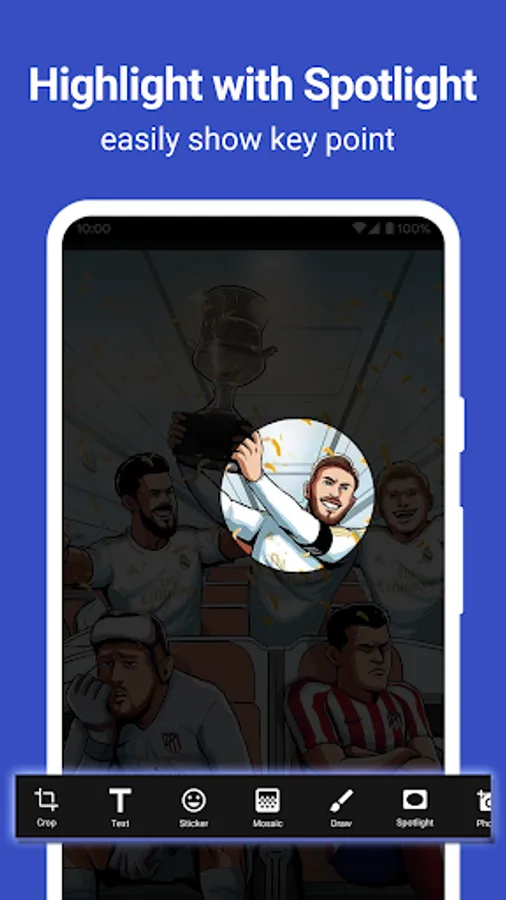
- Spotlight key info: highlight something with Spotlight
- Blur image: pixelate the image to cover areas you do not want to show
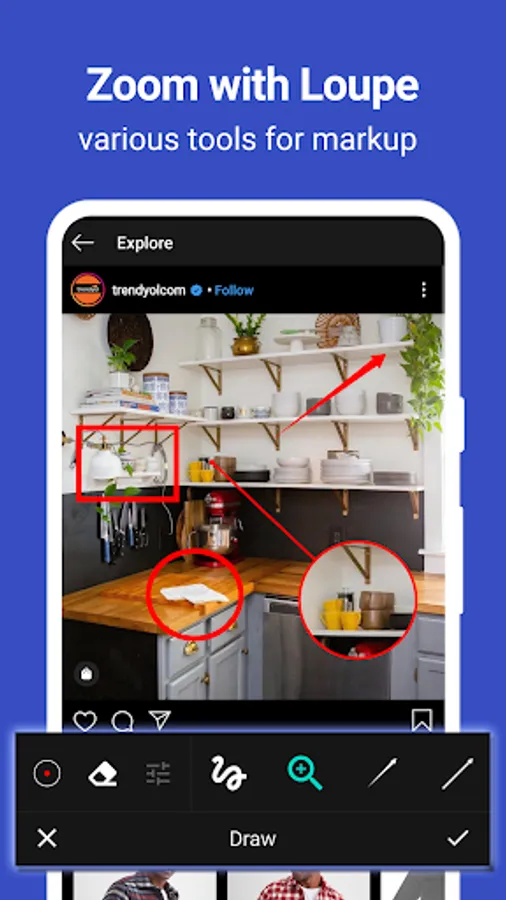
- Magnify image: zoom in your selected section with loupe
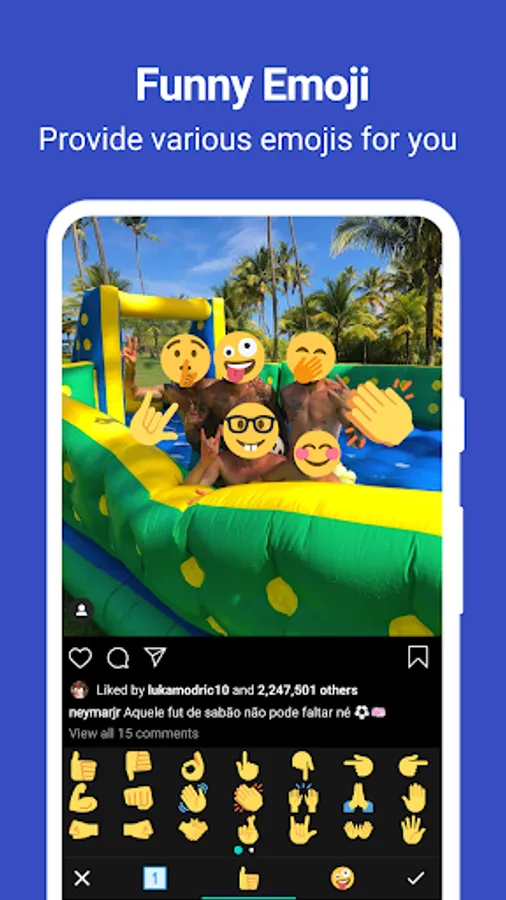
- Add emoji sticker: Make your pictures look lively and interesting
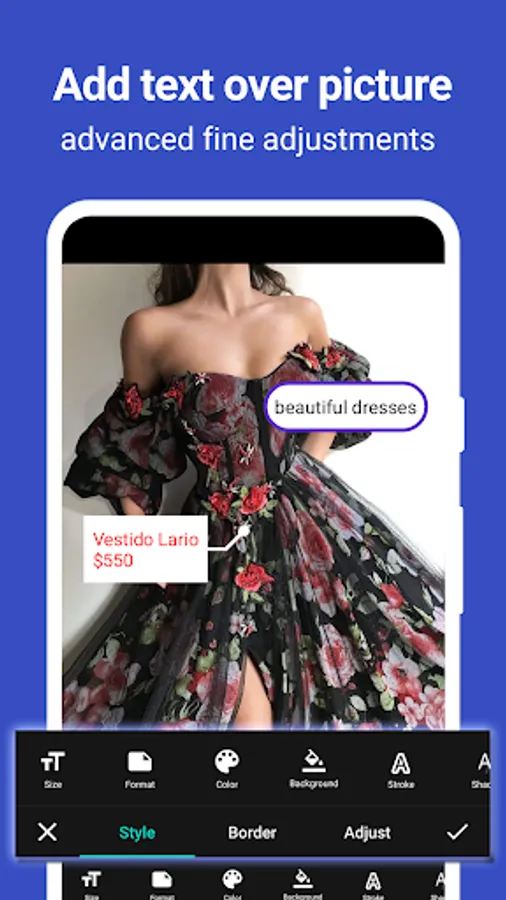
- Add text on photo: can be customized text color, background, shadow, stroke, style, size and more
- Annotate picture, all tools you need: Arrow, Rect, Circle, Pen
- Large picture can be directly annotated and do not have to be cropped first
- Not only screenshots but all pictures are supported, you could import photo from gallery, HD save and share with your friends
★ Photo Stitching:
Automatically recognize and stitch multiple photos into a long screenshot, that can be stitched horizontally and vertically
Accessibility Service:
This app uses the accessibility service provided by Android to help you take long screenshots, we will not use the accessibility service to collect and share any data, or take actions that users do not do
► Notice: Screen Master can't capture secure pages, such as Youtube protected content, pages in a banking app, or a password input page
If you have any comments or suggestions on Screen Master, please contact us at blossgraph@gmail.com. We appreciate your feedback!
Screen Master Pro Screenshots
Tap to Rate:
Reviews for Screen Master Pro
Squeakers Three
10/20/2025
Used for 5+ years. Now, I HATE it!!! One problem ruins everthing. Text box now adds TEXT SHADOW, making it ugly, undercuts credibility. text on images is key. Can't turn shadow off, unless you are the devepoper's rim buddy. or who knows what? Maybe someday, a developer will post instructions on disabling text shadow. Till then, the only thing this does well is create blurry text box. please post solution if you have one thank you
Anthony C
10/6/2025
v1.8.0.32-pro: I have consistently found the auto-stitch feature to be quite useful. Nevertheless, for quite some time, the Text Border options labeled Yes, Bye, No, and Oh! have been locked to the input text. This can result in a large border size paired with small text. The size adjustments are limited to the corners, which restricts the size to a fixed square ratio. It seems these features could benefit from some improvements.