
HTML Editor Pro - AloHTML
Aloask Technologies
3.9 ★
42 ratings
1,000+
downloads
$5.99
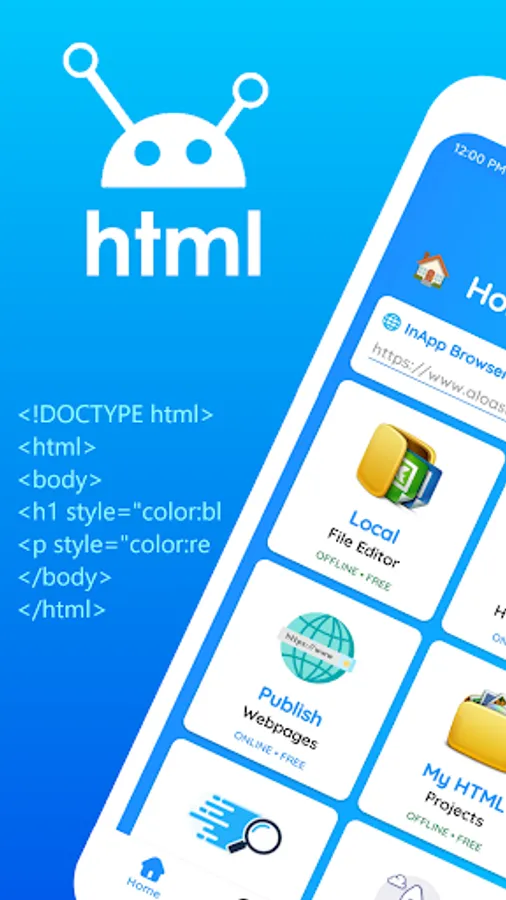
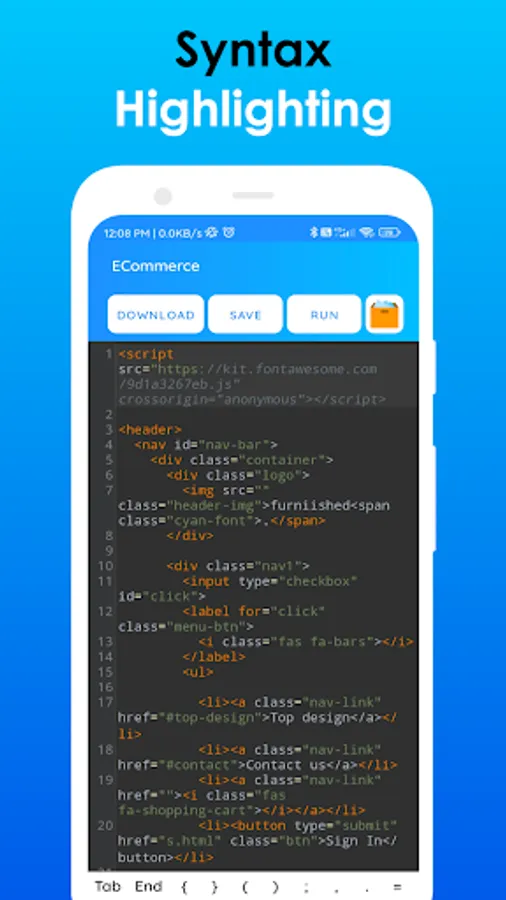
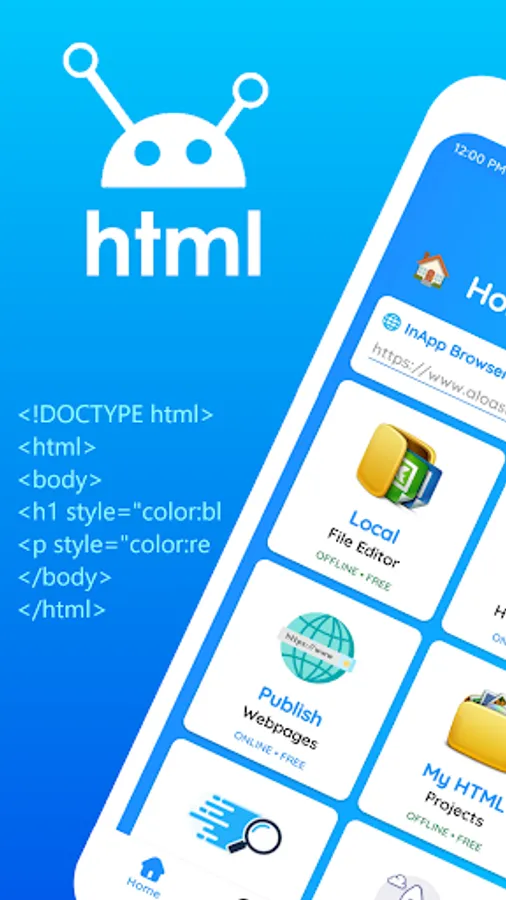
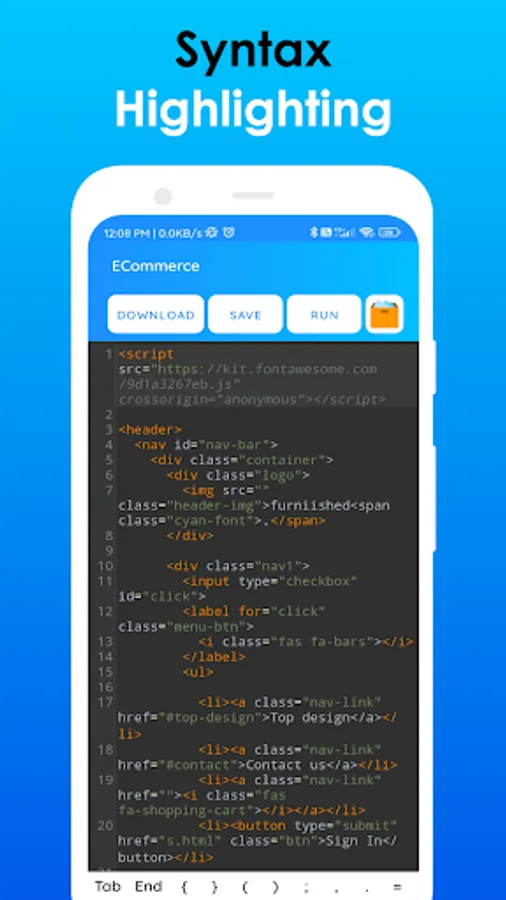
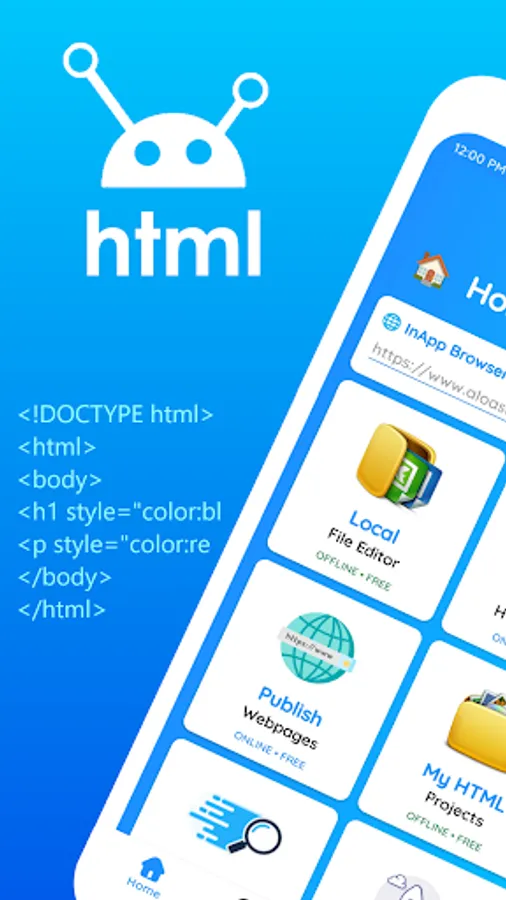
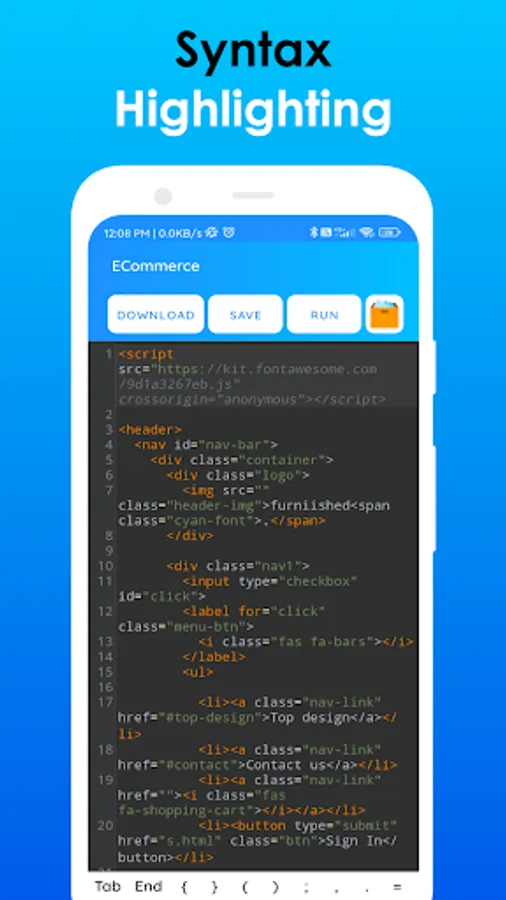
In this HTML editor, you can write and test HTML, CSS, and JavaScript code with real-time previews. Includes code highlighting, project management, and in-app browser functionalities.
AppRecs review analysis
AppRecs rating 3.9. Trustworthiness 82 out of 100. Review manipulation risk 23 out of 100. Based on a review sample analyzed.
★★★☆☆
3.9
AppRecs Rating
Ratings breakdown
5 star
61%
4 star
0%
3 star
20%
2 star
10%
1 star
10%
What to know
✓
Low review manipulation risk
23% review manipulation risk
✓
Credible reviews
82% trustworthiness score from analyzed reviews
✓
Good user ratings
61% positive sampled reviews
About HTML Editor Pro - AloHTML
🌟 With its intuitive and uncluttered user interface, this app ensures a seamless workflow devoid of any hassles. It offers distinct compartments for HTML, CSS, and JavaScript, alongside a preview section for both mobile and desktop views. Supporting all essential developer functionalities, it stands out as the premier choice for web development, catering comprehensively to HTML, CSS, and JavaScript needs.
💡 Features 💡
✨ Create HTML Projects
✨ Quick HTML Editor
✨ Rich Text Editor
✨ Editor Options
✨ View Source Code
✨ Sample HTML Codes
✨ HTTP Requests
✨ Photo to HTML Code
✨ In-app Browser
✨ HTML Tutorials
✨ HTML Questions & answers
✨ HTML Tags
✨ And much more to come...
👨💻 Why HTML Editor? 👨💻
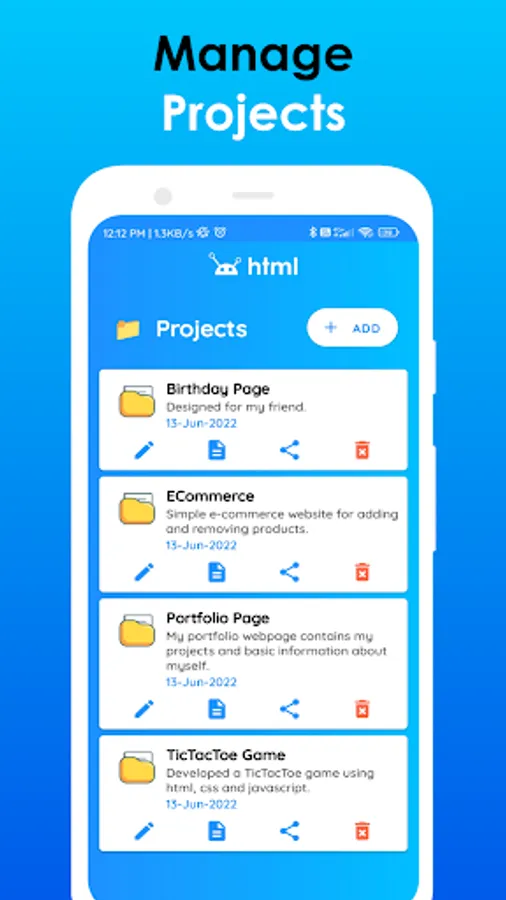
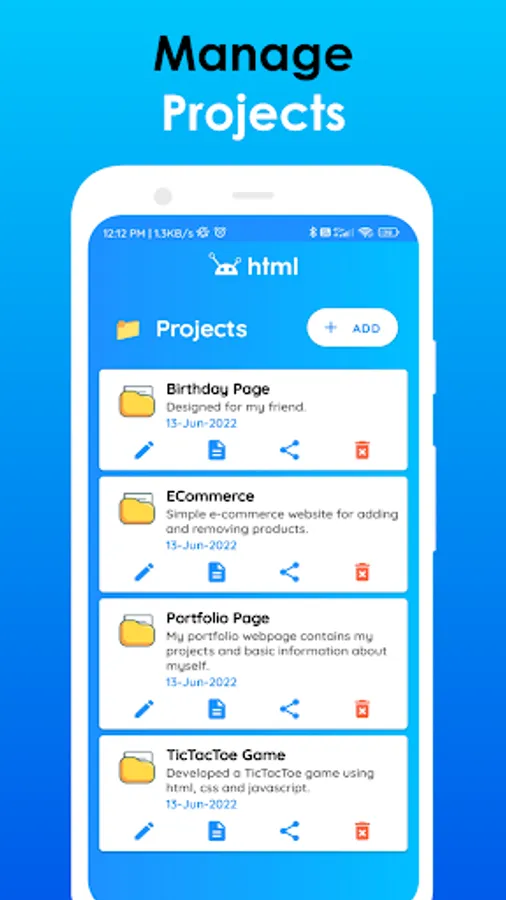
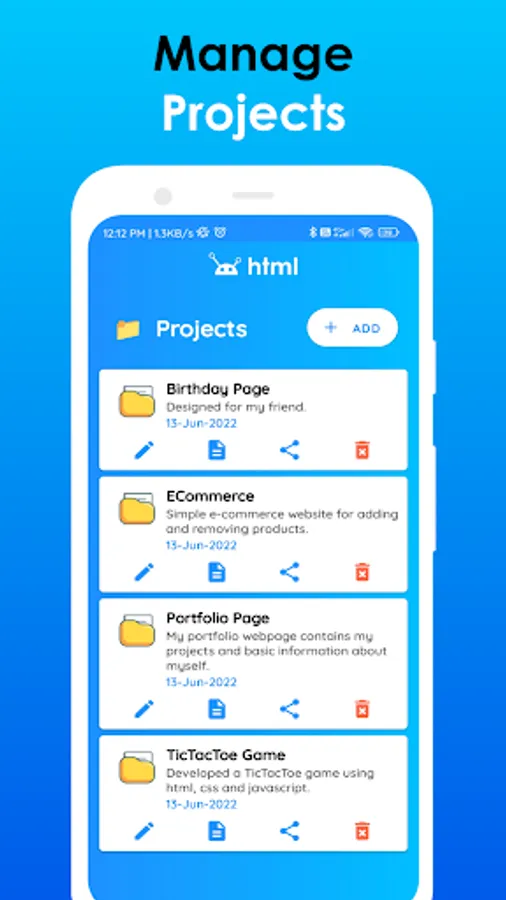
🌟 The HTML Editor facilitates project creation and saving capabilities, accessible both online and offline, ensuring users can reach their projects anytime, anywhere. While the Free version restricts users to a single project, upgrading to the Pro version unlocks unlimited project creation potential.
🌟 Featuring a Rich Text Editor, this tool empowers users to design webpages effortlessly, even without coding expertise. Simply utilize the intuitive interface by clicking buttons to craft your desired page, with the app automatically generating the necessary code. Additionally, the HTML Editor offers a "View Source Code" option, enabling users to inspect the underlying code of any website.
🌟 Should you wish to manipulate the code of any website, simply copy it and initiate a new project to begin your work. Customize your coding environment further by selecting from various themes tailored for different code editors, including options for both day and night modes.
🌟 Within the HTML Editor, you'll discover a comprehensive Tutorials section dedicated to teaching the fundamentals of web development. Dive into a wealth of tutorials covering HTML, CSS, and JavaScript, simplifying the learning process for aspiring developers. Additionally, access a Questions & Answers section, featuring a compilation of commonly asked queries with their solutions, aiding you in resolving common uncertainties about web development.
🌐 Web Development 🌐
✨ Dive into the world of web development effortlessly and create stunning webpages with HTML, CSS, & JavaScript using this HTML Editor App.
✨ Equipped with tutorials, a Q&A section, and a robust code editor, mastering web development has never been easier.
💫 Free Version 💫
The free version doesn't have all the features of the HTML Editor App. If you would like to give it a try, then please kindly follow the below link.
https://play.google.com/store/apps/details?id=com.fazil.htmleditor
☎️ Contact Us ☎️
If you have any problem with our services, Please contact us through,
📧 Email : aloasktechnologies@gmail.com
🌐 Website : https://contact.alloask.tk
We will get back to you within 24 hours.
HTML Editor Pro - AloHTML Screenshots












Tap to Rate:
Reviews for HTML Editor Pro - AloHTML
ANIL KUMAR PRAJAPATI
7/7/2025
Best editing app
Maarten van Gaalen
12/1/2024
I like this app and bought it but if I want to give you some feedback: The file selector dialog is not shown when it does work while using other internet browsers. If possible I would like a search and replace option, other than that pretty cool app you made. 5-star because they fixed it and now I can test it and think that's a great work around and I found the find option. Keep up the great work.