Proximity Screenshot
Vaibhav c147
4.3 ★
168 ratings
10,000+
downloads
Free
In this app, you can capture high-resolution screenshots by simply activating the proximity sensor and manage your captures easily. Includes a simple interface, background operation, and bulk screenshot support.
AppRecs review analysis
AppRecs rating 4.3. Trustworthiness 0 out of 100. Review manipulation risk 0 out of 100. Based on a review sample analyzed.
★★★★☆
4.3
AppRecs Rating
Ratings breakdown
5 star
67%
4 star
8%
3 star
17%
2 star
0%
1 star
8%
What to know
✓
High user satisfaction
75% of sampled ratings are 4+ stars (4.3★ average)
✓
Authentic reviews
Natural distribution, no red flags
About Proximity Screenshot
Tired of pressing Power-Volume key every time to take a screenshot?!
Proximity Screenshot introduces a new way to capture screenshots. Try ‘Proximity Screenshot’ to get the most out of your android phone.
This app supports Android 5.0 Lollipop or higher.
[Basic Features]
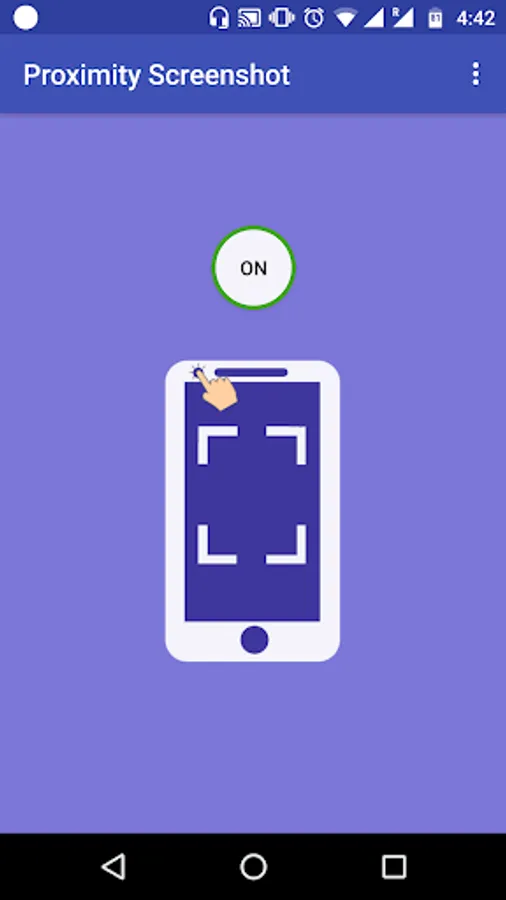
• Captures high-res screenshots just by tapping the proximity sensor of your phone.
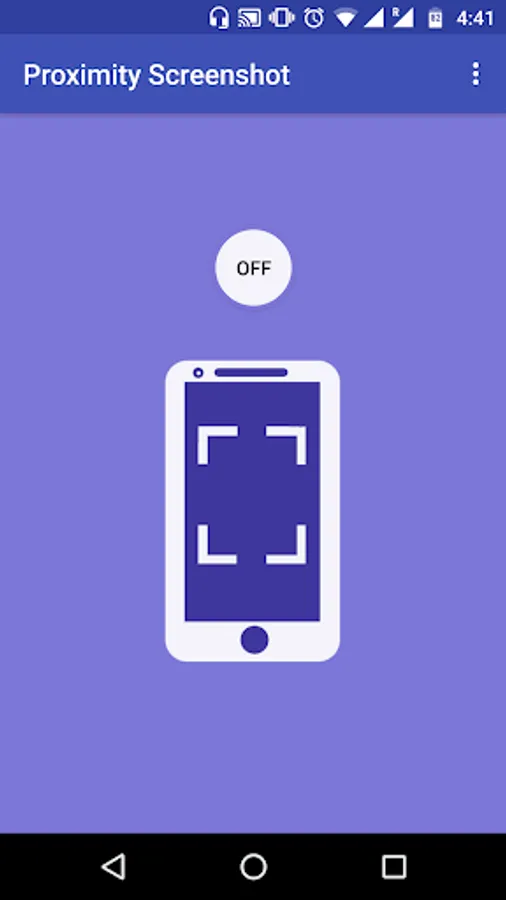
• Clean interface with just one button to switch on or off the service.
• Once started, we can close the app and keep taking screenshots while using other apps.
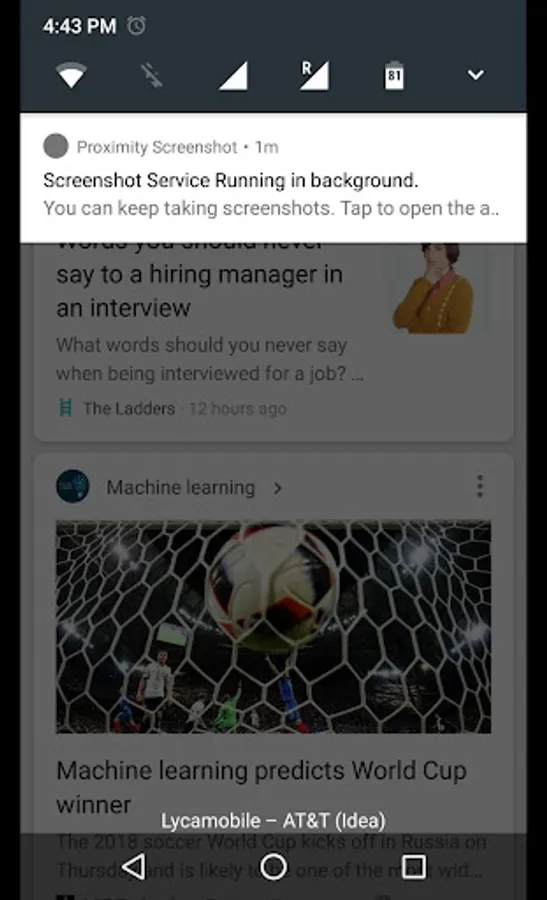
• A notification is provided while the service is running in background, so that you can easily get back to the app to stop the service.
• All the captured screenshots are stored in ‘ProximityScreenshots’ folder in Internal Storage, so that you can view them with your favorite image viewer or file manager.
• Works perfectly even on non-root devices.
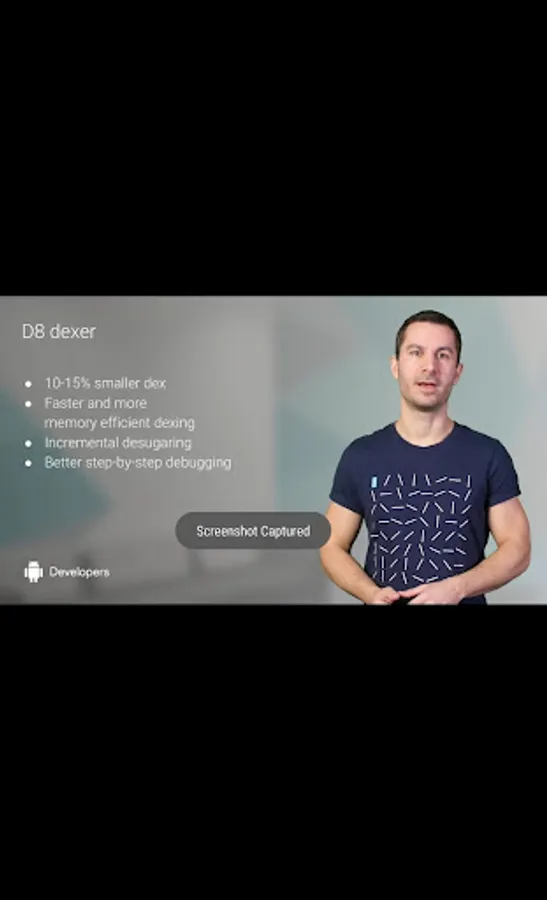
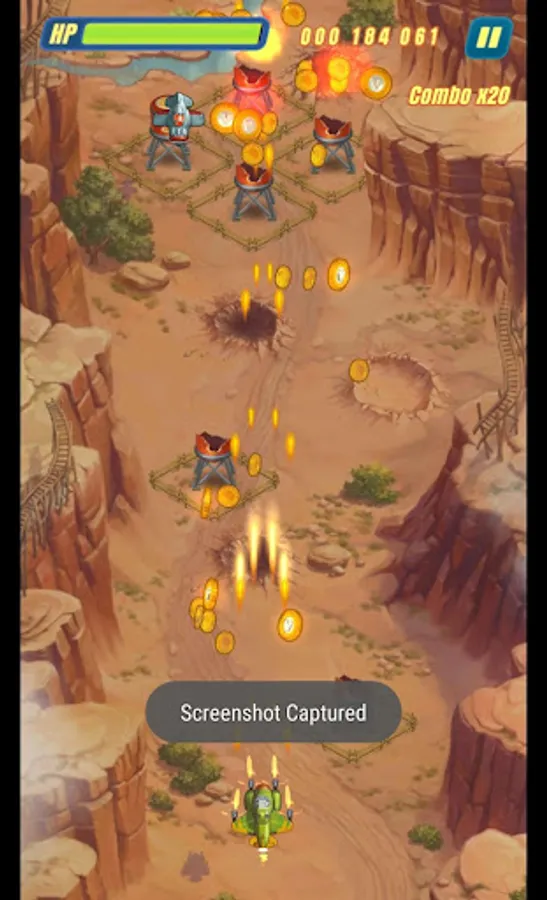
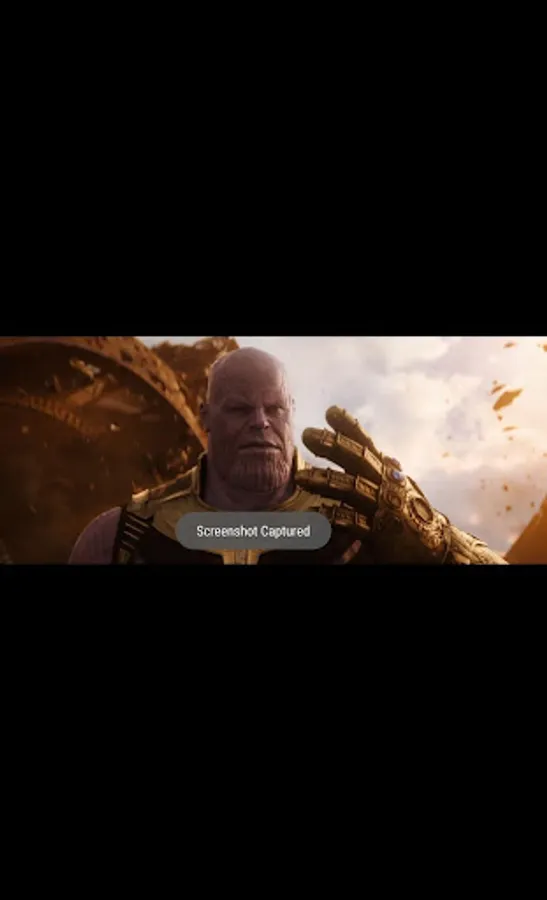
• Specially optimized to take screenshots in bulk: to capture special moments while gaming or to capture frames from a video.
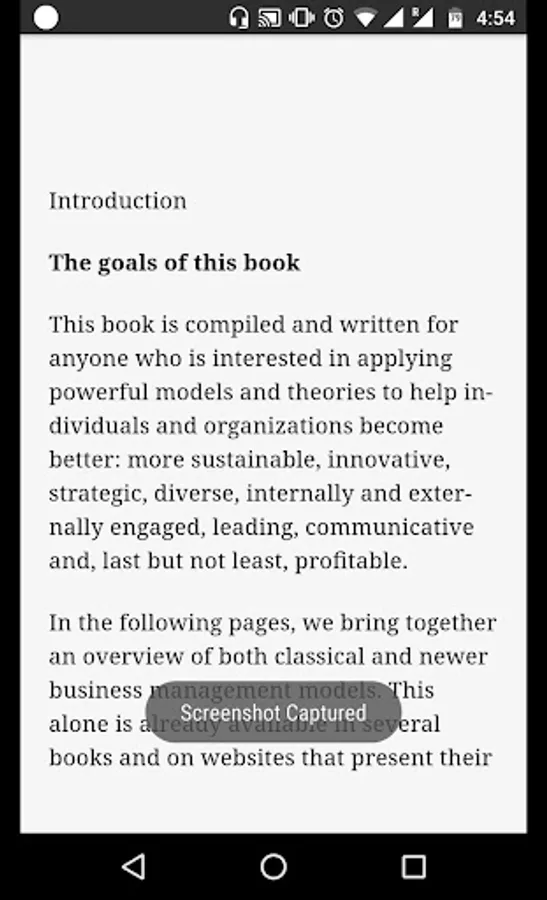
So why write down everything from a video lecture/tutorial, when you can just capture these screenshots just with a tap! (Yeah that’s what we use this app for! :p)
[Please Note]
• Screen capture requires user’s consent. So please select ‘Start Now’ in the confirmation window presented after opening the app.
• This app also requires ‘Write to External Storage’ permission to store the captured screenshots.
• Permissions for Accessing Network state and Internet are required for showing relevant ads.
• All the captured screenshots are stored in a folder named ‘ProximityScreenshots’ in Internal Storage.
Proximity Screenshot introduces a new way to capture screenshots. Try ‘Proximity Screenshot’ to get the most out of your android phone.
This app supports Android 5.0 Lollipop or higher.
[Basic Features]
• Captures high-res screenshots just by tapping the proximity sensor of your phone.
• Clean interface with just one button to switch on or off the service.
• Once started, we can close the app and keep taking screenshots while using other apps.
• A notification is provided while the service is running in background, so that you can easily get back to the app to stop the service.
• All the captured screenshots are stored in ‘ProximityScreenshots’ folder in Internal Storage, so that you can view them with your favorite image viewer or file manager.
• Works perfectly even on non-root devices.
• Specially optimized to take screenshots in bulk: to capture special moments while gaming or to capture frames from a video.
So why write down everything from a video lecture/tutorial, when you can just capture these screenshots just with a tap! (Yeah that’s what we use this app for! :p)
[Please Note]
• Screen capture requires user’s consent. So please select ‘Start Now’ in the confirmation window presented after opening the app.
• This app also requires ‘Write to External Storage’ permission to store the captured screenshots.
• Permissions for Accessing Network state and Internet are required for showing relevant ads.
• All the captured screenshots are stored in a folder named ‘ProximityScreenshots’ in Internal Storage.