
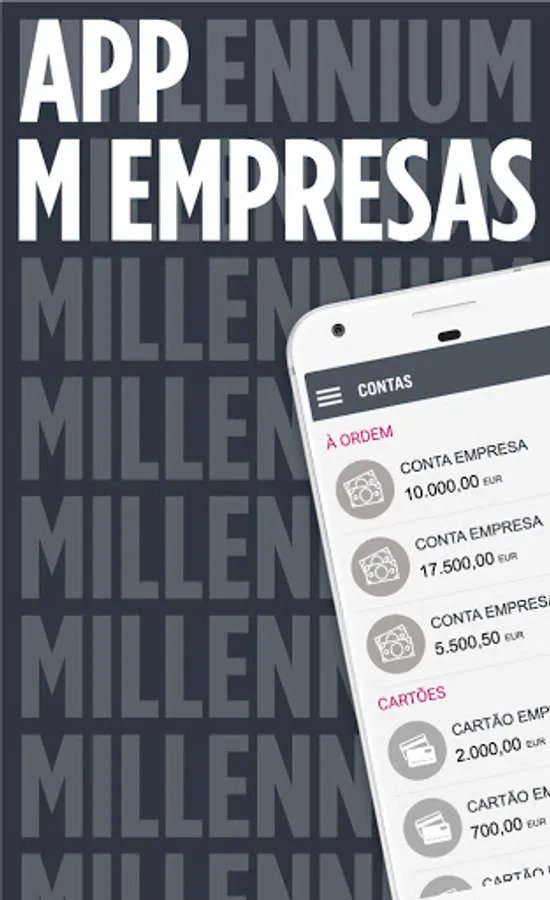
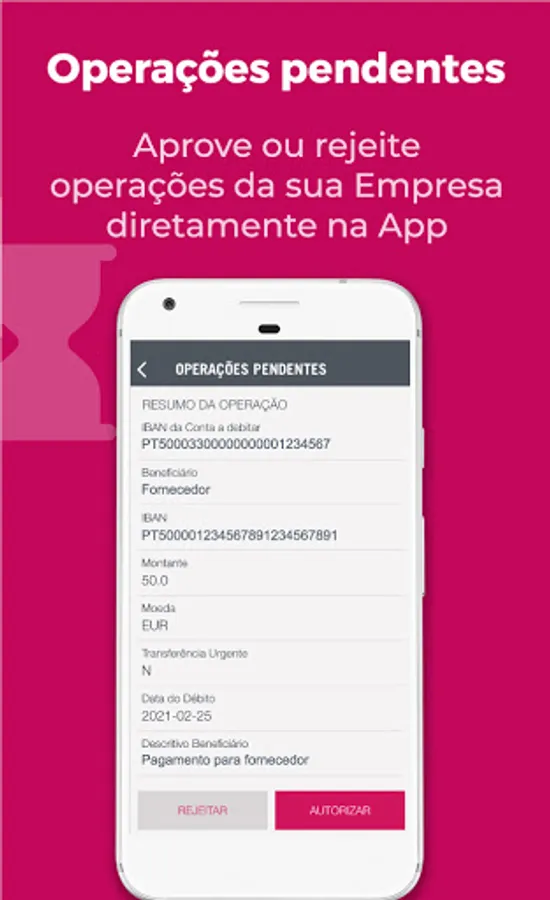
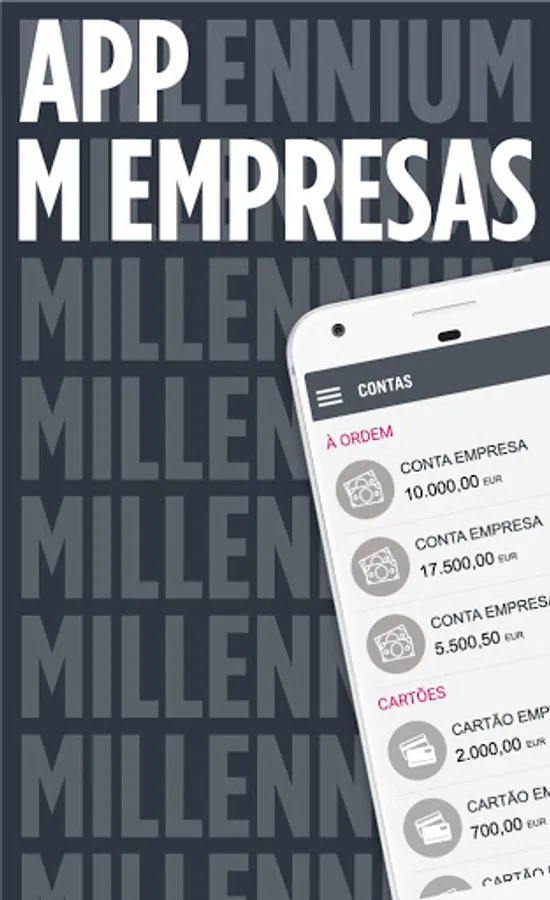
With this business management app, you can check account balances, make transfers, and authorize transactions. Includes account statements, transaction receipts, and beneficiary management features.
AppRecs review analysis
AppRecs rating 3.2. Trustworthiness 77 out of 100. Review manipulation risk 23 out of 100. Based on a review sample analyzed.
★★★☆☆
3.2
AppRecs Rating
Ratings breakdown
5 star
33%
4 star
33%
3 star
0%
2 star
0%
1 star
33%
What to know
✓
Low review manipulation risk
23% review manipulation risk
✓
Credible reviews
77% trustworthiness score from analyzed reviews
⚠
High negative review ratio
33% of sampled ratings are 1–2 stars
About MEmpresas
Before installing the App:
Access the Business Website, in the top right corner, “Your Profile > App M Empresas > Subscribe”,
to subscribe to the service, set the limit per transaction and select the accounts to view.
Available services:
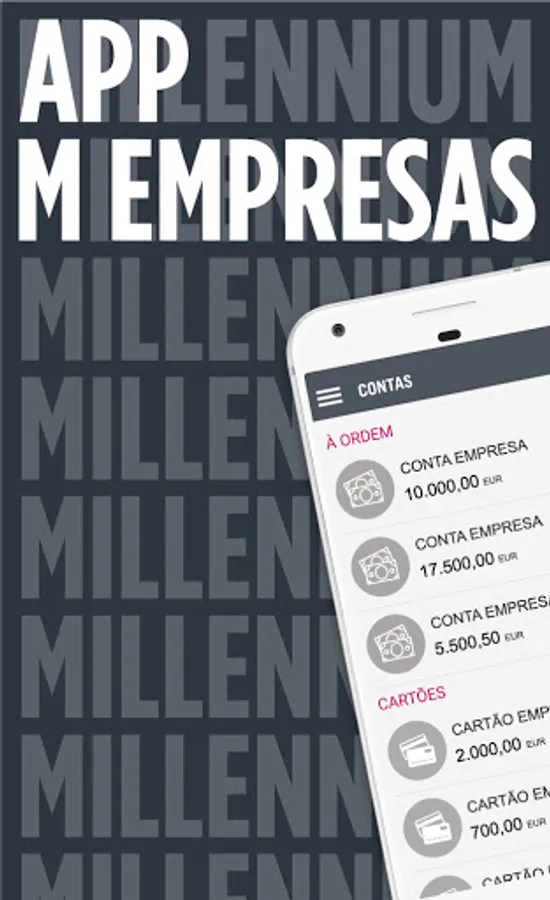
-Check balances and transactions of current accounts and cards, with the option to apply filters
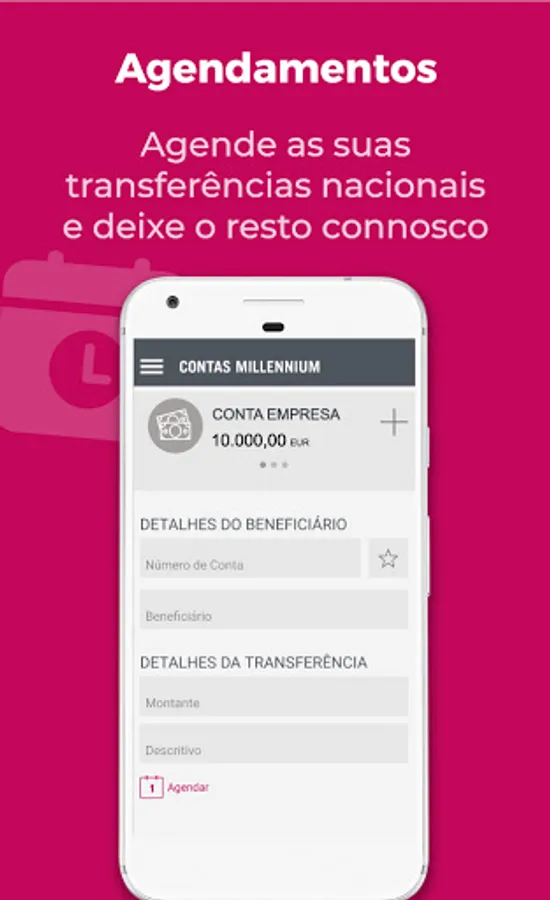
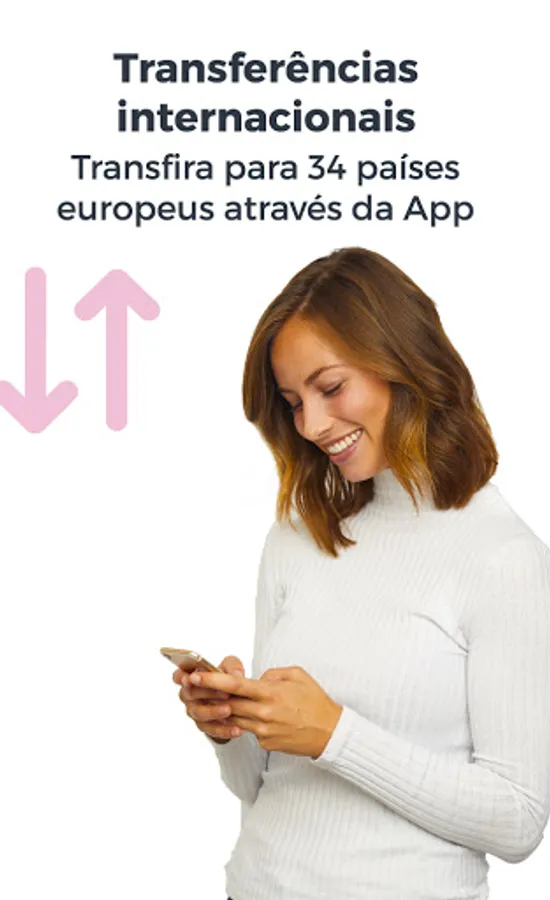
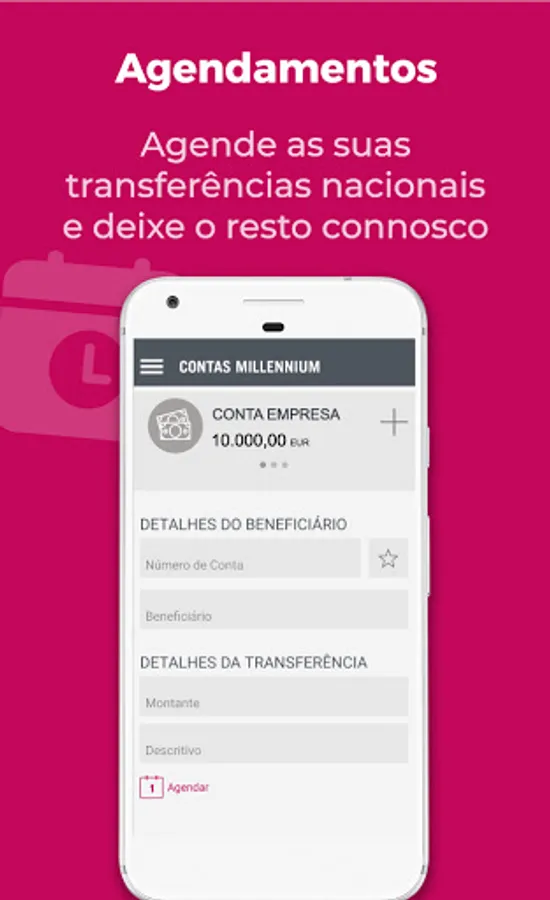
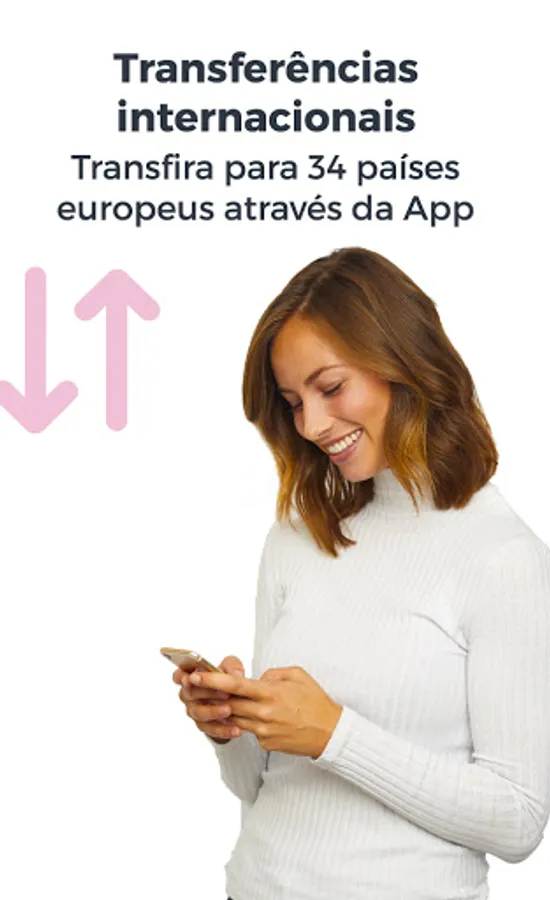
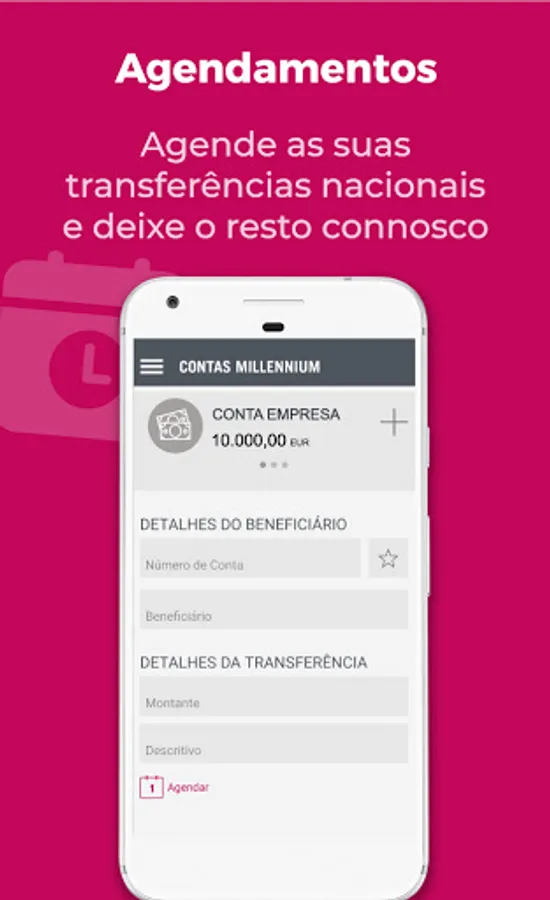
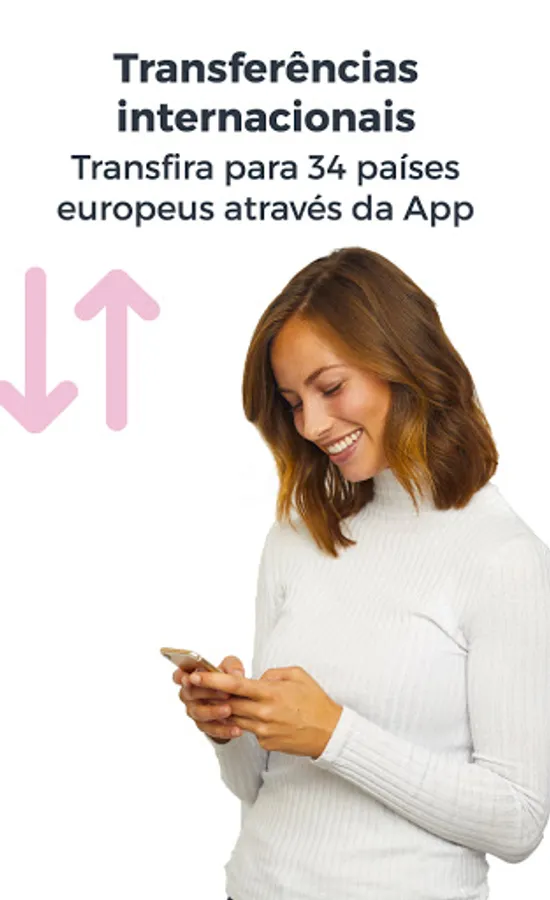
-Make standard and instant transfers in EUR, with or without scheduling, to Portugal and Europe (SEPA area)
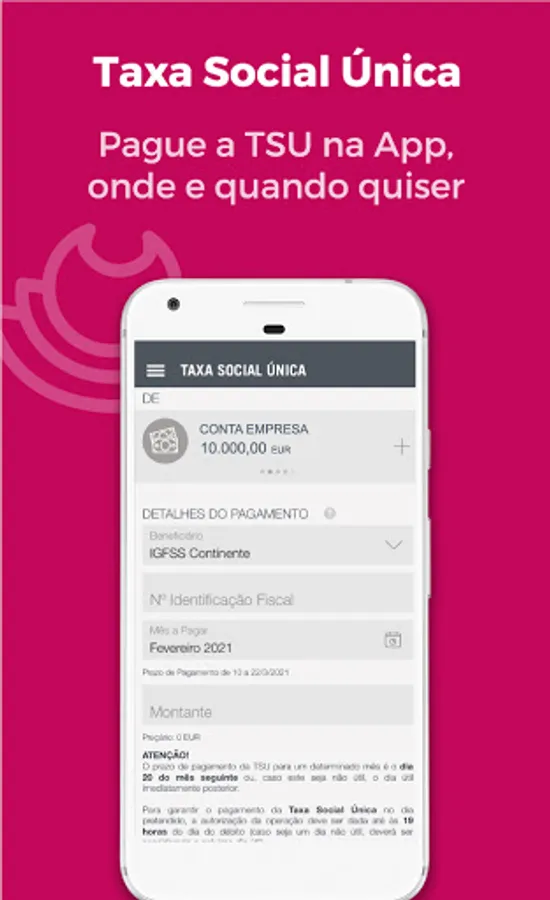
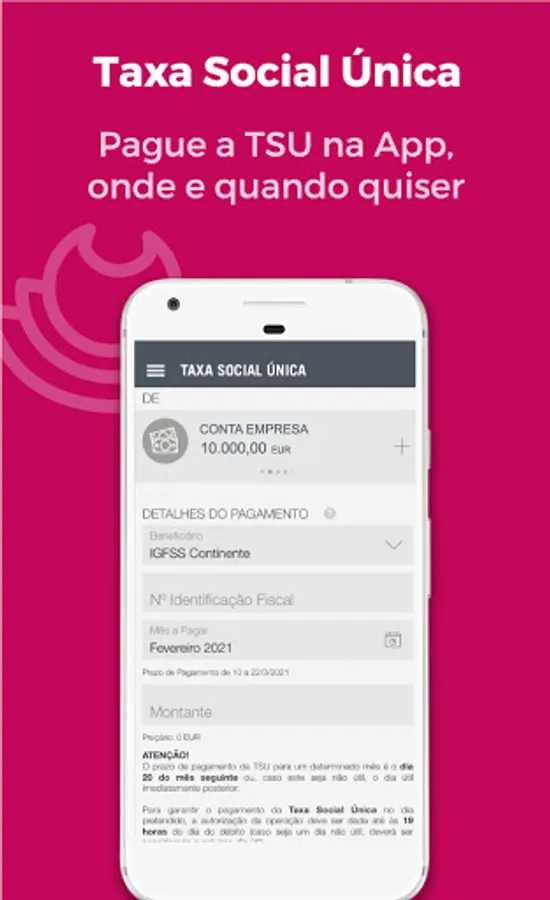
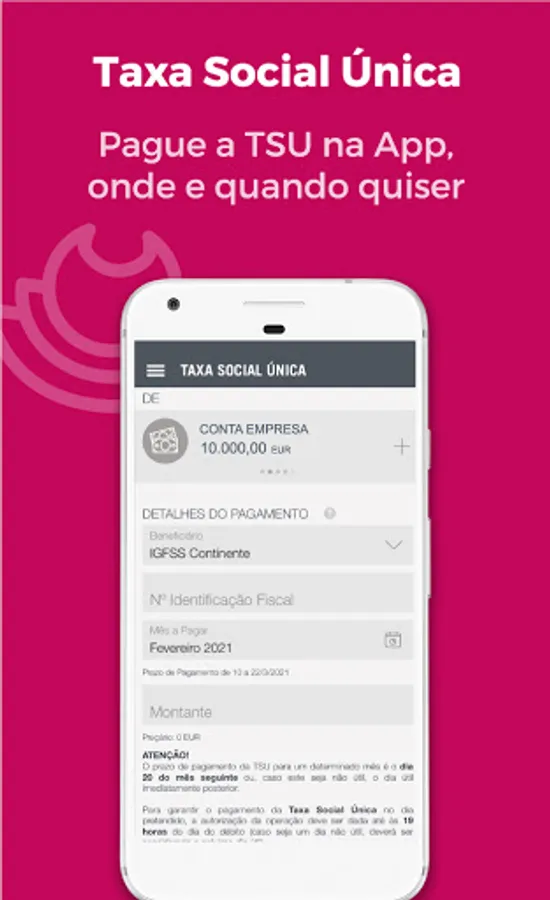
-Make MB service payments, taxes, Social Security contributions and top up prepaid cards
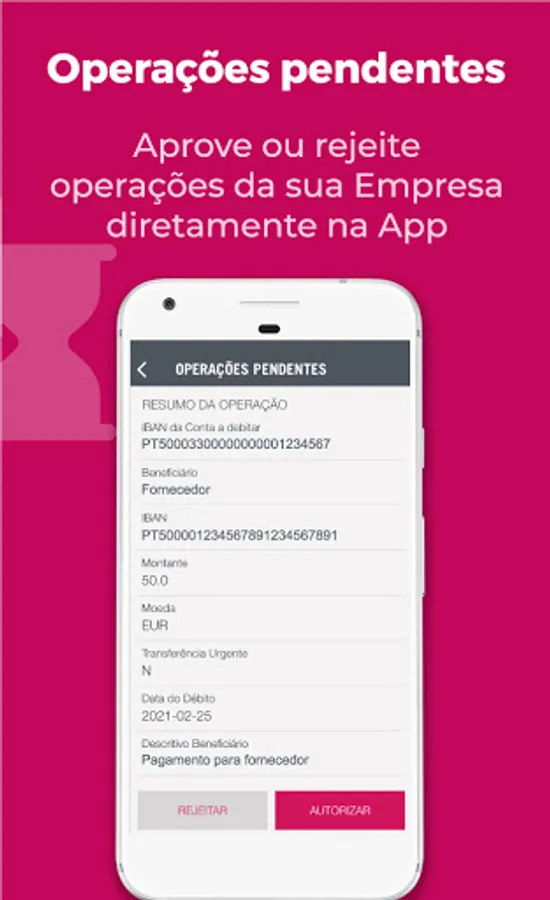
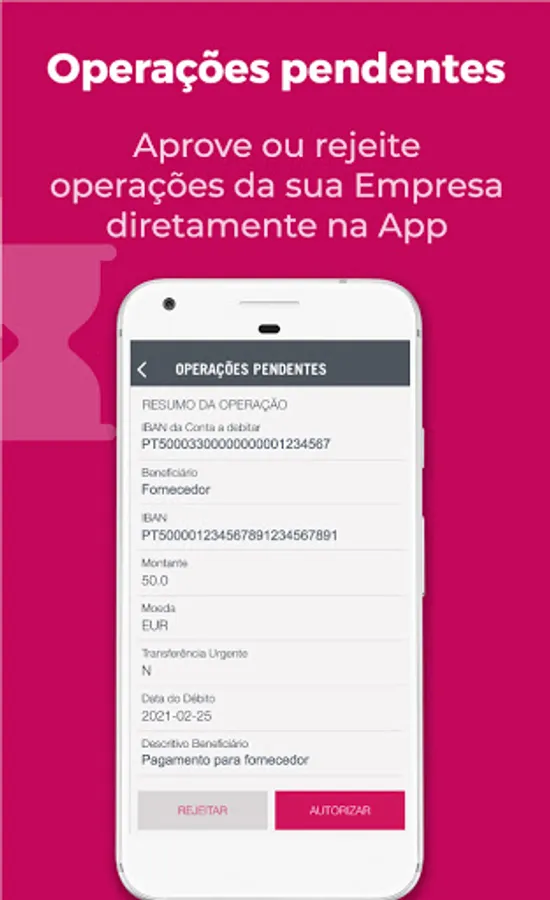
-Authorise transactions (individual or multiple)
Other features:
-View and export account statements
-Obtain receipts after completing transactions in the App
-Access and use Beneficiaries for transfers
-Secure authentication of transactions originating from e-commerce websites
-Locate branches
-Set language, PIN and biometrics for access
Keep the App up to date at all times. Send us your comments and suggestions to empresas@millenniumbcp.pt, with “App M Empresas” in the subject line.
MEmpresas Screenshots









Tap to Rate:
Reviews for MEmpresas
Gustavo Britto
10/4/2025
Não consigo mudar a linguagem da App para outra diferente do sistema operacional mesmo ao aceder e alterar as configurações.
Vadym Veremeichyk
2/1/2025
For now, it's a 1 star. As it doesn't sign in with a very vague message: > We are sorry for the inconvenience, but your request cannot be completed UPD Thankfully, the support team provided me with information about the crucial step to sign in. To be precise, you must activate the app access in the web profile first. It wasn't the smoothest experience, but support saved the day, so I'm changing the rate to 4 stars. As there is room for improvement, but the app seems to be working.