
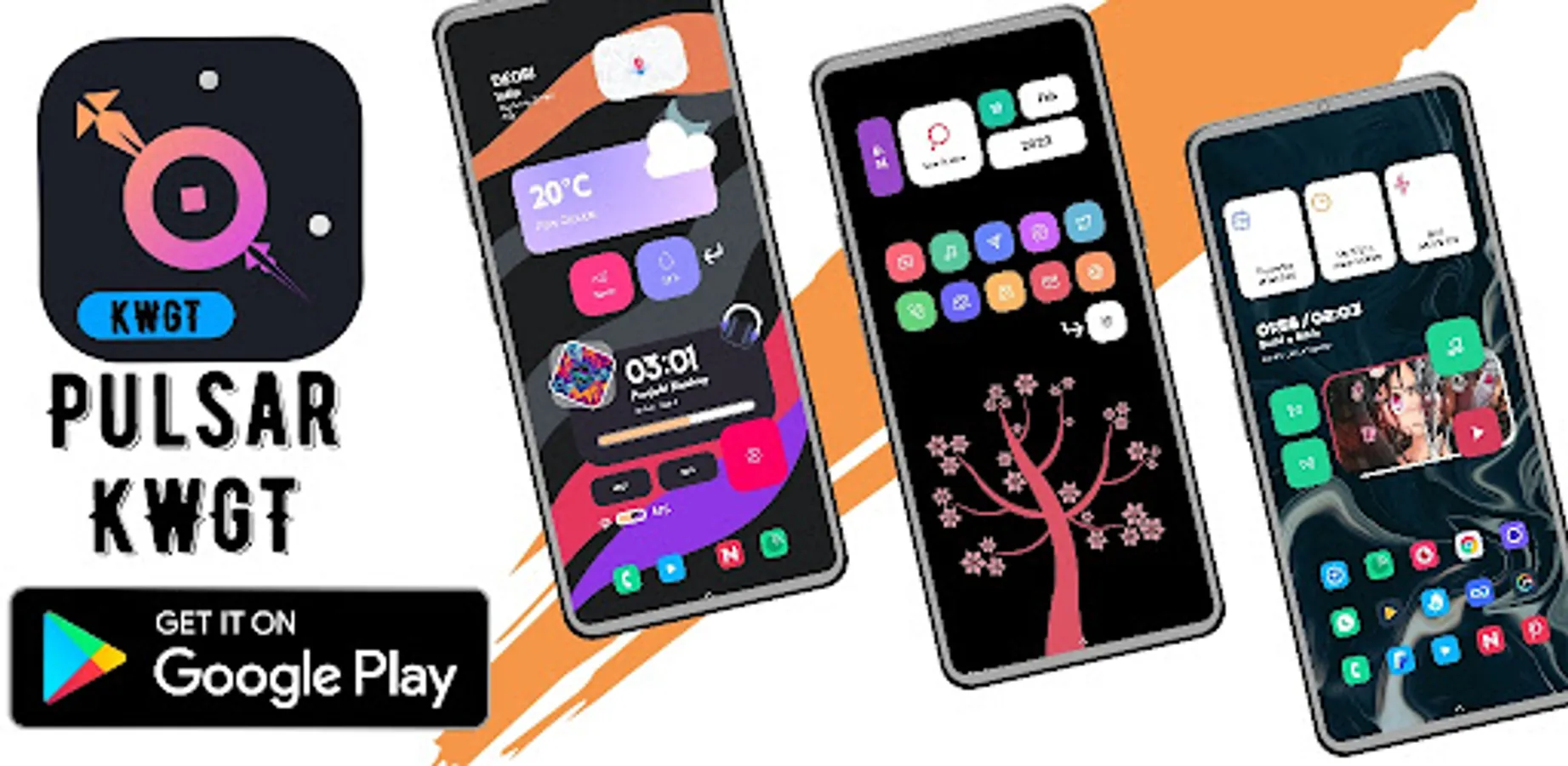
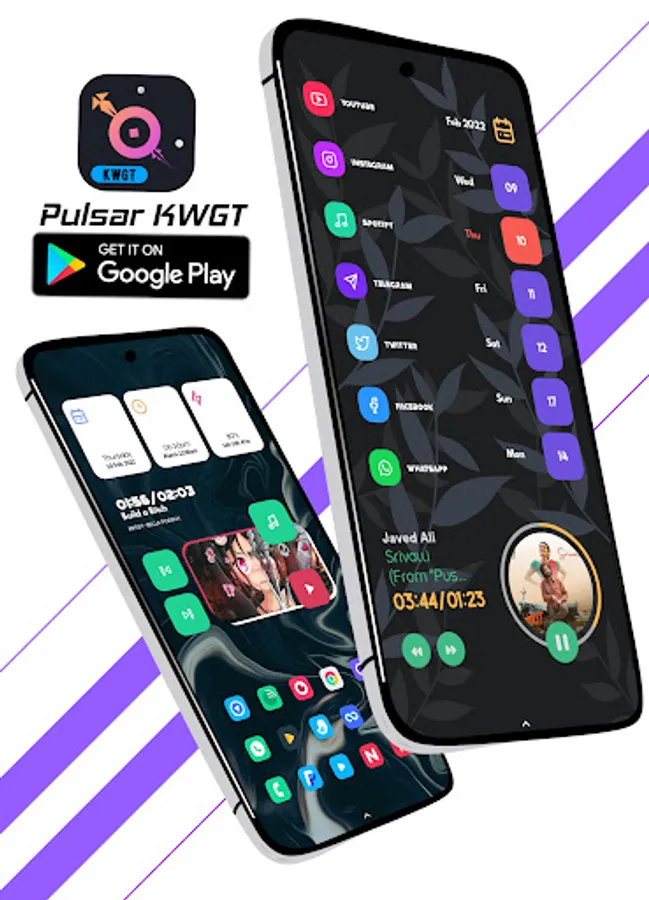
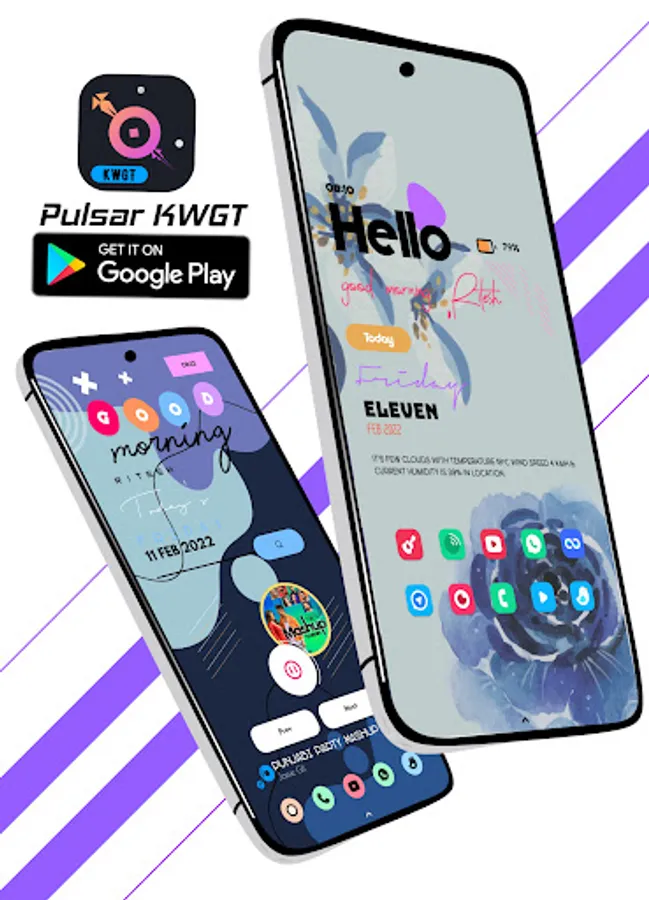
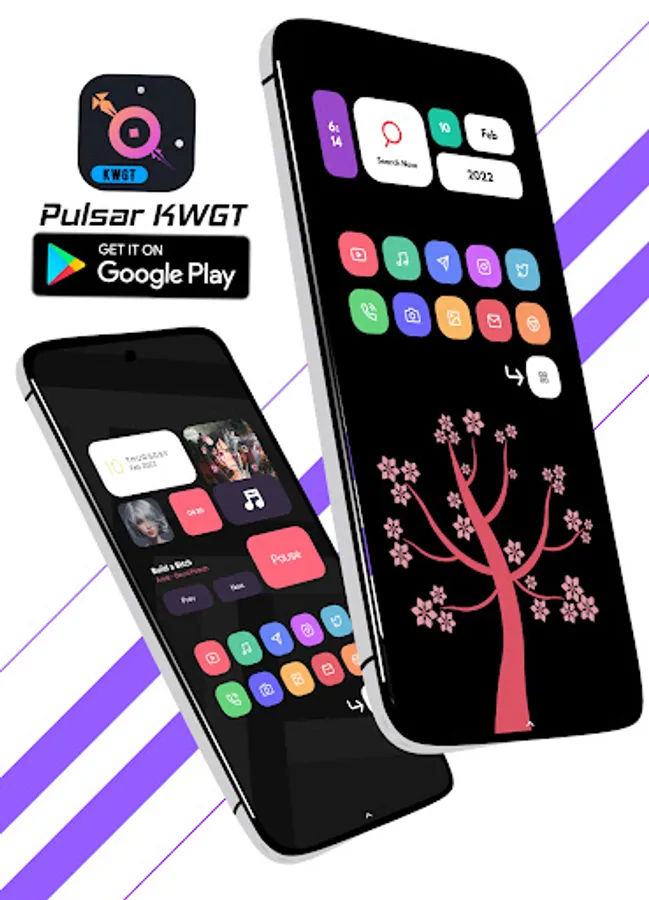
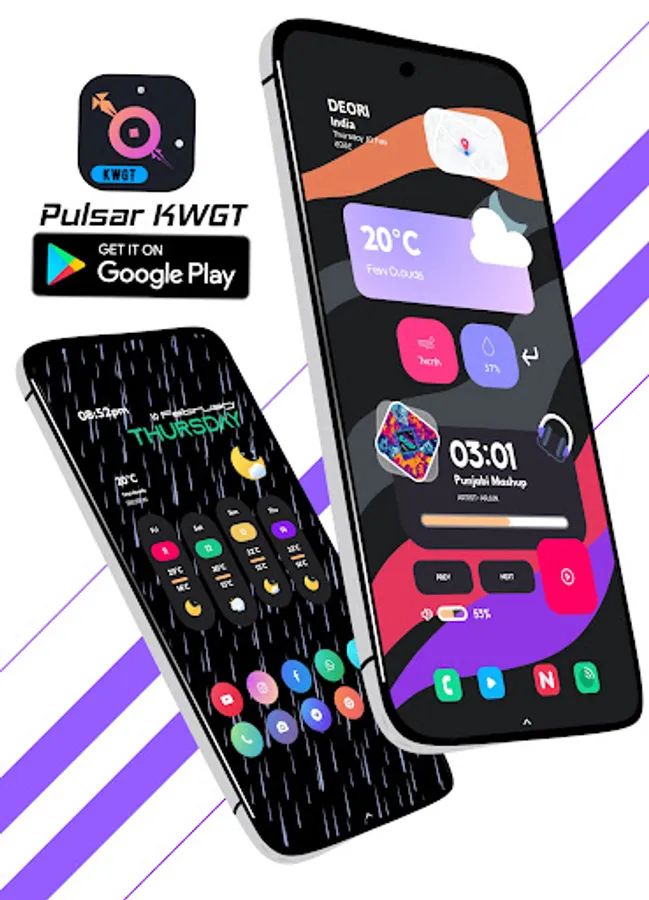
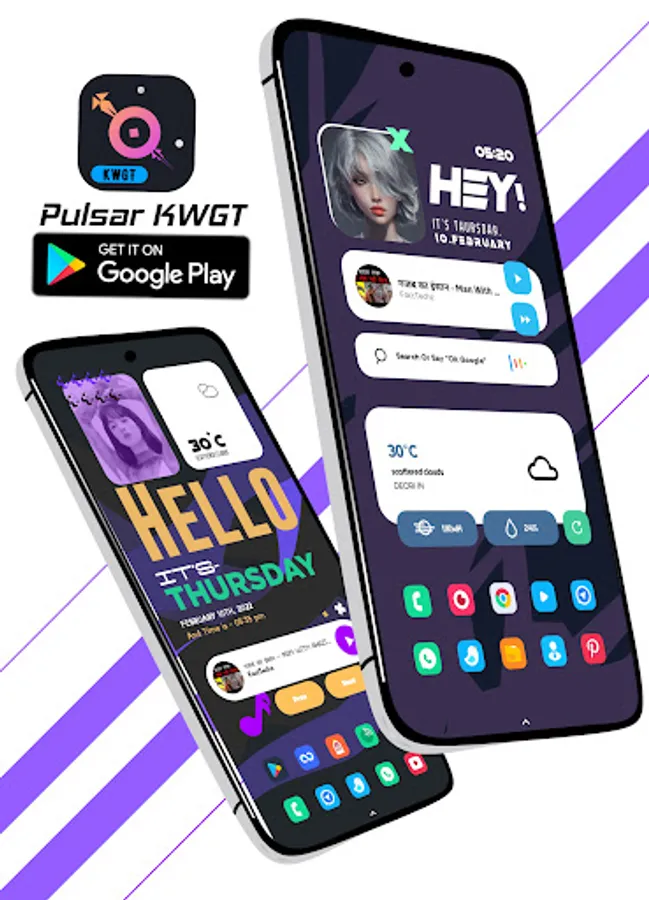
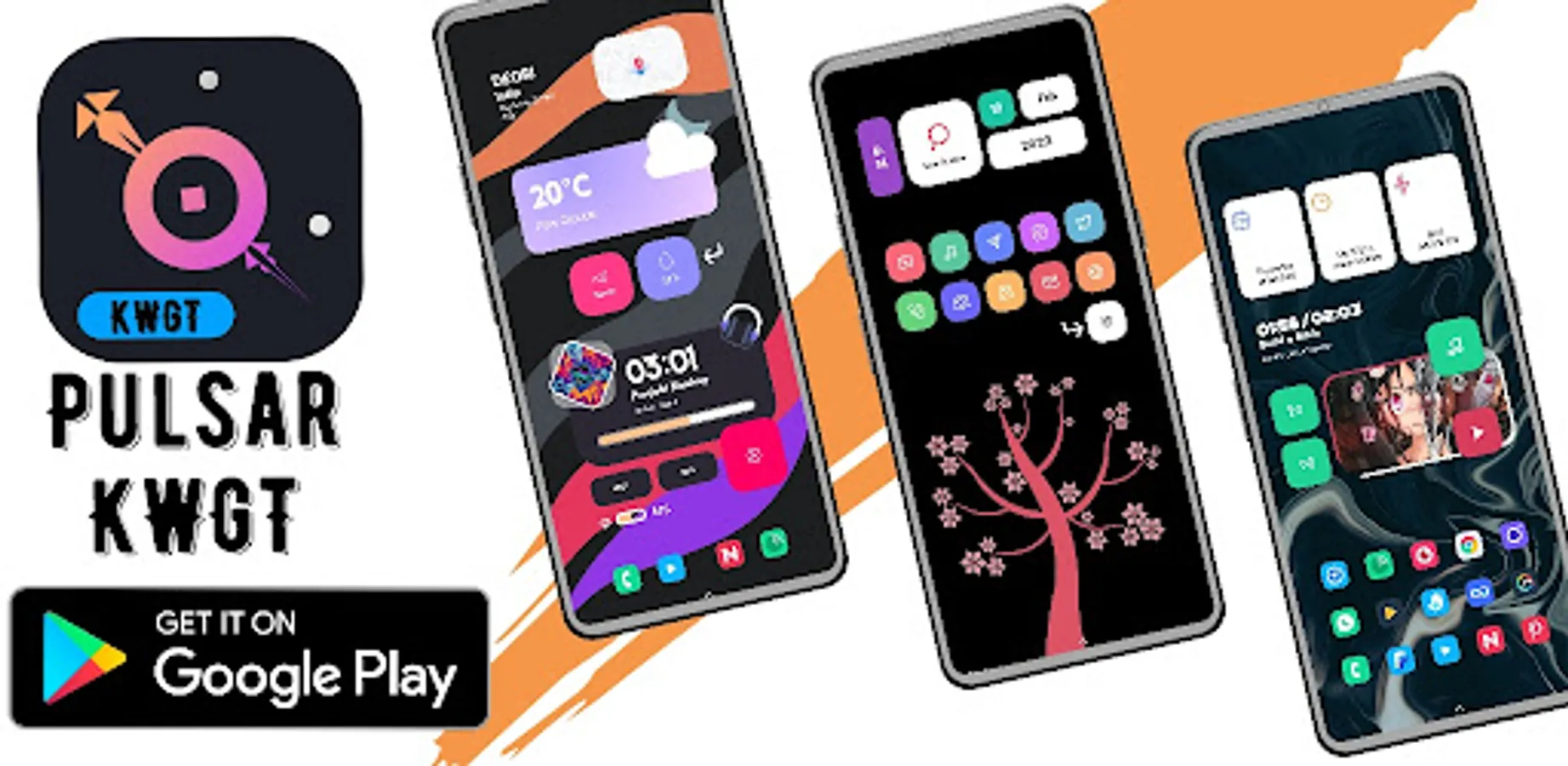
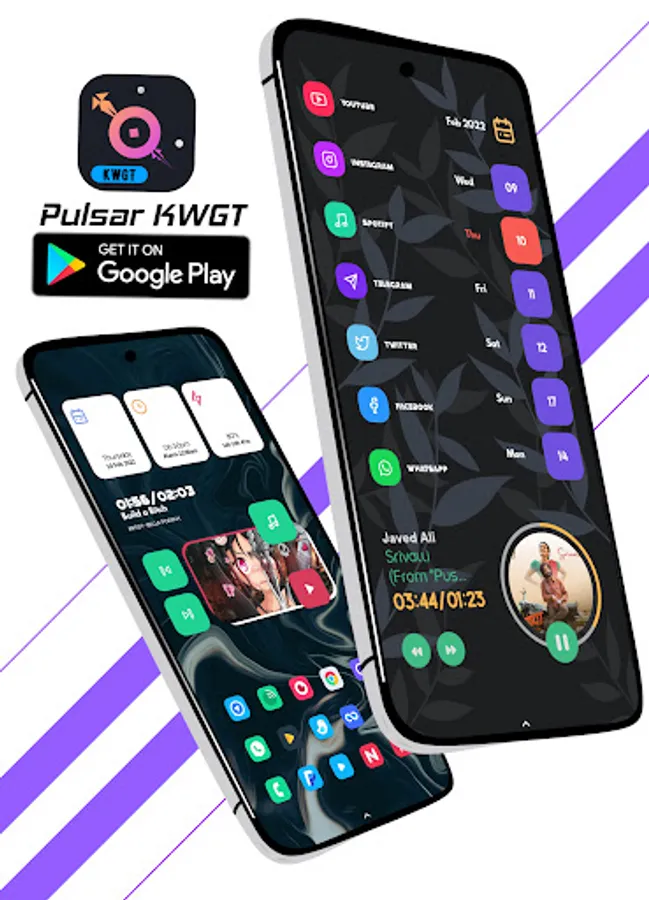
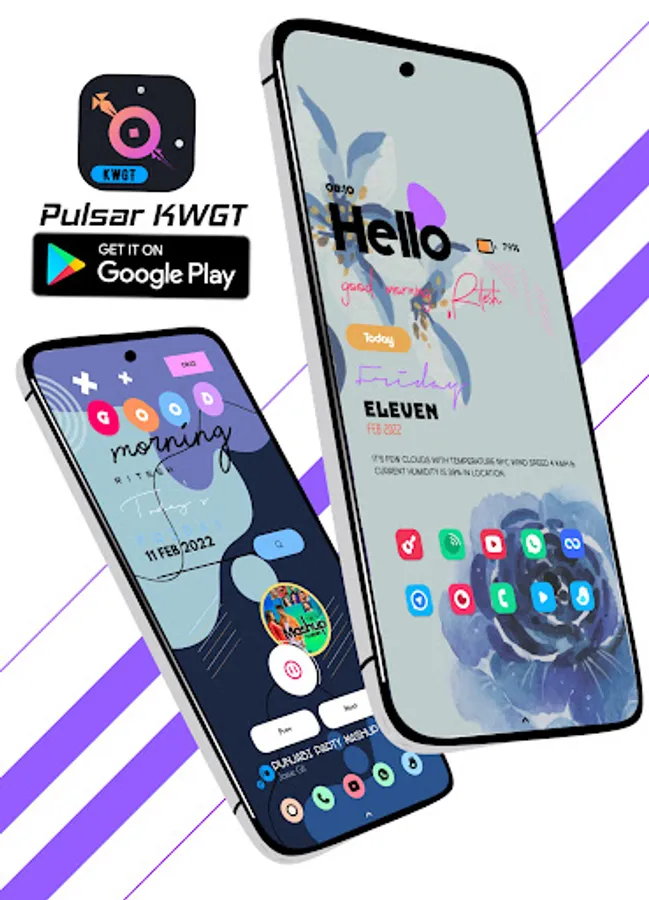
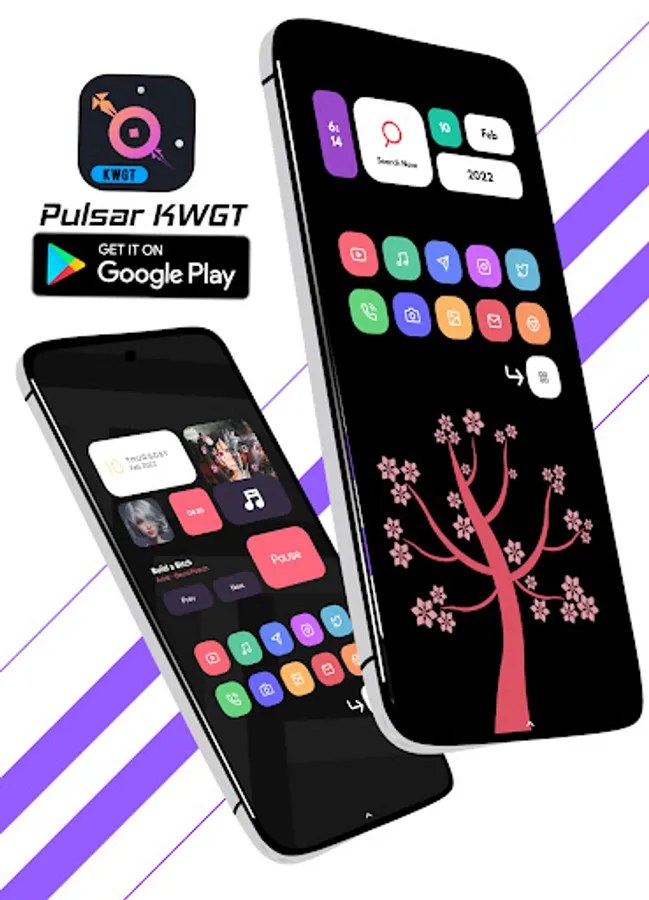
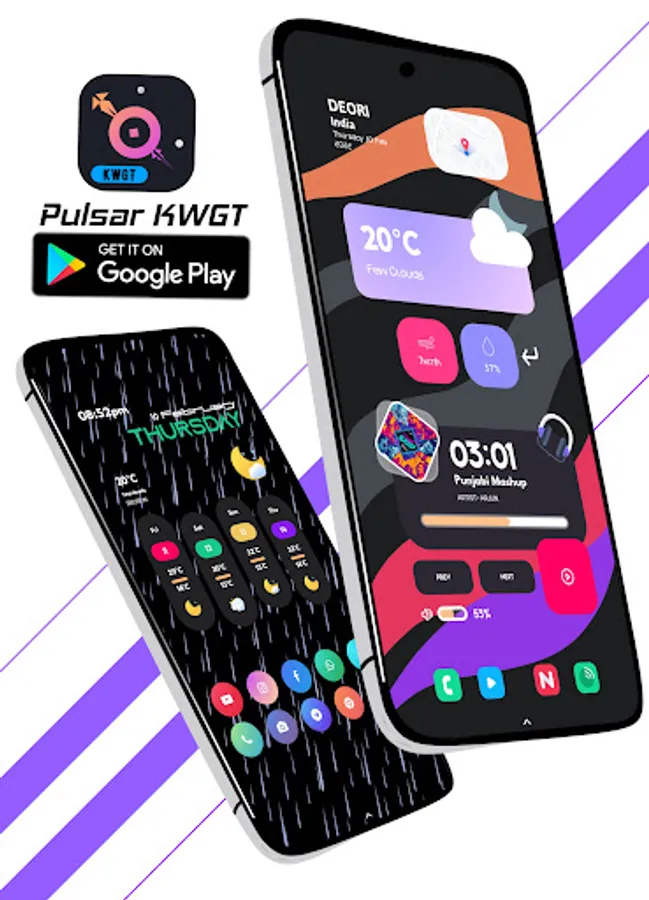
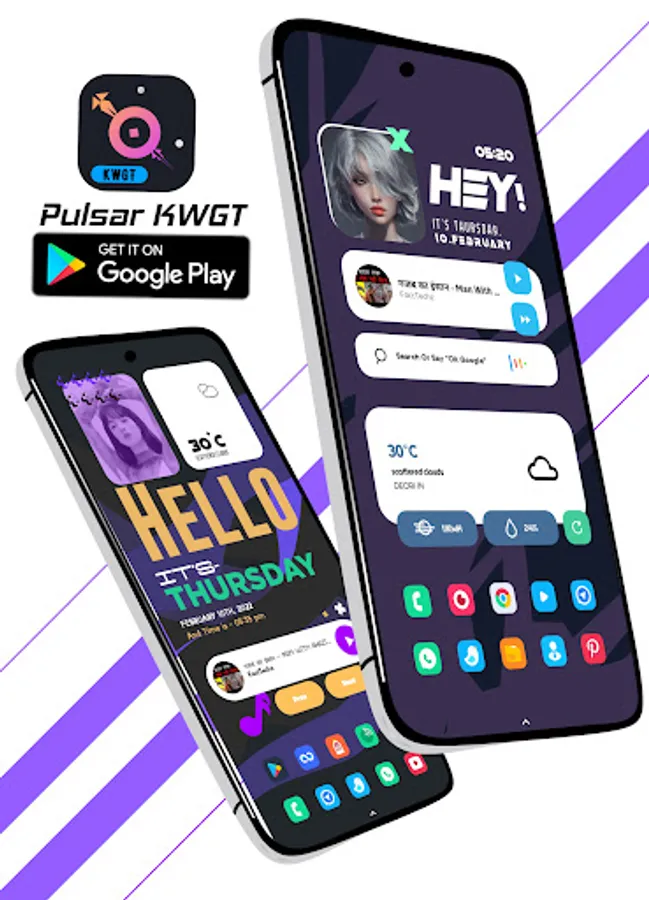
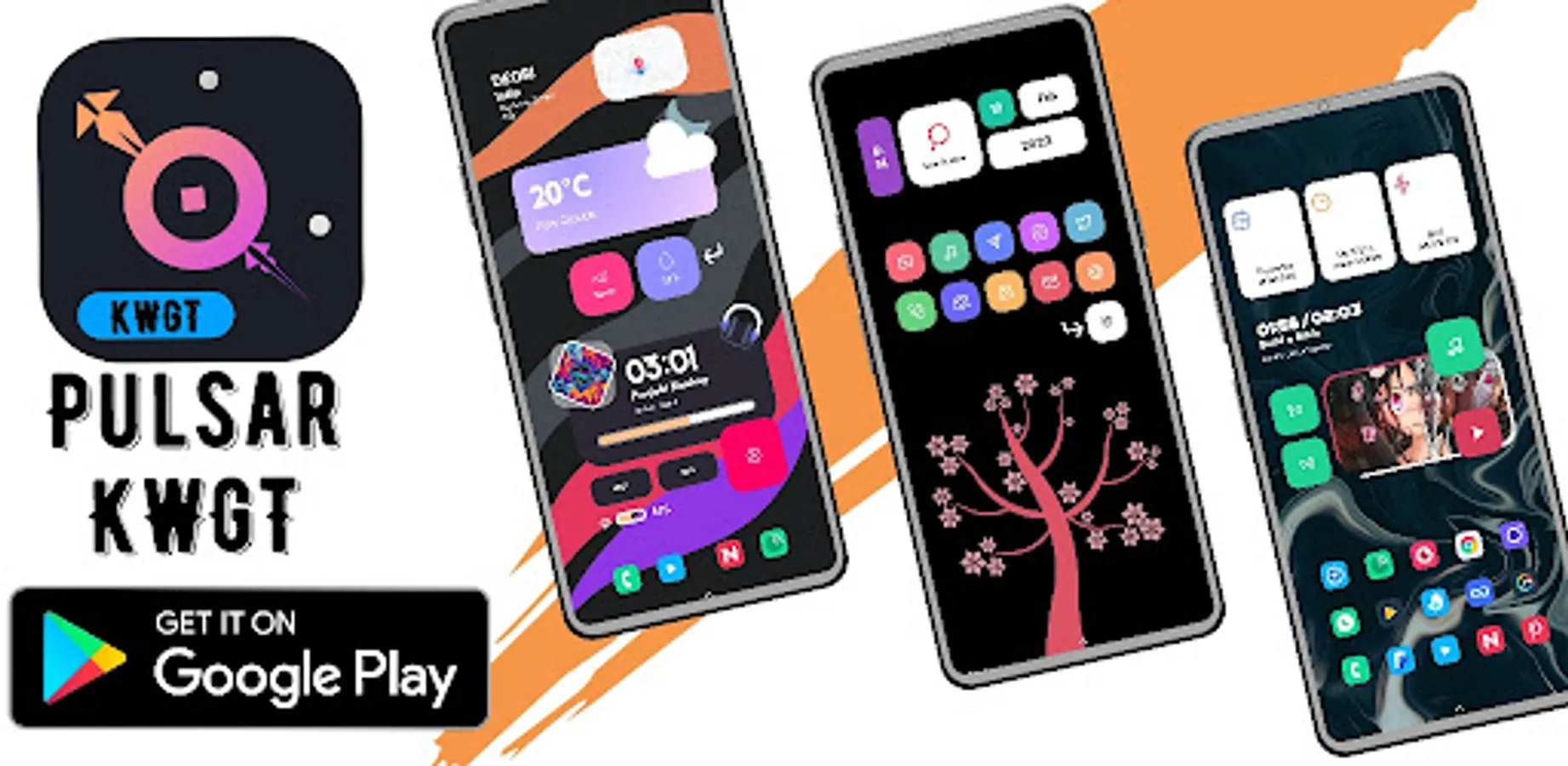
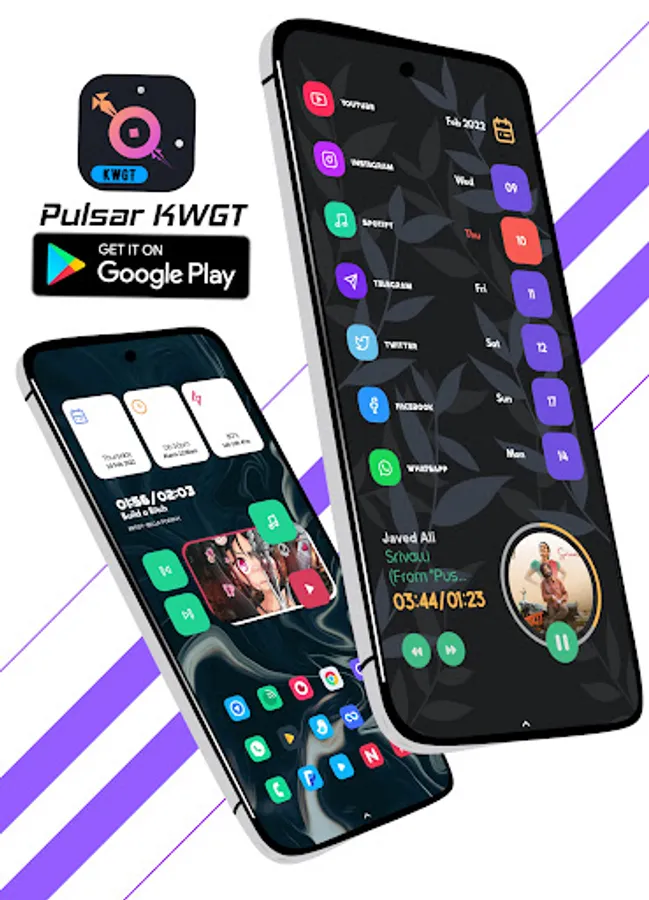
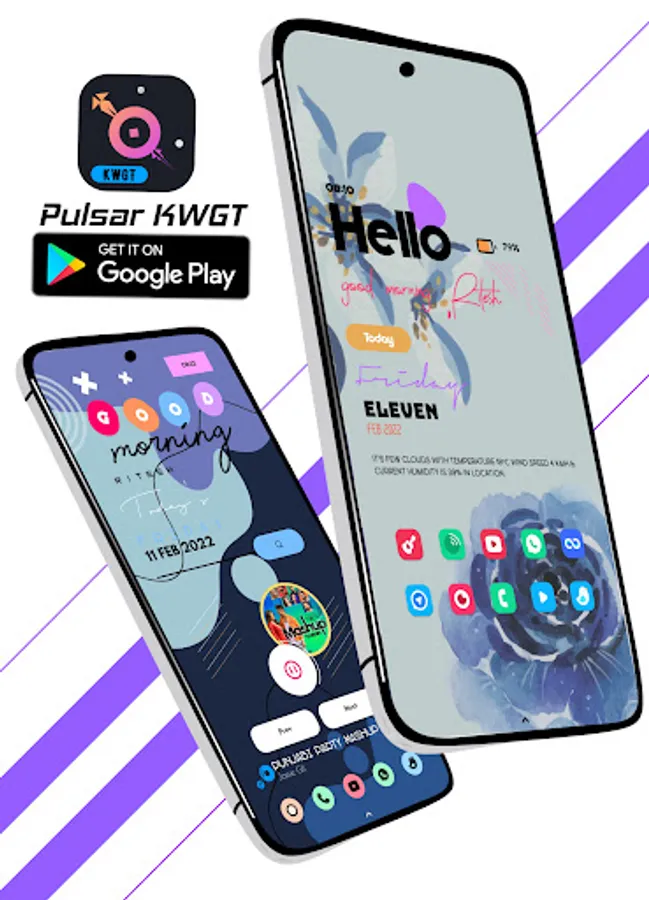
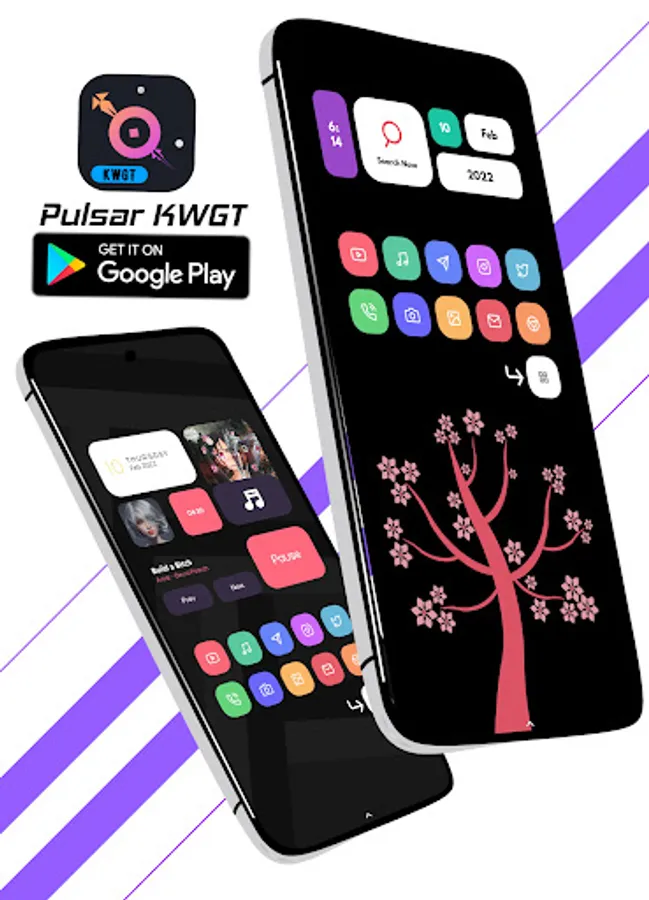
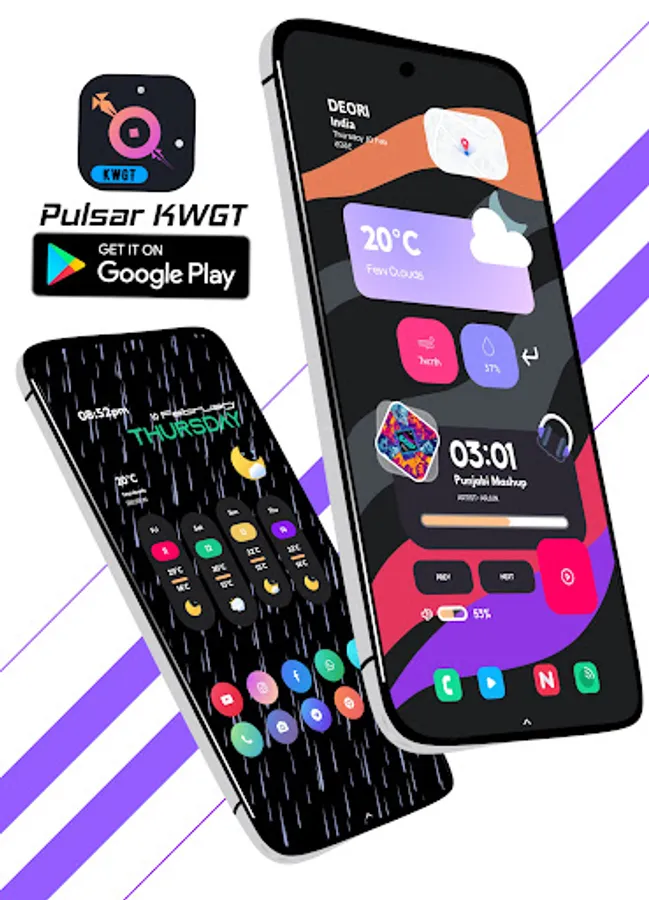
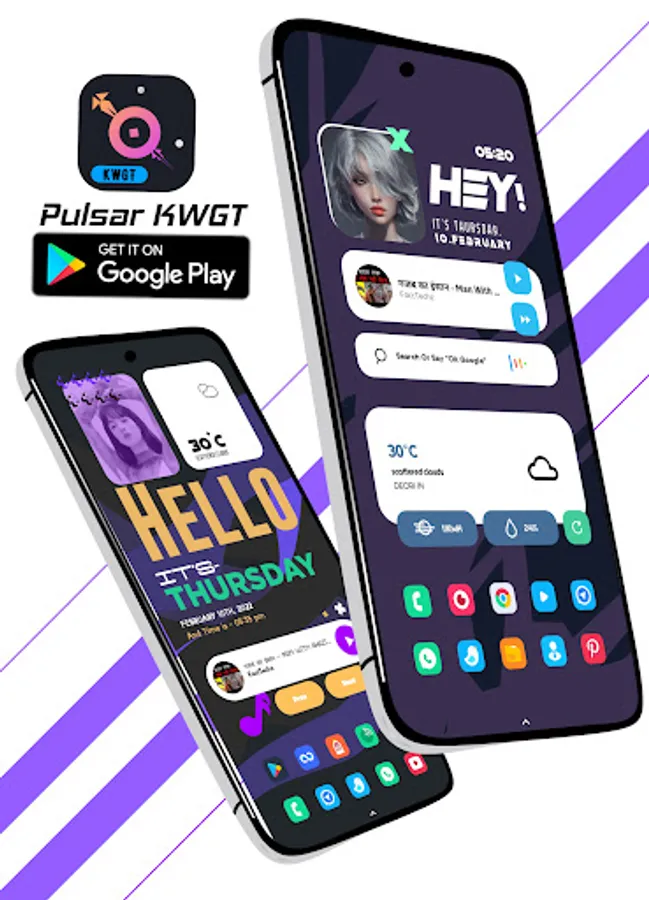
With this widget app, you can customize your home screen with various KWGT widgets and choose from multiple pre-designed layouts. Includes options for Wallpapers, widget resizing, and integration with custom launchers.
AppRecs review analysis
AppRecs rating 4.4. Trustworthiness 59 out of 100. Review manipulation risk 29 out of 100. Based on a review sample analyzed.
★★★★☆
4.4
AppRecs Rating
Ratings breakdown
5 star
90%
4 star
0%
3 star
10%
2 star
0%
1 star
0%
What to know
✓
High user satisfaction
90% of sampled ratings are 5 stars
✓
Authentic reviews
No red flags detected
About Pulsar KWGT
Pulsar KWGT
Widgets designed by “Ritesh.K21”
https://t.me/Riteshk21
App created & published by: Purvesh Shinde (Customize n Tricks)
This is not a standalone app. Pulsar KWGT require KWGT PRO application
What you need:👇
✔ KWGT PRO App
KWGT https://play.google.com/store/apps/details?id=org.kustom.widget
Pro key https://play.google.com/store/apps/details?id=org.kustom.widget.pro
✔ Custom launcher like a Nova launcher (Recommended)
How to install:
✔ Download Pulsar KWGT and KWGT PRO application
✔ Long tap on your HomeScreen and choose widget option
✔ Choose KWGT Widget
✔ Tap on the widget and choose installed Pulsar KWGT
✔ Choose widget which you like.
✔ & Enjoy your setup!
If the widget is not right sized use the Layer option in the KWGT to apply correctly size.
SPECIAL THANKS:
👉Jahir Fiquitiva for creating this awesome Kuper Dashboard
👉For allowing me to add your amazing walls in Pulsar KWGT
• Wallery Walls https://t.me/Wallery_Walls
• Yours Wallpaper: https://t.me/Yourswallpapars
• MEgh’s Creation: https://t.me/MadebyMegh
• The Wall Centre: https://t.me/thewallcentre
• Just New Walls: https://t.me/justnewwalls
• Wallique: https://play.google.com/store/apps/details?id=dev.introdructor.wallique.app
👉 Sarthak: t.me/im_dope for helping me to creating apps using Kuper Dashboards
👉 Raj Arya: For mentoring me to create & publish my 1st app
.
.
Please contact me with any questions/issues before leaving a negative rating.
Telegram @CnTOwner
Or Mail me at ✉ customizentricks@gmail.com
Widgets designed by “Ritesh.K21”
https://t.me/Riteshk21
App created & published by: Purvesh Shinde (Customize n Tricks)
This is not a standalone app. Pulsar KWGT require KWGT PRO application
What you need:👇
✔ KWGT PRO App
KWGT https://play.google.com/store/apps/details?id=org.kustom.widget
Pro key https://play.google.com/store/apps/details?id=org.kustom.widget.pro
✔ Custom launcher like a Nova launcher (Recommended)
How to install:
✔ Download Pulsar KWGT and KWGT PRO application
✔ Long tap on your HomeScreen and choose widget option
✔ Choose KWGT Widget
✔ Tap on the widget and choose installed Pulsar KWGT
✔ Choose widget which you like.
✔ & Enjoy your setup!
If the widget is not right sized use the Layer option in the KWGT to apply correctly size.
SPECIAL THANKS:
👉Jahir Fiquitiva for creating this awesome Kuper Dashboard
👉For allowing me to add your amazing walls in Pulsar KWGT
• Wallery Walls https://t.me/Wallery_Walls
• Yours Wallpaper: https://t.me/Yourswallpapars
• MEgh’s Creation: https://t.me/MadebyMegh
• The Wall Centre: https://t.me/thewallcentre
• Just New Walls: https://t.me/justnewwalls
• Wallique: https://play.google.com/store/apps/details?id=dev.introdructor.wallique.app
👉 Sarthak: t.me/im_dope for helping me to creating apps using Kuper Dashboards
👉 Raj Arya: For mentoring me to create & publish my 1st app
.
.
Please contact me with any questions/issues before leaving a negative rating.
Telegram @CnTOwner
Or Mail me at ✉ customizentricks@gmail.com
Pulsar KWGT Screenshots
Tap to Rate:
Reviews for Pulsar KWGT
William S
9/25/2023
Terrible at remembering to rate, great job! Wsull1999
Giviko
6/8/2023
What a great walls and widgets‼️😻👍