Remote for Fire TV, FireStick
ZANKHANA PTE LTD
4.4 ★
store rating
10,000+
downloads
Free
+ in-app
AppRecs review analysis
AppRecs rating 4.2. Trustworthiness 79 out of 100. Review manipulation risk 29 out of 100. Based on a review sample analyzed.
★★★★☆
4.2
AppRecs Rating
Ratings breakdown
5 star
79%
4 star
3%
3 star
6%
2 star
3%
1 star
9%
What to know
✓
Low review manipulation risk
29% review manipulation risk
✓
Credible reviews
79% trustworthiness score from analyzed reviews
⚠
Pricing complaints
Many low ratings mention paywalls or pricing
About Remote for Fire TV, FireStick
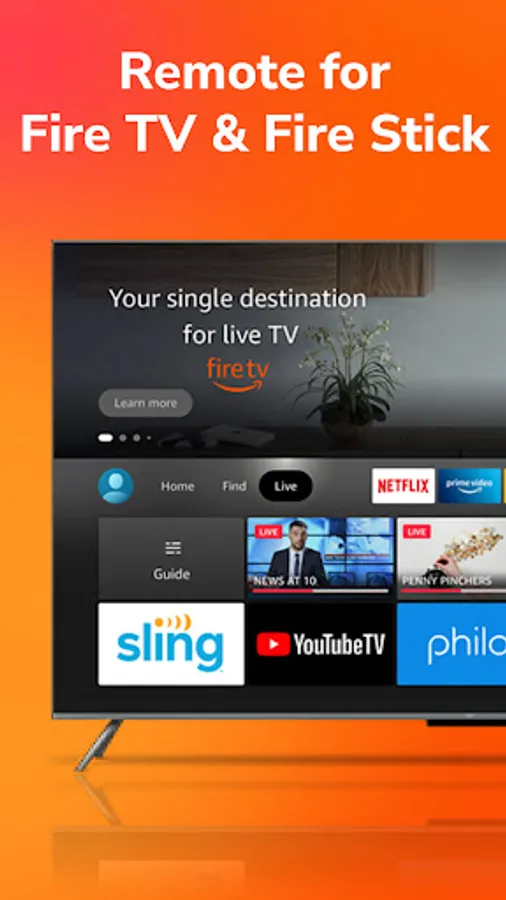
Fire TV Remote Control helps you control your Fire TV with your Android device, including Fire TV Stick, Fire TV Box, and Fire TV Cube.
Just connect your Fire TV and Android device to the same Wi-Fi network, you can navigate easily, enter text effortlessly, and access your favorite content faster with Firestick TV Remote.
Firestick Remote Control Provides
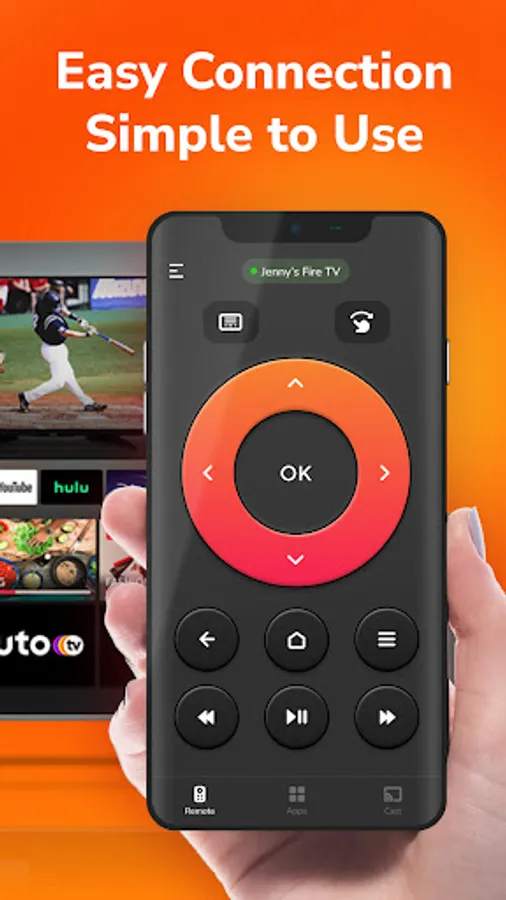
✓ Full remote functionality: Enjoy all physical remote functions from your phone
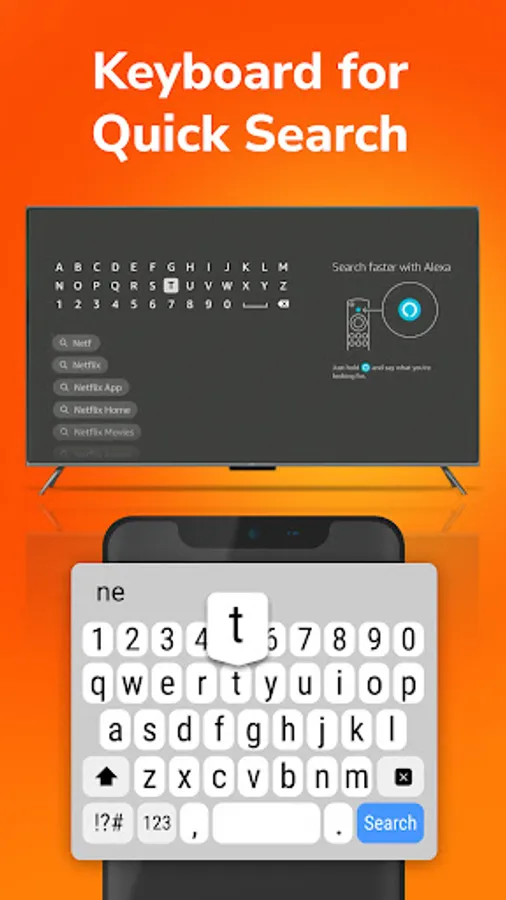
✓ Keyboard integration: Input text and search quickly using your phone’s keyboard
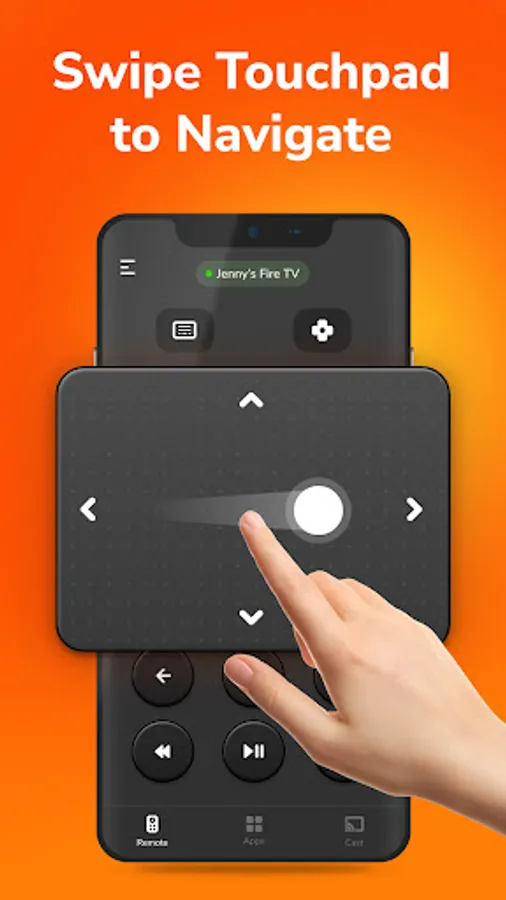
✓ Handy touchpad: Responds intuitively to your gesture
✓ Simple navigation: Clear interface, easy for all skill levels
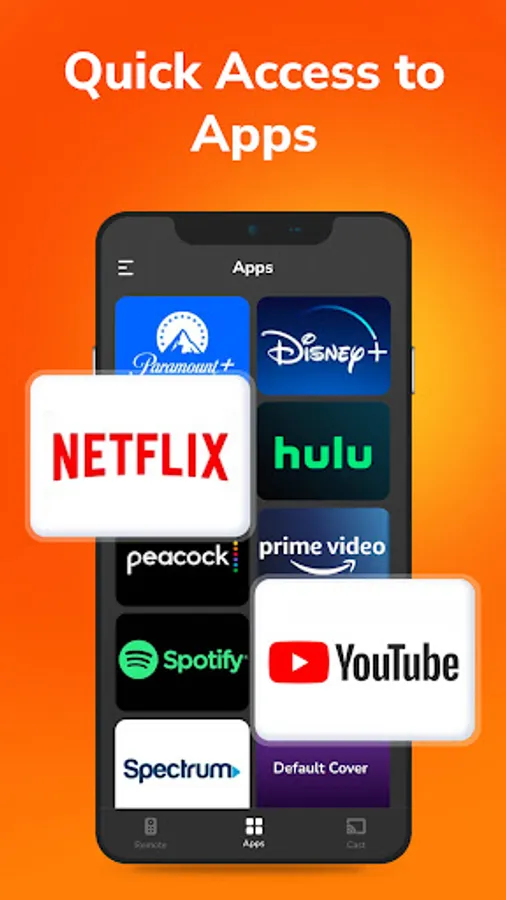
✓ Quick access: Jump straight to your favorite channels and apps
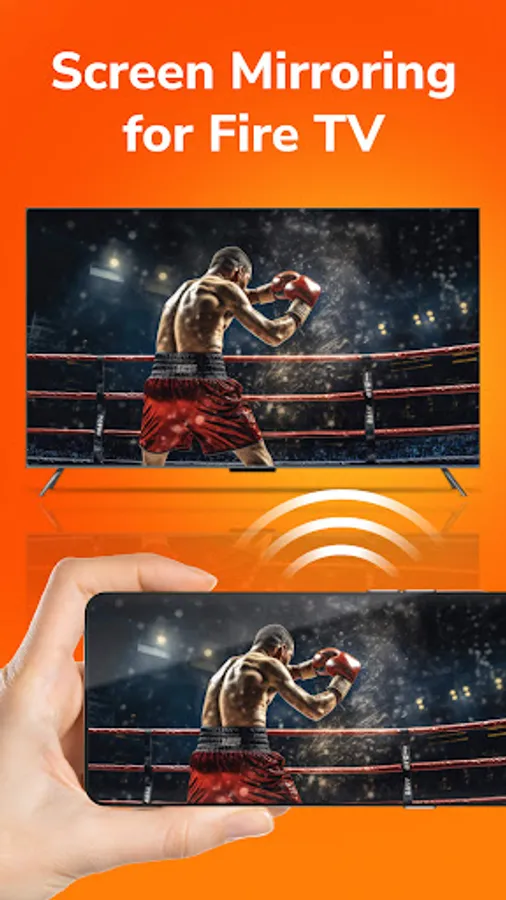
✓ Screen mirroring: Mirror your phone's screen to Fire TV instantly
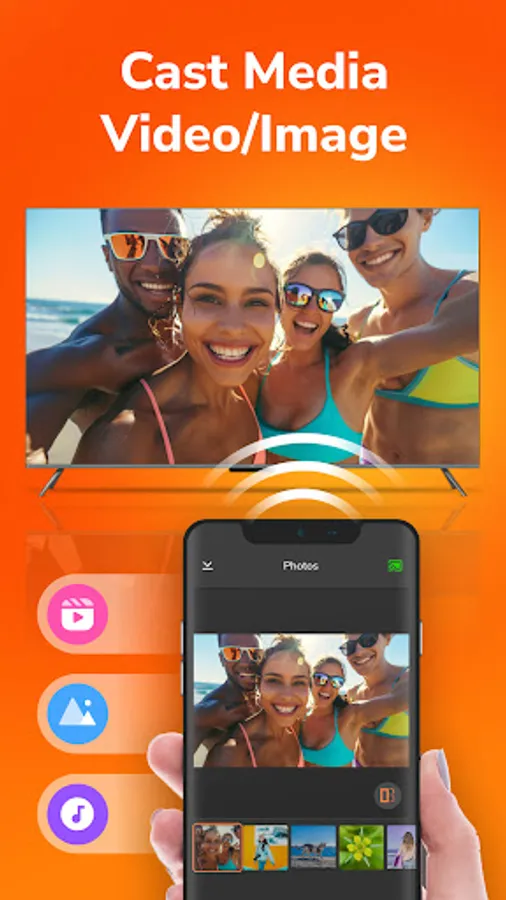
✓ Local media casting: Cast photos and videos from your phone to your TV
✓ Auto-connect: Automatically connect to Fire TV via Wi-Fi for hassle-free setup
✓ Comprehensive controls: Power, play controls, volume adjustments, etc
How to Use
1. Connect your Android device and Fire TV to the same Wi-Fi network
2. Fire TV Stick Remote auto searches for Fire TV devices that are on the same network as your phone
3. Select your Fire devices and connect
Disclaimer
This app (Firestick Remote Control - Firetv Remote) is not affiliated with Amazon.com, Inc. or any of its subsidiaries or affiliates.
Download our Firestick Remote now and transform your phone into an all-in-one Fire TV Stick Remote! Elevate your Fire TV experience with our Fire Stick Remote - Fire TV Remote app, designed for ease of use and full control from the comfort of your mobile device.
Just connect your Fire TV and Android device to the same Wi-Fi network, you can navigate easily, enter text effortlessly, and access your favorite content faster with Firestick TV Remote.
Firestick Remote Control Provides
✓ Full remote functionality: Enjoy all physical remote functions from your phone
✓ Keyboard integration: Input text and search quickly using your phone’s keyboard
✓ Handy touchpad: Responds intuitively to your gesture
✓ Simple navigation: Clear interface, easy for all skill levels
✓ Quick access: Jump straight to your favorite channels and apps
✓ Screen mirroring: Mirror your phone's screen to Fire TV instantly
✓ Local media casting: Cast photos and videos from your phone to your TV
✓ Auto-connect: Automatically connect to Fire TV via Wi-Fi for hassle-free setup
✓ Comprehensive controls: Power, play controls, volume adjustments, etc
How to Use
1. Connect your Android device and Fire TV to the same Wi-Fi network
2. Fire TV Stick Remote auto searches for Fire TV devices that are on the same network as your phone
3. Select your Fire devices and connect
Disclaimer
This app (Firestick Remote Control - Firetv Remote) is not affiliated with Amazon.com, Inc. or any of its subsidiaries or affiliates.
Download our Firestick Remote now and transform your phone into an all-in-one Fire TV Stick Remote! Elevate your Fire TV experience with our Fire Stick Remote - Fire TV Remote app, designed for ease of use and full control from the comfort of your mobile device.