⭐Message/Text Encryptor - Secu
CodeDroid
4.3 ★
26 ratings
1,000+
downloads
Free
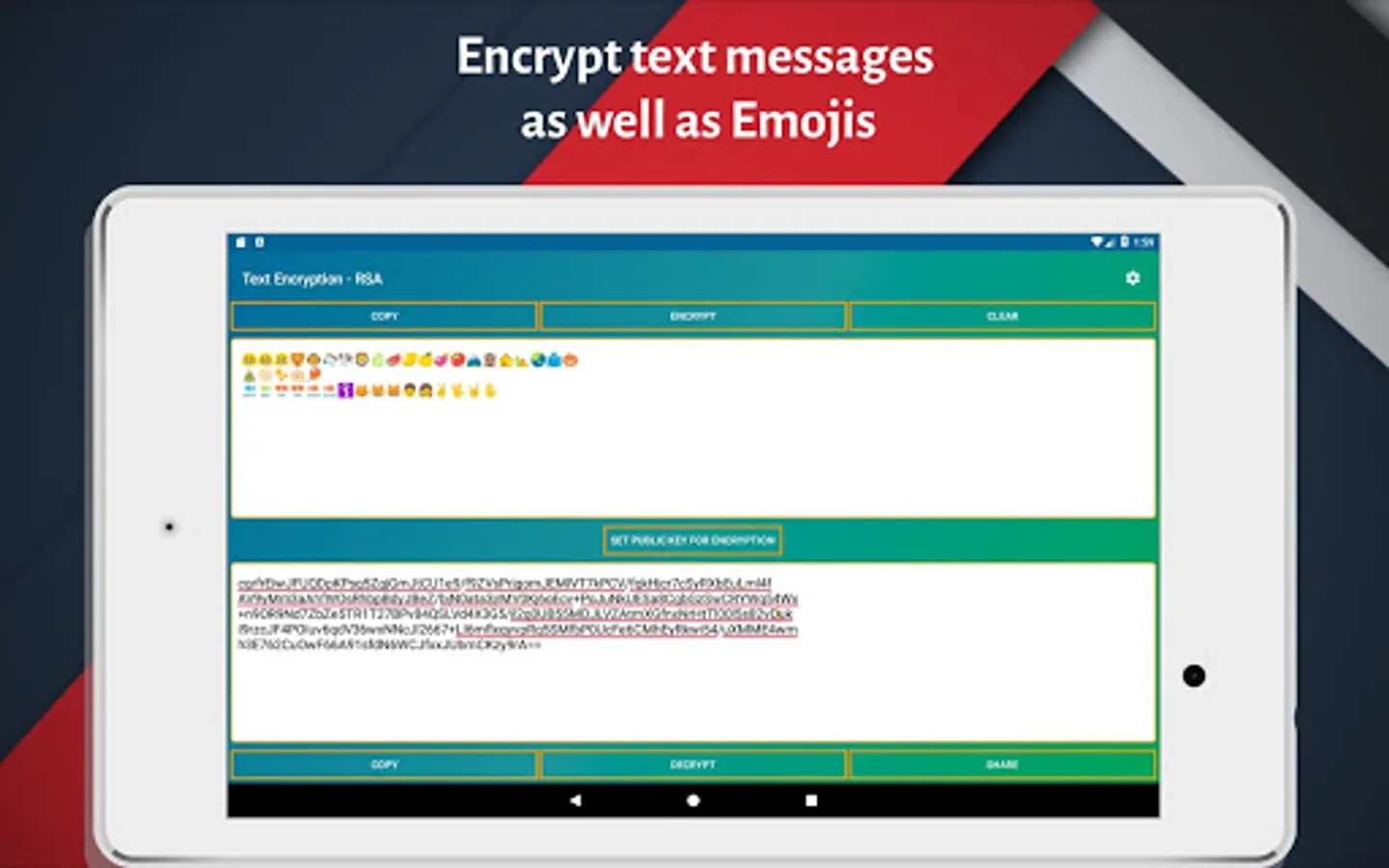
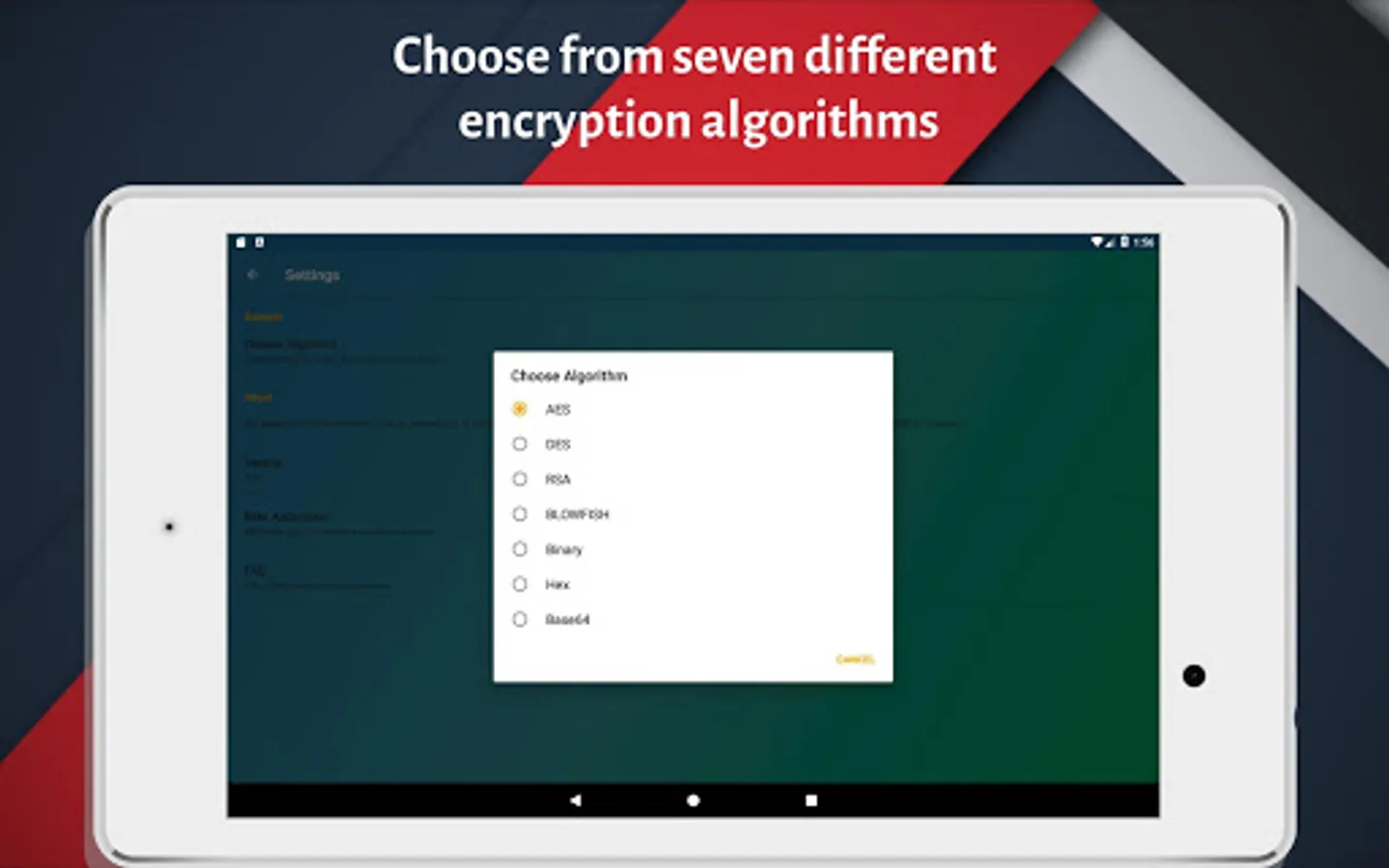
With this messaging encryption app, you can secure texts and content using multiple algorithms and encoding techniques. Includes options for AES, DES, RSA, BLOWFISH, Binary, Hex, and Base64 encryption methods.
AppRecs review analysis
AppRecs rating 4.3. Trustworthiness 0 out of 100. Review manipulation risk 0 out of 100. Based on a review sample analyzed.
★★★★☆
4.3
AppRecs Rating
Ratings breakdown
5 star
63%
4 star
29%
3 star
0%
2 star
0%
1 star
8%
What to know
✓
High user satisfaction
92% of sampled ratings are 4+ stars (4.3★ average)
About ⭐Message/Text Encryptor - Secu
🔷 The main motive behind this app is to provide users extra security while communicating on WhatsApp, Facebook, Hike, Instagram or any other messaging app.
🔶 Also whenever you want to send sensitive information through text message or emails you can use this app to encrypt your message or content and send them securely to the intended person.
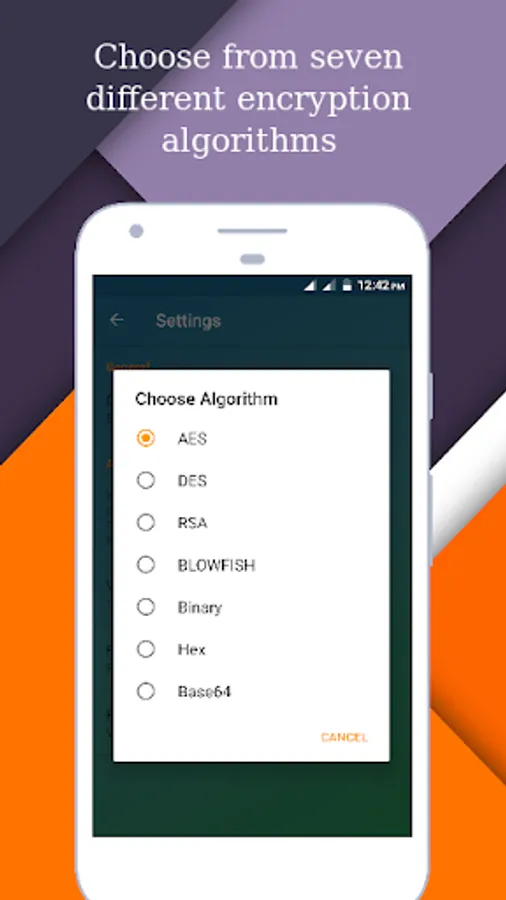
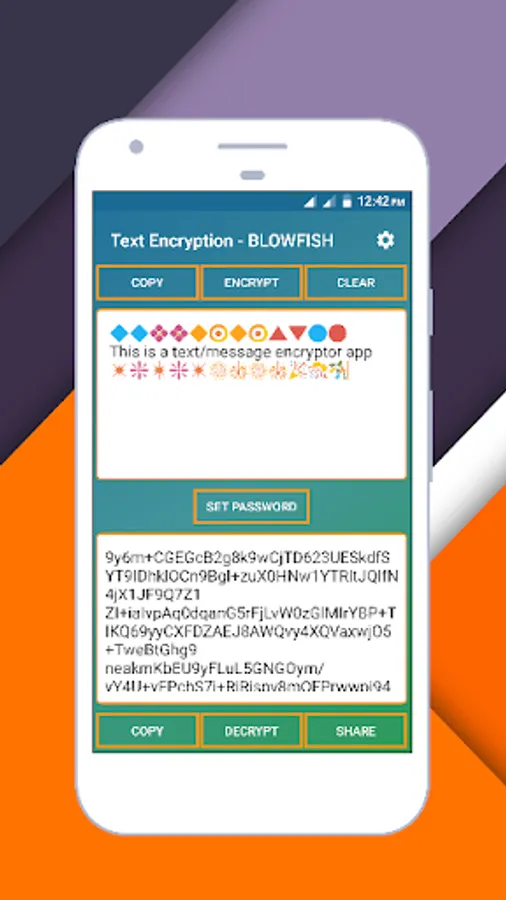
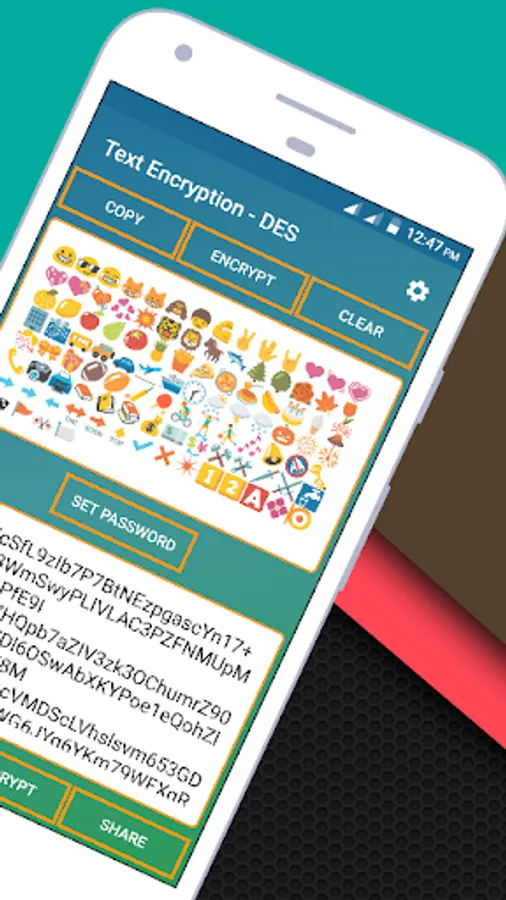
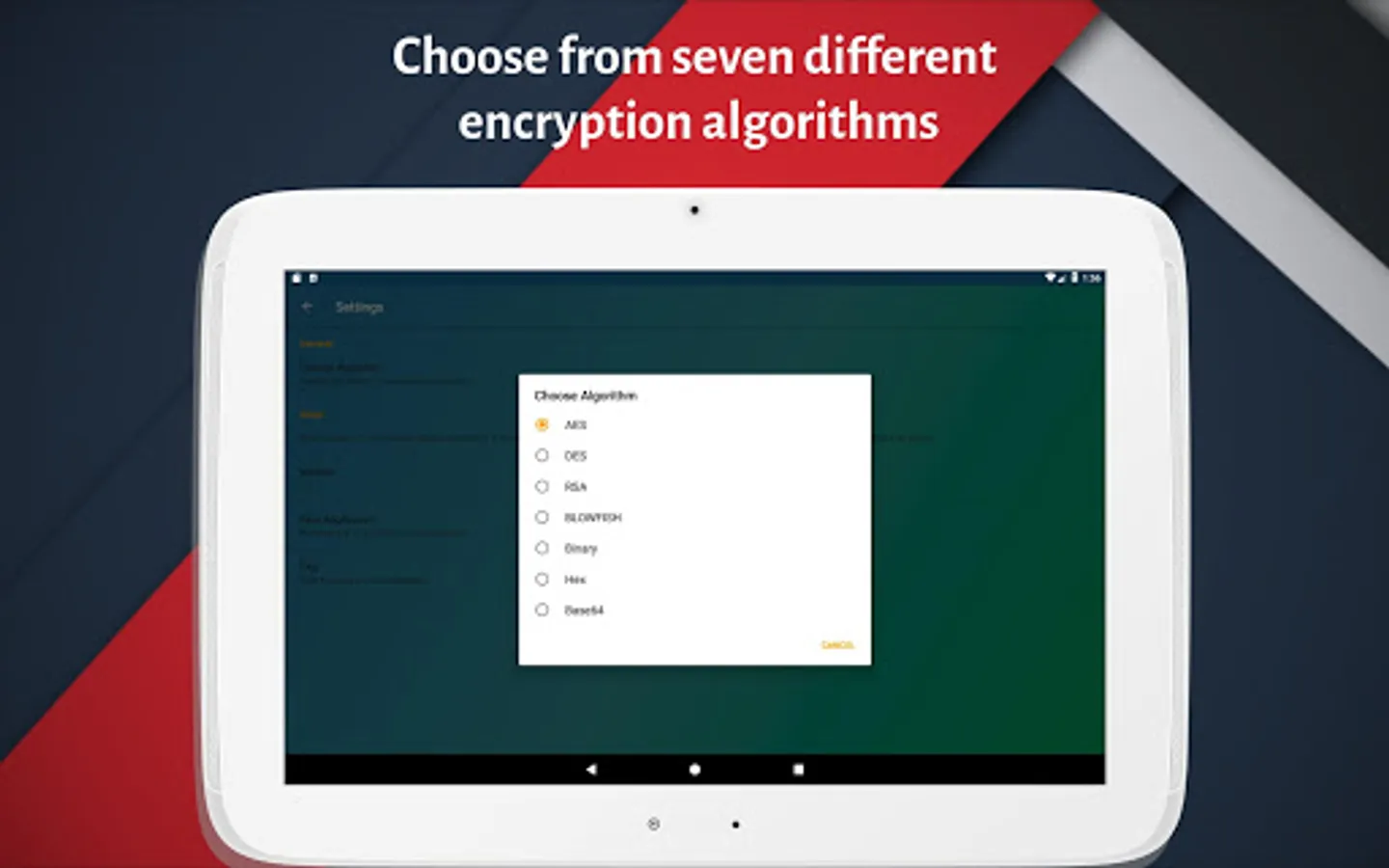
🔷 User can encrypt text/messages using four different encryption algorithms and three other encoding techniques:
🔹 AES(Advanced Encryption Standard)-128 bit
🔸 DES(Data Encryption Standard) - 56 bits
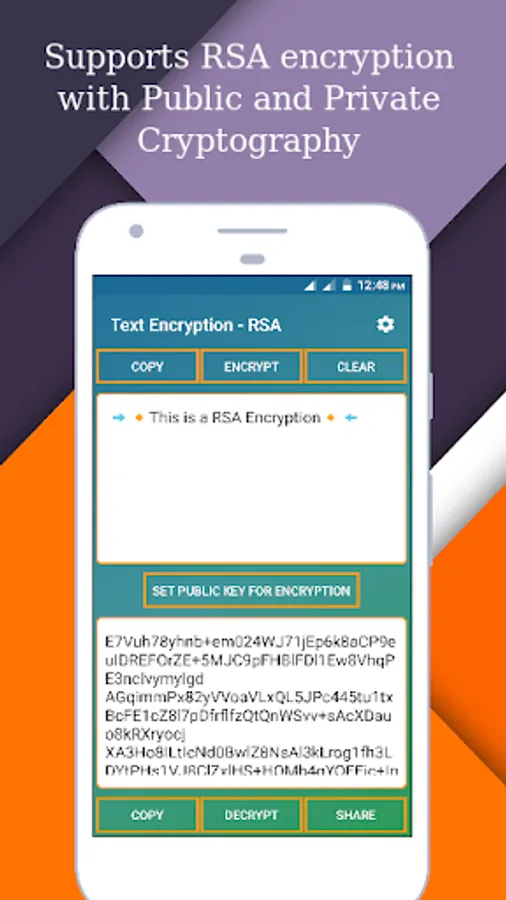
🔹 RSA
🔸 BLOWFISH
🔹 Binary
🔸 Hex
🔹 Base64
🔶 Only the intended person can read the message because of password encryption. Only sender and intended receiver will know the password.
🔵 How to Use : 🔵
1] Select an algorithm for encryption from the settings menu. Default is AES.
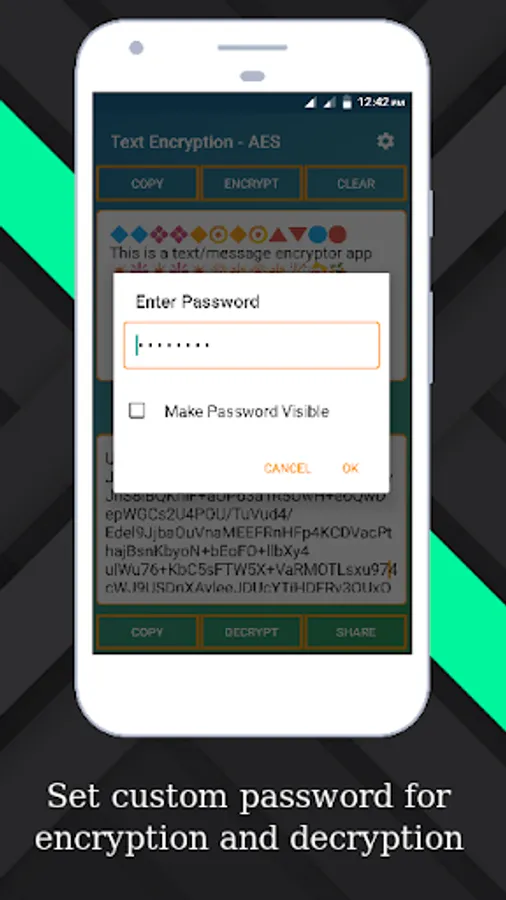
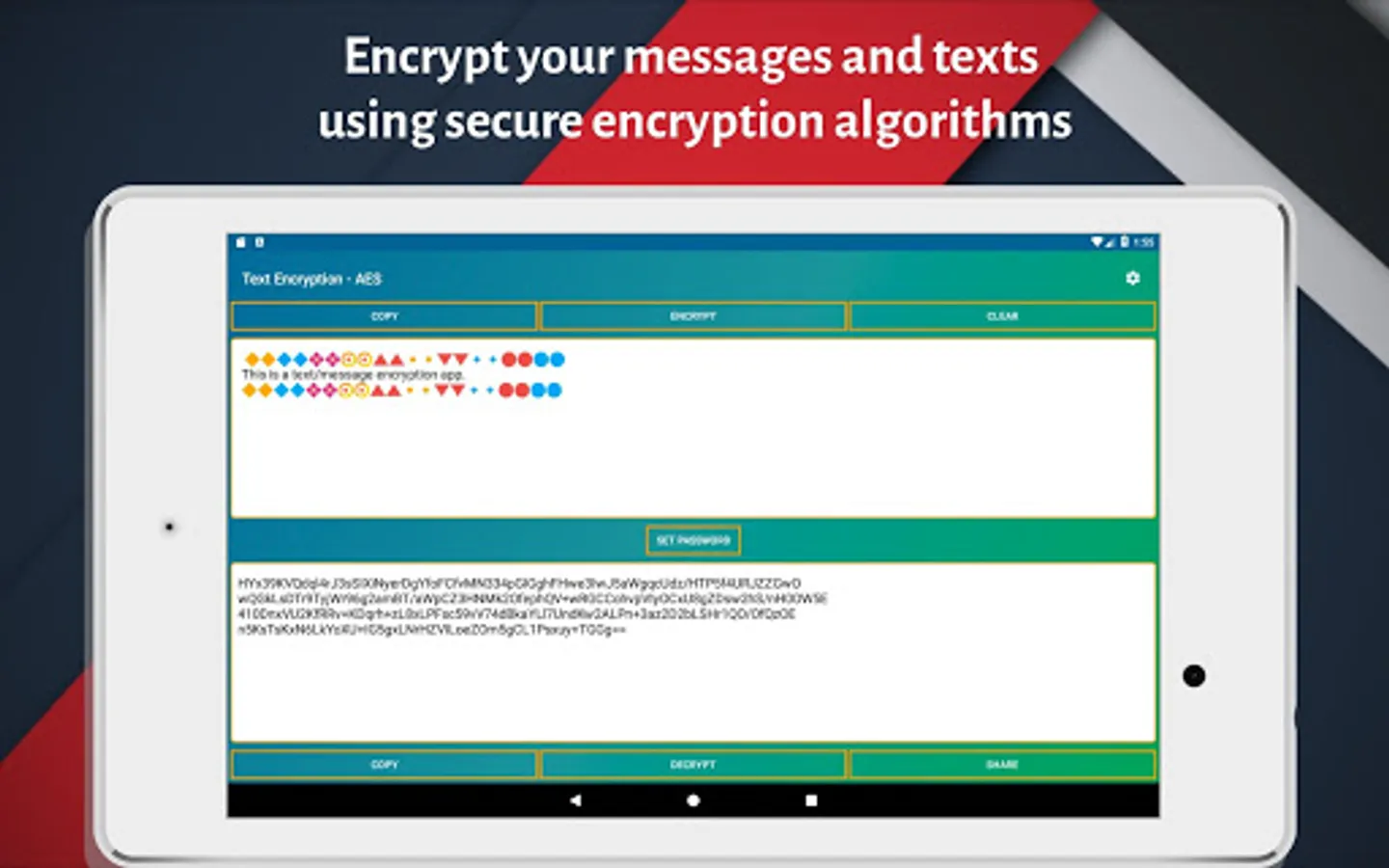
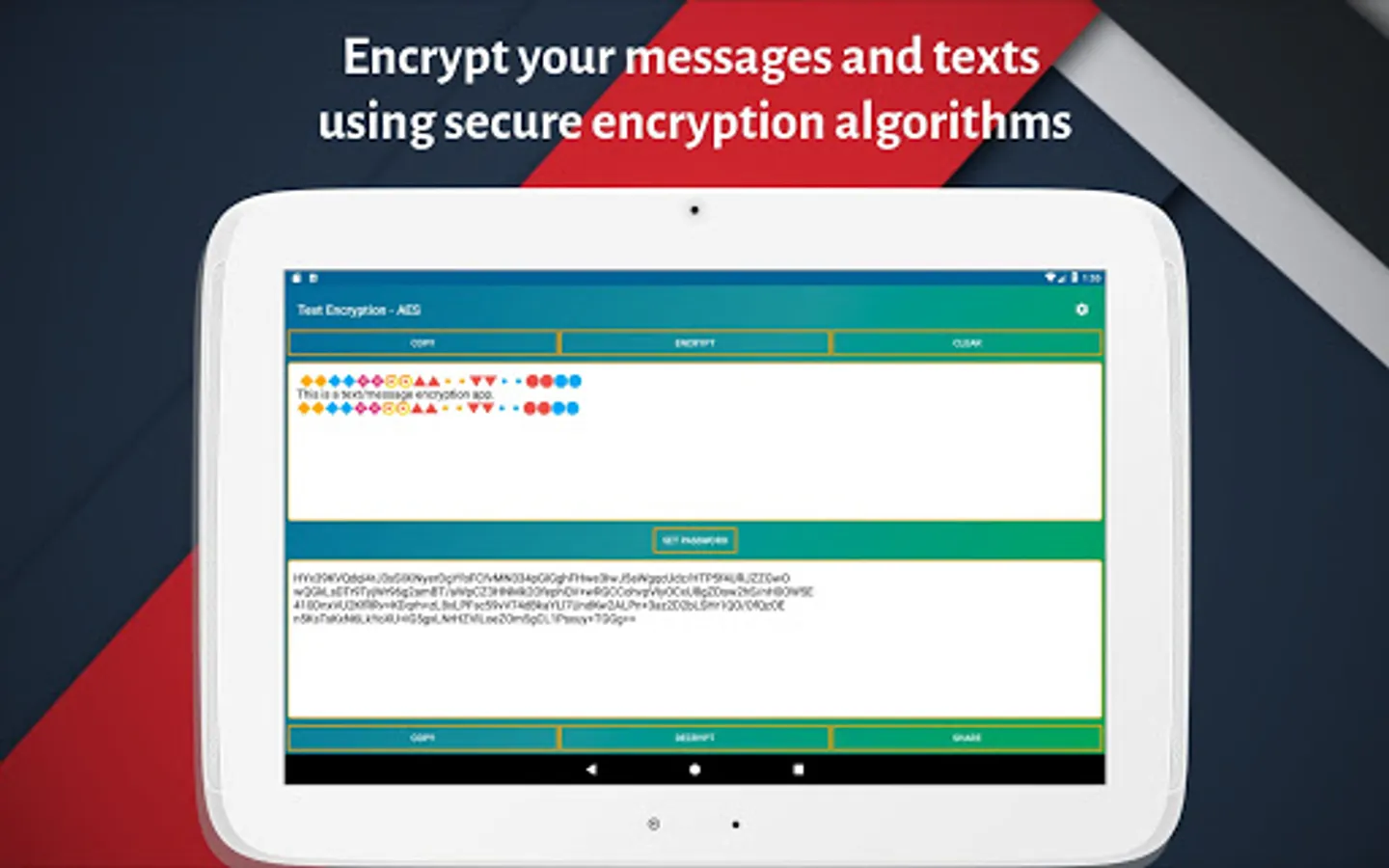
2] Set a Key (Password) and keep it to yourself and send it to the intended recipient.
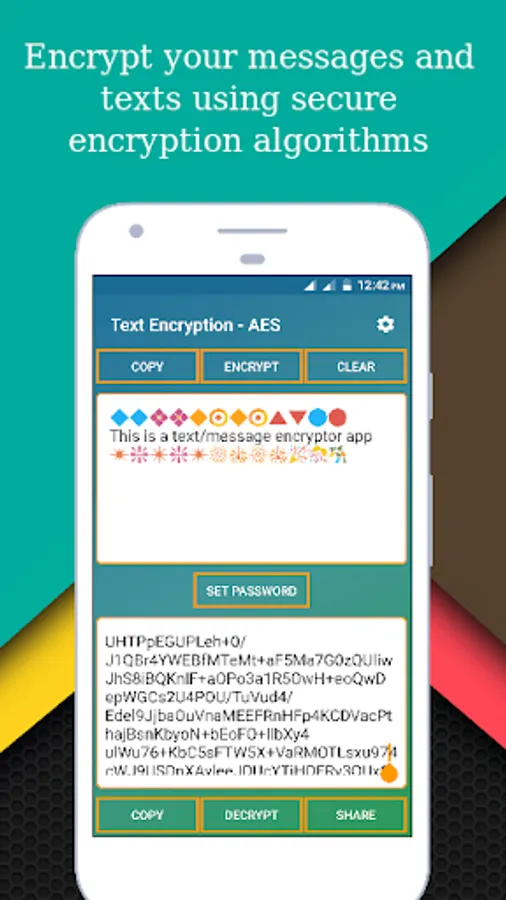
3] Enter the text you want to encrypt in the textbox
4] Click on the Encrypt button to encrypt the text.
5] After receiving the encrypted text recipient can decrypt the text using a password.
🔵 How to use RSA encryption : 🔵
1] Choose RSA algorithm from settings menu.
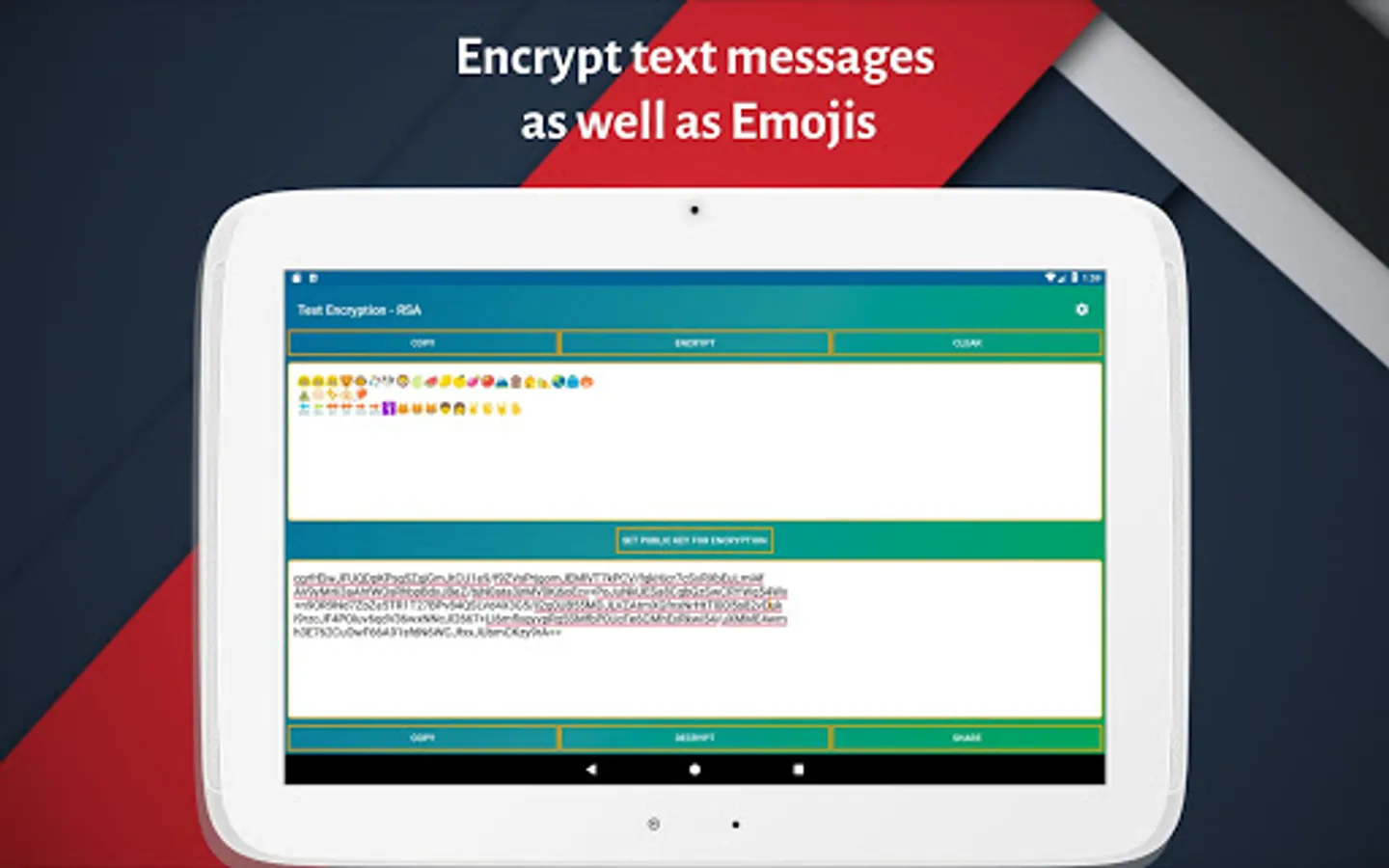
2] Enter the text you want to encrypt.
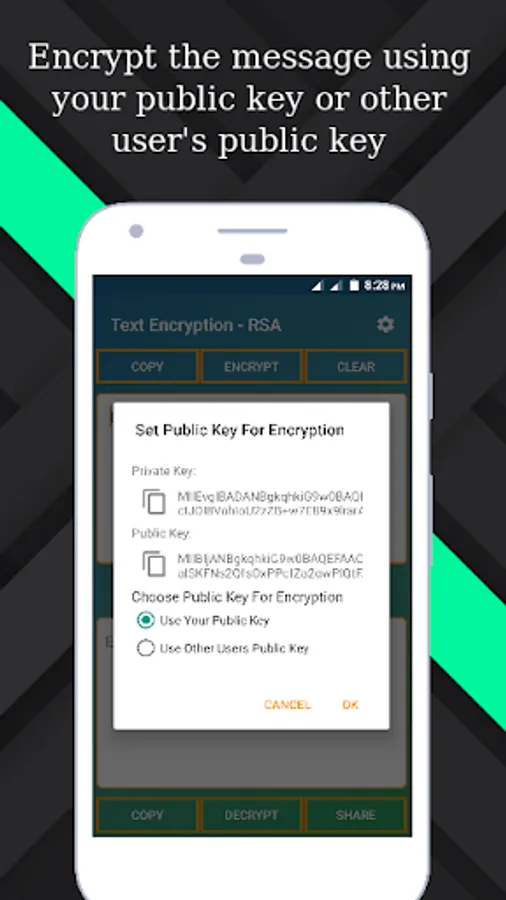
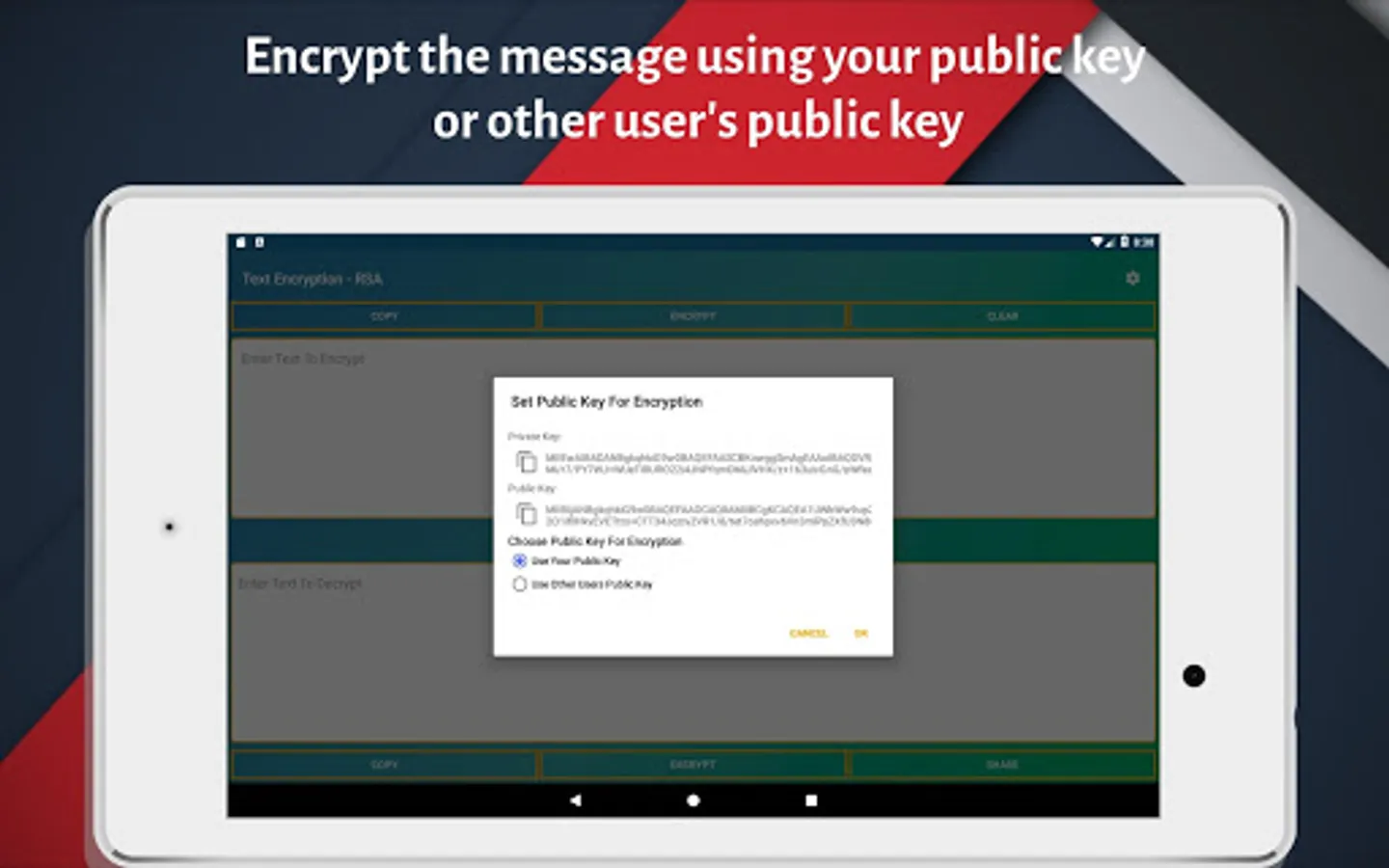
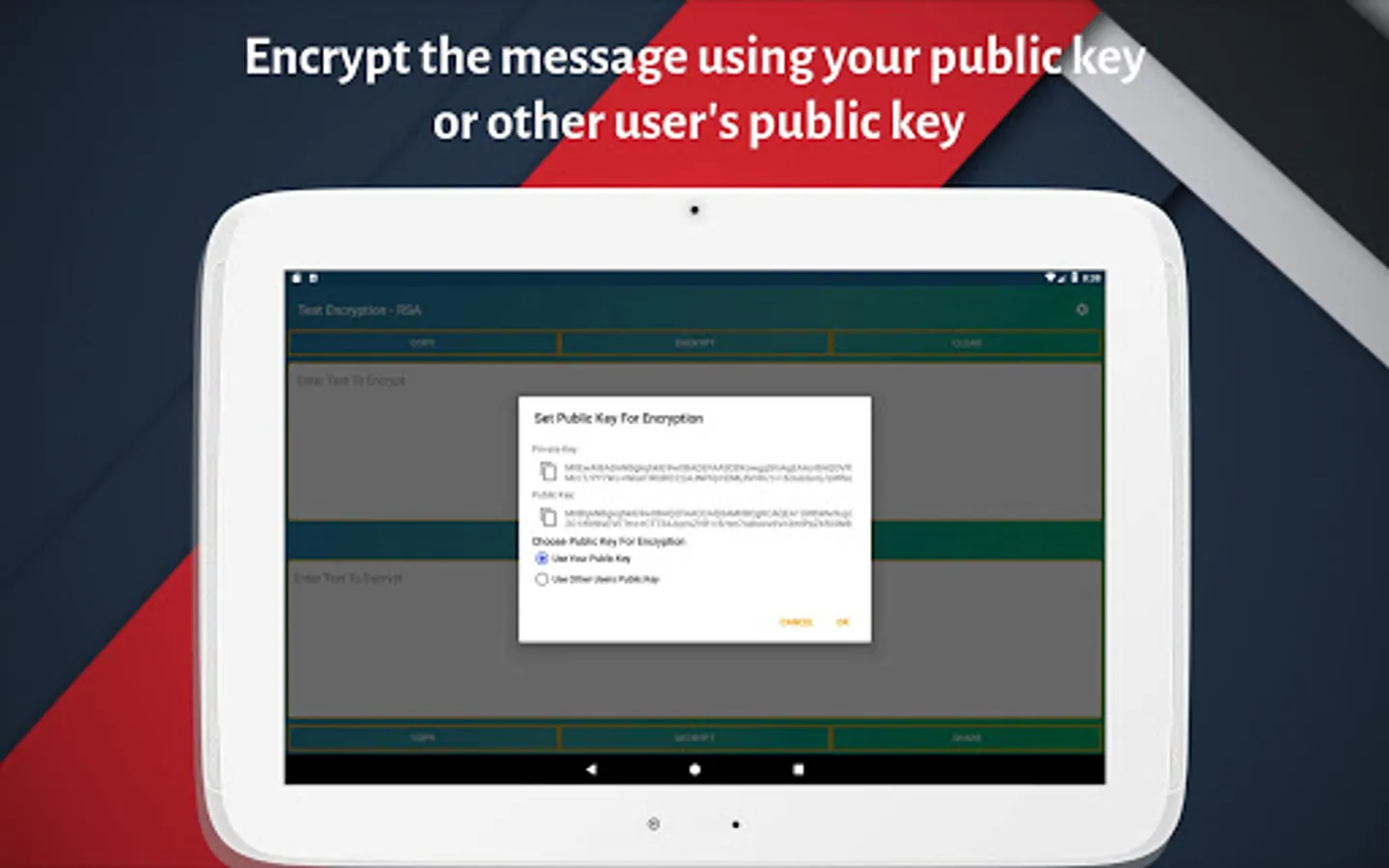
3] You can encrypt the text using either your public key or other user's public key to whom you want to send message.
4] Default key for encryption is your public key
5] You can decrypt message using your private key.
For example,
If you want to send message to other user, then ask him to share his public key.
Then encrypt message using his public key.
Send message to the user.
User can get original message by decrypting it with his private key.
✨Features : ✨
💠 Simple, minimalistic and user-friendly UI.
💠 4 different encryption algorithms and 3 different encoding techniques and more to come.
💠 RSA encryption using 2048 bit key.
💠 Password restriction of at least 8 characters will make it difficult to crack.
Now You Can Purchase Ad Free Version Of This App!. Click on the below link to download
https://play.google.com/store/apps/details?id=rk.messageencryptor.paid
⭐️ Have fun using the app. happy Encrypting!!!
⭐️ Download it and share with your friends
🔶 Also whenever you want to send sensitive information through text message or emails you can use this app to encrypt your message or content and send them securely to the intended person.
🔷 User can encrypt text/messages using four different encryption algorithms and three other encoding techniques:
🔹 AES(Advanced Encryption Standard)-128 bit
🔸 DES(Data Encryption Standard) - 56 bits
🔹 RSA
🔸 BLOWFISH
🔹 Binary
🔸 Hex
🔹 Base64
🔶 Only the intended person can read the message because of password encryption. Only sender and intended receiver will know the password.
🔵 How to Use : 🔵
1] Select an algorithm for encryption from the settings menu. Default is AES.
2] Set a Key (Password) and keep it to yourself and send it to the intended recipient.
3] Enter the text you want to encrypt in the textbox
4] Click on the Encrypt button to encrypt the text.
5] After receiving the encrypted text recipient can decrypt the text using a password.
🔵 How to use RSA encryption : 🔵
1] Choose RSA algorithm from settings menu.
2] Enter the text you want to encrypt.
3] You can encrypt the text using either your public key or other user's public key to whom you want to send message.
4] Default key for encryption is your public key
5] You can decrypt message using your private key.
For example,
If you want to send message to other user, then ask him to share his public key.
Then encrypt message using his public key.
Send message to the user.
User can get original message by decrypting it with his private key.
✨Features : ✨
💠 Simple, minimalistic and user-friendly UI.
💠 4 different encryption algorithms and 3 different encoding techniques and more to come.
💠 RSA encryption using 2048 bit key.
💠 Password restriction of at least 8 characters will make it difficult to crack.
Now You Can Purchase Ad Free Version Of This App!. Click on the below link to download
https://play.google.com/store/apps/details?id=rk.messageencryptor.paid
⭐️ Have fun using the app. happy Encrypting!!!
⭐️ Download it and share with your friends
⭐Message/Text Encryptor - Secu Screenshots
Tap to Rate: