Wireless Mouse Keyboard
Spikes Labs
3.3 ★
store rating
500,000+
downloads
Free
AppRecs review analysis
AppRecs rating 2.5. Trustworthiness 79 out of 100. Review manipulation risk 29 out of 100. Based on a review sample analyzed.
★★☆☆☆
2.5
AppRecs Rating
Ratings breakdown
5 star
52%
4 star
3%
3 star
4%
2 star
0%
1 star
41%
What to know
⚠
Ad complaints
Many low ratings mention excessive ads
⚠
Review quality concerns
79% of sampled 5-star reviews are very short
⚠
High negative review ratio
41% of sampled ratings are 1–2 stars
About Wireless Mouse Keyboard
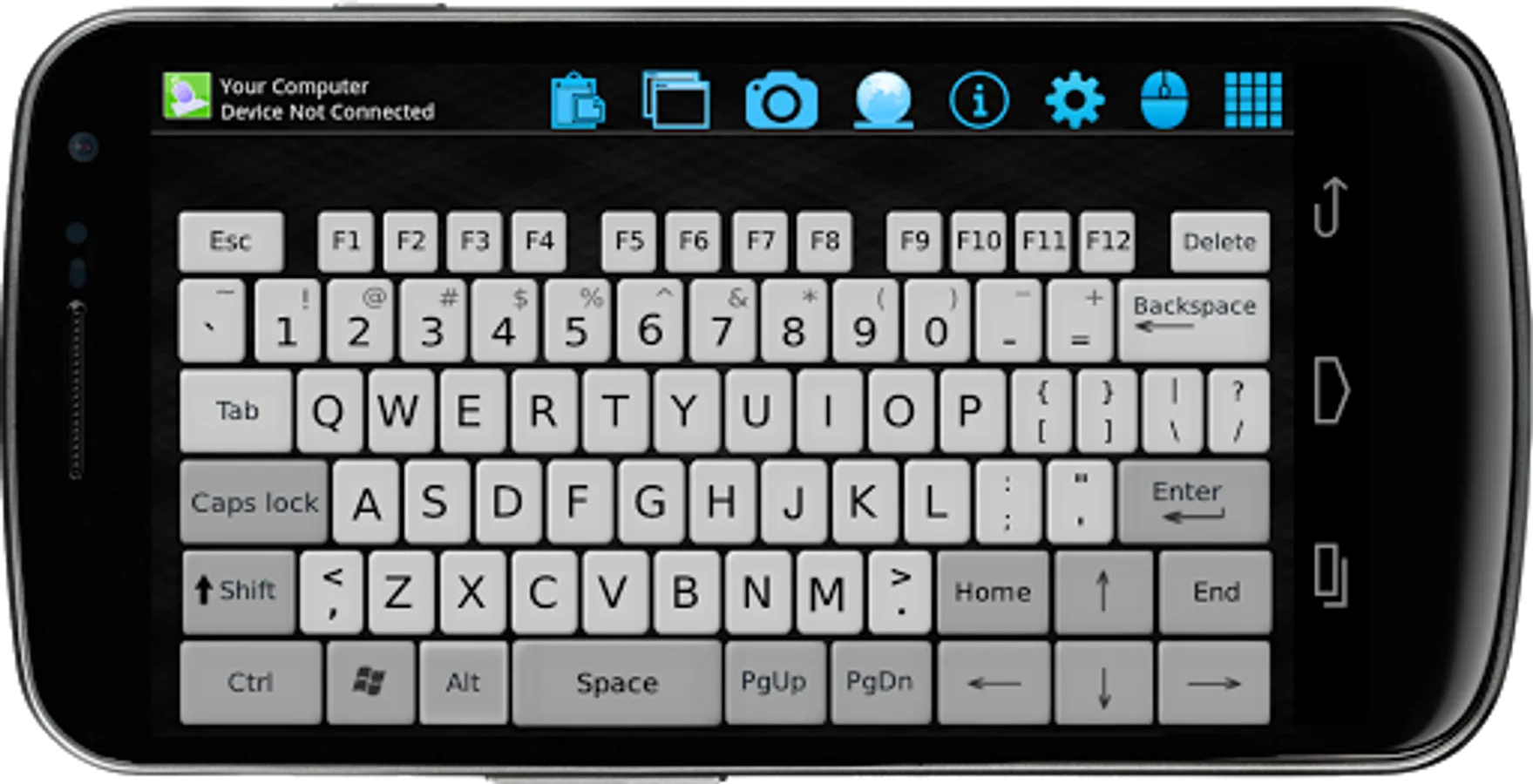
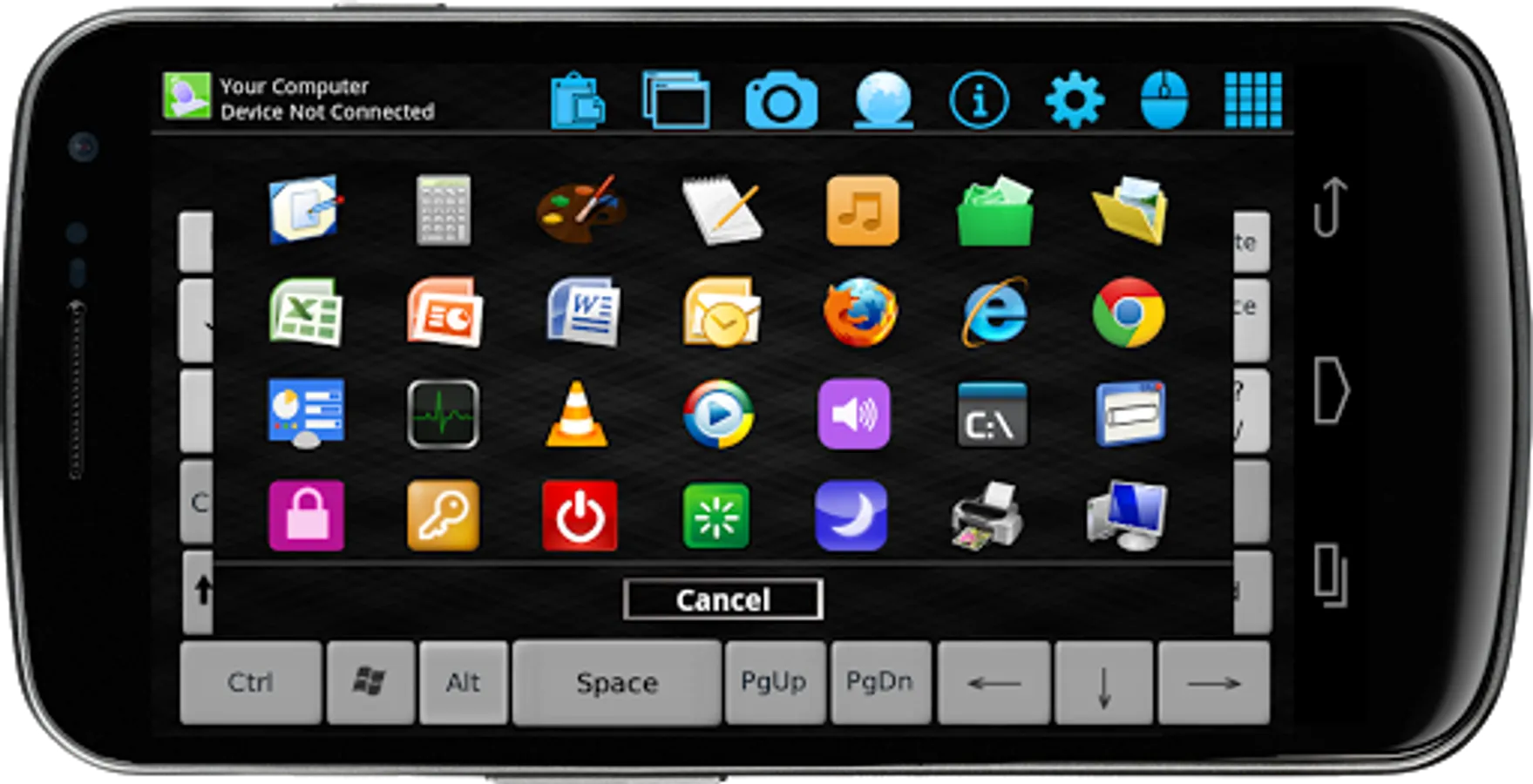
Wireless Mouse Keyboard makes your mobile phone behave as wireless remote control for your computer. It simulates your keyboard and mouse pad completely with great efficiency via local WiFi network. Story does not end here. This app is equipped with surprising features of screenshot viewer, clipboard and direct shortcuts for many frequently used applications.
VISIT BELOW URL TO GET STARTED:-
1. Visit below address from your Windows PC
https://www.spikesroidapps.com/WifiMouseRemote.html
2. Download and install WiFi Mouse Remote server on your Windows PC
3. Connect your computer and mobile phone to the same Wi-Fi
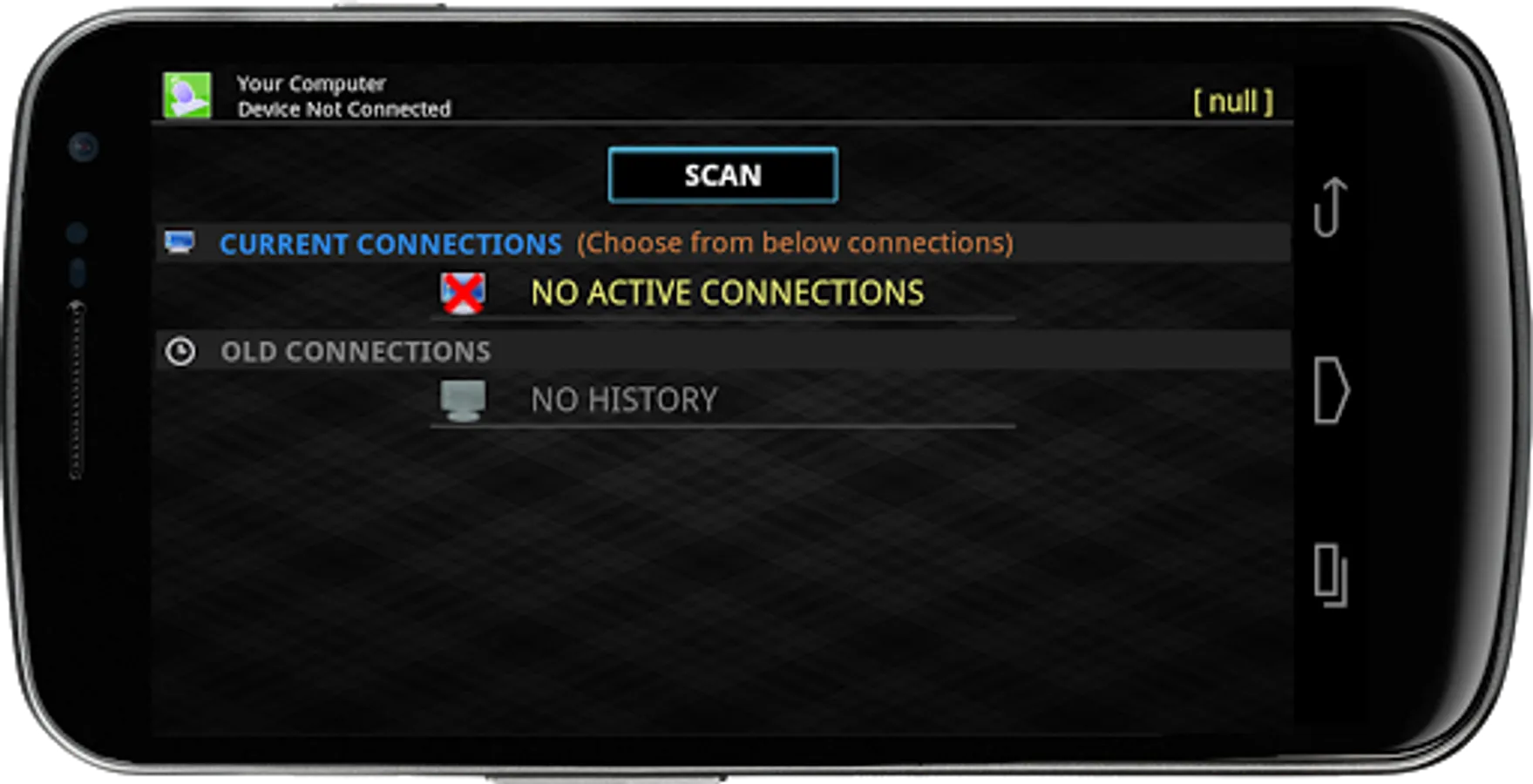
4. Launch App in your mobile phone, Scan computers to connect
Chrome browser might flag the server file,Ignore the warning and proceed as per below video
http://www.youtube.com/watch?v=xD2D9xoOcWo&feature=youtu.be
How to use:-
https://www.youtube.com/watch?v=5qpd6x_DlKM&feature=youtu.be
"Windows Firewall" might lead to connection issue. How to fix it??
http://www.youtube.com/v/ftYrD0r37CU
Advanced Details:-
https://www.spikesroidapps.com
FEATURES:-
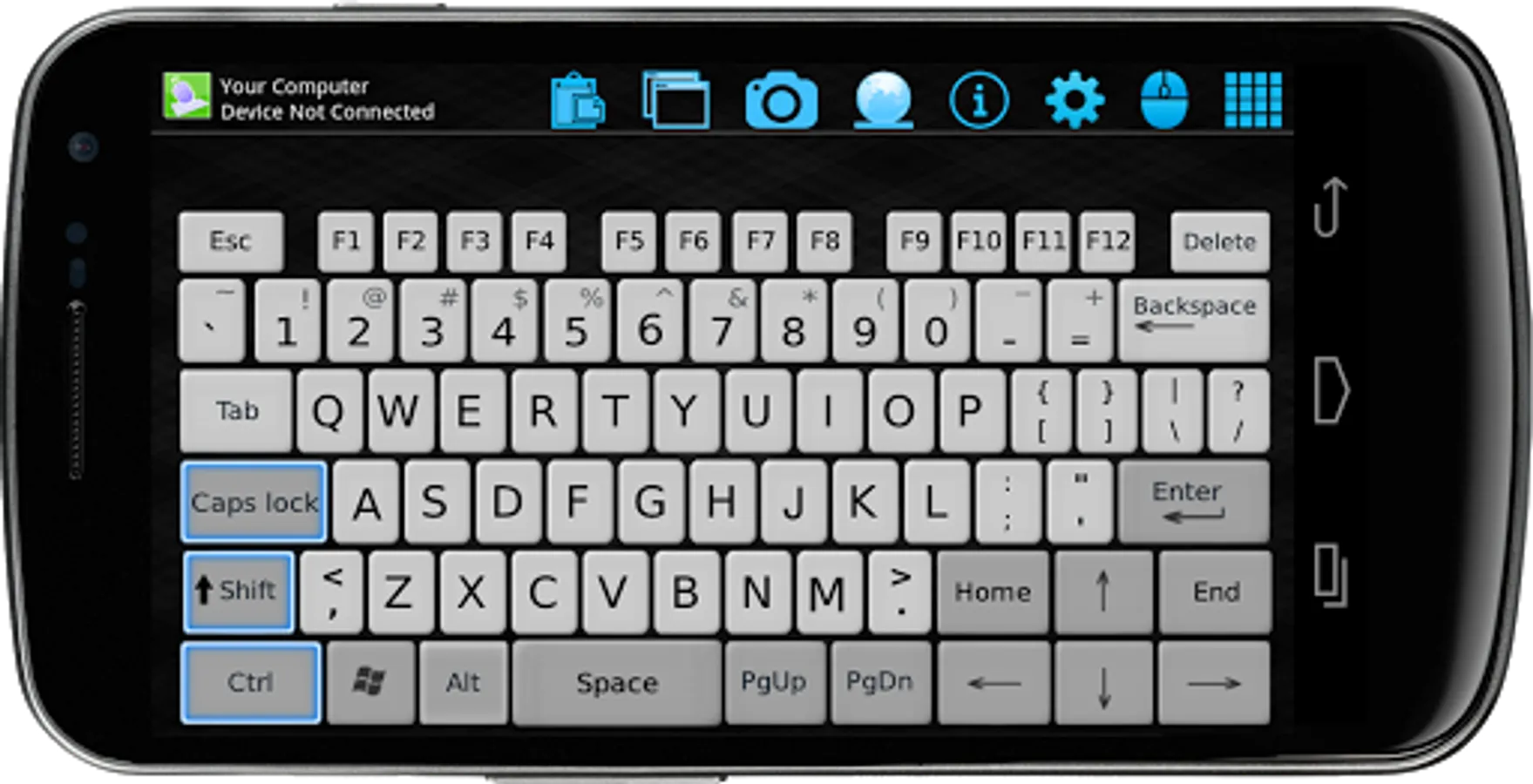
✓ Real fancy keyboard with Typing, Function, Numeric, Shortcut inputs
✓ Long press handling of buttons on Space/Enter/Tab/Delete/Backspace/Characters
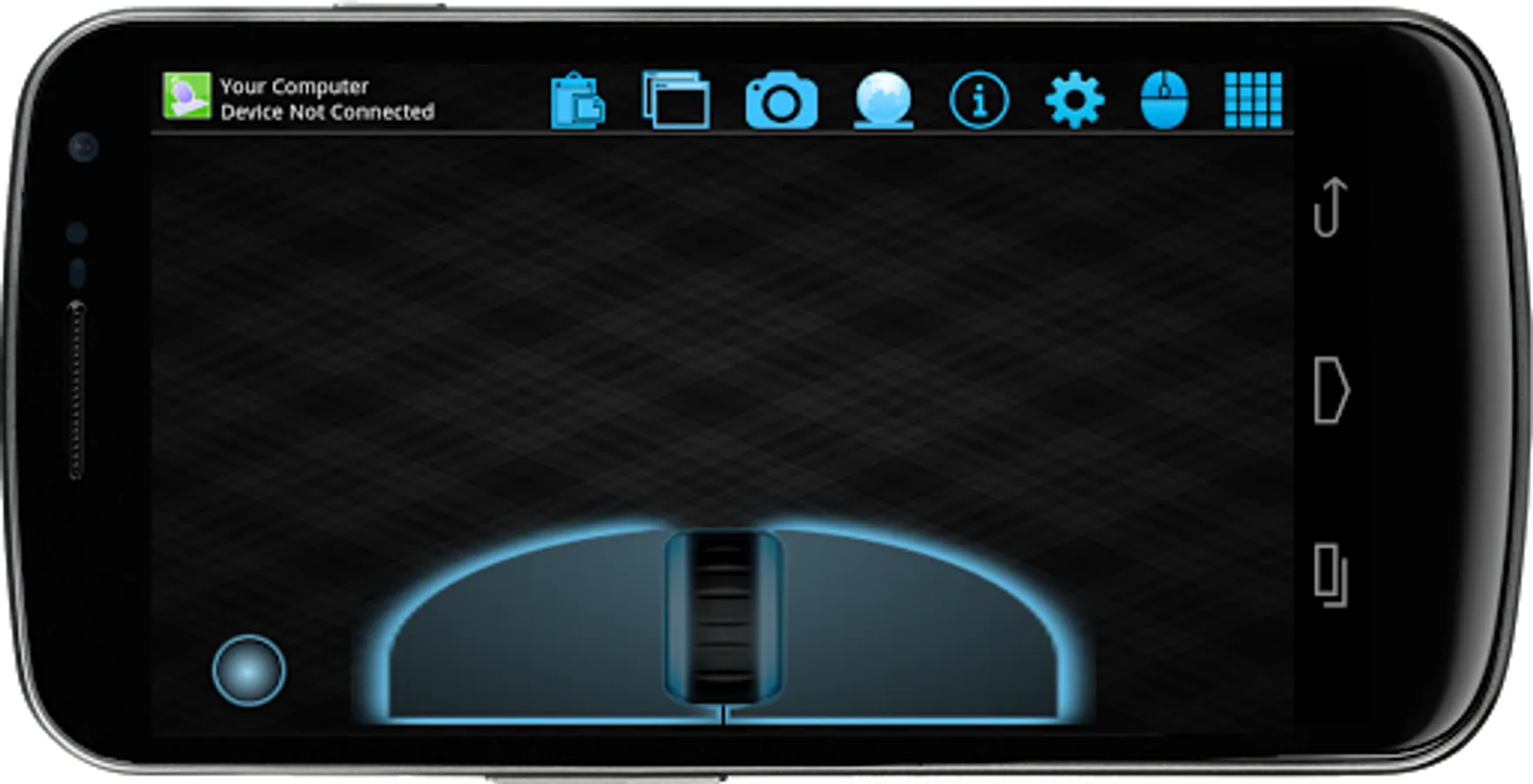
✓ Fancy mouse pad with left click hold option
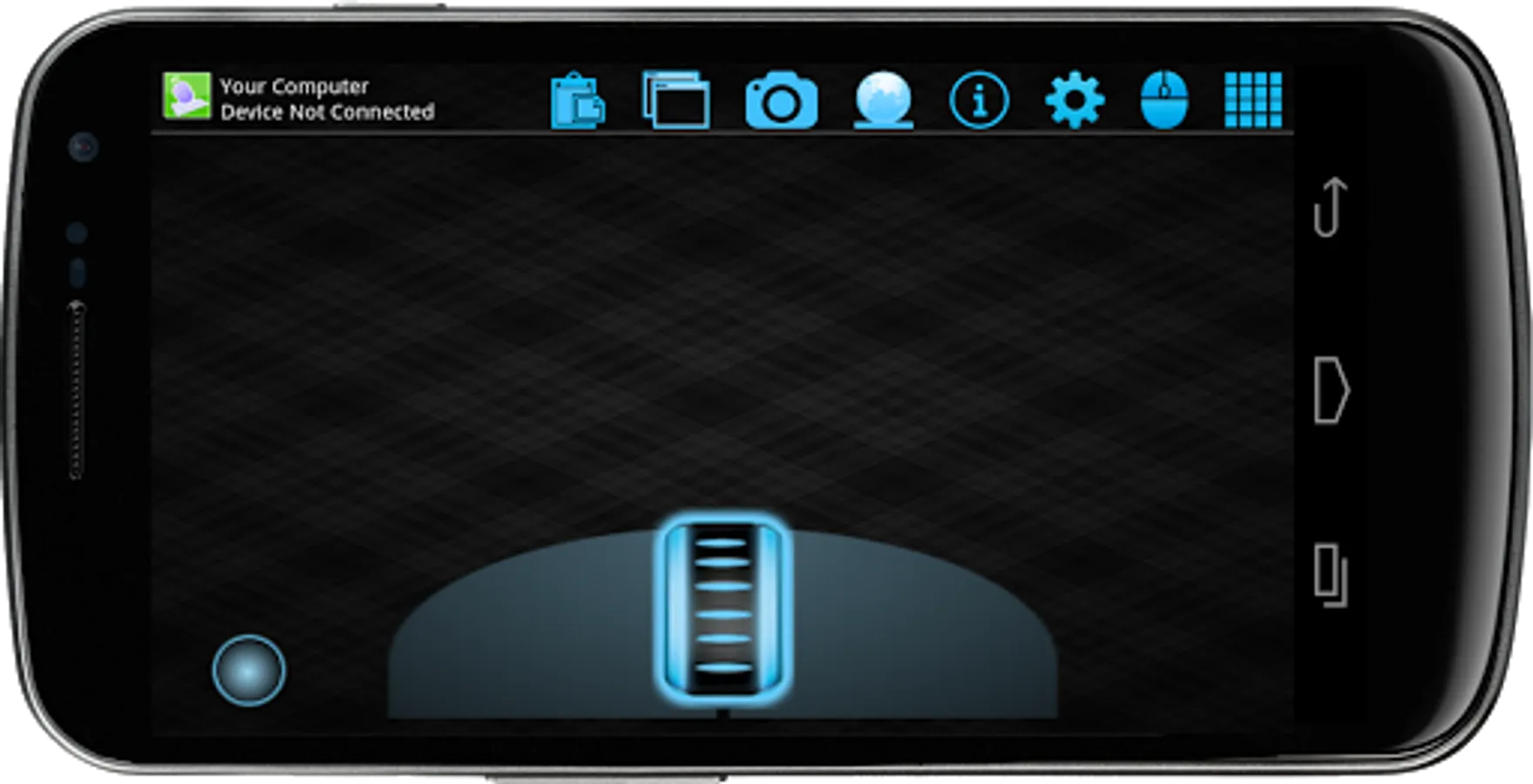
✓ Remote mouse cursor movement with left, right, middle click and other gestures support
✓ Watch your computer screenshot in your phone
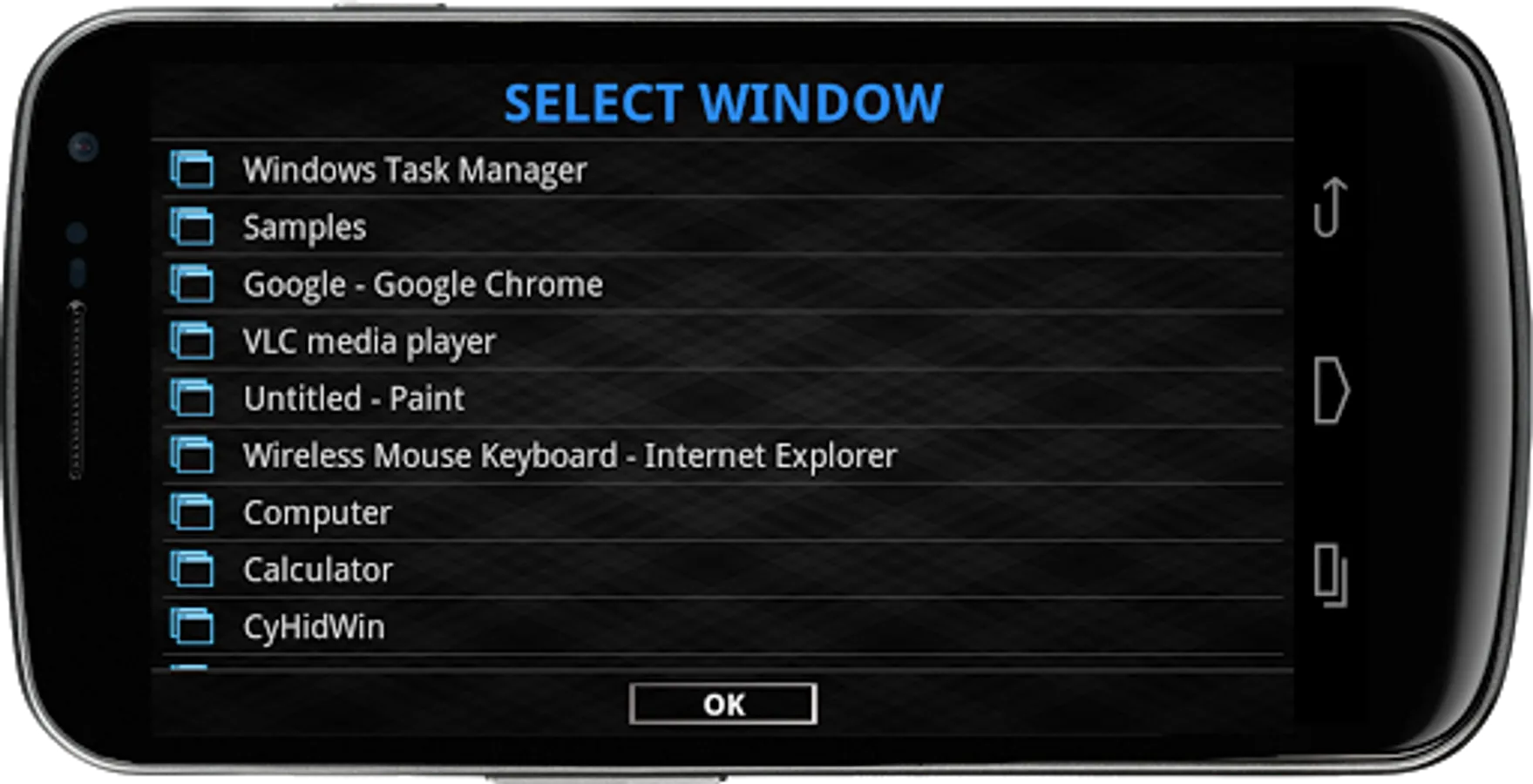
✓ Maximize/Minimize windows remotely
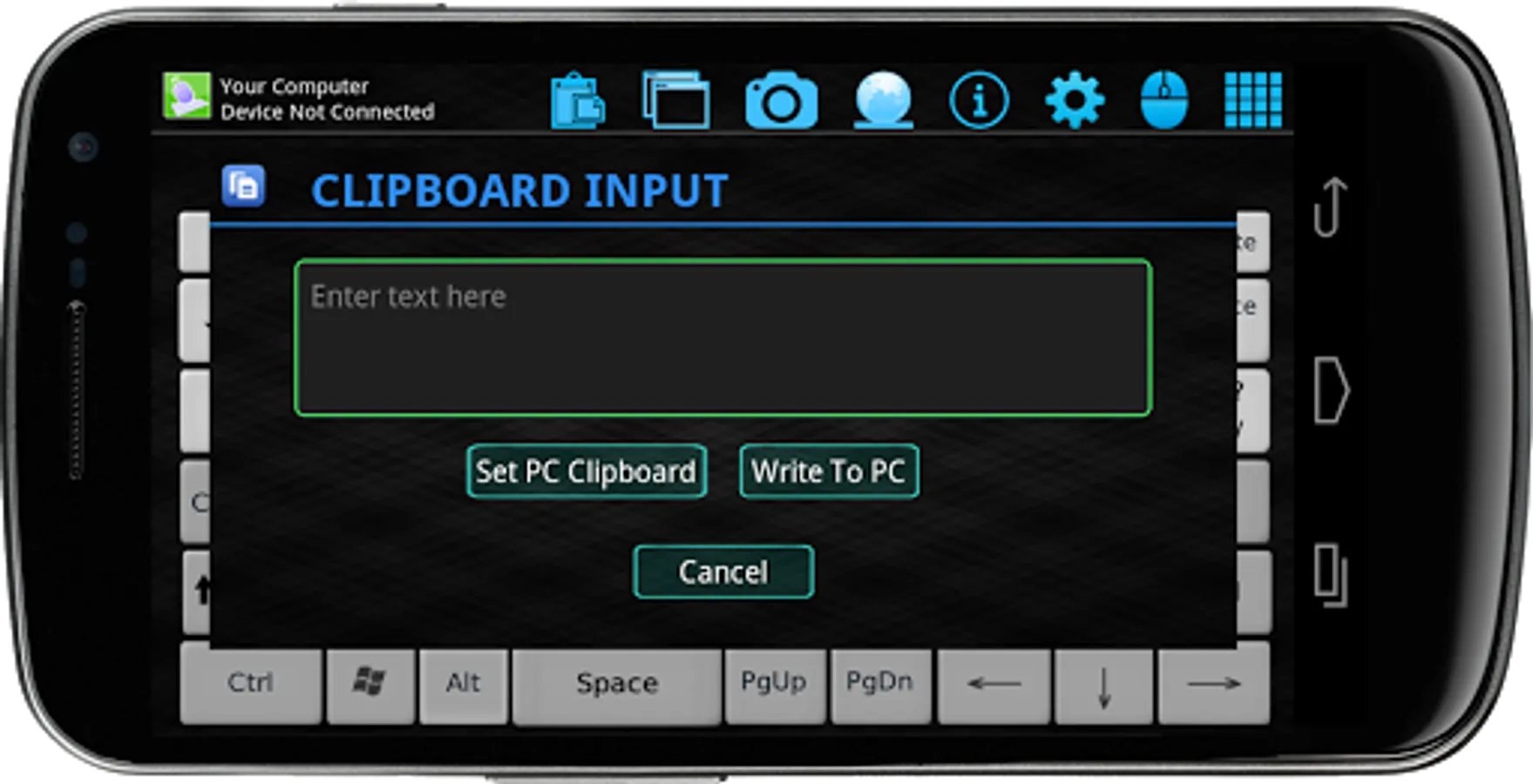
✓ Clipboard option to copy/paste to your computer directly
✓ Shutdown/Restart/Logoff/Sleep/Lockscreen remotely
✓ Mute/unmute your computer volume
✓ Open My Document / My Music / My Pictures folder remotely
✓ Manual language selection
✓ Auto connect on startup
✓ Simple, neat and clean UI
✓ Shortcut Macros for below functions
MS office,excel,power point,outlook,media player,Chrome,IE,paint,task manager,control panel,PrintScreen,calculator,vlc,notepad,
print,Shutdown,Logoff,Sleep,Restart,screenlock
✓ Multiple languages are supported
VISIT BELOW URL TO GET STARTED:-
1. Visit below address from your Windows PC
https://www.spikesroidapps.com/WifiMouseRemote.html
2. Download and install WiFi Mouse Remote server on your Windows PC
3. Connect your computer and mobile phone to the same Wi-Fi
4. Launch App in your mobile phone, Scan computers to connect
Chrome browser might flag the server file,Ignore the warning and proceed as per below video
http://www.youtube.com/watch?v=xD2D9xoOcWo&feature=youtu.be
How to use:-
https://www.youtube.com/watch?v=5qpd6x_DlKM&feature=youtu.be
"Windows Firewall" might lead to connection issue. How to fix it??
http://www.youtube.com/v/ftYrD0r37CU
Advanced Details:-
https://www.spikesroidapps.com
FEATURES:-
✓ Real fancy keyboard with Typing, Function, Numeric, Shortcut inputs
✓ Long press handling of buttons on Space/Enter/Tab/Delete/Backspace/Characters
✓ Fancy mouse pad with left click hold option
✓ Remote mouse cursor movement with left, right, middle click and other gestures support
✓ Watch your computer screenshot in your phone
✓ Maximize/Minimize windows remotely
✓ Clipboard option to copy/paste to your computer directly
✓ Shutdown/Restart/Logoff/Sleep/Lockscreen remotely
✓ Mute/unmute your computer volume
✓ Open My Document / My Music / My Pictures folder remotely
✓ Manual language selection
✓ Auto connect on startup
✓ Simple, neat and clean UI
✓ Shortcut Macros for below functions
MS office,excel,power point,outlook,media player,Chrome,IE,paint,task manager,control panel,PrintScreen,calculator,vlc,notepad,
print,Shutdown,Logoff,Sleep,Restart,screenlock
✓ Multiple languages are supported