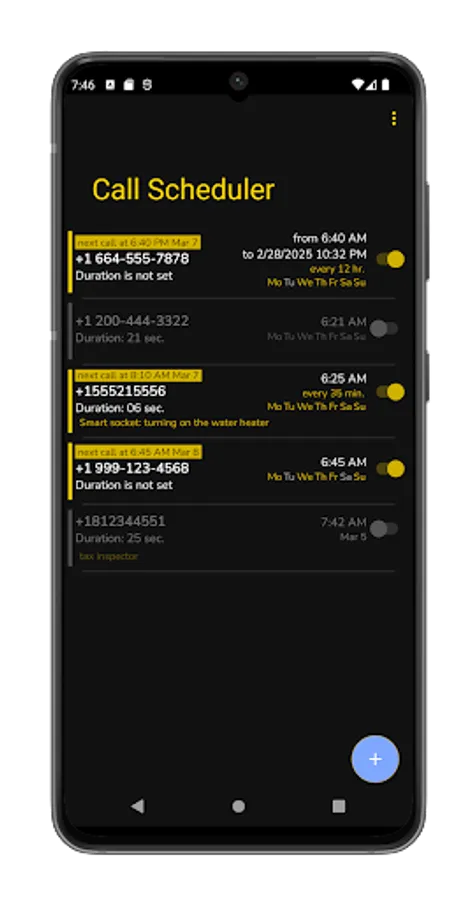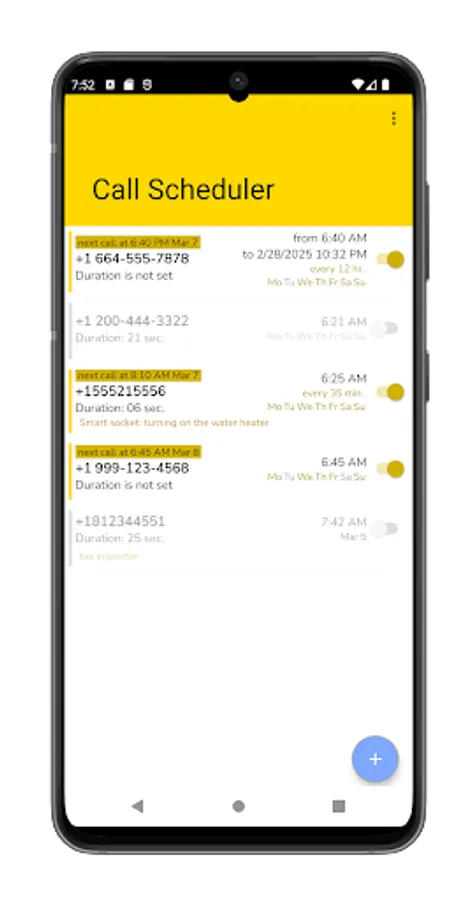
In this scheduling app, you can create and manage automated call tasks with adjustable timing and recurrence options. Includes scheduling settings, call delay, alert notifications, and multi-SIM support.
AppRecs review analysis
AppRecs rating 4.1. Trustworthiness 84 out of 100. Review manipulation risk 21 out of 100. Based on a review sample analyzed.
★★★★☆
4.1
AppRecs Rating
Ratings breakdown
5 star
65%
4 star
18%
3 star
9%
2 star
0%
1 star
9%
What to know
✓
Low review manipulation risk
21% review manipulation risk
✓
Credible reviews
84% trustworthiness score from analyzed reviews
✓
High user satisfaction
83% of sampled ratings are 4+ stars (4.3★ average)
About Call Scheduler
The program allows you to create a list of tasks in advance that trigger automatic calls according to a set schedule.
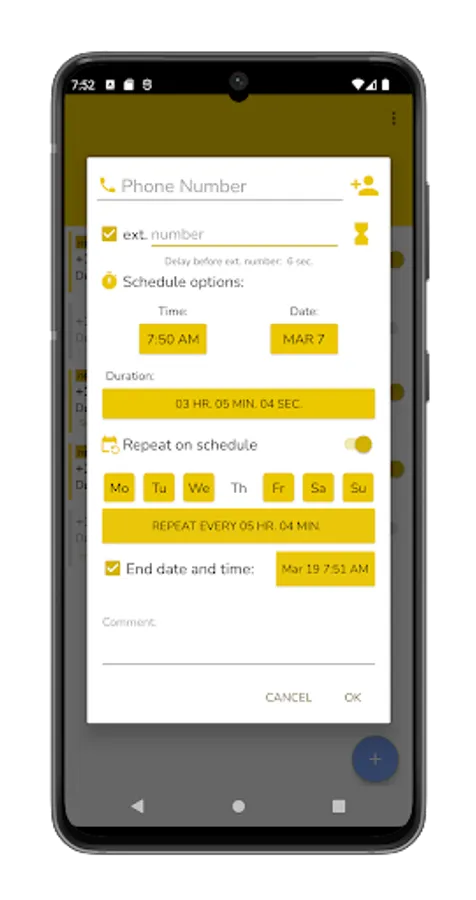
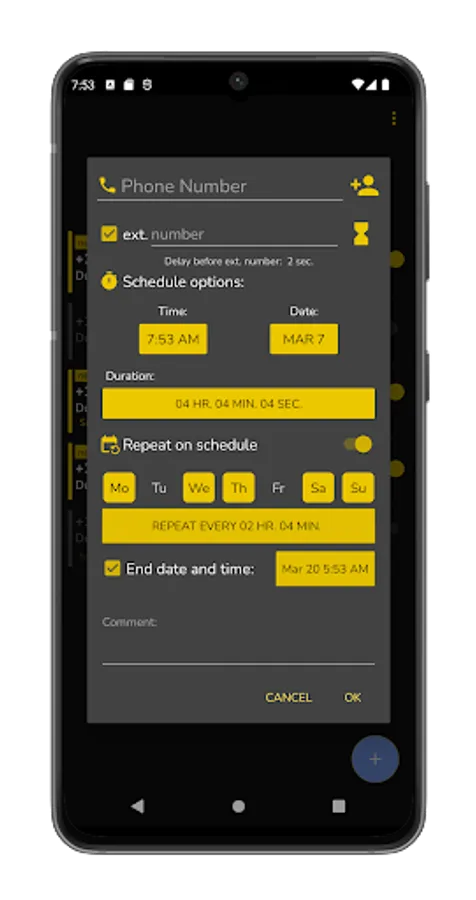
Flexible settings can be set in the schedule, for example:
- specify the exact time with or without the duration of the call,
- set calls at a specified time on certain days of the week with or without the end date and time,
- set a call schedule with repetitions every few minutes or hours,
- you can set recurring calls only on a certain day,
etc. There are many algorithms with different settings that can be done.
Scheduled calls are made from the specified SIM card if the phone supports multiple SIM cards.
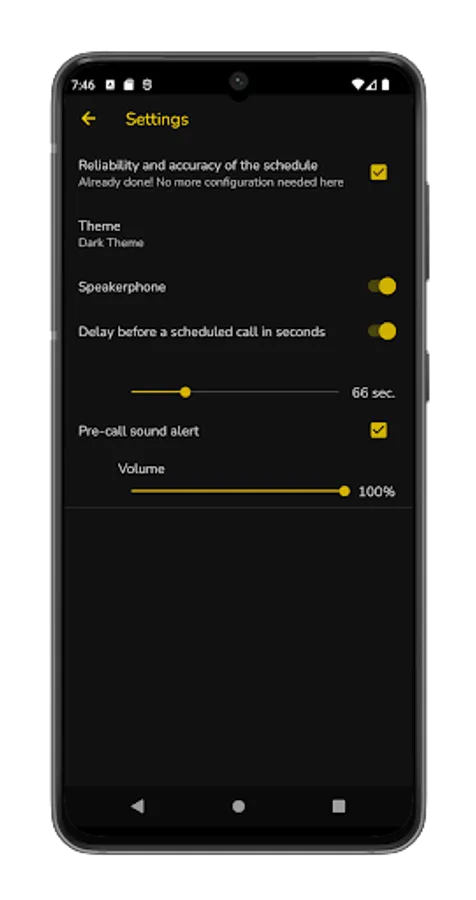
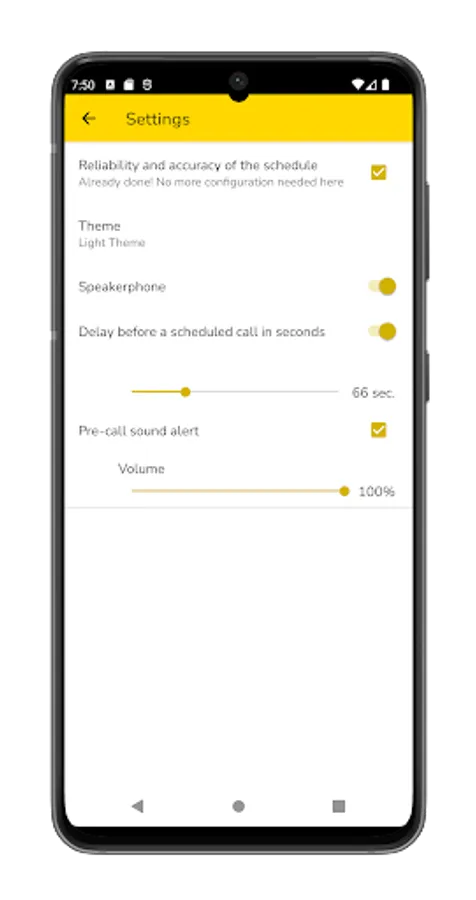
In the application settings, you can set a delay before the call, as well as enable an alert before the call starts. In this case, the program will give a signal, and you can cancel the call if you change your mind.
Important setting: Add the app to the phone battery power saving exception. If the application is not added to the exception, then after a while the phone will turn off the application and the scheduled call will not be able to start. But even if the program is not disabled, scheduled calls will start with a delay of two minutes or more.
The app needs permissions to access the phone to make calls. In addition, display over other applications is required. This is necessary to disable the ringer when setting the call duration. All other permissions will be offered if additional functionality is needed.
With criticism, wishes and other questions, you can contact us by mail: support@lithiums.ru
Flexible settings can be set in the schedule, for example:
- specify the exact time with or without the duration of the call,
- set calls at a specified time on certain days of the week with or without the end date and time,
- set a call schedule with repetitions every few minutes or hours,
- you can set recurring calls only on a certain day,
etc. There are many algorithms with different settings that can be done.
Scheduled calls are made from the specified SIM card if the phone supports multiple SIM cards.
In the application settings, you can set a delay before the call, as well as enable an alert before the call starts. In this case, the program will give a signal, and you can cancel the call if you change your mind.
Important setting: Add the app to the phone battery power saving exception. If the application is not added to the exception, then after a while the phone will turn off the application and the scheduled call will not be able to start. But even if the program is not disabled, scheduled calls will start with a delay of two minutes or more.
The app needs permissions to access the phone to make calls. In addition, display over other applications is required. This is necessary to disable the ringer when setting the call duration. All other permissions will be offered if additional functionality is needed.
With criticism, wishes and other questions, you can contact us by mail: support@lithiums.ru