Screen Mirroring - Cast To TV
GT_ WatchFaces
4.3 ★
139 ratings
50,000+
downloads
Free
+ in-app
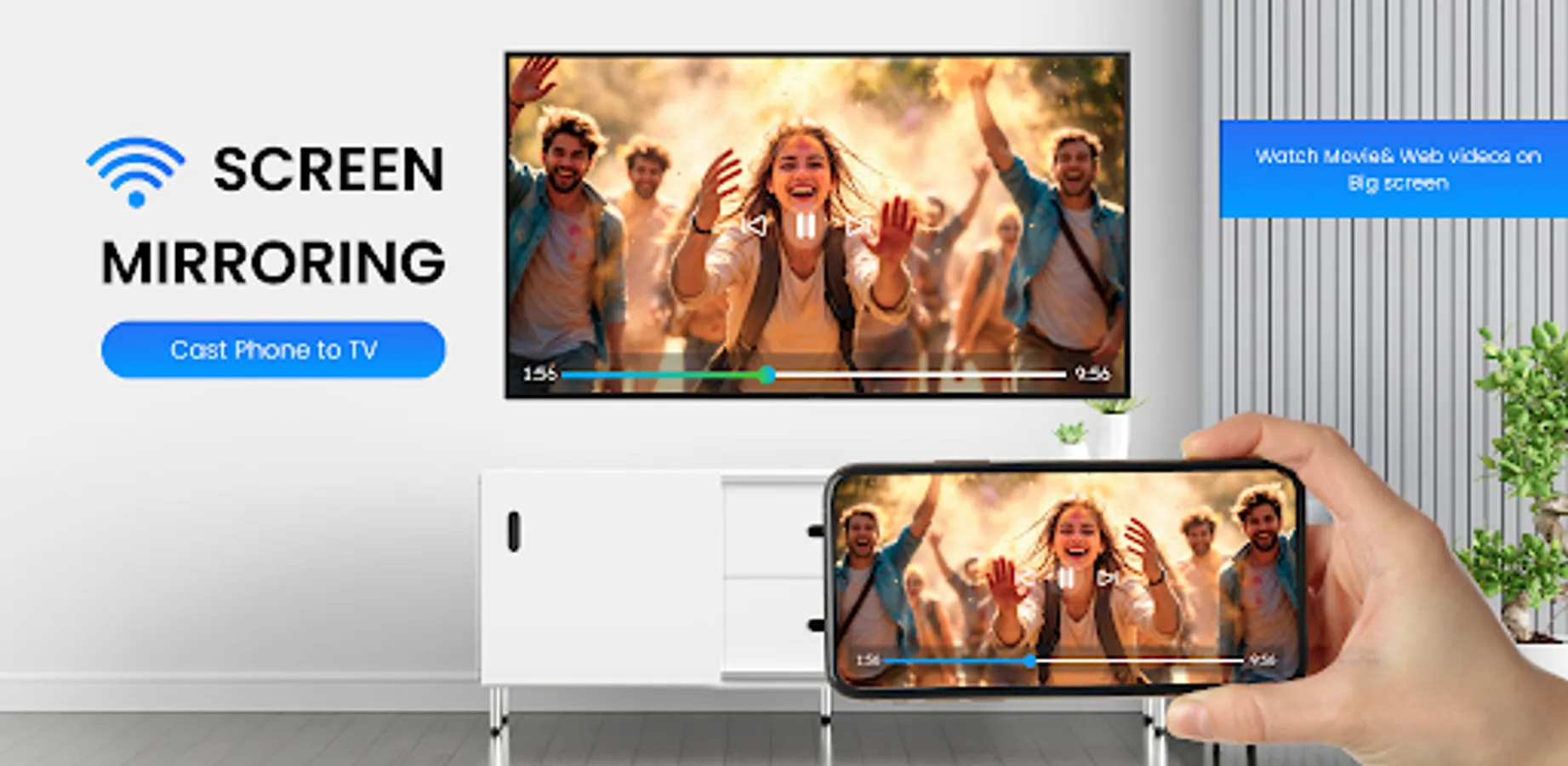
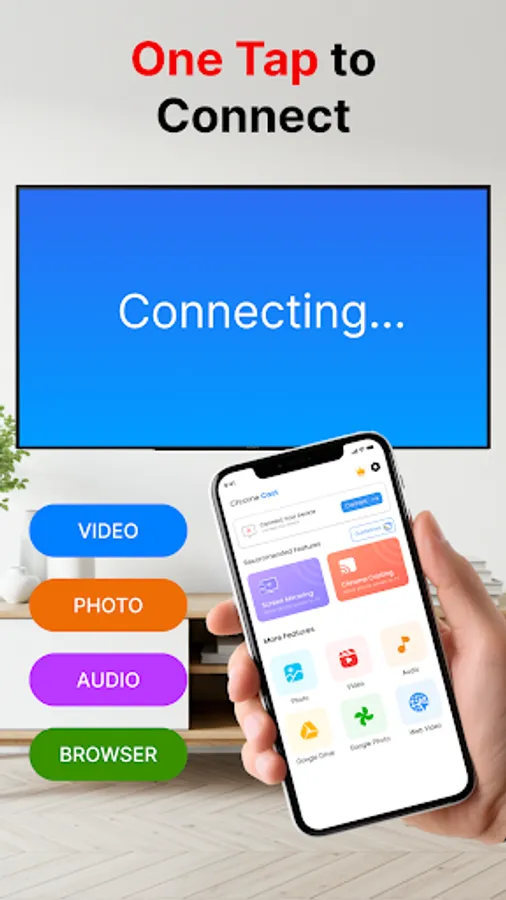
In this screen mirroring app, you can wirelessly connect your phone to TV to stream media or display your screen. Includes support for videos, photos, games, and presentations.
AppRecs review analysis
AppRecs rating 4.3. Trustworthiness 77 out of 100. Review manipulation risk 34 out of 100. Based on a review sample analyzed.
★★★★☆
4.3
AppRecs Rating
Ratings breakdown
5 star
73%
4 star
11%
3 star
5%
2 star
0%
1 star
11%
What to know
✓
Credible reviews
77% trustworthiness score from analyzed reviews
✓
High user satisfaction
84% of sampled ratings are 4+ stars (4.3★ average)
✓
Authentic reviews
Natural distribution, no red flags
About Screen Mirroring - Cast To TV
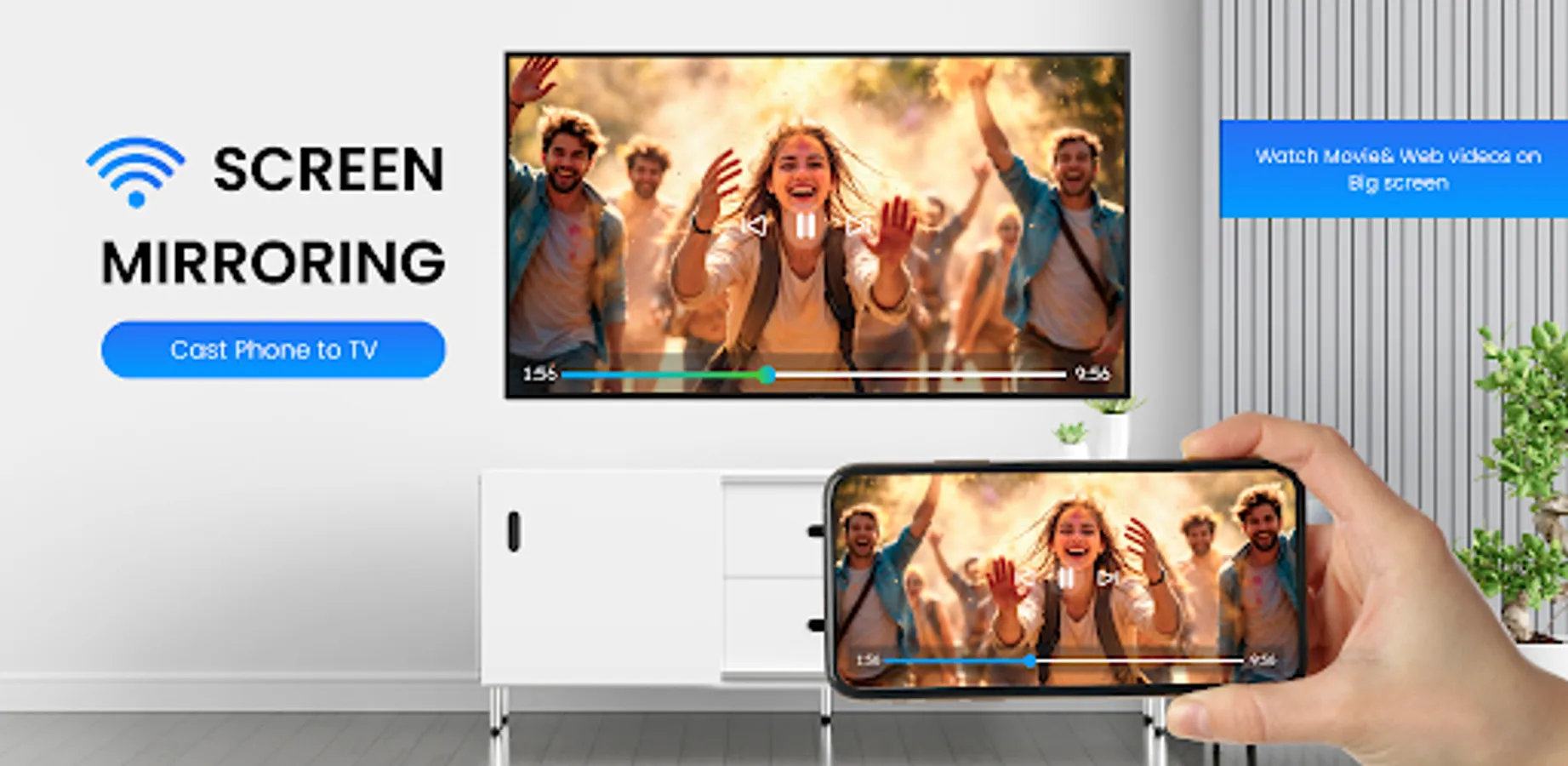
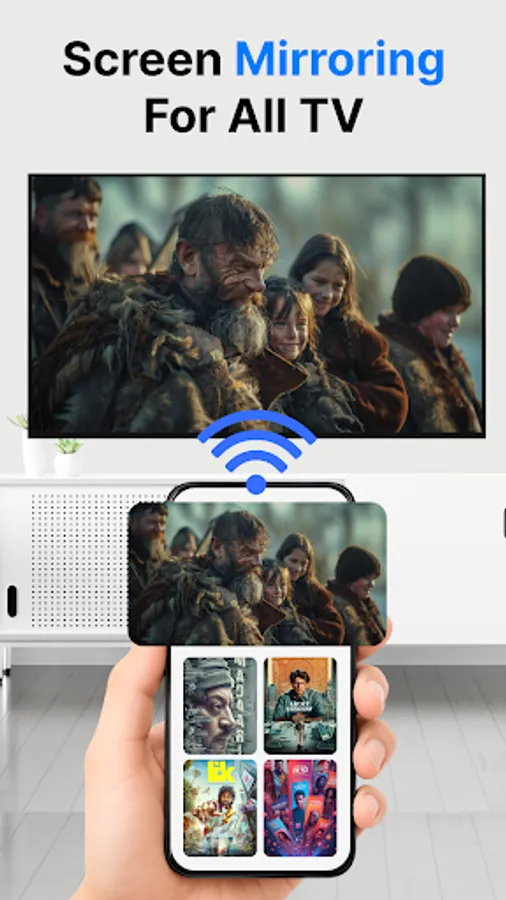
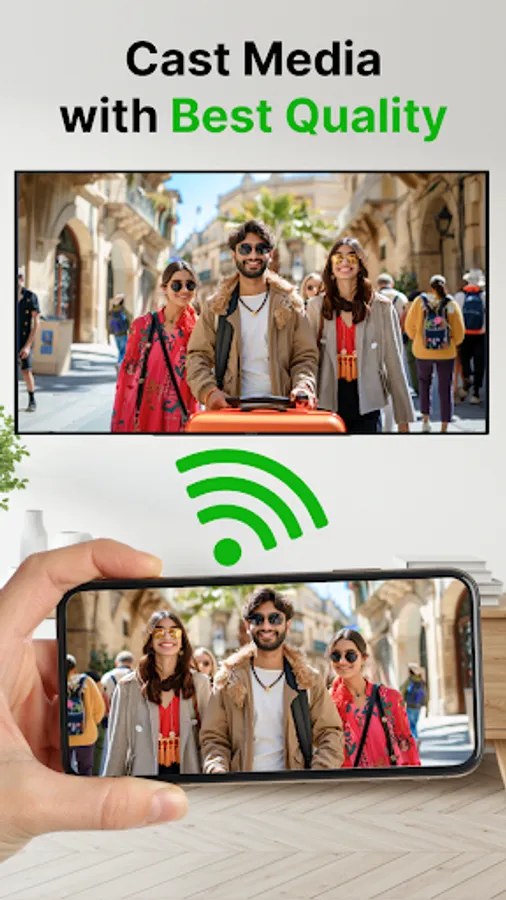
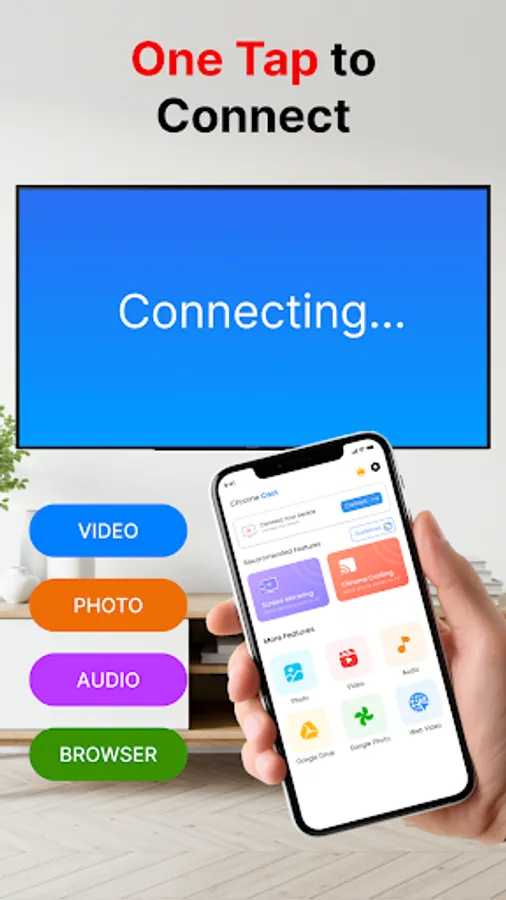
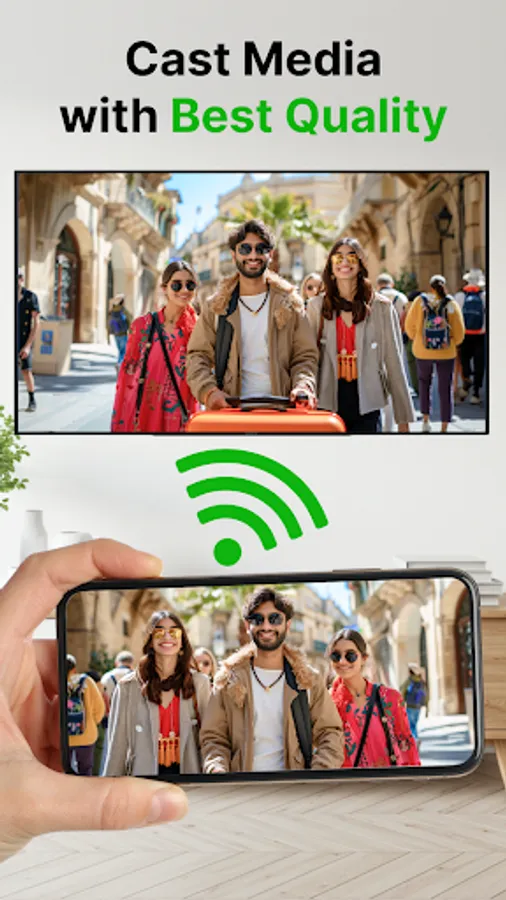
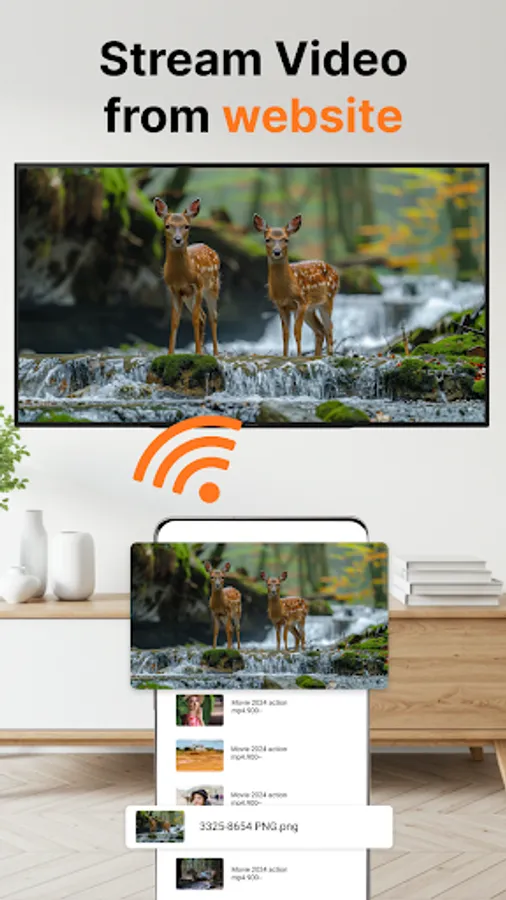
Screen Mirroring app allows you to mirror your phone to TV, and enjoy media on the big screen. With this simple cast to TV tool, you can stream photos, play videos, watch movies, or share your full mobile screen wirelessly.
This mirror app is designed for smooth and stable connections, so you can enjoy entertainment or presentations without cables. Whether you want to use a screen cast for movies, mirror games to TV, or share screen for work, this screen mirroring app makes it easy.
Key Features of Screen Mirroring
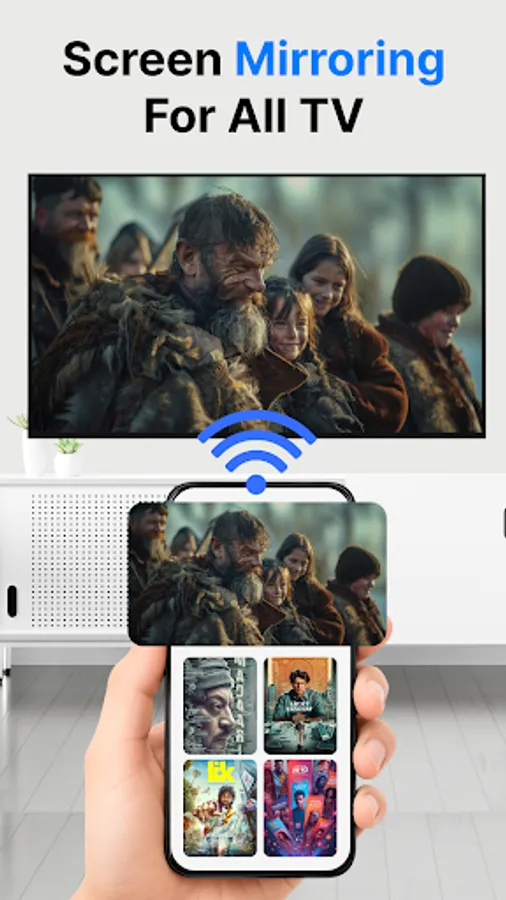
📺 Screen Mirroring to TV – Share your mobile display instantly.
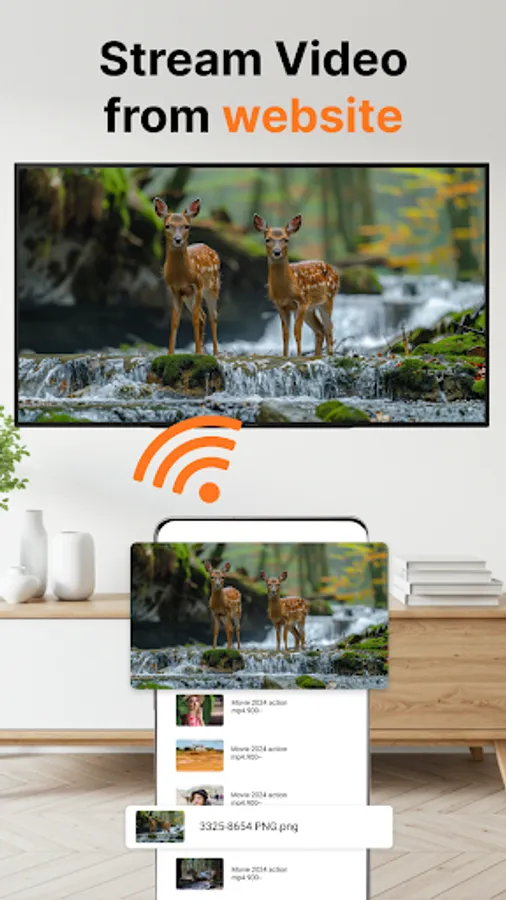
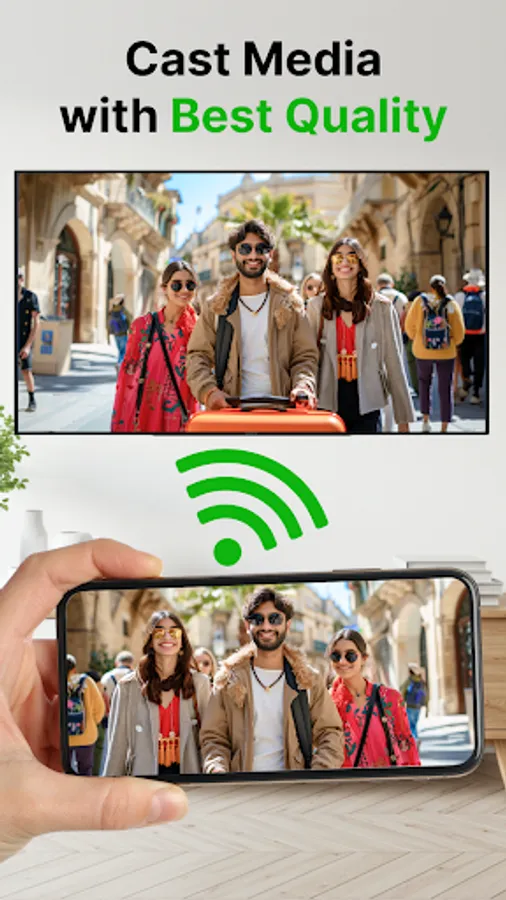
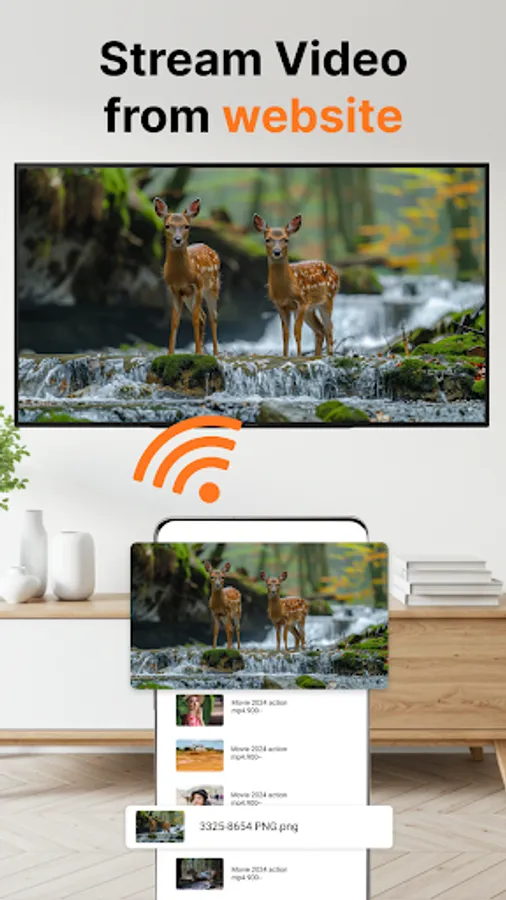
🎥 Cast Videos & Photos – Play videos and images on a larger display.
🎶 Music Casting – Stream songs and audio wirelessly.
📡 Wireless Screen Cast – No cables required, connect through Wi-Fi.
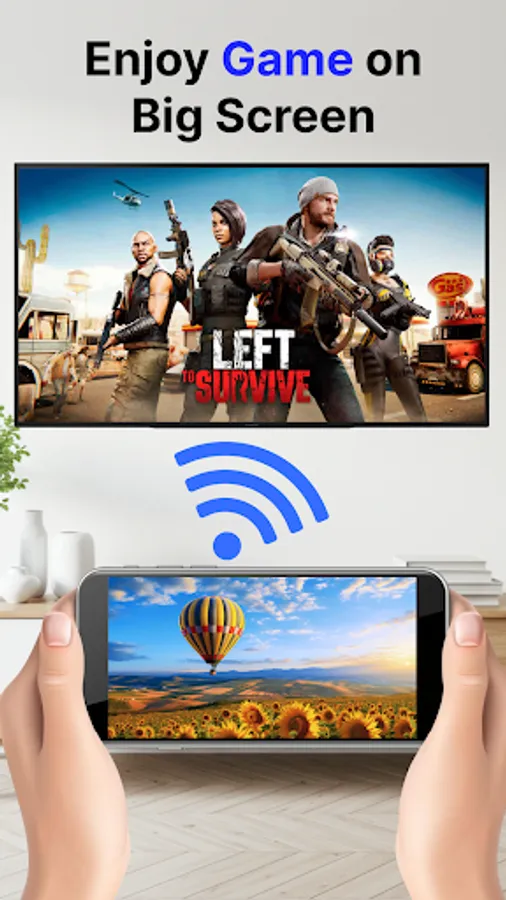
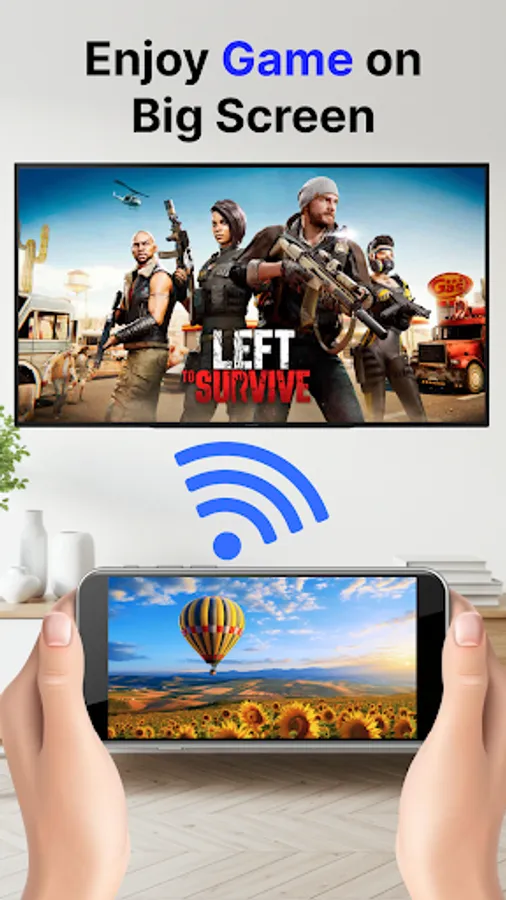
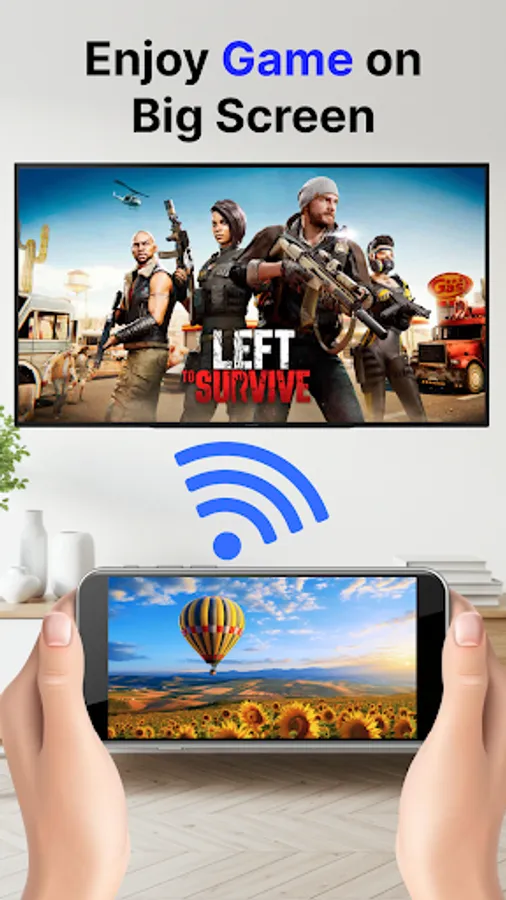
🎮 Phone to TV Gaming – Mirror games and enjoy a wide-screen view.
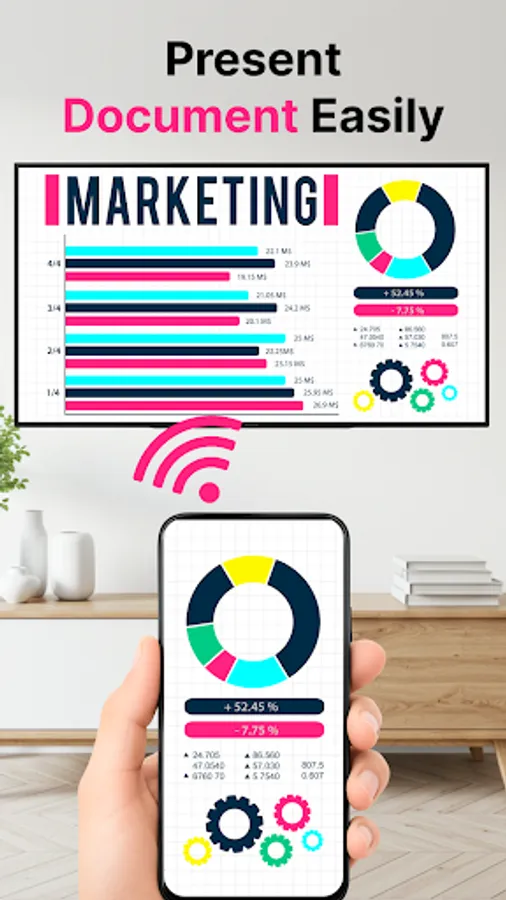
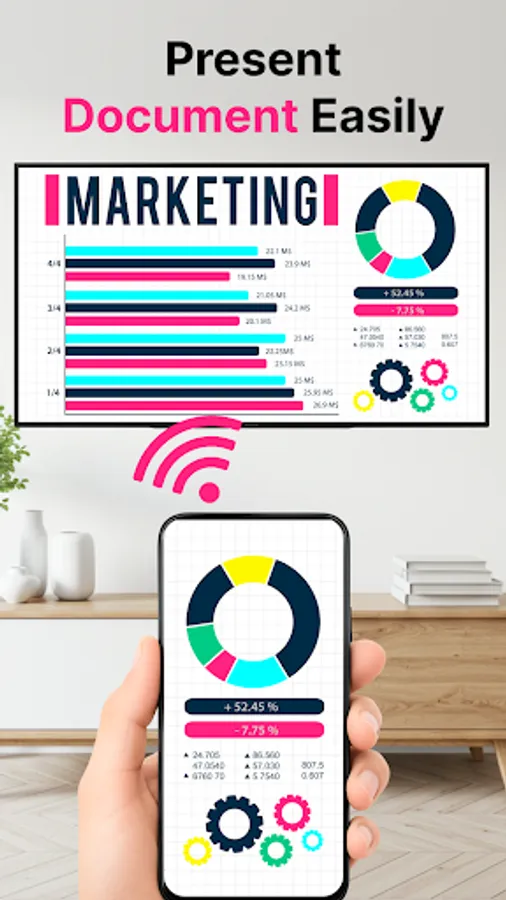
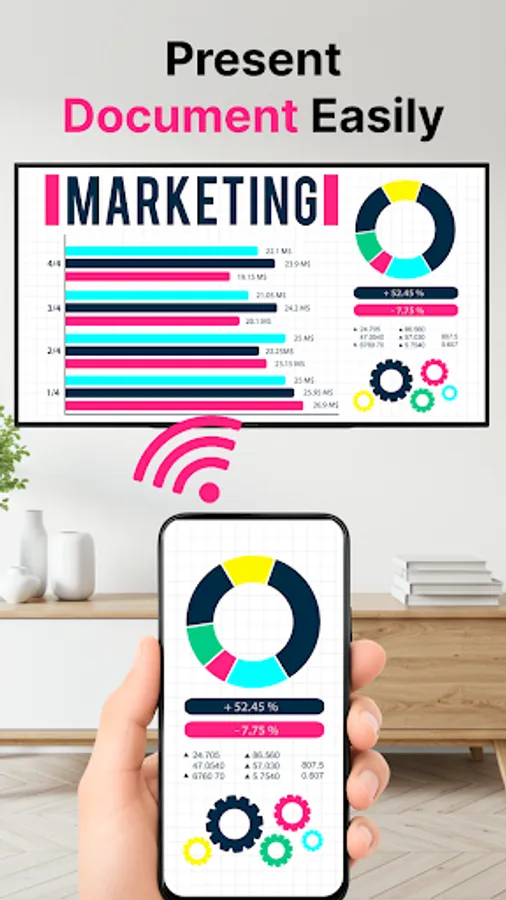
🖥️ Share Screen with TV – Use it for work, study, or presentations.
🔗 Smooth & Stable – Clear mirroring with reliable performance.
Why Use This Screen Mirroring App?
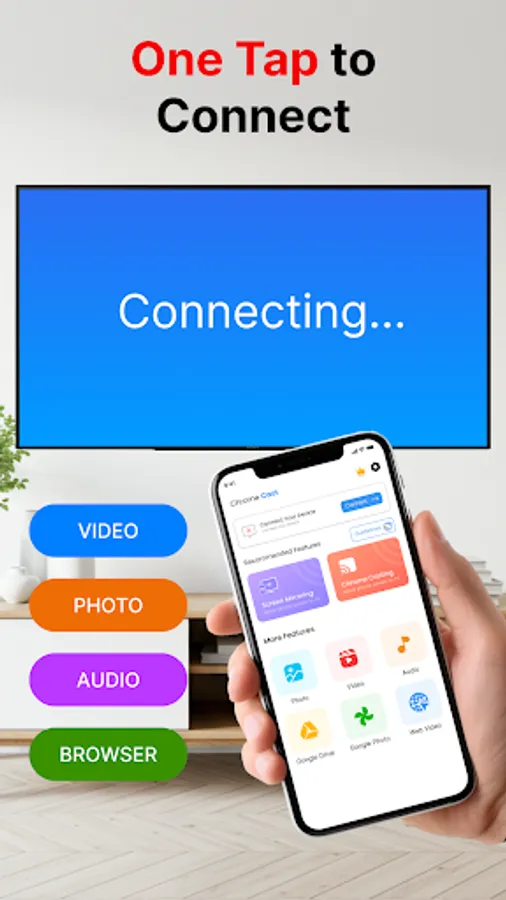
✔️ Easy setup and quick connection.
✔️ Screen mirroring for videos, photos, games, and apps.
✔️ Cast to TV without cables or extra hardware.
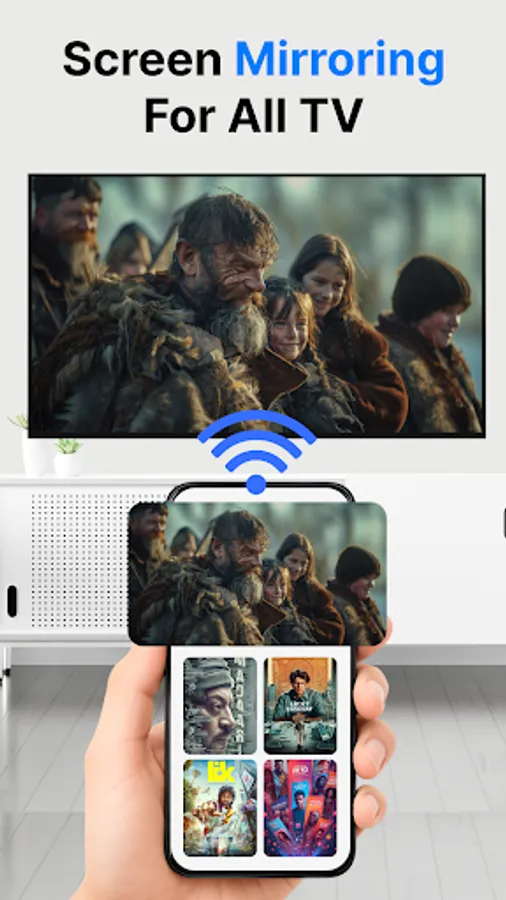
✔️ Supports multiple TV types with wireless screen sharing.
This app works as a complete solution for screen cast and screen sharing. Use it to mirror phone to TV, enjoy movies on a big screen, or display your mobile content during meetings. With smooth wireless screen mirroring, and easy phone-to-TV casting, you can turn any TV into a bigger version of your mobile device.
This mirror app is designed for smooth and stable connections, so you can enjoy entertainment or presentations without cables. Whether you want to use a screen cast for movies, mirror games to TV, or share screen for work, this screen mirroring app makes it easy.
Key Features of Screen Mirroring
📺 Screen Mirroring to TV – Share your mobile display instantly.
🎥 Cast Videos & Photos – Play videos and images on a larger display.
🎶 Music Casting – Stream songs and audio wirelessly.
📡 Wireless Screen Cast – No cables required, connect through Wi-Fi.
🎮 Phone to TV Gaming – Mirror games and enjoy a wide-screen view.
🖥️ Share Screen with TV – Use it for work, study, or presentations.
🔗 Smooth & Stable – Clear mirroring with reliable performance.
Why Use This Screen Mirroring App?
✔️ Easy setup and quick connection.
✔️ Screen mirroring for videos, photos, games, and apps.
✔️ Cast to TV without cables or extra hardware.
✔️ Supports multiple TV types with wireless screen sharing.
This app works as a complete solution for screen cast and screen sharing. Use it to mirror phone to TV, enjoy movies on a big screen, or display your mobile content during meetings. With smooth wireless screen mirroring, and easy phone-to-TV casting, you can turn any TV into a bigger version of your mobile device.
Screen Mirroring - Cast To TV Screenshots
Tap to Rate:
Reviews for Screen Mirroring - Cast To TV
Sameer Ahmad
11/3/2025
nice 🙂
Muhammad Saifal
10/3/2025
super App for screen mirroring and chrome casting.