Mstudio : Audio & Music Editor
Galaxy studio apps
4.8 ★
37K ratings
1,000,000+
downloads
Free
+ in-app
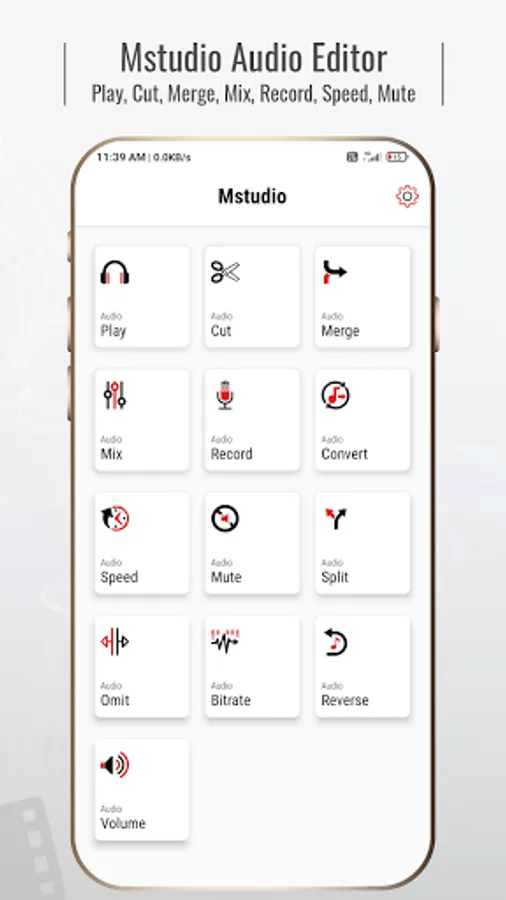
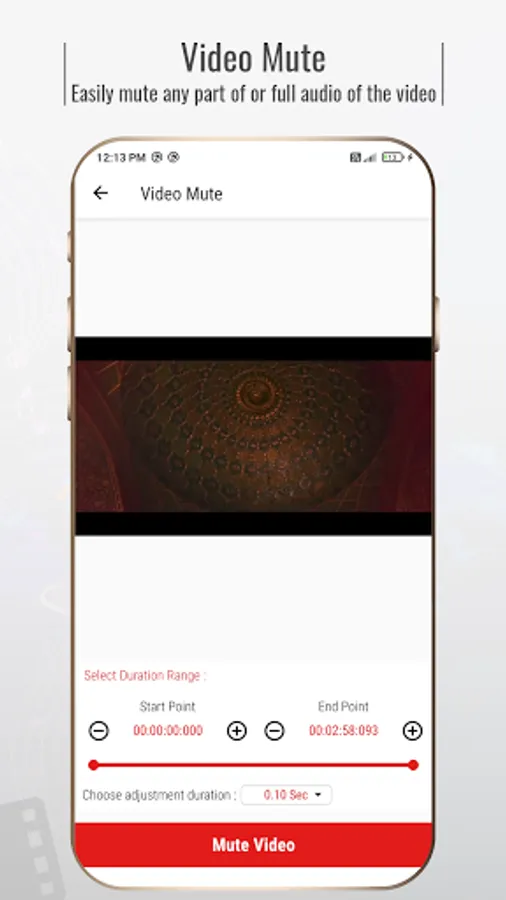
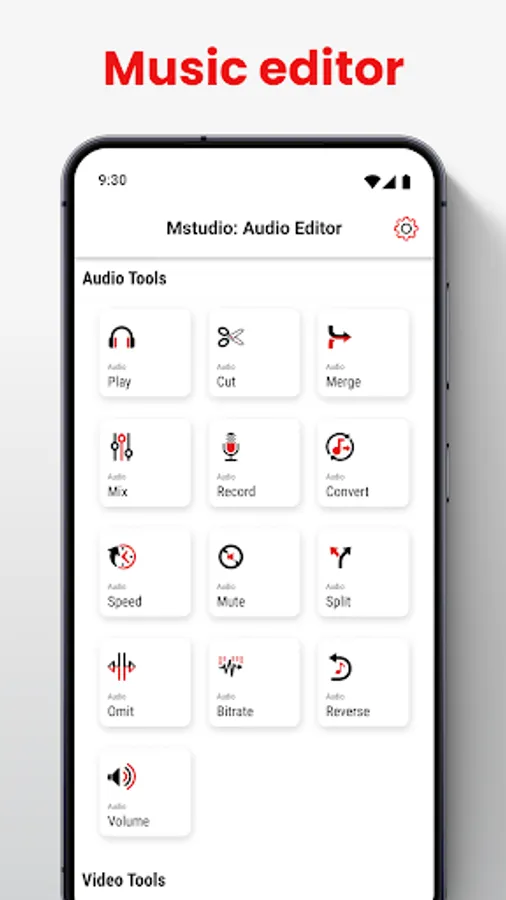
In this audio and music editing app, you can cut, merge, and convert audio files with professional tools. Includes features such as pitch adjustment, speed change, and video to MP3 conversion.
AppRecs review analysis
AppRecs rating 3.9. Trustworthiness 63 out of 100. Review manipulation risk 45 out of 100. Based on a review sample analyzed.
★★★☆☆
3.9
AppRecs Rating
Ratings breakdown
5 star
92%
4 star
3%
3 star
1%
2 star
1%
1 star
3%
What to know
⚠
Questionable review patterns
45% review manipulation risk - some review patterns appear unusual
⚠
Rating authenticity concerns
High rating concentration (92% 5-star) in sampled ratings
⚠
Review quality concerns
66% of sampled 5-star reviews are very short
About Mstudio : Audio & Music Editor
mStudio: Audio Editor – Your Ultimate Music Studio!
Are you looking for the most advanced music editor with professional features? Look no further! mStudio: Audio Editor is your one-stop solution for all your sound editing needs. Whether you're a music enthusiast or a professional, this Music Editor: Mp3 Converter app offers everything from MP3 conversion to pitch change and even video to mp3 conversion.With tools like Music Editor: Mp3 Converter and Music Mixer: Mstudio App, your mp3 editing tasks have never been more manageable.
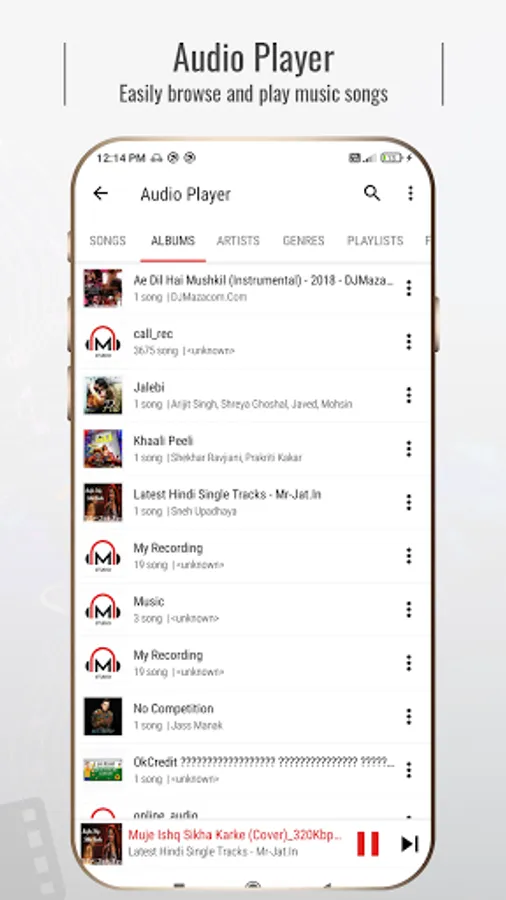
With mStudio: Audio Editor, you can manage your music files effortlessly. The Audio Mixer & Pitch Changer lets you browse and play songs by albums, artists, or folders, and you can even switch tracks with gestures. It’s the perfect Music Editor: Mp3 Converter companion for anyone who loves music.
Professional Audio Editing Tools at Your Fingertips
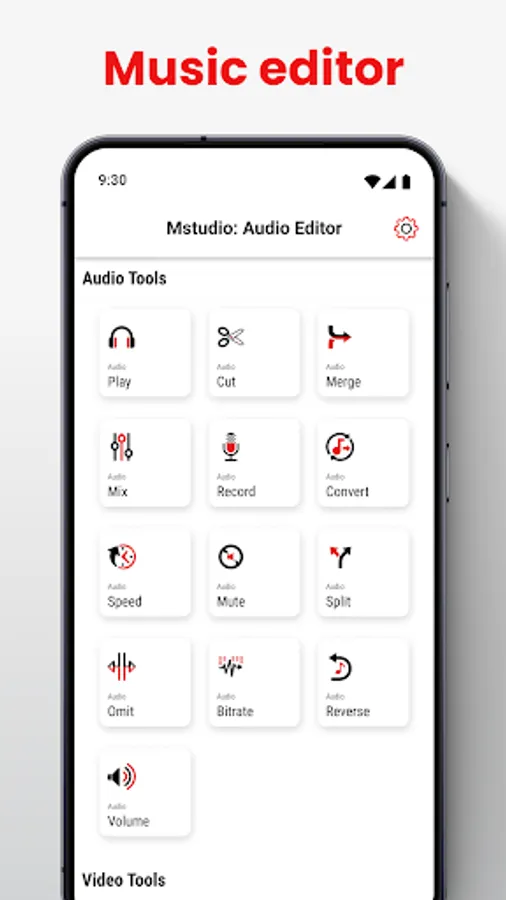
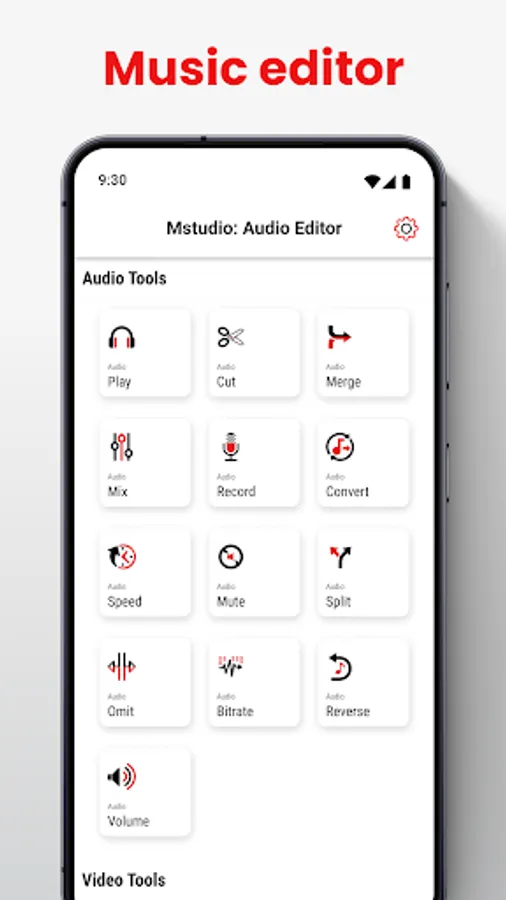
Get ready to explore various powerful features with mStudio: mp3 Cutter. This Music Speed Changer & Audio Converter app includes everything from cutting, merging, and mixing to converting and changing the speed of your music tracks. Whether you need to create ringtones or mashups or convert video files to MP3, Music Editor: Mp3 Converter has got you covered.
mStudio: Audio Editor Key Features:
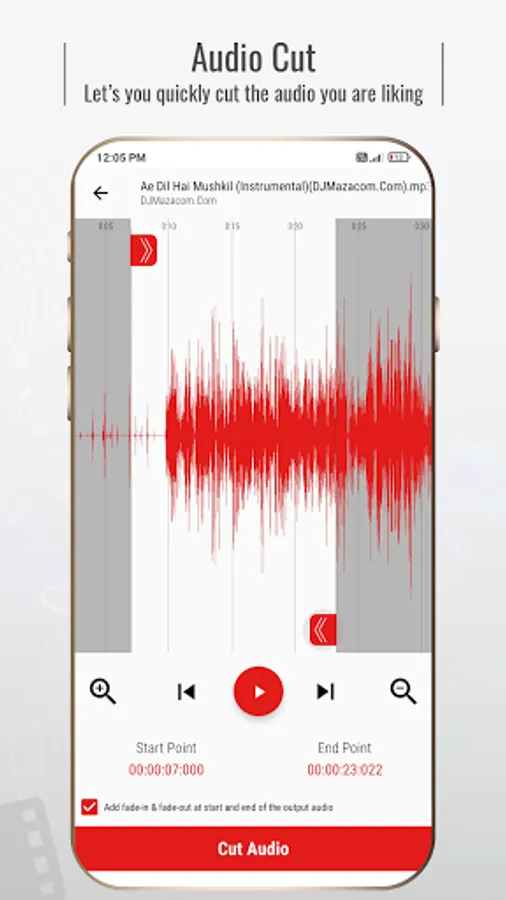
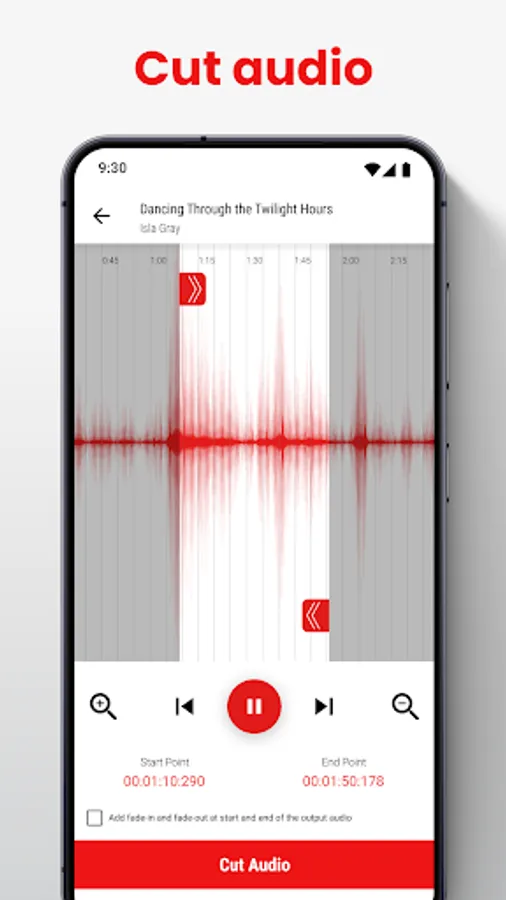
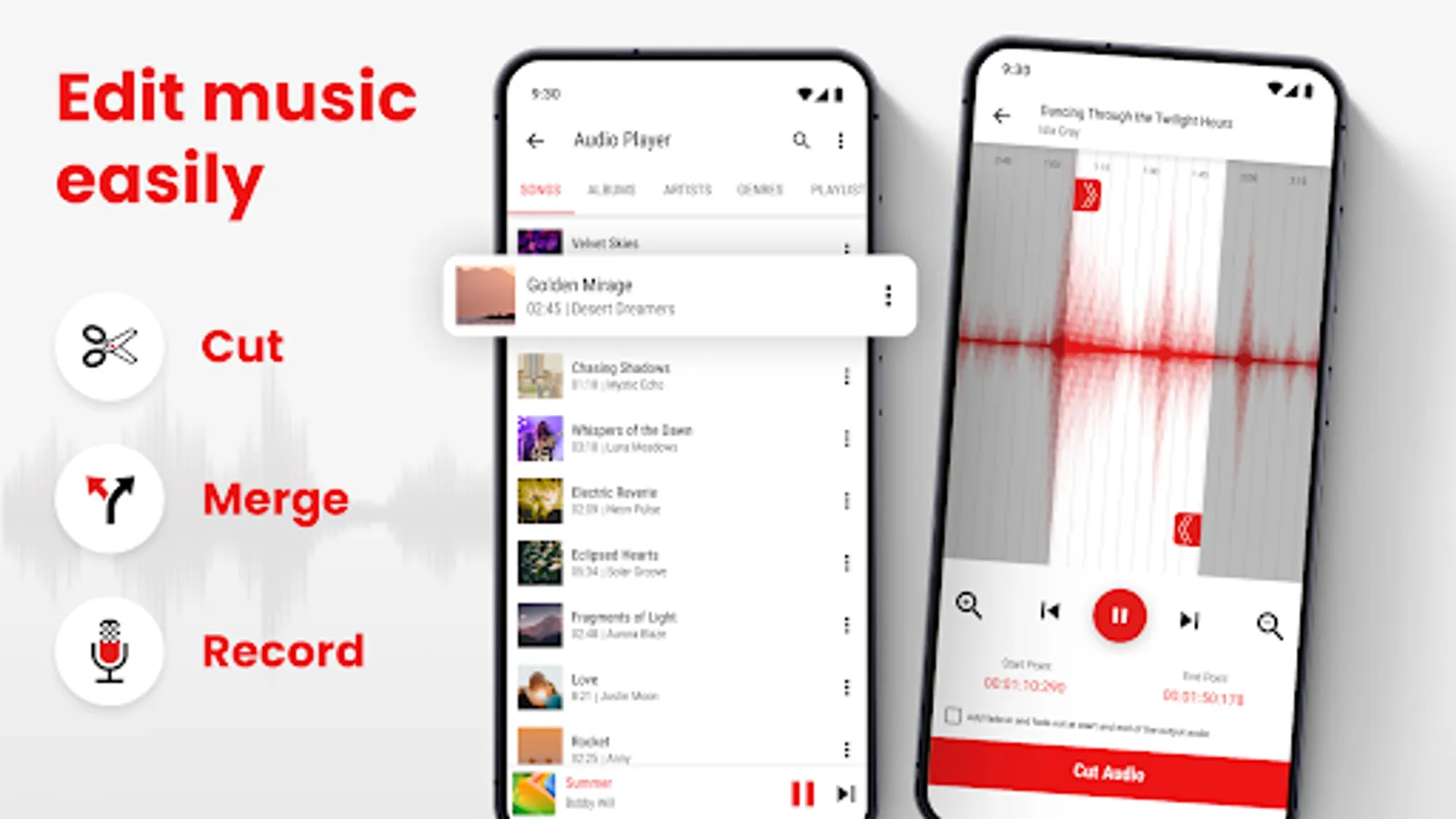
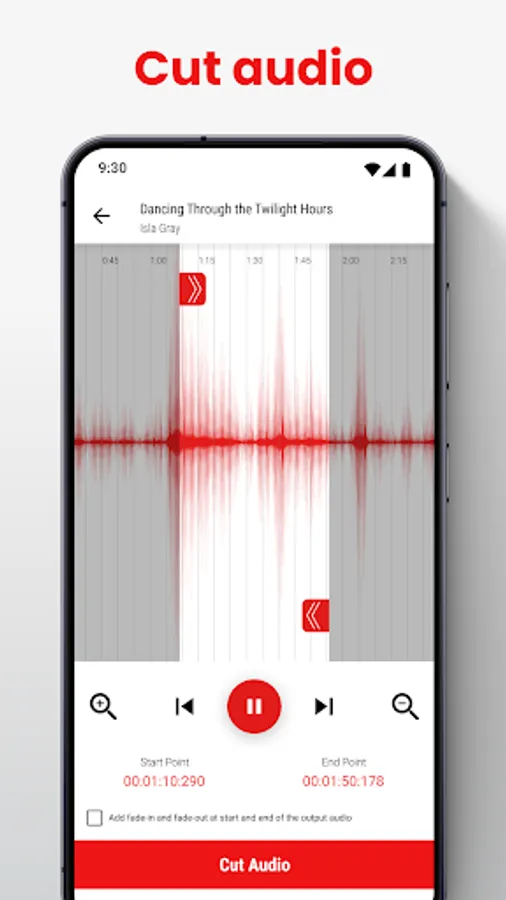
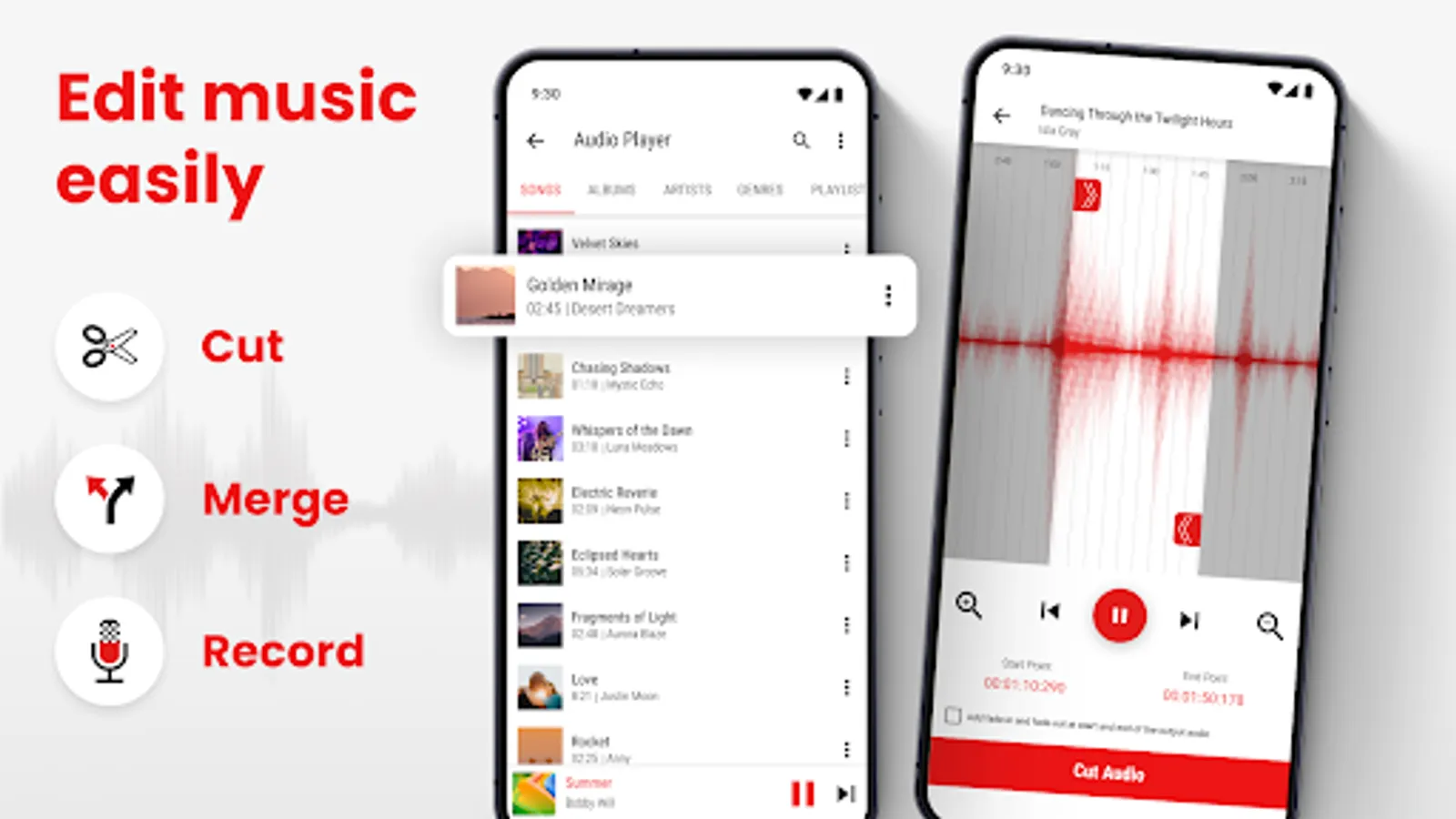
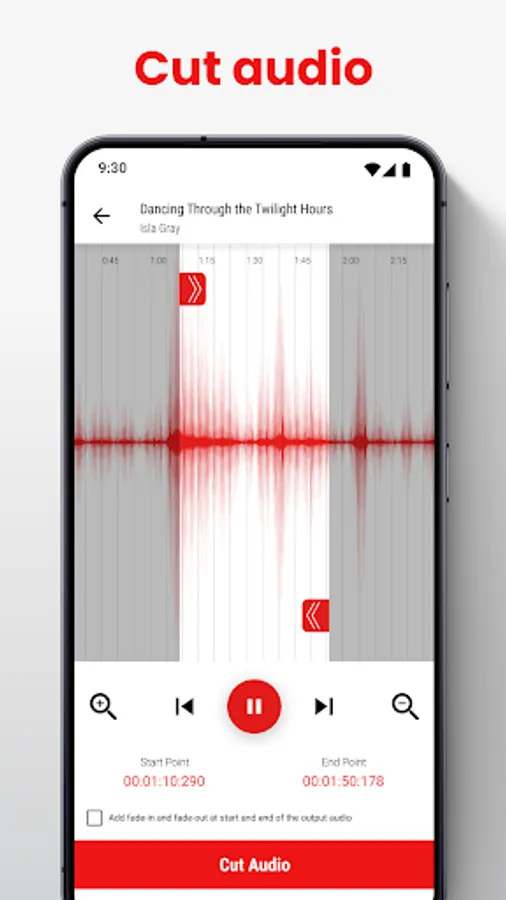
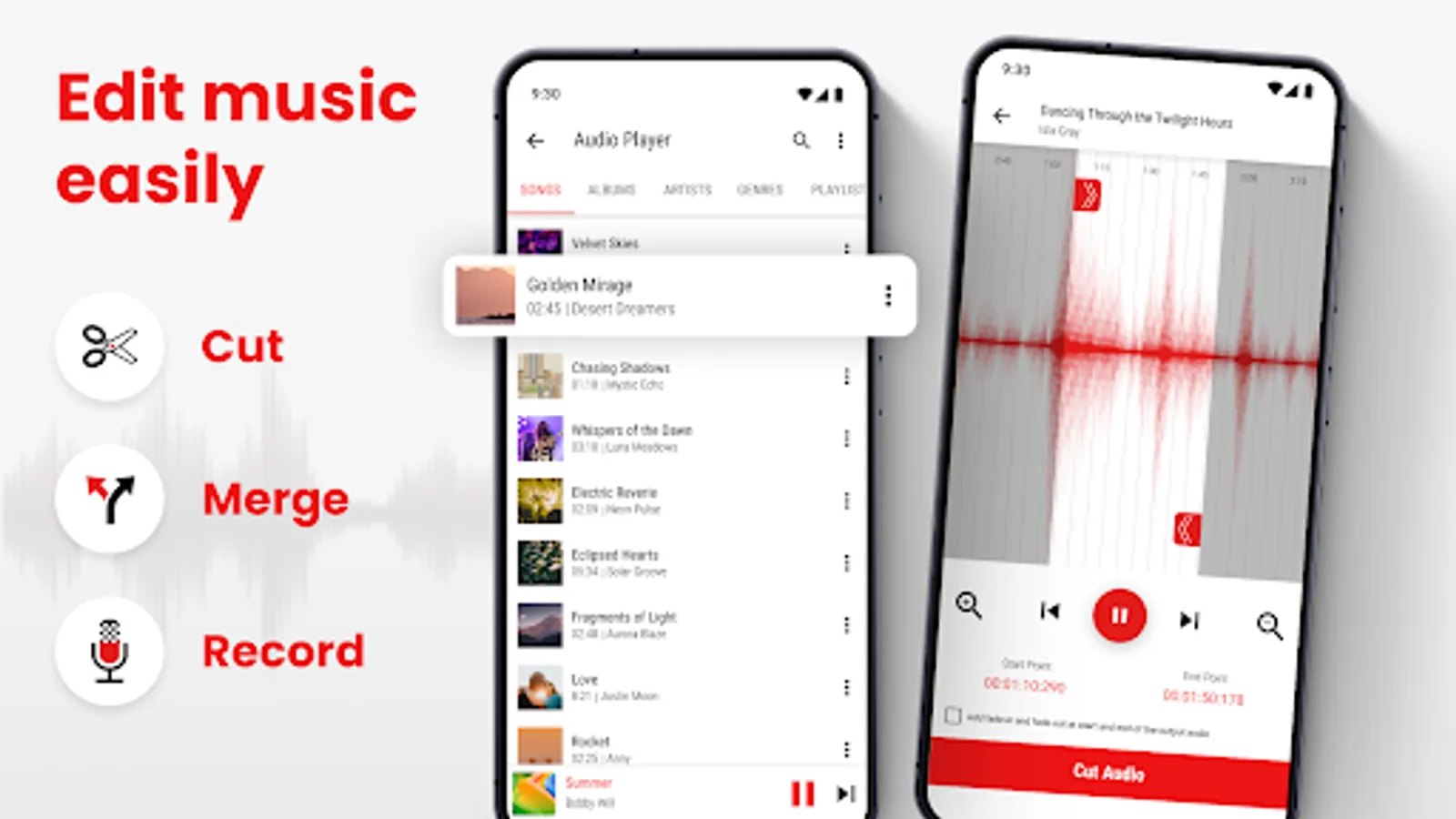
🎶 Music Cutter: Mix Records – Cut the best part of any track to create your favorite ringtones or notification sounds. The waveform, start and end points, and zooming functions make editing a breeze.
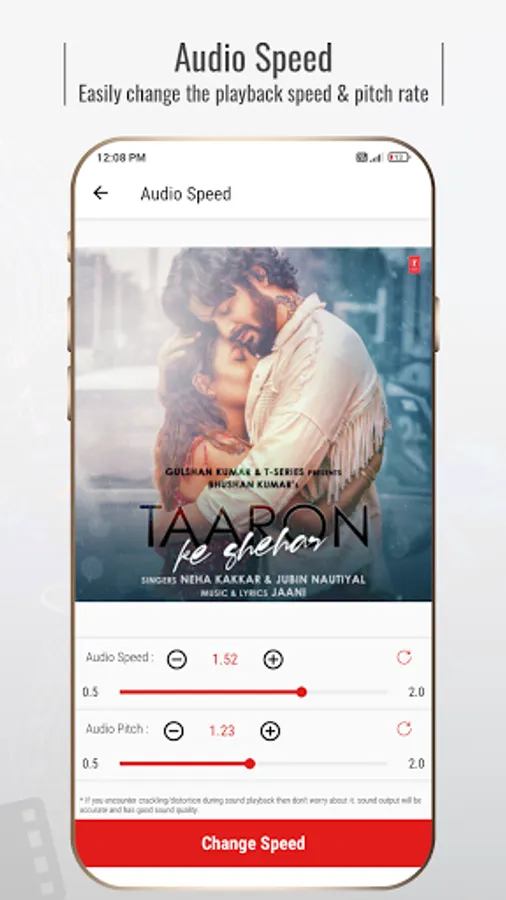
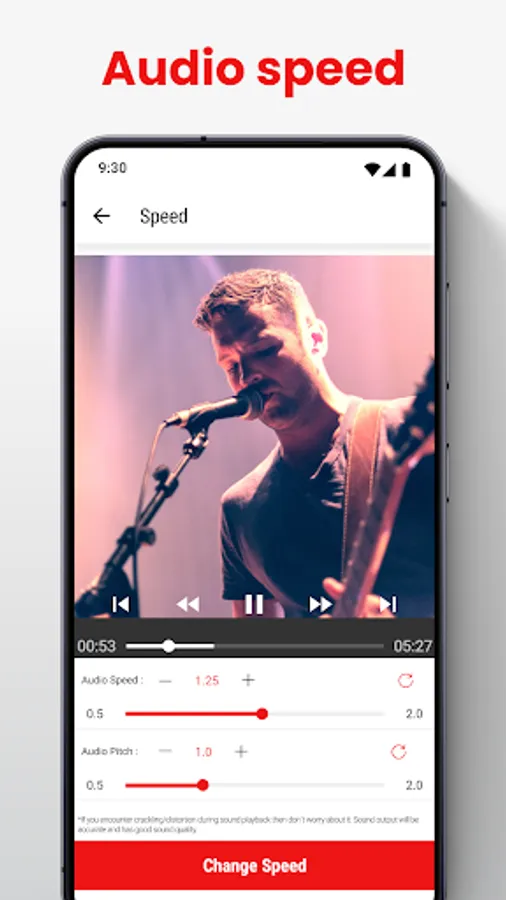
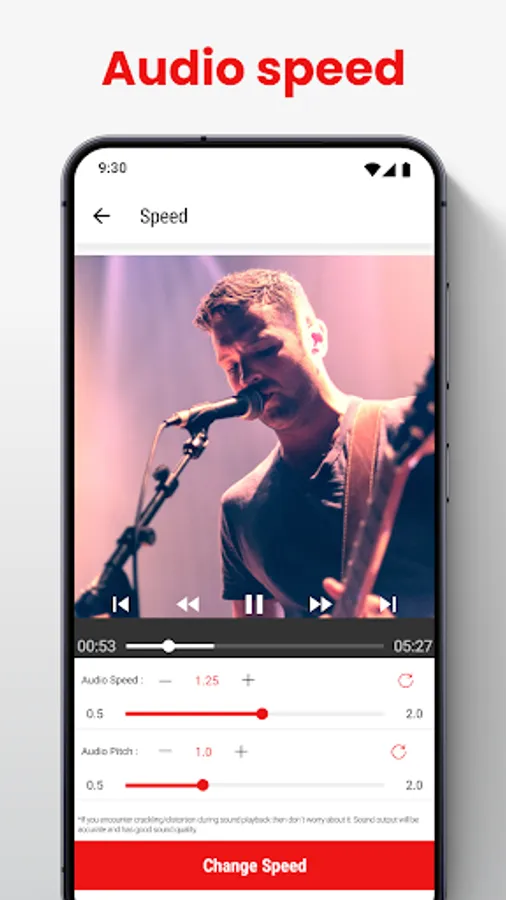
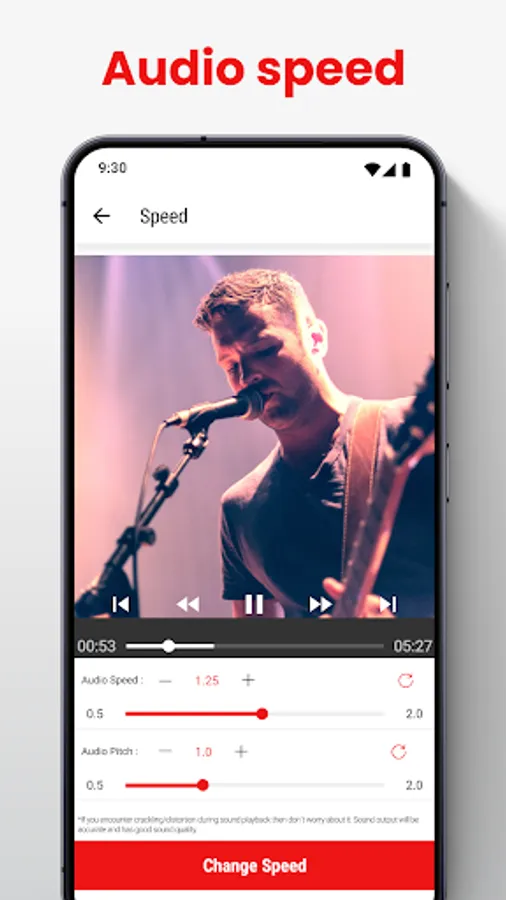
🎶 Music Speed Changer & Audio Converter – Change the tempo and pitch of your files, perfect for creating unique WhatsApp status audios or other creative projects.
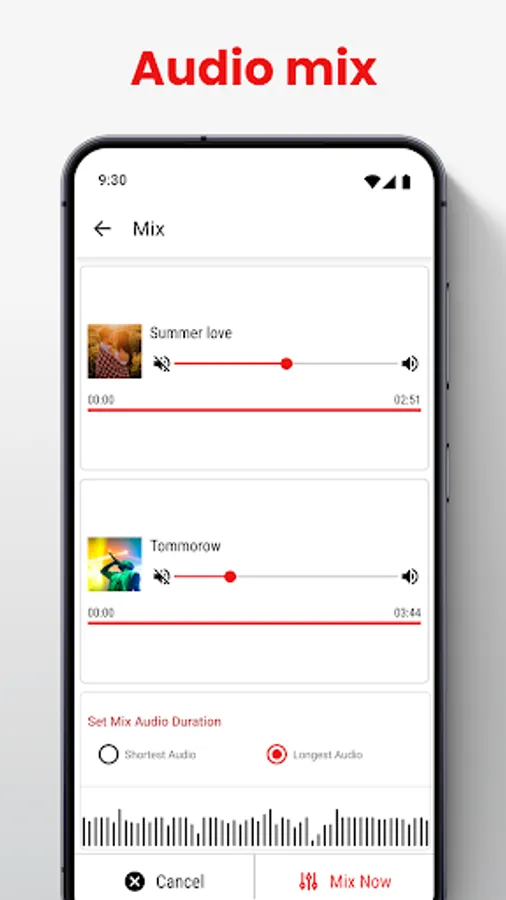
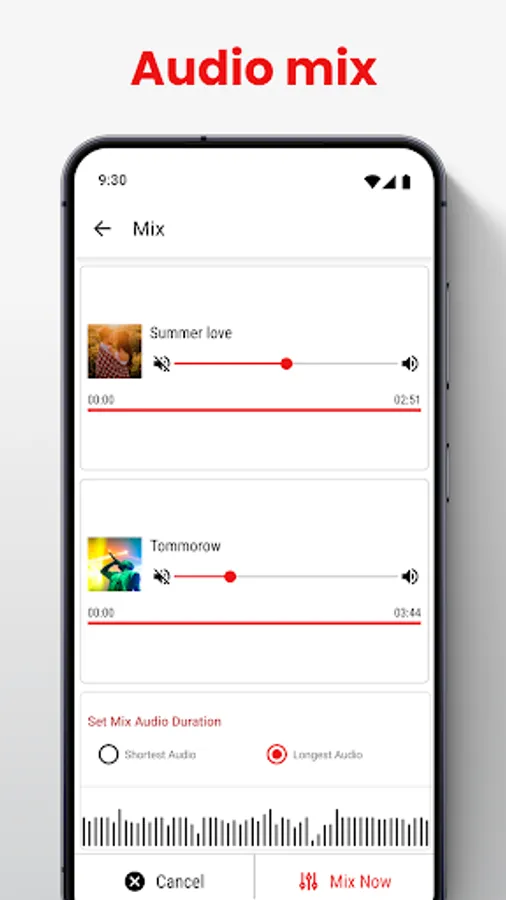
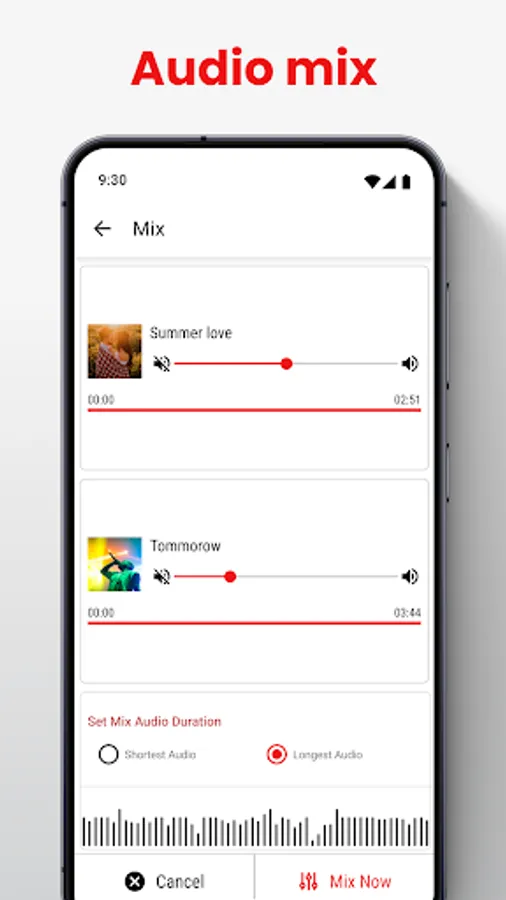
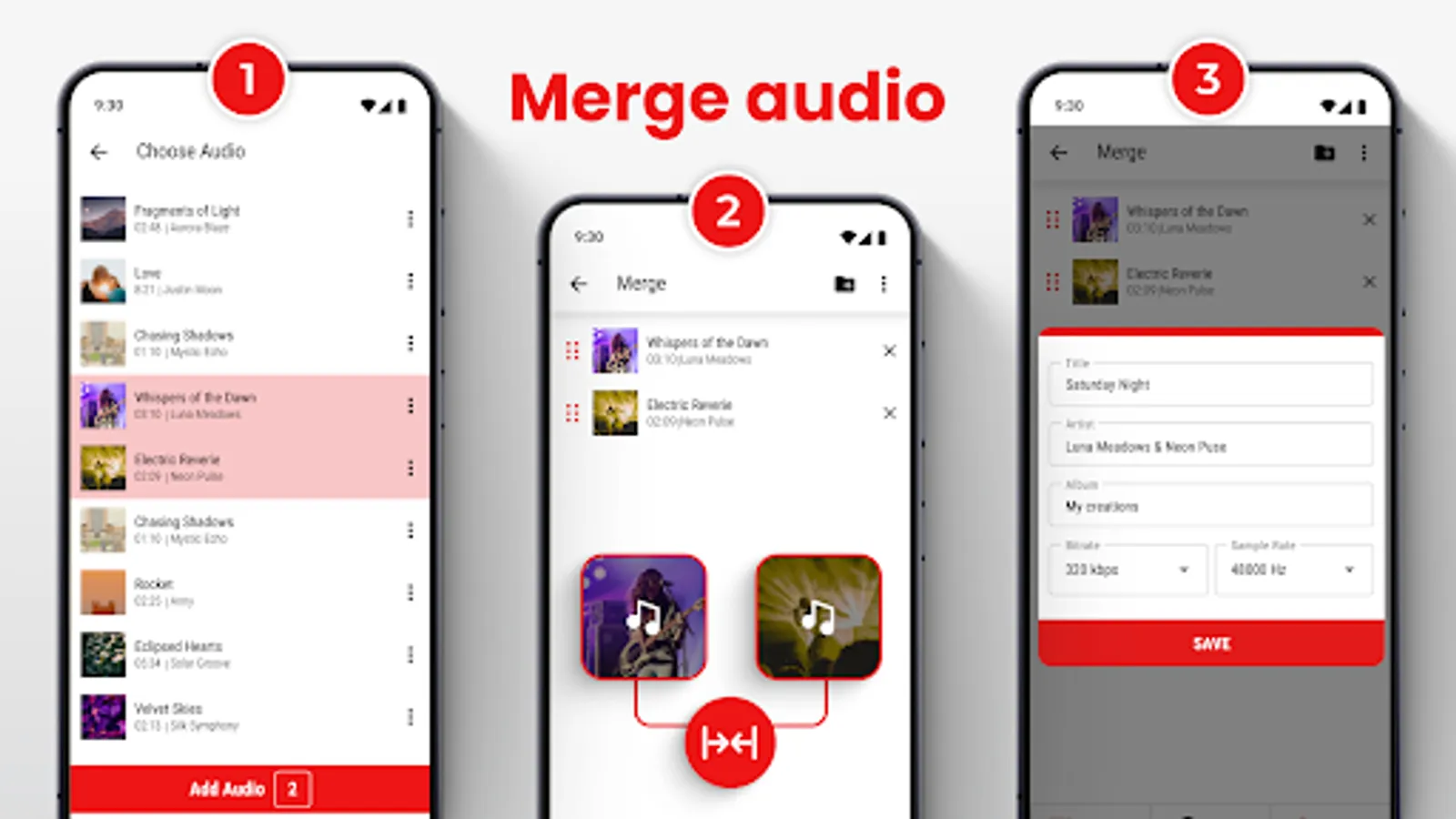
🎶 Music Mixer: Mstudio App – Mix sounds from different tracks to create the ideal remix or mashup. You can also choose the duration of the mashup with the Music Cutter: Mix Records.
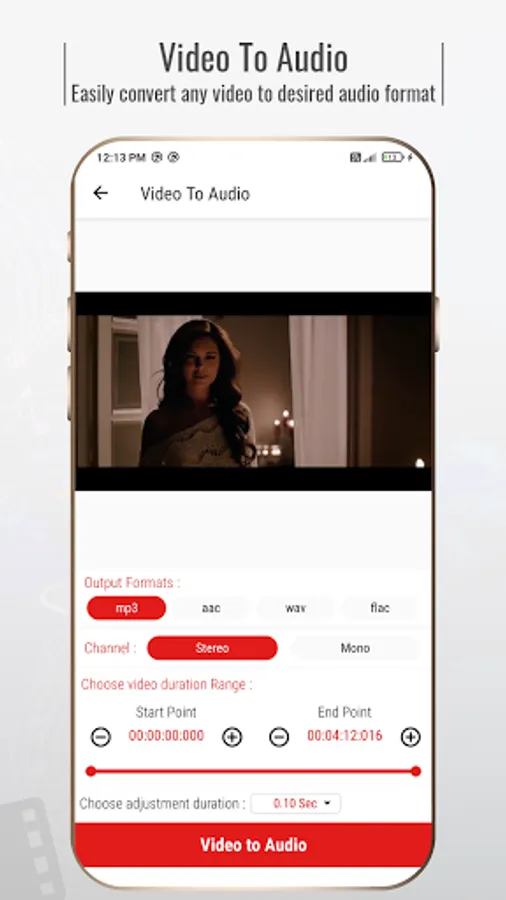
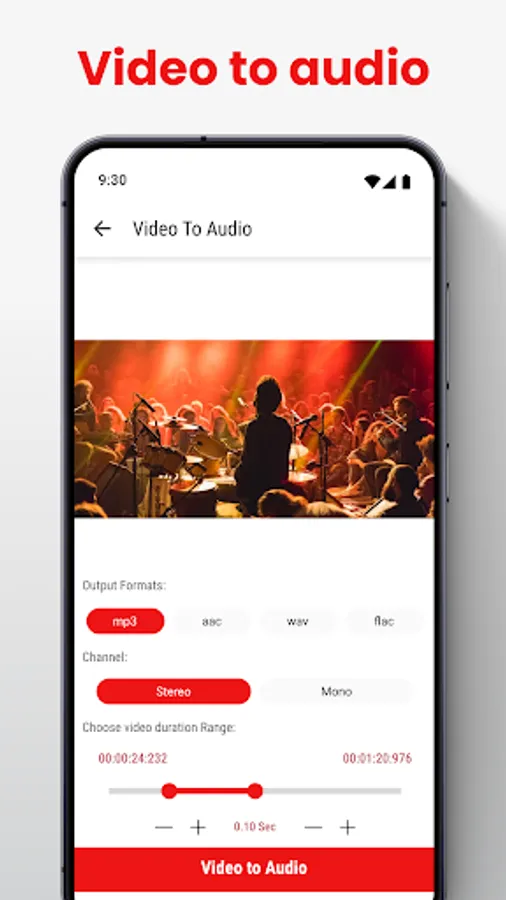
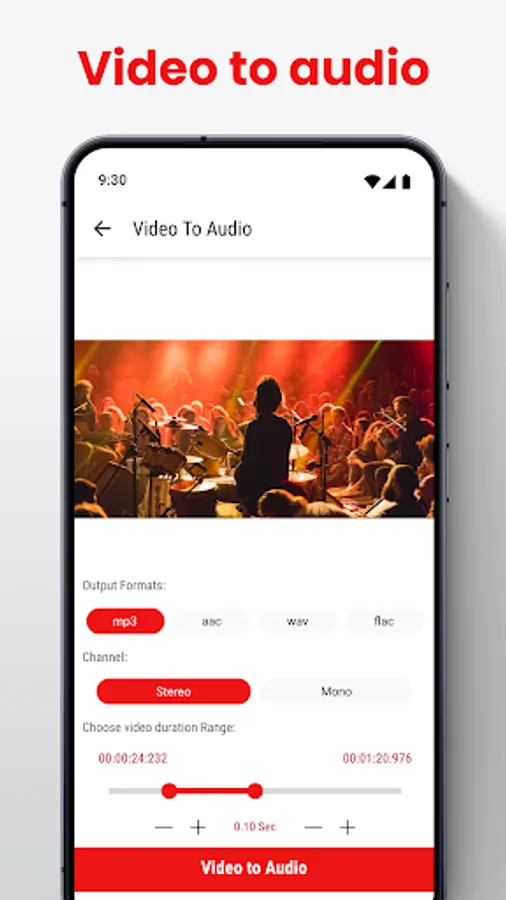
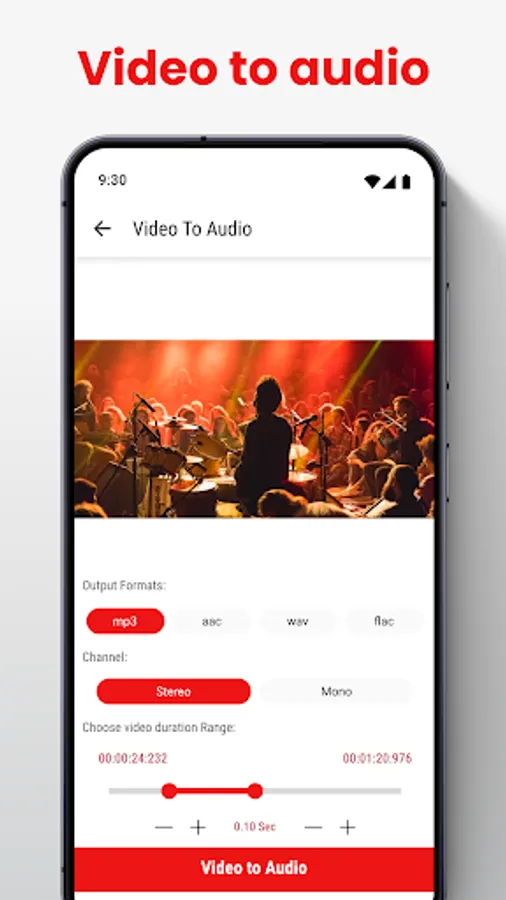
🎶 Music Studio: Video To MP3 Converter – m Studio: mp3 Cutter lets you easily convert any video to an file in your desired format.
Advanced Music Cutter: Mix Records With Ease
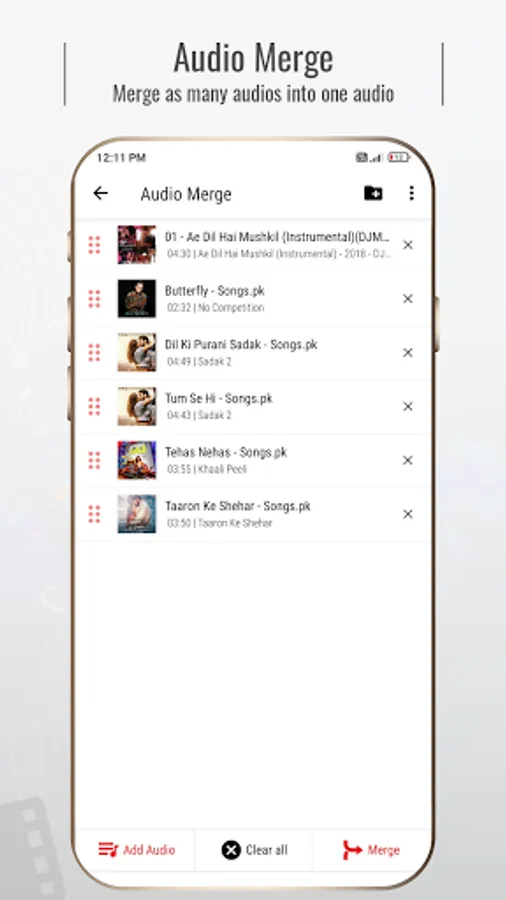
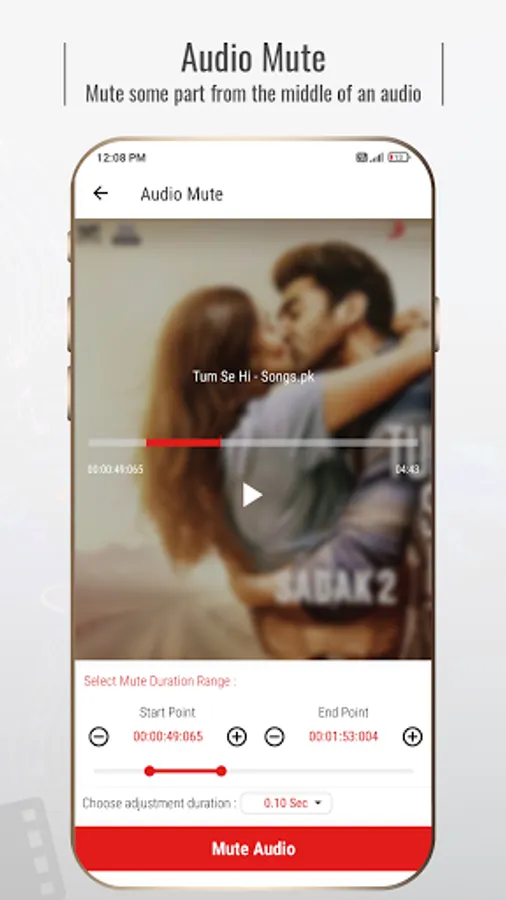
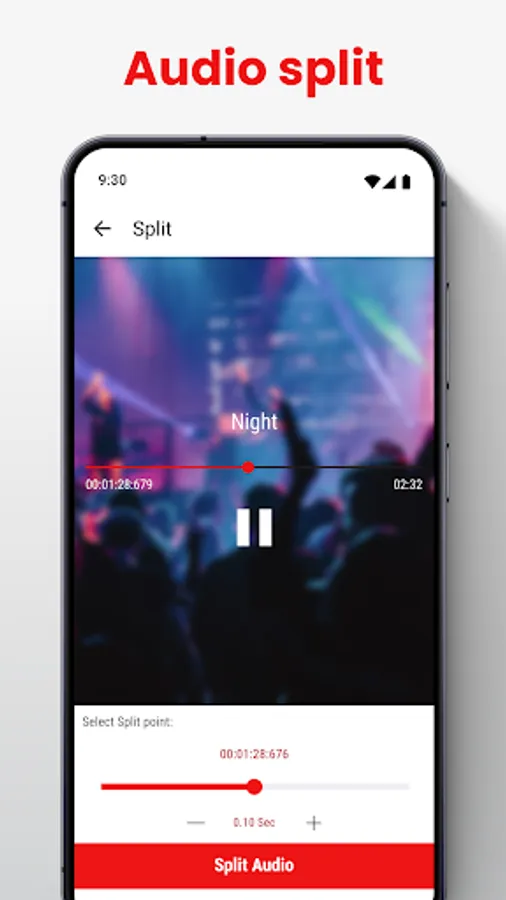
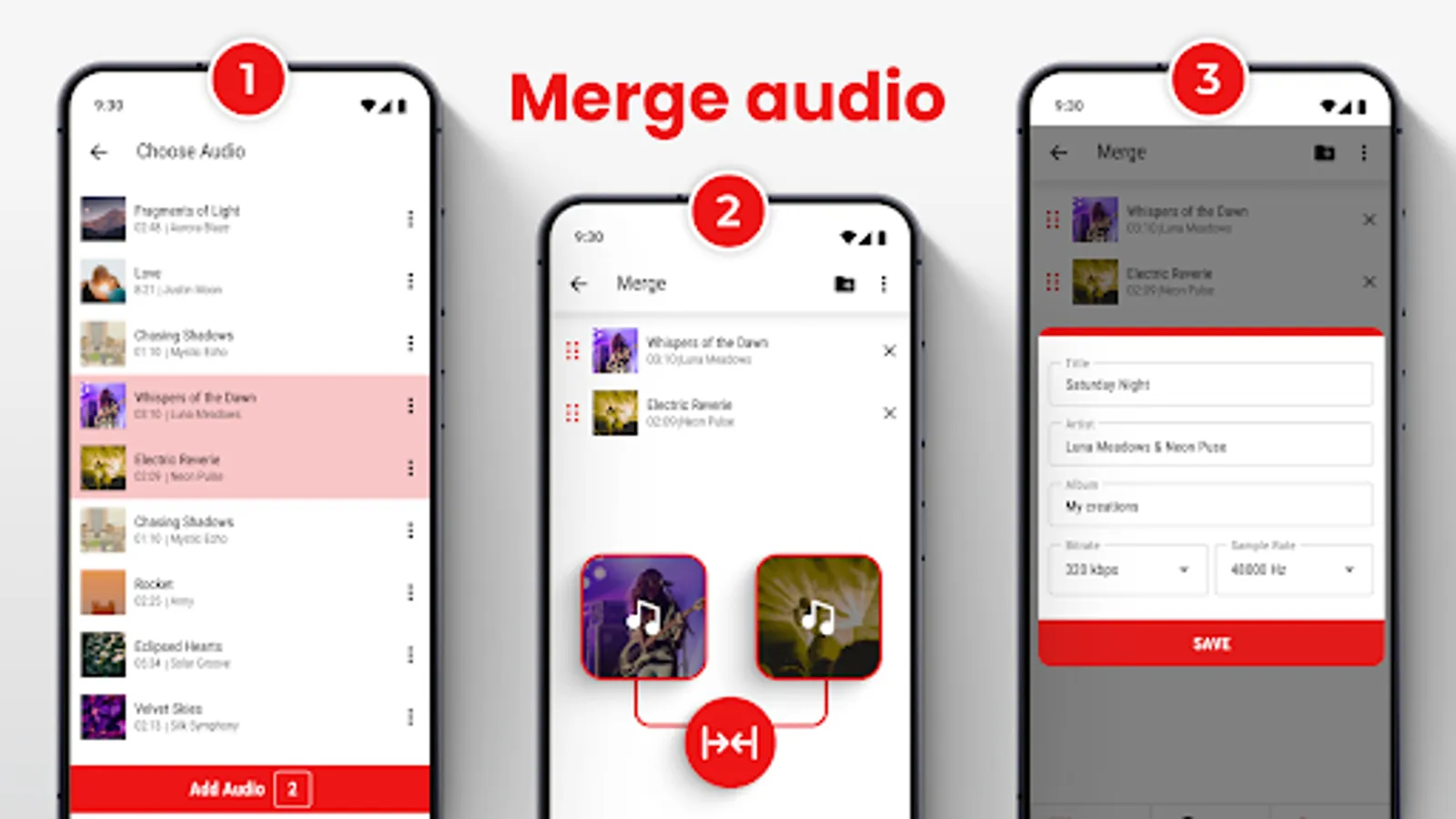
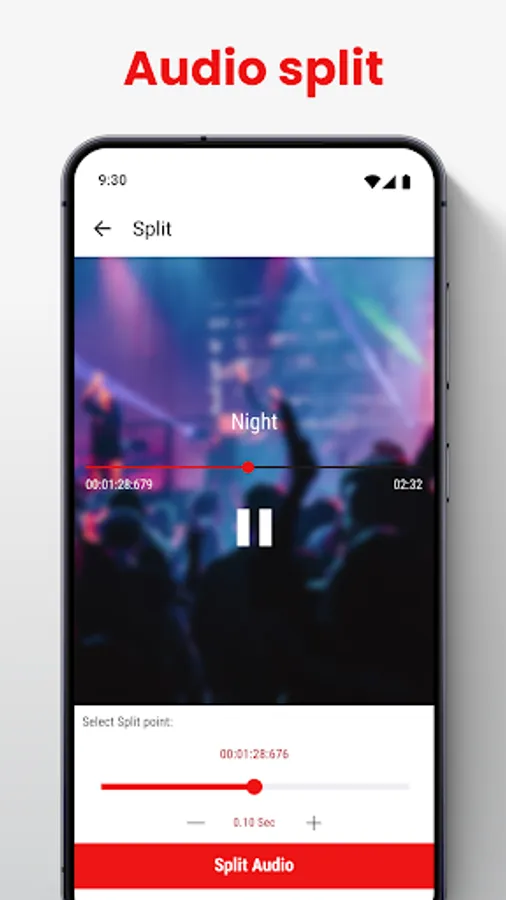
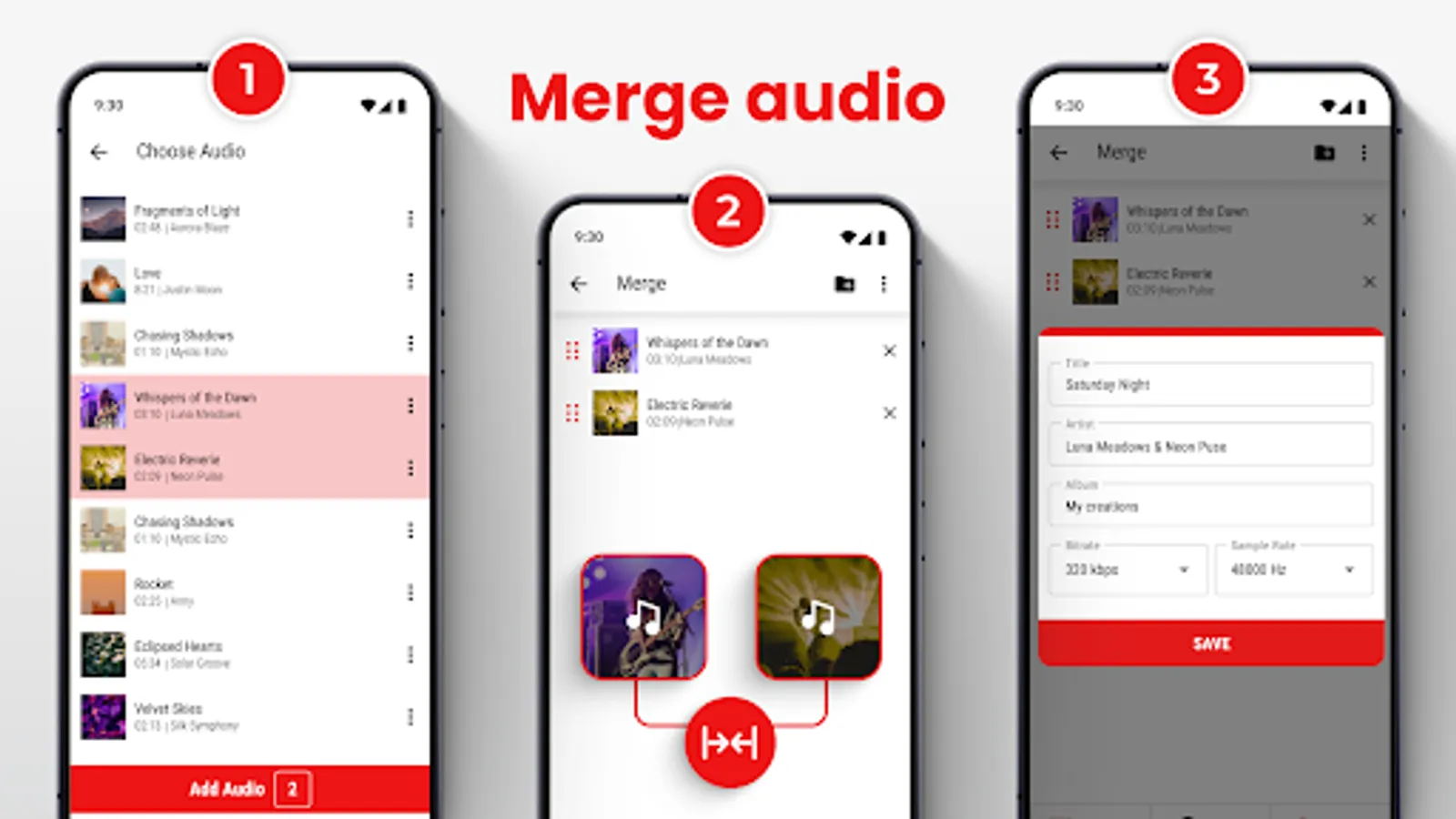
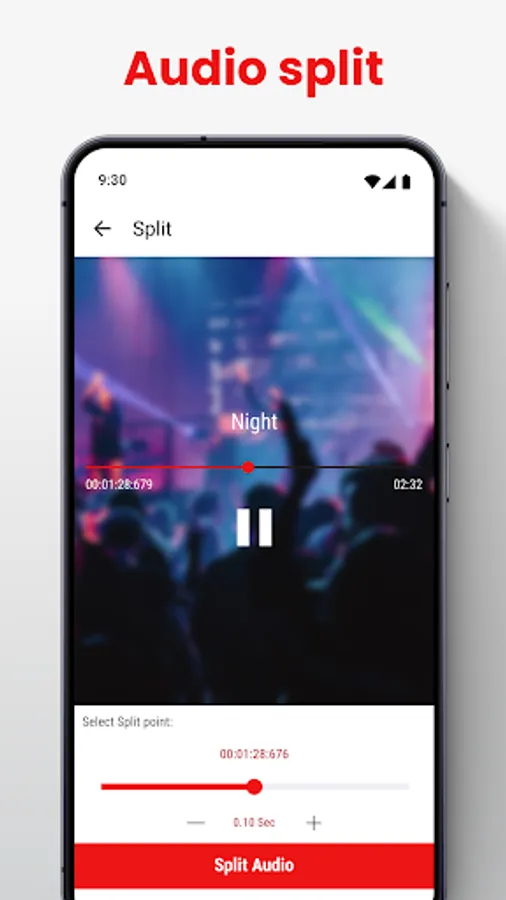
With mStudio: mp3 Cutter, merging and splitting files has always been challenging. Use the Mp3 Merger to combine multiple tracks without losing quality or the Audio Splitter to divide tracks into parts. Want to remove a specific section? The m Studio: mp3 Cutter feature lets you do that with precision.Create, Edit, and Share with Audio Mixer & Pitch Changer!
With mStudio: Audio Editor, you can create professional-grade tracks from your smartphone. The Audio Mixer & Pitch Changer app’s extensive features, like Music Speed Changer & Audio Converter and Music Studio: Video To MP3 Converter, make it the perfect Music Studio: Video To MP3 Converter tool for all your mp3 editing needs.
Start Using mStudio: Audio Editor Today!
Experience the power of professional editing with mStudio: mp3 Cutter, Music Mixer: Mstudio App, and more. Whether creating ringtones, editing music tracks, or converting videos to audio, this Audio Mixer & Pitch Changer app has everything you need. Don't miss out on m Studio: mp3 Cutter – download Music Cutter: Mix Records today and take your projects to the next level!Mstudio : Audio & Music Editor Screenshots
Tap to Rate:
Reviews for Mstudio : Audio & Music Editor
Ibrahim Abdul
12/30/2025
The best app to edit music
Martin Tendo
12/30/2025
it's just what I was looking for. I really like it 😄