Remote Control for Samsung TV
SensusTech LLC
3.7 ★
3K ratings
100,000+
downloads
Free
+ in-app
AppRecs review analysis
AppRecs rating 3.4. Trustworthiness 81 out of 100. Review manipulation risk 24 out of 100. Based on a review sample analyzed.
★★★☆☆
3.4
AppRecs Rating
Ratings breakdown
5 star
54%
4 star
14%
3 star
2%
2 star
8%
1 star
22%
What to know
✓
Low review manipulation risk
24% review manipulation risk
✓
Credible reviews
81% trustworthiness score from analyzed reviews
⚠
Ad complaints
Many low ratings mention excessive ads
About Remote Control for Samsung TV
Are you tired of looking for your Samsung Remote, buying batteries, or pushing buttons into the depths of hell because your remote is not working correctly? Let’s be honest, and you always wanted something more convenient than your old TV Remote Control. Something you don’t need to search for several minutes or fix because buttons don't work. Samsung Remote Control is exactly what you were looking for!
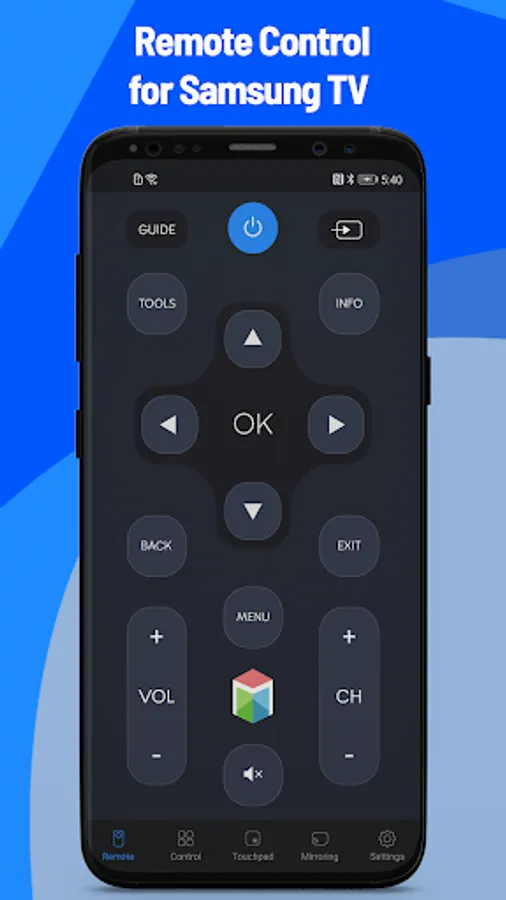
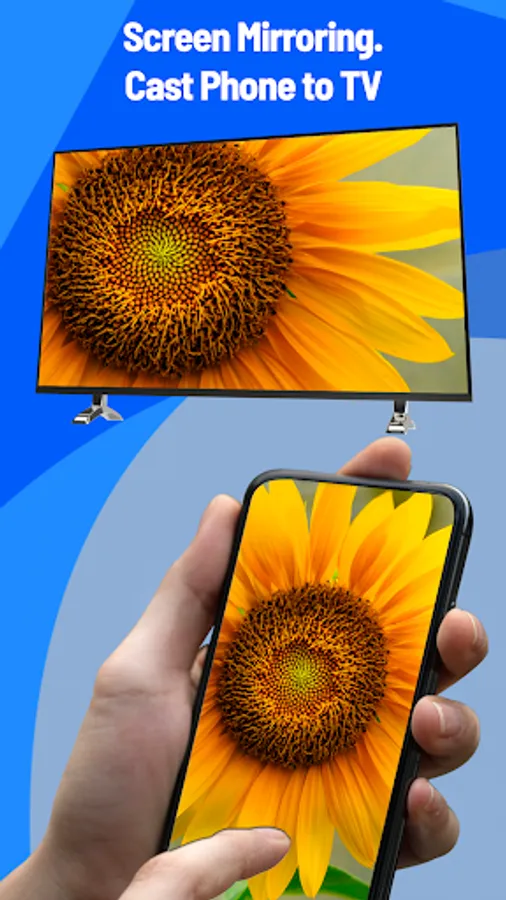
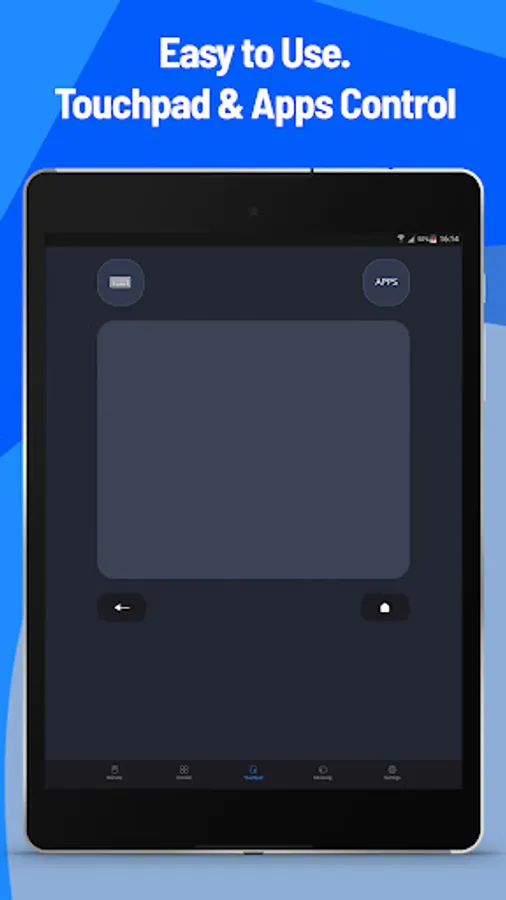
An application that allows you to forget about your old TV remote and use your mobile device instead. No buttons! Always beside you! Two modes to remotely control your TV!
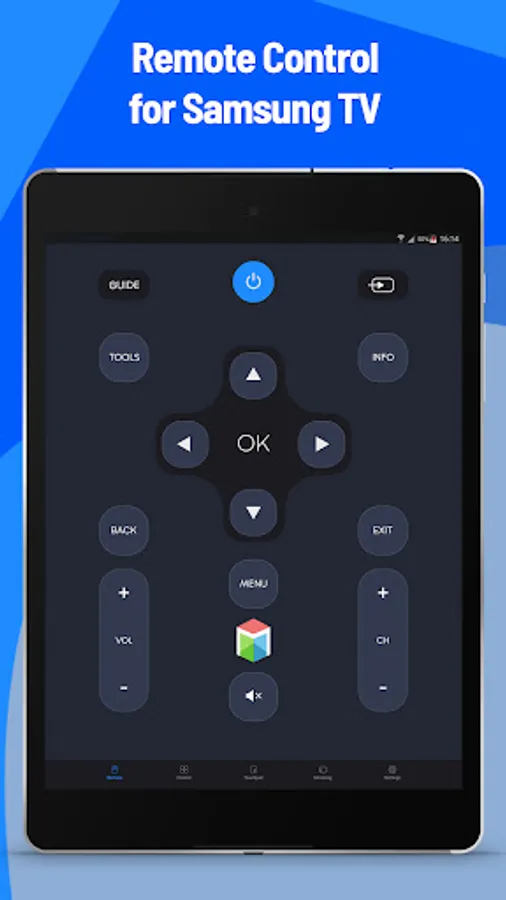
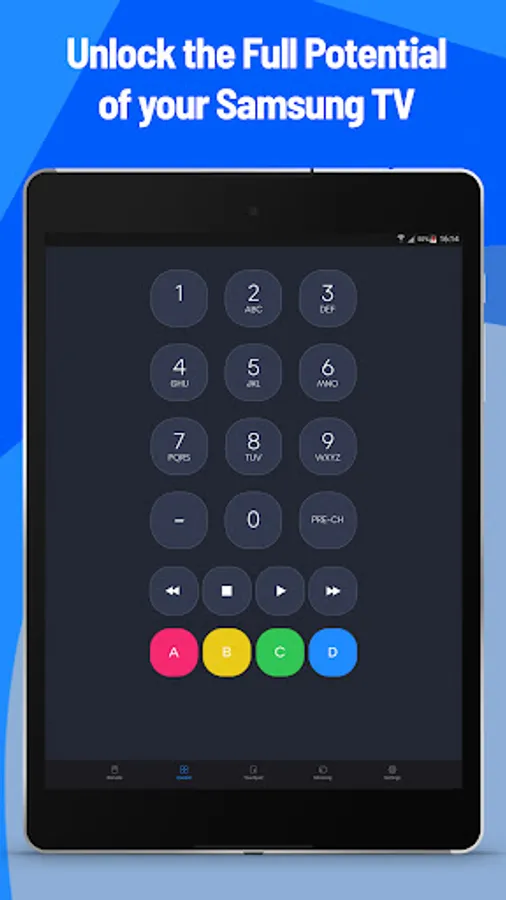
Samsung Remote Control will make a remote control out of your mobile. Just install an application, connect your smartphone to the Wi-Fi that your Samsung Smart TV is related to, and everything is ready. Nothing changed except now you control TV with your Android device. It still can do the same things your TV could do: switch channels, increase and decrease volume, menu, Smart TV options, and more.
Wi-Fi problems? Don’t worry, we have a solution to this problem. You can switch mode to the Samsung TV IR Remote. We took the best from the classic Samsung remote and put it inside your smartphone, so no Wi-Fi is needed.
· No batteries.
· User-friendly interface
· Same functions as a TV remote, but more comfortable.
· Two modes. You can use a Wi-Fi connection or IR to control your Smart TV.
· Always near you.
· Automatically connects with your TV, so you don’t need to constantly do it.
· Works with C, D, E, F, K and M, Q, N, T (2016+) models, but not with H and F models in Smart TV mode and with most TVs in IR mode.
If you are tired of mechanical problems or always looking for SmartThings, download our application, Samsung remote. It will help you with mentioned problems, make usage of the remote more comfortable by transferring this function to your smartphone. What can be more comfortable than the display of the phone that you are using every day? Choose the mode that will suit you most, whether it is Wi-Fi or IR. So what do we have? It will be quicker, more convenient, you won’t waste your time looking for a remote, and you will save some money by not buying any batteries. Only cons so don’t think if it worth it, just try it!
Notice:
• Android device with built-in IR blaster is required for the IR TV devices.
• In order to connect to Samsung Smart TVs, both the Samsung TV and Android device must be connected to the same WiFi network.
Disclaimer: This app is not an official Samsung application. We are not affiliated with Samsung Electronics in any way.
An application that allows you to forget about your old TV remote and use your mobile device instead. No buttons! Always beside you! Two modes to remotely control your TV!
Samsung Remote Control will make a remote control out of your mobile. Just install an application, connect your smartphone to the Wi-Fi that your Samsung Smart TV is related to, and everything is ready. Nothing changed except now you control TV with your Android device. It still can do the same things your TV could do: switch channels, increase and decrease volume, menu, Smart TV options, and more.
Wi-Fi problems? Don’t worry, we have a solution to this problem. You can switch mode to the Samsung TV IR Remote. We took the best from the classic Samsung remote and put it inside your smartphone, so no Wi-Fi is needed.
· No batteries.
· User-friendly interface
· Same functions as a TV remote, but more comfortable.
· Two modes. You can use a Wi-Fi connection or IR to control your Smart TV.
· Always near you.
· Automatically connects with your TV, so you don’t need to constantly do it.
· Works with C, D, E, F, K and M, Q, N, T (2016+) models, but not with H and F models in Smart TV mode and with most TVs in IR mode.
If you are tired of mechanical problems or always looking for SmartThings, download our application, Samsung remote. It will help you with mentioned problems, make usage of the remote more comfortable by transferring this function to your smartphone. What can be more comfortable than the display of the phone that you are using every day? Choose the mode that will suit you most, whether it is Wi-Fi or IR. So what do we have? It will be quicker, more convenient, you won’t waste your time looking for a remote, and you will save some money by not buying any batteries. Only cons so don’t think if it worth it, just try it!
Notice:
• Android device with built-in IR blaster is required for the IR TV devices.
• In order to connect to Samsung Smart TVs, both the Samsung TV and Android device must be connected to the same WiFi network.
Disclaimer: This app is not an official Samsung application. We are not affiliated with Samsung Electronics in any way.
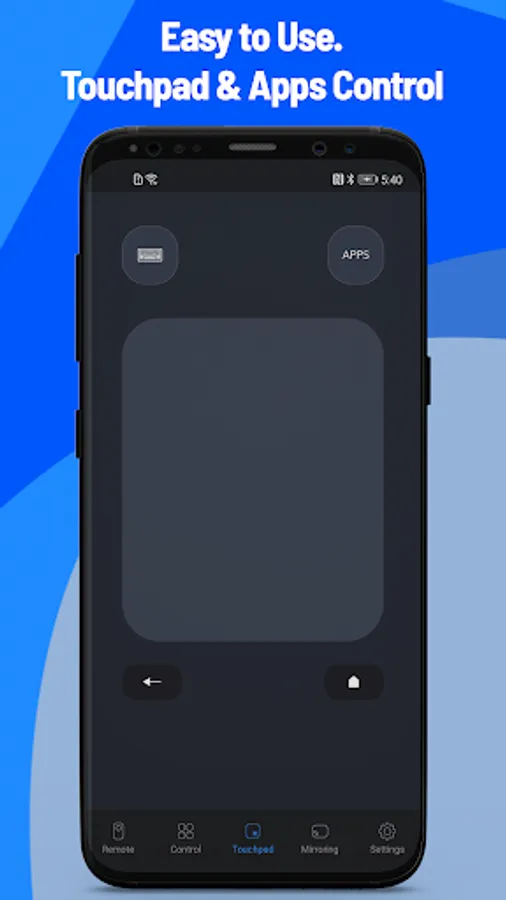
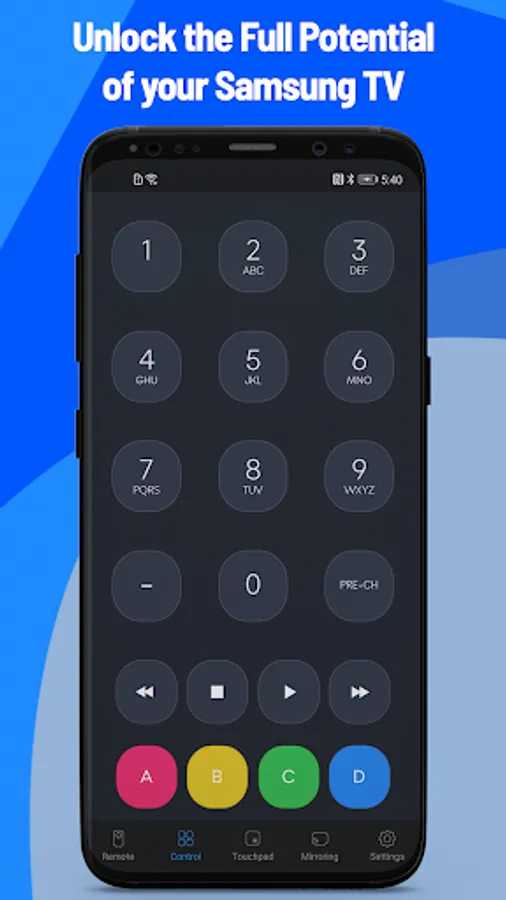
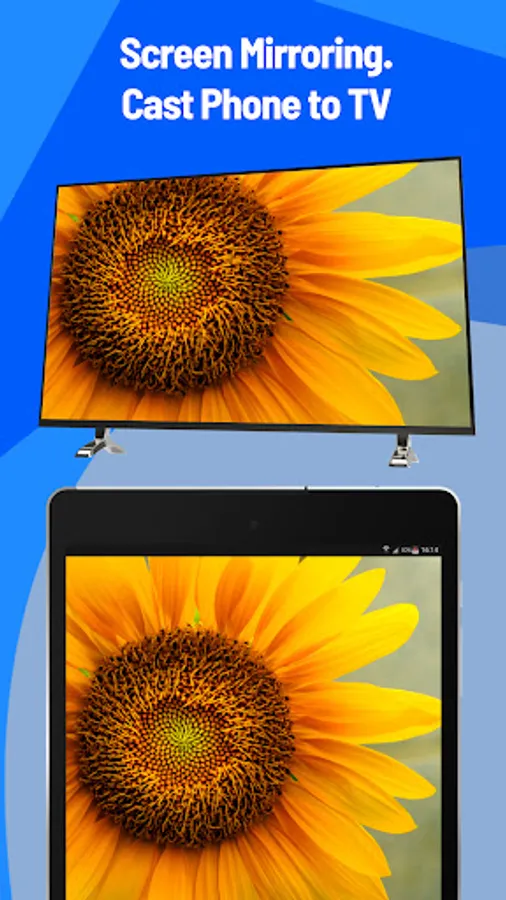
Remote Control for Samsung TV Screenshots
Tap to Rate:
Reviews for Remote Control for Samsung TV
love kumar
11/27/2025
thanku dear
Çharléy Ifęanyi Úba
8/26/2025
👌