Create Poll
seoft
50,000+
downloads
Free
AppRecs review analysis
AppRecs rating 2.7. Trustworthiness 81 out of 100. Review manipulation risk 38 out of 100. Based on a review sample analyzed.
★★☆☆☆
2.7
AppRecs Rating
Ratings breakdown
5 star
38%
4 star
13%
3 star
0%
2 star
0%
1 star
50%
What to know
✓
Credible reviews
81% trustworthiness score from analyzed reviews
⚠
Mixed user feedback
Average 2.9★ rating suggests room for improvement
About Create Poll
# Create and share poll
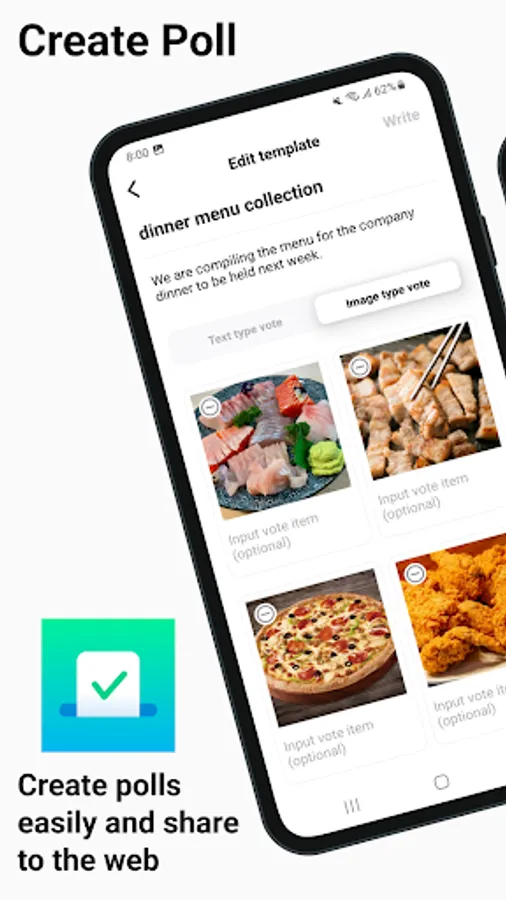
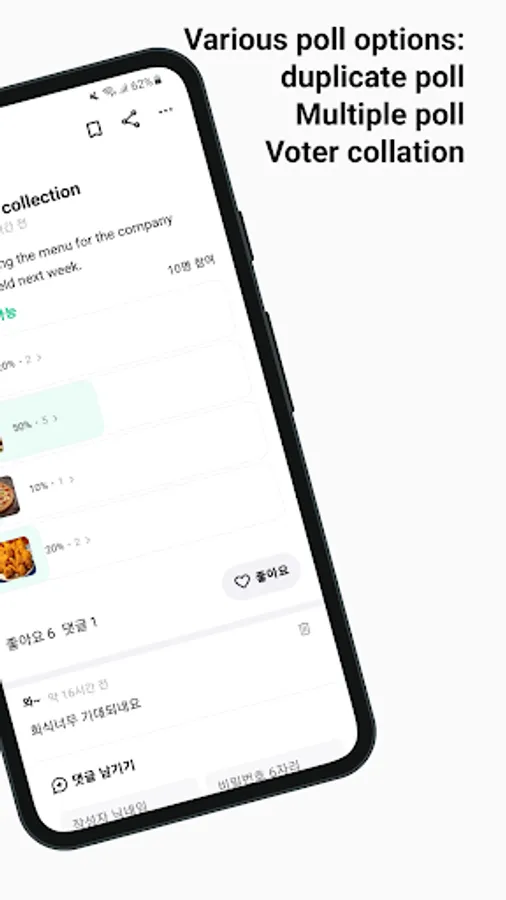
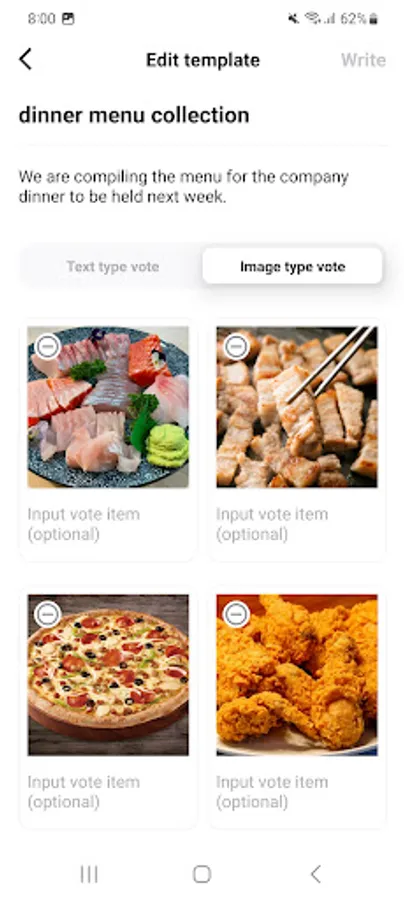
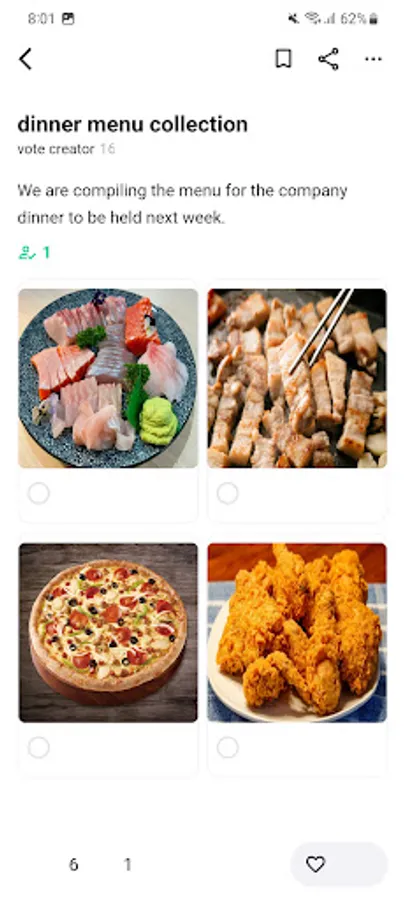
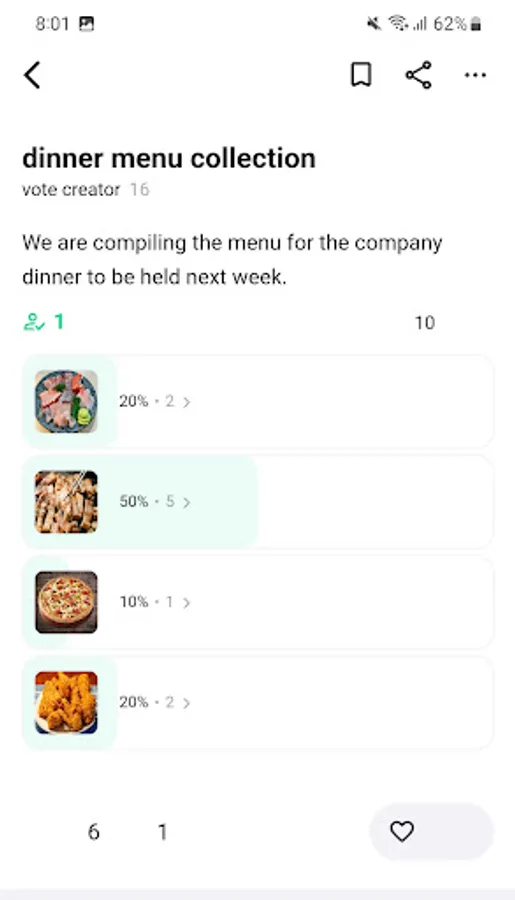
It provides voting by text, date, and image, and provides functions such as open voting, multiple selection, duplication prevention, and voter collection permission functions.
If you create a template through the template function, you can write long content on the spot without having to rewrite it.
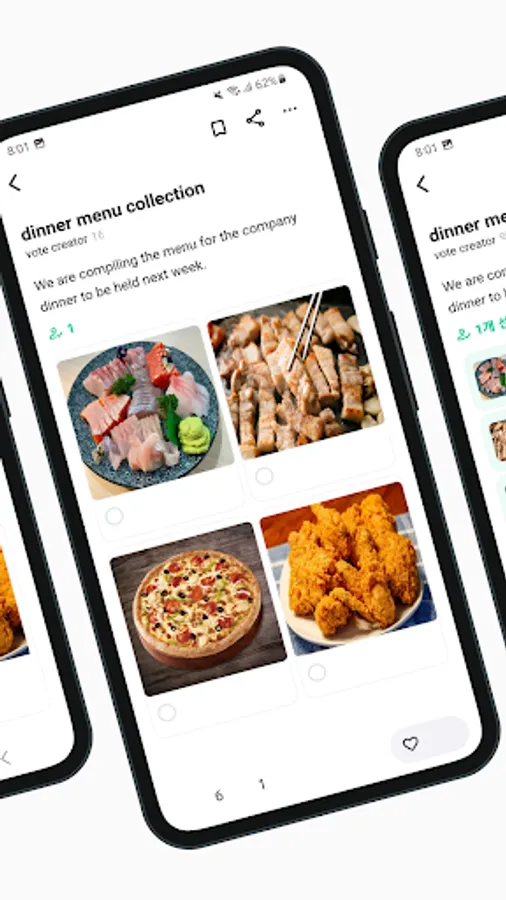
You can share your poll as a link. Anyone who receives the link can use it via the web as long as they have a browser and can use voting preview, author classification, and comment functions.
# Easily find your polls
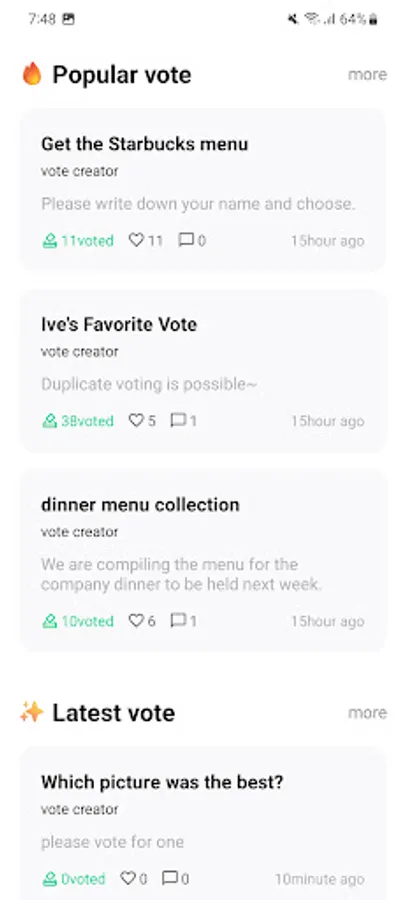
On the home screen, you can view popular polls, templates, and the latest templates, and you can also view more. In addition, you can easily access polls and templates posted by other users through search, and if there is a poll you are interested in, you can continuously manage it through the bookmark function.
# Manage your information
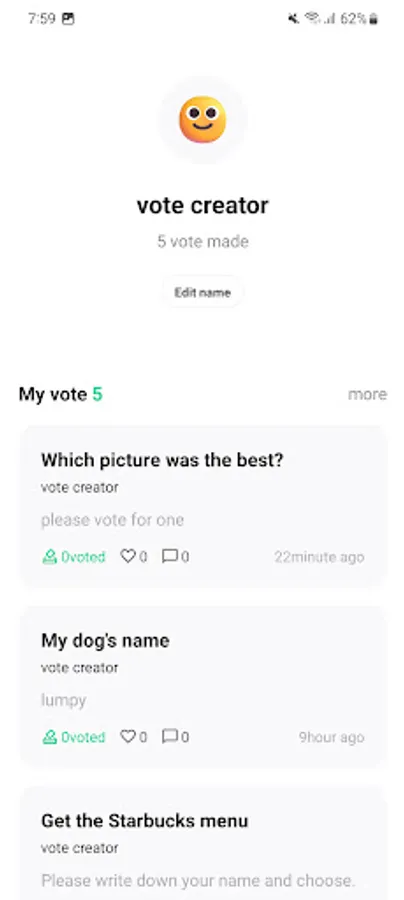
Within the My tab, you can manage the polls and templates you have created. In addition, you can check nickname management, app sharing, terms and conditions, license, etc., or delete your information by unsubscribing.
It provides voting by text, date, and image, and provides functions such as open voting, multiple selection, duplication prevention, and voter collection permission functions.
If you create a template through the template function, you can write long content on the spot without having to rewrite it.
You can share your poll as a link. Anyone who receives the link can use it via the web as long as they have a browser and can use voting preview, author classification, and comment functions.
# Easily find your polls
On the home screen, you can view popular polls, templates, and the latest templates, and you can also view more. In addition, you can easily access polls and templates posted by other users through search, and if there is a poll you are interested in, you can continuously manage it through the bookmark function.
# Manage your information
Within the My tab, you can manage the polls and templates you have created. In addition, you can check nickname management, app sharing, terms and conditions, license, etc., or delete your information by unsubscribing.