About SCORM App
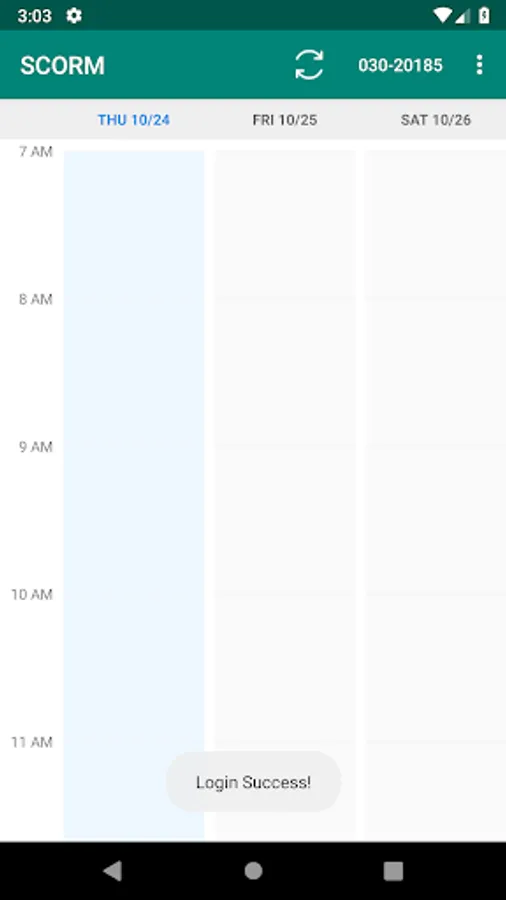
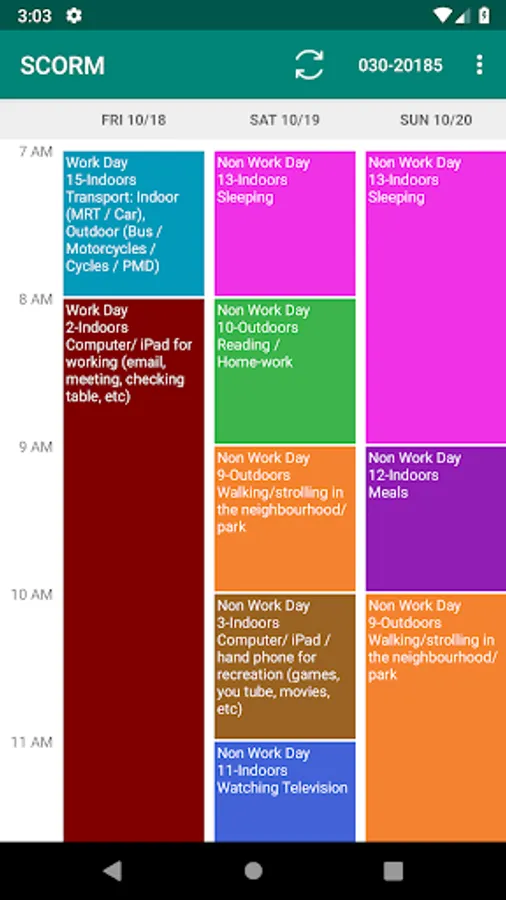
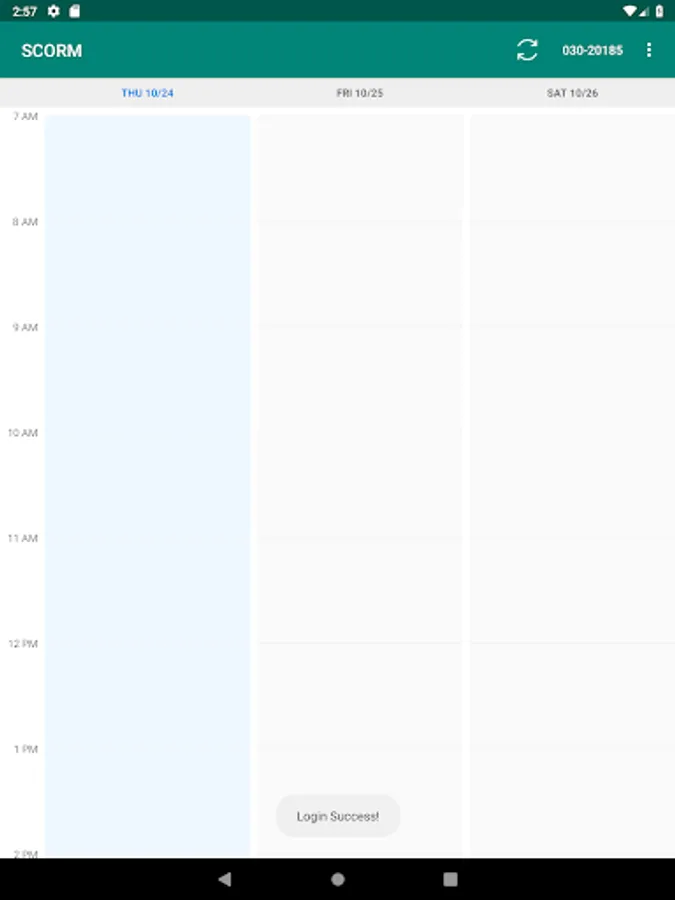
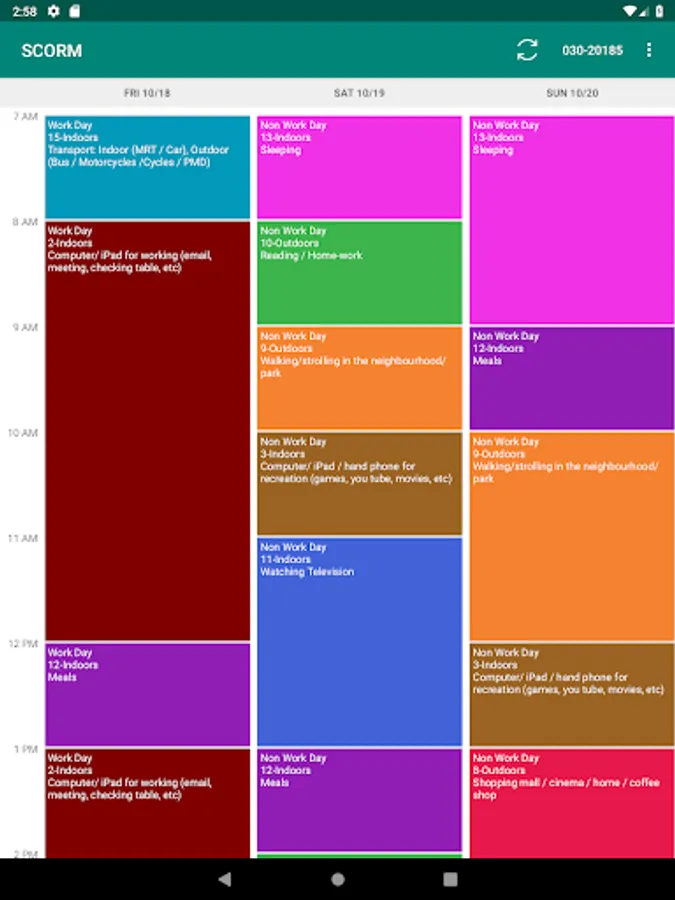
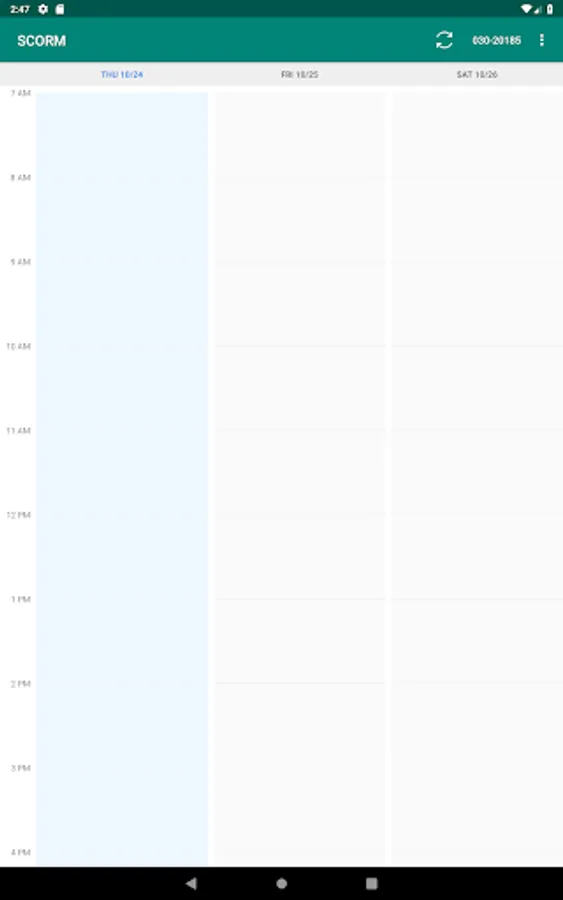
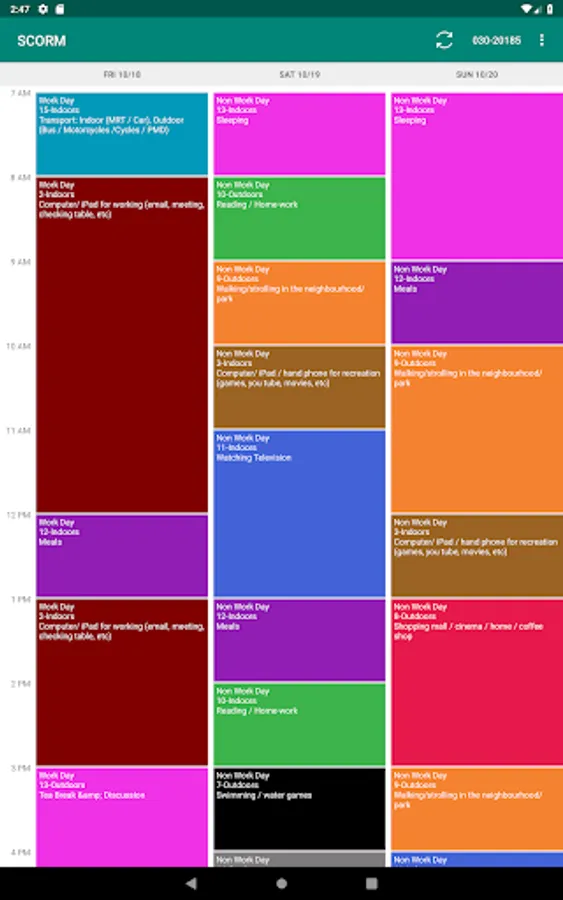
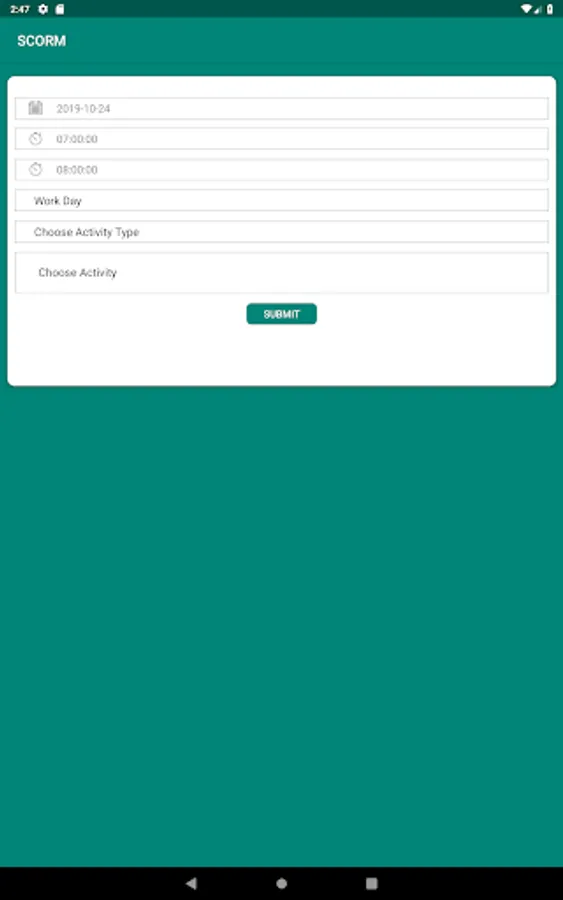
-Participants input diary by choosing the timeline on calendar view, which will show another screen to fill up data for one time slot.
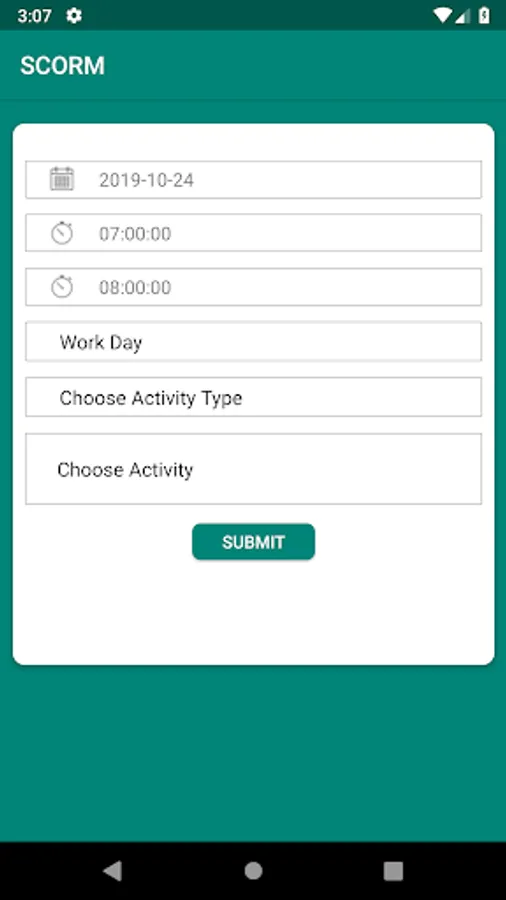
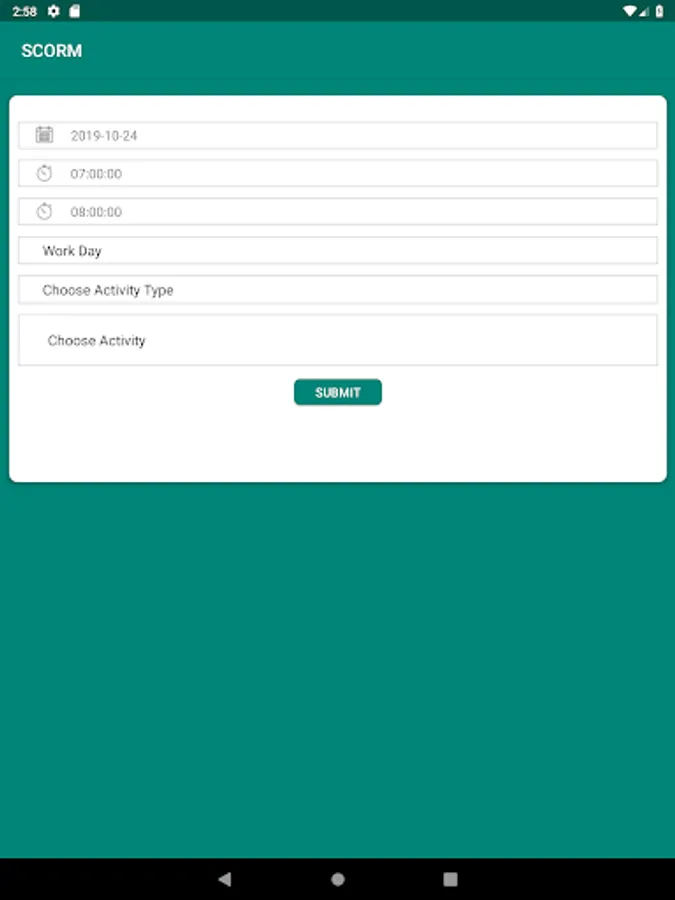
-Activity date, start time and end time of the activity are auto fill up.
-Working period will be chosen as either Work Day or Non Work Day.
-All auto-fill can be able to amend by participants if they want to update.
-Participants need to choose activity type whether it is indoor or outdoor and activity detail from dropdown list.
-If the activity is not listed, participants can choose “Others” and key in the detail activity information.
-Notifications will be sent periodically to remind participants.
Note: This App is for Research purposed only.
-Activity date, start time and end time of the activity are auto fill up.
-Working period will be chosen as either Work Day or Non Work Day.
-All auto-fill can be able to amend by participants if they want to update.
-Participants need to choose activity type whether it is indoor or outdoor and activity detail from dropdown list.
-If the activity is not listed, participants can choose “Others” and key in the detail activity information.
-Notifications will be sent periodically to remind participants.
Note: This App is for Research purposed only.