Screen Mirroring TV : Cast scr
sidhnath app studio
3.2 ★
store rating
100,000+
downloads
Free
In this screen mirroring app, users can cast their Android screen and audio to a TV and adjust resolution settings. Includes support for Wi-Fi display, screen resolution adjustments, and device compatibility.
AppRecs review analysis
AppRecs rating 3.2. Trustworthiness 0 out of 100. Review manipulation risk 0 out of 100. Based on a review sample analyzed.
★★★☆☆
3.2
AppRecs Rating
Ratings breakdown
5 star
48%
4 star
6%
3 star
4%
2 star
1%
1 star
41%
What to know
⚠
High negative review ratio
42% of sampled ratings are 1–2 stars
About Screen Mirroring TV : Cast scr
✦ Screen Mirroring TV : Cast screen to TV
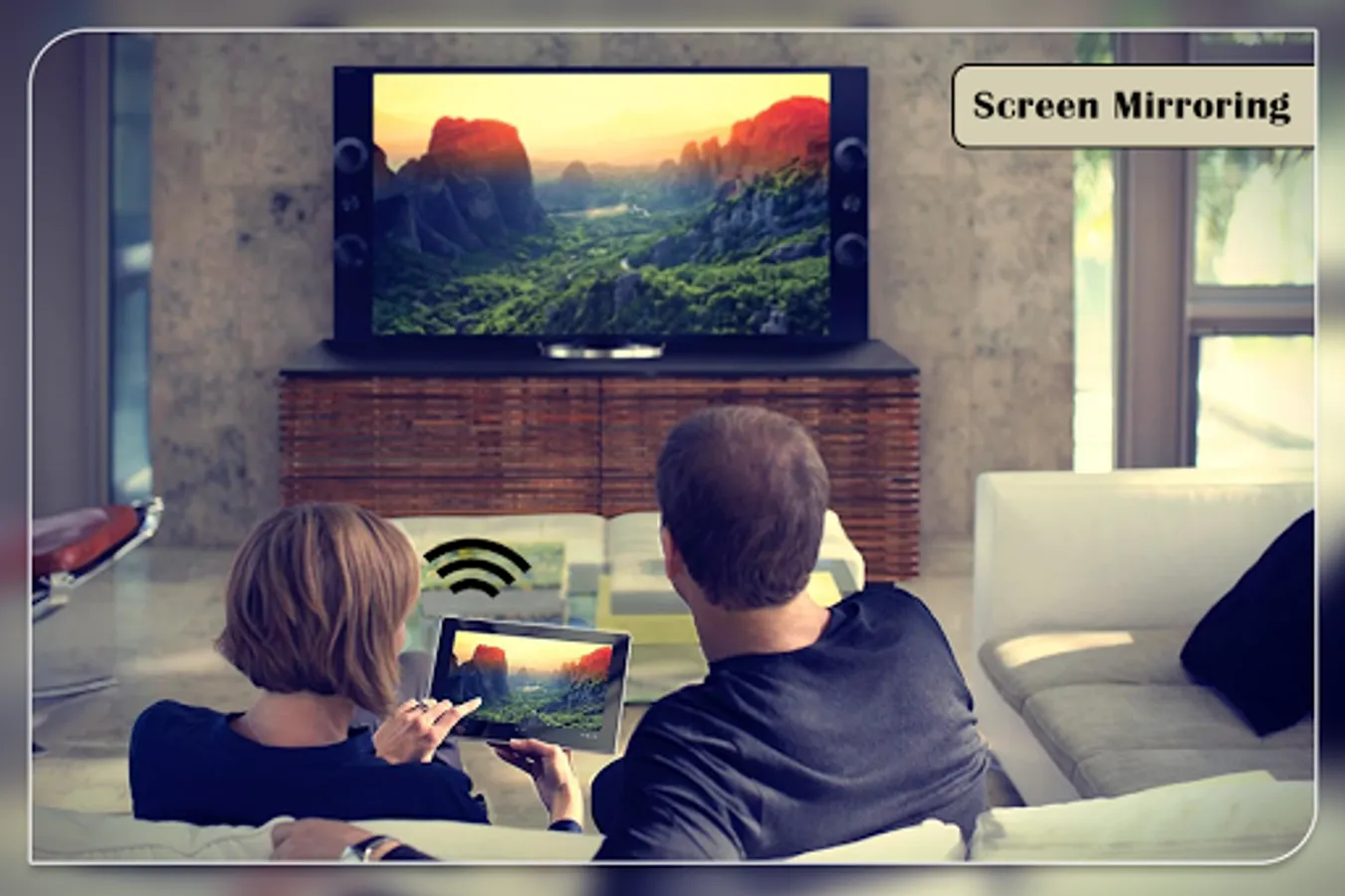
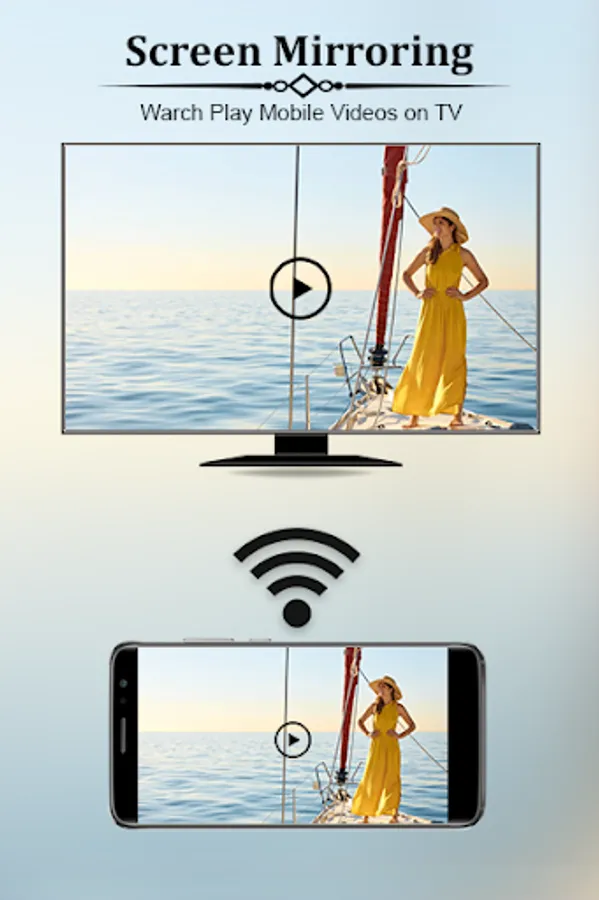
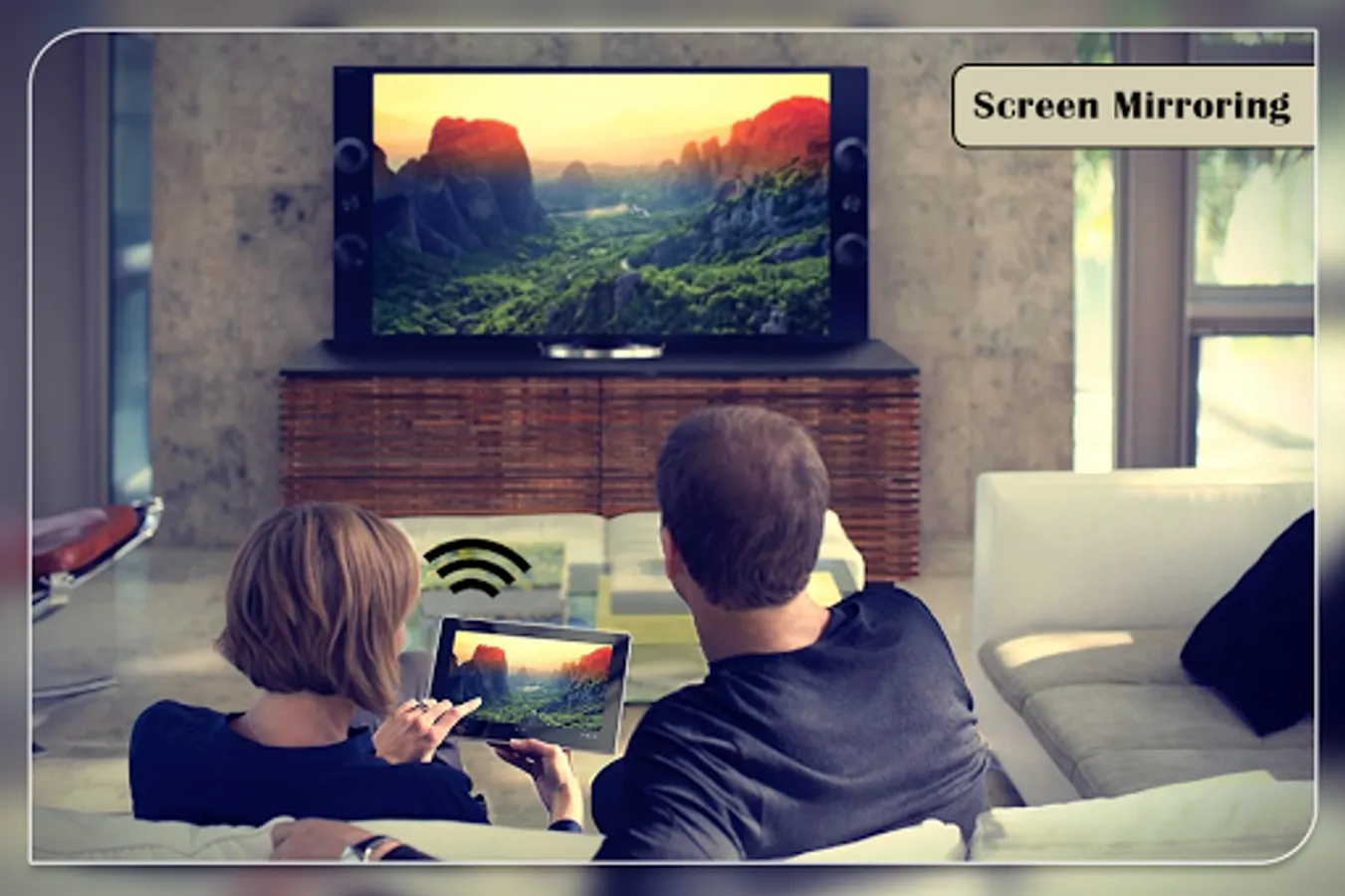
✦ Screen Mirroring TV : Cast screen to TV is the most powerful app for mirroring and broadcasting your Android screen and audio in real time. app helps to open screen in smart TV screen from your android device.
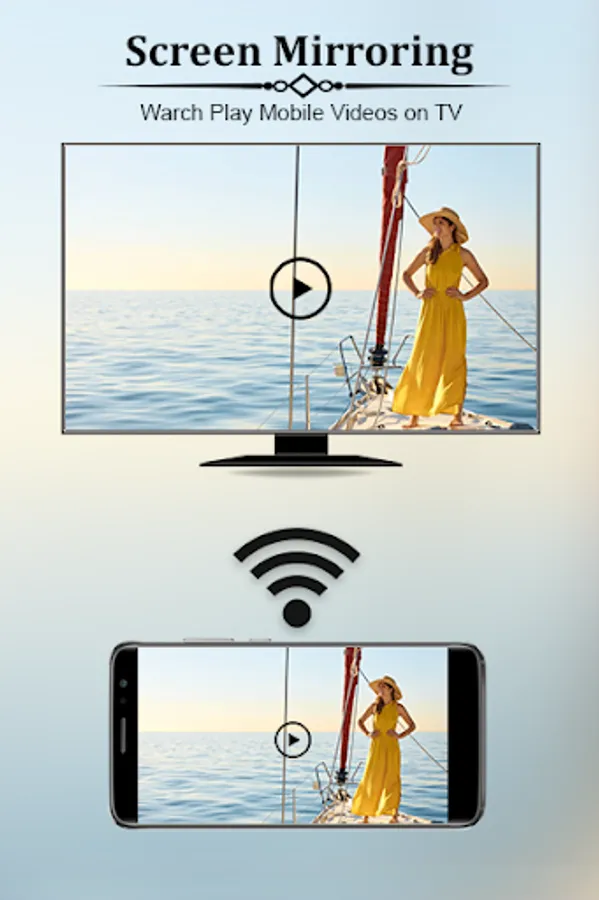
✦ Screen Mirroring TV : Cast screen to TV Able to play videos, music, photos, etc. in my smartphone with any devices at anywhere.
✦ Screen Mirroring can only play contents but send screen as is such as HDMI, MHL, Miracast and Chromecast.
✦ App does not need extra dongle or cable. Click the Start, the Mobile hotspot will be operating automatically. and After hotspot will be operating, connect to AP from other devices.
Feature's of App :
➠ Support most of android device
➠ Easily change resolution and density
➠ Many settings to optimize performances
➠ Lock screen orientation to landscape
➠ Compatible with Network Tethering (WIFI, Bluetooth, USB)
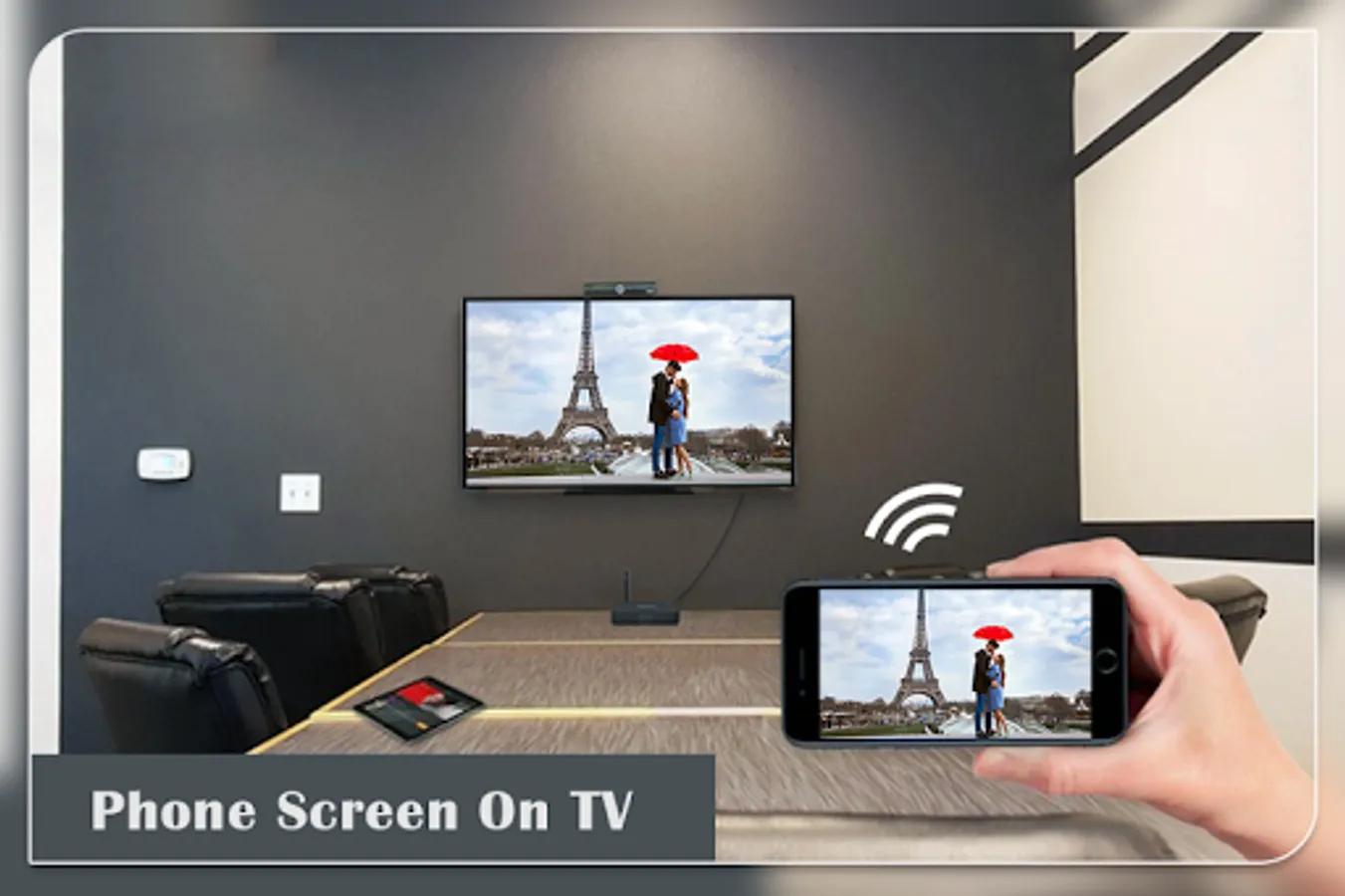
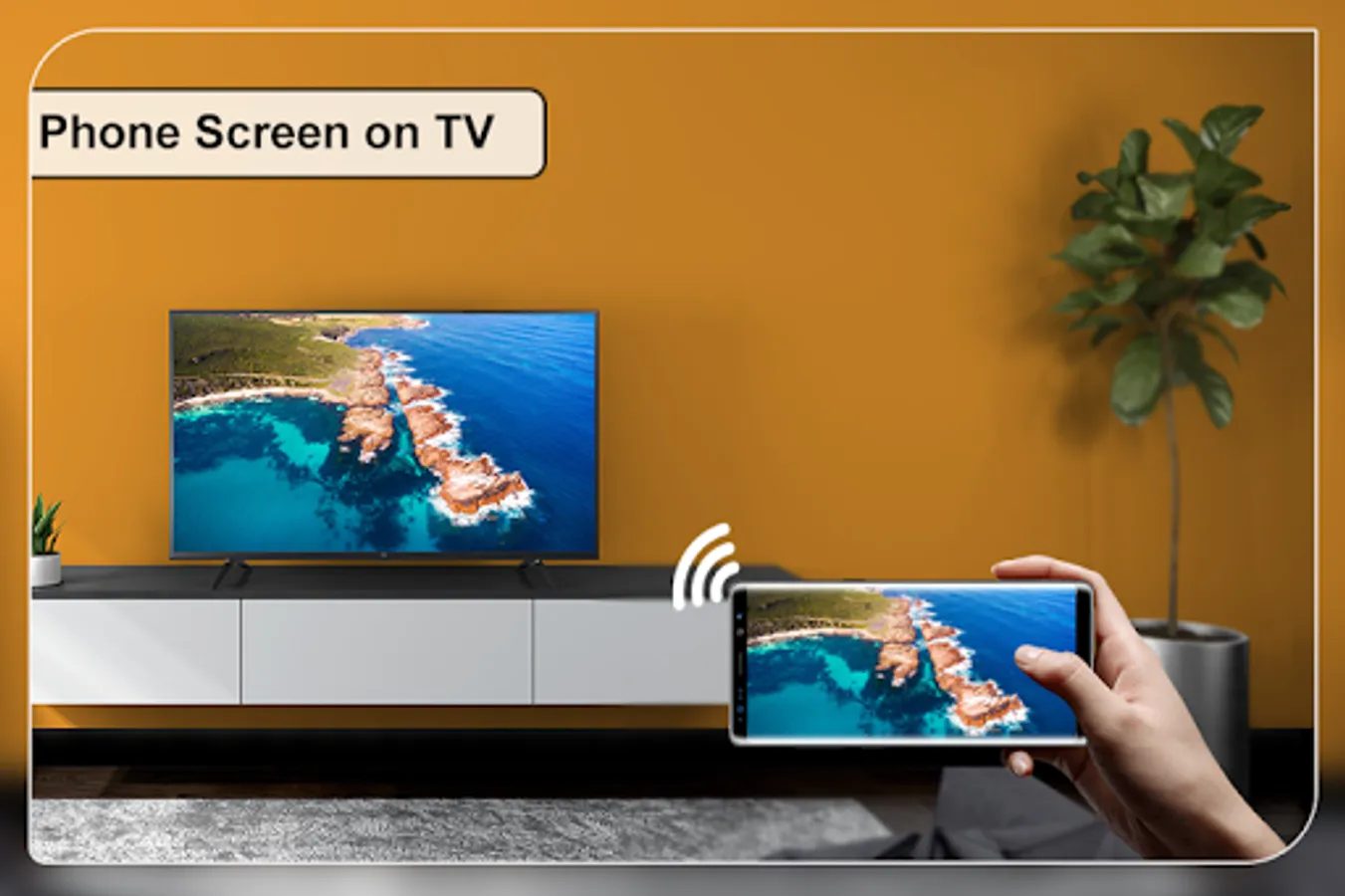
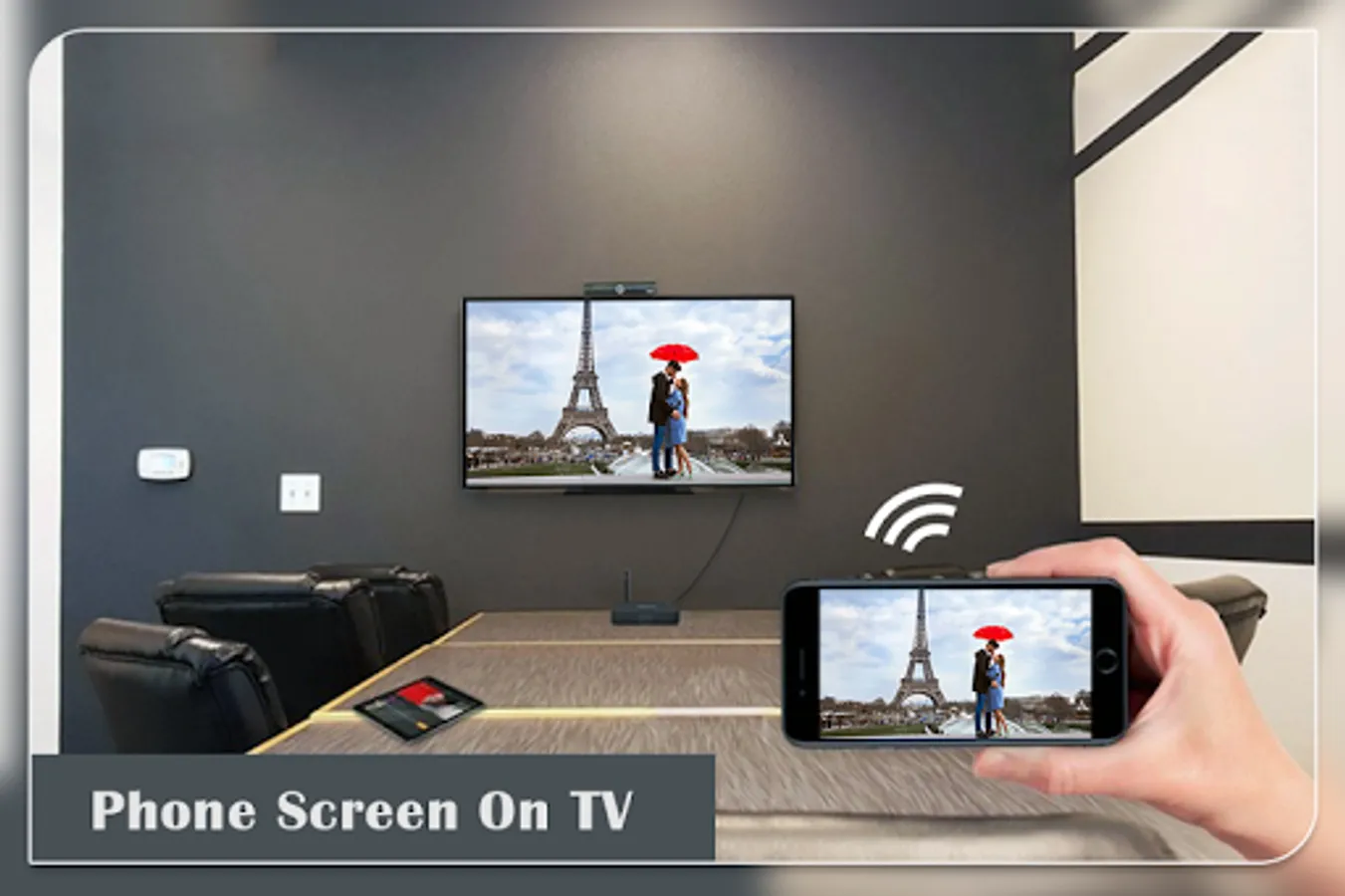
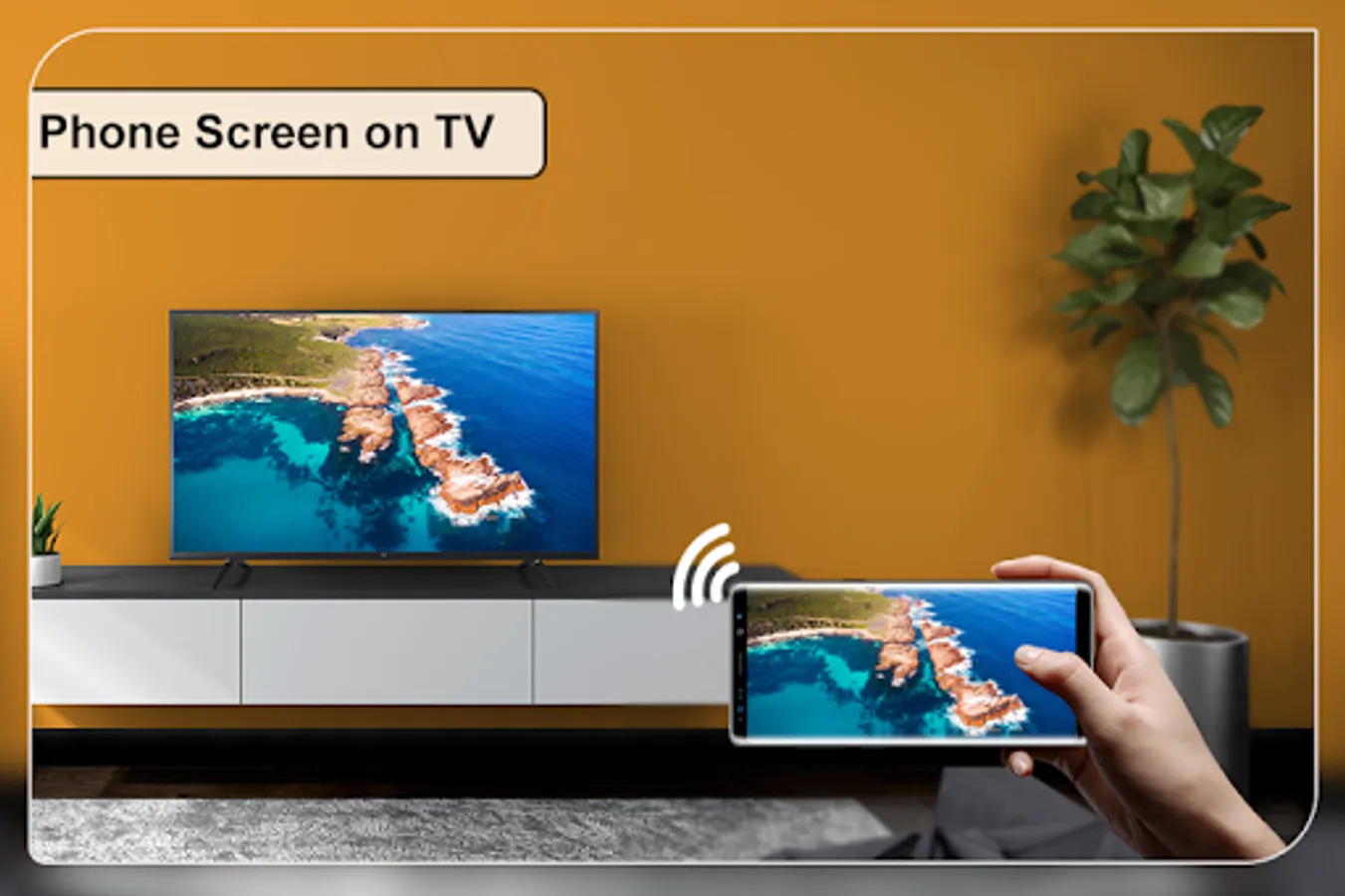
➠ Display Phone Screen On TV
Steps to connect your android device with TV :
➠ Check your TV weather it supports WIFI Display / Screen Mirroring.
➠ Make sure that your TV and device connected by same WIFI network.
➠ Make sure your device inbuilt hardware of Display sharing.
➠ Enable cast screen display on your TV.
➠ Start Wireless Display option on your phone.
➠ Click Select button and choose your TV.
Note :
Two Connected android device are in same wifi network.
✦ Screen Mirroring TV : Cast screen to TV is the most powerful app for mirroring and broadcasting your Android screen and audio in real time. app helps to open screen in smart TV screen from your android device.
✦ Screen Mirroring TV : Cast screen to TV Able to play videos, music, photos, etc. in my smartphone with any devices at anywhere.
✦ Screen Mirroring can only play contents but send screen as is such as HDMI, MHL, Miracast and Chromecast.
✦ App does not need extra dongle or cable. Click the Start, the Mobile hotspot will be operating automatically. and After hotspot will be operating, connect to AP from other devices.
Feature's of App :
➠ Support most of android device
➠ Easily change resolution and density
➠ Many settings to optimize performances
➠ Lock screen orientation to landscape
➠ Compatible with Network Tethering (WIFI, Bluetooth, USB)
➠ Display Phone Screen On TV
Steps to connect your android device with TV :
➠ Check your TV weather it supports WIFI Display / Screen Mirroring.
➠ Make sure that your TV and device connected by same WIFI network.
➠ Make sure your device inbuilt hardware of Display sharing.
➠ Enable cast screen display on your TV.
➠ Start Wireless Display option on your phone.
➠ Click Select button and choose your TV.
Note :
Two Connected android device are in same wifi network.