Passport Maker - ID Photo
SilverAI Inc
10,000+
downloads
Free
+ in-app
AppRecs review analysis
AppRecs rating 2.8. Trustworthiness 80 out of 100. Review manipulation risk 35 out of 100. Based on a review sample analyzed.
★★☆☆☆
2.8
AppRecs Rating
Ratings breakdown
5 star
50%
4 star
0%
3 star
0%
2 star
0%
1 star
50%
What to know
✓
Credible reviews
80% trustworthiness score from analyzed reviews
About Passport Maker - ID Photo
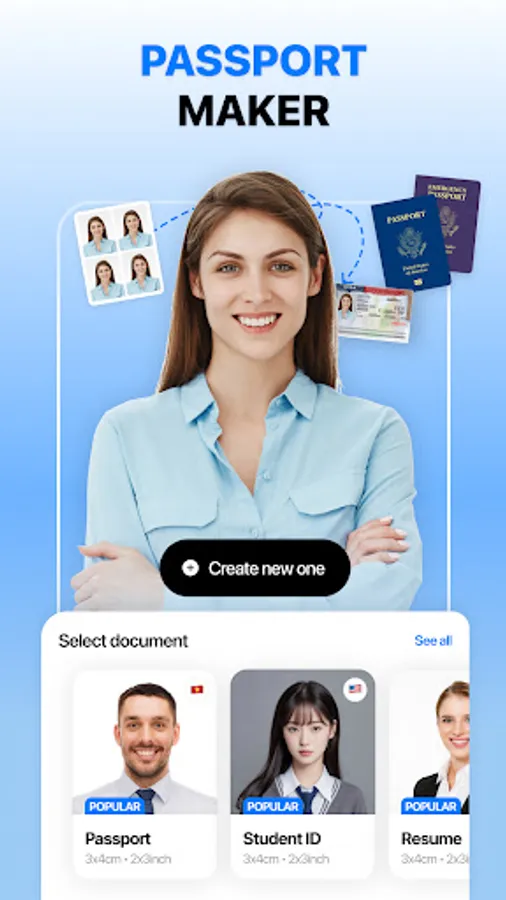
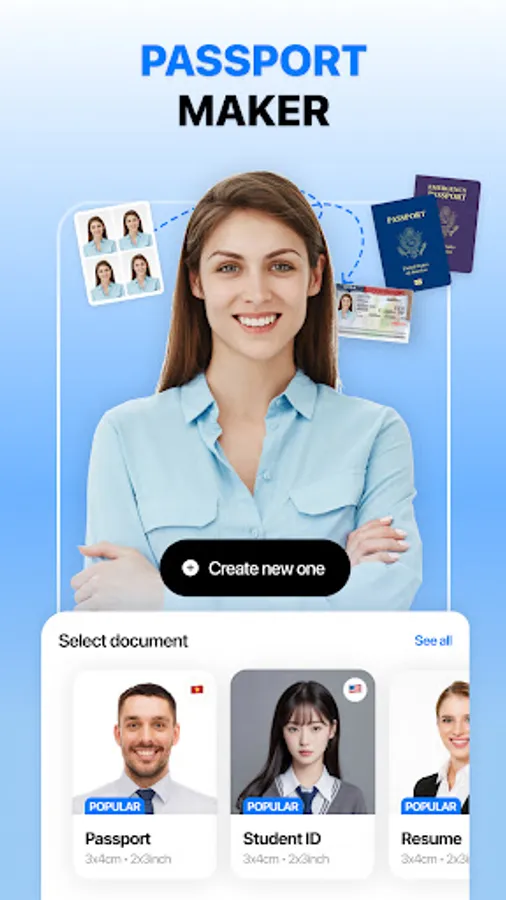
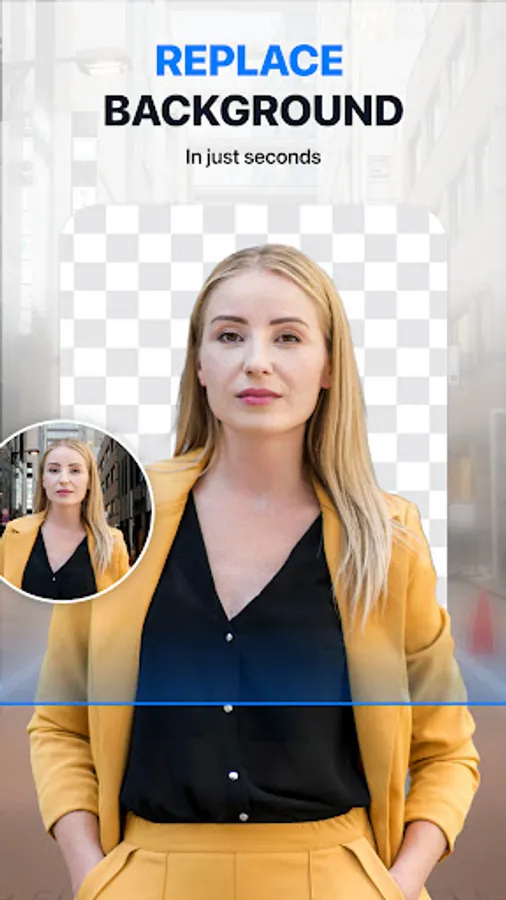
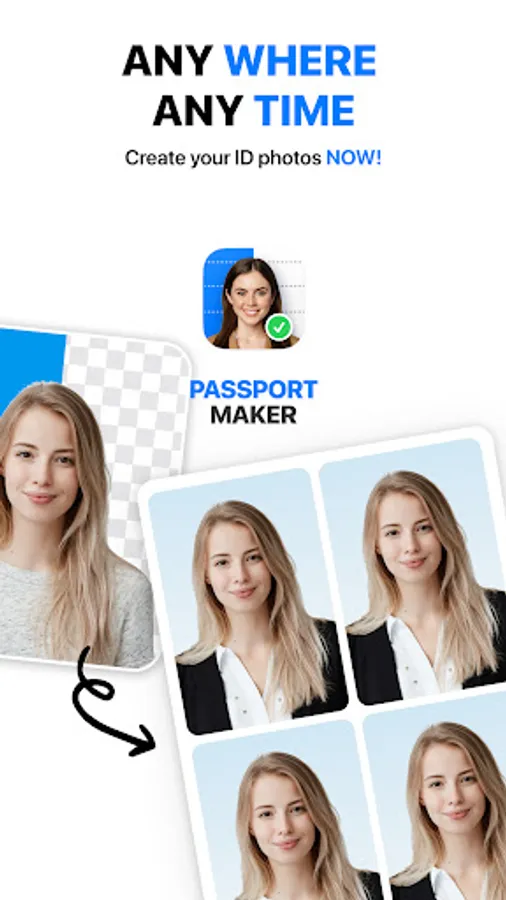
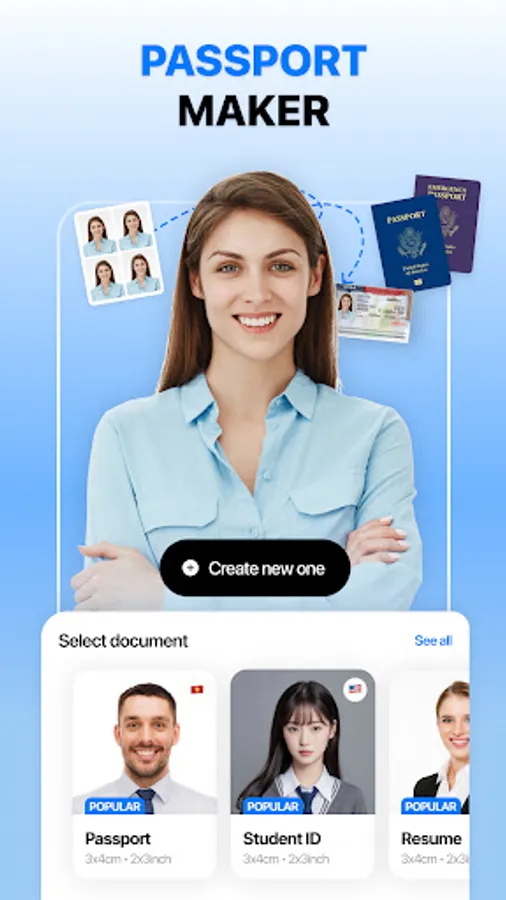
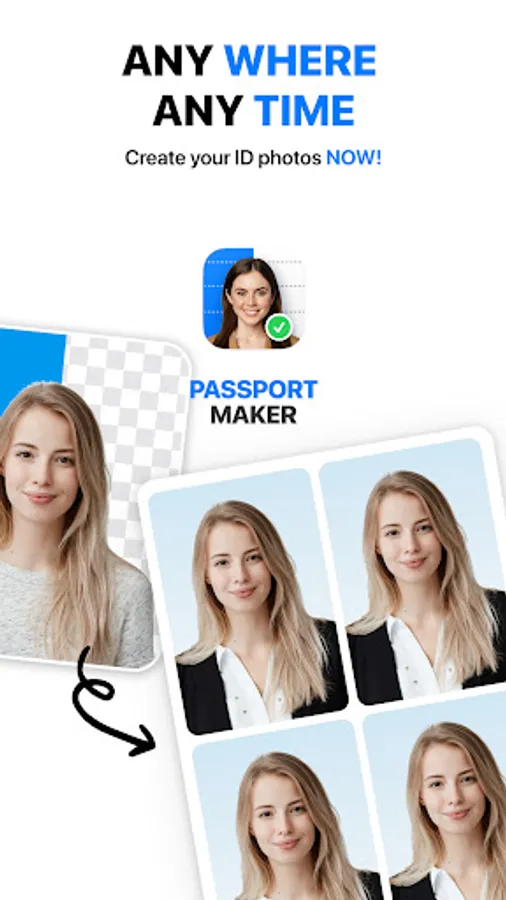
Passport Maker helps you create your perfect passport photo in seconds, make the whole experience fast, smooth and fun!
Why should you use Passport Maker?
🌟 Easy to Use:
No more complicated photo editing tools or confusing interfaces! Passport Maker is designed with user-friendliness in mind. Simply snap a photo or choose one from your gallery, and let our intuitive app guide you through the process with ease. Creating professional-quality passport photos has never been this straightforward!
🚀 Fast and Efficient:
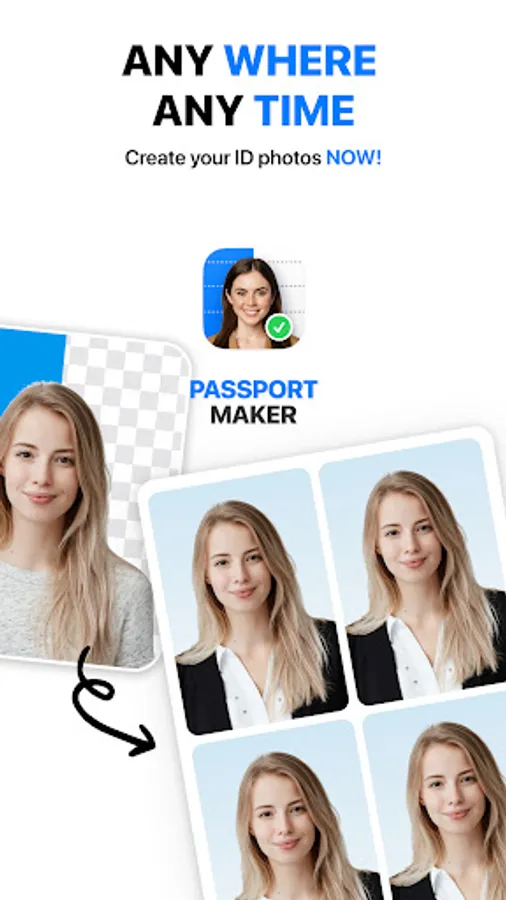
Say goodbye to long waits at photo studios and tedious editing processes. Passport Maker accelerates the passport photo creation process, providing you with ready-to-use photos in a matter of minutes. Whether you're in a rush or planning your next adventure, we've got you covered with lightning-fast results.
🤖 AI Magic:
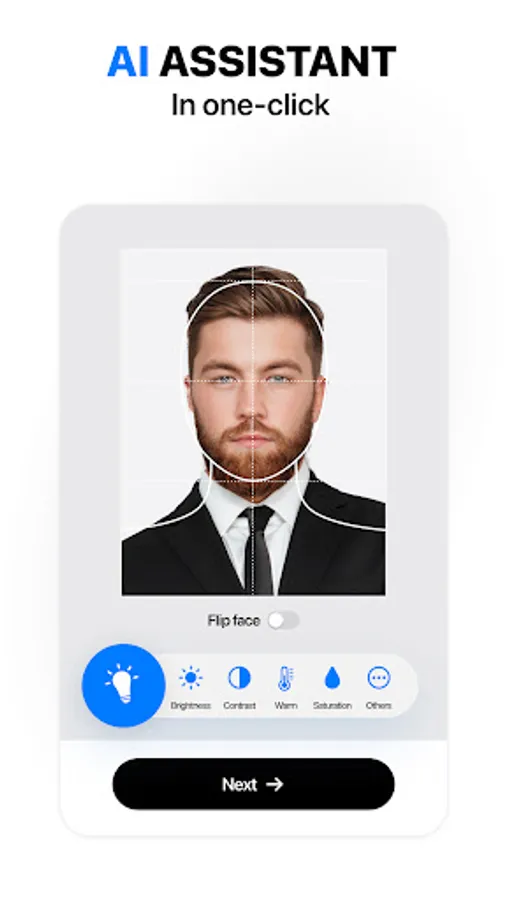
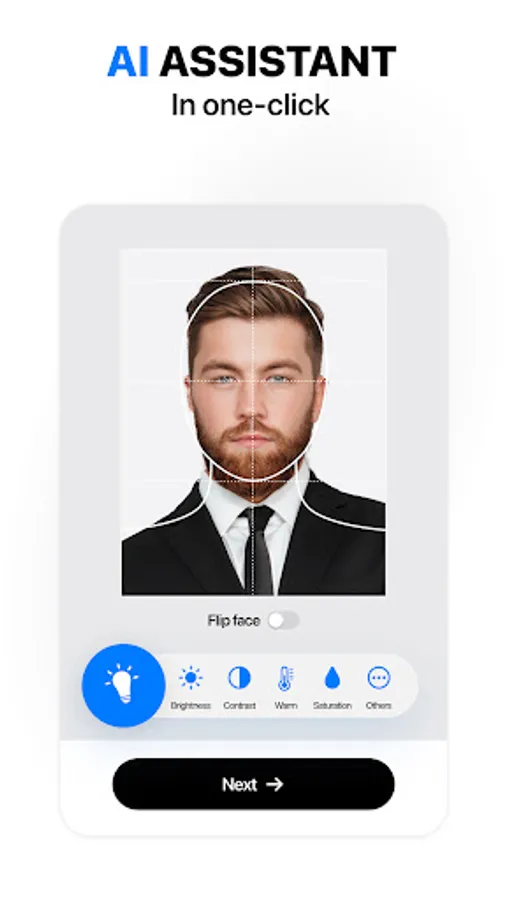
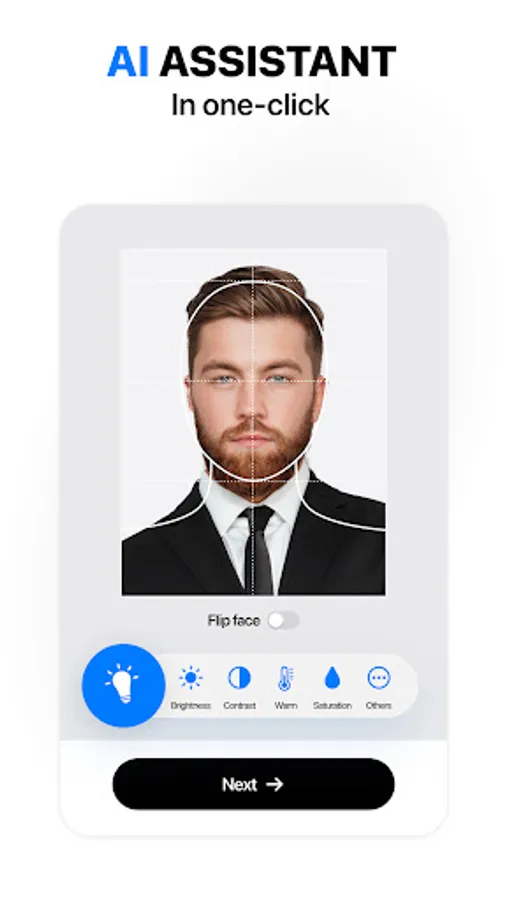
Experience the power of artificial intelligence at your fingertips! Passport Maker applies AI technology to automatically adjust your photo to meet the stringent passport photo guidelines. No need to worry about complex regulations – our smart algorithms take care of it all, ensuring your photos comply with international standards.
🎨 Customize with Style:
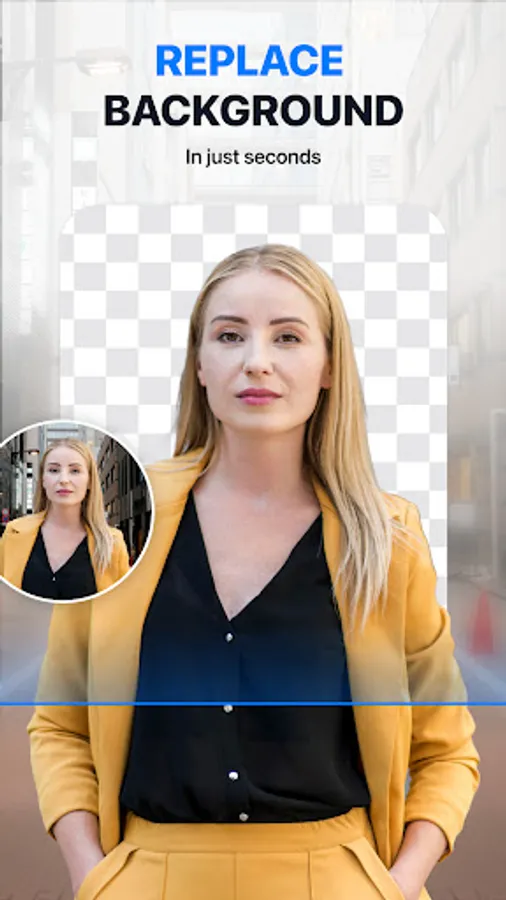
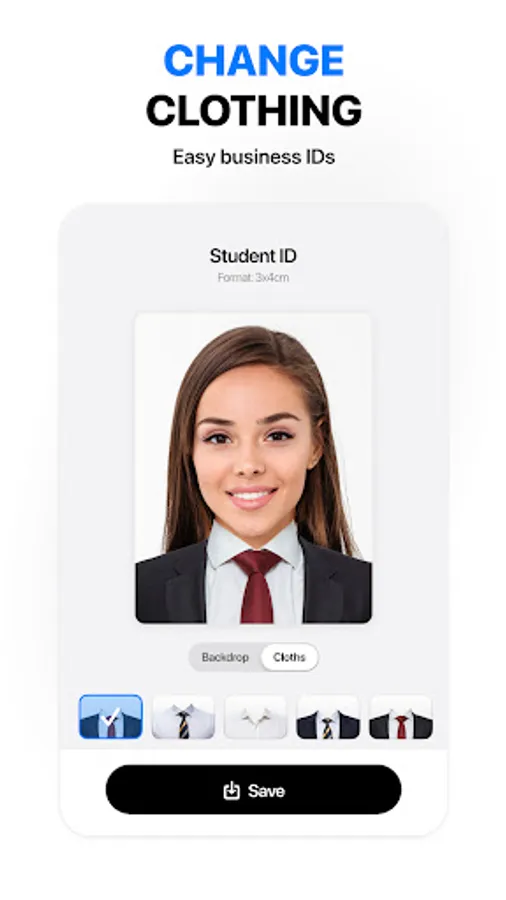
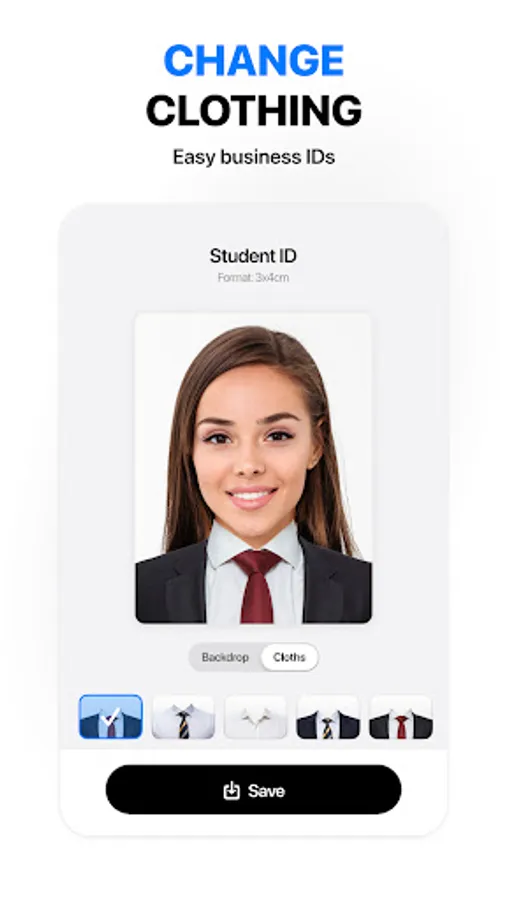
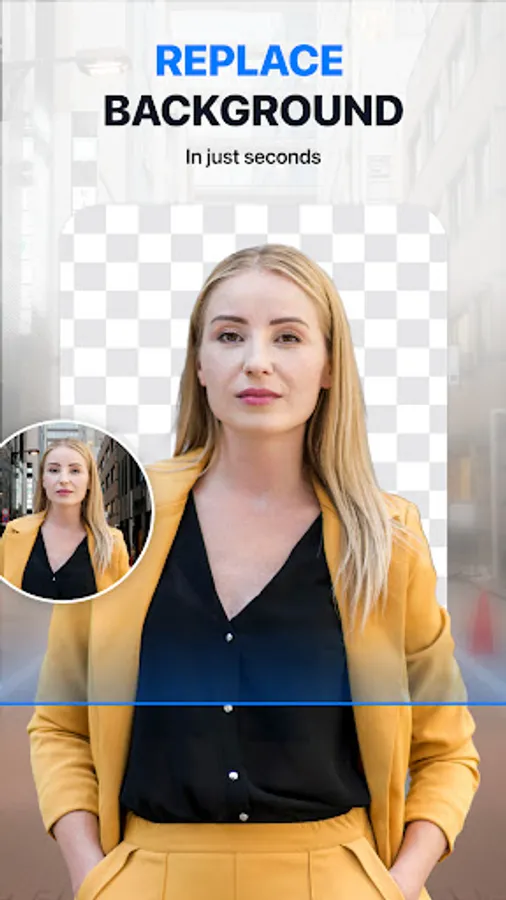
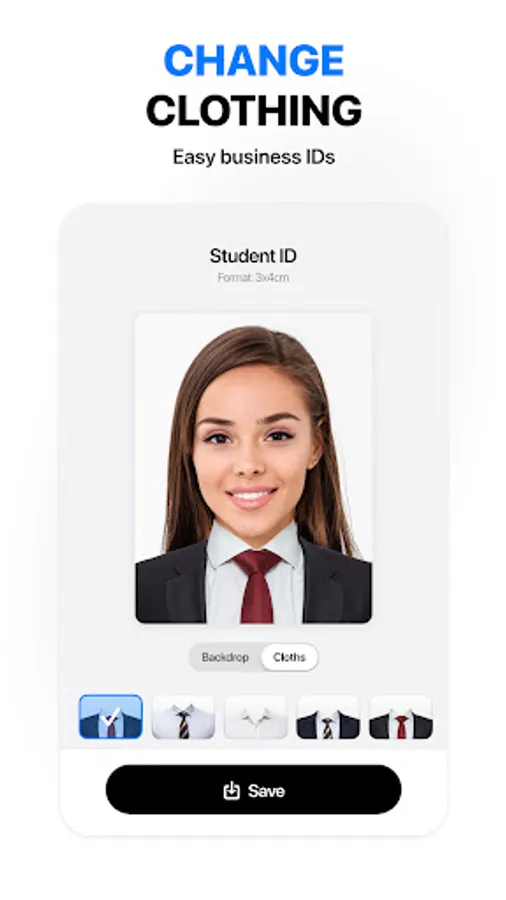
Passport Maker lets you add a personal touch to your photos. Experiment with different filters, backgrounds, and styles to create a passport photo that reflects your personality. Unleash your creativity while staying within the official guidelines – it's the best of both worlds!
📷 Multiple Document Support:
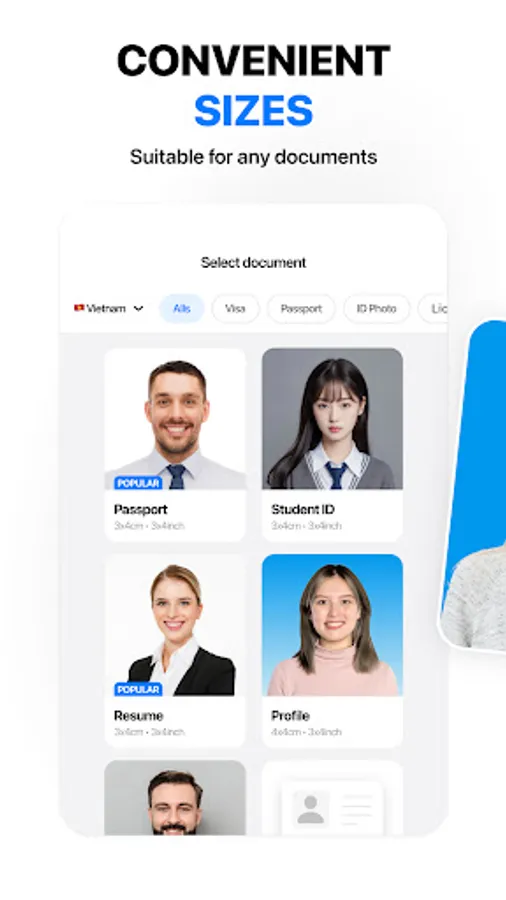
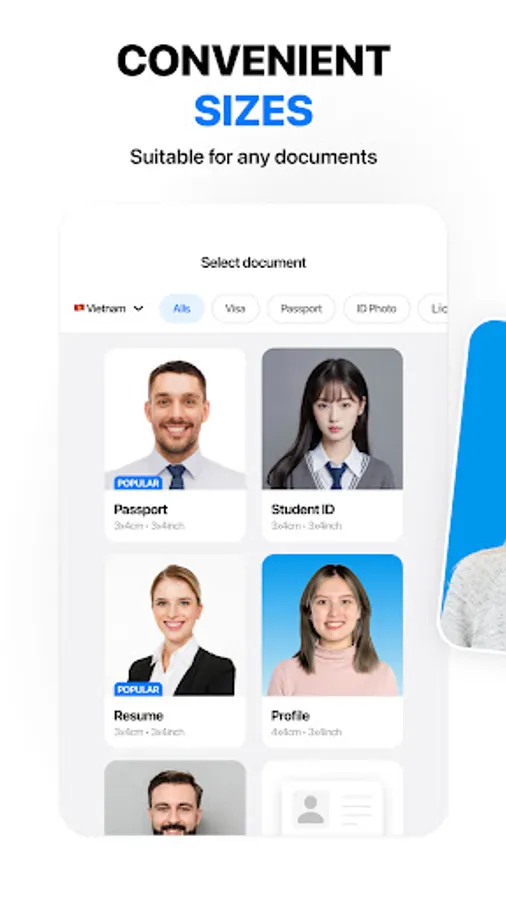
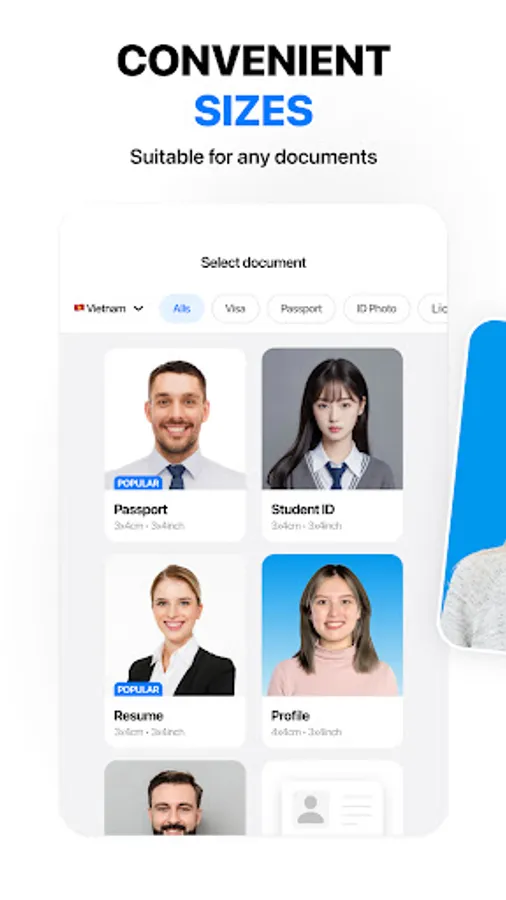
Passport Maker isn't just limited to passports! Use the app to create photos for various documents such as visas, IDs, and more. It's a one-stop-shop for all your document photo needs.
🔒 Privacy and Security:
Rest easy knowing that your personal data is secure. Passport Maker prioritizes user privacy, ensuring that your photos are processed securely and deleted from our servers once the job is done. Your information is as safe as your passport in our digital vault!
Tips for a good passport photo
1. Choose even, natural lighting to avoid shadows.
2. Opt for a plain, light-colored background.
3. Face the camera directly with a neutral expression.
4. Ensure no accessories obstruct your face.
5. Follow size and resolution guidelines, and use a high-quality camera.
Download Passport Maker now and embark on a stress-free journey to perfect passport photos. Fast, fun, and AI-powered – your photo, your way! Bon voyage! 🌍✈️
Why should you use Passport Maker?
🌟 Easy to Use:
No more complicated photo editing tools or confusing interfaces! Passport Maker is designed with user-friendliness in mind. Simply snap a photo or choose one from your gallery, and let our intuitive app guide you through the process with ease. Creating professional-quality passport photos has never been this straightforward!
🚀 Fast and Efficient:
Say goodbye to long waits at photo studios and tedious editing processes. Passport Maker accelerates the passport photo creation process, providing you with ready-to-use photos in a matter of minutes. Whether you're in a rush or planning your next adventure, we've got you covered with lightning-fast results.
🤖 AI Magic:
Experience the power of artificial intelligence at your fingertips! Passport Maker applies AI technology to automatically adjust your photo to meet the stringent passport photo guidelines. No need to worry about complex regulations – our smart algorithms take care of it all, ensuring your photos comply with international standards.
🎨 Customize with Style:
Passport Maker lets you add a personal touch to your photos. Experiment with different filters, backgrounds, and styles to create a passport photo that reflects your personality. Unleash your creativity while staying within the official guidelines – it's the best of both worlds!
📷 Multiple Document Support:
Passport Maker isn't just limited to passports! Use the app to create photos for various documents such as visas, IDs, and more. It's a one-stop-shop for all your document photo needs.
🔒 Privacy and Security:
Rest easy knowing that your personal data is secure. Passport Maker prioritizes user privacy, ensuring that your photos are processed securely and deleted from our servers once the job is done. Your information is as safe as your passport in our digital vault!
Tips for a good passport photo
1. Choose even, natural lighting to avoid shadows.
2. Opt for a plain, light-colored background.
3. Face the camera directly with a neutral expression.
4. Ensure no accessories obstruct your face.
5. Follow size and resolution guidelines, and use a high-quality camera.
Download Passport Maker now and embark on a stress-free journey to perfect passport photos. Fast, fun, and AI-powered – your photo, your way! Bon voyage! 🌍✈️