Application of the Slovak National Panel allows Registered users
to receive a mobile phone or tablet invitations to research and
Selected research on the mobile device and fill.
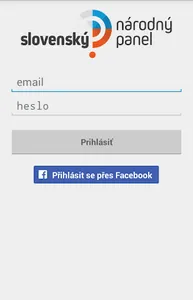
To log into the application, you must be a registered user Slovak
National panel at www.narodnypanel.sk.
To log into the application through the Facebook account, you must have enabled this way users log in to the Web setup a snap. In the section "Login with Facebook" button, enter the password you use to log into Snape and press the blue button "Facebook - pairing.
Application features:
- Notifications of new research
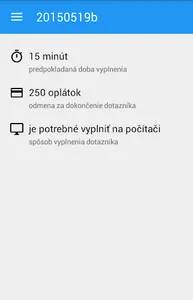
- Filling in questionnaires suitable for mobile devices directly in the application
- Receive messages from the Slovak national panel
- Overview wafer account
to receive a mobile phone or tablet invitations to research and
Selected research on the mobile device and fill.
To log into the application, you must be a registered user Slovak
National panel at www.narodnypanel.sk.
To log into the application through the Facebook account, you must have enabled this way users log in to the Web setup a snap. In the section "Login with Facebook" button, enter the password you use to log into Snape and press the blue button "Facebook - pairing.
Application features:
- Notifications of new research
- Filling in questionnaires suitable for mobile devices directly in the application
- Receive messages from the Slovak national panel
- Overview wafer account
Show More