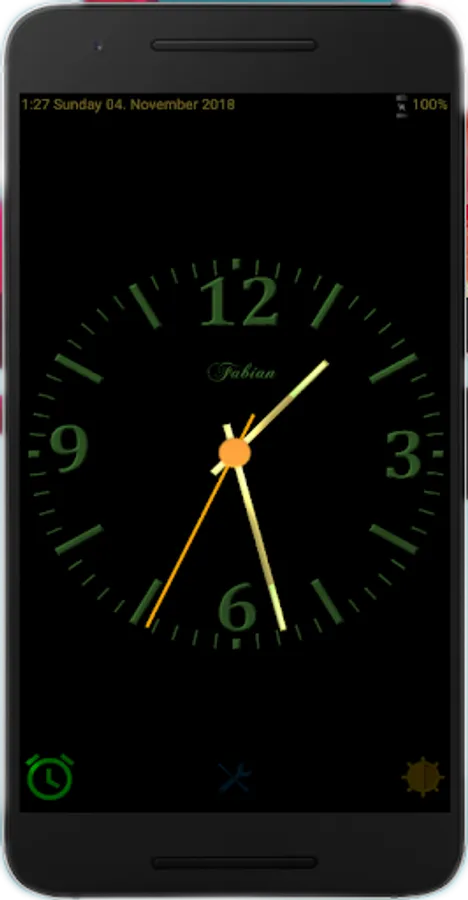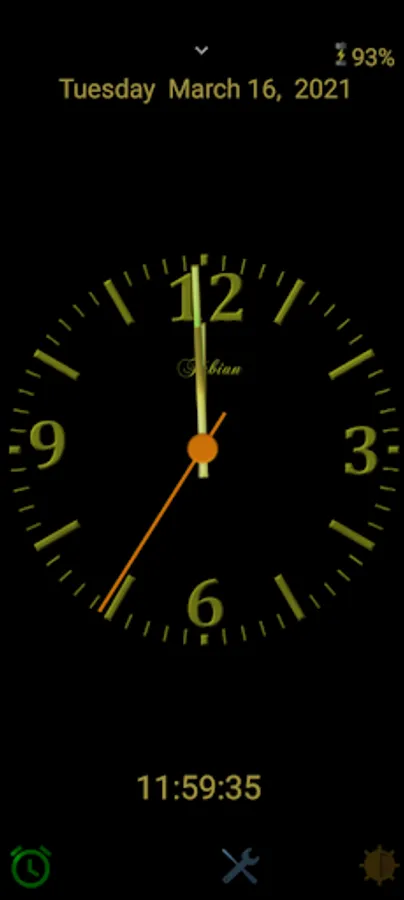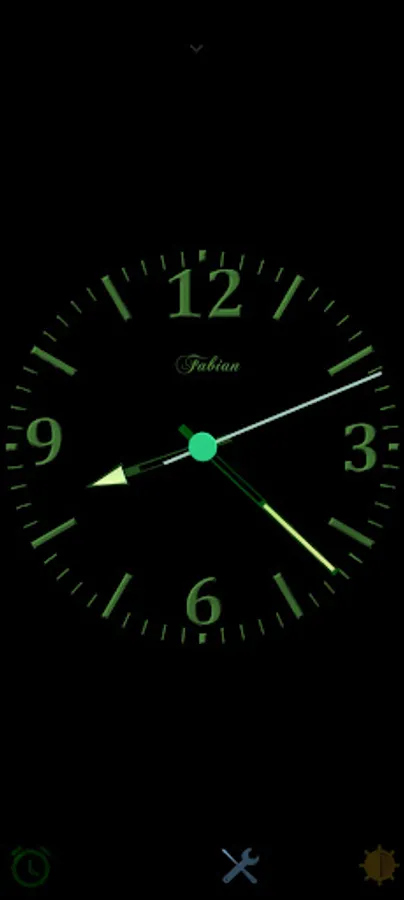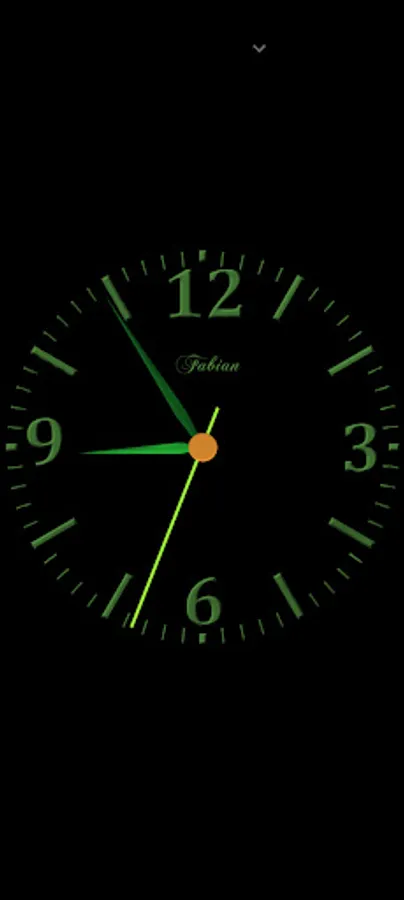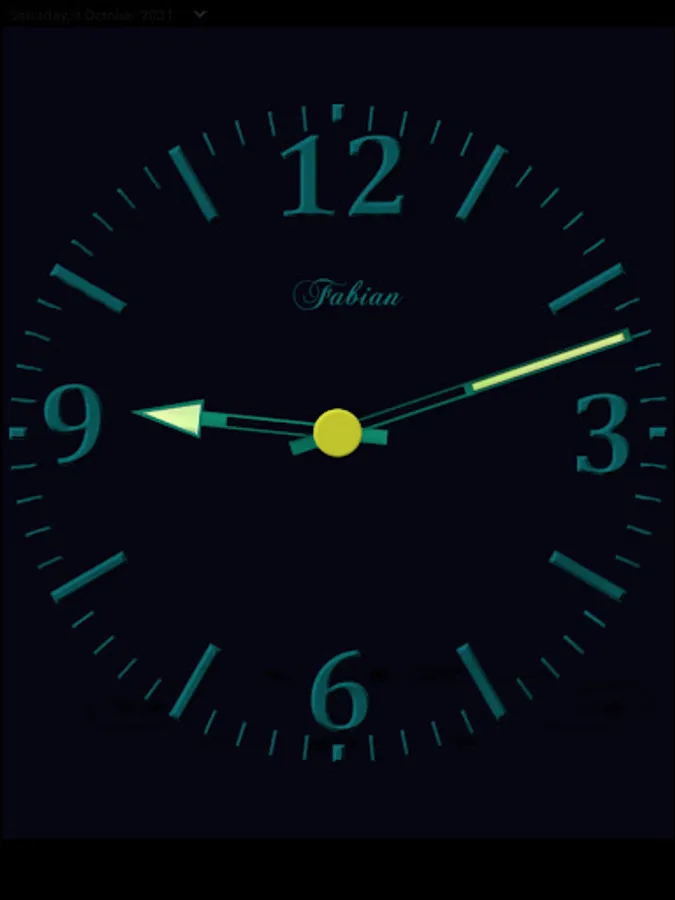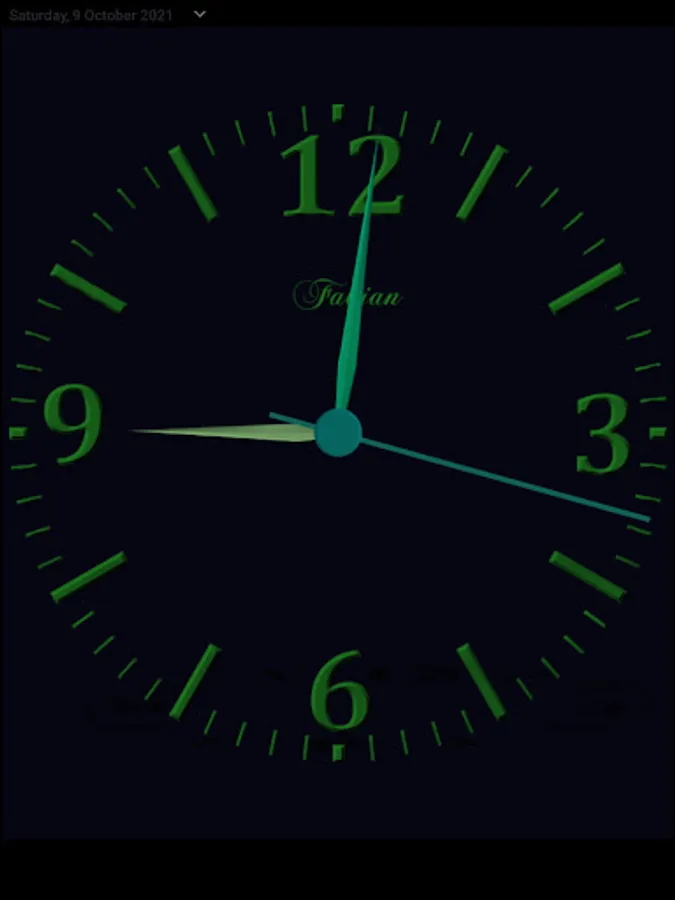
In this clock app, you can customize the appearance, set alarms, and enable night light mode. Includes multiple clock styles, alarm settings, and display options.
AppRecs review analysis
AppRecs rating 4.3. Trustworthiness 73 out of 100. Review manipulation risk 32 out of 100. Based on a review sample analyzed.
★★★★☆
4.3
AppRecs Rating
Ratings breakdown
5 star
66%
4 star
15%
3 star
8%
2 star
4%
1 star
8%
What to know
✓
Credible reviews
73% trustworthiness score from analyzed reviews
✓
High user satisfaction
81% of sampled ratings are 4+ stars (4.3★ average)
✓
Authentic reviews
Natural distribution, no red flags
About Nice Night Clock Pro
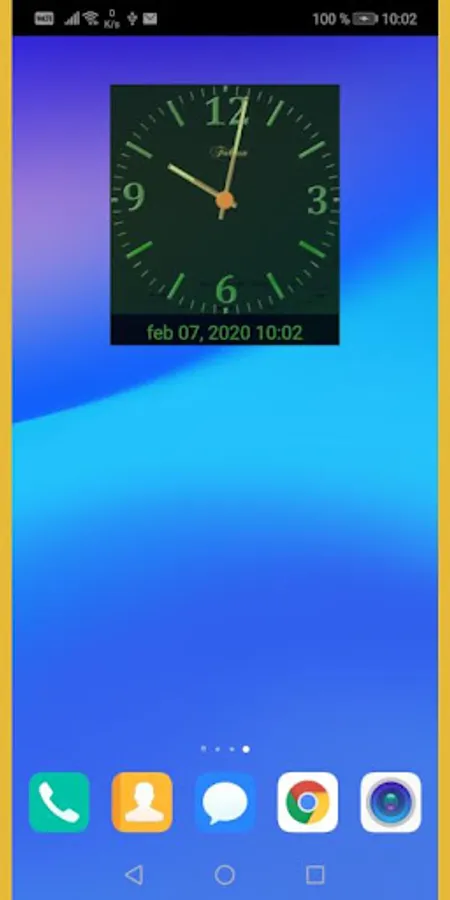
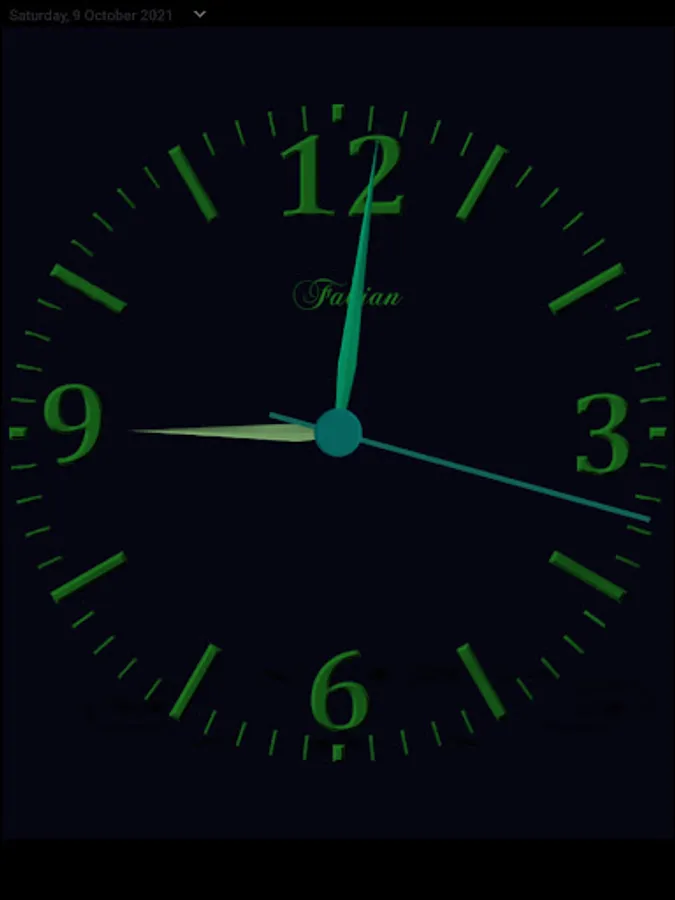
Simple and nice night analog clock with alarm and modern metal design.
Night clock application can be used also as a night light.
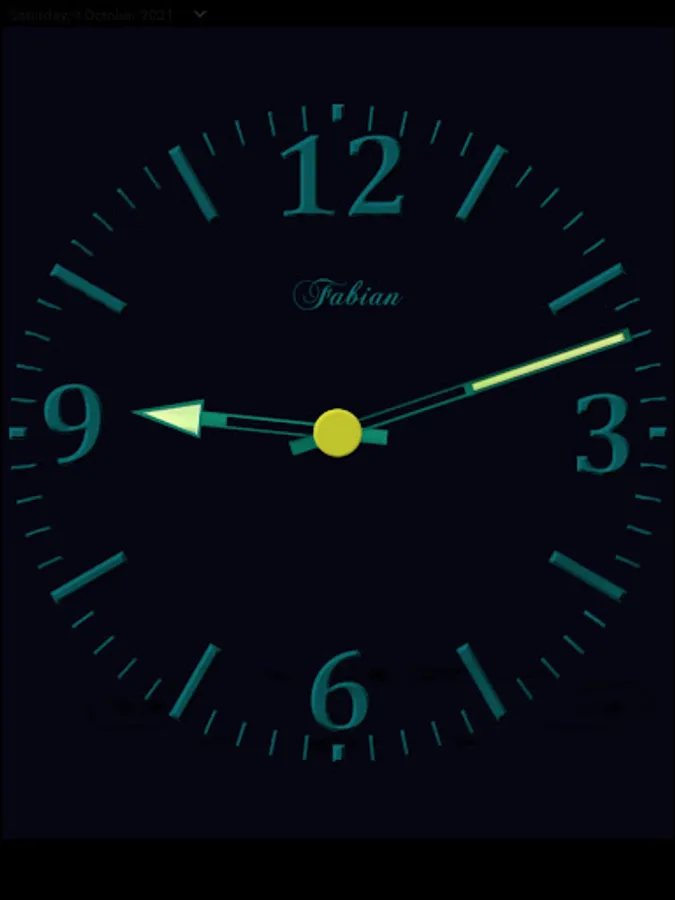
This version also includes some options and extensions that are not included in the free version of the clock, such as different clock hands.
Also includes a desktop live screensaver and a locked screen power screensaver.
You can select from two types of clocks. Default - more analog, and second
which has more visible information about the digital time and date. You can switch the clock type in setup.
Settings:
- To set up repeated alarm just tap on the alarm button and select alarm time, to clean and cancel alarm, tap again - button will change to green color.
- To change clock color swipe left or right - 5 different colors.
- Double tap to change the background from black to white/high brightness - night light.
- Tap to the center of the clock to turn on/off second hand.
- You can change brightness to save energy if the clock is always on - brightness button.
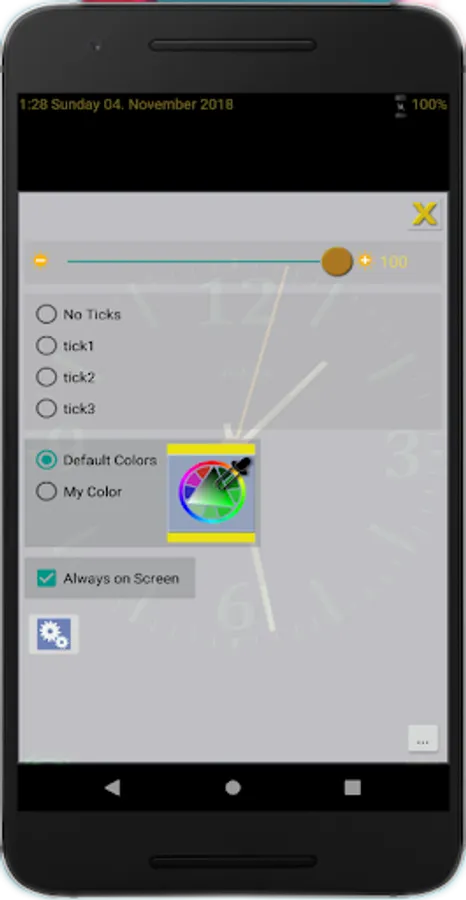
Go to menu to:
- Select and turn on/off clock tick.
- Set time and date.
- Set possibility Always on Screen
- Set default or select special color
- Set default version of the clock
Night clock application can be used also as a night light.
This version also includes some options and extensions that are not included in the free version of the clock, such as different clock hands.
Also includes a desktop live screensaver and a locked screen power screensaver.
You can select from two types of clocks. Default - more analog, and second
which has more visible information about the digital time and date. You can switch the clock type in setup.
Settings:
- To set up repeated alarm just tap on the alarm button and select alarm time, to clean and cancel alarm, tap again - button will change to green color.
- To change clock color swipe left or right - 5 different colors.
- Double tap to change the background from black to white/high brightness - night light.
- Tap to the center of the clock to turn on/off second hand.
- You can change brightness to save energy if the clock is always on - brightness button.
Go to menu to:
- Select and turn on/off clock tick.
- Set time and date.
- Set possibility Always on Screen
- Set default or select special color
- Set default version of the clock