M4a to Mp3 Converter
SmartApps38
4.8 ★
25K ratings
500,000+
downloads
Free
With this audio converter app, you can select M4A, M4B, or M4P files and convert them to MP3 format. Includes offline functionality and local file management.
AppRecs review analysis
AppRecs rating 3.4. Trustworthiness 72 out of 100. Review manipulation risk 42 out of 100. Based on a review sample analyzed.
★★★☆☆
3.4
AppRecs Rating
Ratings breakdown
5 star
91%
4 star
4%
3 star
2%
2 star
0%
1 star
2%
What to know
⚠
Ad complaints
Many low ratings mention excessive ads
⚠
Questionable review patterns
42% review manipulation risk - some review patterns appear unusual
⚠
Rating authenticity concerns
High rating concentration (91% 5-star) in sampled ratings
About M4a to Mp3 Converter
Although the M4A/M4B/M4P format has better sound quality, the MP3 format tends to be smaller and compatible with more audio applications.
Music lovers are demanding and they always look for ways to enjoy their favorite tunes on their most preferred devices.
MP3 is the most popular format for listening to music as it is universally supported by all devices.
While M4A/M4B/M4P is still being used by one of the popular music streaming services, as a container within AAC, it still could pose issues if you want to rip those songs you purchased and convert them.
App convert M4A/M4B/M4P to MP3 will help you to convert your music format to enjoy it on multiple devices.
How to use M4A/M4B/M4P to mp3 converter app
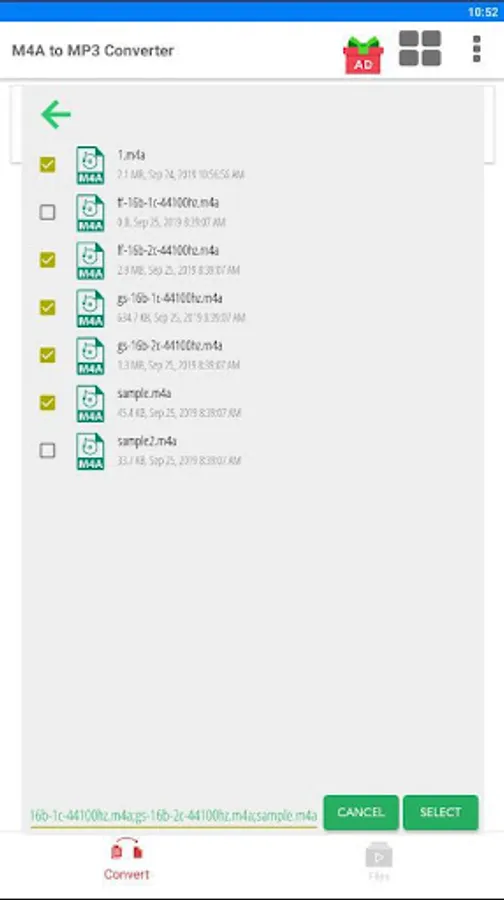
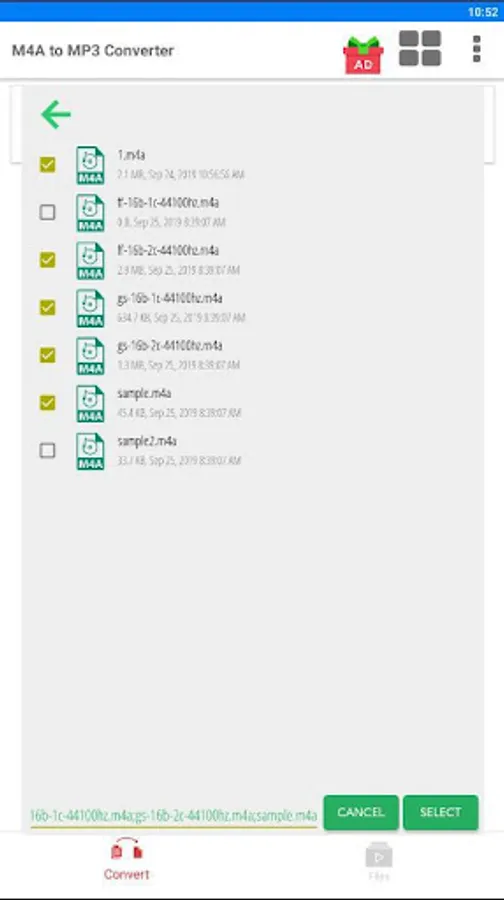
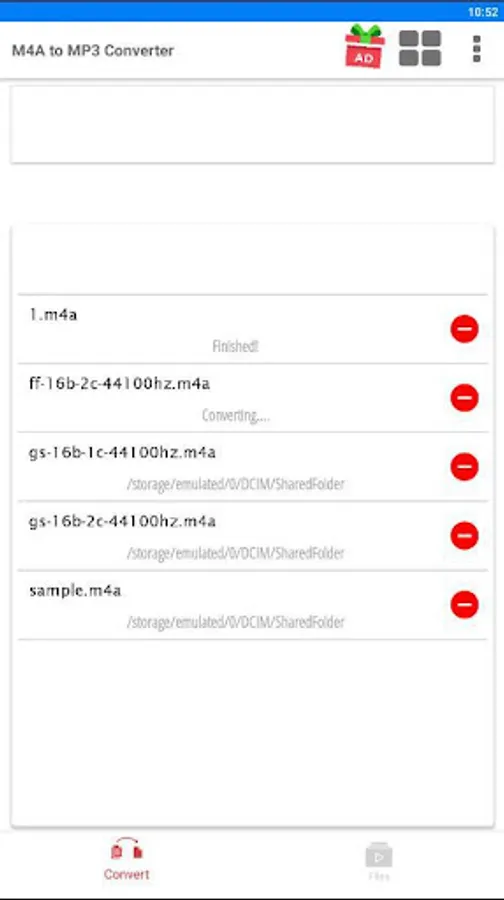
1. Select multi M4A/M4B/M4P files you want to convert
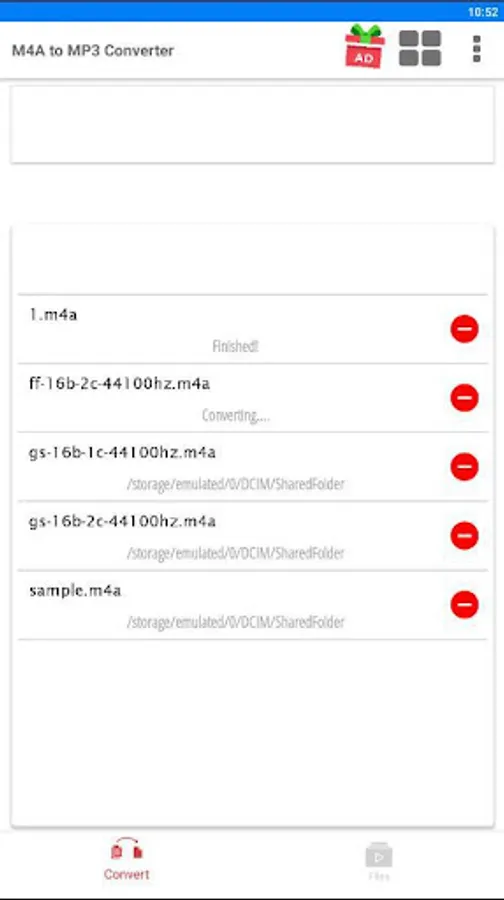
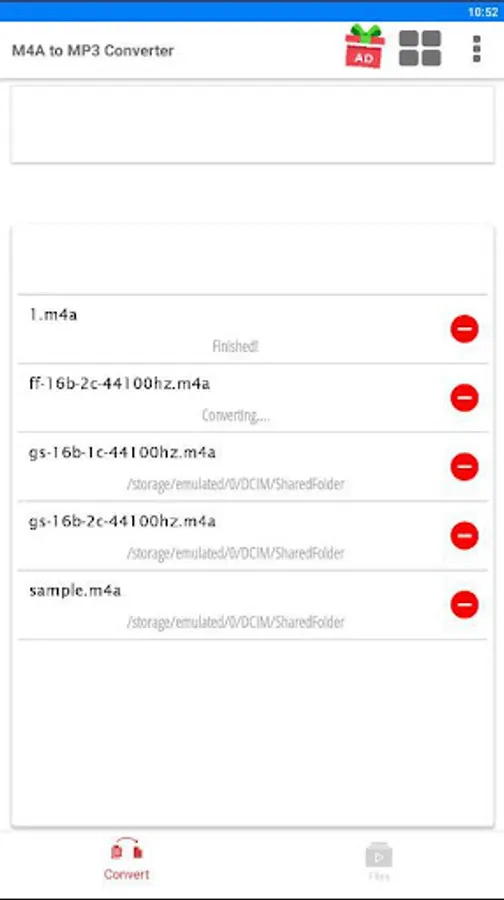
2. Click Convert
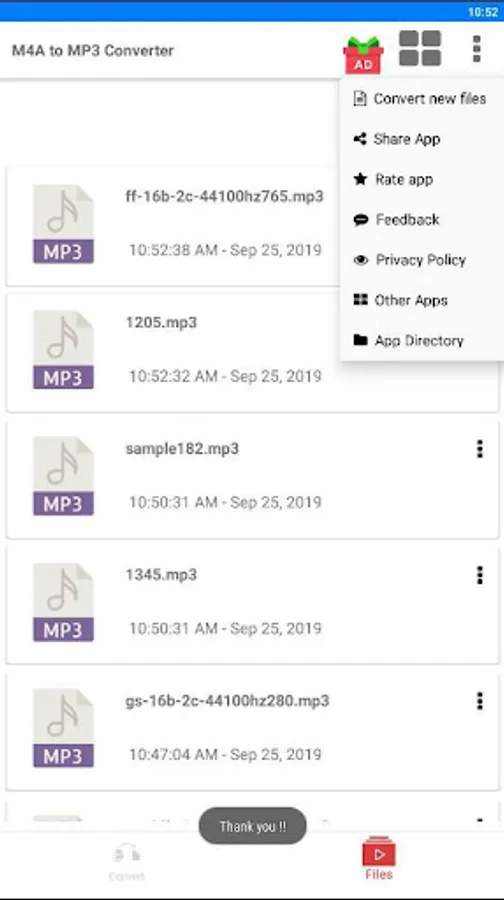
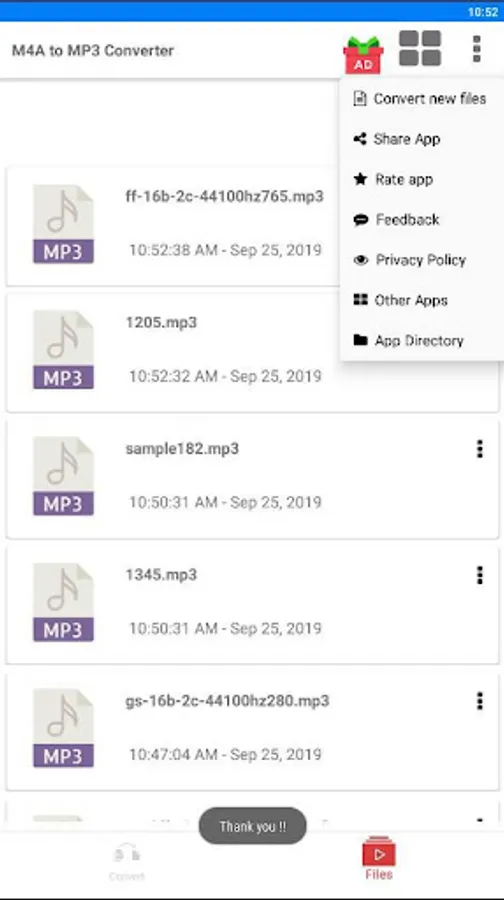
3. All Mp3 files after converting are saved on folder Phone/M4A-To-Mp3-Converter
4. This is a M4A/M4B/M4P to mp3 converter offline app, works offline 100%, no requires Internet to use it!
Music lovers are demanding and they always look for ways to enjoy their favorite tunes on their most preferred devices.
MP3 is the most popular format for listening to music as it is universally supported by all devices.
While M4A/M4B/M4P is still being used by one of the popular music streaming services, as a container within AAC, it still could pose issues if you want to rip those songs you purchased and convert them.
App convert M4A/M4B/M4P to MP3 will help you to convert your music format to enjoy it on multiple devices.
How to use M4A/M4B/M4P to mp3 converter app
1. Select multi M4A/M4B/M4P files you want to convert
2. Click Convert
3. All Mp3 files after converting are saved on folder Phone/M4A-To-Mp3-Converter
4. This is a M4A/M4B/M4P to mp3 converter offline app, works offline 100%, no requires Internet to use it!
M4a to Mp3 Converter Screenshots

Tap to Rate:
Reviews for M4a to Mp3 Converter
Grace Olukemi
12/24/2025
It efficient and good
Antoine ROSSÉ
12/18/2025
cannot even open the app, overwhelmed by ads which I cannot bypass.