PDF to Word Converter
TechPulseStudio
3.4 ★
1K ratings
100,000+
downloads
Free
+ in-app
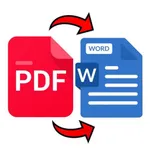
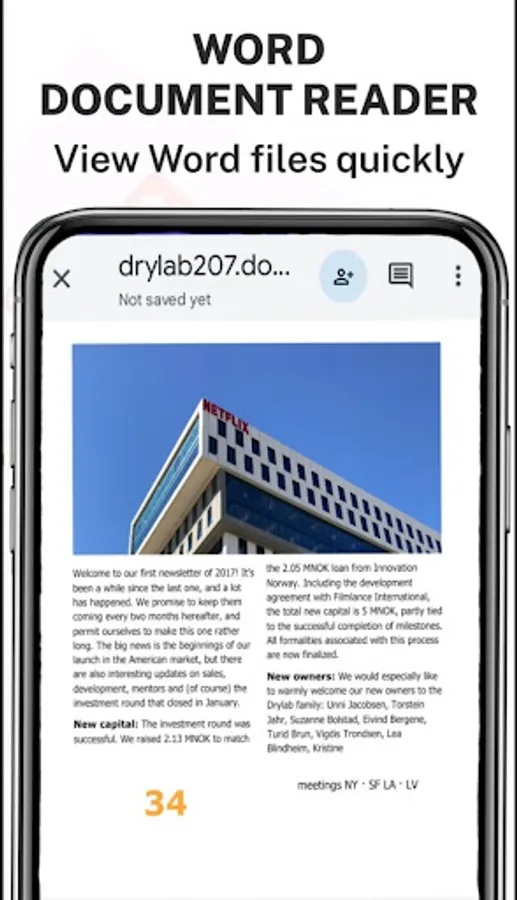
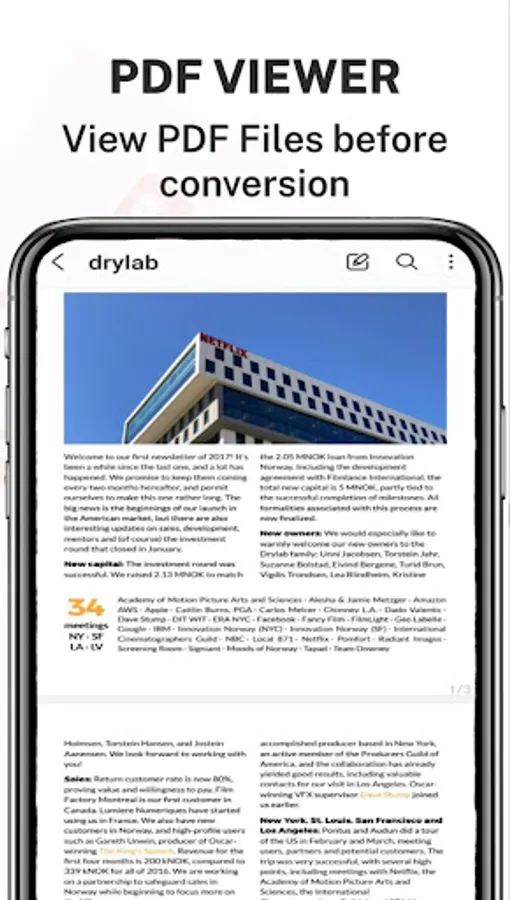
With this PDF to Word Converter app, you can convert PDFs into editable Word documents, preserving formatting and layout. Includes OCR technology and options to export as new PDFs.
AppRecs review analysis
AppRecs rating 3.4. Trustworthiness 70 out of 100. Review manipulation risk 27 out of 100. Based on a review sample analyzed.
★★★☆☆
3.4
AppRecs Rating
Ratings breakdown
5 star
38%
4 star
25%
3 star
6%
2 star
6%
1 star
25%
What to know
✓
Low review manipulation risk
27% review manipulation risk
✓
Credible reviews
70% trustworthiness score from analyzed reviews
⚠
High negative review ratio
31% of sampled ratings are 1–2 stars
About PDF to Word Converter
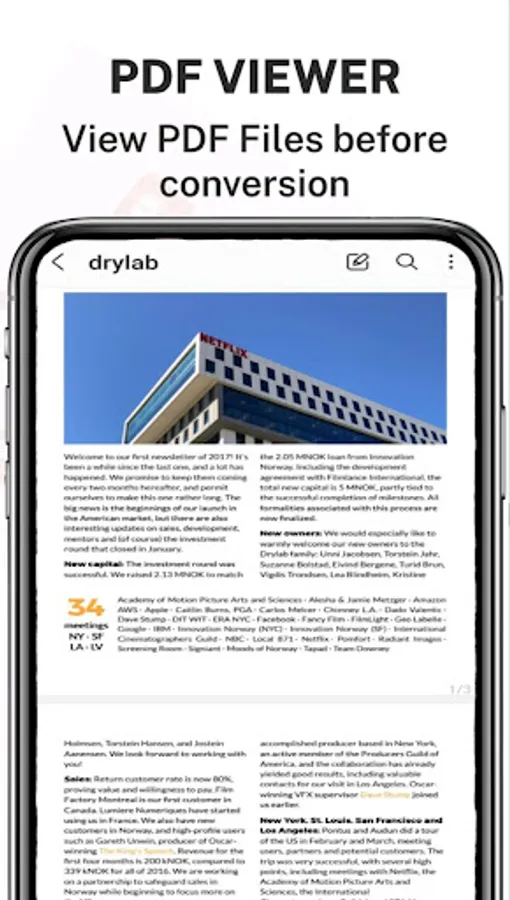
PDFs are incredibly versatile, yet notoriously challenging to modify. But there's no need to manually copy text from a PDF. With the power of OCR (Optical Character Recognition), even scanned pages become editable.
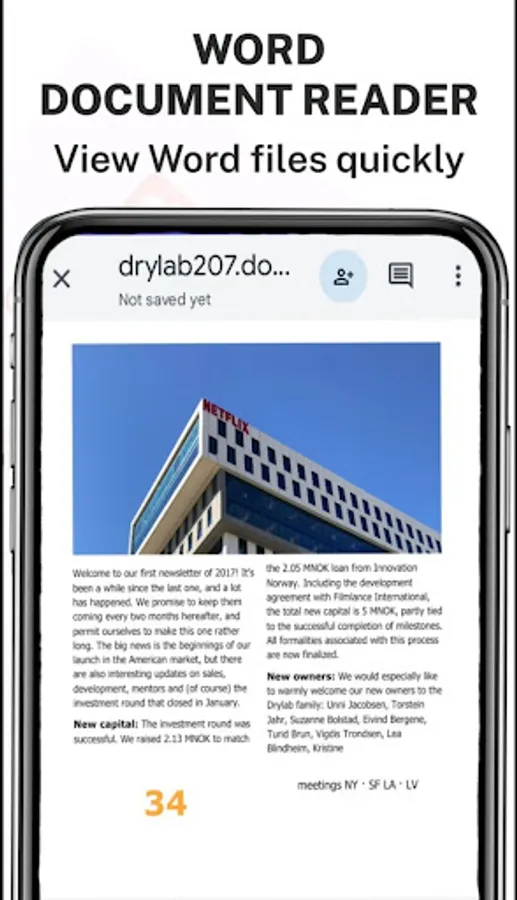
Introducing the premier PDF to Word converter. This tool faithfully reproduces the formatting of your PDFs – think fonts, paragraphs, lists, tables, and columns – right in a Word document. Once converted, you can easily edit, extract content, and even re-export as a new PDF. The best part? No registration, no login, and no need to share your contact details.
Looking to Convert a Scanned PDF to Word?
You're in the right spot. Our PDF converter transforms your PDFs into editable Word documents, converting from PDF to DOCX seamlessly.
Here's a simple guide to converting PDF to Word:
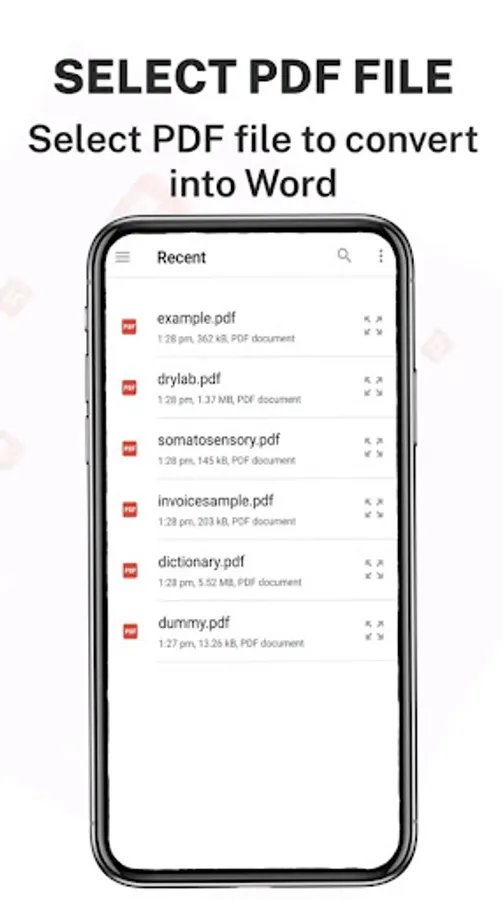
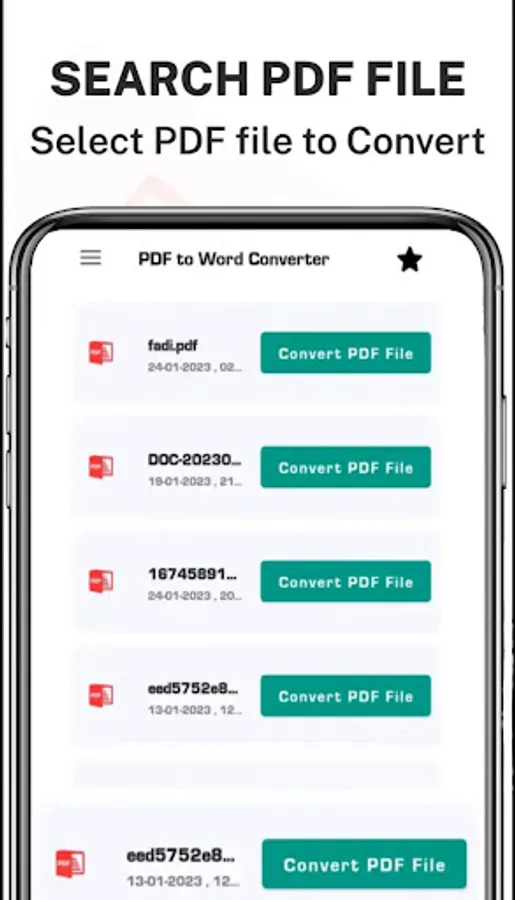
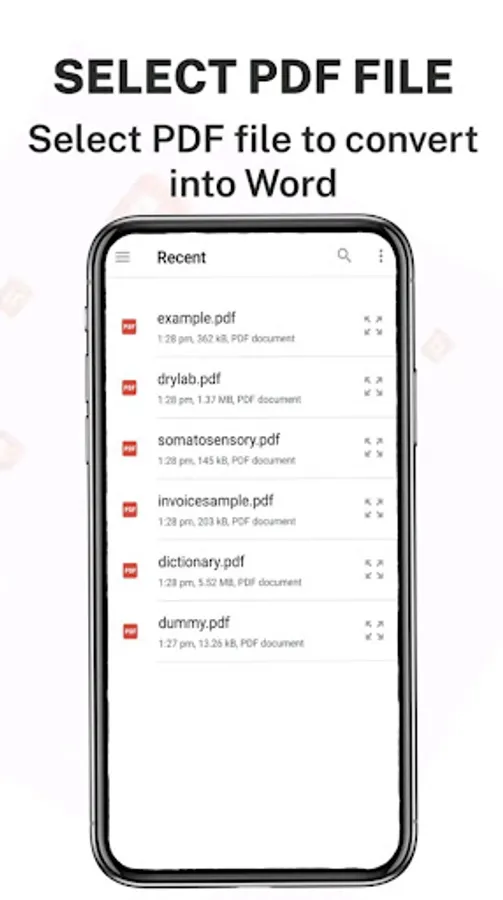
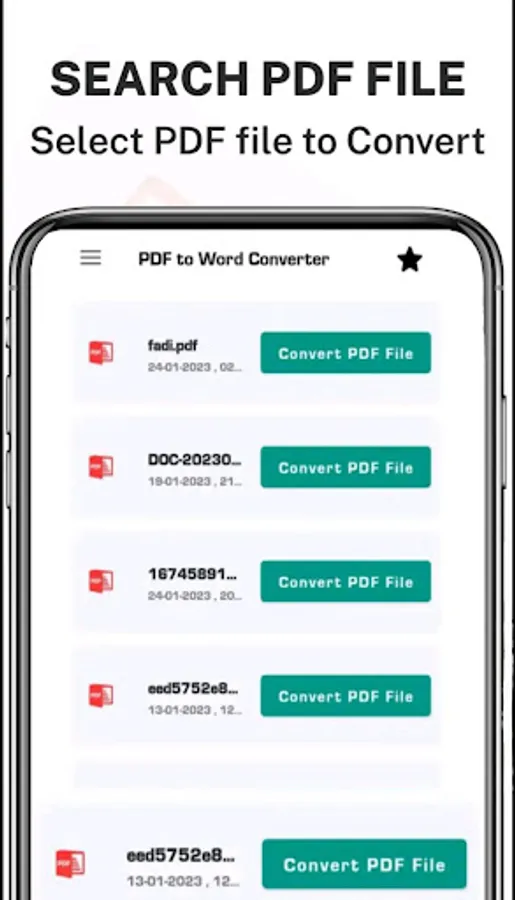
1. Choose your desired PDF file and select Convert.
2. Patiently wait as we work our magic and convert your PDF to Word. And voila!
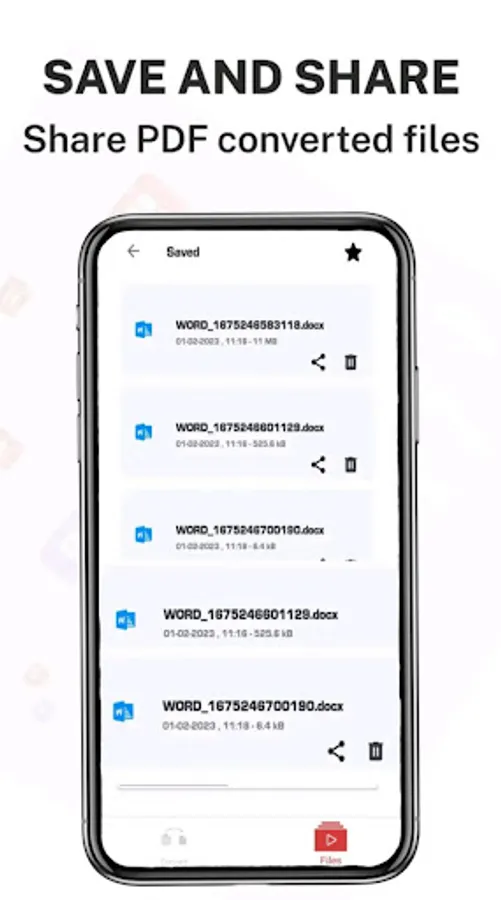
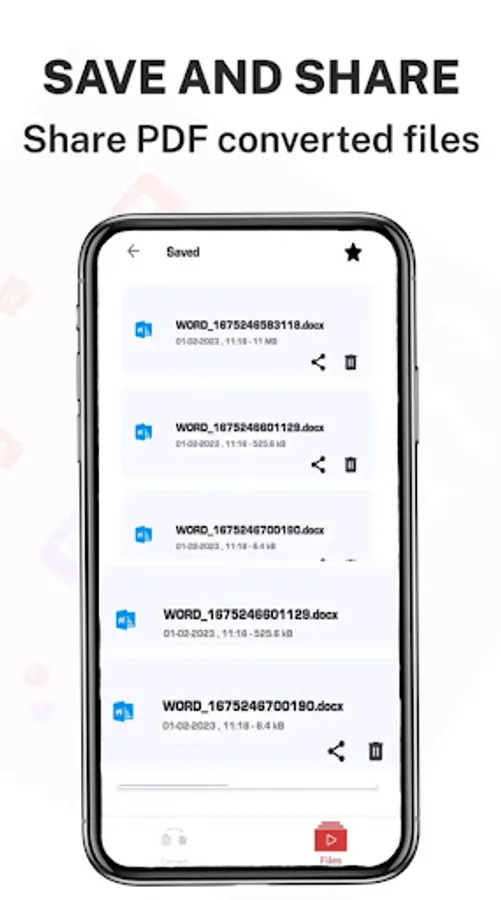
Your converted files can be found at: Phone/PDF2Word-Converter.
Introducing the premier PDF to Word converter. This tool faithfully reproduces the formatting of your PDFs – think fonts, paragraphs, lists, tables, and columns – right in a Word document. Once converted, you can easily edit, extract content, and even re-export as a new PDF. The best part? No registration, no login, and no need to share your contact details.
Looking to Convert a Scanned PDF to Word?
You're in the right spot. Our PDF converter transforms your PDFs into editable Word documents, converting from PDF to DOCX seamlessly.
Here's a simple guide to converting PDF to Word:
1. Choose your desired PDF file and select Convert.
2. Patiently wait as we work our magic and convert your PDF to Word. And voila!
Your converted files can be found at: Phone/PDF2Word-Converter.
PDF to Word Converter Screenshots
Tap to Rate:
Reviews for PDF to Word Converter
Mahesh S
10/7/2025
No work only Ads
Akinfaderin Semilore
9/25/2025
Good