Remote controlled Flashlight
Strange Corner
Free
1,000+
downloads
About Remote controlled Flashlight
This app uses the camera flash as a flashlight. If you connect two or more device, you can switch on the flashlights of the connected devices on from one device that acts as the remote control.
First, the devices must be paired. The app must be installed on both devices
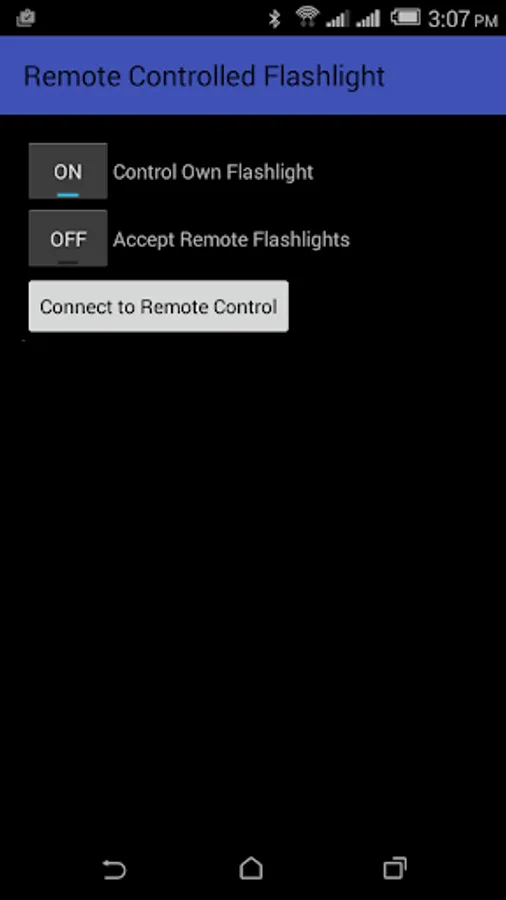
On the device you want to use as remote control, turn on the switch "Accept Remote Flashlights".
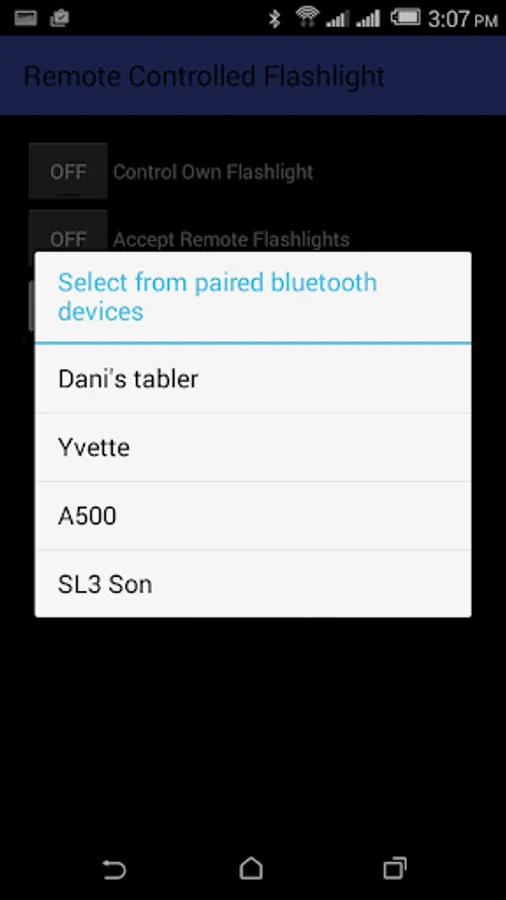
On a device you want to be remote controlled, tap the button "Connect to Remote Control". Then select the device from the paired Bluetooth device list.
Once connected, an additional switch for each connected device will appear on the remote control.
First, the devices must be paired. The app must be installed on both devices
On the device you want to use as remote control, turn on the switch "Accept Remote Flashlights".
On a device you want to be remote controlled, tap the button "Connect to Remote Control". Then select the device from the paired Bluetooth device list.
Once connected, an additional switch for each connected device will appear on the remote control.
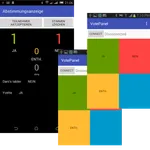
Remote controlled Flashlight Screenshots
Reviews for Remote controlled Flashlight
A Google user
10/8/2017
Waste
Tap to Rate: