Cursive Writing Reader: Camera
tombstone
2.8 ★
store rating
1,000+
downloads
Free
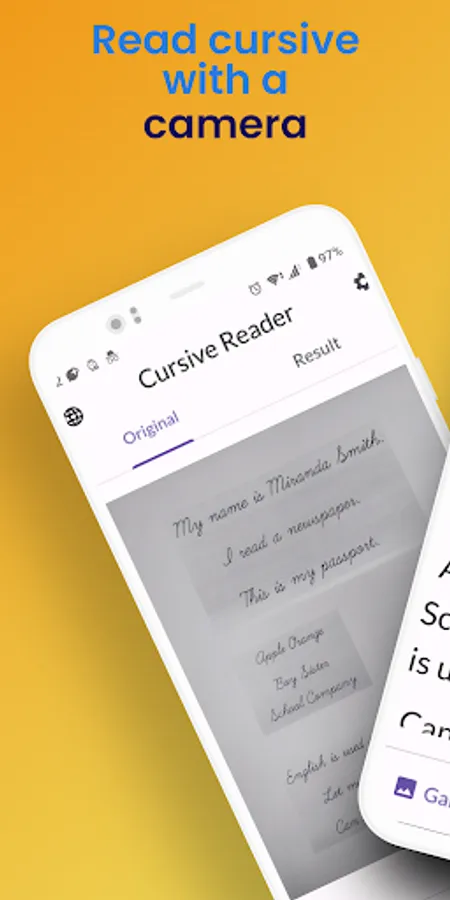
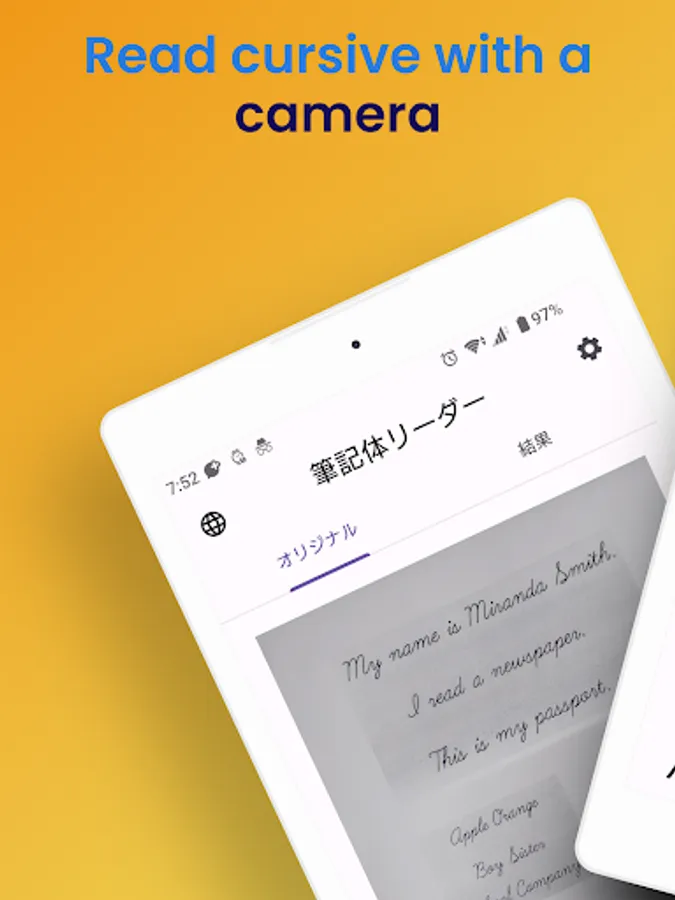
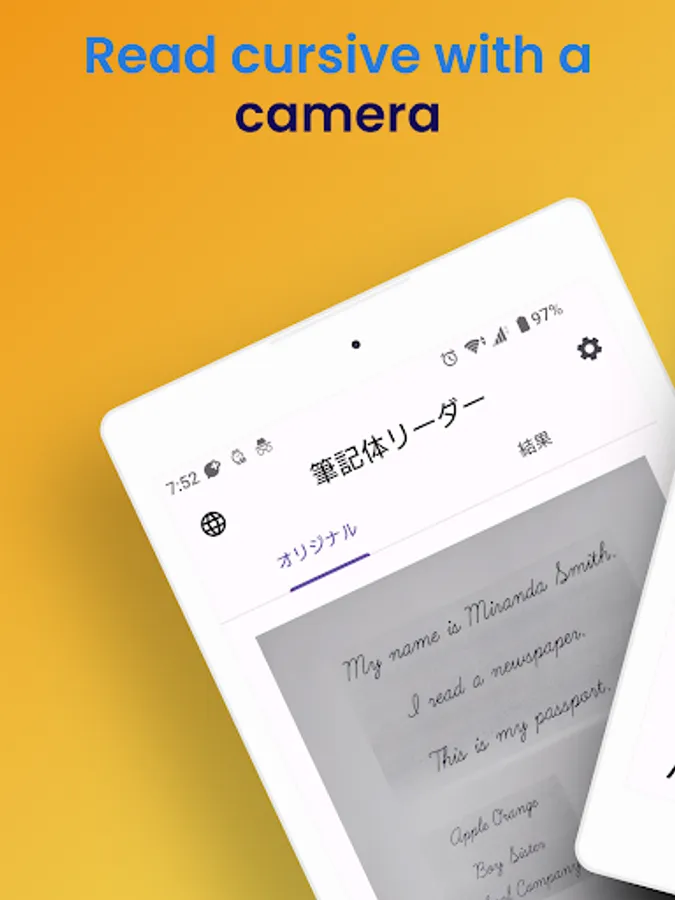
In this app, you can scan and convert handwritten cursive using your camera or gallery. Includes OCR recognition, handwriting editing, and text copying features.
AppRecs review analysis
AppRecs rating 2.6. Trustworthiness 80 out of 100. Review manipulation risk 21 out of 100. Based on a review sample analyzed.
★★☆☆☆
2.6
AppRecs Rating
Ratings breakdown
5 star
33%
4 star
11%
3 star
0%
2 star
0%
1 star
56%
What to know
✓
Low review manipulation risk
21% review manipulation risk
✓
Credible reviews
80% trustworthiness score from analyzed reviews
⚠
Mixed user feedback
Average 2.8★ rating suggests room for improvement
About Cursive Writing Reader: Camera
A cursive scanner app that reads cursive English with a camera and converts it to text
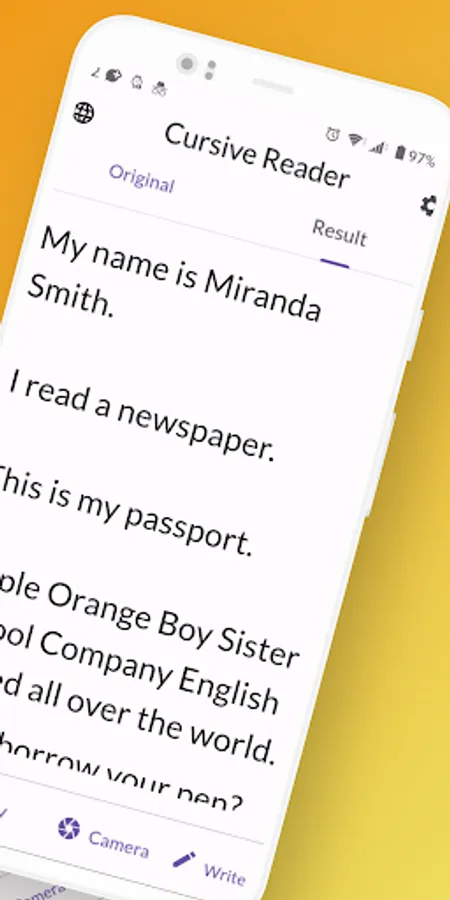
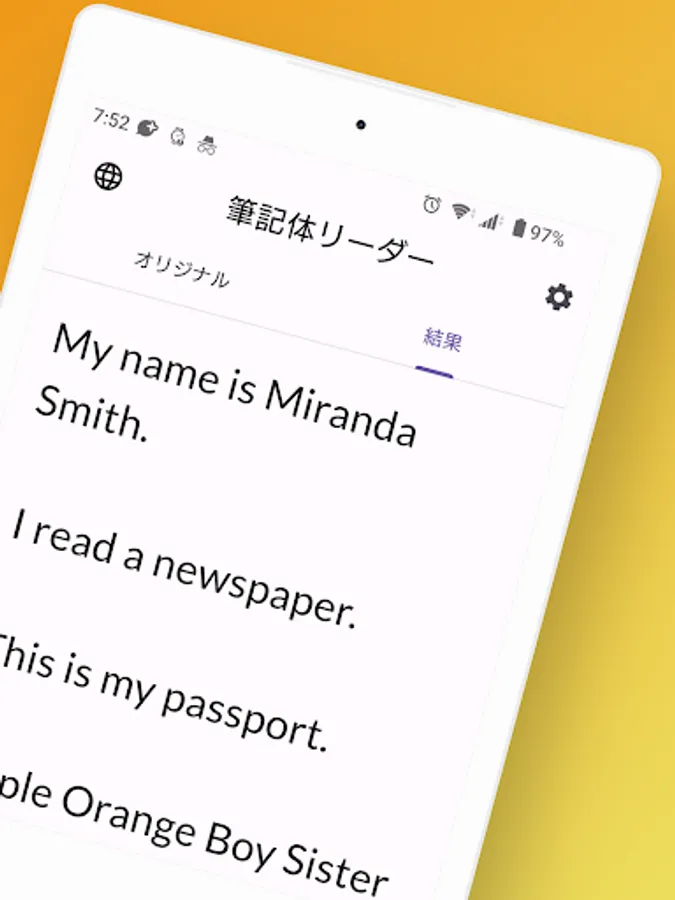
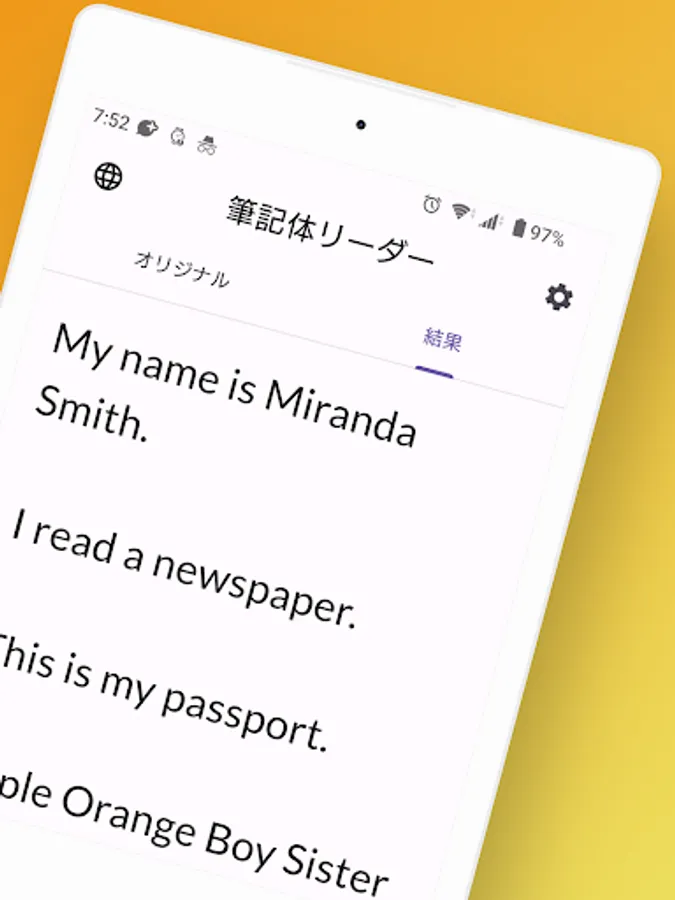
It recognizes alphabets and roman letters with OCR and converts handwritten characters to text
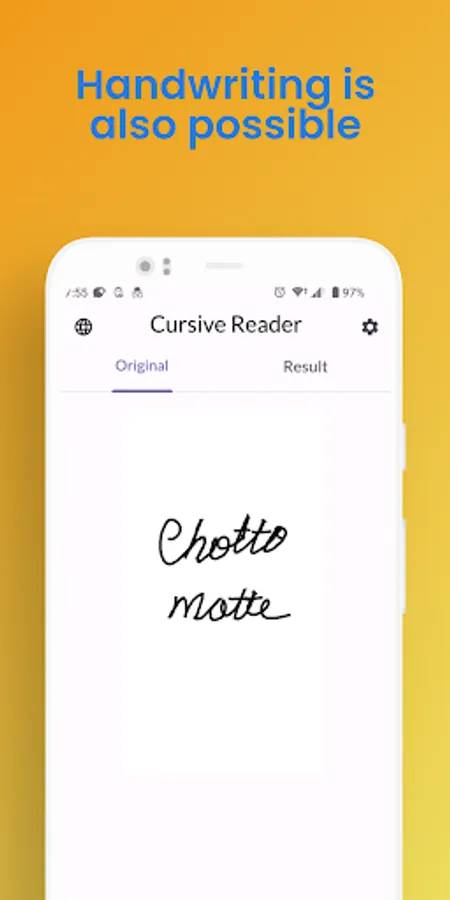
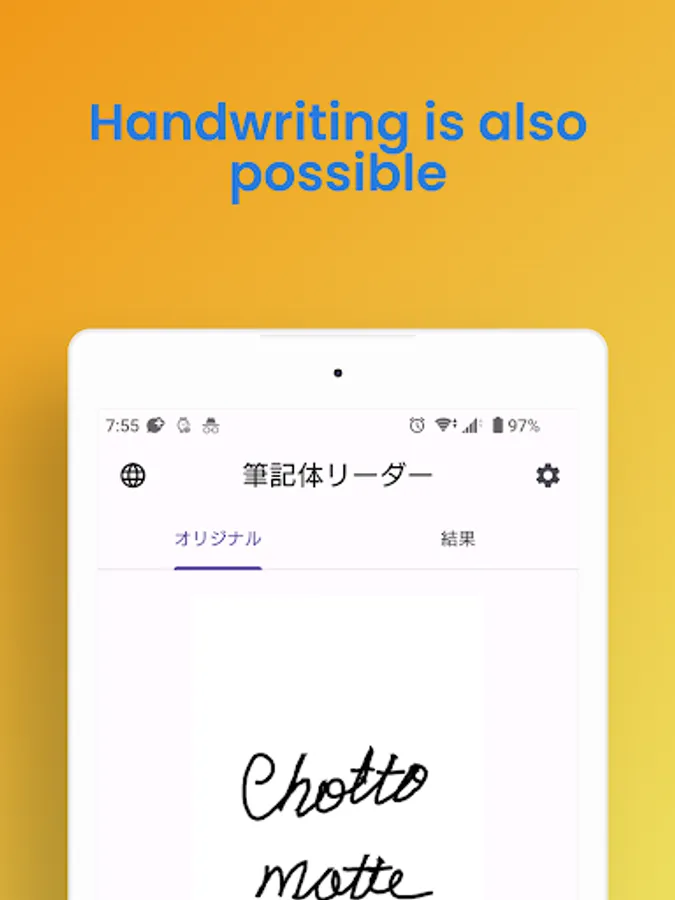
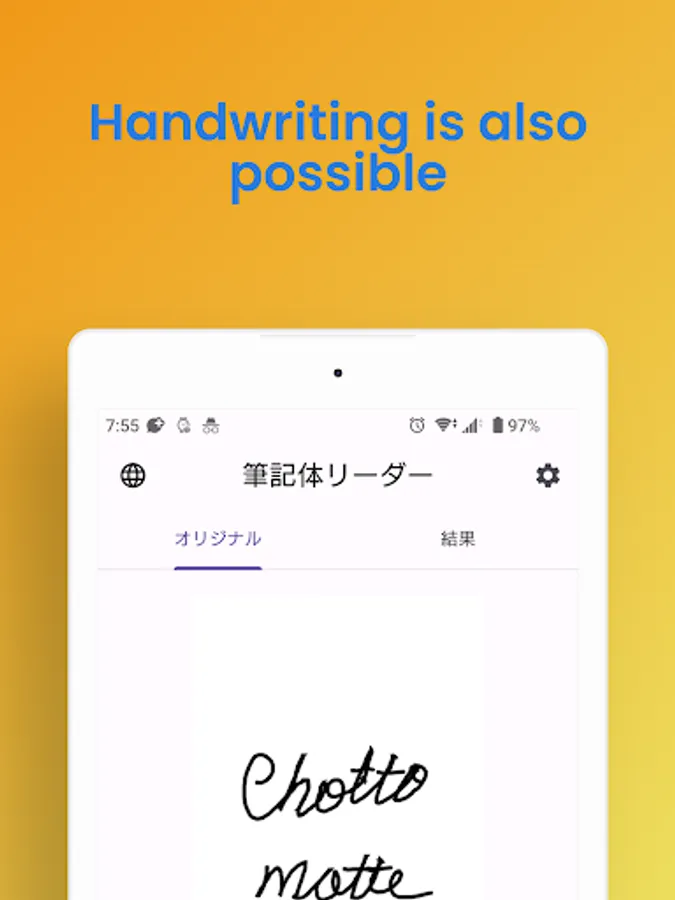
It also allows handwriting within the app
[Features]
1. Scan and convert handwritten cursive from camera or gallery
2. Recognize and convert handwritten characters within the app with OCR
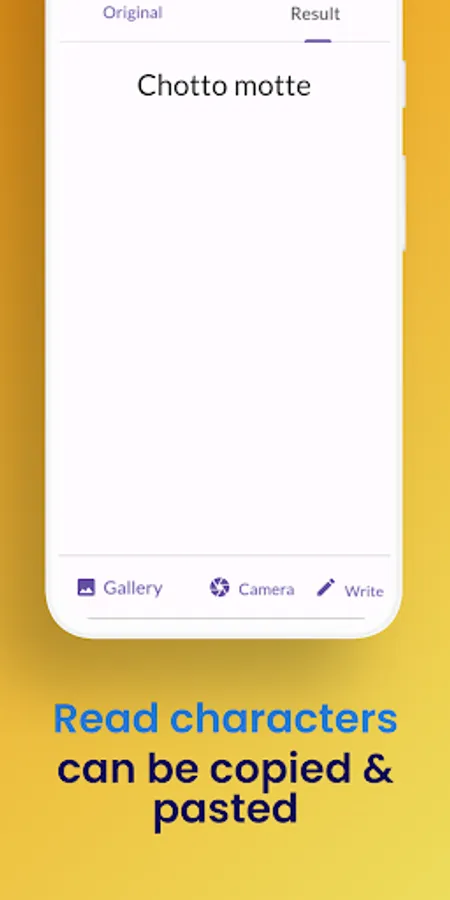
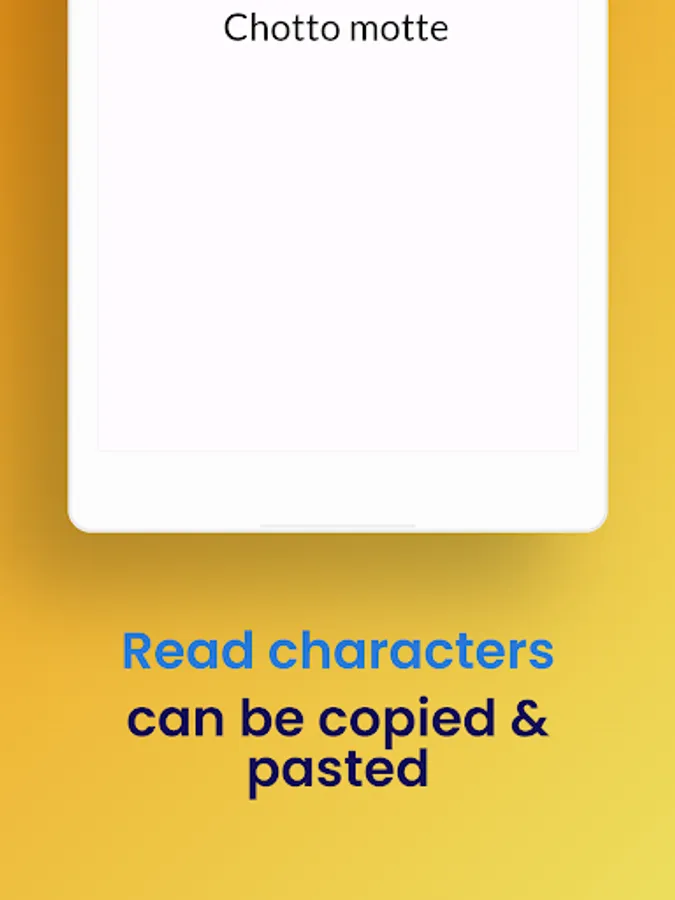
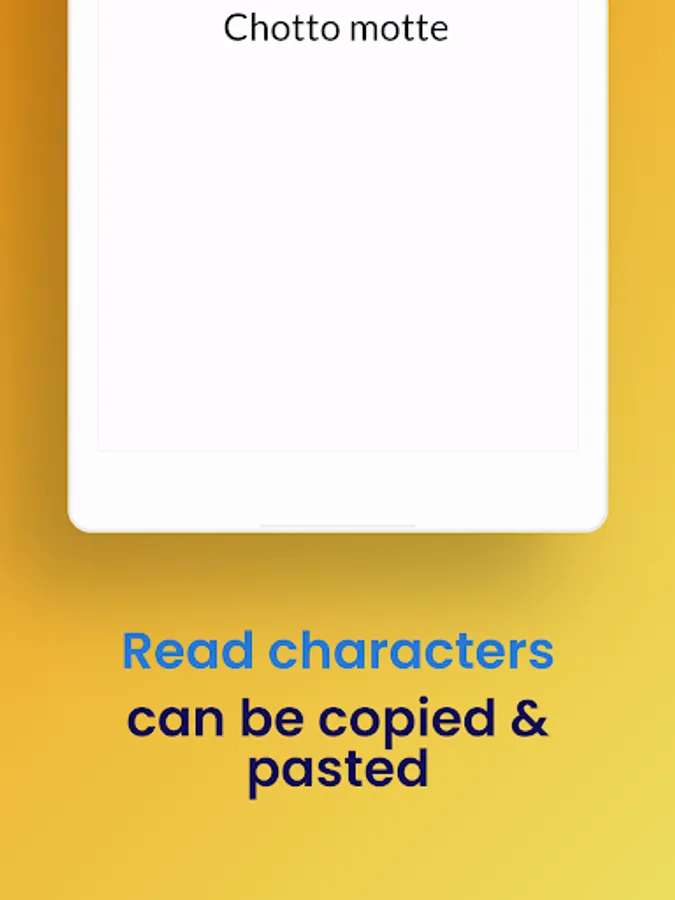
3. Copy and paste the converted text
Have you ever experienced these situations?
• You don't know whose signature is written in cursive
• You received a letter from a friend written in cursive, but you don't know what it says
• You are worried if your signature will be recognized
• You borrowed a notebook, but you can't understand it because it's too neat
• You want to easily understand your pen pal's writing
• A new foreign subordinate gave you a memo written in cursive
• AET or English teachers can only write in cursive, and you are at a loss
• You want to decipher old documents
• You found a treasure map, but you don't know what it says
• You are forced to deal with cursive only
Notes:
• You need to connect to the internet
It recognizes alphabets and roman letters with OCR and converts handwritten characters to text
It also allows handwriting within the app
[Features]
1. Scan and convert handwritten cursive from camera or gallery
2. Recognize and convert handwritten characters within the app with OCR
3. Copy and paste the converted text
Have you ever experienced these situations?
• You don't know whose signature is written in cursive
• You received a letter from a friend written in cursive, but you don't know what it says
• You are worried if your signature will be recognized
• You borrowed a notebook, but you can't understand it because it's too neat
• You want to easily understand your pen pal's writing
• A new foreign subordinate gave you a memo written in cursive
• AET or English teachers can only write in cursive, and you are at a loss
• You want to decipher old documents
• You found a treasure map, but you don't know what it says
• You are forced to deal with cursive only
Notes:
• You need to connect to the internet