Map & Draw: Draw on Map
Applab Studios
3.0 ★
502 ratings
100,000+
downloads
Free
+ in-app
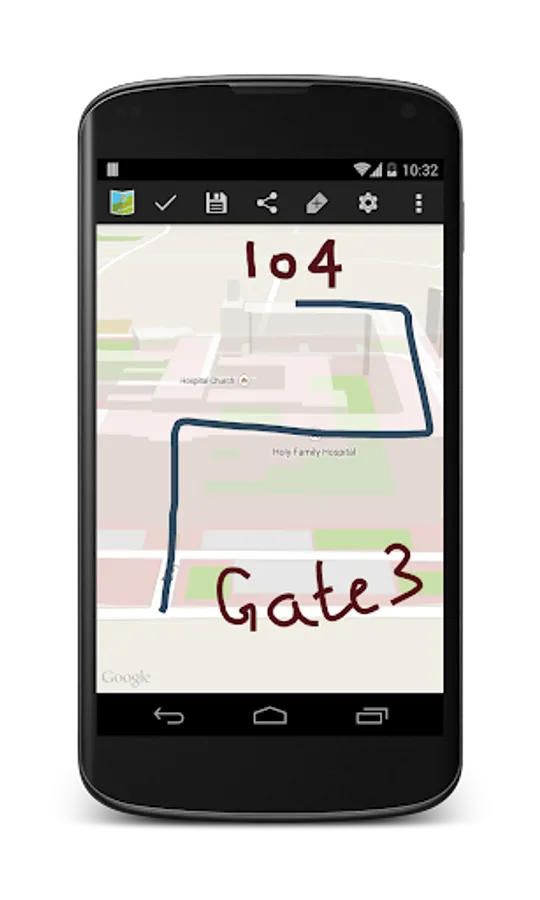
In this map drawing app, you can create custom maps, draw routes, and annotate locations with various tools. Includes real-time GPS tracking and options for educational, professional, and recreational use.
AppRecs review analysis
AppRecs rating 3.0. Trustworthiness 83 out of 100. Review manipulation risk 23 out of 100. Based on a review sample analyzed.
★★★☆☆
3.0
AppRecs Rating
Ratings breakdown
5 star
32%
4 star
13%
3 star
13%
2 star
9%
1 star
32%
What to know
✓
Low review manipulation risk
23% review manipulation risk
⚠
Ad complaints
Many low ratings mention excessive ads
⚠
High negative review ratio
41% of sampled ratings are 1–2 stars
About Map & Draw: Draw on Map
Whether you're a parent helping your child understand geography, a teacher designing creative lessons, or a professional planning site layouts or field routes, Map & Draw offers intuitive tools for any level of user.
✏️ Draw, Sketch & Customize Maps Easily
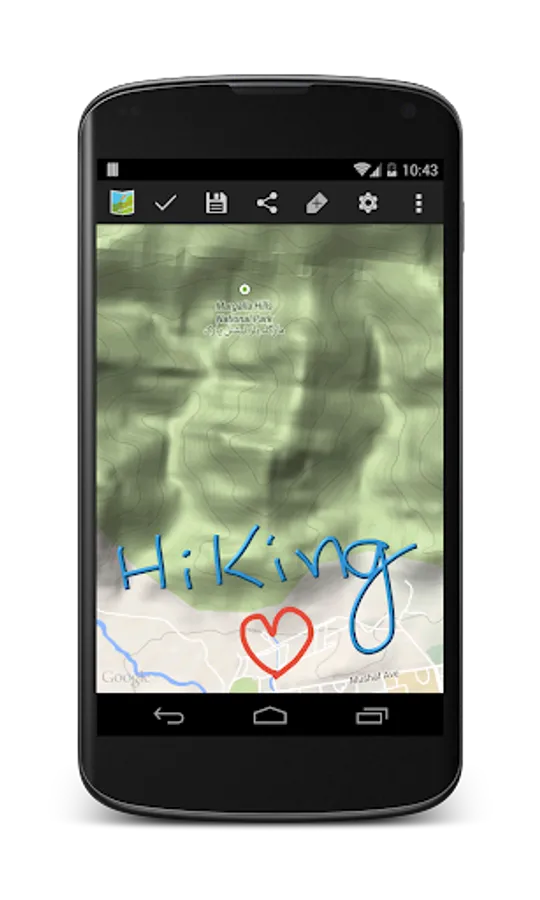
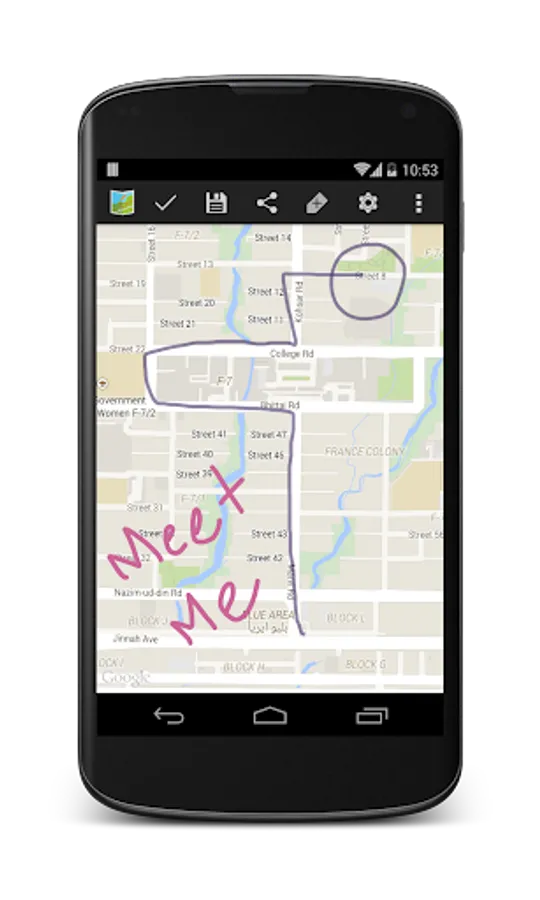
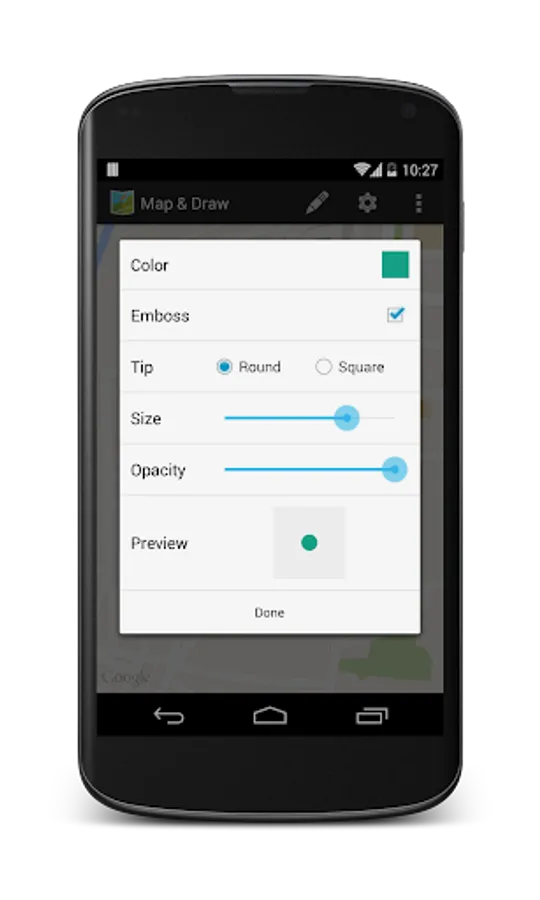
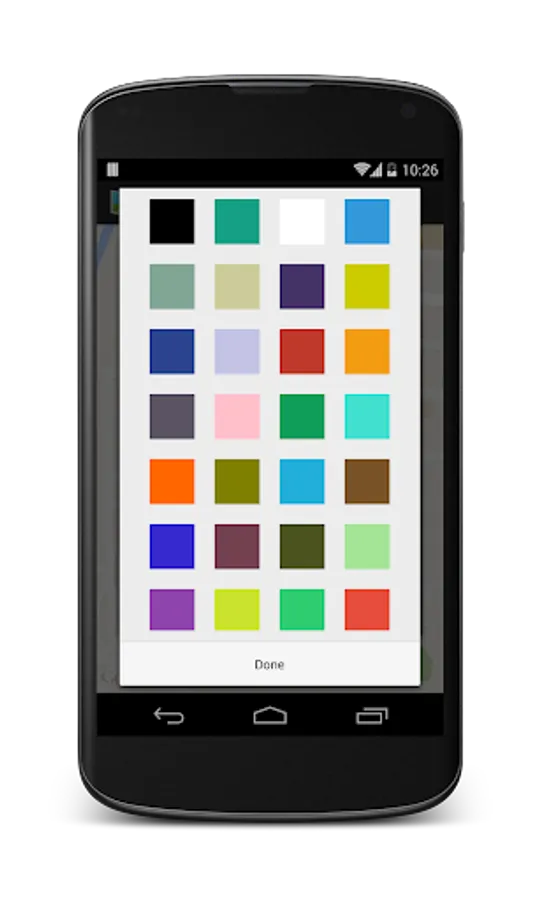
Use freehand drawing tools to draw on Google Maps, highlight areas, scribble notes, and mark important locations. Choose from different pen colors and thicknesses to create maps that are informative and unique.
• Draw routes on map and plan your trips visually
• Customize maps with drawing tools
• Sketch borders, regions, or property lines
• Doodle on maps for fun or planning
📍 Real-Time GPS Integration
Watch your location update live on the map as you draw. GPS-based route drawing is perfect for hikers, bikers, and surveyors. Track your movement and create custom trails on the go.
• Live GPS map drawing
• Plan and track outdoor routes
• Map hiking or cycling trails
🎓 Educational Tool for Students & Teachers
Perfect for classrooms! Teachers can use the app to demonstrate regions, paths, and key locations. Students can engage with maps by drawing country borders, mapping journeys, or solving assignments visually.
• Students drawing on maps for school
• Teachers create interactive geography lessons
• Use doodle maps for learning
🏘️ Ideal for Real Estate, Surveying & Urban Planning
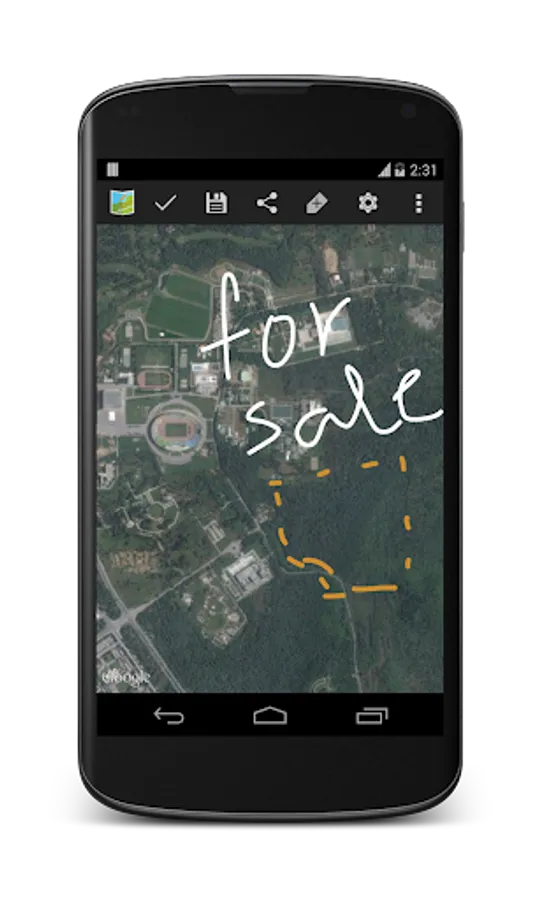
Professionals can mark plots, draw property lines, and label custom zones with ease. Great for field teams, real estate agents, or urban planners.
• Real estate boundary drawing tool
• App to draw survey plots on map
• Create tactical maps for planning
🌍 Custom Maps for Everyone
Whether you're a DIY mapper, traveler, outdoor enthusiast, or educator, Map & Draw is your companion for creating clear, useful, and beautiful maps.
• Make your own maps
• Draw routes on map
• Map maker with freehand drawing tools
• Visual map route planner
• Customize Google Maps with drawings
• Use maps offline (with saved screenshots or shared maps)
💡 Why Map & Draw?
• Easy map drawing for all ages
• Designed for students, teachers, travelers & professionals
• Intuitive tools with powerful customization
• Creative freedom and practical value in one app
🚀 Download Map & Draw Now
Start creating, planning, and teaching with custom maps today!
Highlight what matters. Customize your world. Make your own maps.
Map & Draw: Draw on Map Screenshots
Tap to Rate:
Reviews for Map & Draw: Draw on Map
Azzy Pallekal
12/18/2025
very amazing and easy app, latest updated. I appreciate the developer to latest updation, but one thing to do, make available marking coloure and line little more attractive. it's very useful app for content creater of Highway and road, If rotate by finger it's name character or word not rotates, only map. rotation by screen much better everything rotates please understand my problem did not get any response from developer, please not this problem
shaima Saifelden
12/7/2025
very good app