![[Substratum] Dark Material icon](https://apprecs.org/gp/img/icons/webp/150/substratum.dark.material/fFQhoZYqOExbf9XYPn9aARcAMzeT2a0MSStCe2By7AE-icon)
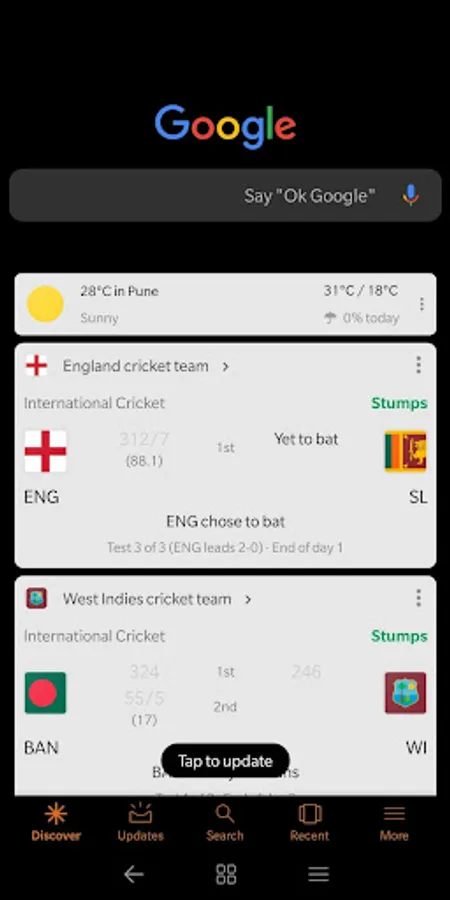
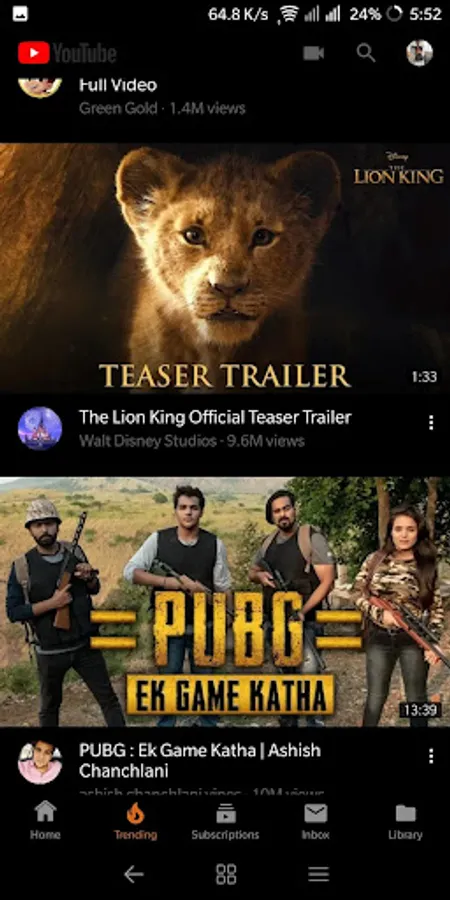
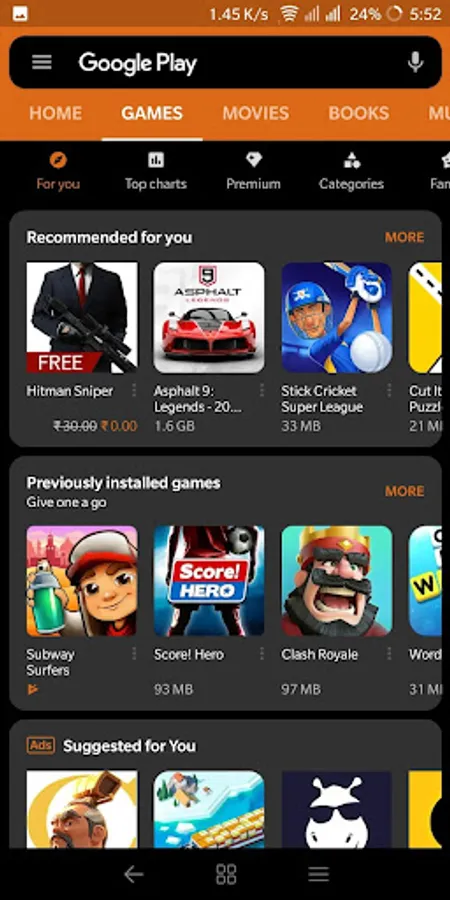
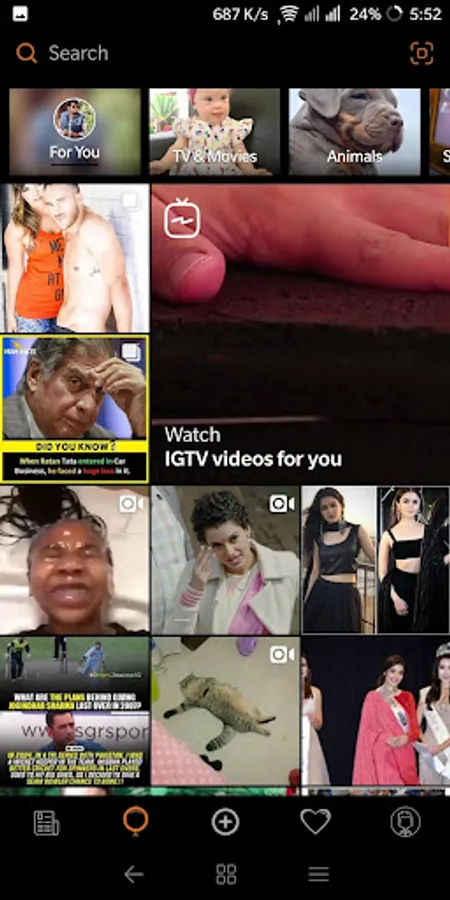
In this theming app, you can customize your device with over 80 themes and system modifications, selecting accent colors and background designs. Includes support for third-party apps and multiple overlay options.
AppRecs review analysis
AppRecs rating 4.3. Trustworthiness 0 out of 100. Review manipulation risk 0 out of 100. Based on a review sample analyzed.
★★★★☆
4.3
AppRecs Rating
Ratings breakdown
5 star
74%
4 star
12%
3 star
0%
2 star
5%
1 star
10%
What to know
✓
High user satisfaction
86% of sampled ratings are 4+ stars (4.3★ average)
✓
Authentic reviews
Natural distribution, no red flags
About [Substratum] Dark Material
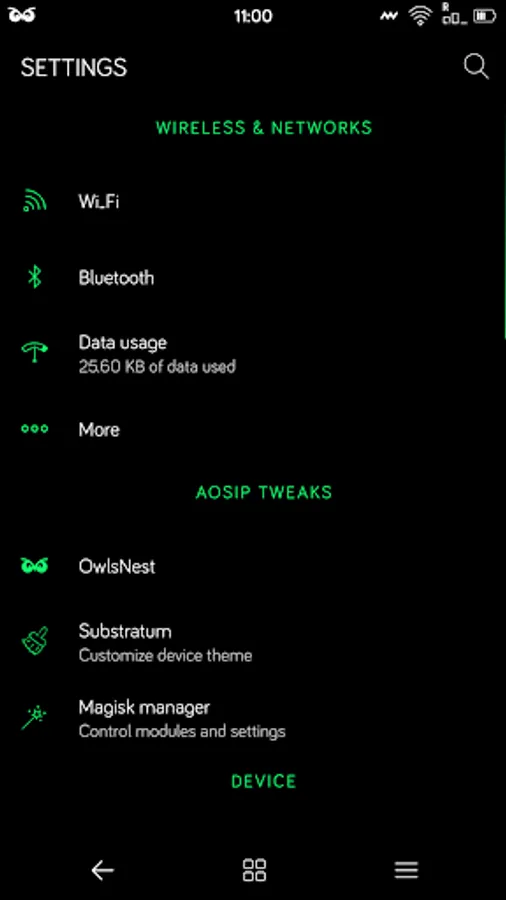
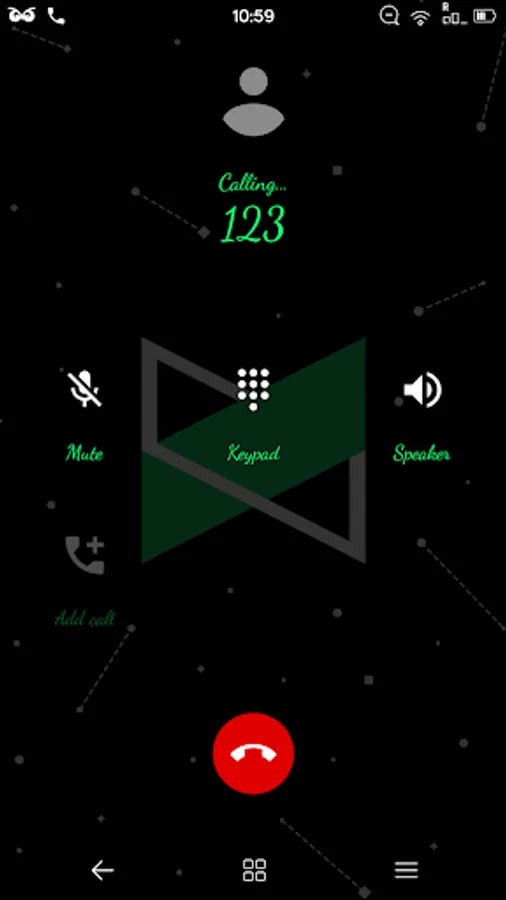
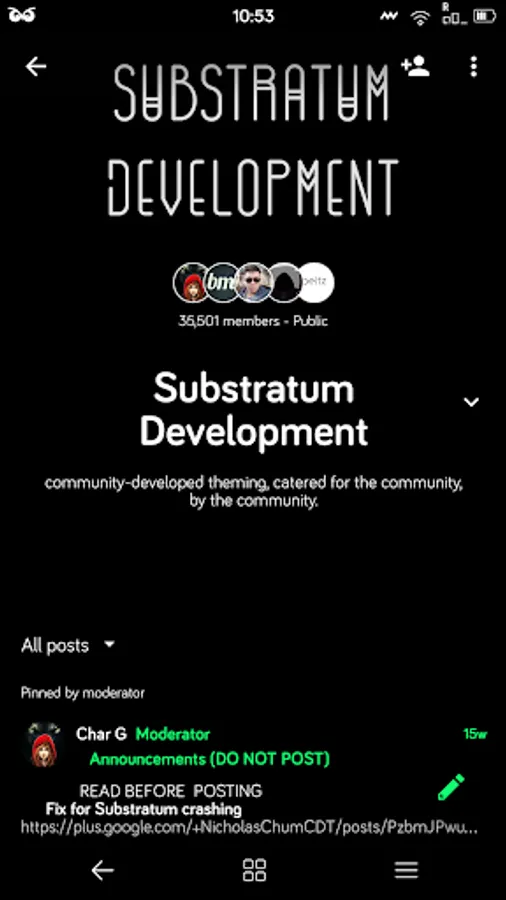
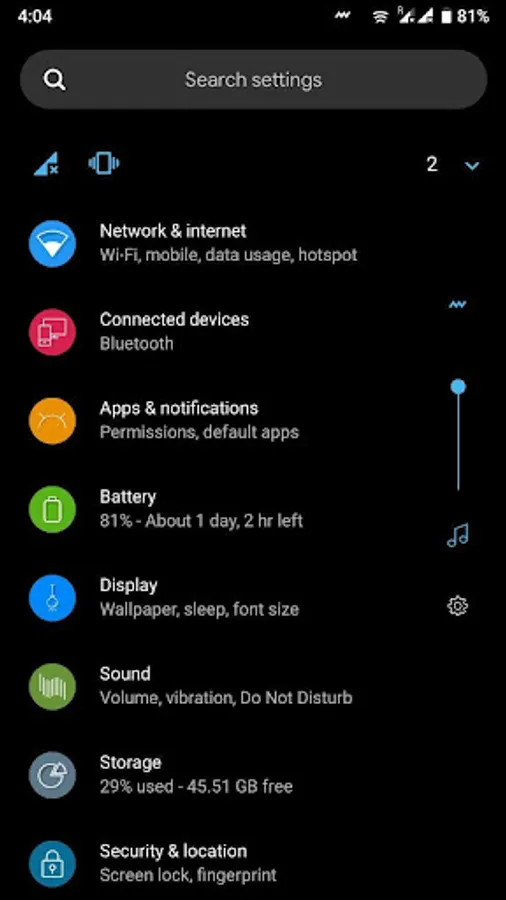
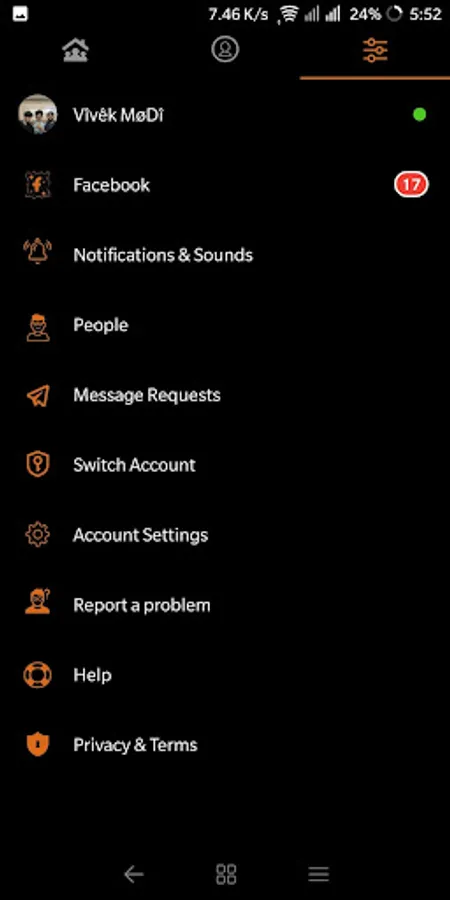
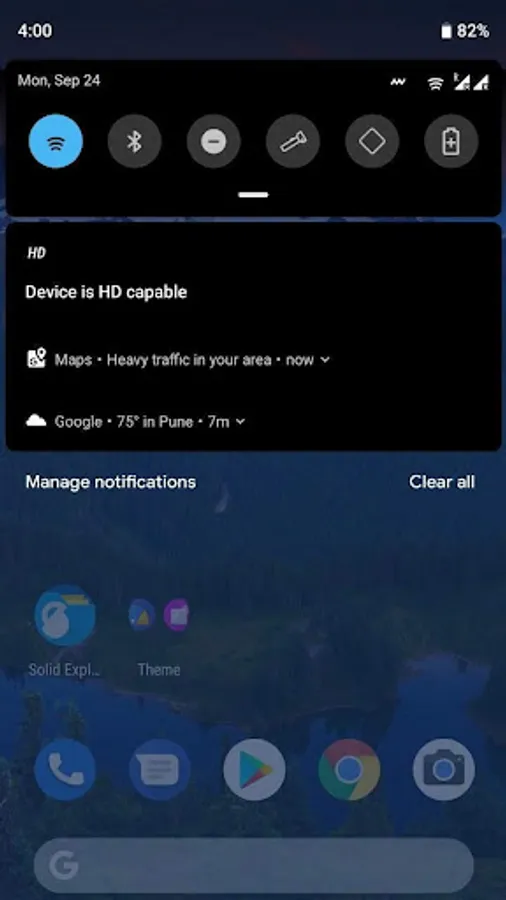
Dark Material is out with over 80+ themed apps and a ton of system modifications. It gets you flat and nicely designed Interface with lots of rounded icons. It lets you choose the accent color. In some parts of the interface, it even has a super cool background design. It also supports a bunch of third-party application.It Will Work on Nougat,Oreo and Pie.
This Theme Is based on Pixel and Aosp Rom.
You must be rooted and have the Substratum installed (get it here: https://play.google.com/store/apps/details?id=projekt.substratum).
or
Substratum Lite installed (get it here: https://play.google.com/store/apps/details?id=projekt.substratum.lite).
Non Rooted user need to install Andromeda on their device (get it here: https://play.google.com/store/apps/details?id=projekt.andromeda).
Support group for any queries and app requests :-
https://t.me/joinchat/ADq1_UPUuzDCTXogRGvA6Q
OPTIONS WITHIN THE THEME:
49+ Accents
10+ Backgrounds
INSTALLATION INSTRUCTIONS:
1 - Download and Open the Theme
2 - Open Substratum app
3 - Click on Dark Material
4 - Inside Dark Material you can click on the overlays that you would like to install (keep in mind that some apps, mainly Android system, have different variants to choose from)
5 - Click the floating button down the bottom and select Install
6 - Once that finishes compiling/installing with no errors, Restart your Device
7 - Enjoy :)
This Theme is Maintained by Vivek Modi.
Please contact me before posting bad reviews or comments. We both personally can make things better, Trust me.
Telegram :-
https://t.me/vivekmodi
Special Thanks to :-
Aditya Gupta : -https://t.me/Aditya_Gupta
Nicholas Chum :- https://t.me/nicholaschum
Fahad Javed :- https://t.me/fahadalijaved
Customworx :- https://t.me/customworx
Char_G :- https://t.me/Char_G
Moelle1 :- https://t.me/moelle1
This Theme Is based on Pixel and Aosp Rom.
You must be rooted and have the Substratum installed (get it here: https://play.google.com/store/apps/details?id=projekt.substratum).
or
Substratum Lite installed (get it here: https://play.google.com/store/apps/details?id=projekt.substratum.lite).
Non Rooted user need to install Andromeda on their device (get it here: https://play.google.com/store/apps/details?id=projekt.andromeda).
Support group for any queries and app requests :-
https://t.me/joinchat/ADq1_UPUuzDCTXogRGvA6Q
OPTIONS WITHIN THE THEME:
49+ Accents
10+ Backgrounds
INSTALLATION INSTRUCTIONS:
1 - Download and Open the Theme
2 - Open Substratum app
3 - Click on Dark Material
4 - Inside Dark Material you can click on the overlays that you would like to install (keep in mind that some apps, mainly Android system, have different variants to choose from)
5 - Click the floating button down the bottom and select Install
6 - Once that finishes compiling/installing with no errors, Restart your Device
7 - Enjoy :)
This Theme is Maintained by Vivek Modi.
Please contact me before posting bad reviews or comments. We both personally can make things better, Trust me.
Telegram :-
https://t.me/vivekmodi
Special Thanks to :-
Aditya Gupta : -https://t.me/Aditya_Gupta
Nicholas Chum :- https://t.me/nicholaschum
Fahad Javed :- https://t.me/fahadalijaved
Customworx :- https://t.me/customworx
Char_G :- https://t.me/Char_G
Moelle1 :- https://t.me/moelle1
![[Free][Substratum] Dark Materi icon](https://apprecs.org/gp/img/icons/webp/150/substratum.dark.material.free/kfiBPdogsVMyeiovMV5r6DUQN85Y-YgotnEaDyea6Cs-icon)
![[Substratum] Dark Material OOS icon](https://apprecs.org/gp/img/icons/webp/150/oos.dark.material/-u67TwlM4JpiRBTmUMfFrCGDJvf0q6bPCMgM-k2WlkY-icon)
![[Free][Substratum] Dark Materi icon](https://apprecs.org/gp/img/icons/webp/150/oos.dark.material.free/N1GHeFfXTP8sqCPAja35p9nX5yBkkzUKjq-AlCgxmDA-icon)
![[Synergy][Substratum] Dark Mat icon](https://apprecs.org/gp/img/icons/webp/150/sammy.dark.material/f5PFoywcHCFE2Nlj_lQ33HqTdeYi-zSCnFAM-FLg33g-icon)
![[Free][Synergy] Dark Material icon](https://apprecs.org/gp/img/icons/webp/150/sammy.dark.material.free/Jgxd2QIffbNMl-UoB6s896d0rOjDZLW9bBxIti8ODzk-icon)