Tar File Extractor And Viewer
Ascension Tech
2.5 ★
91 ratings
50,000+
downloads
Free
With this TAR file extractor and viewer app, you can open, view, compress, and extract TAR files easily. Includes file selection, TAR viewing, compression, and sharing features.
AppRecs review analysis
AppRecs rating 2.3. Trustworthiness 76 out of 100. Review manipulation risk 18 out of 100. Based on a review sample analyzed.
★★☆☆☆
2.3
AppRecs Rating
Ratings breakdown
5 star
32%
4 star
5%
3 star
0%
2 star
10%
1 star
53%
What to know
⚠
Ad complaints
Many low ratings mention excessive ads
⚠
Mixed user feedback
Average 2.5★ rating suggests room for improvement
⚠
High negative review ratio
64% of sampled ratings are 1–2 stars
About Tar File Extractor And Viewer
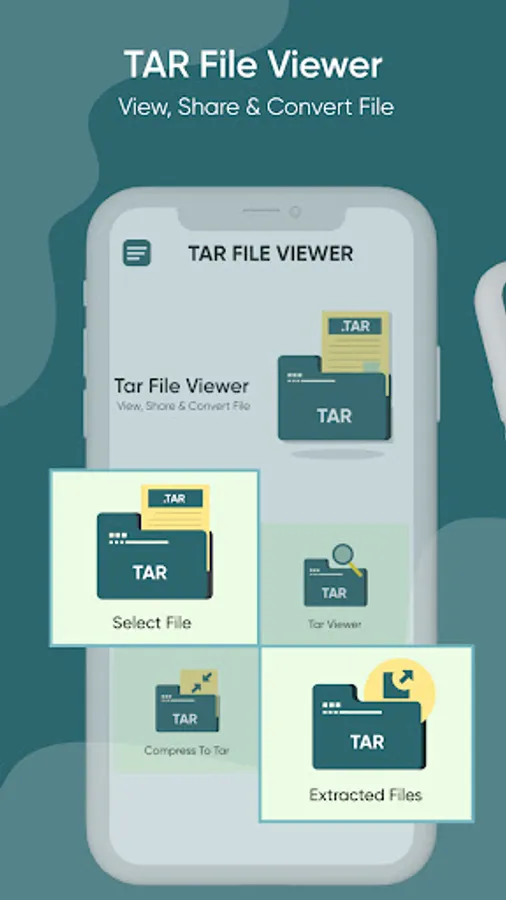
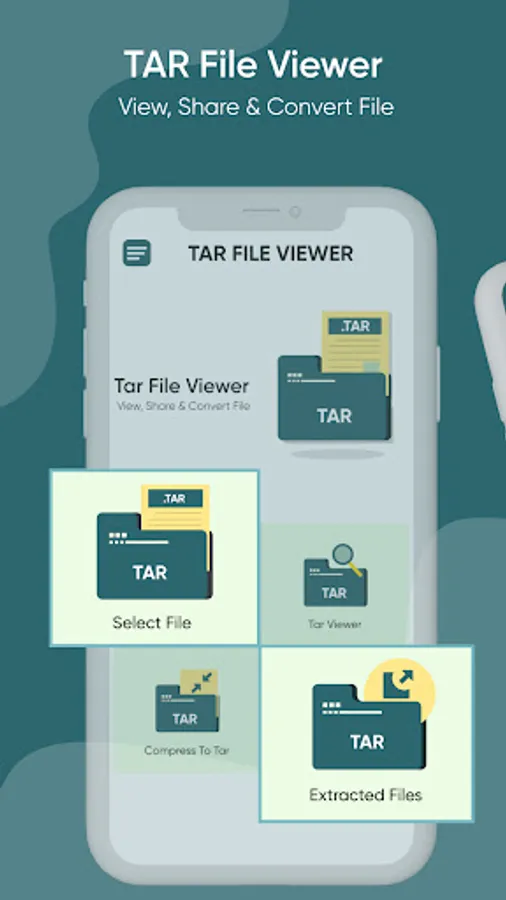
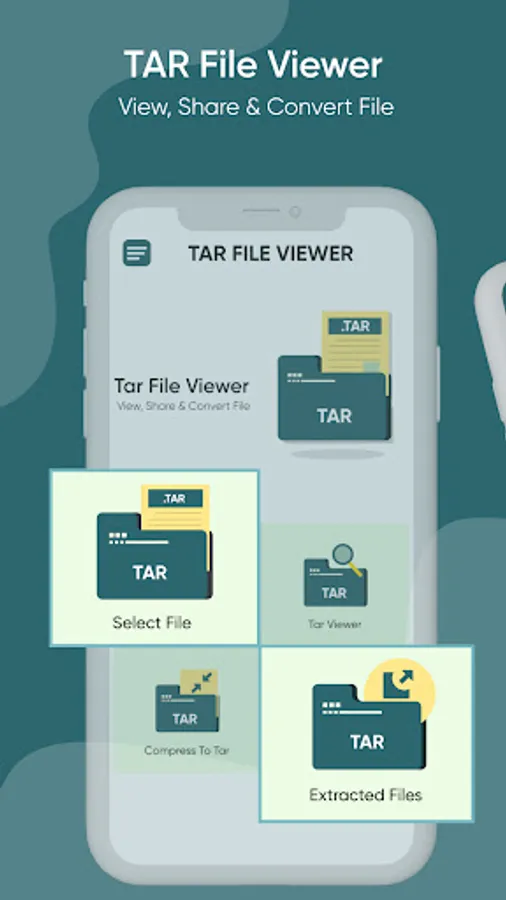
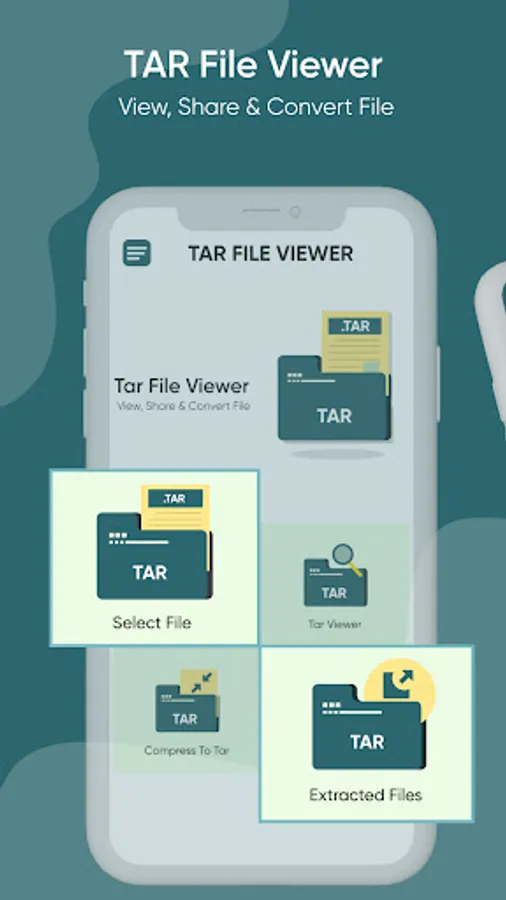
The interface of TAR file opener / open unzip file includes four main features; select the file, TAR file viewer, compress to TAR, and extracted files. The select file feature of the extract TAR file allows the user to pick any file directly from the storage. The TAR files feature of zip file opener unzip files app permits the user to view all the TAR files stored on the device. The compress to TAR feature of file extracrtor app lets the user compress any file to TAR. The extract files feature of gz app includes the extracted TAR file. The archive perview / zip unzip rar file extractor is quite convenient to use and is user-friendly. The UI of unarchiver zip file opener / TAR file is easy to navigate and requires no professional support.
Features of TAR file extractor
1. TAR file extractor is a utility app that unarchives files in TAR format. The home screen of unzip zip rar file extractor includes four main features; select the file, TAR file viewer, compress to TAR, and extracted files.
2. The select file feature of unzip files app allows the user to pick any file directly from the storage. The list of all storage files will appear on the screen, and the user can conveniently choose the file as per their requirement.
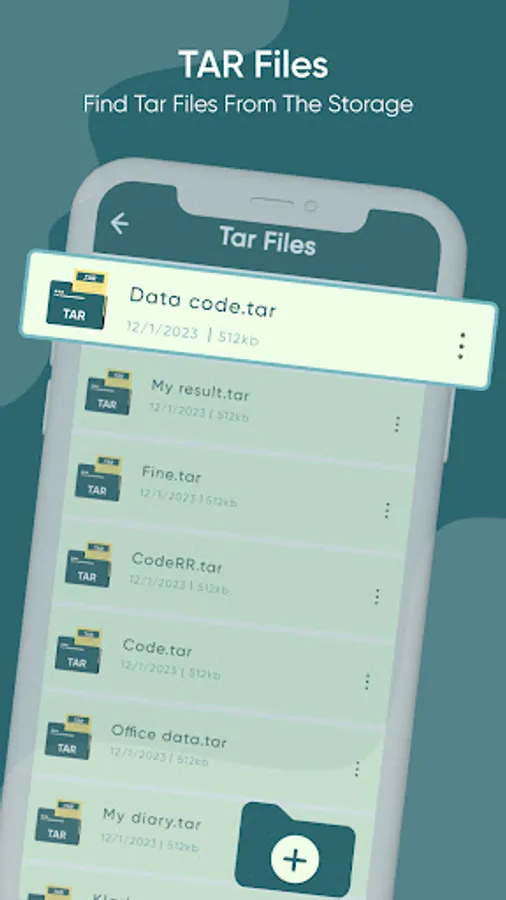
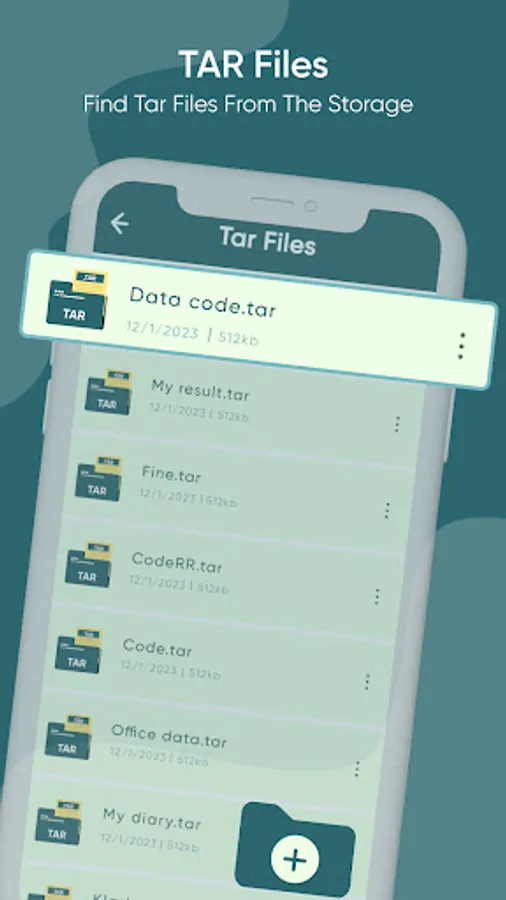
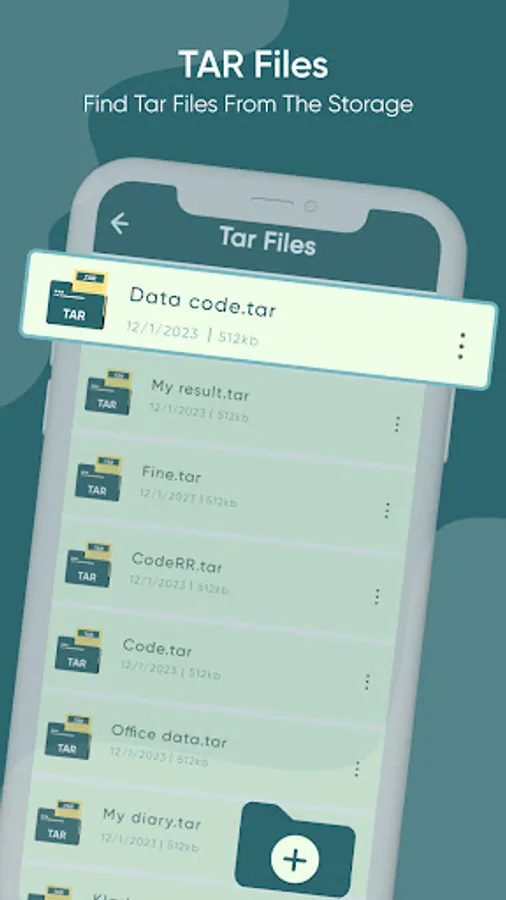
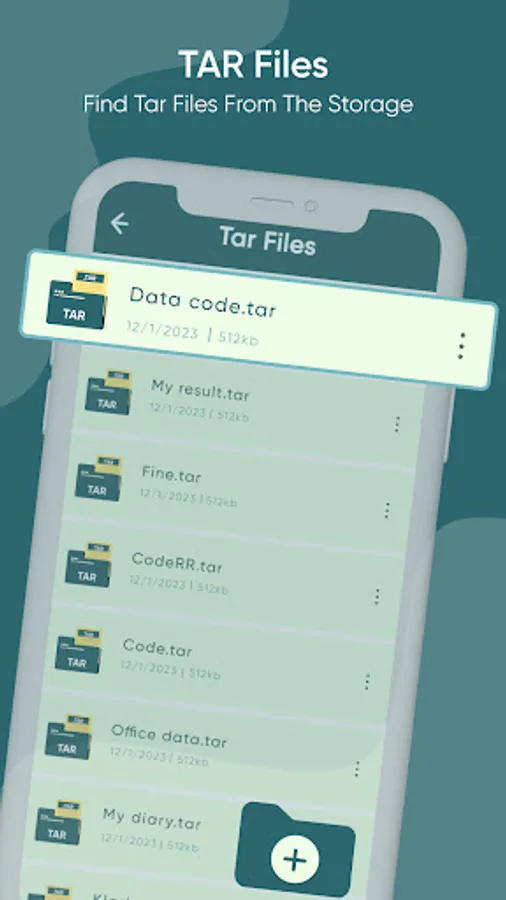
3. The TAR files feature of decompressed files permits the user to view all the TAR files stored on the device. The list of all TAR files will appear on the screen. The user can determine the title of file, along with its date of creation and size. The user can click on the file to extract it. Moreover, the user can share the file with their friends and family directly from the TAR file reader. Finally, the user can delete the file without closing the app.
4. The compress to TAR feature of ZAR app lets the user compress any file to TAR. The list of all storage files will appear on screen, and the user can conveniently choose the file as per their requirement.
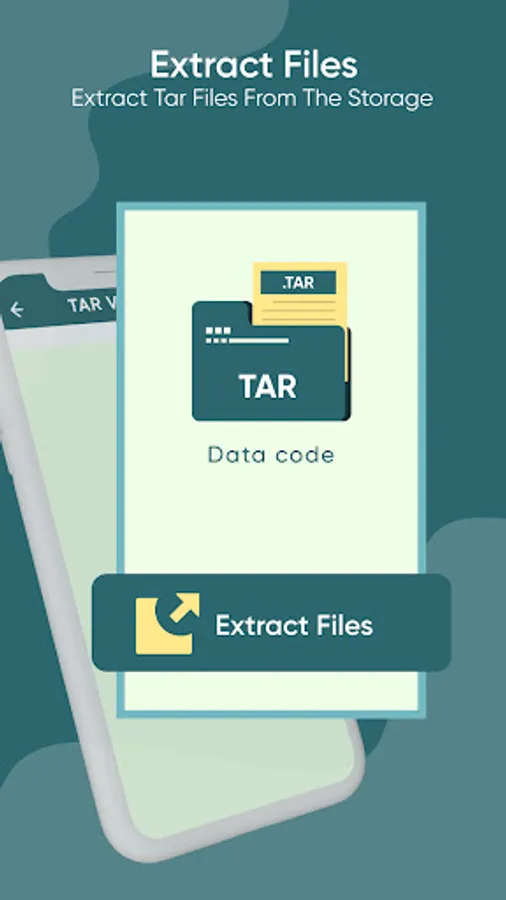
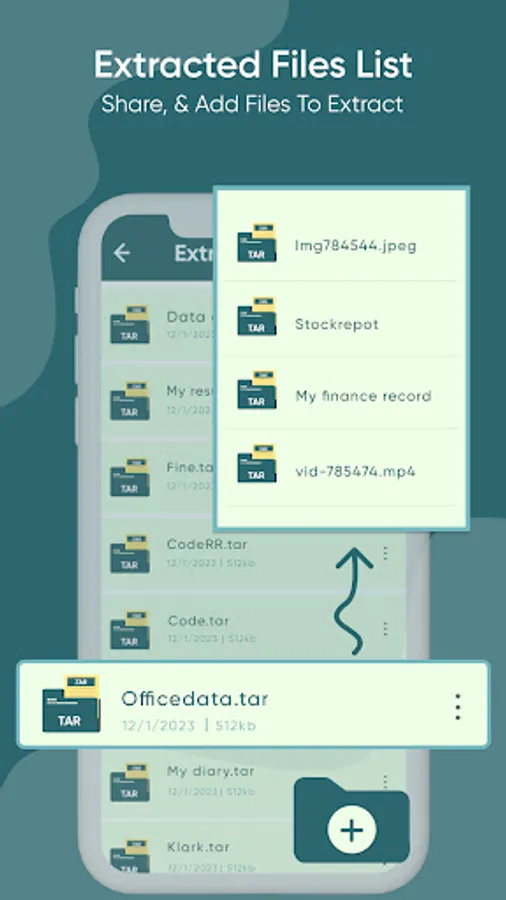
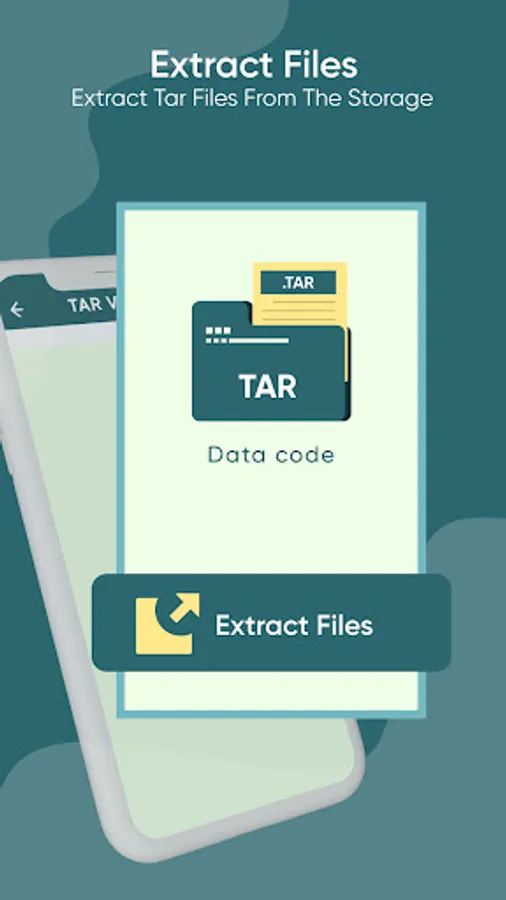
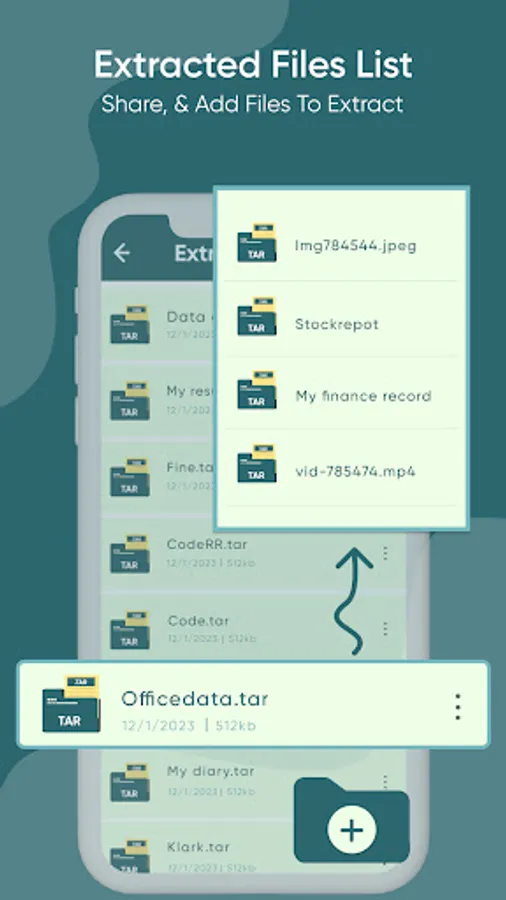
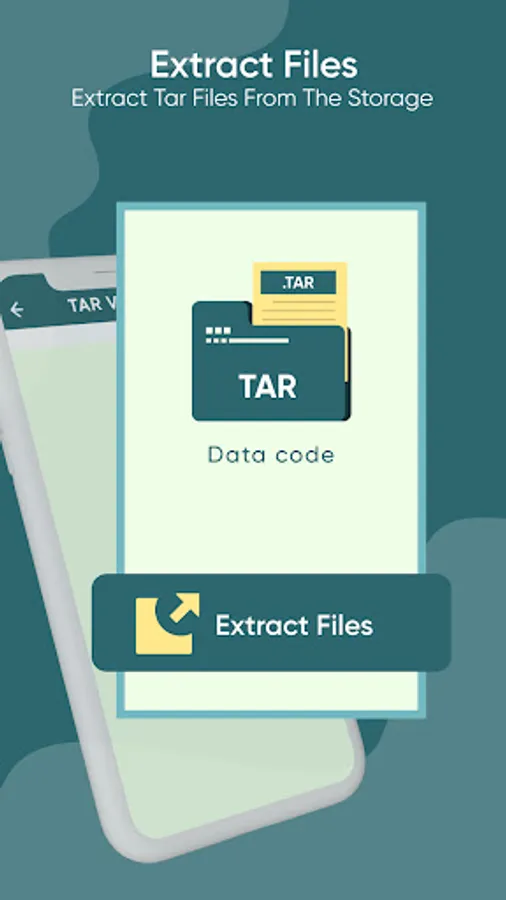
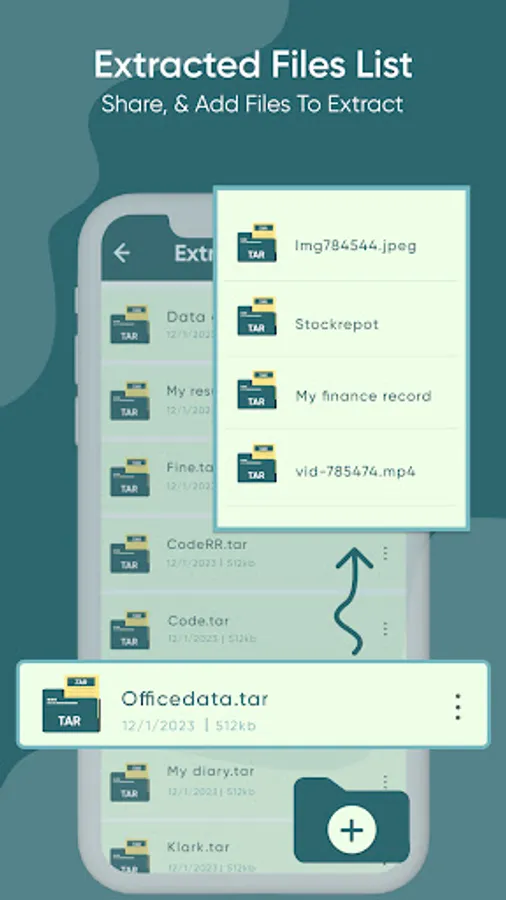
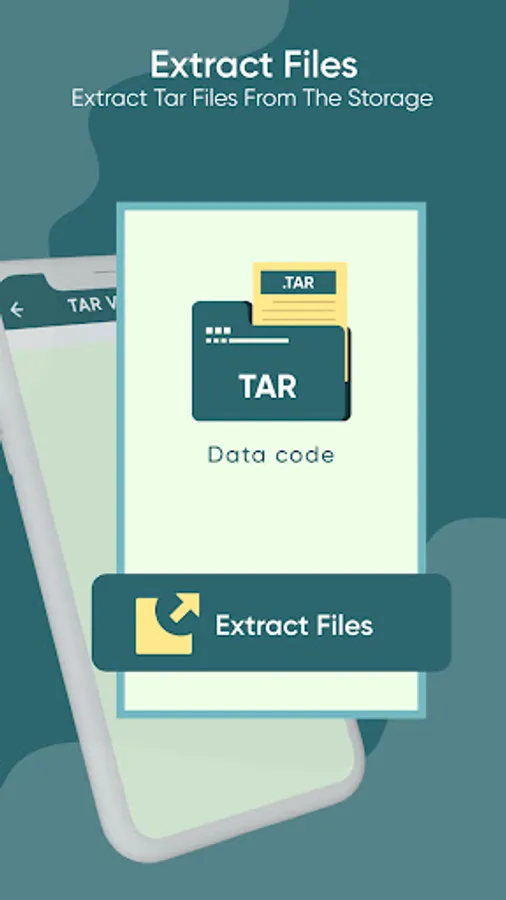
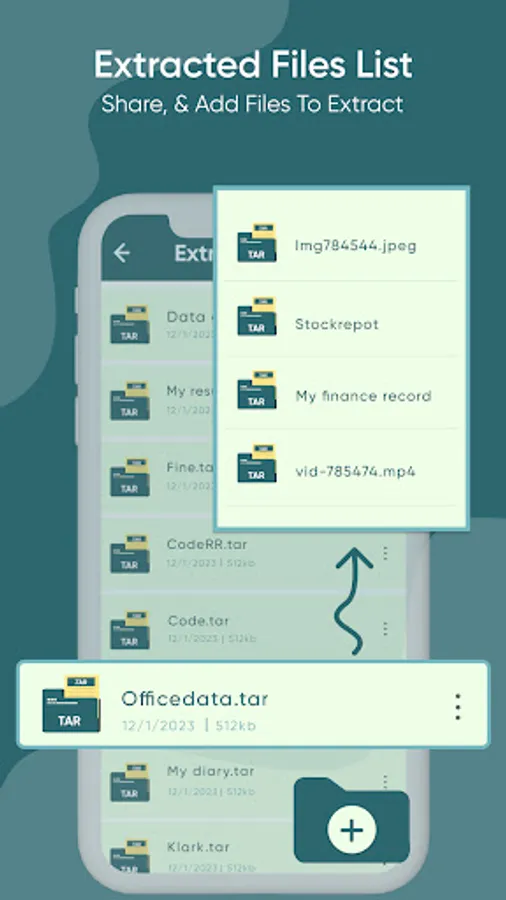
5. The extract files feature of RAR free opener includes the extracted TAR file. The list of all extracted TAR folders and files will appear on screen. The user can determine the title of file, along with its date of creation and size. They can click on the file to view it. Furthermore, the user can share the extracted file with their friends and family directly from the file compressor & extractor. Lastly, the user can delete the extracted file without closing the app.
How to Use TAR file extractor
1. If the user wants to pick TAR files, they are required to click on the select file tab. A list of files will appear on the screen and they can select it by clicking on it.
2. In order to compress any file to TAR, the user needs to select the compress to TAR tab. After selecting the file, they are required to name it before saving it.
3. Likewise, if the user is looking for the extracted files, they need to select the extracted files tab.
✪ Disclaimers
1. All copyrights reserved.
2. The TAR file extractor is not keeping any sort of data without user permission. Moreover, we have kept this app absolutely free by showing non-personalized ads.
Tar File Extractor And Viewer Screenshots
Tap to Rate:
Reviews for Tar File Extractor And Viewer
Desmond Nel
7/31/2025
Ok, so, only just installed it and had a basic look. So far so good. One thing that's worryimg is that there's zero publisher feedback. Fingers crossed though.
Benjamin Vivier
7/14/2025
Basically, when you want to open a file through the app, it doesn't work. And when you try to use a different app and press "Open With..." this app does not show. Ads are everywhere and the buttons are too big. The only thing good or OK with it are the sprites.